
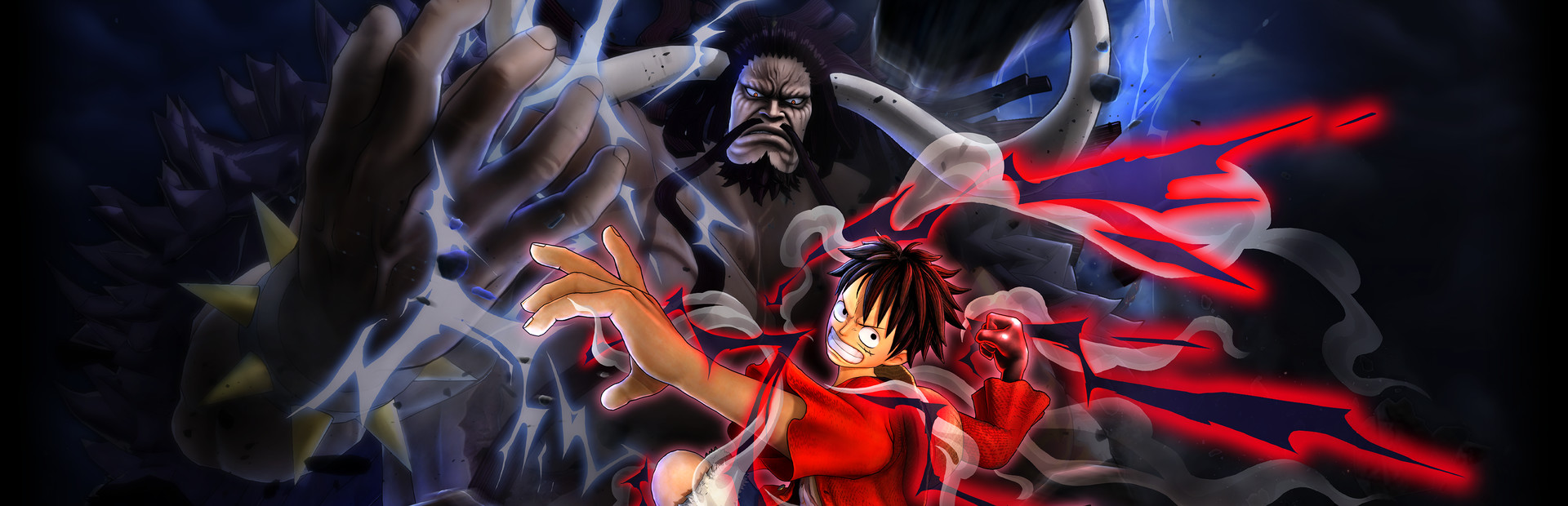

ONE PIECE: PIRATE WARRIORS 4
- Genres
- Action
- Release
- Sep 14, 2023
- Developer
- Koei Tecmo
- Metacritic
Lowest price across all offers
from $6.34550 ₽
Offers
The price depends on the platform and the activation region.
- EuropeNot for Russia$15.971,370 ₽1
About the game
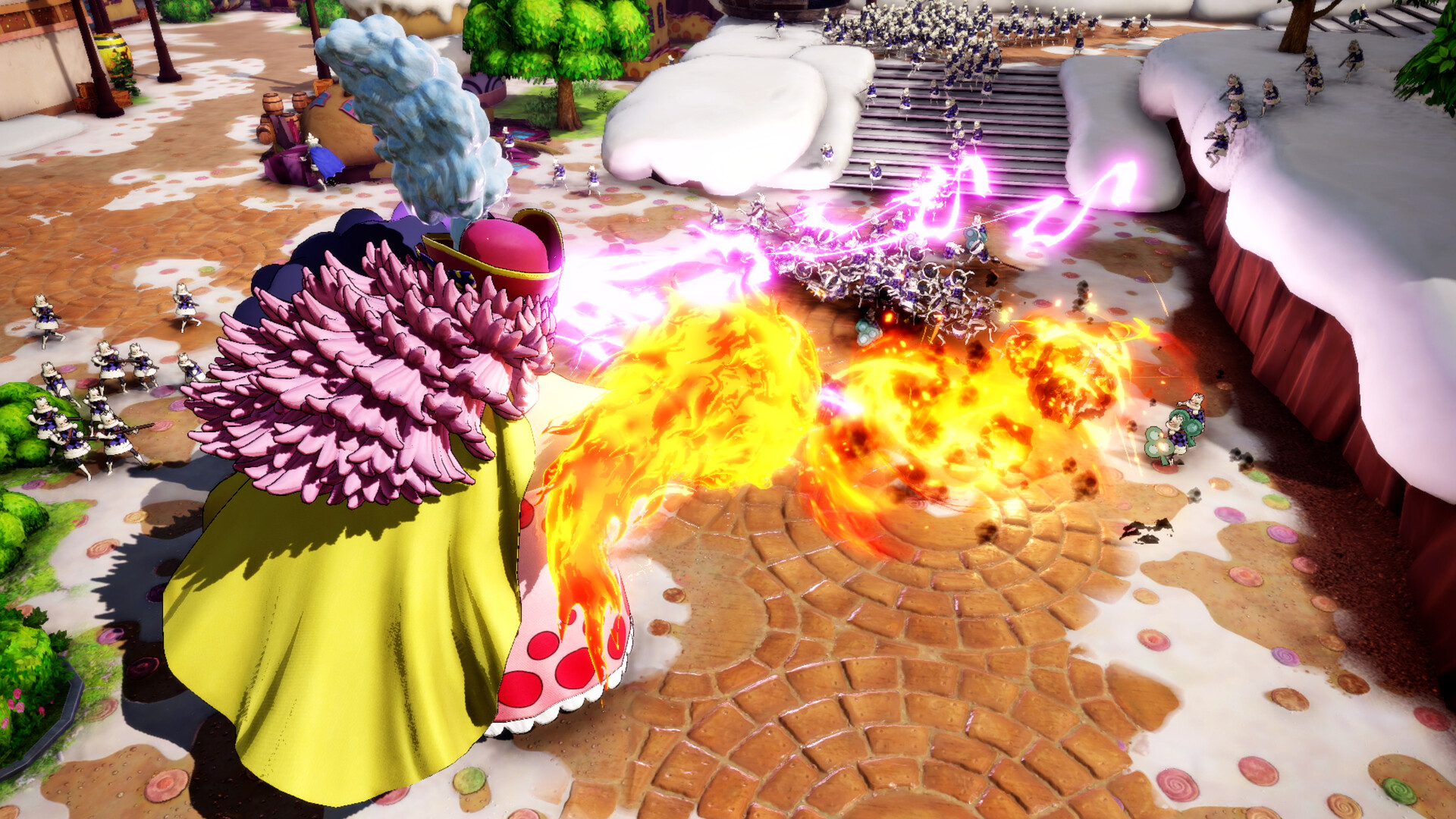
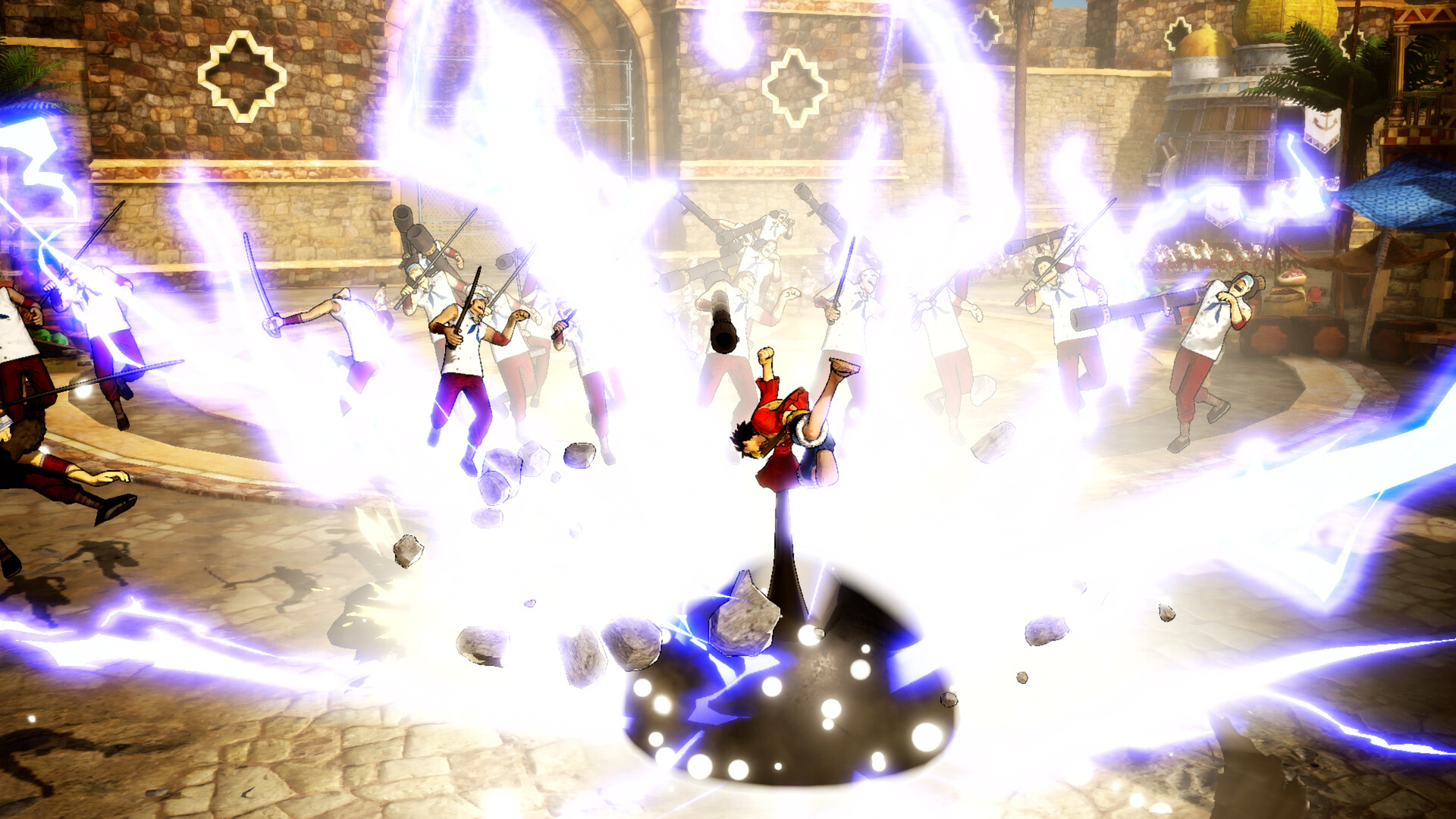
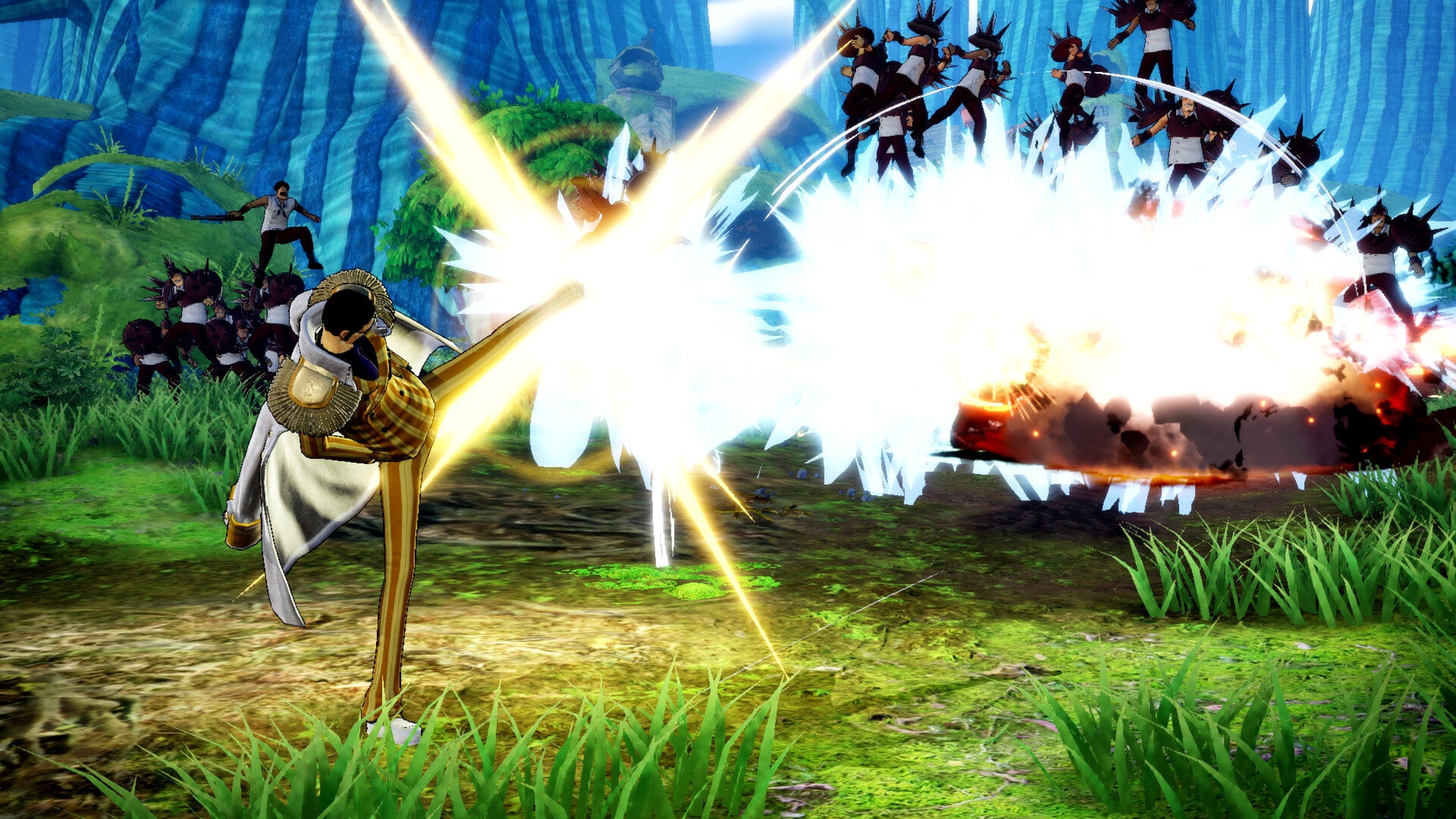
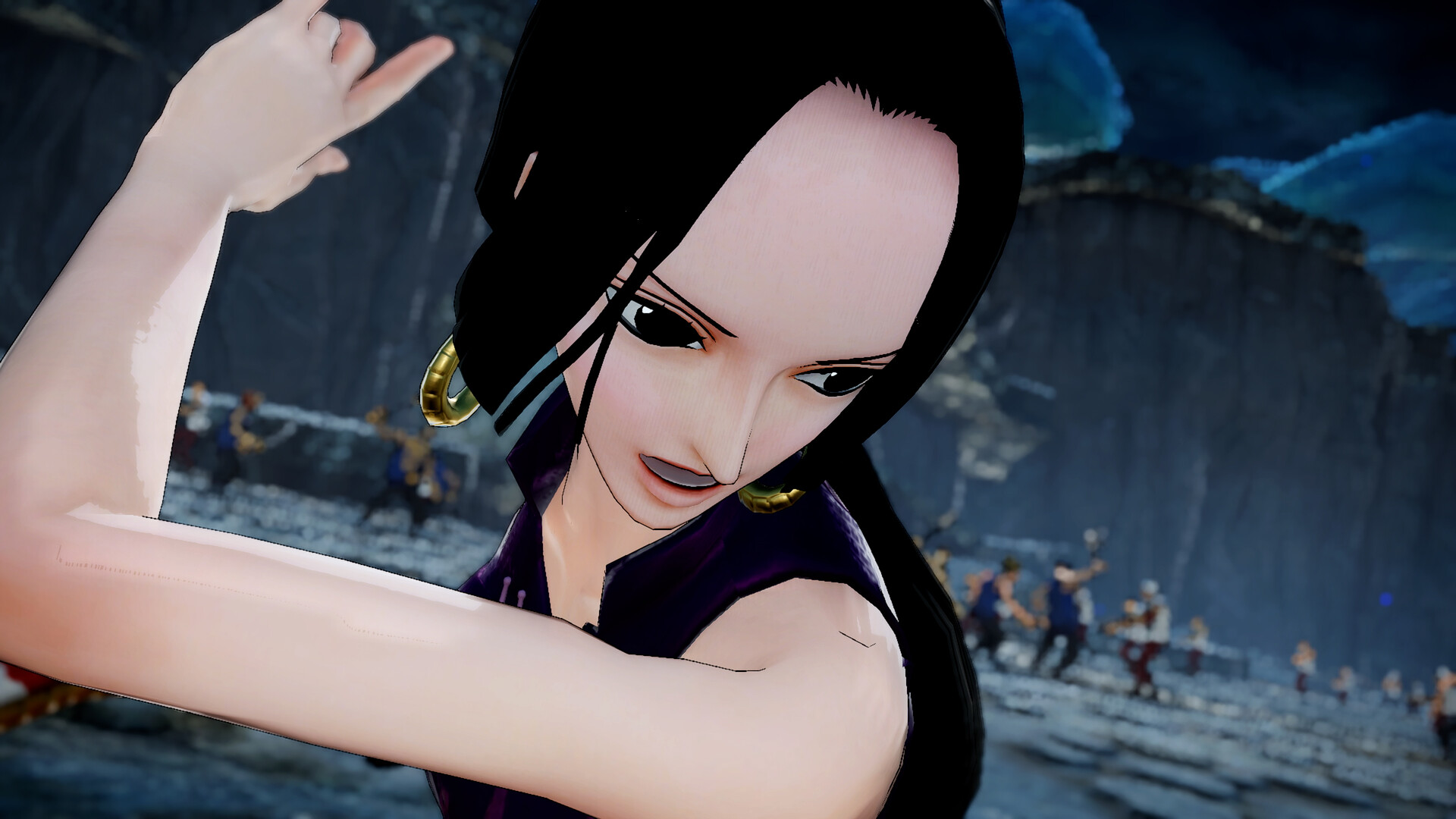
ONE PIECE: PIRATE WARRIORS 4 is the latest evolution of PIRATE WARRIORS action! Based on the concept of "experiencing a real ONE PIECE battlefield," buildings will come crashing down during the action and attacks will throw up smoke and dust, placing you in the thick of the ONE PIECE world!
Screenshots


System requirements
Minimum
• Requires a 64-bit processor and operating system • OS: Windows 10, 64bits • Processor: Intel Core i5 3450 / AMD Ryzen 3 1300X • Memory: 8 GB RAM • Graphics: NVIDIA GeForce GTX 660 (2GB) / AMD Radeon HD 7870 (2GB) • DirectX: Version 11 • Network: Broadband Internet connection • Storage: 25 GB available space • Additional Notes: Graphics settings: All 'Low' or 'OFF'; Expected Framerate: 30 FPS @ 1280x720
Recommended
• Requires a 64-bit processor and operating system • OS: Windows 10, 64bits • Processor: Intel Core i7 3770 / AMD Ryzen 5 1400 • Memory: 8 GB RAM • Graphics: NVIDIA GeForce GTX 1060 (3GB) / AMD Radeon RX 580 (4GB) • DirectX: Version 11 • Network: Broadband Internet connection • Storage: 25 GB available space • Additional Notes: Graphics settings: All 'High' or 'ON'; 'Character display number' only set to 'Medium'; Expected Framerate: 60 FPS @ 1920x1080
Languages: English, French, Italian, German, Spanish - Spain, Korean, Polish, Portuguese - Brazil, Russian, Thai, Traditional Chinese, Simplified Chinese
How to activate
Steam
- Start Steam on your computer and sign in to the account you will play on.
- In the Games menu, choose Activate a Product on Steam. You can also start from Add a Game at the bottom left.
- Go through the introductory screens, review Steam’s terms and paste the complete key without surrounding spaces.
- Finish activation, then find the game in your Library and select Install.
Nintendo
- Connect your console to the internet and launch Nintendo eShop from HOME.
- Choose the user linked to the intended Nintendo Account. Check the account country and code region.
- Choose Enter Code / Redeem Code in the left menu and enter the 16-character download code.
- Confirm redemption. Games begin downloading and appear on HOME. eShop cards and Nintendo Switch Online codes use this route too.
More from the series
 РФ ✓One Piece Burning Blood - Gold EditionSteamXboxfrom $2.02180 ₽7 offersРФ ✓ONE PIECE: PIRATE WARRIORS 4 (Xbox One)Xboxfrom $13.661,170 ₽5 offersРФ ✓One Piece Burning BloodSteamXboxfrom $1.22110 ₽6 offers
 РФ ✓ONE PIECE World SeekerSteamfrom $2.03180 ₽5 offersРФ ✓One Piece: World Seeker (Deluxe Edition)Steamfrom $7.09610 ₽5 offersРФ ✓ONE PIECE: PIRATE WARRIORS 4 (Ultimate Edition)Steamfrom $14.271,220 ₽5 offers
 РФ ✓ONE PIECE ODYSSEYSteamfrom $8.59740 ₽4 offersРФ ✓One Piece Odyssey (Deluxe Edition)Steamfrom $11.871,020 ₽4 offers
Game details from Steam.