


Othercide
- Genres
- Indie · Strategy
- Release
- Jul 27, 2020
- Developer
- Lightbulb Crew
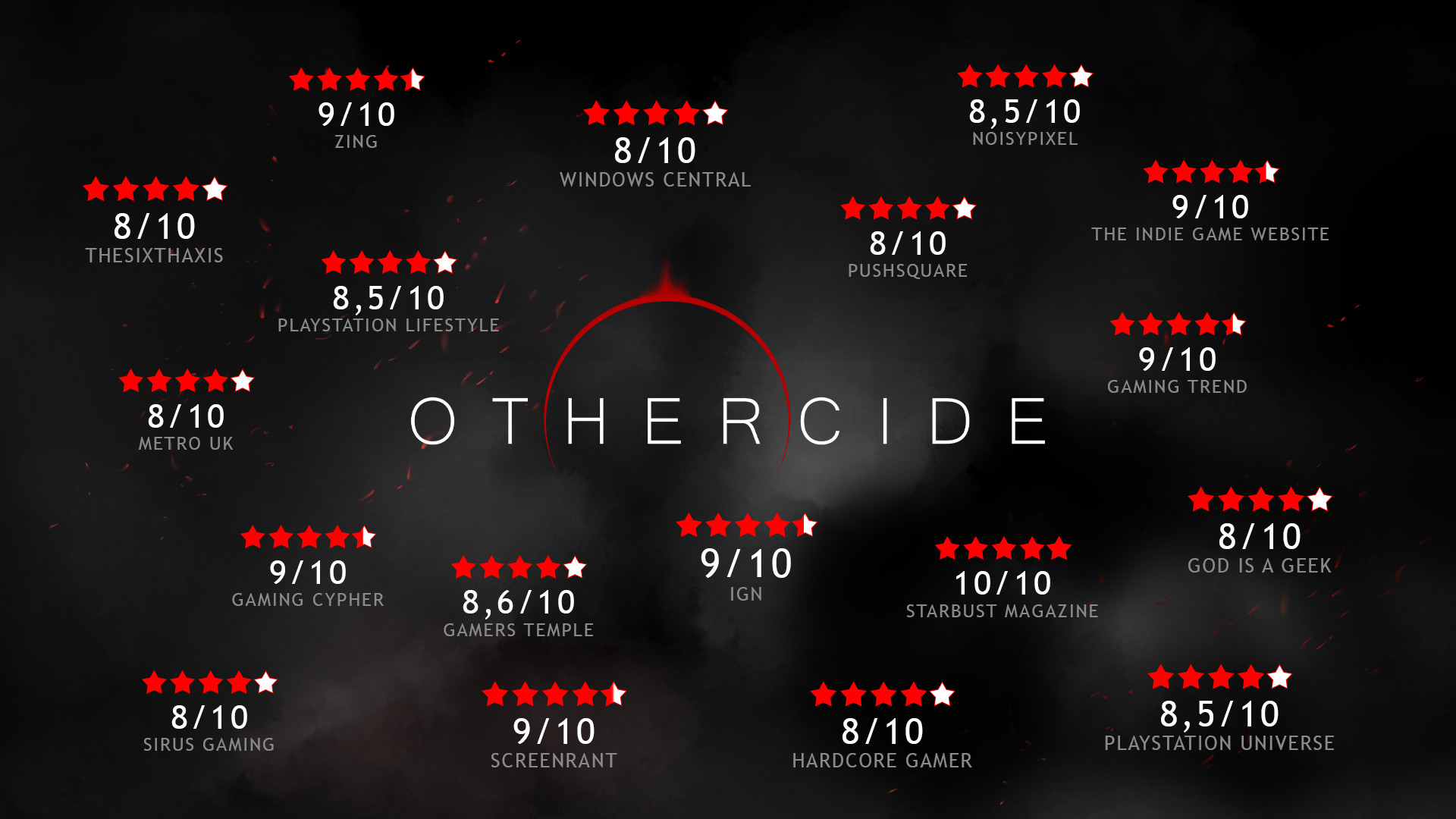
- Metacritic
Lowest price across all offers
from $1.63140 ₽
Offers
The price depends on the platform and the activation region.
- WorldwideWorks in Russia$1.63140 ₽1
About the game
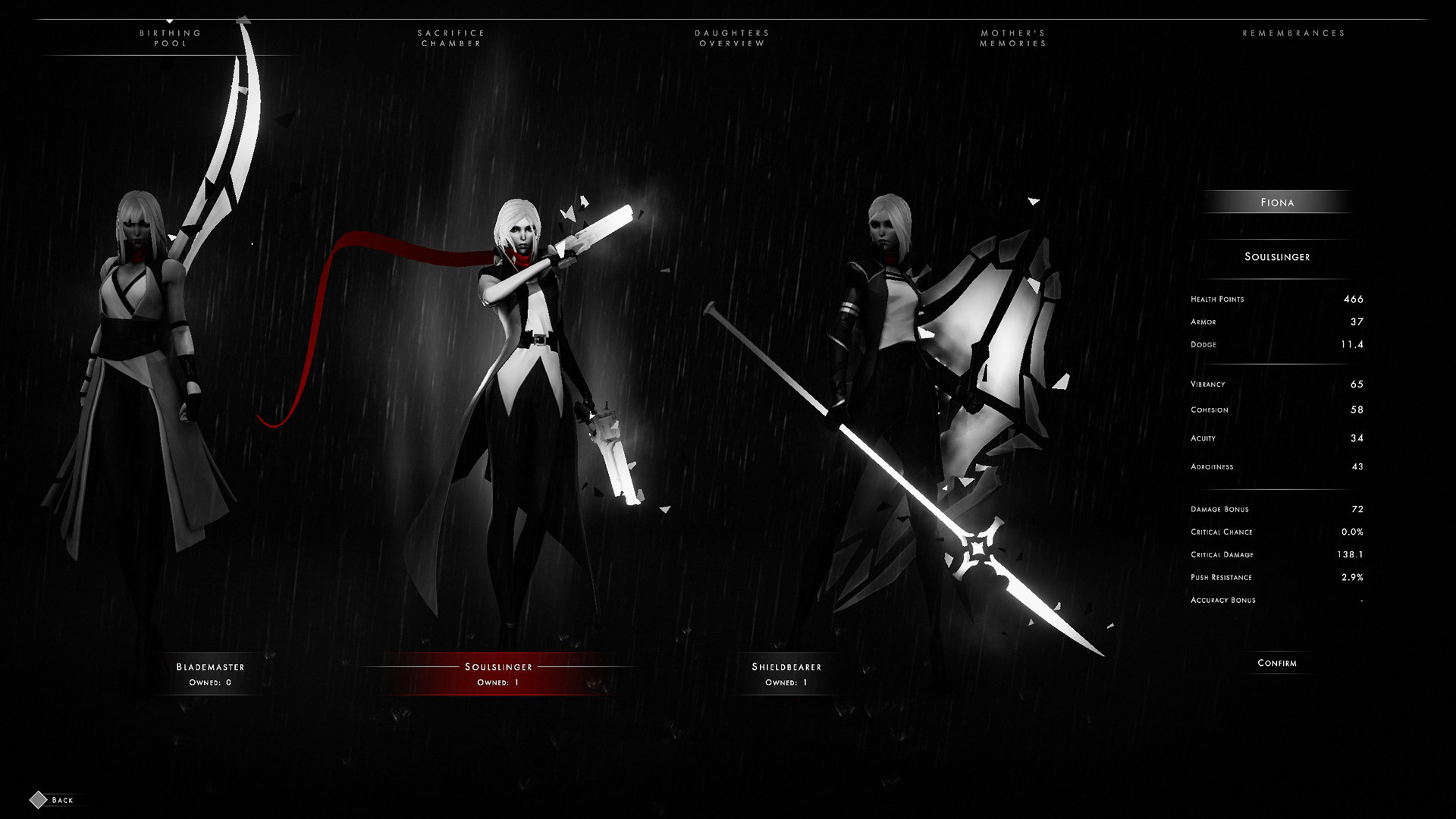
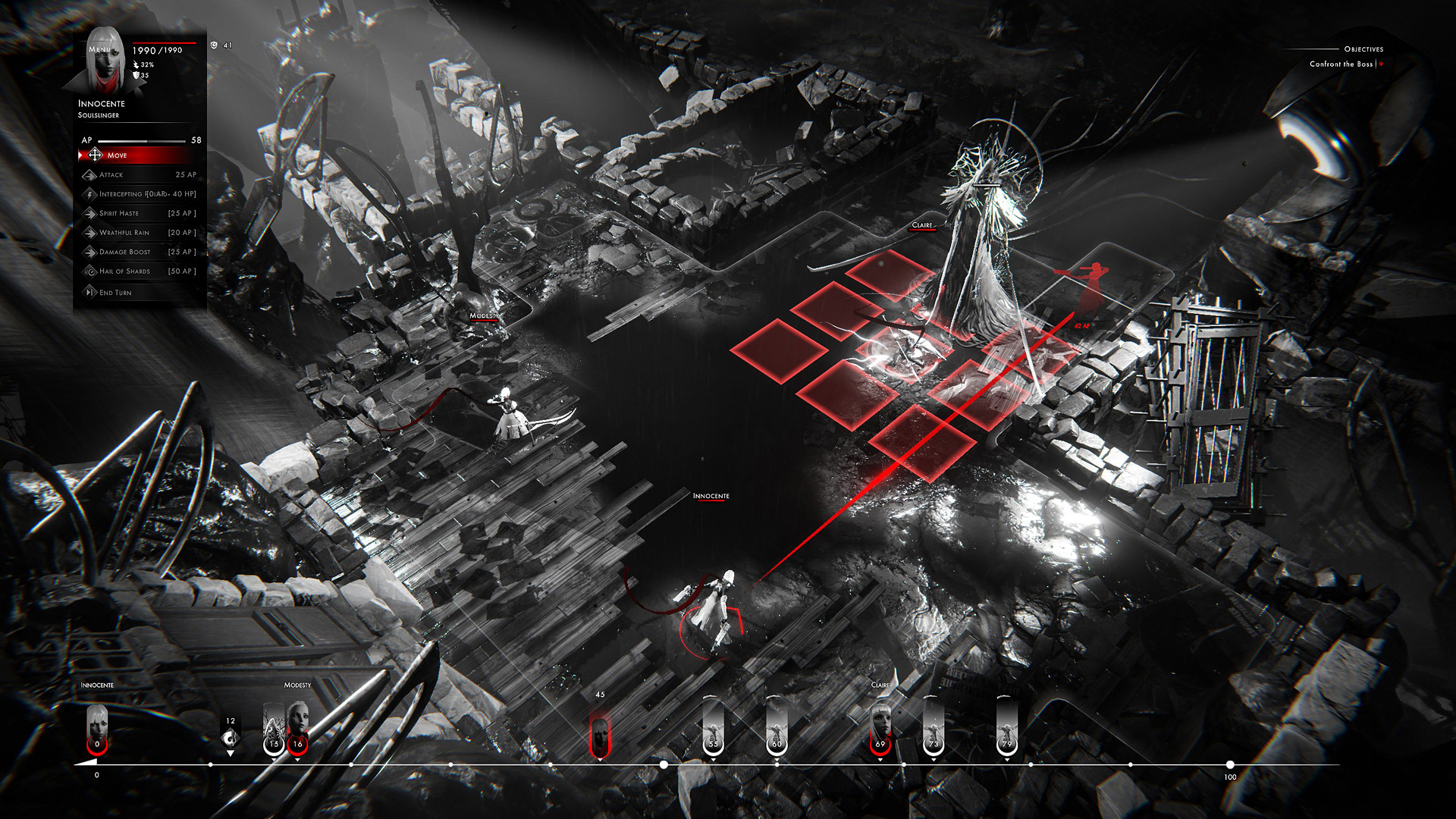
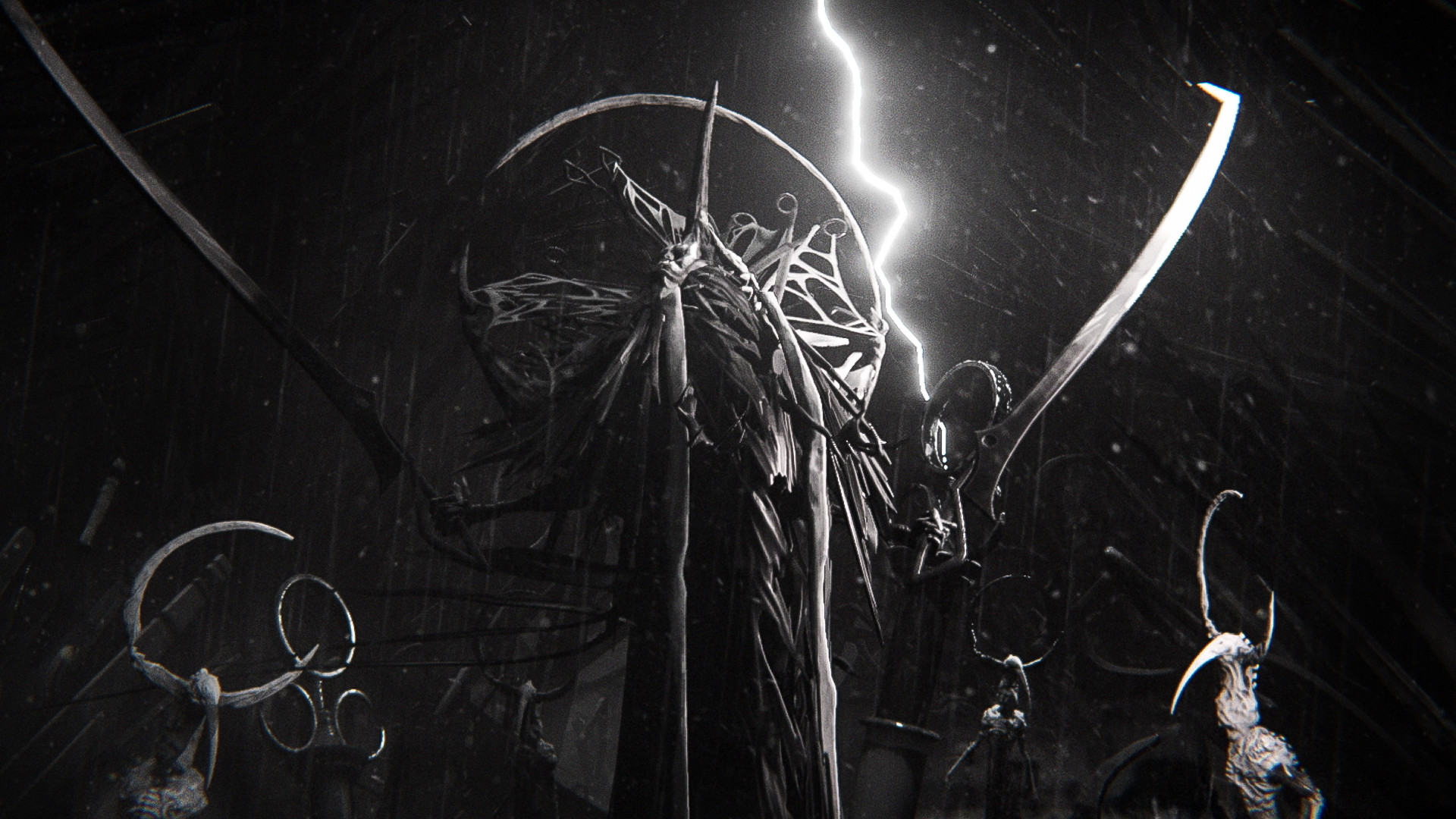
As Humanity’s last hope, lead your army to combat in an intricate dance of spectacular actions and counters, using an original Dynamic Timeline System, and face fearsome bosses in epic battles.
Screenshots



System requirements
Minimum
• Requires a 64-bit processor and operating system • OS *: Windows 7/8/10 (64-bit) • Processor: AMD Phenom 9950 (2.6GHz) / Intel Core2 Quad Q6600 (2.4GHz) • Memory: 4 GB RAM • Graphics: AMD Radeon R7 260 / NVIDIA GeForce GTX 560 • DirectX: Version 11 • Storage: 6 GB available space • Additional Notes: at least 30 FPS average in 1920x1080 with the lowest settings.
Recommended
• Requires a 64-bit processor and operating system • OS *: Windows 7/8/10 (64-bit) • Processor: AMD FX-6300 (3.5GHz) / Intel i5-2500 (3.3GHz) • Memory: 8 GB RAM • Graphics: AMD Radeon R9 380/NVIDIA GeForce GTX 770 • DirectX: Version 11 • Storage: 6 GB available space • Additional Notes: 60 FPS in 1920x1080 with the highest settings.
Languages: English*, French, Simplified Chinese, Traditional Chinese, German, Korean, Russian, Italian, Spanish - Spain, Japanese, Polish, Portuguese - Brazil
How to activate
Steam
- Start Steam on your computer and sign in to the account you will play on.
- In the Games menu, choose Activate a Product on Steam. You can also start from Add a Game at the bottom left.
- Go through the introductory screens, review Steam’s terms and paste the complete key without surrounding spaces.
- Finish activation, then find the game in your Library and select Install.
More from the series
Game details from Steam.