


PATAPON 1+2 REPLAY
- Genres
- Action · Adventure · RPG
- Release
- Jul 10, 2025
- Developer
- SAS CO.,LTD.
Lowest price across all offers
from $17.771,530 ₽
Offers
The price depends on the platform and the activation region.
- EuropeNot for Russia$17.771,530 ₽1
- WorldwideWorks in Russia$20.991,810 ₽1
- CISCIS region$23.812,050 ₽1
About the game
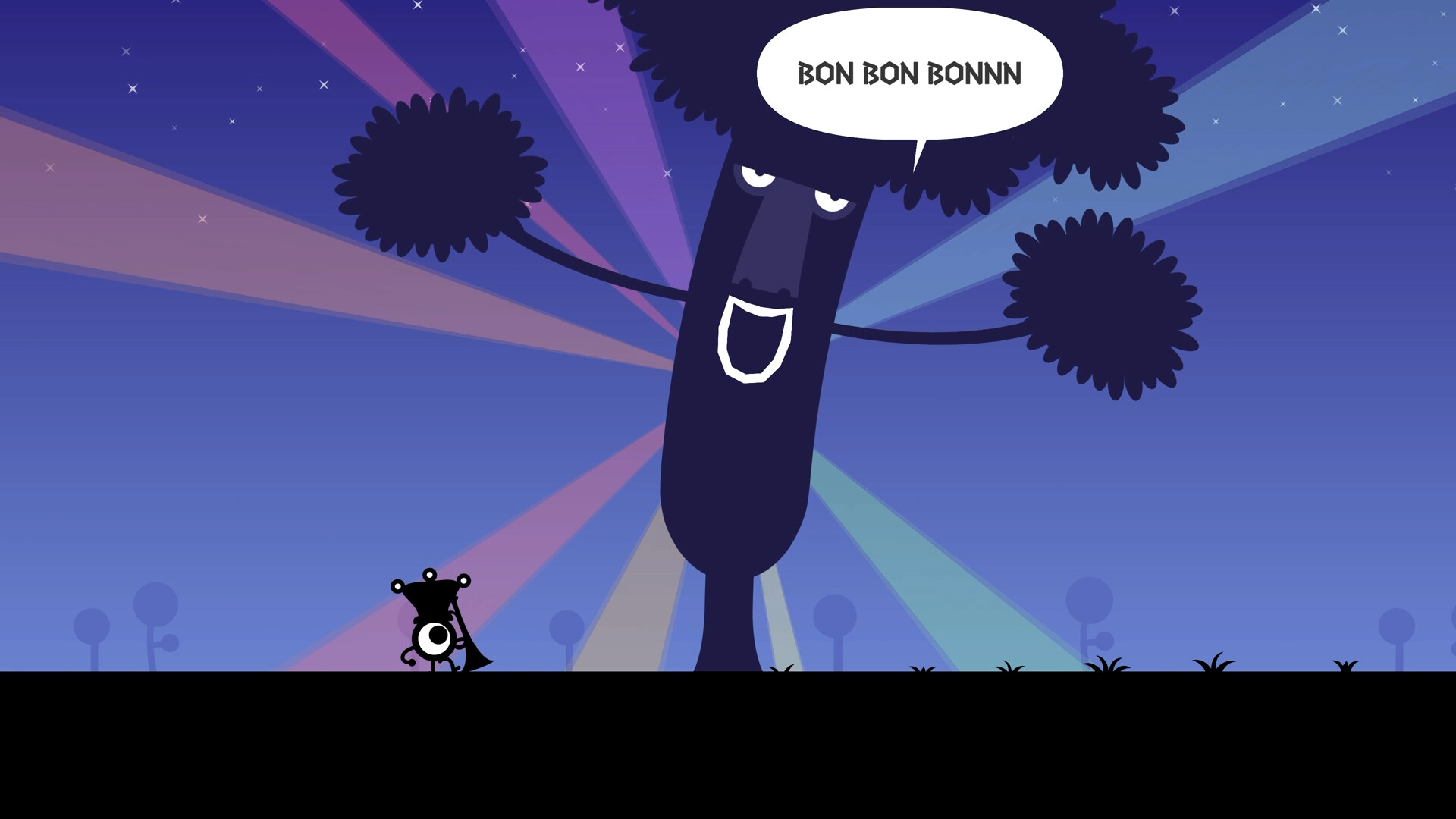
PATAPON is an action adventure where players use the rhythm of 4 Mystical Drums to command cute and mysterious eyeball-like creatures known as Patapons. As the player, you are the God of the Patapons and lead them on a grand adventure to Earthend!
Screenshots
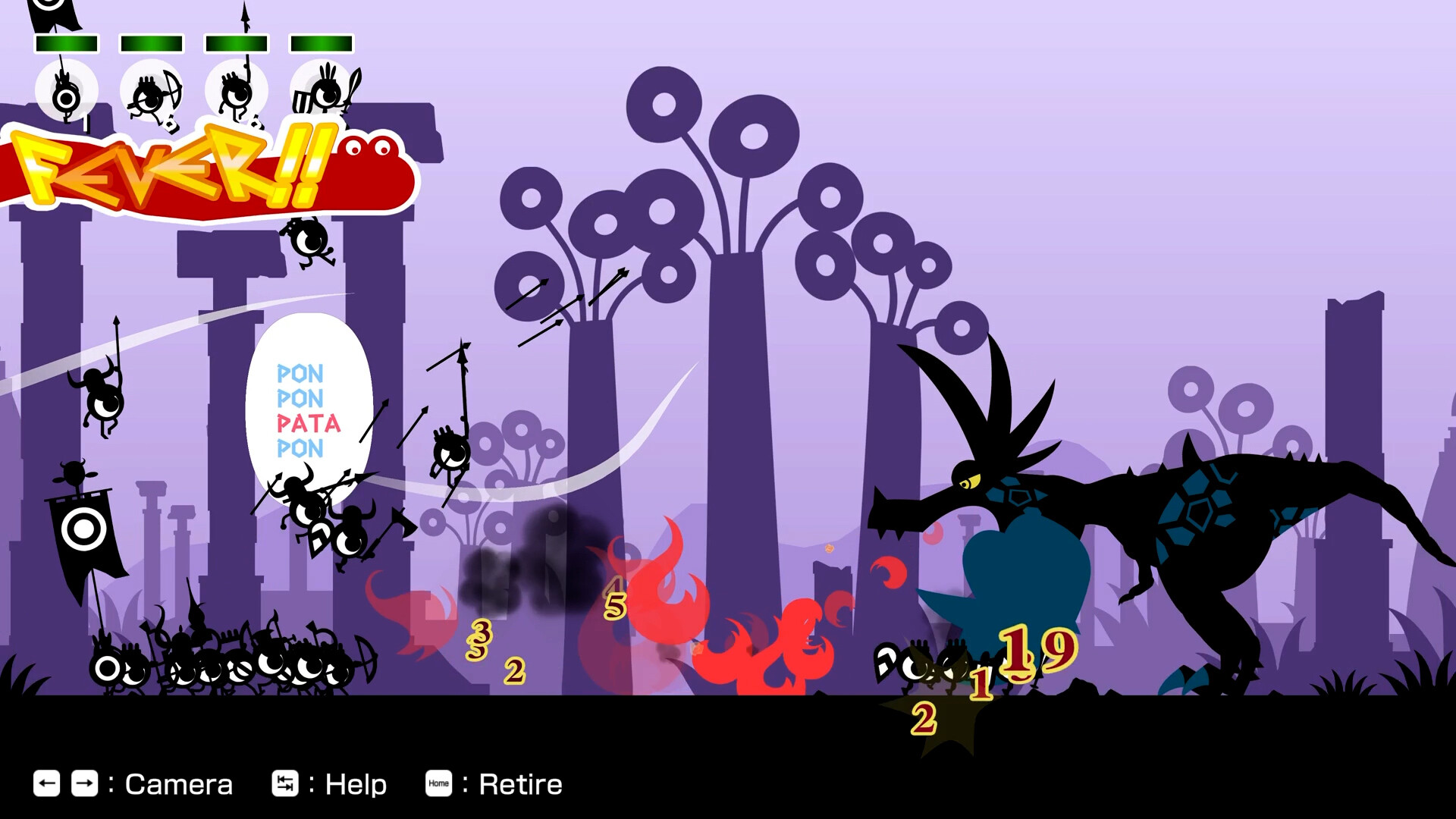
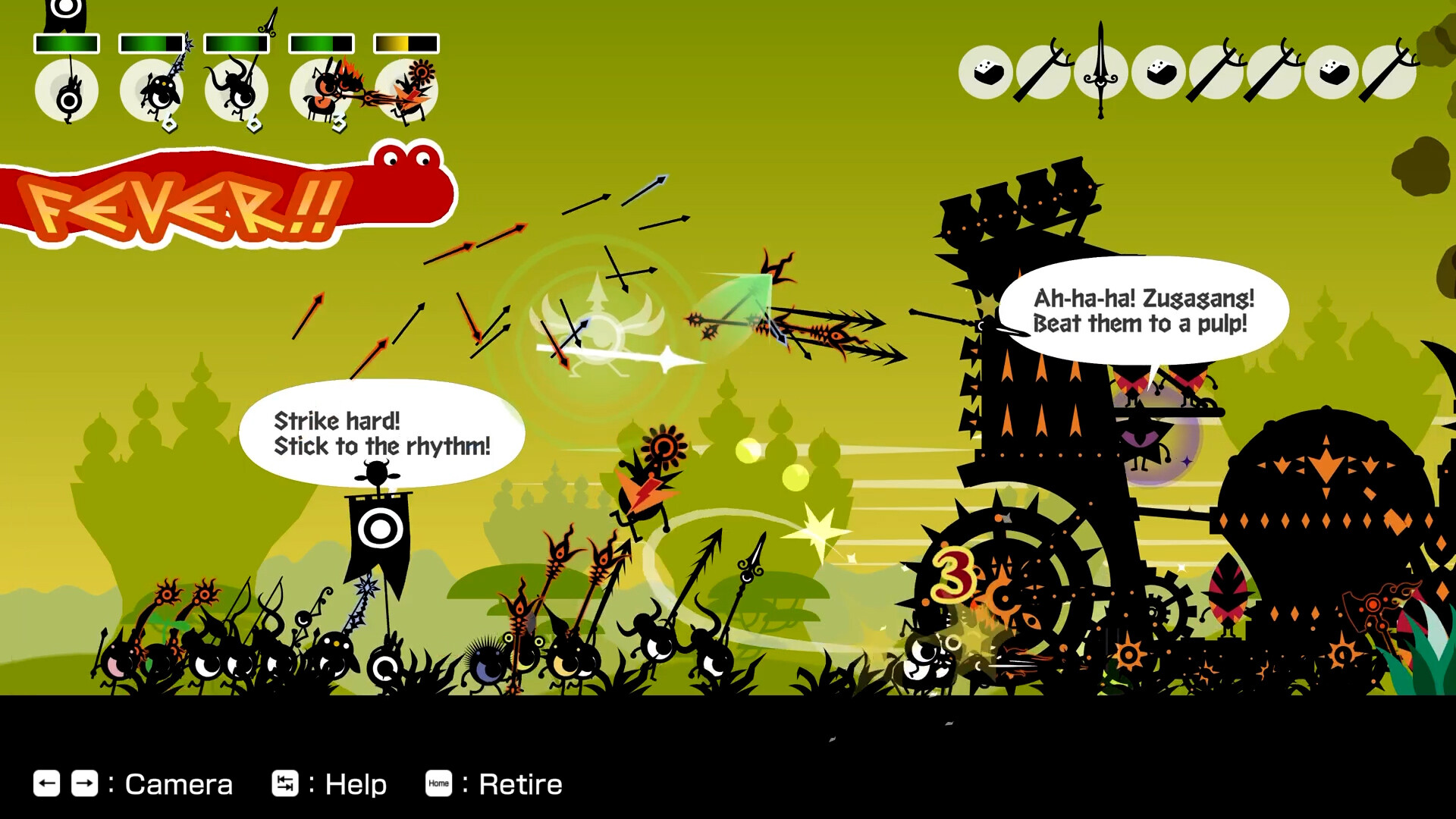
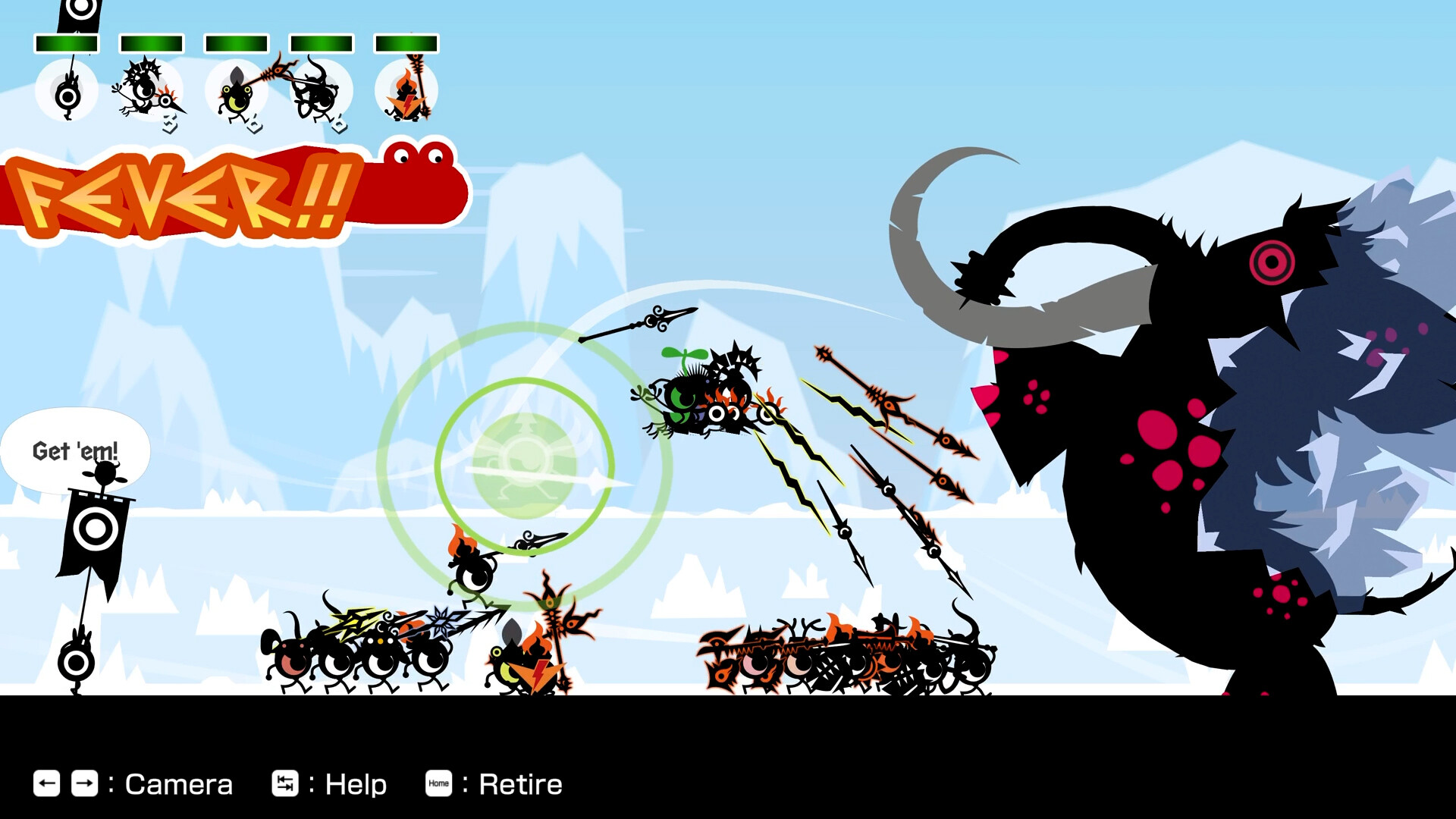
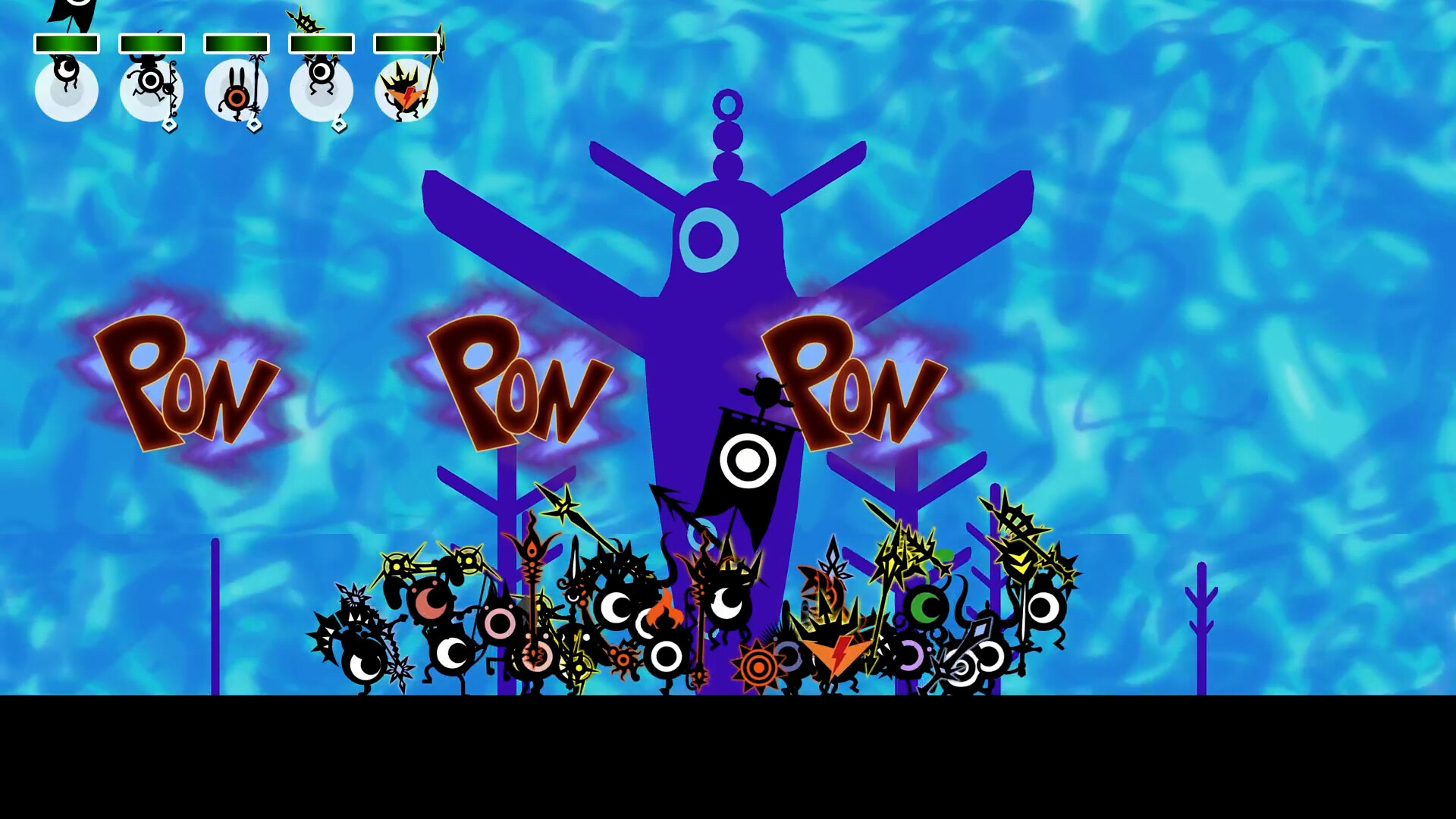


System requirements
Minimum
• Requires a 64-bit processor and operating system • OS: Windows10/11 • Processor: Intel Core i3-3225 / AMD A6-7400K • Memory: 4 GB RAM • Graphics: Intel Arc A580 / AMD Radeon R7 370 / GeForce GTX 750Ti • DirectX: Version 11 • Storage: 3 GB available space • Additional Notes: Mouse control is not supported. Estimated performance: 1080p/60fps with graphics settings at "Low". Framerate might drop in graphics-intensive scenes. When playing with Steam Deck, please set the console's refresh rate to a fixed 60 FPS.
Recommended
• Requires a 64-bit processor and operating system • OS: Windows10/11 • Processor: Intel Core i5-7600K / AMD Ryzen 3 3100 • Memory: 4 GB RAM • Graphics: Intel Arc A750 /AMD Radeon RX 5700 XT / GeForce GTX 1660 Super • DirectX: Version 12 • Storage: 3 GB available space • Additional Notes: Mouse control is not supported. Estimated performance: 1080p/60fps with graphics settings at "High". Framerate might drop in graphics-intensive scenes. Windows 10 (Version 1809 or later) and a 4GB VRAM GPU (graphics board or video card) are required for DirectX 12 API. When playing with Steam Deck, please set the console's refresh rate to a fixed 60 FPS.
Languages: English, French, Italian, German, Spanish - Spain, Simplified Chinese, Traditional Chinese, Japanese, Korean
How to activate
Steam
- Start Steam on your computer and sign in to the account you will play on.
- In the Games menu, choose Activate a Product on Steam. You can also start from Add a Game at the bottom left.
- Go through the introductory screens, review Steam’s terms and paste the complete key without surrounding spaces.
- Finish activation, then find the game in your Library and select Install.
Game details from Steam.