

Planet Coaster 2 (Deluxe Edition)
- Genres
- Simulation · Strategy
- Release
- Nov 6, 2024
- Developer
- Frontier Developments
- Metacritic
Lowest price across all offers
from $37.693,220 ₽
Offers
The price depends on the platform and the activation region.
- —Not for RussiaPlanet Coaster 2 | Deluxe Edition$37.693,220 ₽1
- EuropeNot for RussiaPlanet Coaster 2 | Deluxe Edition$39.093,340 ₽1
- WorldwideWorks in RussiaPlanet Coaster 2 | Deluxe Edition$39.383,360 ₽1
- Latin AmericaNot for RussiaPlanet Coaster 2 | Deluxe Edition$40.743,480 ₽1
- North AmericaNot for Russia$46.703,980 ₽1
About the game
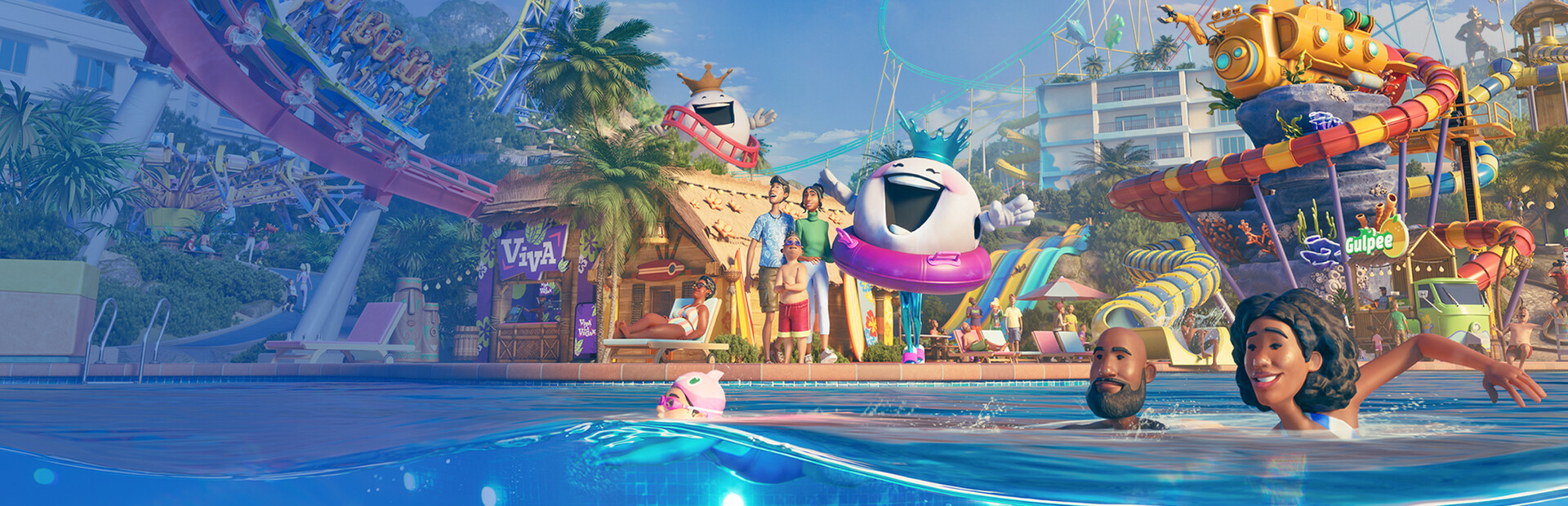
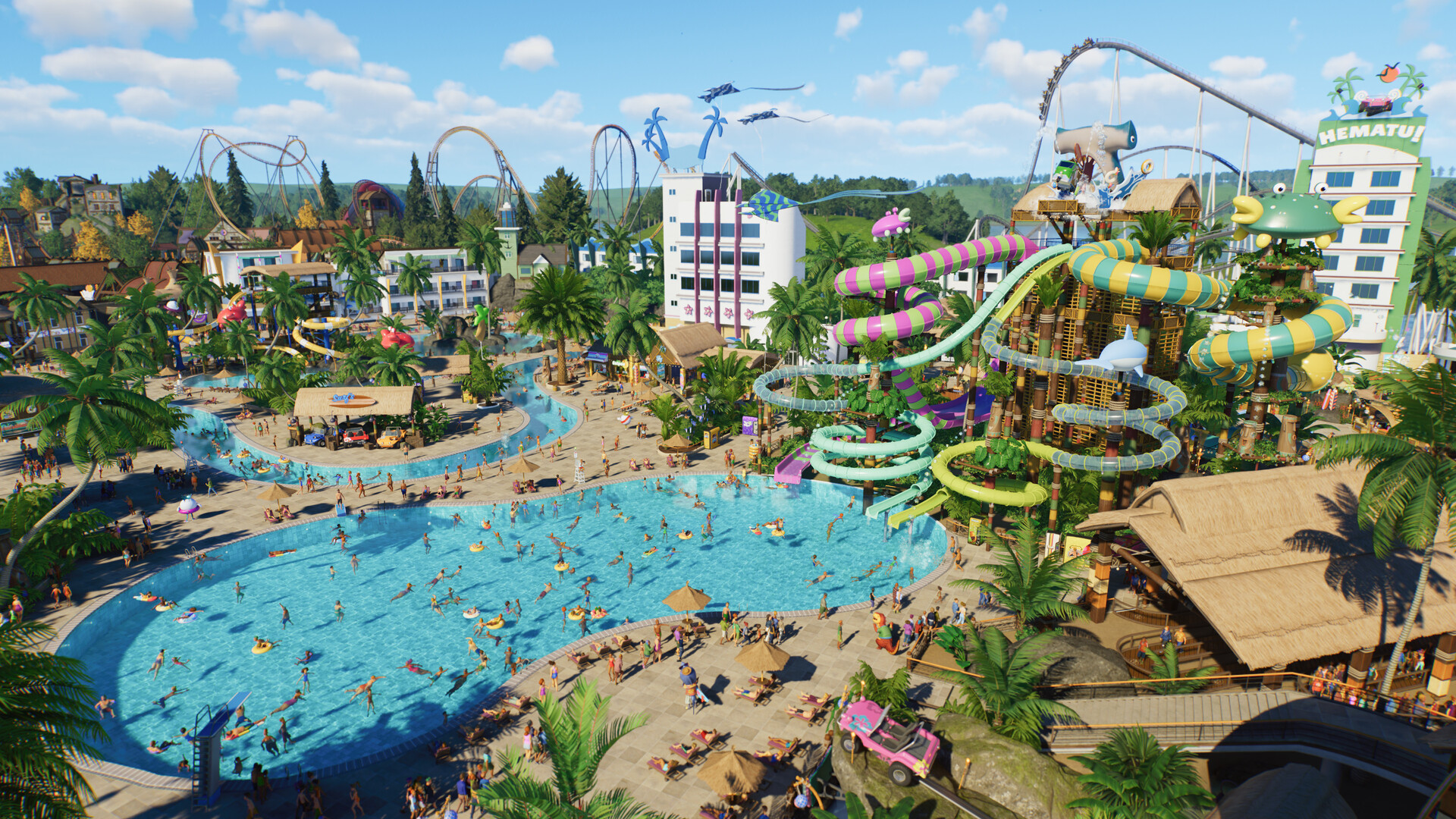
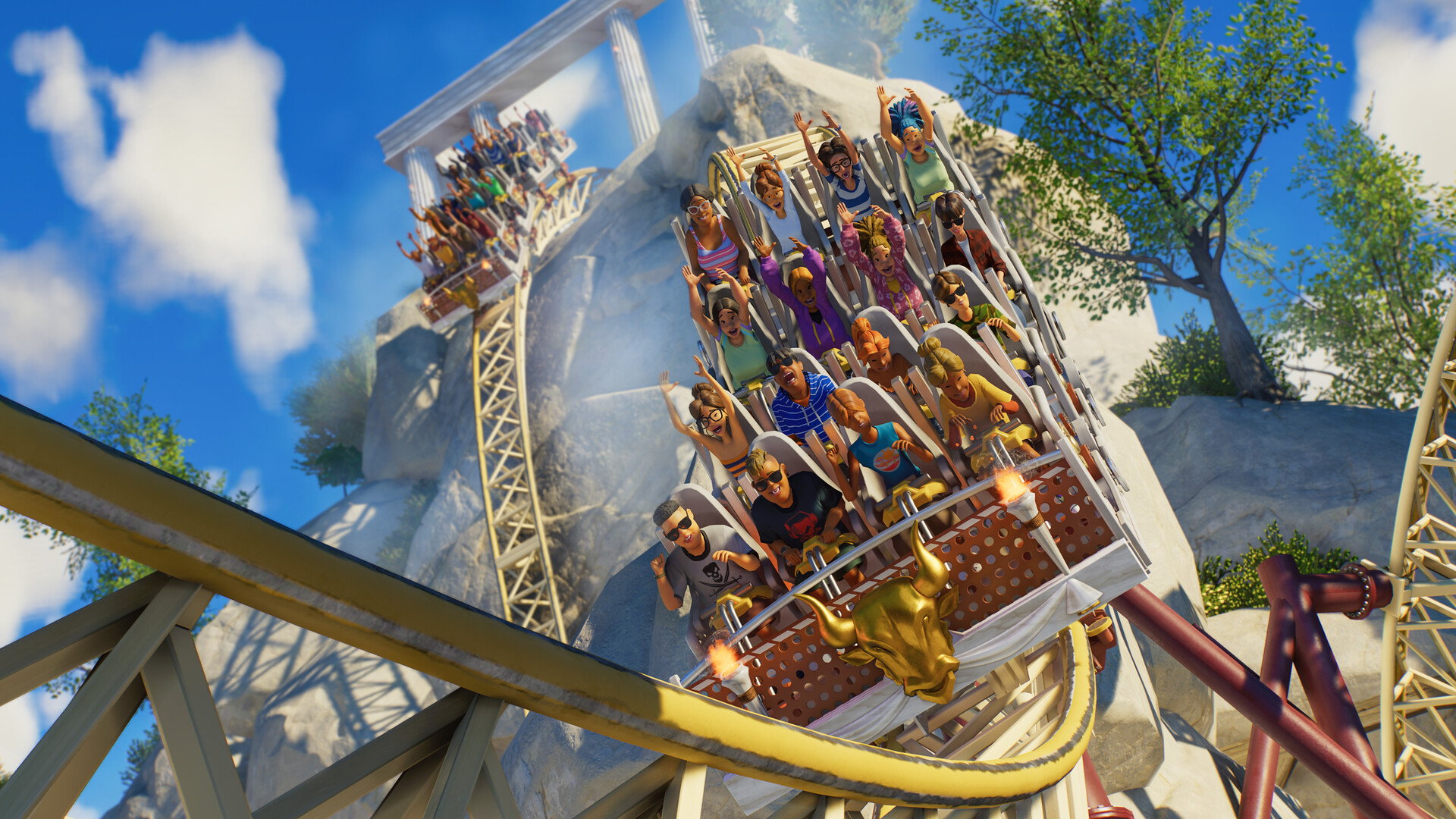
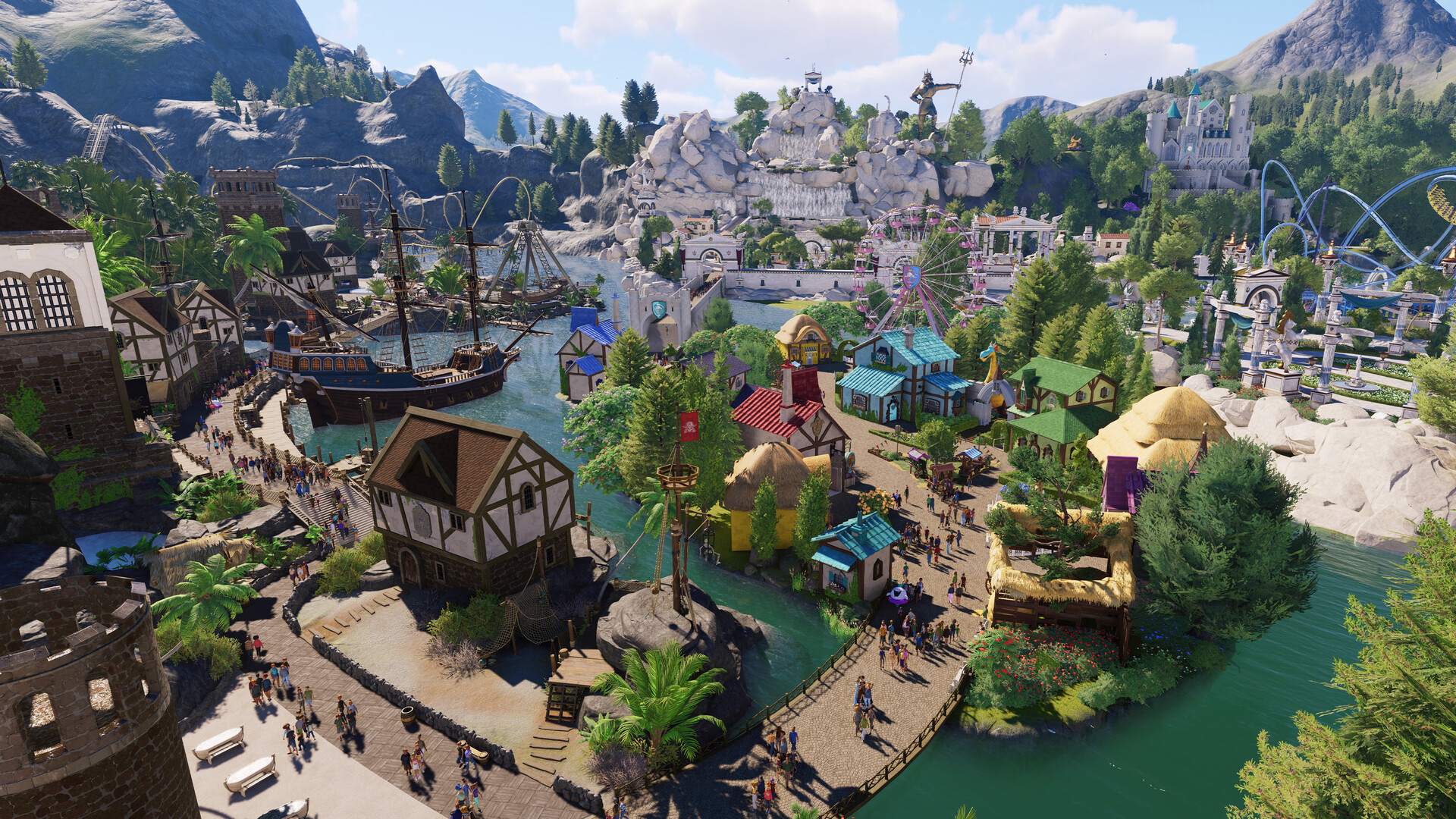
Build and customise thrilling roller coasters and incredible water slides, manage the ultimate theme park experience, and share your epic creations. Are you ready to ride the wave?
Pictures and description are of the base game on Steam.
Screenshots


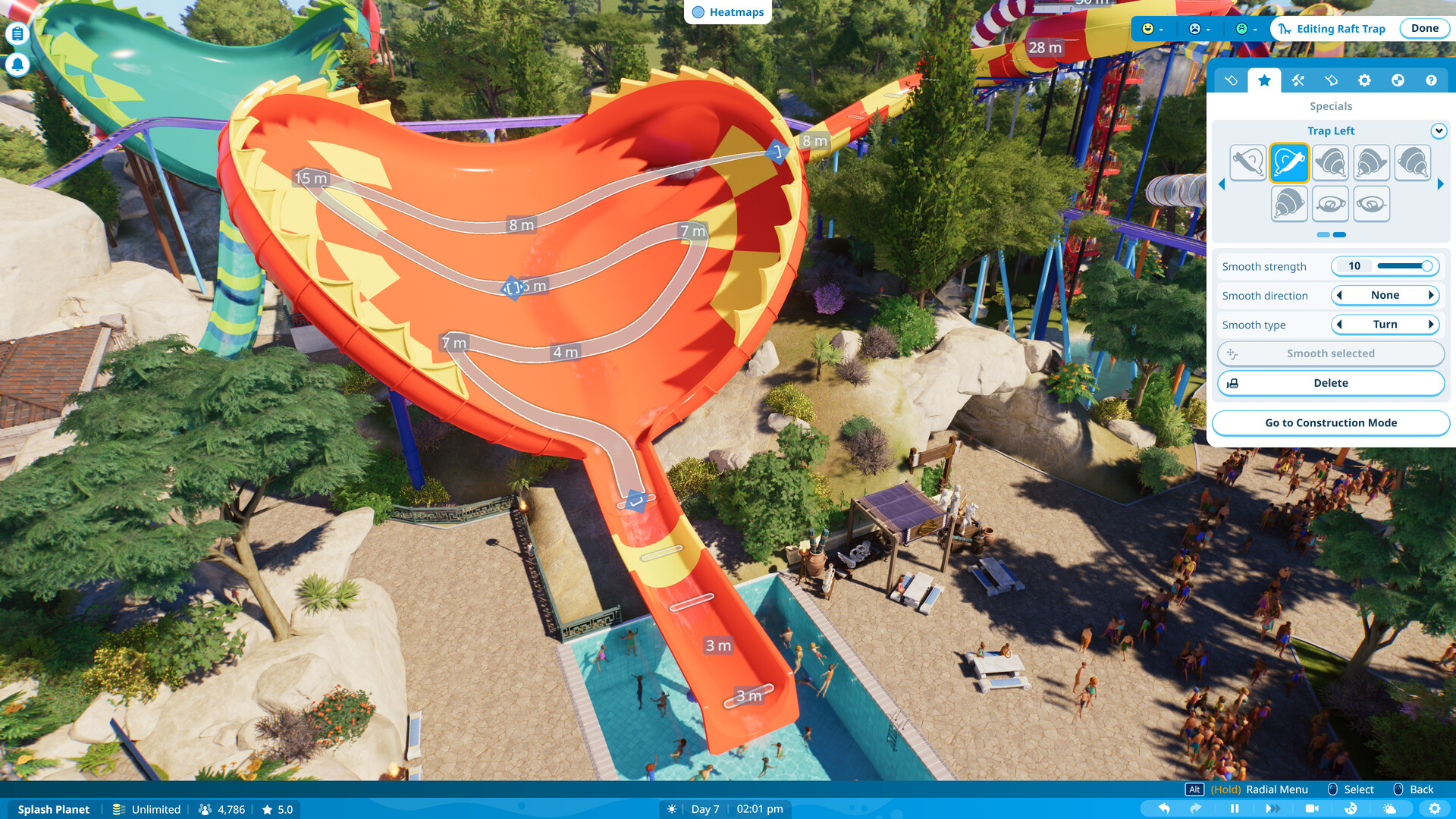
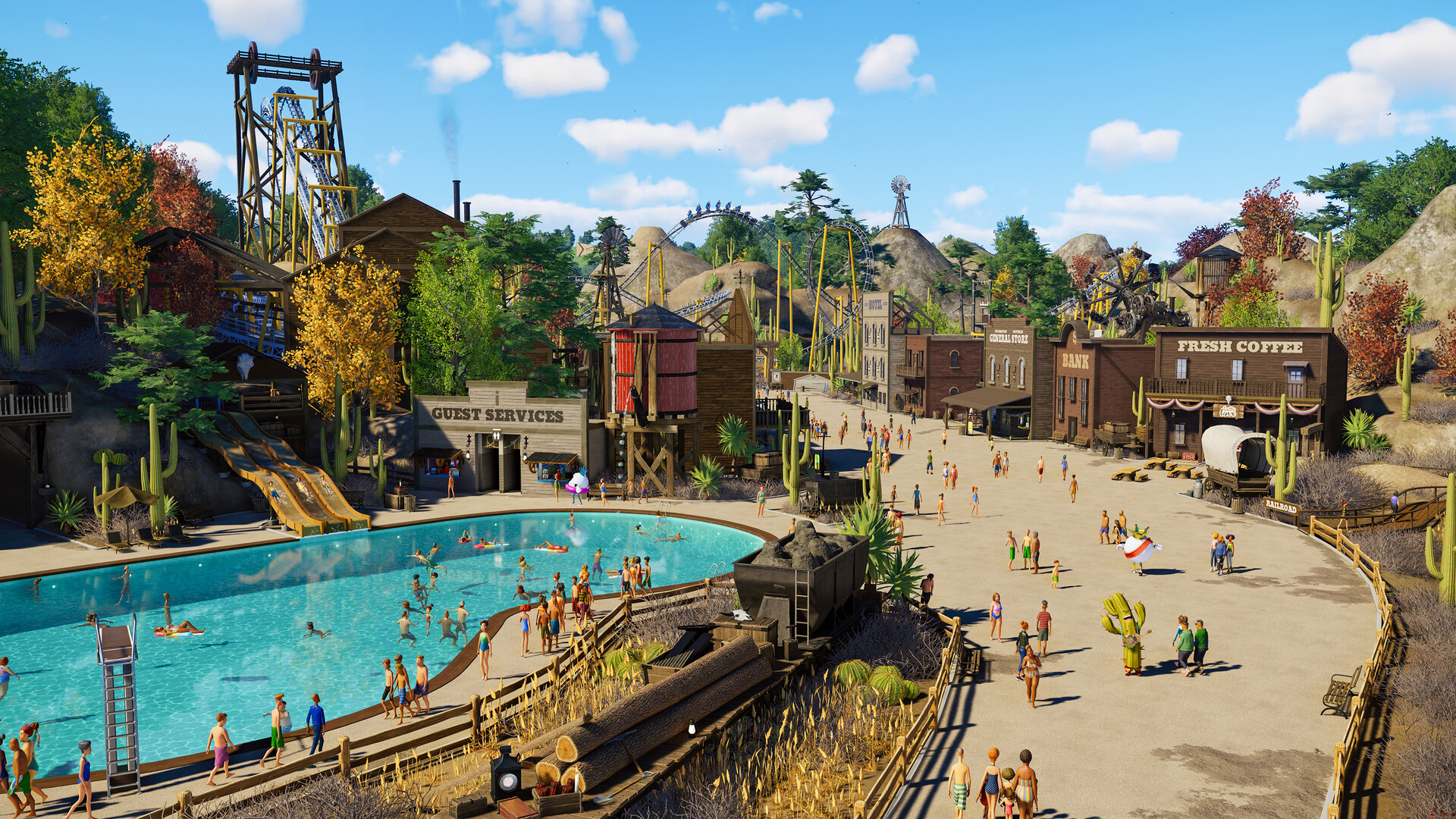
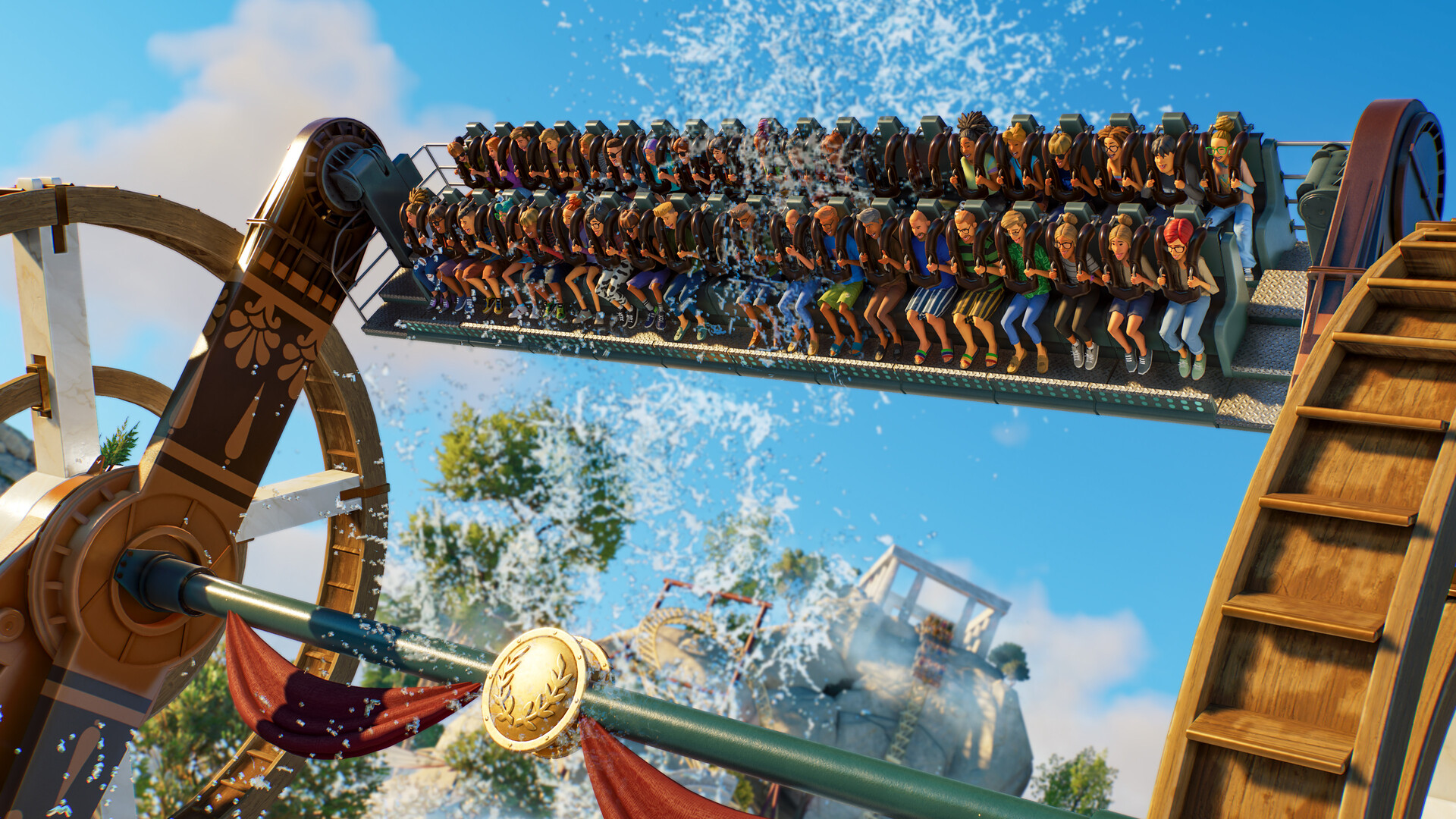
System requirements
Minimum
• Requires a 64-bit processor and operating system • OS: Windows 10 64bit (22H2) • Processor: Intel i5-6600K / AMD Ryzen 5 2600 • Memory: 16 GB RAM • Graphics: NVIDIA GeForce GTX 1060 (6GB VRAM) / AMD Radeon RX 5600XT (6GB VRAM) / Intel Arc A750 (8GB VRAM) • DirectX: Version 12 • Storage: 25 GB available space • Additional Notes: SSD Recommended
Recommended
• Requires a 64-bit processor and operating system • OS: Windows 10,11 64bit • Processor: Intel i7-10700K / AMD Ryzen 7 5800 • Memory: 16 GB RAM • Graphics: NVIDIA GeForce RTX 2070 Super (8GB VRAM) / AMD Radeon RX 6700 XT (12GB VRAM) / Intel Arc A770 (16GB VRAM) • DirectX: Version 12 • Storage: 25 GB available space • Additional Notes: SSD Required
Languages: English*, French*, Italian, German*, Spanish - Spain*, Czech, Dutch, Japanese*, Korean*, Polish, Portuguese - Brazil, Simplified Chinese*, Traditional Chinese
How to activate
Steam
- Start Steam on your computer and sign in to the account you will play on.
- In the Games menu, choose Activate a Product on Steam. You can also start from Add a Game at the bottom left.
- Go through the introductory screens, review Steam’s terms and paste the complete key without surrounding spaces.
- Finish activation, then find the game in your Library and select Install.
More from the series
 РФ ✓Planet CoasterSteamfrom $5.66490 ₽7 offersPlanet Coaster (Console Edition) (Xbox Series X|S)Xboxfrom $14.001,200 ₽2 offersРФ ✓Planet Coaster 2Steamfrom $23.372,000 ₽3 offersРФ ✓Planet Coaster 2 | Premium EditionSteamfrom $64.495,500 ₽РФ ✓Planet Coaster Deluxe EditionSteamfrom $34.582,950 ₽Planet Coaster 2 (Xbox Series X|S)Xboxfrom $24.622,100 ₽
Game details from Steam.