

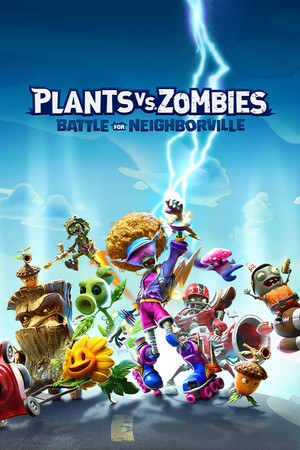
Plants vs. Zombies: Battle for Neighborville™
- Genres
- Action · Casual · Strategy
- Release
- Jun 4, 2020
- Developer
- PopCap
- Metacritic
Lowest price across all offers
from $9.95860 ₽
Offers
The price depends on the platform and the activation region.
- WorldwideWorks in RussiaPlants vs. Zombies: Battle for Neighborville$9.95860 ₽1
About the game
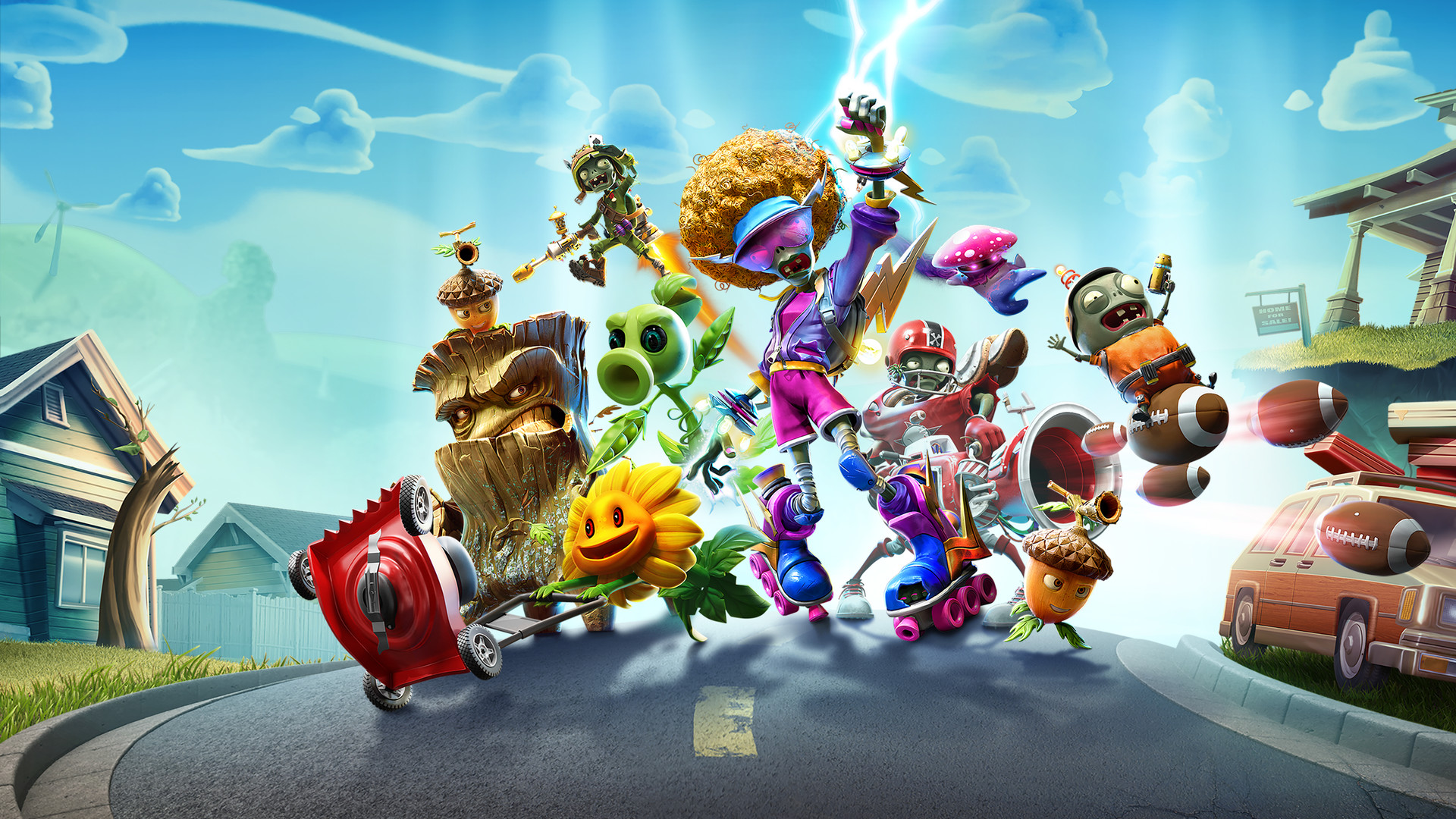
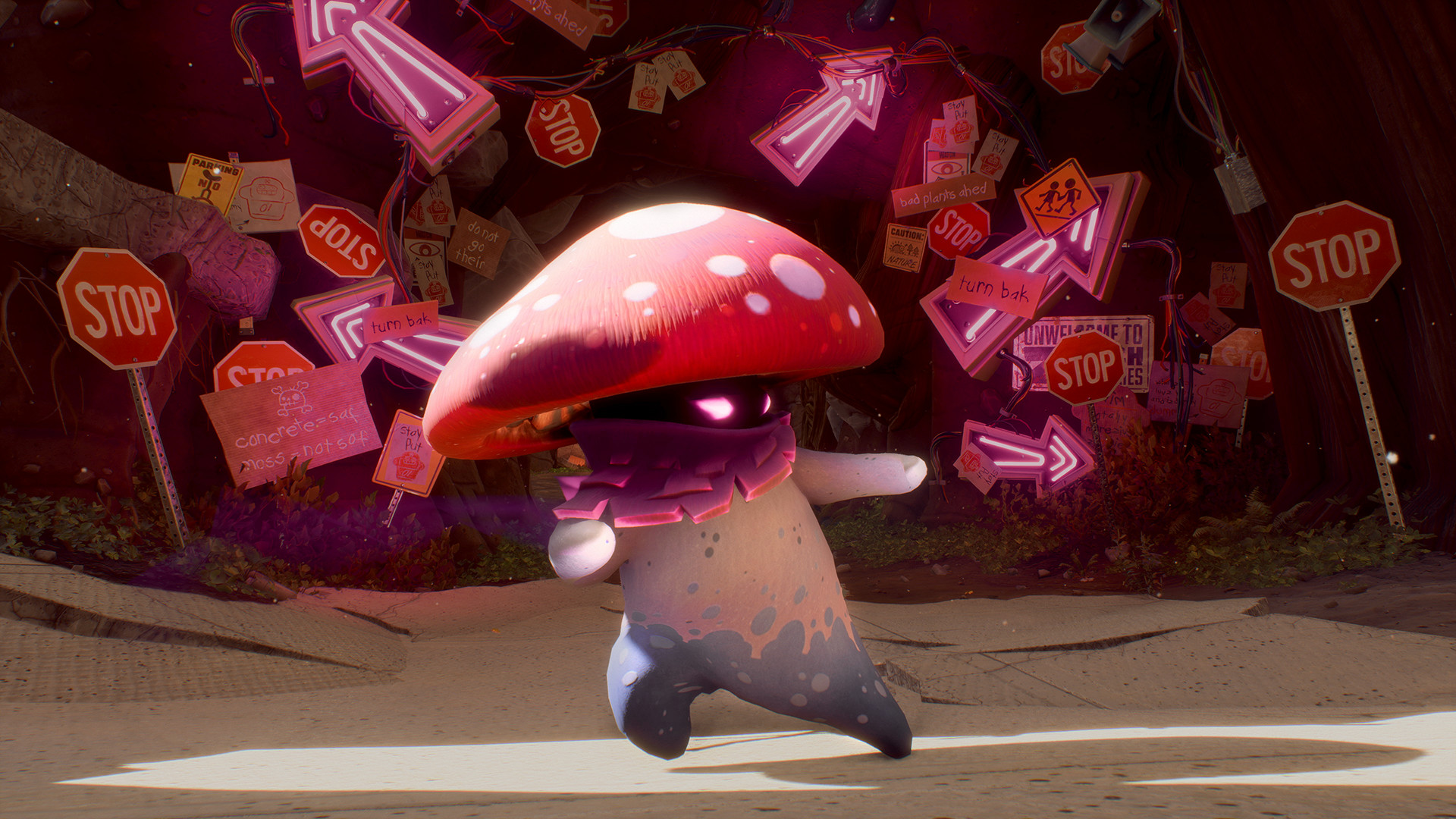
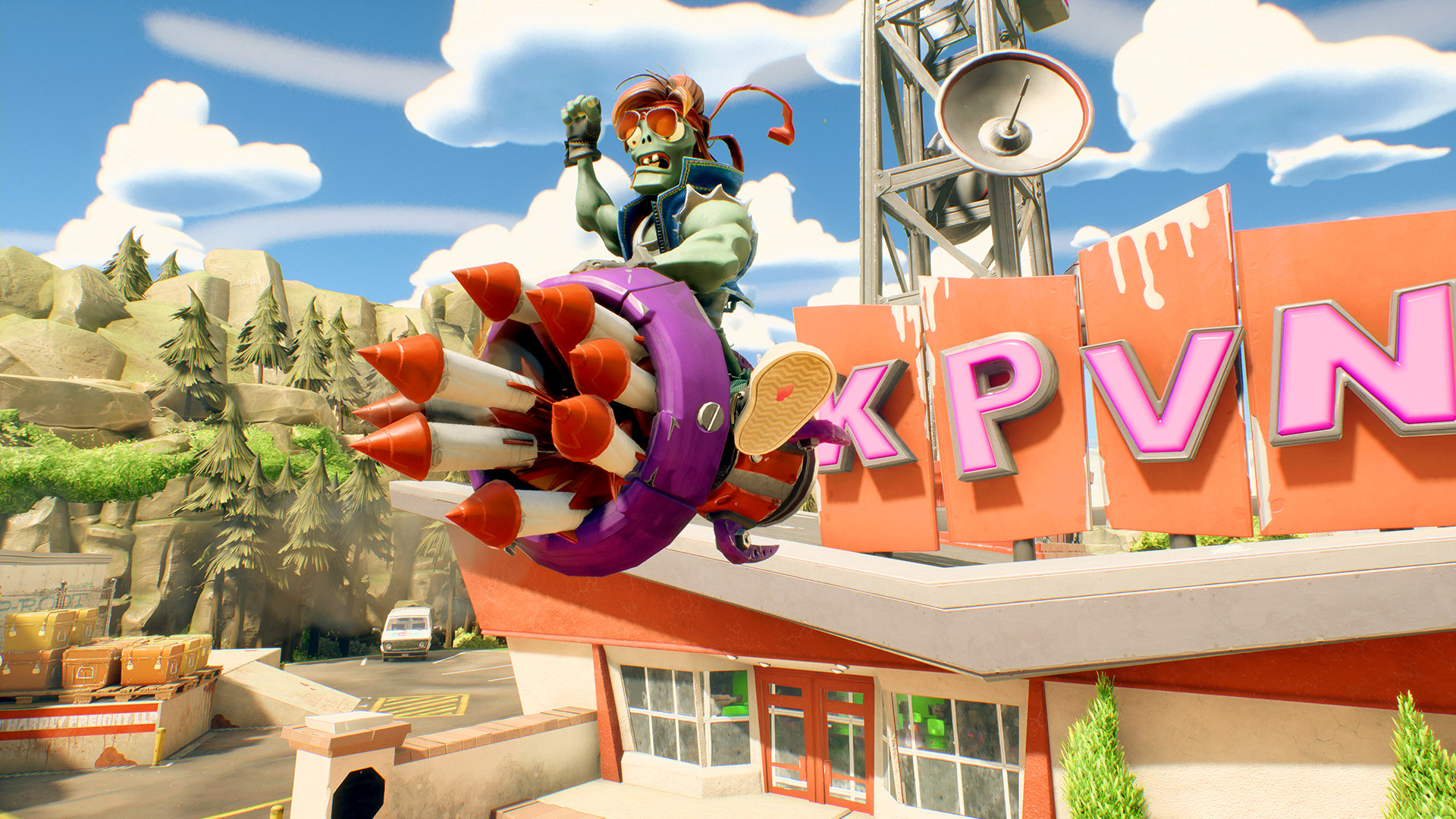
Kick some grass in Plants vs. Zombies: Battle for Neighborville, the wackiest shooter yet!
Screenshots

System requirements
Minimum
• Requires a 64-bit processor and operating system • OS: 64-bit Windows 10 • Processor: AMD: FX-4350 or Equivalent/ Intel: i3-3220 or Equivalent • Memory: 4 GB RAM • Graphics: AMD: Radeon HD 7730 or Equivalent/ NVIDIA: GeForce GT 640 or Equivalent • DirectX: Version 11 • Network: Broadband Internet connection • Storage: 15 GB available space
Recommended
• Requires a 64-bit processor and operating system • OS: 64-bit Windows 10 • Processor: AMD: FX-6100 or Equivalent/ Intel: i5-3570 or Equivalent • Memory: 8 GB RAM • Graphics: AMD: Radeon R9 285 or Equivalent/ NVIDIA: GeForce GTX 970 or Equivalent • DirectX: Version 11 • Network: Broadband Internet connection • Storage: 15 GB available space
Languages: English, French, Italian, German, Spanish - Spain, Arabic, Japanese, Korean, Polish, Portuguese - Brazil, Russian, Simplified Chinese, Spanish - Latin America, Traditional Chinese
How to activate
EA App
- Open the EA app and sign in to the account that should own the game.
- Go to My Library and use Redeem Code.
- Submit your key, continue and check the identified product before confirming.
- Complete redemption and download the game from your Library. Look for add-ons under their base game.
More from the series
 РФ ✓Plants vs. Zombies™: ReplantedXboxEA Appfrom $20.861,790 ₽4 offers
 Plants vs. Zombies Garden Warfare 2 Deluxe Edition (Xbox One)Xboxfrom $8.25710 ₽3 offersРФ ✓Plants vs. Zombies: Battle for Neighborville (Deluxe Edition) (Xbox One)Xboxfrom $10.45900 ₽3 offers
 РФ ✓Plants vs. Zombies GOTY EditionSteamEA Appfrom $9.59830 ₽2 offersРФ ✓Plants vs. Zombies: Battle for Neighborville (Xbox One)Xboxfrom $12.451,070 ₽РФ ✓Plants vs. Zombies: Replanted (Xbox One)Xboxfrom $28.422,440 ₽РФ ✓Plants vs. Zombies Garden Warfare 2XboxEA Appfrom $7.25630 ₽6 offers
Game details from Steam.