

PRAGMATA
- Genres
- Action · Adventure
- Release
- Apr 16, 2026
- Developer
- CAPCOM Co., Ltd.
Lowest price across all offers
from $32.122,740 ₽
Offers
The price depends on the platform and the activation region.
- CISCIS region$32.122,740 ₽1
- Latin AmericaNot for Russia$38.093,250 ₽1
- —Not for Russia$45.233,860 ₽1
- EuropeNot for Russia$46.093,930 ₽1
- North AmericaNot for Russia$50.704,320 ₽1
- WorldwideWorks in Russia$61.865,270 ₽1
About the game
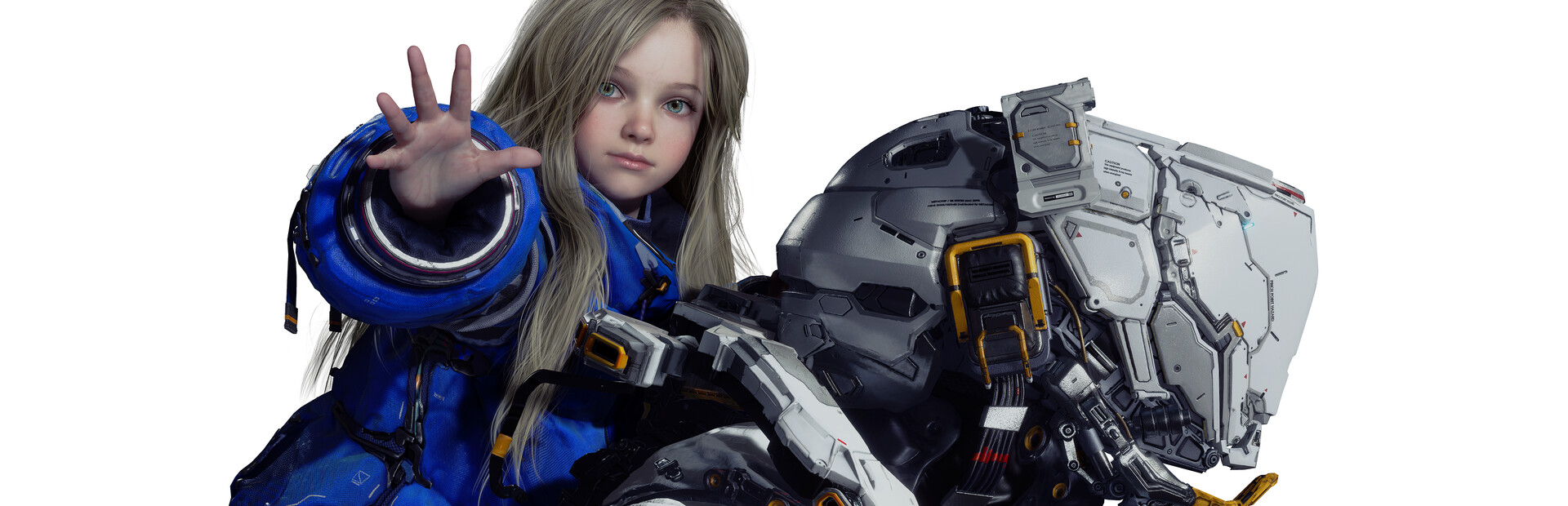
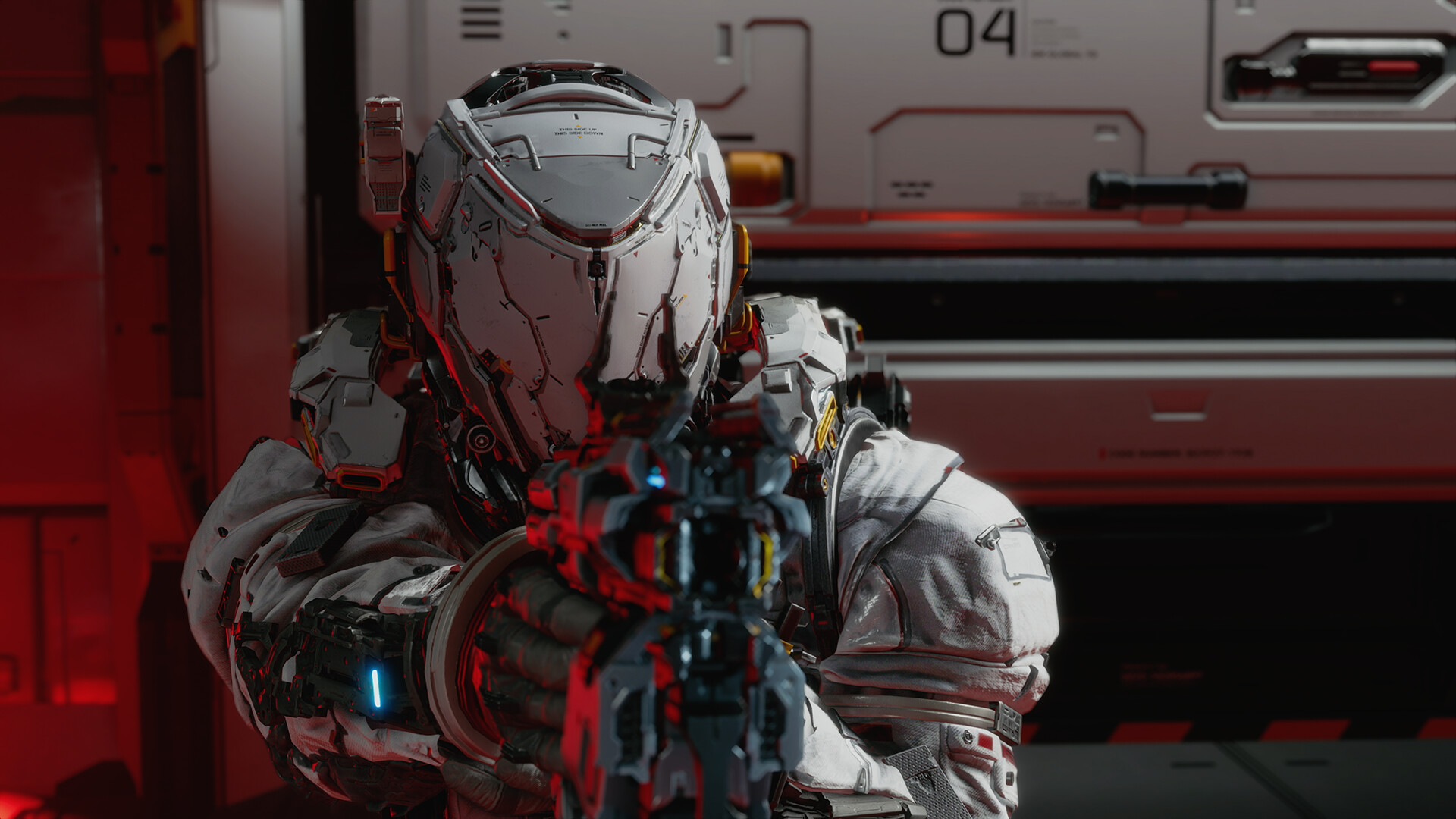
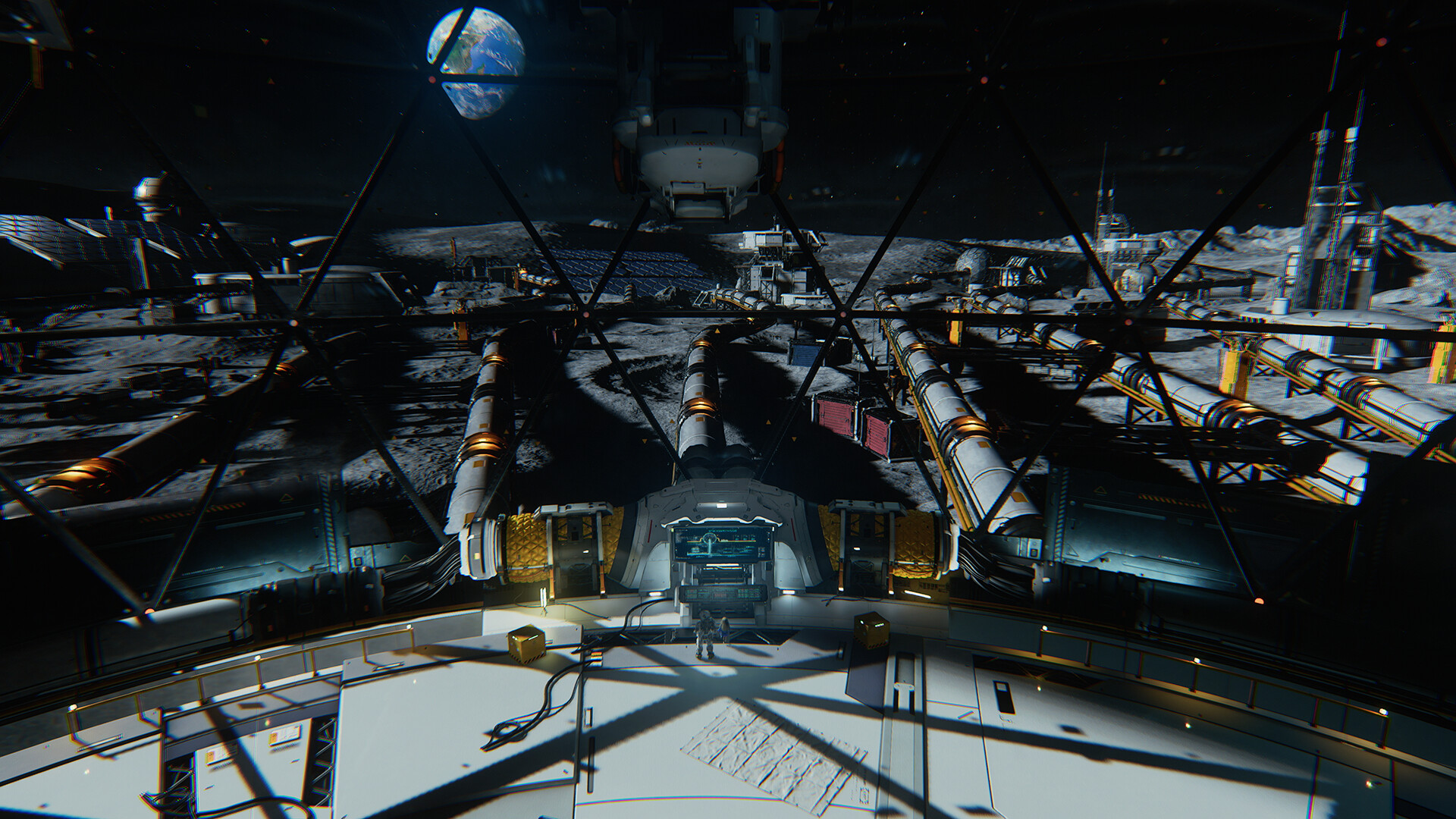
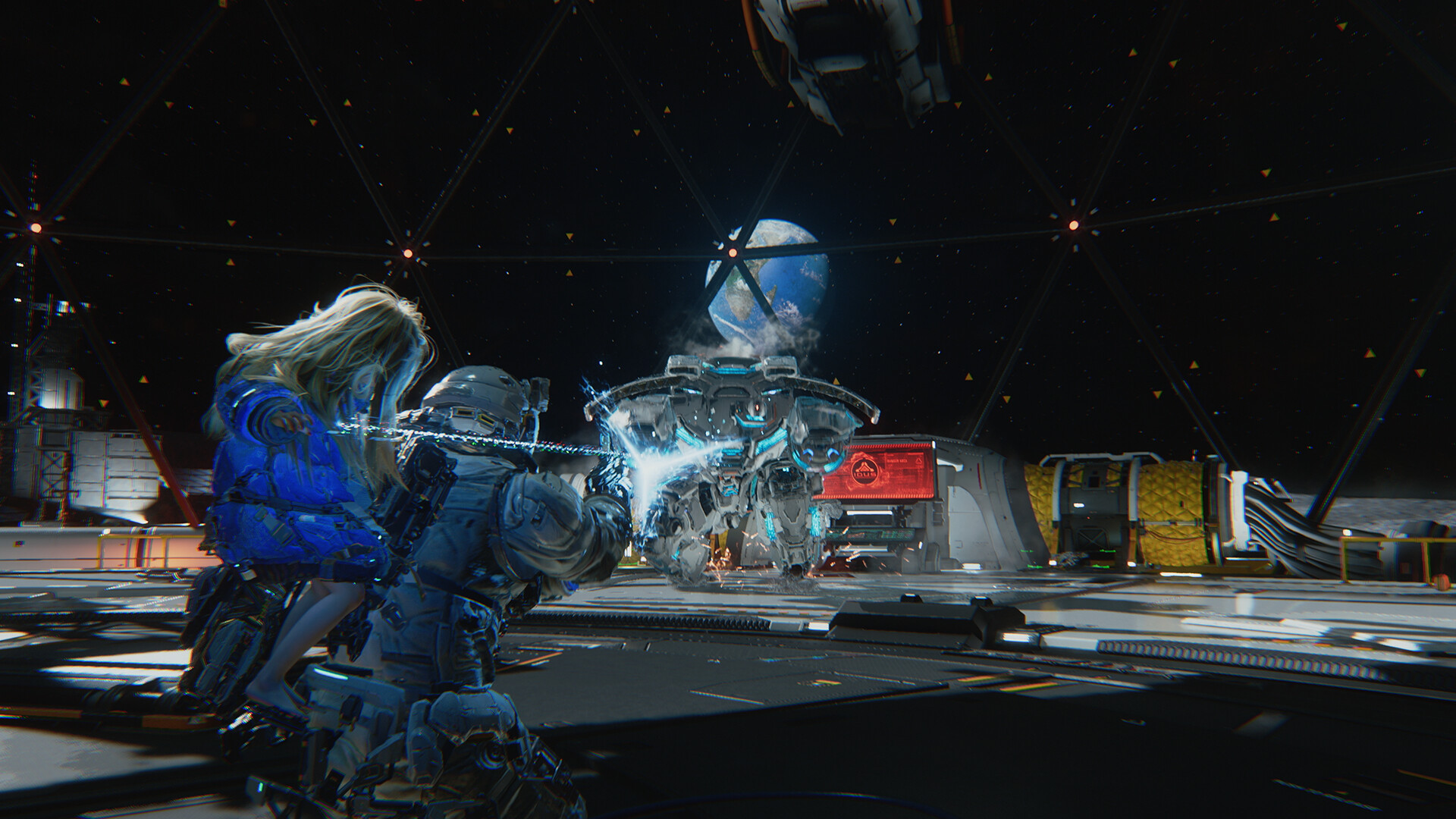
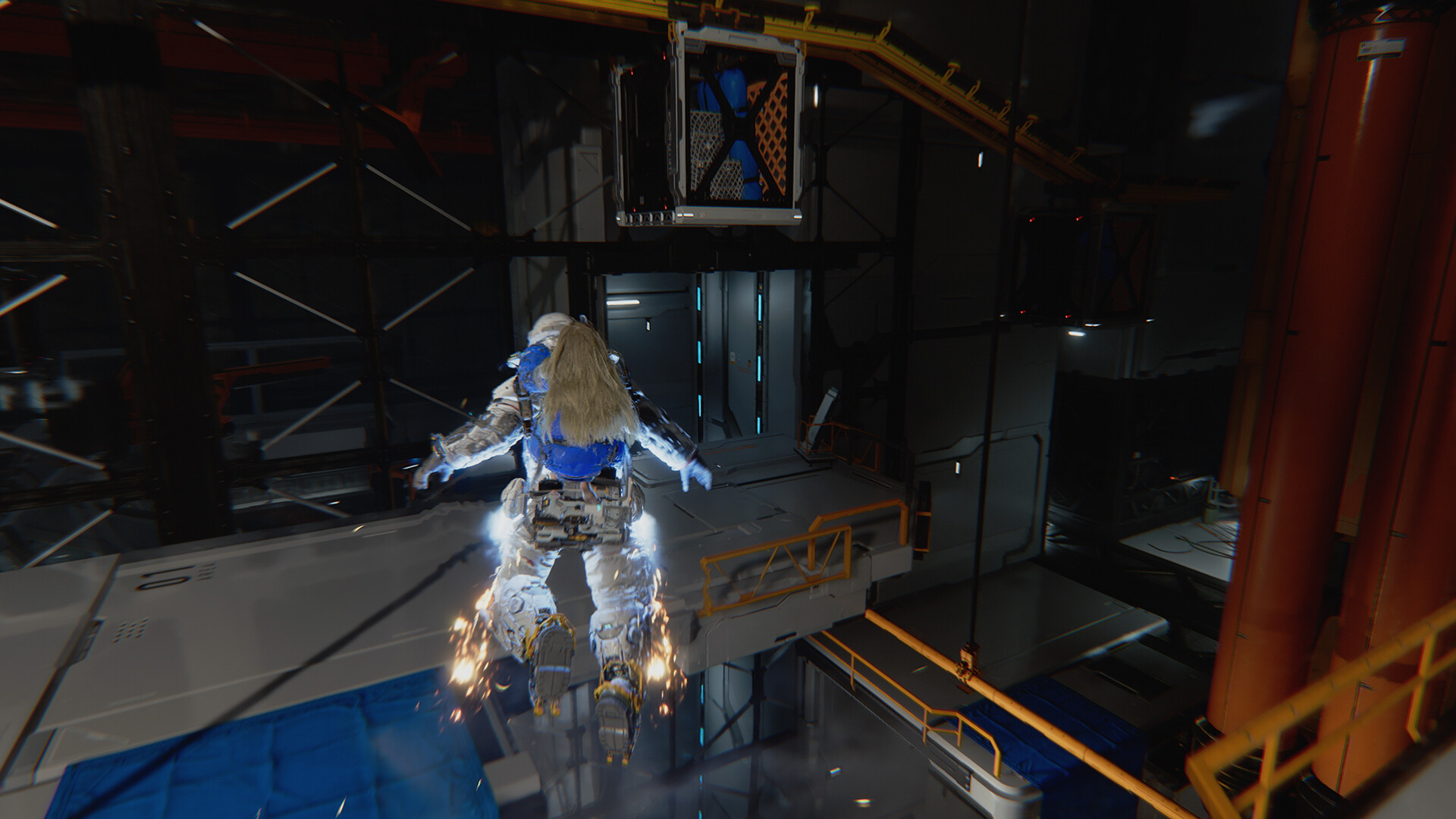
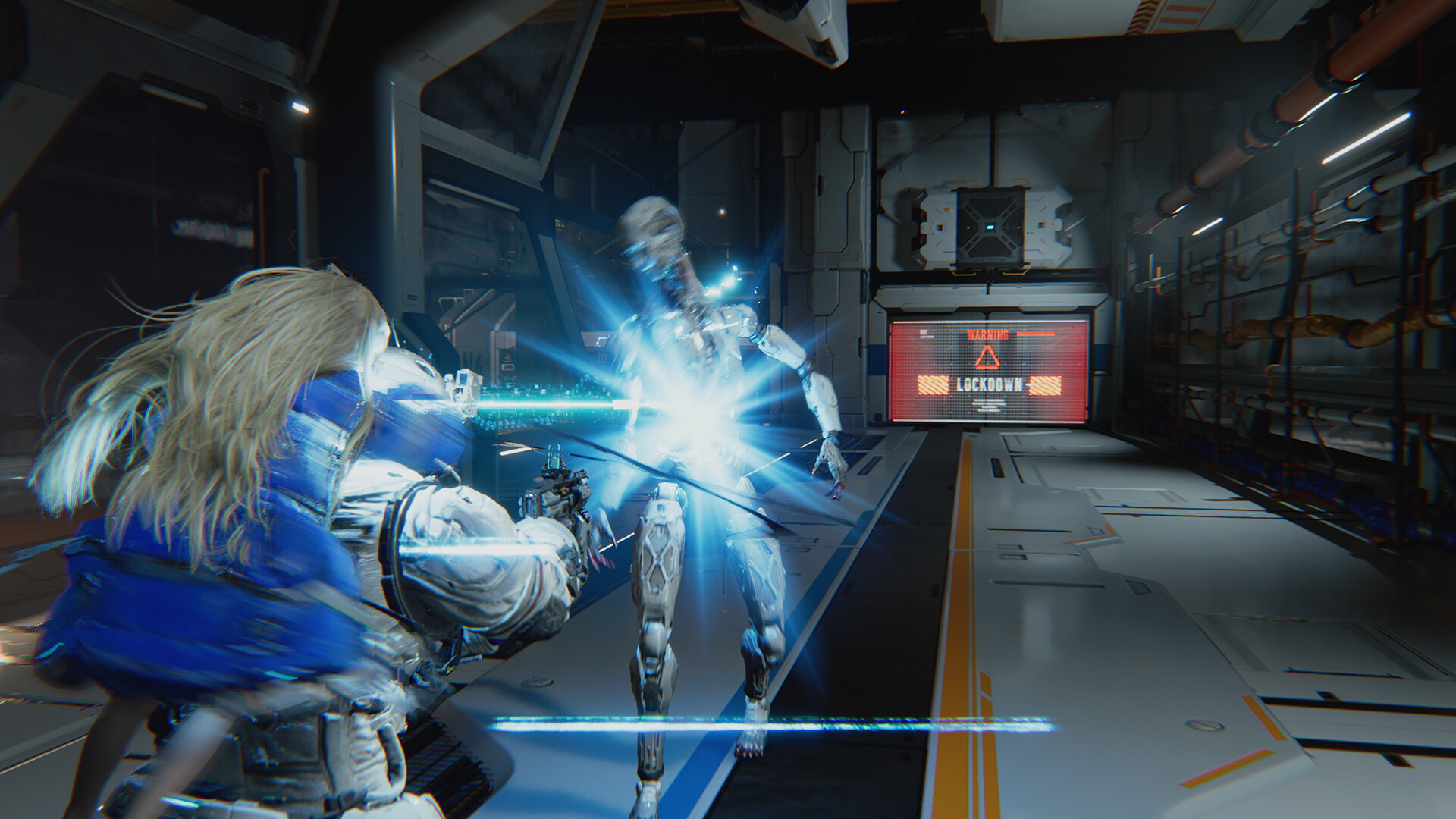
Pragmata is a unique, sci-fi action-adventure game from Capcom. Follow Hugh, a member of an ill-fated investigation team, and Diana, a young android, as they navigate a lunar facility taken over by rogue AI in search of a way to Earth.
Screenshots



System requirements
Minimum
• Requires a 64-bit processor and operating system • OS: Windows 11 (64 bit) • Processor: Intel Core i5-8500 / AMD Ryzen 5 3500 • Memory: 16 GB RAM • Graphics: NVIDIA GeForce GTX 1660 6 GB / Radeon RX 5500 XT 8 GB • DirectX: Version 12 • Network: Broadband Internet connection • Storage: 40 GB available space • Additional Notes: Estimated performance when set to "Performance" preset: 1080p/45 fps. Framerate might drop in graphics-intensive scenes. SSD recommended.
Recommended
• Requires a 64-bit processor and operating system • OS: Windows 11 (64 bit) • Processor: Intel Core i7-8700 / AMD Ryzen 5 5500 • Memory: 16 GB RAM • Graphics: NVIDIA GeForce RTX 2060 Super 8GB / Radeon RX 6600 8GB • DirectX: Version 12 • Network: Broadband Internet connection • Storage: 40 GB available space • Additional Notes: Estimated performance when set to "Balanced" preset: 1080p/60 fps. Frame rate might drop in graphics-intensive scenes. AMD Radeon RX 6700 XT 12GB or NVIDIA GeForce RTX 3060 12GB required to support ray tracing. SSD recommended.
Languages: English*, French*, Italian*, German*, Spanish - Spain*, Arabic, Spanish - Latin America*, Portuguese - Brazil*, Polish, Russian*, Simplified Chinese*, Traditional Chinese, Japanese*, Korean*
How to activate
Steam
- Start Steam on your computer and sign in to the account you will play on.
- In the Games menu, choose Activate a Product on Steam. You can also start from Add a Game at the bottom left.
- Go through the introductory screens, review Steam’s terms and paste the complete key without surrounding spaces.
- Finish activation, then find the game in your Library and select Install.
More from the series
Game details from Steam.