

Prince of Persia: Warrior Within™
- Genres
- Action · Adventure
- Release
- Nov 21, 2008
- Developer
- Ubisoft
- Metacritic
Lowest price across all offers
from $2.99260 ₽
Offers
The price depends on the platform and the activation region.
- WorldwideWorks in RussiaPrince of Persia: Warrior Within$5.41470 ₽1
About the game
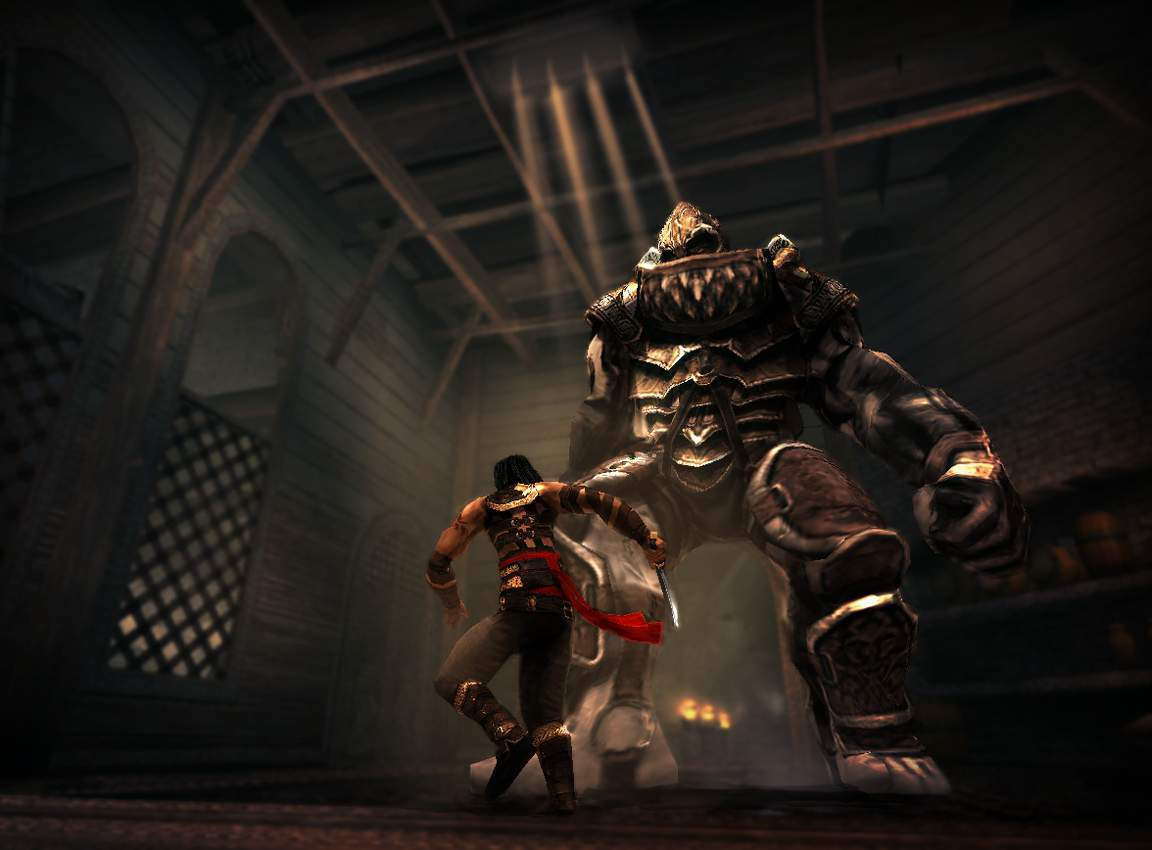
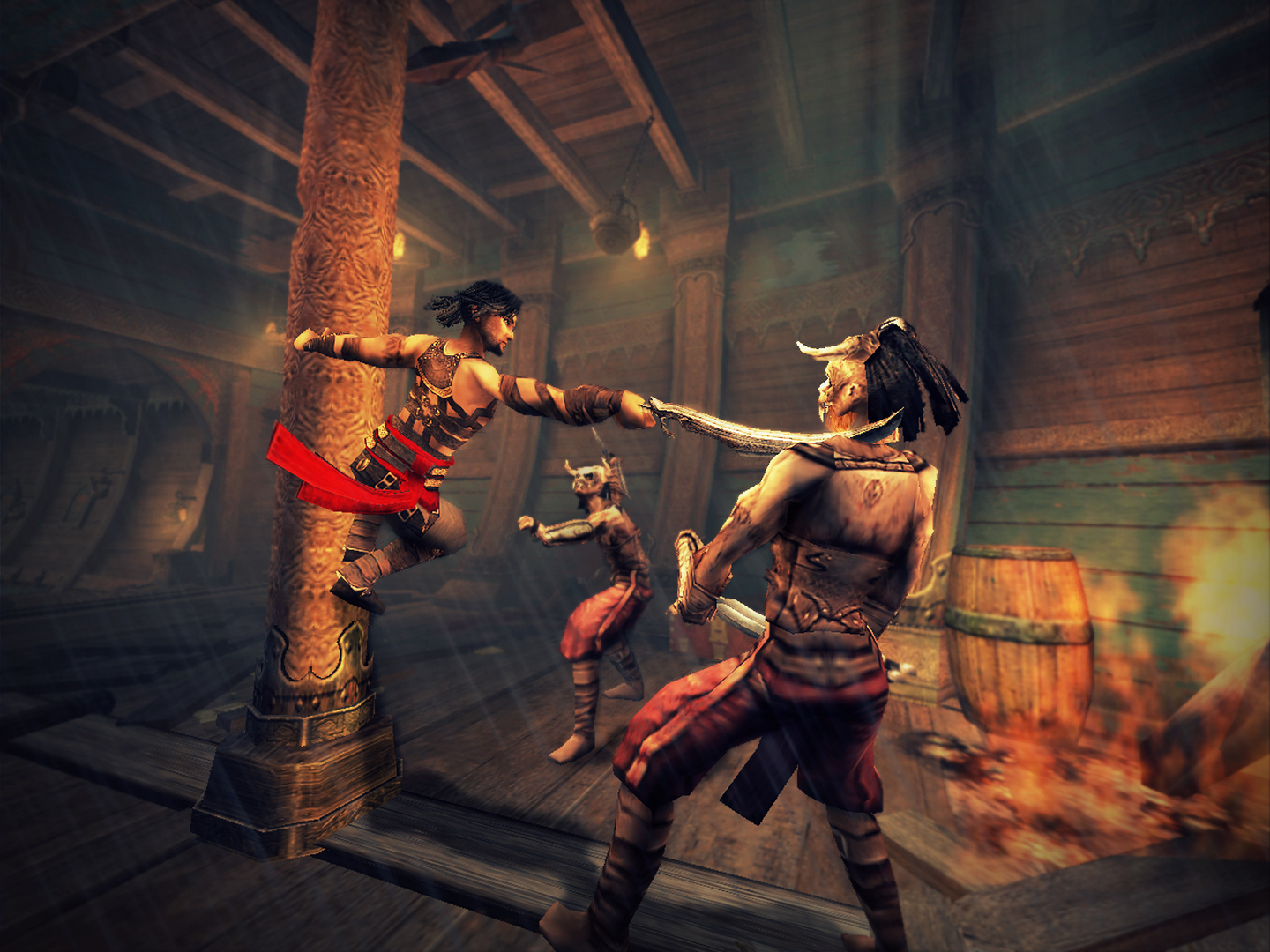
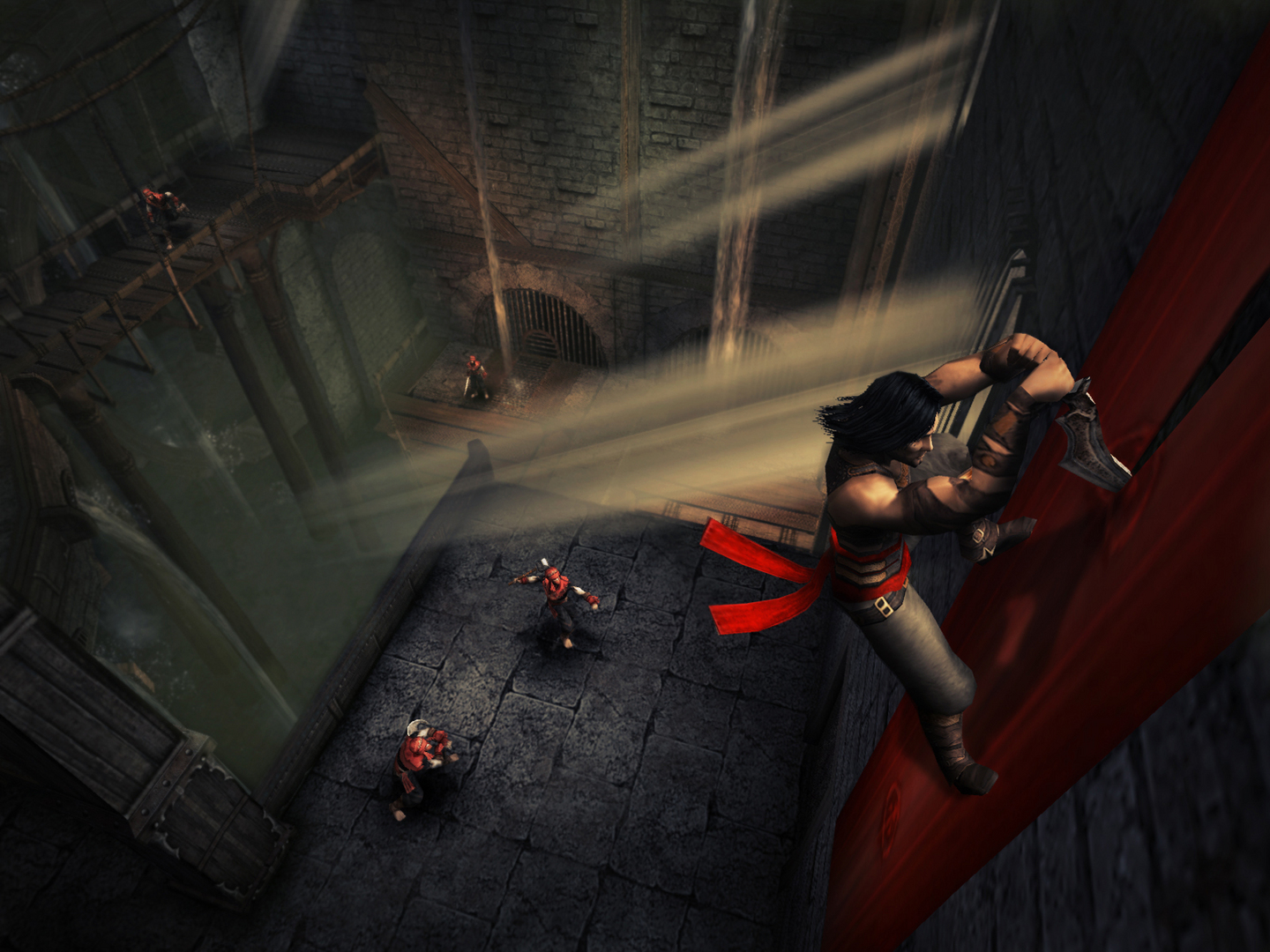
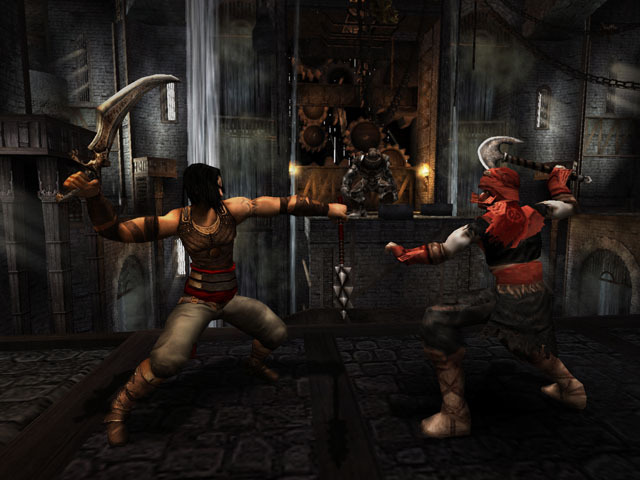
Enter the dark underworld of Prince of Persia Warrior Within, the sword-slashing sequel to the critically acclaimed Prince of Persia: The Sands of Time™. Hunted by Dahaka, an immortal incarnation of Fate seeking divine retribution, the Prince embarks upon a path of both carnage and mystery to defy his preordained death.
Screenshots
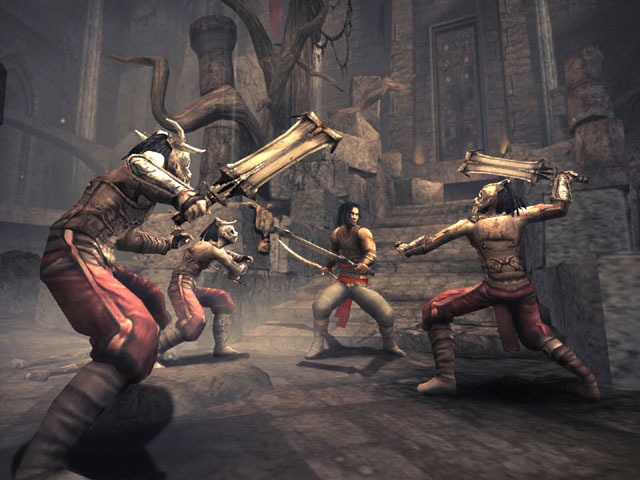
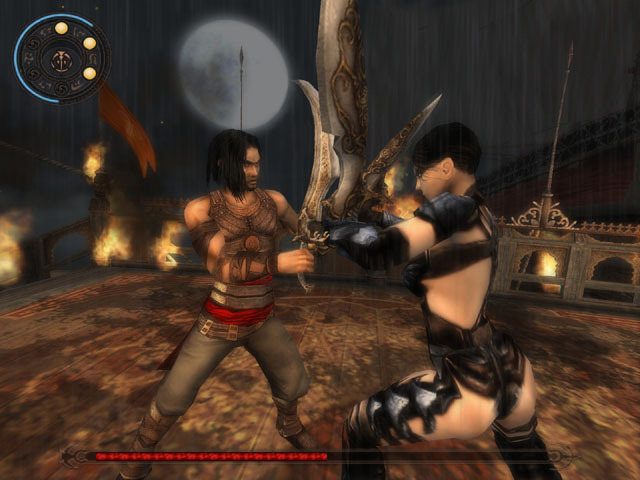
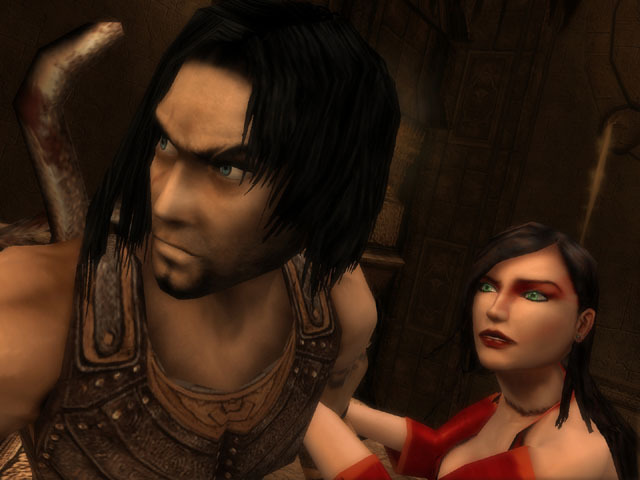
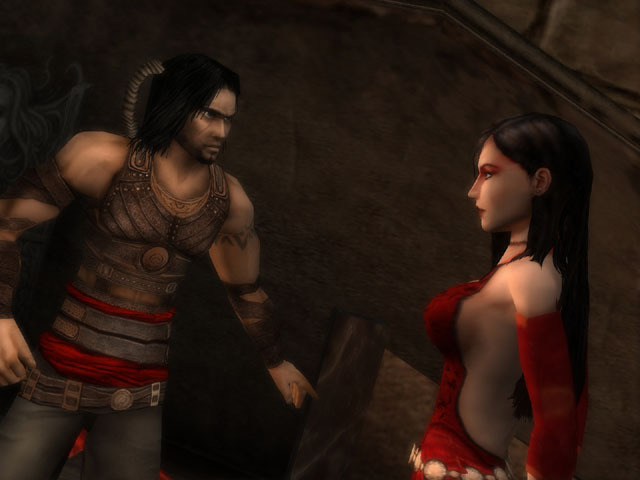
System requirements
Minimum
• Supported OS: Windows® 2000/XP (only) • Processor: 1 GHz Pentium® III, AMD Athlon™, or equivalent • Memory: 256 MB (512 MB recommended) • Graphics: NVIDIA GeForce 3 or higher, ATI Radeon 7500 or higher, Intel 915G (NVIDIA GeForce 4 or ATI Radeon 9500, or higher recommended)* • Sound: DirectX 9.0-compliant sound card • DirectX: DirectX 9.0c • Hard Disk Space: 1.5 GB available space for minimum installation, 2.2 GB available space for full installation • Supported peripherals: Windows-compatible mouse (required), Dual analog gamepad • *Note: For an up-to-date list of supported chipsets, video cards, and operating systems, please visit the FAQ for this game at: .
Languages: English, German, Italian, Spanish - Spain
How to activate
Ubisoft Connect
- Launch Ubisoft Connect PC and sign in to your intended Ubisoft account.
- Open the profile in the top-left corner and choose Key/Code Activation.
- Paste the key into Activate Product and select Activate. If asked to choose a product or platform, match it to your order.
- Install the game from your library. Redeemed extra content becomes available within its game.
GOG
- Follow the GOG Redeem link below and sign in.
- Copy the key from your order into the redemption field, without extra spaces.
- Continue, check the displayed game and confirm adding it to your account.
- Download it from your GOG library or GOG GALAXY using the same account.
More from the series
 РФ ✓Prince of Persia: The Lost Crown (Xbox Series X|S)Xboxfrom $22.961,960 ₽6 offersРФ ✓Prince of Persia: The Lost Crown (Deluxe Edition) (Xbox Series X|S)Xboxfrom $35.092,990 ₽5 offersРФ ✓Prince of Persia The Lost CrownSteamNintendo+1from $5.87510 ₽4 offers
 РФ ✓Prince of Persia: The Forgotten Sands™Ubisoft Connectfrom $2.31200 ₽3 offers
 РФ ✓Prince of Persia: The Two Thrones™Ubisoft ConnectGOGfrom $2.80240 ₽3 offers
 РФ ✓Prince of Persia: The Lost Crown | Complete EditionUbisoft Connectfrom $17.651,510 ₽2 offers
 РФ ✓Prince of Persia®: The Sands of TimeUbisoft ConnectGOGfrom $2.91250 ₽2 offersРФ ✓Prince of Persia®Ubisoft ConnectGOGfrom $3.23280 ₽2 offers
Game details from Steam.