


Pro Basketball Manager 2026
- Genres
- Indie · Simulation · Sports · Strategy
- Release
- Nov 17, 2025
- Developer
- Umix Studios
Lowest price across all offers
from $10.63920 ₽
Offers
The price depends on the platform and the activation region.
- WorldwideWorks in Russia$10.63920 ₽1
- —Not for Russia$13.031,120 ₽1
- CISCIS region$19.641,690 ₽1
About the game
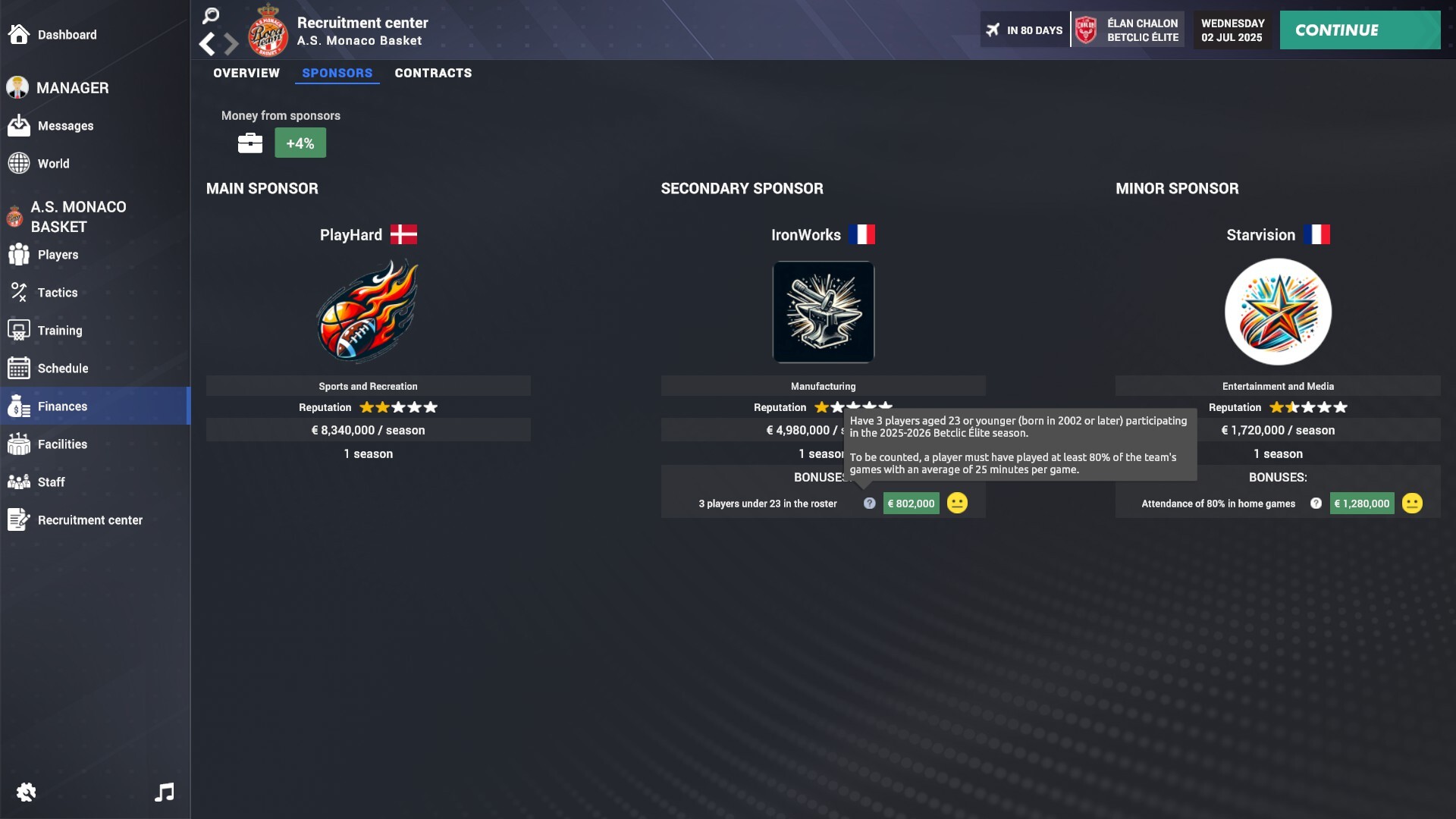
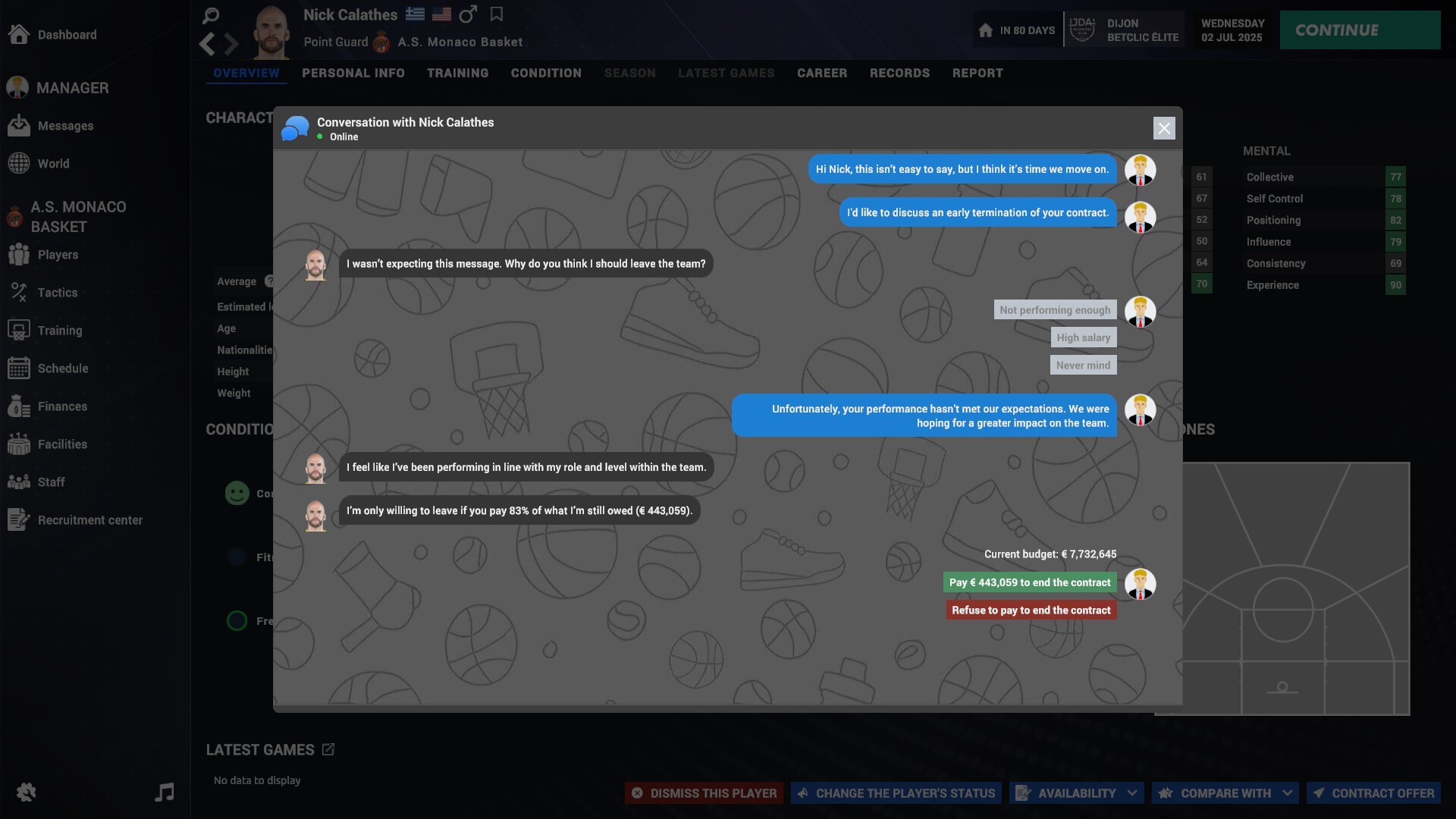
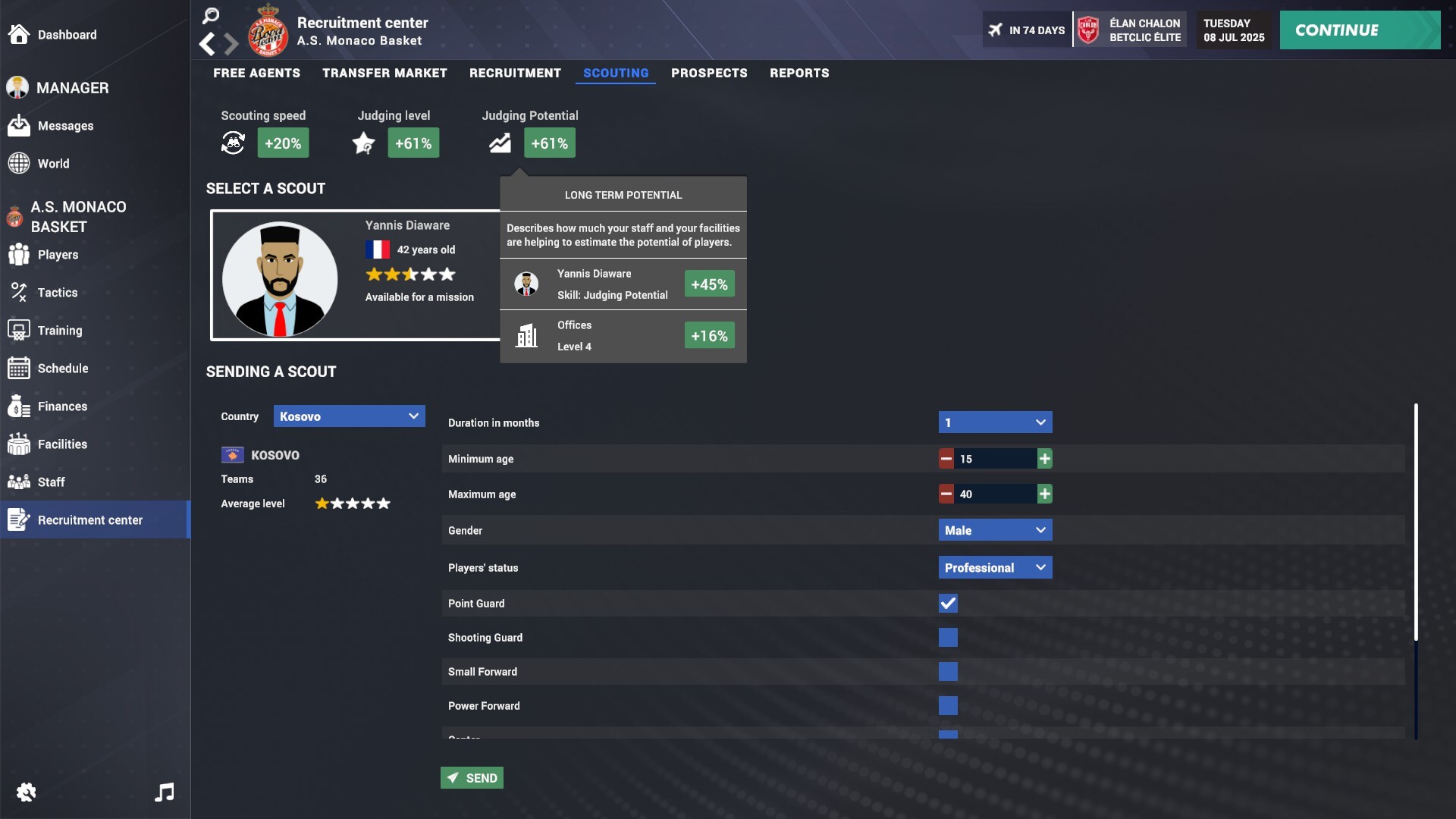
Lead your club to greatness in Pro Basketball Manager 2026! The Basketball Champions League arrives with 53 licensed teams, putting you in charge of every decision as you aim to dominate both domestic and continental basketball.
Screenshots
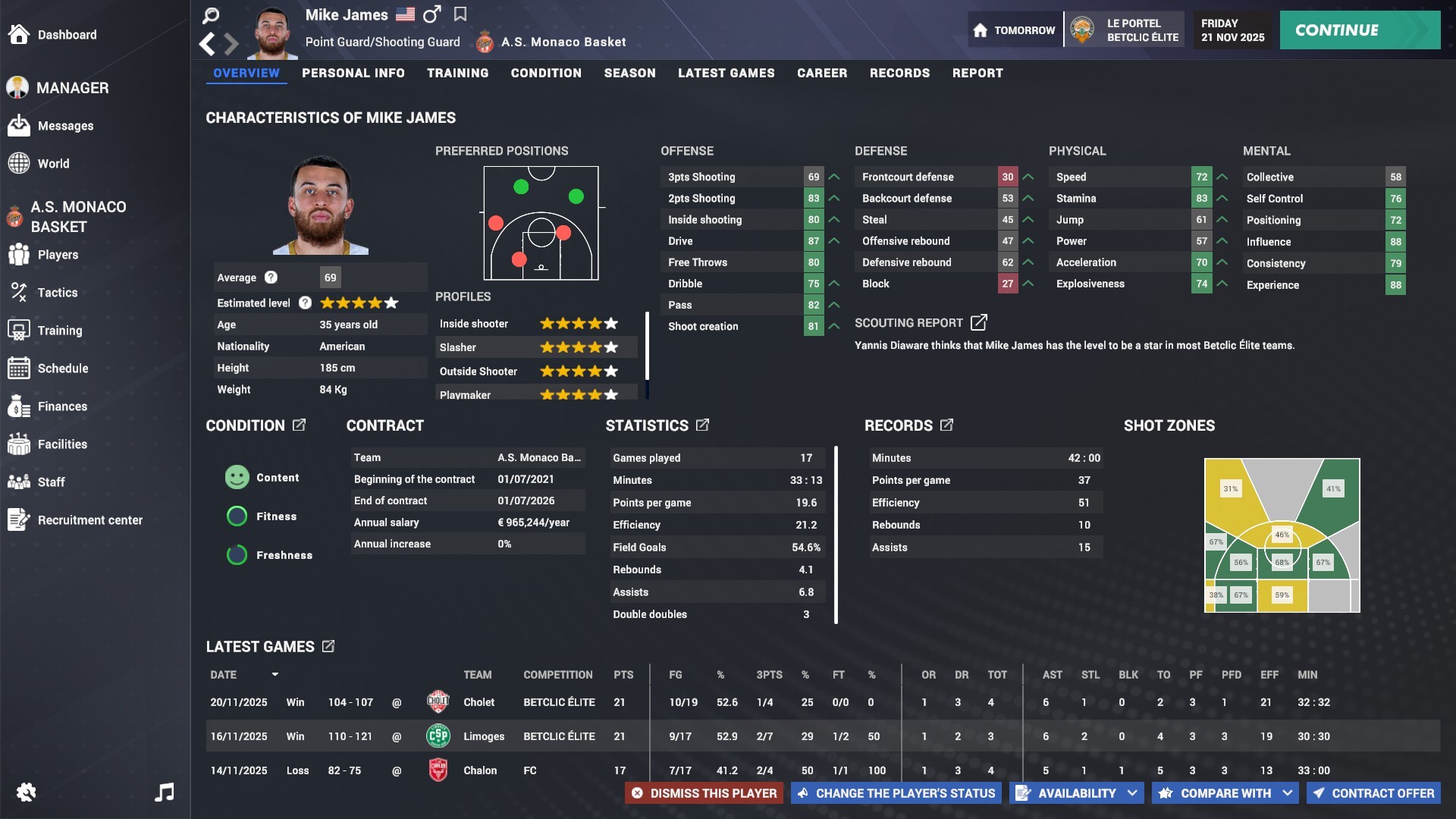
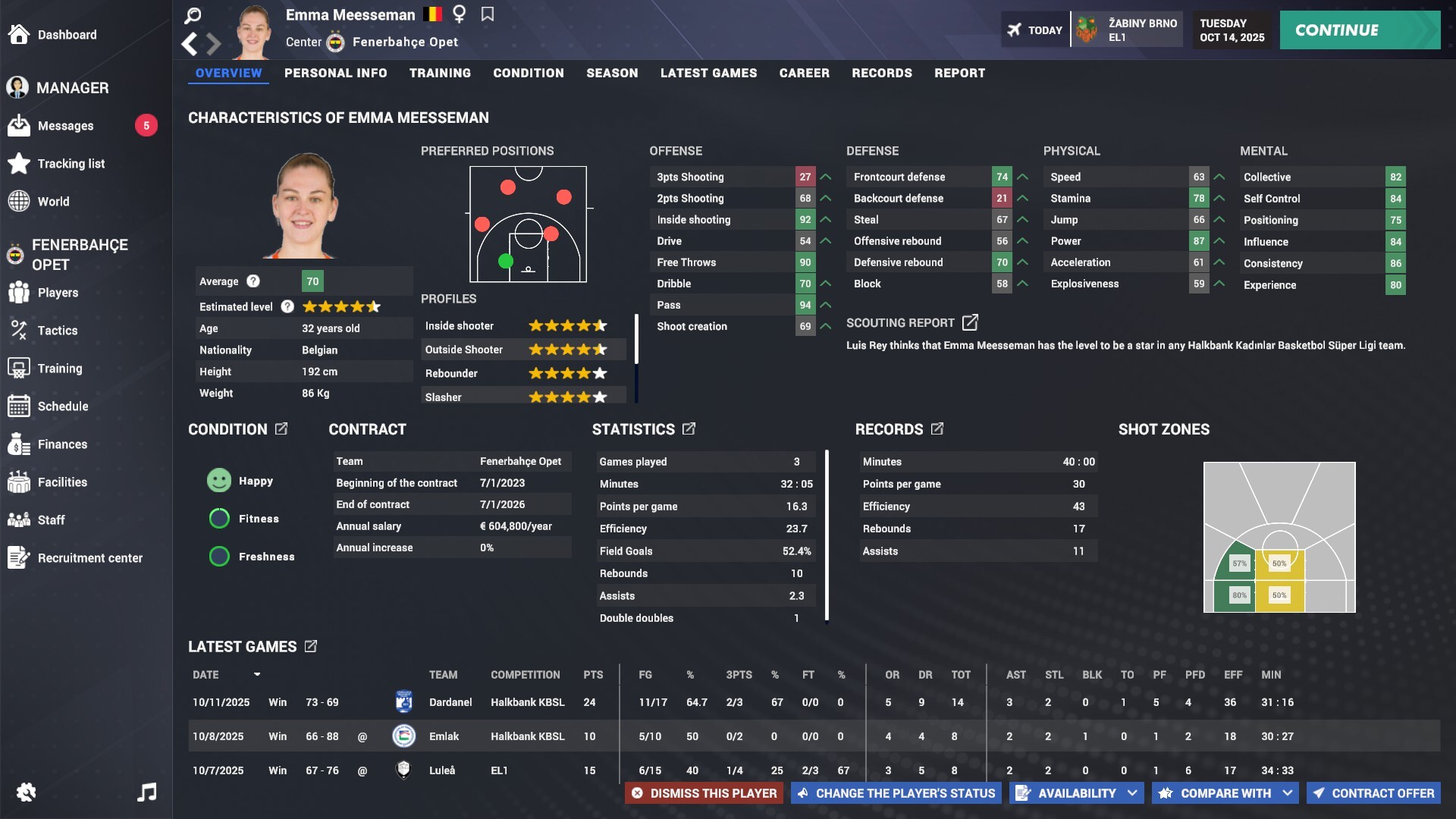
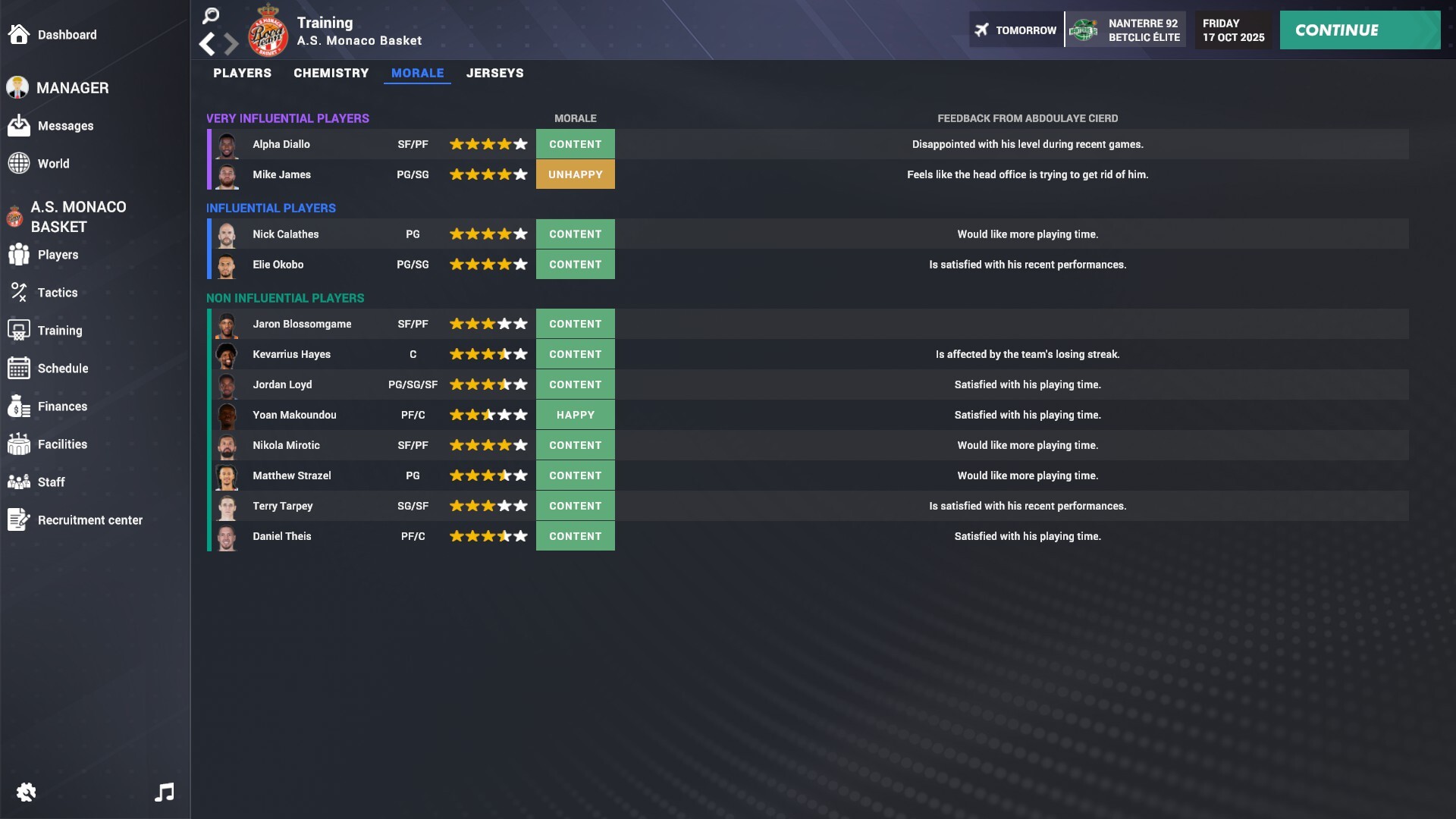
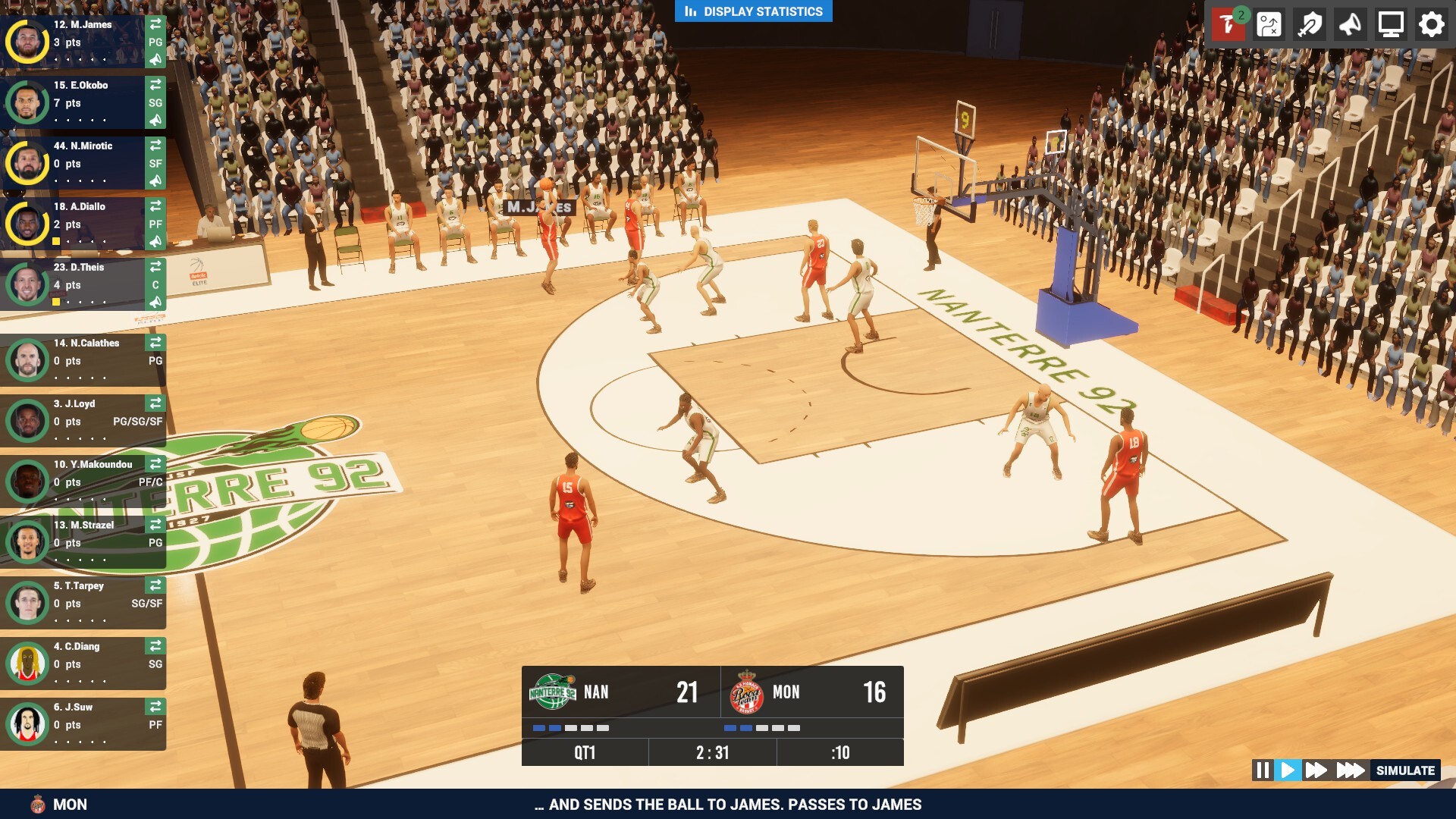

System requirements
Minimum
• Requires a 64-bit processor and operating system • OS: Windows 10 version 21H1 (build 19043) or newer • Processor: x64 architecture with SSE2 instruction set support, Arm64 • Memory: 12 GB RAM • Graphics: DX10, DX11, DX12 or Vulkan capable GPUs • Storage: 5 GB available space • Additional Notes: Hardware vendor officially supported drivers For development: IL2CPP scripting backend requires Visual Studio 2019 with C++ Tools component or later and Windows SDK version 10.0.19041.0 or newer
Recommended
• Requires a 64-bit processor and operating system • OS: Windows 11 • Memory: 16 GB RAM • DirectX: Version 12 • Storage: 10 GB available space
Languages: English, French, Italian, German, Spanish - Spain, Simplified Chinese, Traditional Chinese, Greek, Polish, Portuguese - Brazil, Portuguese - Portugal, Russian, Czech, Turkish
How to activate
Steam
- Start Steam on your computer and sign in to the account you will play on.
- In the Games menu, choose Activate a Product on Steam. You can also start from Add a Game at the bottom left.
- Go through the introductory screens, review Steam’s terms and paste the complete key without surrounding spaces.
- Finish activation, then find the game in your Library and select Install.
More from the series

Game details from Steam.