
Project Motor Racing: GT Icons Pack
- Genres
- Racing · Simulation
- Release
- Jun 23, 2026
- Developer
- Straight4 Studios
Lowest price across all offers
from $13.271,150 ₽
Offers
The price depends on the platform and the activation region.
- WorldwideWorks in RussiaProject Motor Racing GT Icons Pack$13.271,150 ₽1
About the game
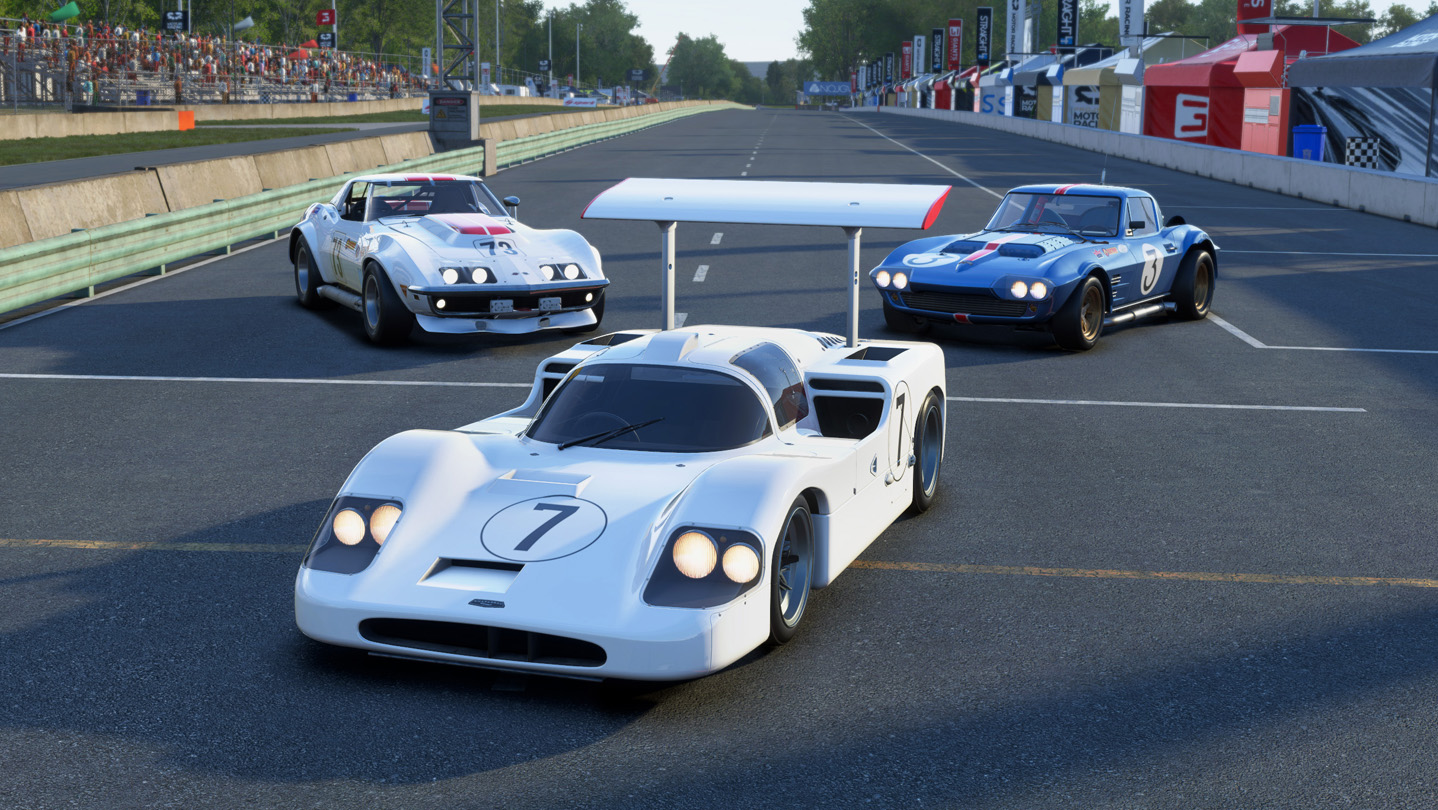
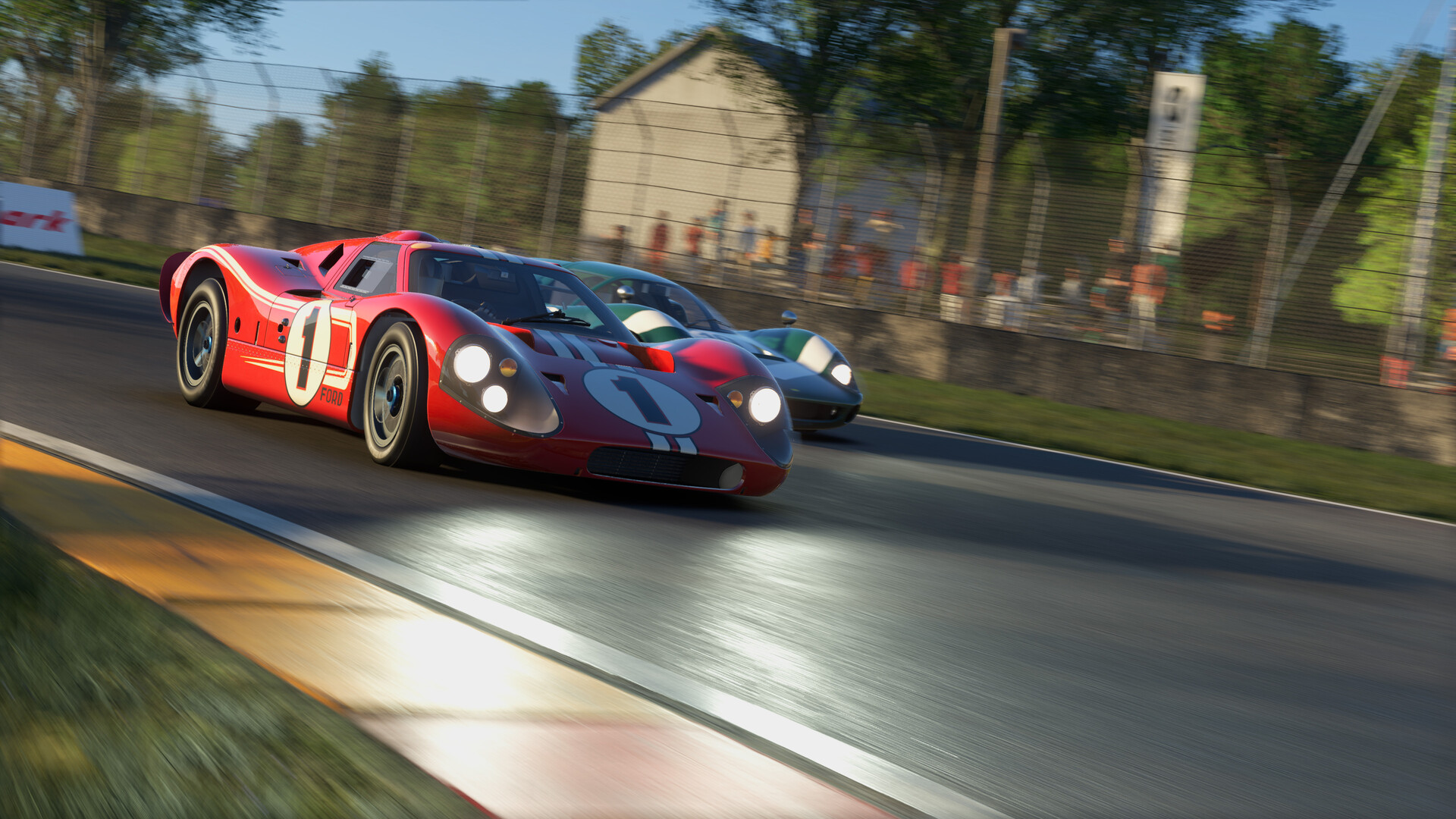
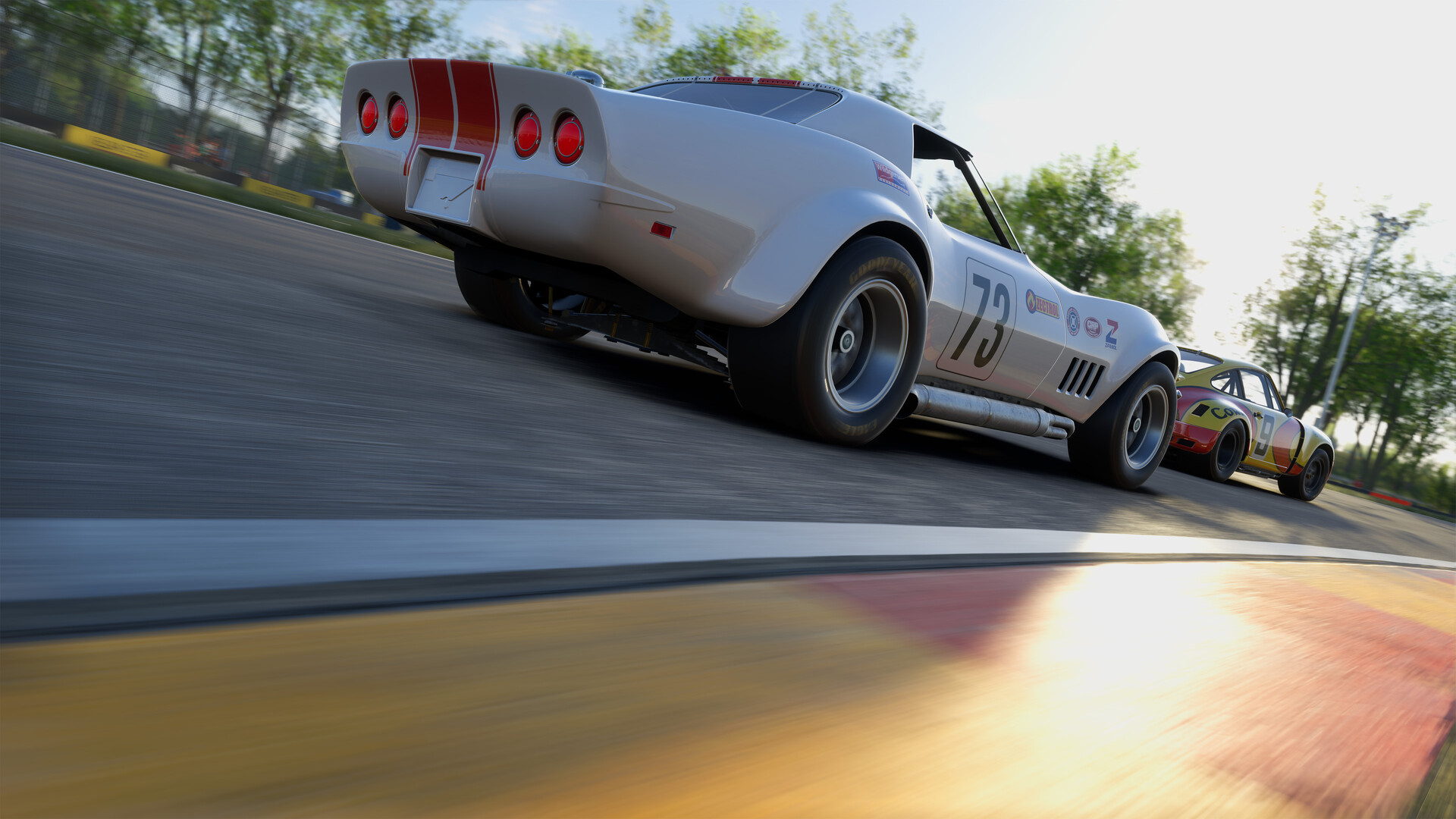
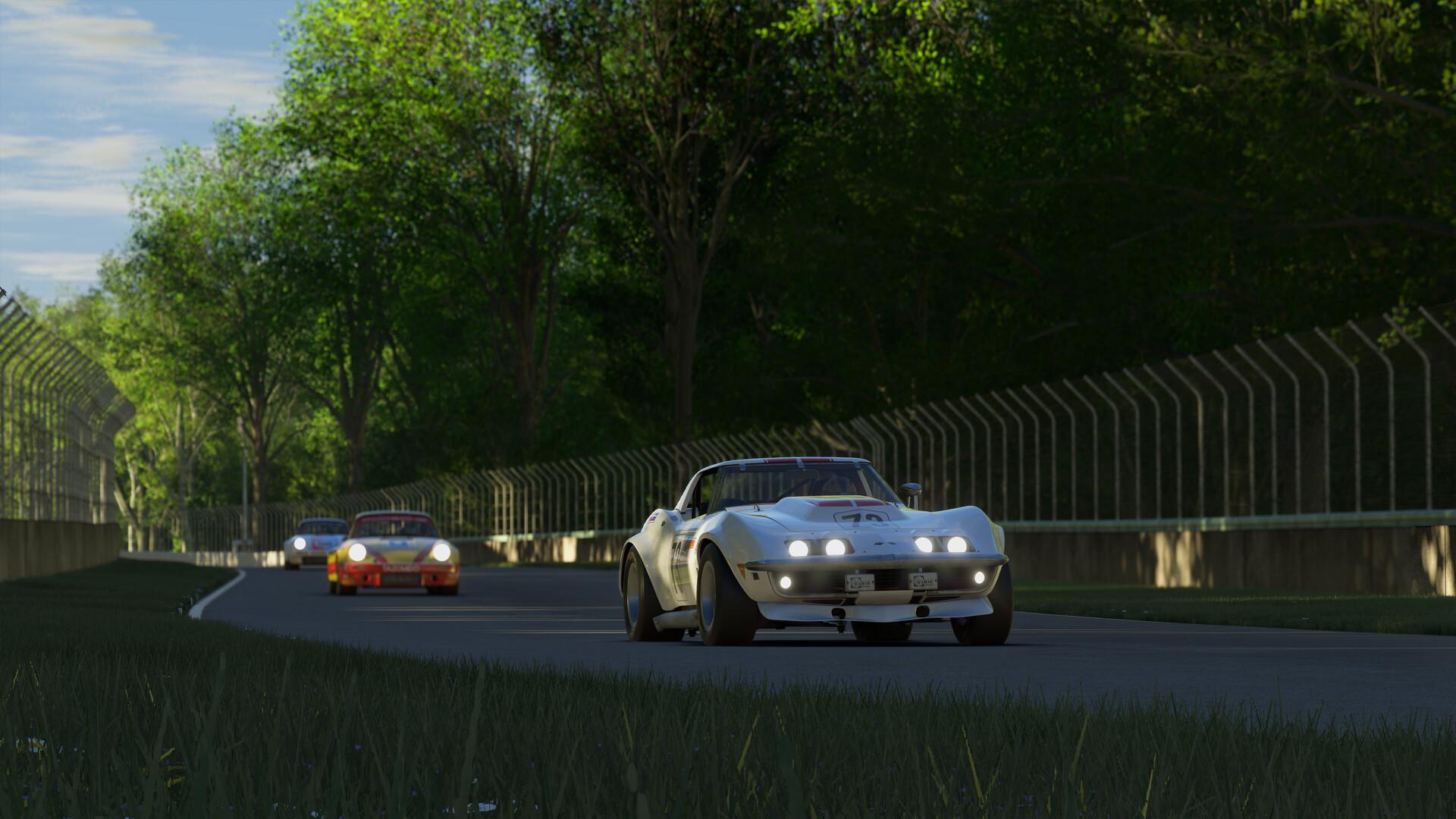
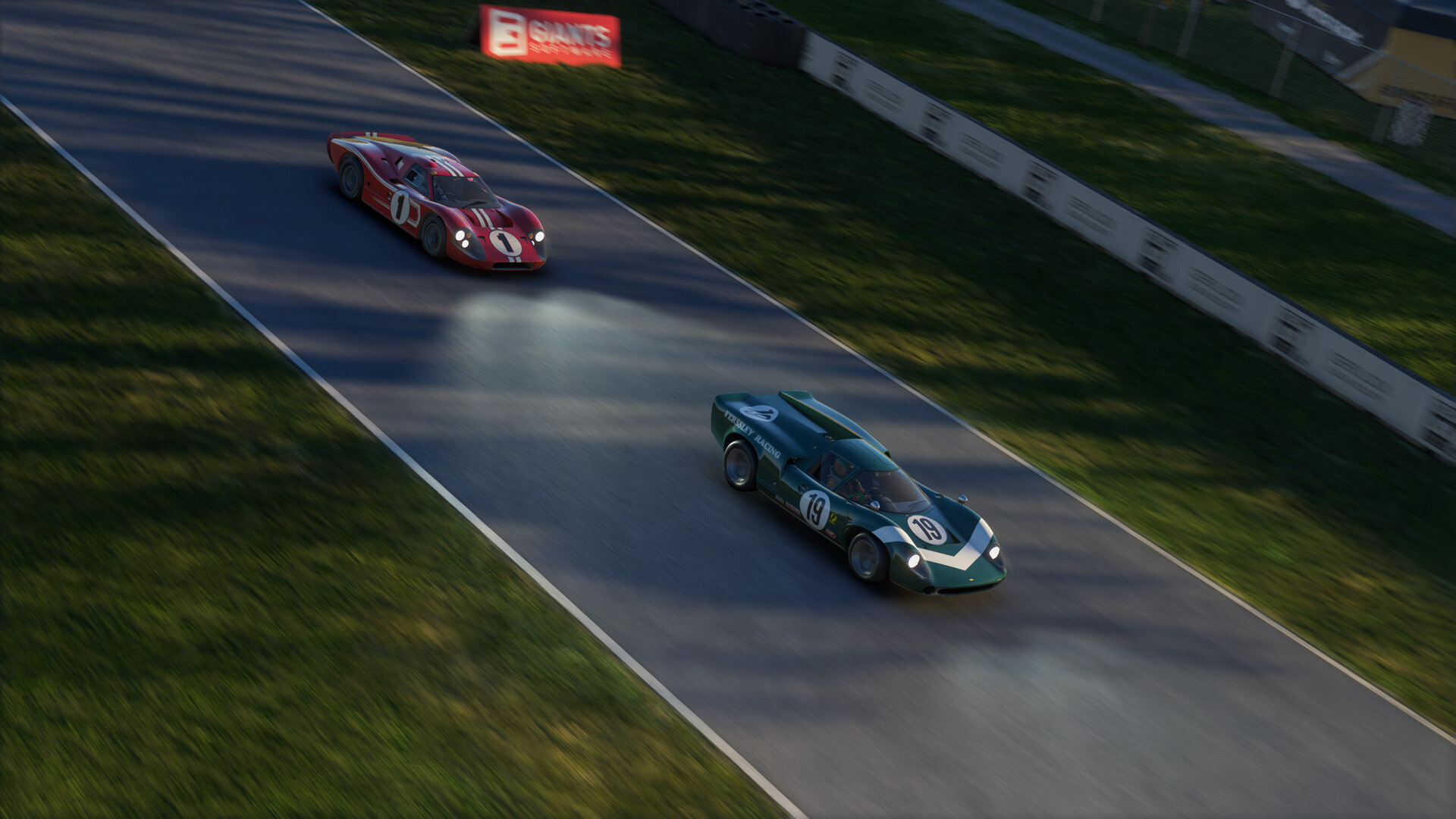
A curated collection of ’60s and ’70s racing icons. From GT homologation legends to prototype pioneers and lightweight classics, the GT Icons Pack delivers raw, analogue fun across three defining classes of vintage motorsport.
Screenshots


System requirements
Minimum
• Requires a 64-bit processor and operating system • OS: Windows 10 (x64) • Processor: Intel Core i7-8700 / AMD Ryzen 5 (minimum 12 threads required) • Memory: 16 GB RAM • Graphics: NVIDIA RTX 2060 / AMD Radeon RX 580 (6 GB VRAM or more) • DirectX: Version 12 • Network: Broadband Internet connection • Storage: 15 MB available space • Sound Card: Sound card • Additional Notes: These system requirements can´t cover all possible system configurations so issues could occur that influence the functionality in some cases.
Recommended
• Requires a 64-bit processor and operating system • OS: Windows 11 (x64) • Processor: Intel Core i7-10700 or AMD Ryzen 7 (minimum 12 threads required) • Memory: 24 GB RAM • Graphics: NVIDIA RTX 3070 / AMD Radeon RX 6800 (8 GB VRAM or more) • DirectX: Version 12 • Network: Broadband Internet connection • Storage: 15 MB available space • Sound Card: Sound card • Additional Notes: These system requirements can´t cover all possible system configurations so issues could occur that influence the functionality in some cases.
Languages: English*, French, Italian, German, Spanish - Spain, Czech, Danish, Dutch, Finnish, Hungarian, Japanese, Korean, Norwegian, Polish, Portuguese - Portugal, Portuguese - Brazil, Romanian, Russian, Simplified Chinese, Spanish - Latin America, Swedish, Traditional Chinese, Turkish
How to activate
Steam
- Start Steam on your computer and sign in to the account you will play on.
- In the Games menu, choose Activate a Product on Steam. You can also start from Add a Game at the bottom left.
- Go through the introductory screens, review Steam’s terms and paste the complete key without surrounding spaces.
- Finish activation, then find the game in your Library and select Install.
More from the series
 РФ ✓Project Motor RacingSteamOtherfrom $8.75760 ₽7 offersСНГProject Motor Racing - Year 1 BundleSteamfrom $38.363,300 ₽2 offersРФ ✓Project Motor Racing: Japanese GT500 PackSteamfrom $8.84760 ₽
Game details from Steam.