

Railway Empire - France
- Genres
- Simulation · Strategy
- Release
- May 24, 2019
- Developer
- Gaming Minds Studios
Lowest price across all offers
from $0.8480 ₽
Offers
The price depends on the platform and the activation region.
- WorldwideWorks in Russia$0.8480 ₽1
- EuropeNot for Russia$1.08100 ₽1
About the game
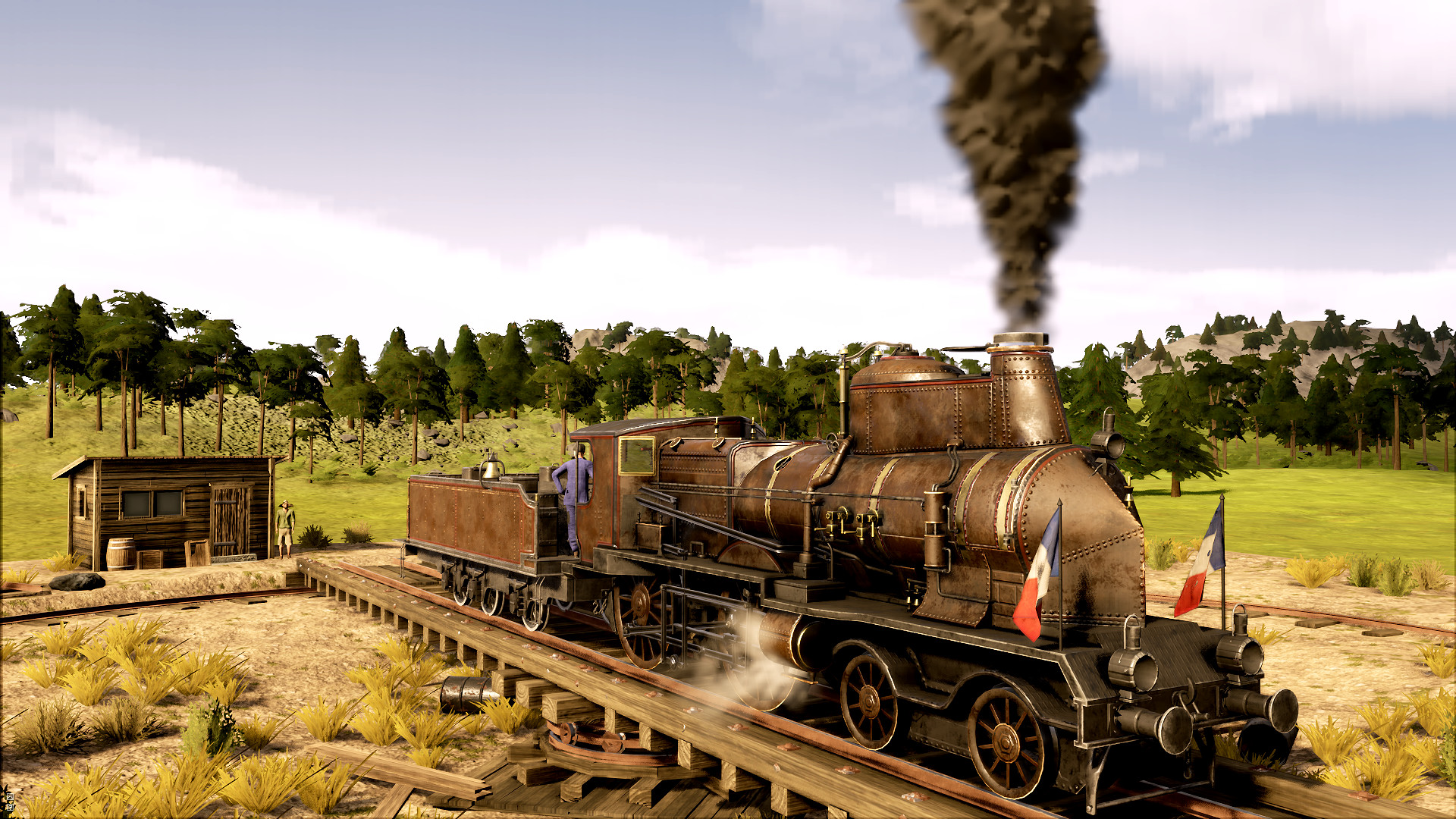
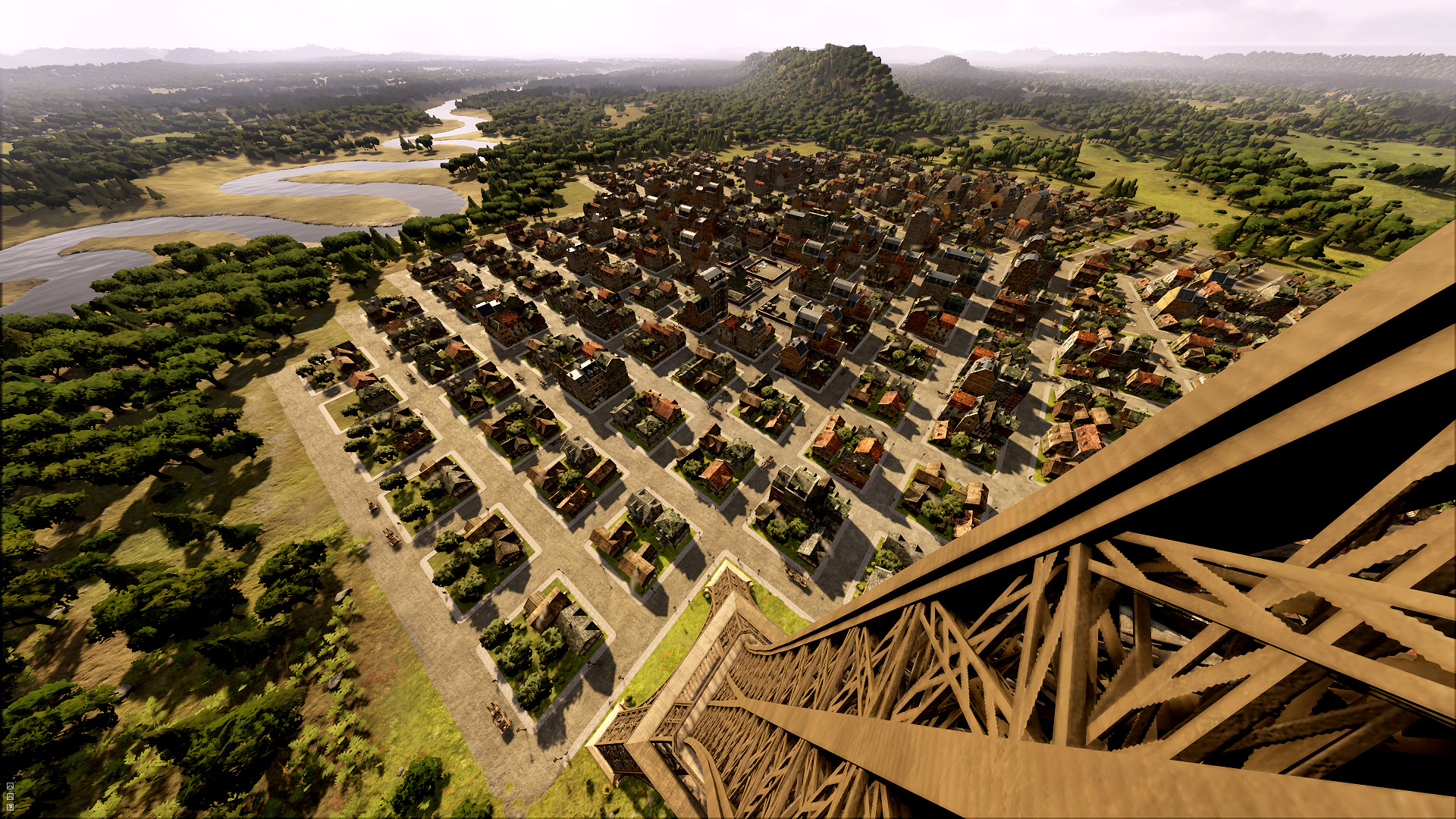
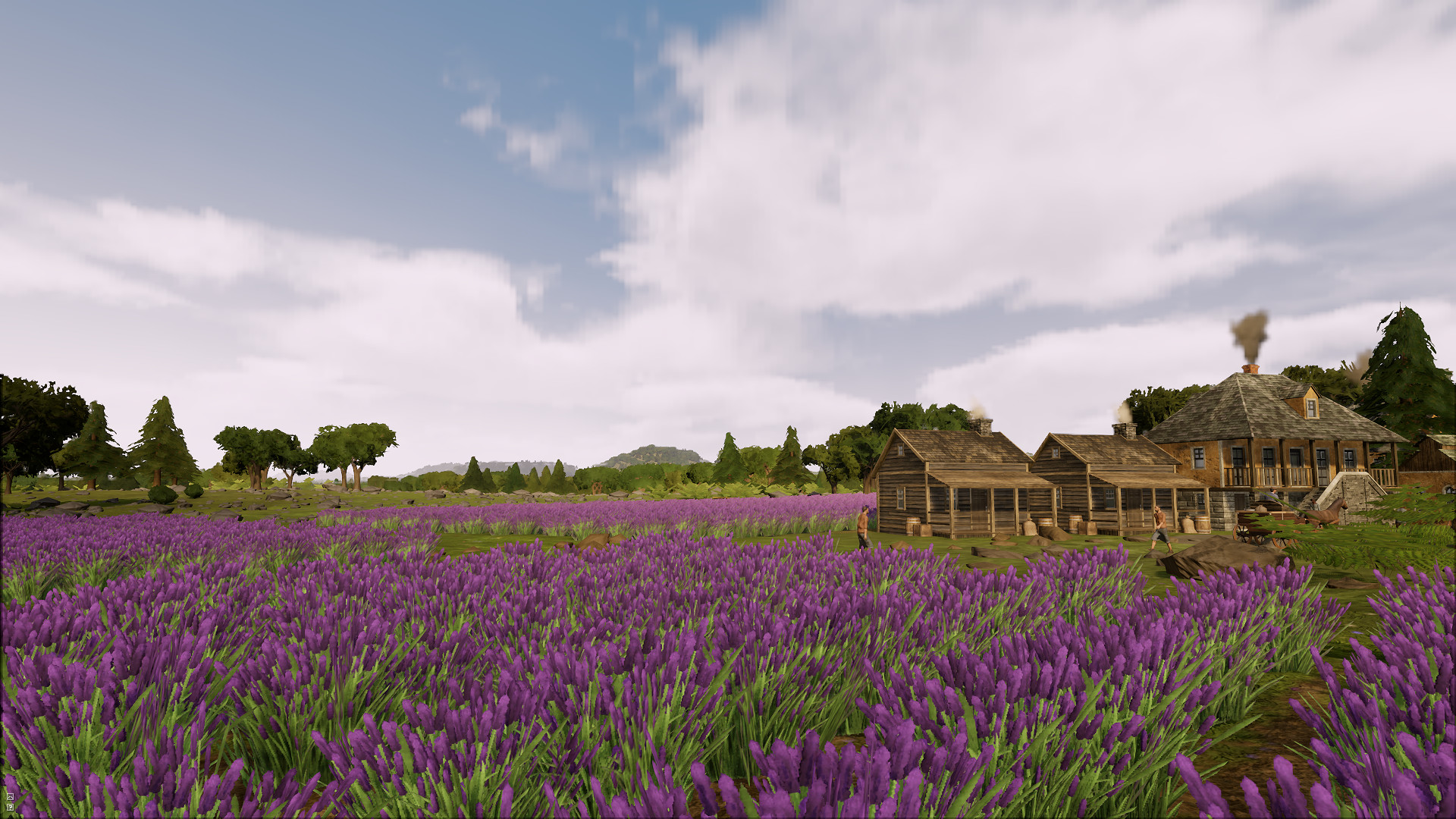
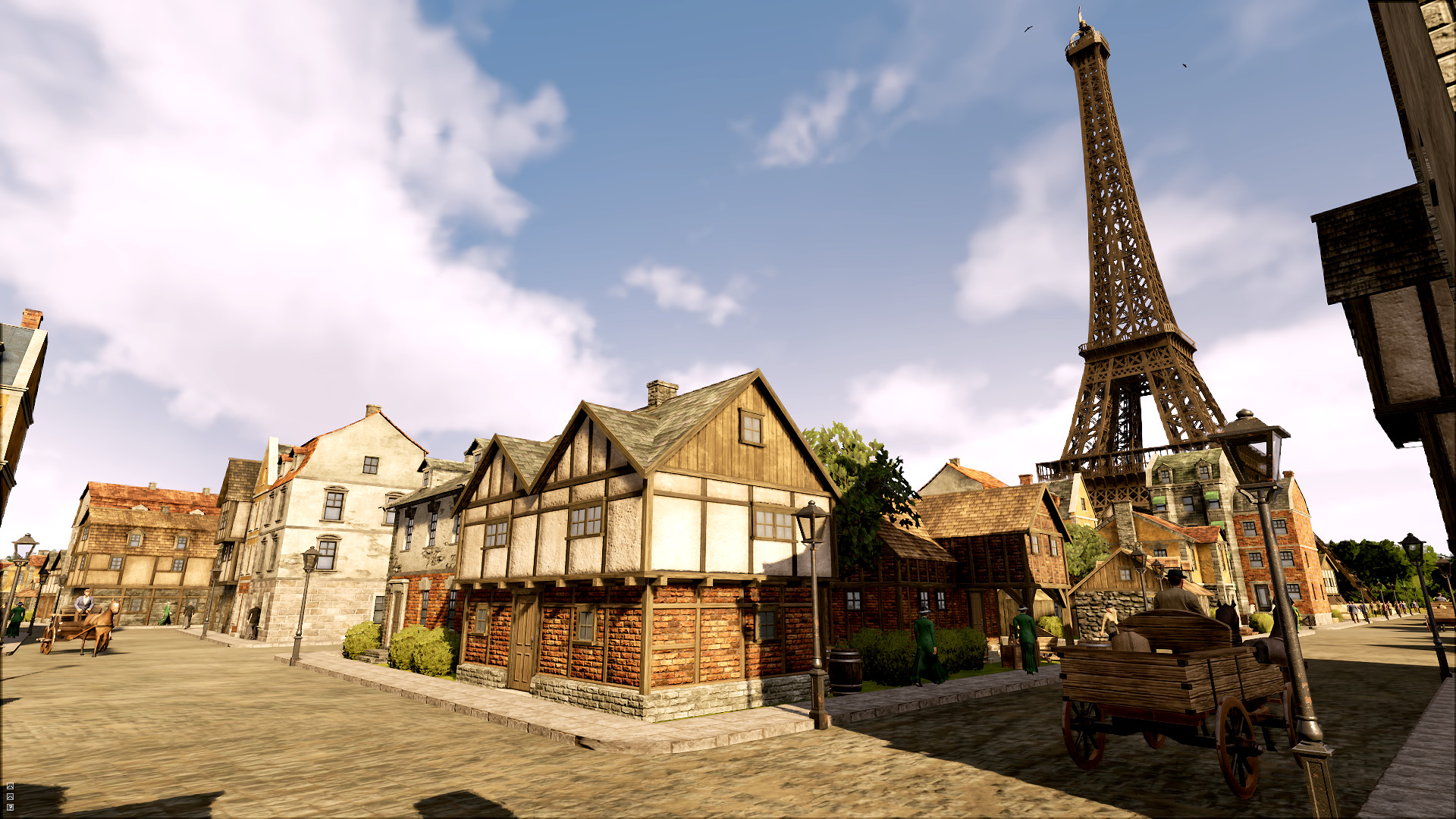
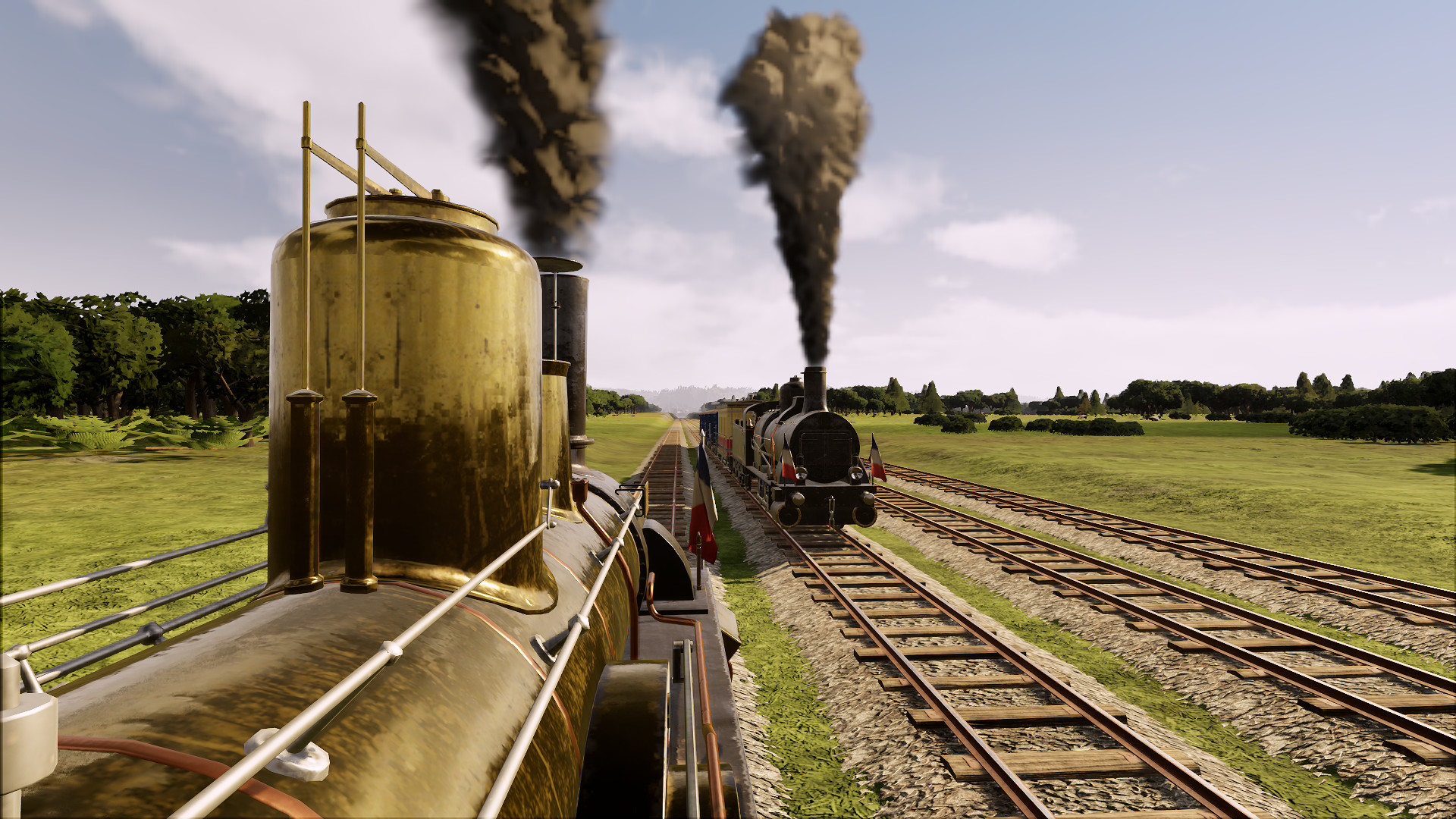
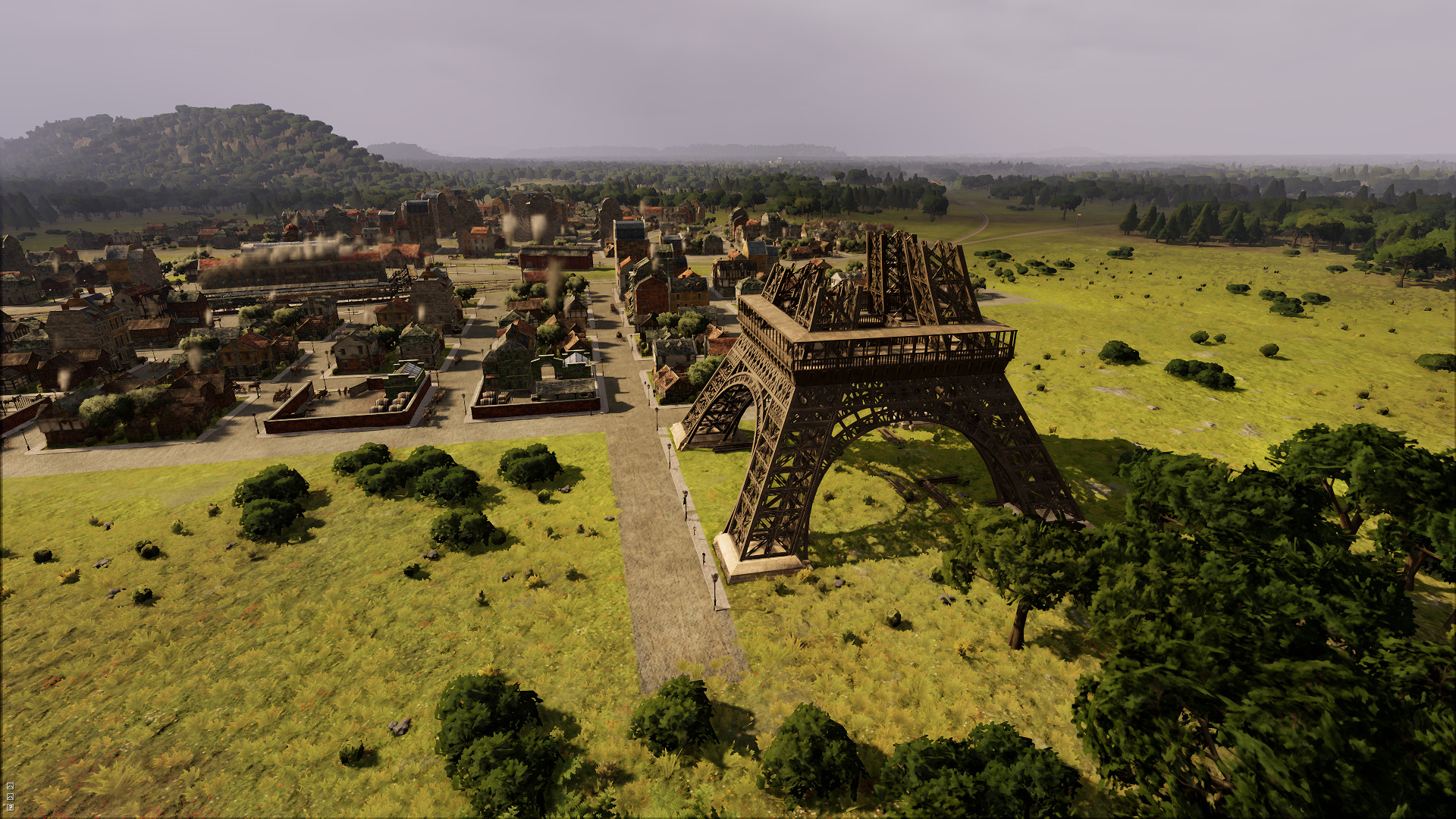
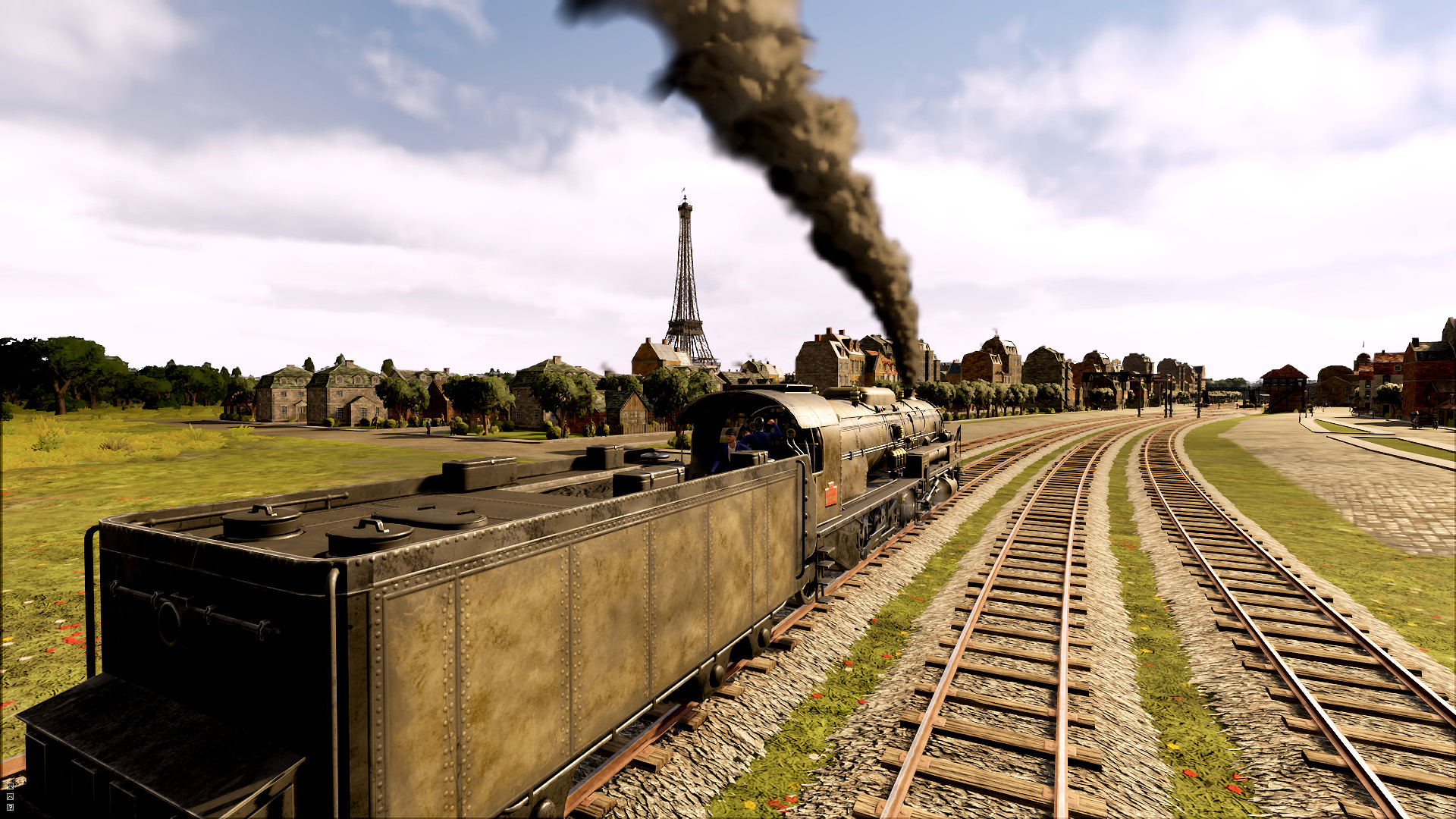
In the Railway Empire – France DLC you will decide your country’s industrial future. Either take sides with a militaristic general and increase the strength of France’s borders in anticipation of a new war or help the minister of public work to rebuild the infrastructure of the country and undertake the controversial new “Eiffel Tower”...
Screenshots
System requirements
Minimum
• Requires a 64-bit processor and operating system • OS *: Windows 7 SP1 or Windows 8.1 or Windows 10 (64bit versions) • Processor: Intel Core i5 750 @ 2.6 GHz or AMD Phenom II X4 @ 3.2 GHz • Memory: 4 GB RAM • Graphics: nVidia GeForce GTX460 or AMD Radeon HD5870 (1024MB VRAM with Shader Model 5.0) • DirectX: Version 11 • Storage: 7 GB available space • Sound Card: DirectX Compatible Sound Card with latest drivers • Additional Notes: Requires a 64-bit processor and operating system
Recommended
• Requires a 64-bit processor and operating system • OS *: Windows 7 SP1 or Windows 8.1 or Windows 10(64bit versions) • Processor: Intel Core i5 2400s @ 2.5 GHz or AMD FX 4100 @ 3.6 • Memory: 8 GB RAM • Graphics: nVidia GeForce GTX 680 or AMD Radeon HD7970 or better (2048MB VRAM or more, with Shader Model 5.0) • DirectX: Version 11 • Storage: 7 GB available space • Sound Card: DirectX Compatible Sound Card with latest drivers • Additional Notes: Requires a 64-bit processor and operating system
Languages: English*, French*, German*, Russian*, Simplified Chinese, Italian, Spanish - Spain*, Polish, Korean, Japanese*
How to activate
Steam
- Start Steam on your computer and sign in to the account you will play on.
- In the Games menu, choose Activate a Product on Steam. You can also start from Add a Game at the bottom left.
- Go through the introductory screens, review Steam’s terms and paste the complete key without surrounding spaces.
- Finish activation, then find the game in your Library and select Install.
More from the series
 РФ ✓Railway EmpireSteamXboxfrom $1.43130 ₽3 offers
 РФ ✓Railway Empire 2 (Deluxe Edition)Steamfrom $19.741,690 ₽3 offersРФ ✓Railway Empire 2Steamfrom $16.751,430 ₽3 offersRailway Empire (Complete Collection)Steamfrom $5.97510 ₽2 offers
Game details from Steam.