

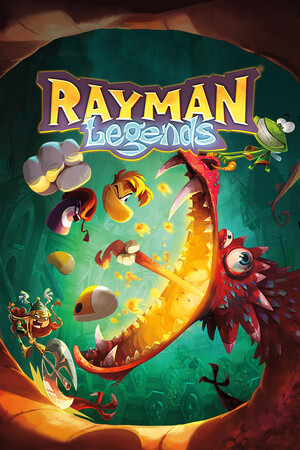
Rayman Legends (Xbox One)
- Genres
- Action · Adventure
- Release
- Sep 3, 2013
- Developer
- Ubisoft Montpellier
- Metacritic
Lowest price across all offers
from $8.83760 ₽
Offers
The price depends on the platform and the activation region.
- ArgentinaNot for Russia$8.83760 ₽1
- EuropeNot for Russia$18.171,550 ₽1
About the game
In this award-winning platforming adventure, run, jump, and slap through the colorful worlds of the Glade of Dreams, face epic bosses, and team up in 4-player local co-op.
Screenshots

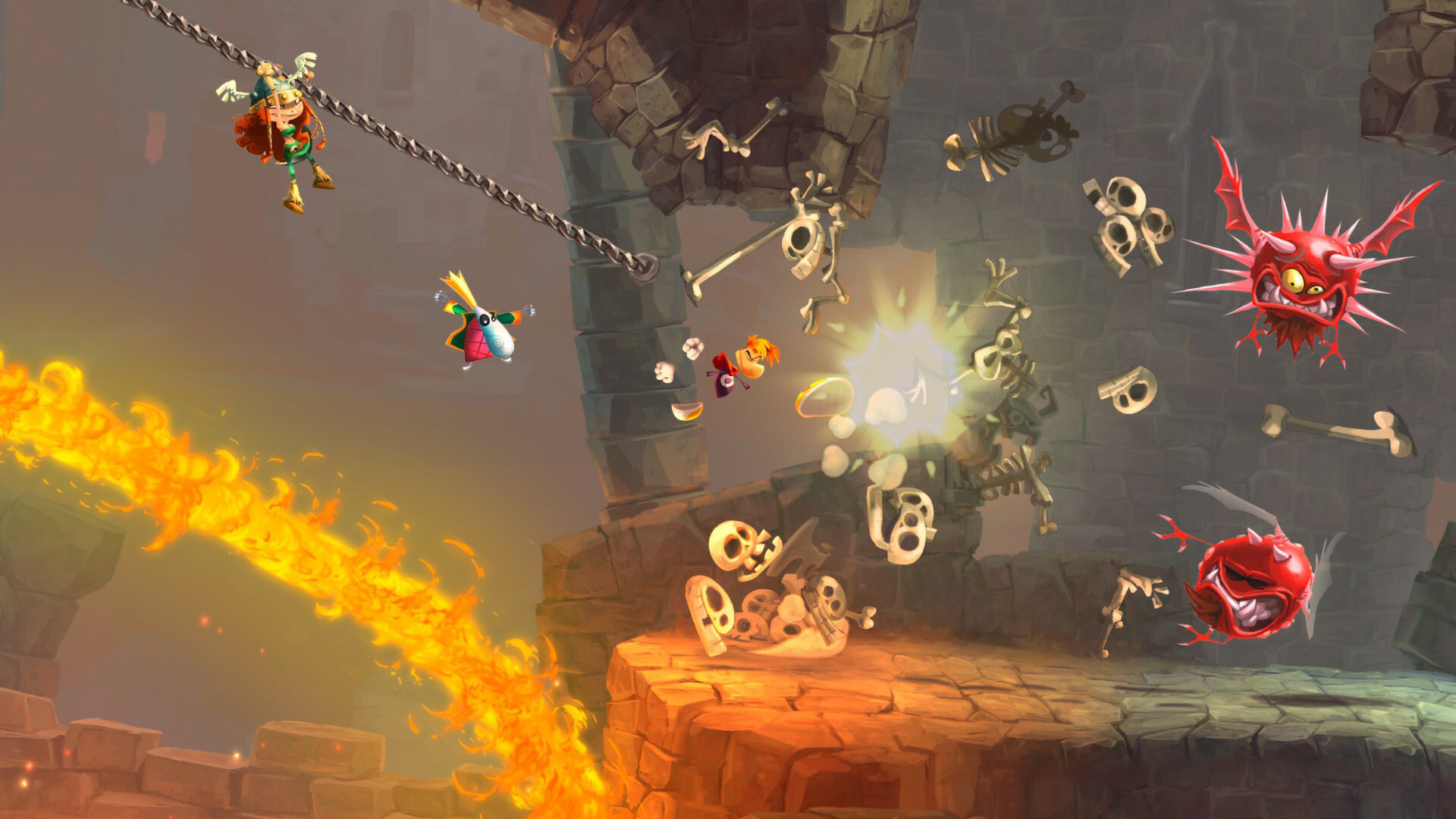

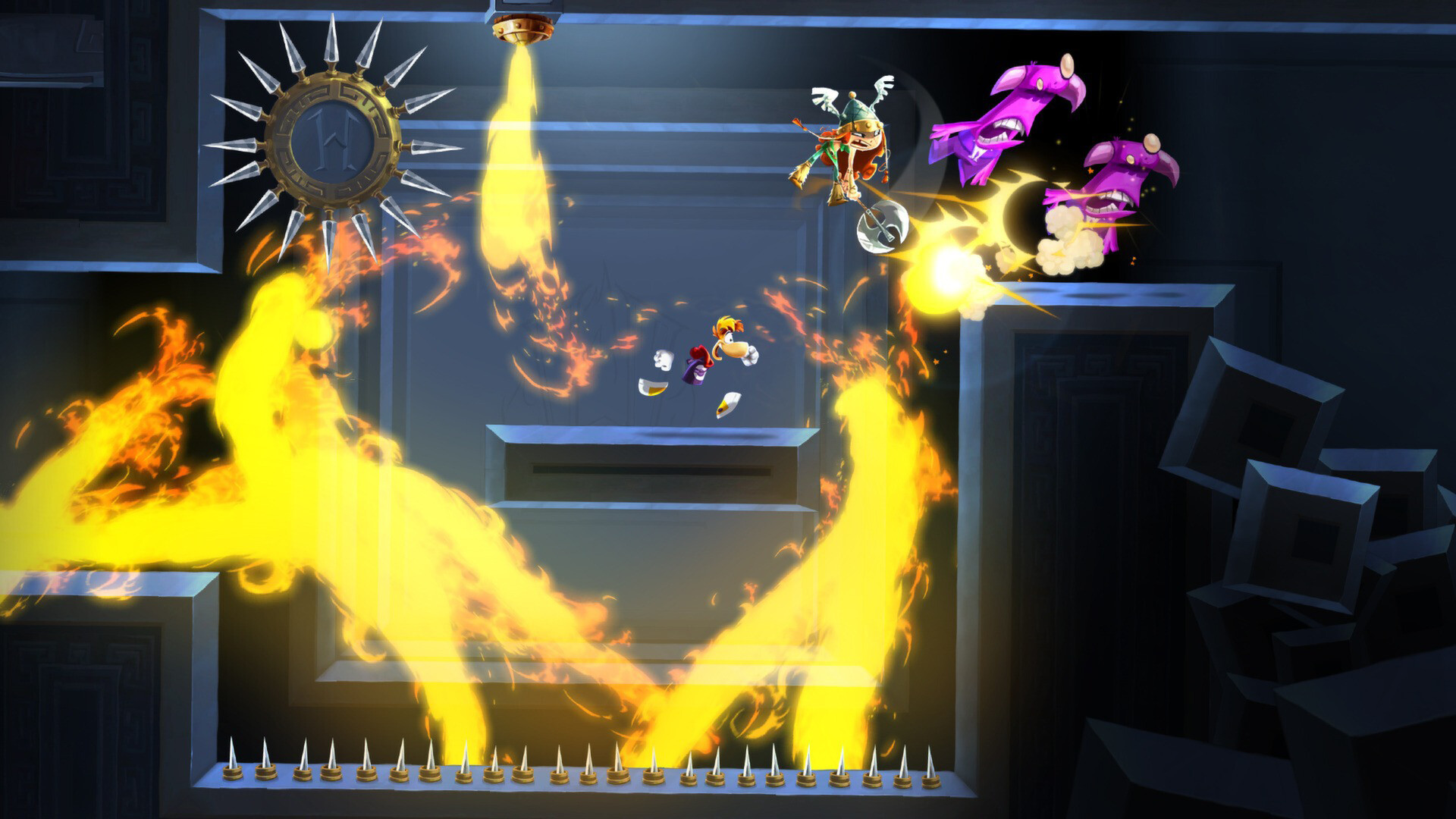



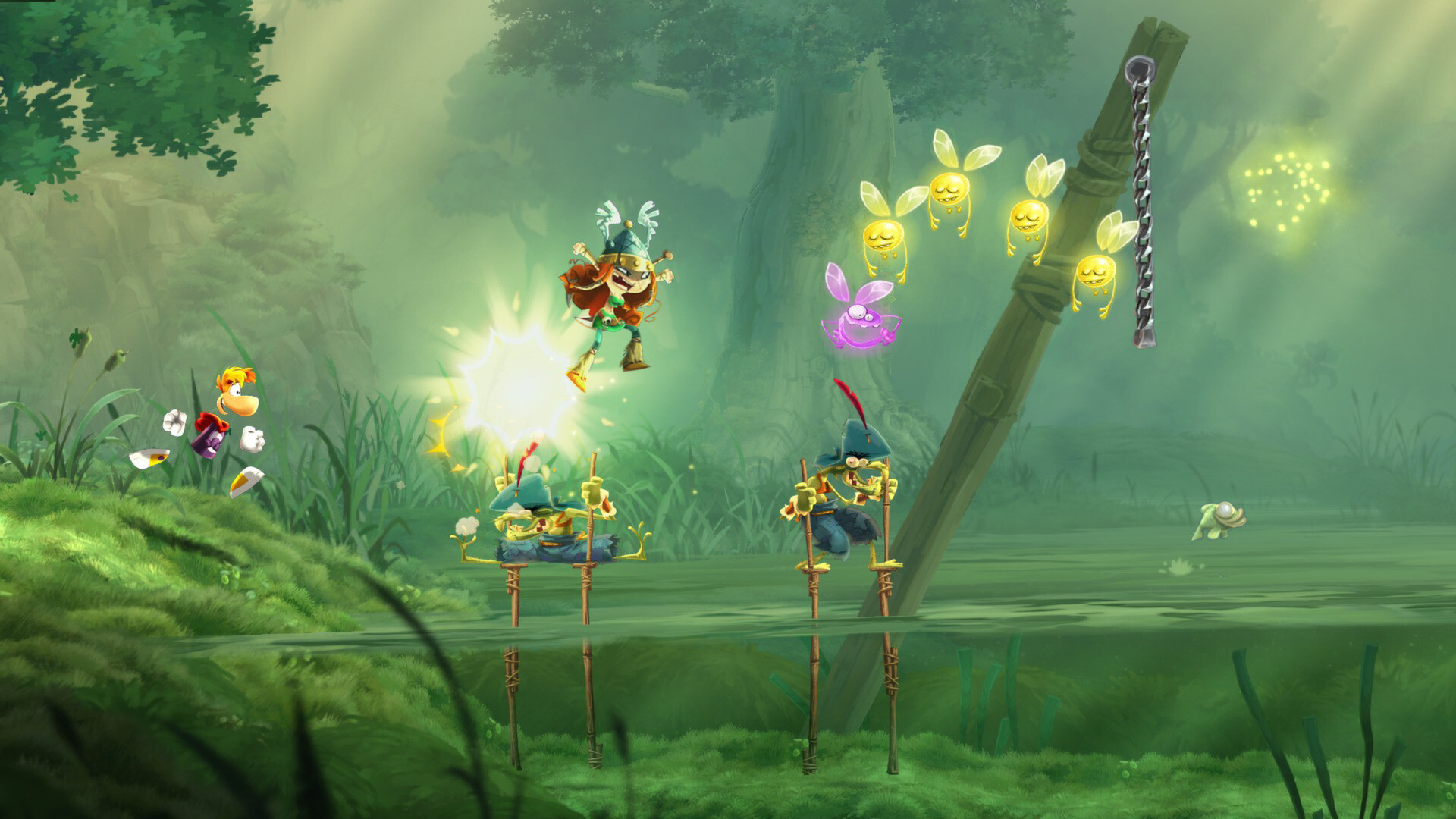
System requirements
Minimum
• OS *: Windows XP SP3 or Windows Vista SP2 or Windows 8 (both 32/64bit versions) • Processor: Intel Pentium IV @ 3.0 GHz or AMD Athlon64 3000 + @ 1.8 GHz • Memory: 2 GB RAM • Graphics: nVidia GeForce 6800GT or AMD Radeon X1950 Pro (256MB VRAM with Shader Model 3.0 or higher) • Storage: 6 GB available space • Sound Card: DirectX Compatible Sound Card with latest drivers • Additional Notes: Windows-compatible keyboard and mouse required, optional Microsoft XBOX360 controller or compatible Originally released for Windows 7, the game can be played on Windows 10 and Windows 11 OS
Recommended
• OS *: Windows XP SP3 or Windows Vista SP2 or Windows 8 (both 32/64bit versions) • Processor: Intel Core 2 Duo E4400 @ 2.0 GHz or AMD Athlon64 X2 3800+@ 2 GHz • Memory: 2 GB RAM • Graphics: nVidia GeForce 9600GT or higher, AMD Radeon HD3850 or higher (512MB VRAM with Shader Model 4.0) • Storage: 6 GB available space • Sound Card: DirectX Compatible Sound Card with latest drivers • Additional Notes: Windows-compatible keyboard and mouse required, optional Microsoft XBOX360 controller or compatible Originally released for Windows 7, the game can be played on Windows 10 and Windows 11 OS
Languages: English*, French*, Italian*, German*, Spanish - Spain*, Danish*, Dutch*, Finnish*, Norwegian*, Polish*, Portuguese - Brazil*, Russian*, Swedish*
How to activate
Xbox
- Open Microsoft’s redemption page using the button below.
- Sign in with the Microsoft account used on your Xbox. Check the email and profile before continuing.
- Paste the 25-character code and select Next. Check the displayed product or amount.
- Complete the confirmation prompts. Look for games in that account’s library and subscriptions under its services and subscriptions.
More from the series
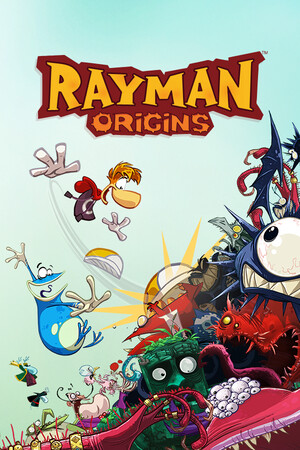


Game details from Steam.