
Rise of Industry: 2130
- Genres
- Indie · Simulation · Strategy
- Release
- Oct 24, 2019
- Developer
- Dapper Penguin Studios
Lowest price across all offers
from $0.4950 ₽
Offers
The price depends on the platform and the activation region.
- WorldwideWorks in Russia$0.4950 ₽1
- CISCIS region$4.00350 ₽1
- EuropeNot for Russia$8.63750 ₽1
About the game
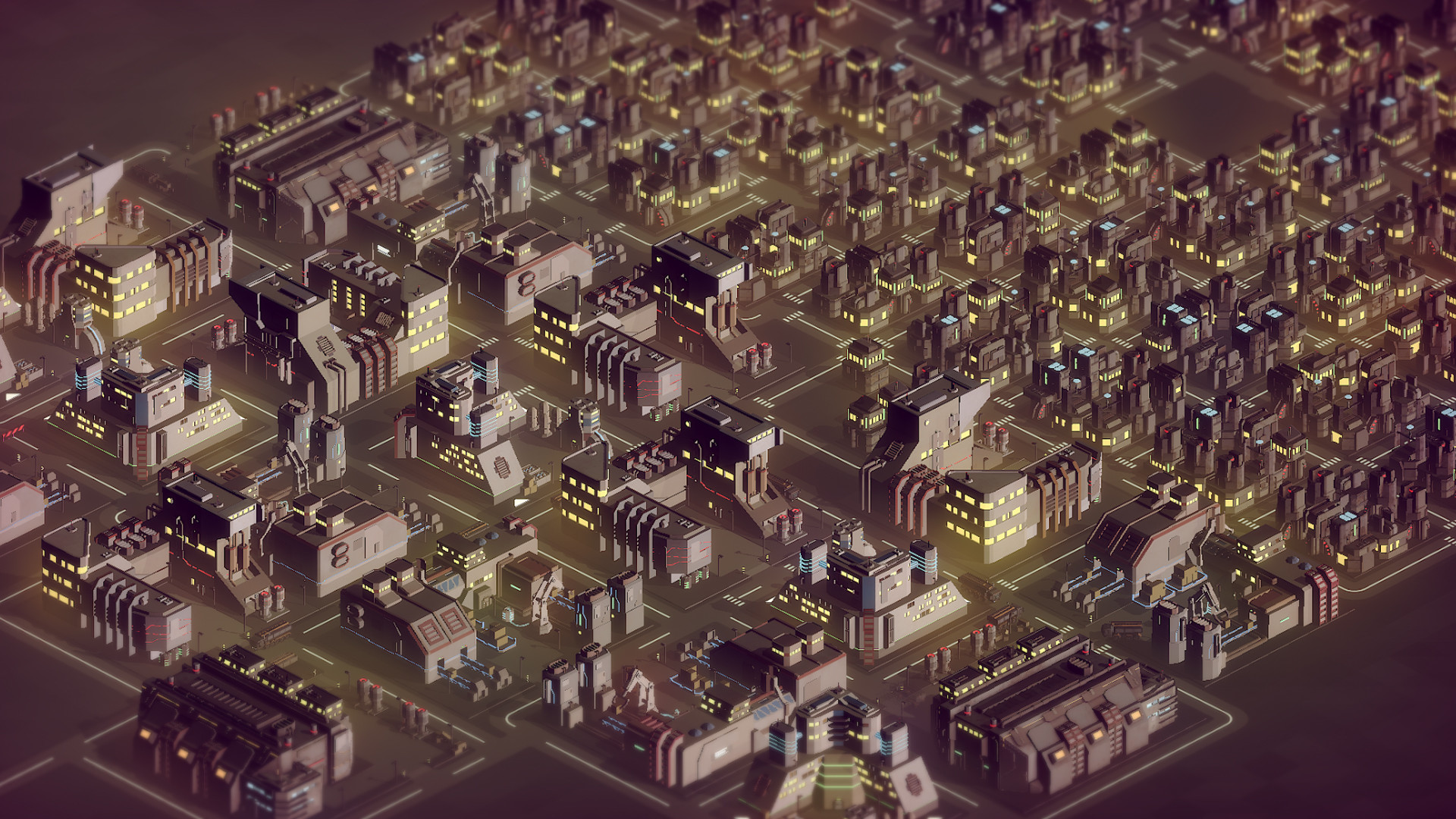
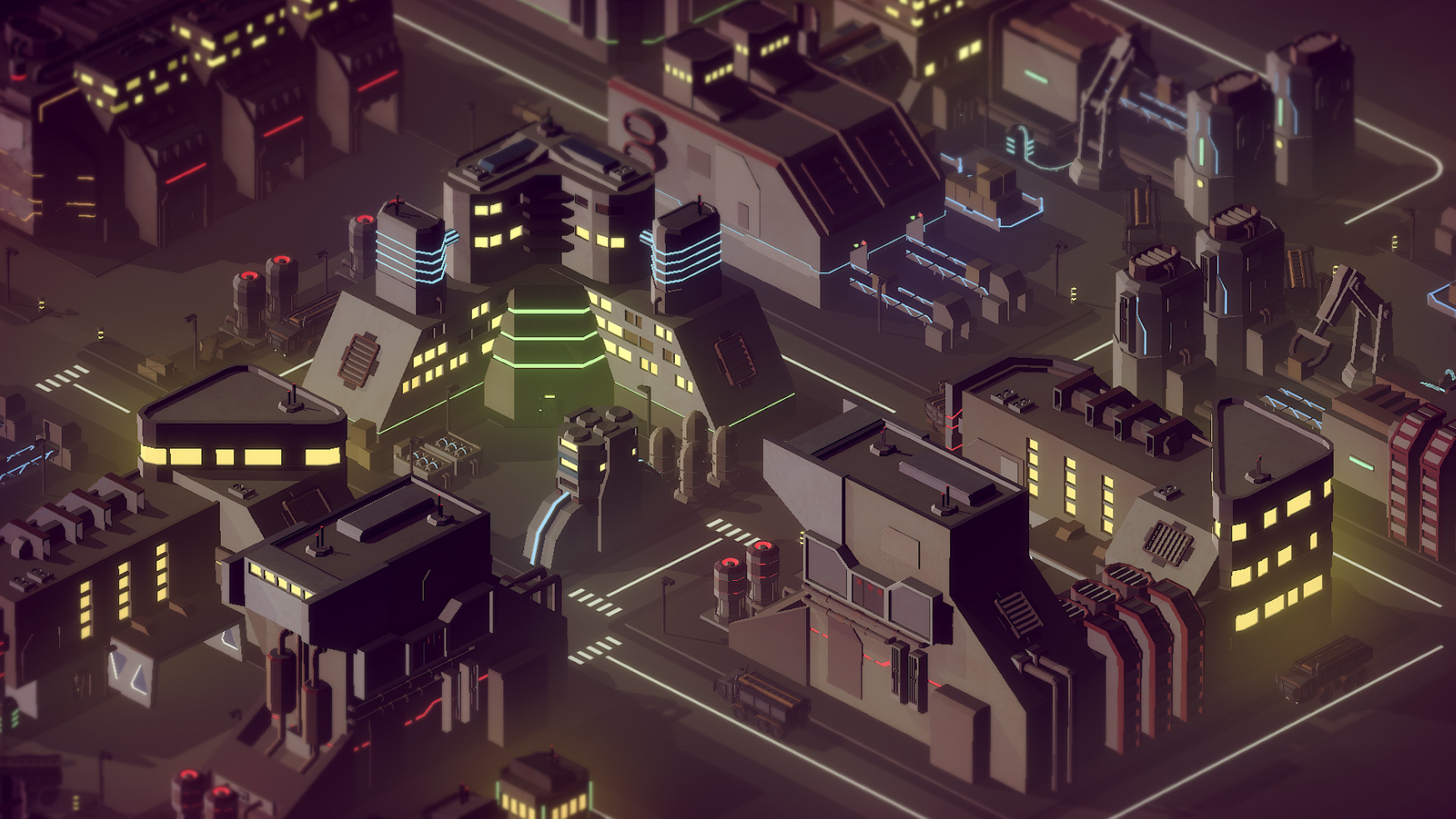
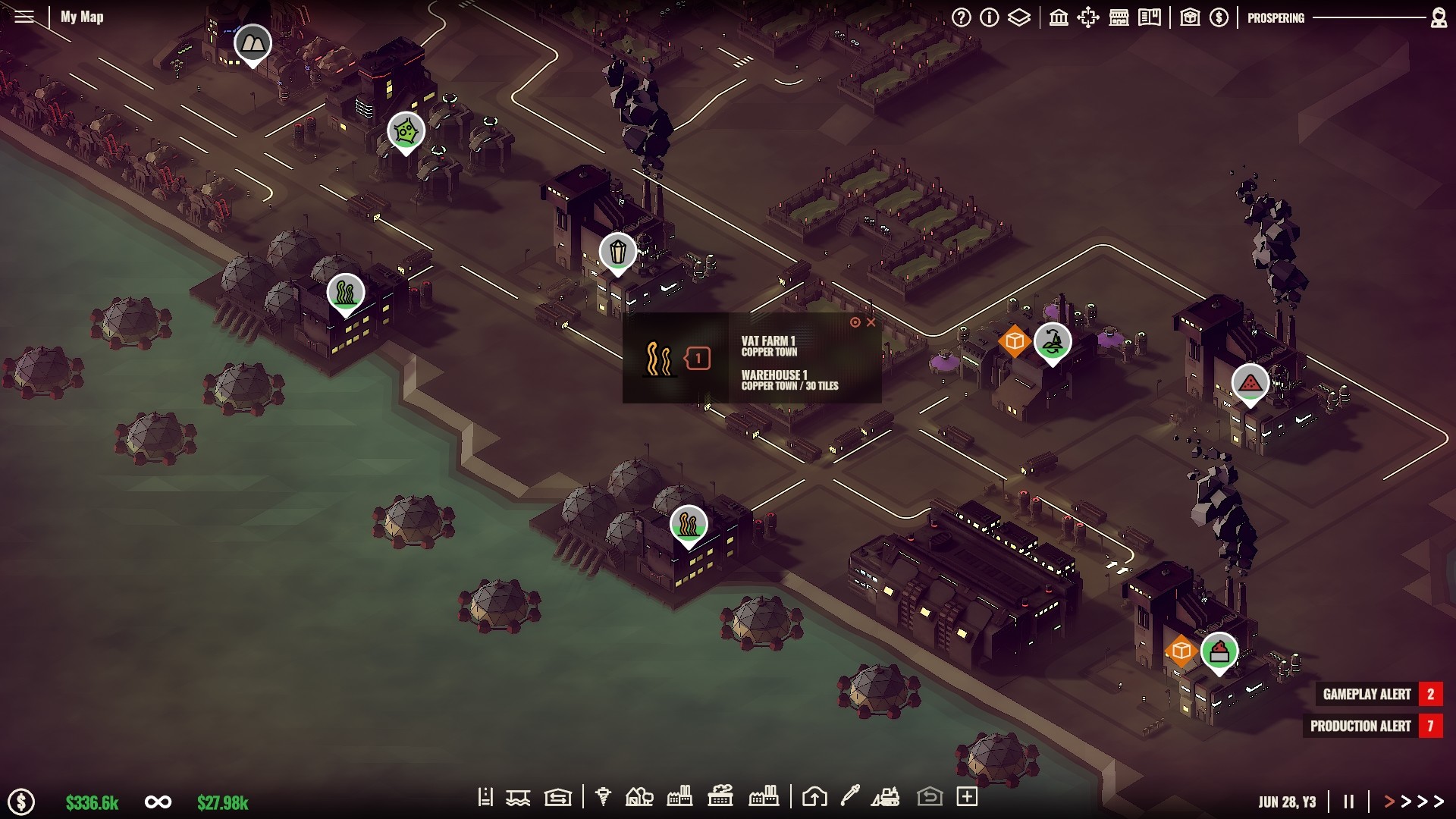
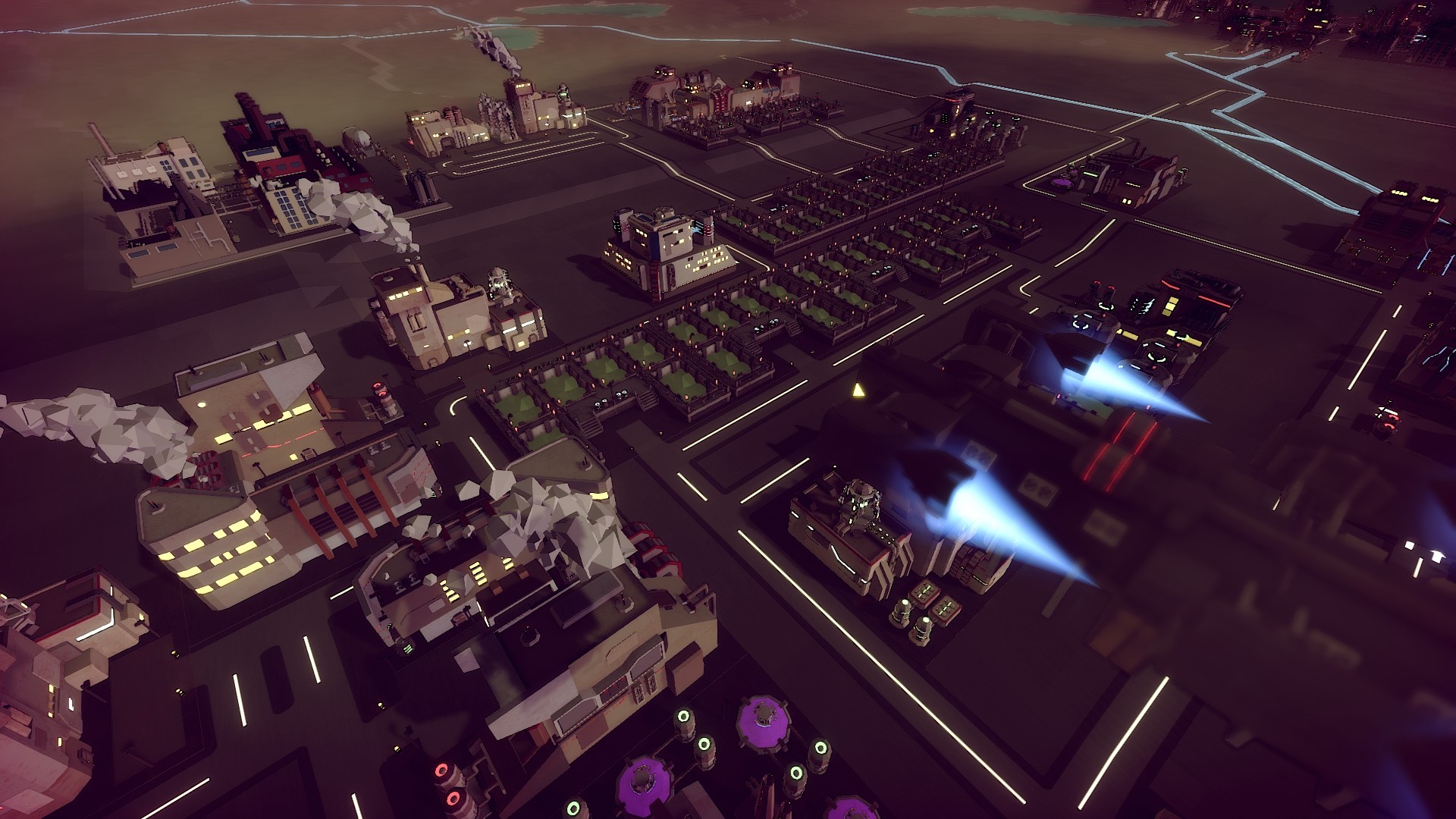
The year is 2130. Your idyllic world of profit and loss lays in ruins. Mankind’s endless capitalism and destruction of decades gone by has given birth to a dark and desolate new world. Now you must construct all-new technologically advanced production lines and mine resources from fallen cities as you look to rebuild your industrial...
Screenshots




System requirements
Minimum
• OS *: Windows (64 bit only) 7 / 8 / 8.1 / 10 • Processor: Intel Core 2 Duo, 3.0GHz or AMD Athlon 64 X2 6400+, 3.2GHz • Memory: 4 GB RAM • Graphics: nVidia GeForce GT 600 or Radeon 5000 and above. Shader Model 51. Integrated GPUs not recommended • DirectX: Version 11 • Storage: 1 GB available space • Sound Card: Any • Additional Notes: Requires a 1024 x 768 screen resolution
Recommended
• OS: Windows (64 bit only) 10 • Processor: Intel Core i5-3470, 3.20GHz or AMD FX-6300, 3.5Ghz • Memory: 6 GB RAM • Graphics: nVidia GeForce 900 or AMD HD7700 / RX360 • DirectX: Version 12 • Storage: 1 GB available space • Sound Card: Any • Additional Notes: Recommended Resolution: 1920 x 1080
Languages: English*, French, Italian, German, Spanish - Spain, Portuguese - Brazil, Russian, Simplified Chinese
How to activate
Steam
- Start Steam on your computer and sign in to the account you will play on.
- In the Games menu, choose Activate a Product on Steam. You can also start from Add a Game at the bottom left.
- Go through the introductory screens, review Steam’s terms and paste the complete key without surrounding spaces.
- Finish activation, then find the game in your Library and select Install.
More from the series


Game details from Steam.