


Saints Row®: The Third™ Remastered
- Genres
- Action · Adventure
- Release
- May 21, 2021
- Developer
- Deep Silver Volition, Sperasoft
Lowest price across all offers
from $1.77160 ₽
Offers
The price depends on the platform and the activation region.
- CISCIS regionSaints Row: The Third Remastered$1.77160 ₽1
- WorldwideWorks in RussiaSaints Row The Third Remastered$2.76240 ₽1
- EuropeNot for RussiaSaints Row: The Third Remastered$3.87330 ₽1
- WorldwideWorks in RussiaSaints Row The Third Remastered$3.97340 ₽1
- Latin AmericaNot for RussiaSaints Row The Third Remastered$6.16530 ₽1
About the game
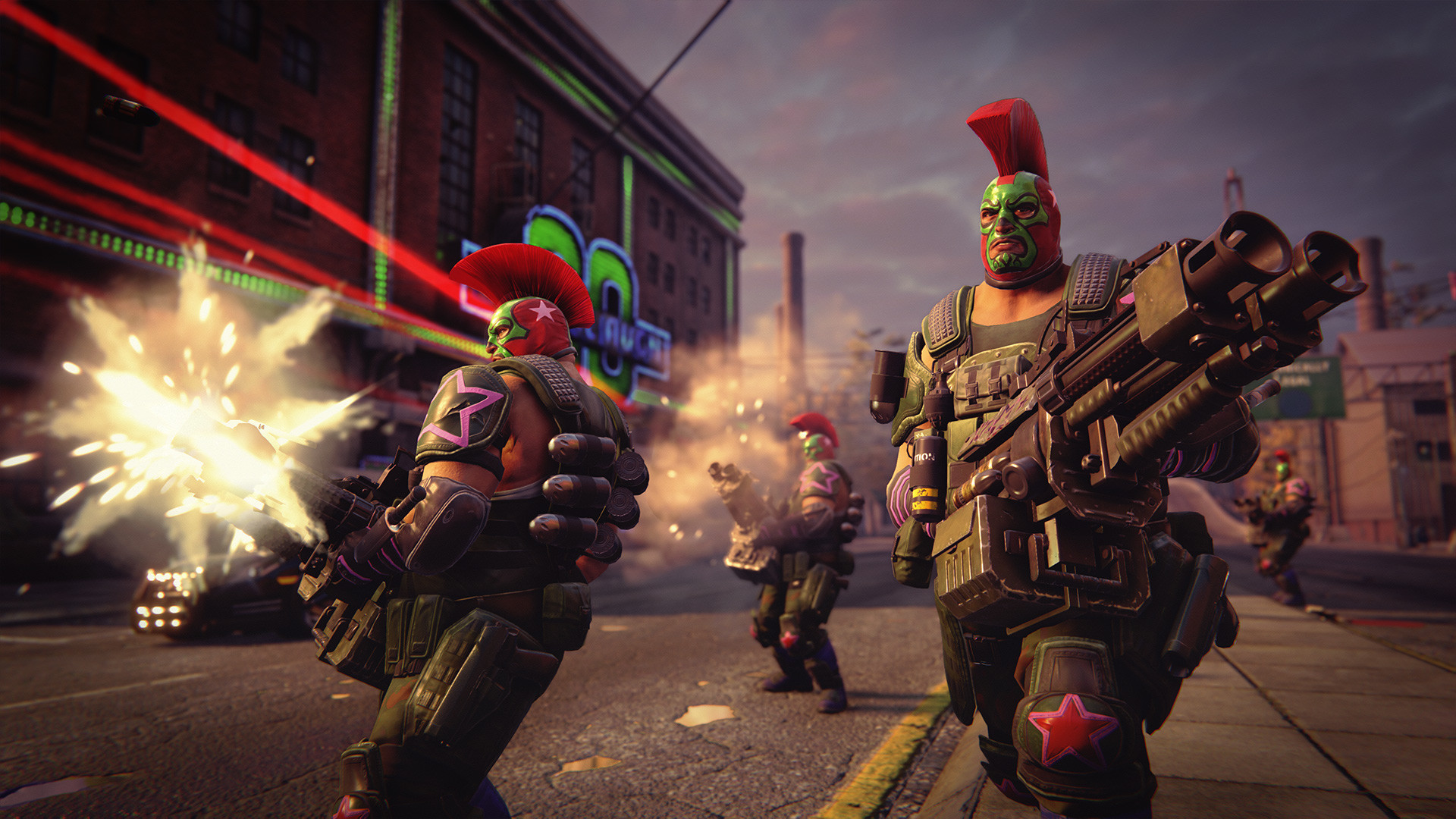
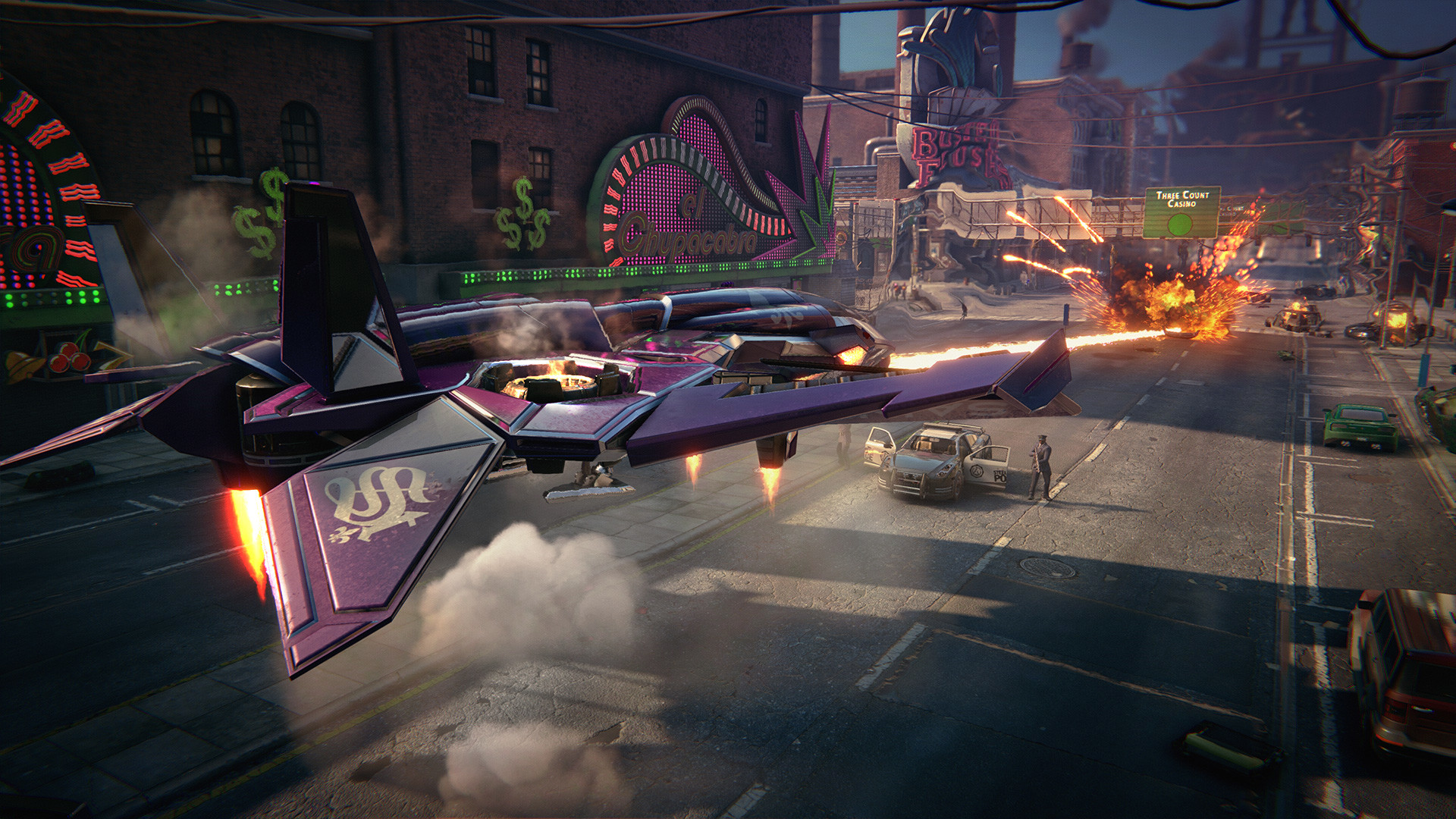
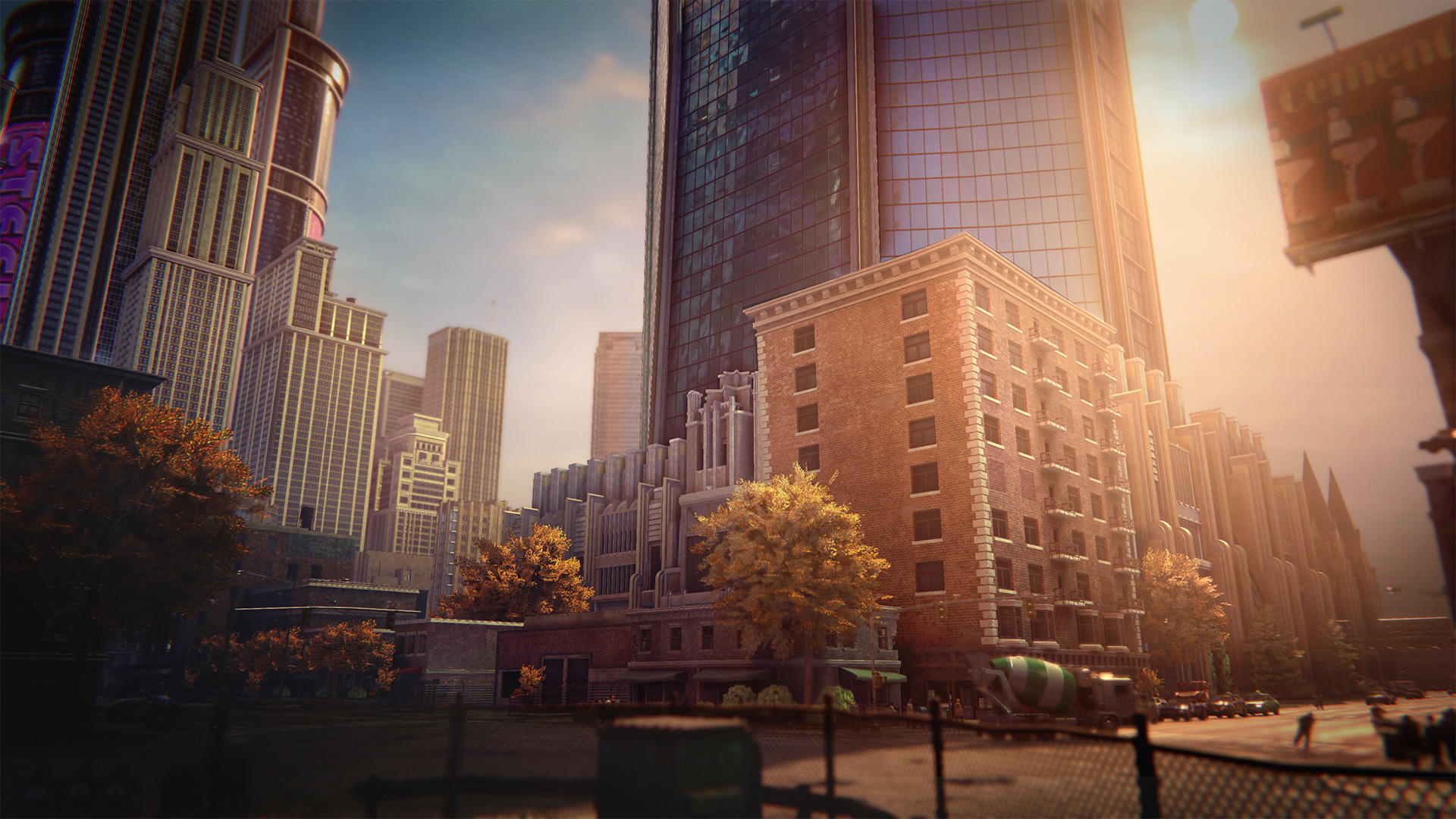
The Full Package, Remastered – With enhanced graphics, improved lighting, reworked environments, and visual effects, Steelport and The Third Street Saints have never looked so good.
Screenshots



System requirements
Minimum
• Requires a 64-bit processor and operating system • OS: Windows 10 (720p on Low Settings) • Processor: AMD / Intel CPU, running at 3.4 GHz or higher: AMD FX 6000 series or Intel Core i5-3000 series or newer is recommended. • Memory: 8 GB RAM • Graphics: AMD/NVIDIA dedicated graphic card, with at least 4GB of dedicated VRAM and with at least DirectX 11 and Shader Model 6.0 support: AMD Radeon 500 series or NVIDIA GeForce GTX 660 or newer. • DirectX: Version 9.0 • Network: Broadband Internet connection • Storage: 25 GB available space
Recommended
• Requires a 64-bit processor and operating system • OS: Windows 10 (1080p on High Settings) • Processor: AMD / Intel processor running at 3.5 GHz (AMD FX 8000 series or Intel Core i5 4000 series or newer is recommended). • Memory: 16 GB RAM • Graphics: AMD/NVIDIA dedicated graphic card, with at least 6GB of dedicated VRAM (or more) and with at least DirectX 11 and Shader Model 6.1 support. (AMD Radeon RX 5700 and NVIDIA GeForce GTX 1000 series or newer. • DirectX: Version 9.0 • Network: Broadband Internet connection • Storage: 25 GB available space
Languages: English*, French, Italian, German, Spanish - Spain, Japanese, Korean, Polish, Russian, Czech, Dutch
How to activate
Steam
- Start Steam on your computer and sign in to the account you will play on.
- In the Games menu, choose Activate a Product on Steam. You can also start from Add a Game at the bottom left.
- Go through the introductory screens, review Steam’s terms and paste the complete key without surrounding spaces.
- Finish activation, then find the game in your Library and select Install.
More from the series
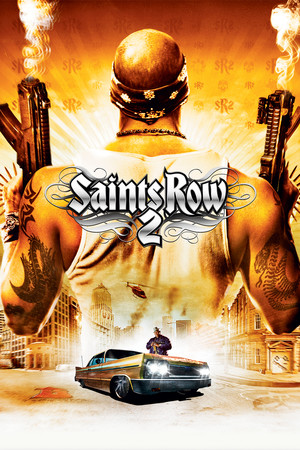 РФ ✓Saints Row 2Steamfrom $0.9990 ₽6 offers
 РФ ✓Saints Row: Gat out of HellSteamfrom $2.11180 ₽6 offers
 РФ ✓Saints Row: The ThirdSteamfrom $2.32200 ₽6 offers
 РФ ✓Saints RowSteamfrom $2.89250 ₽5 offersРФ ✓Saints Row (Gold Edition)Steamfrom $3.40290 ₽4 offers
 РФ ✓Saints Row IV: Re-ElectedSteamfrom $9.95850 ₽4 offers
 РФ ✓Saints Row: The Third - Full PackageSteamfrom $2.11180 ₽6 offers
Game details from Steam.