
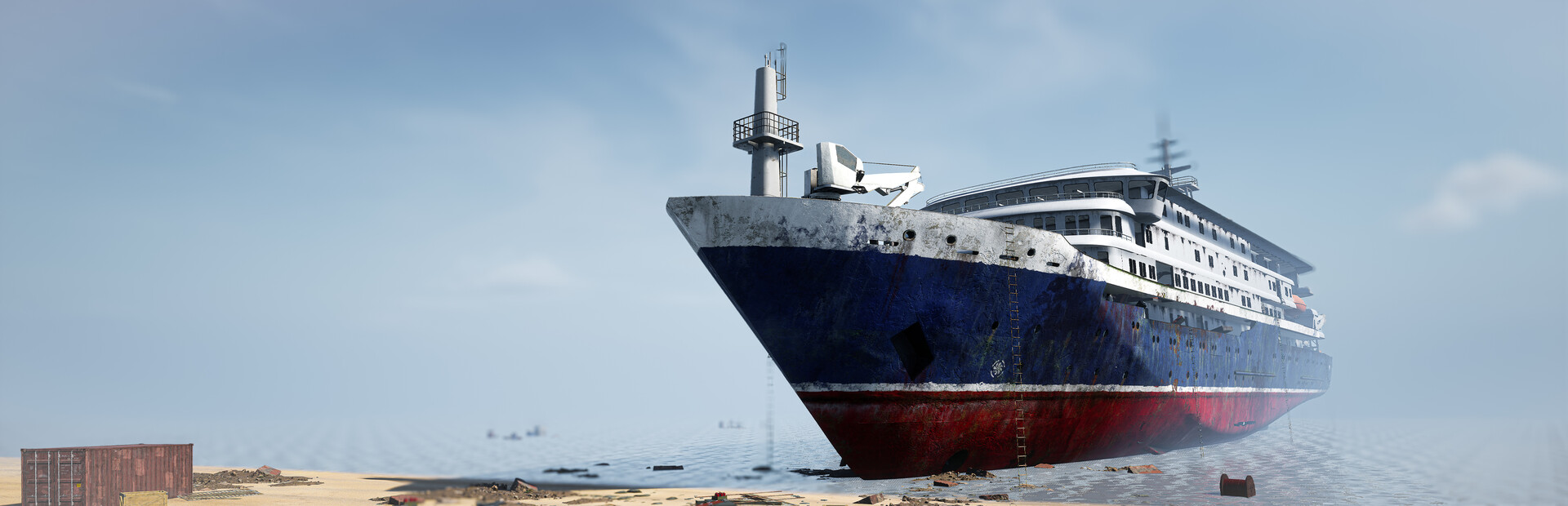

Ship Graveyard Simulator 2
- Genres
- Action · Adventure · Casual · Indie · Simulation
- Release
- Aug 16, 2023
- Developer
- Games Incubator, Hypnotic Ants
Lowest price across all offers
from $8.15700 ₽
Offers
The price depends on the platform and the activation region.
- WorldwideWorks in Russia$8.15700 ₽1
- EuropeNot for Russia$12.771,090 ₽1
About the game
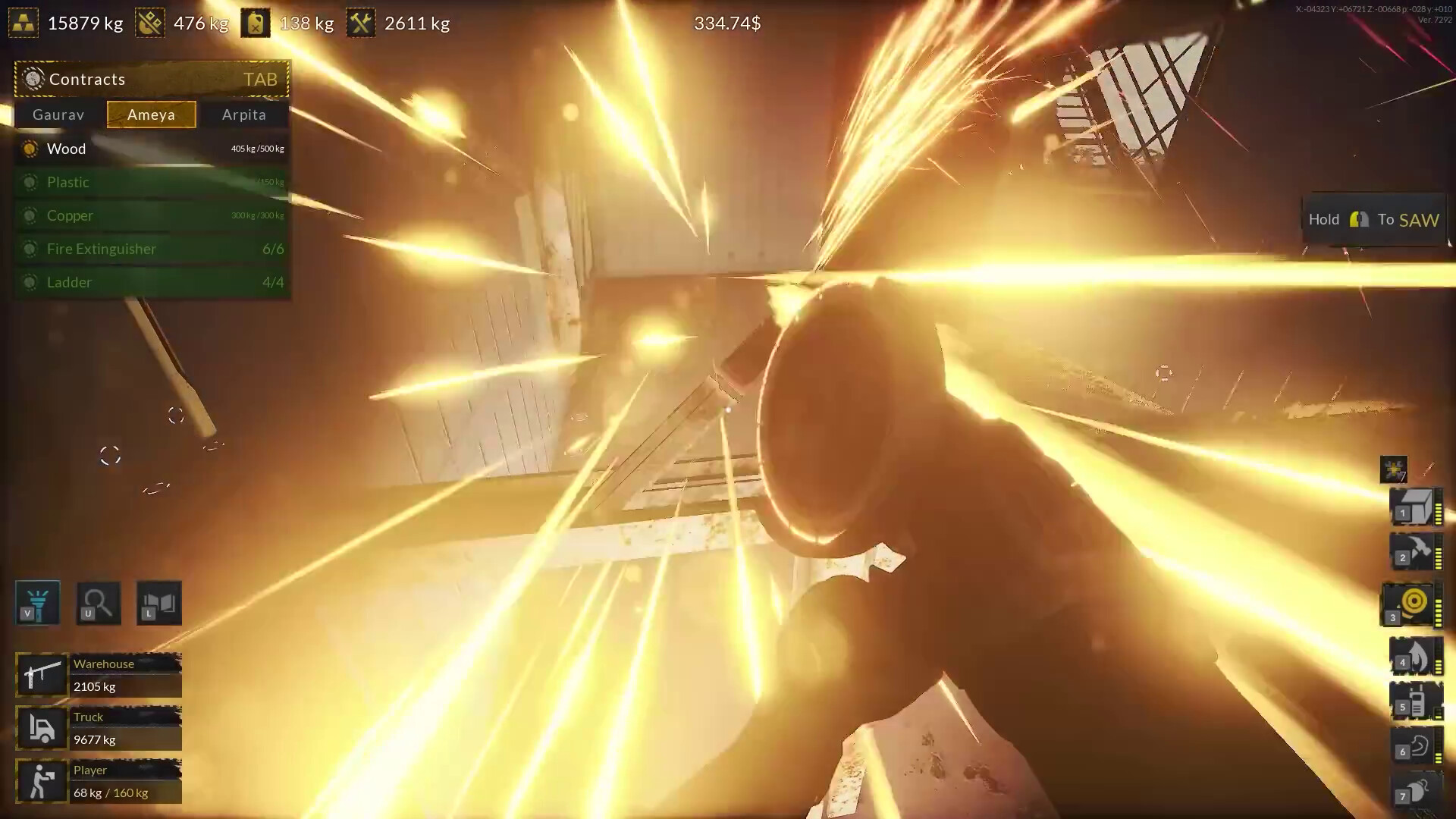
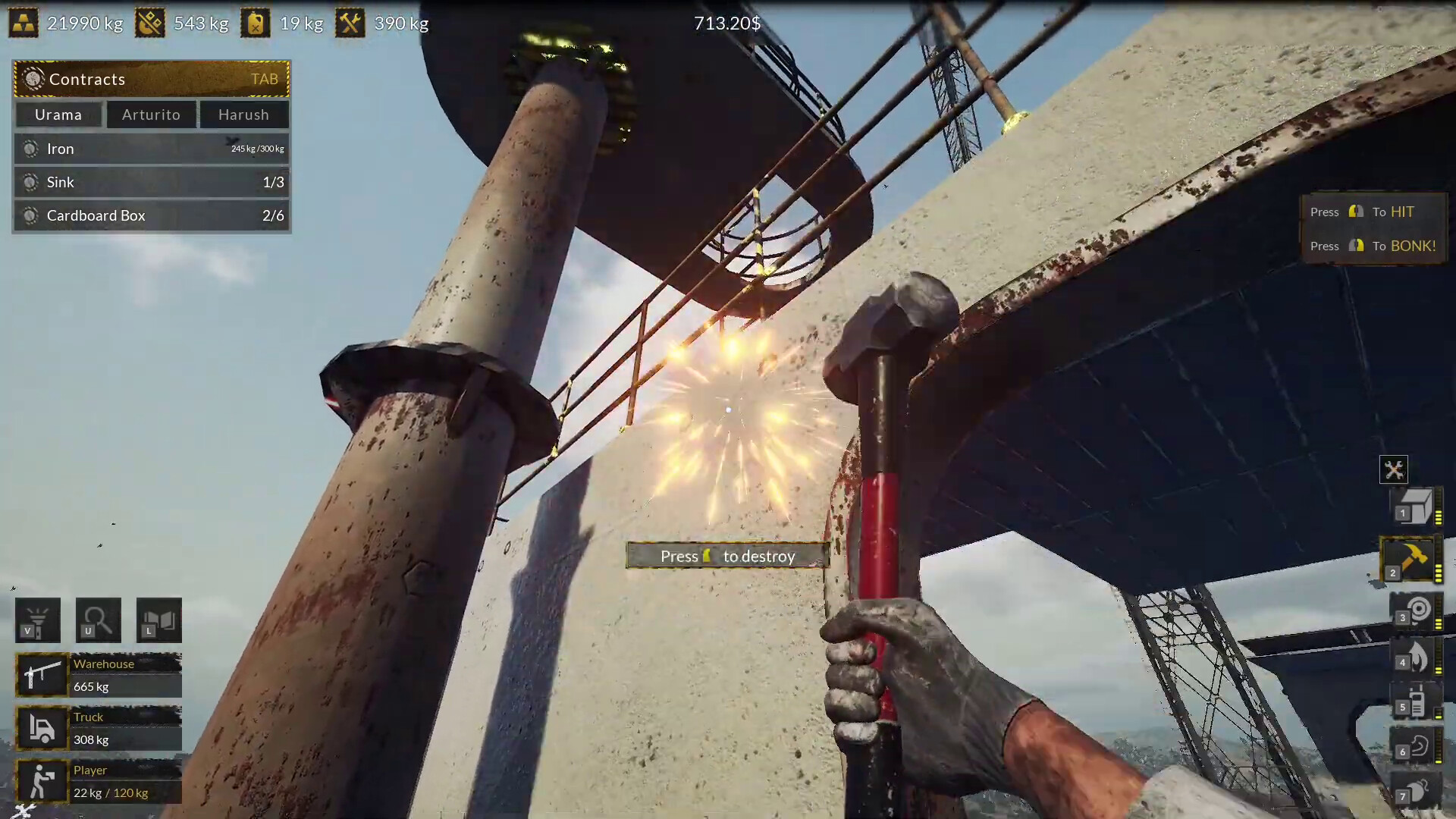
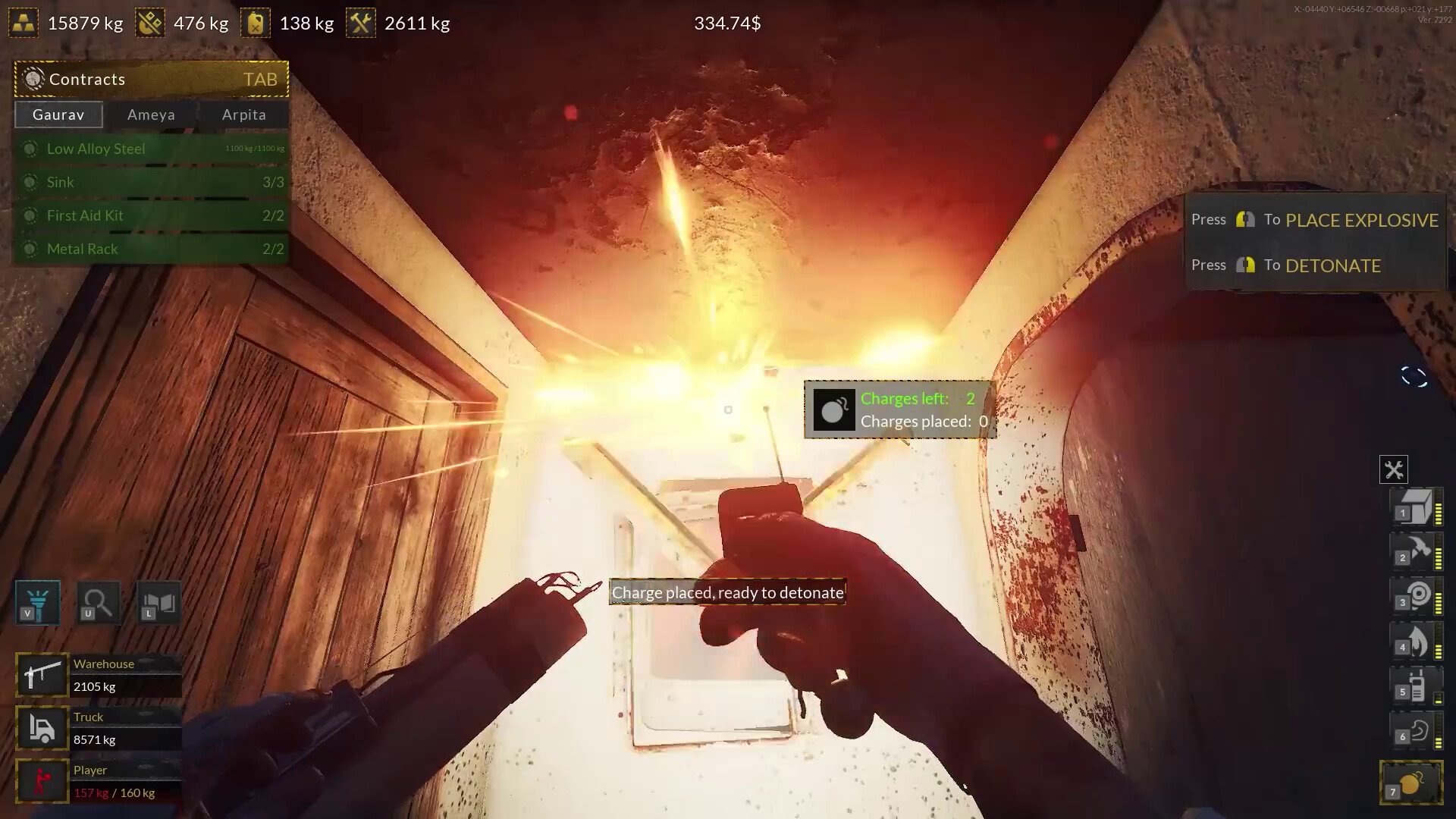
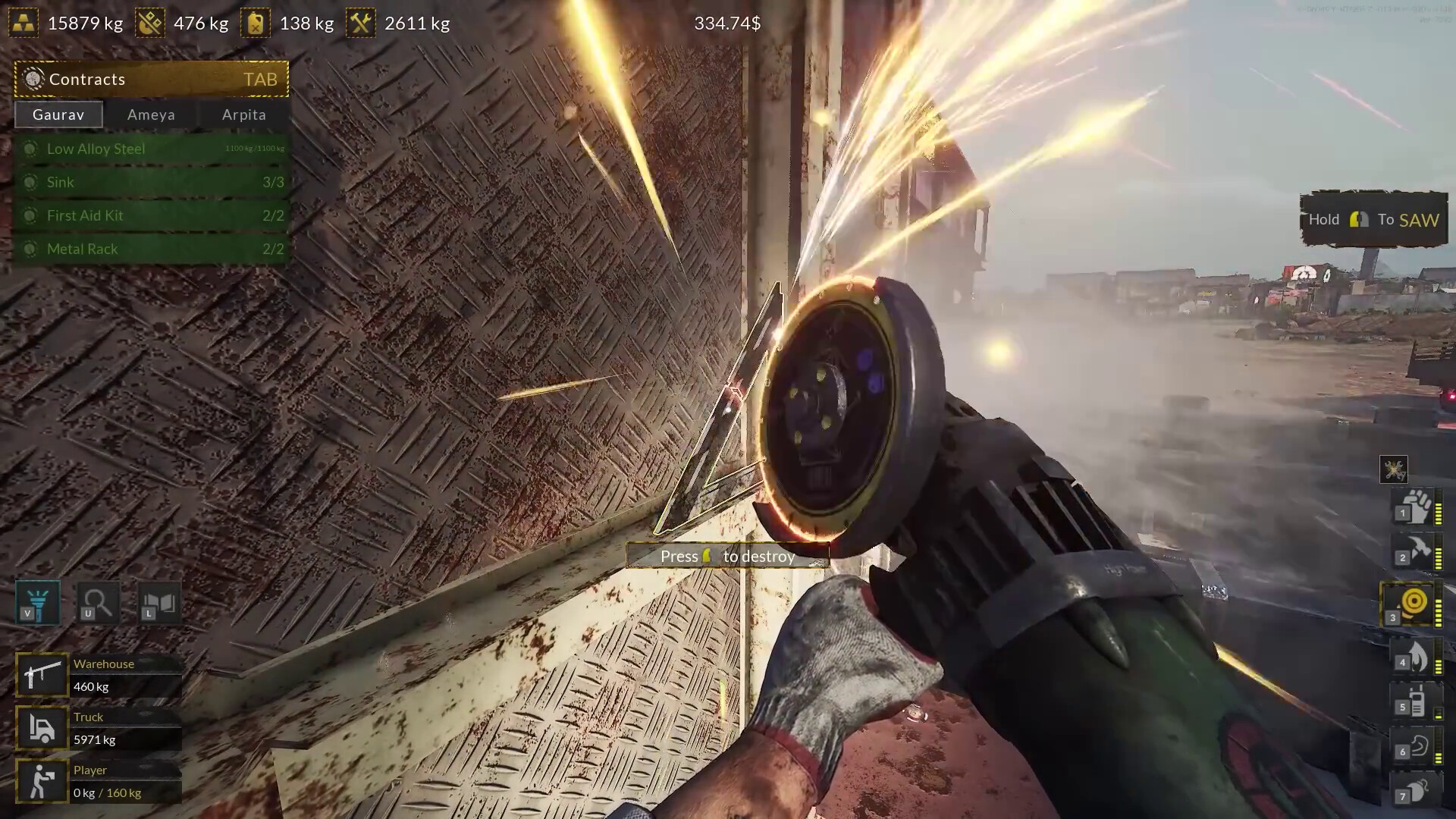
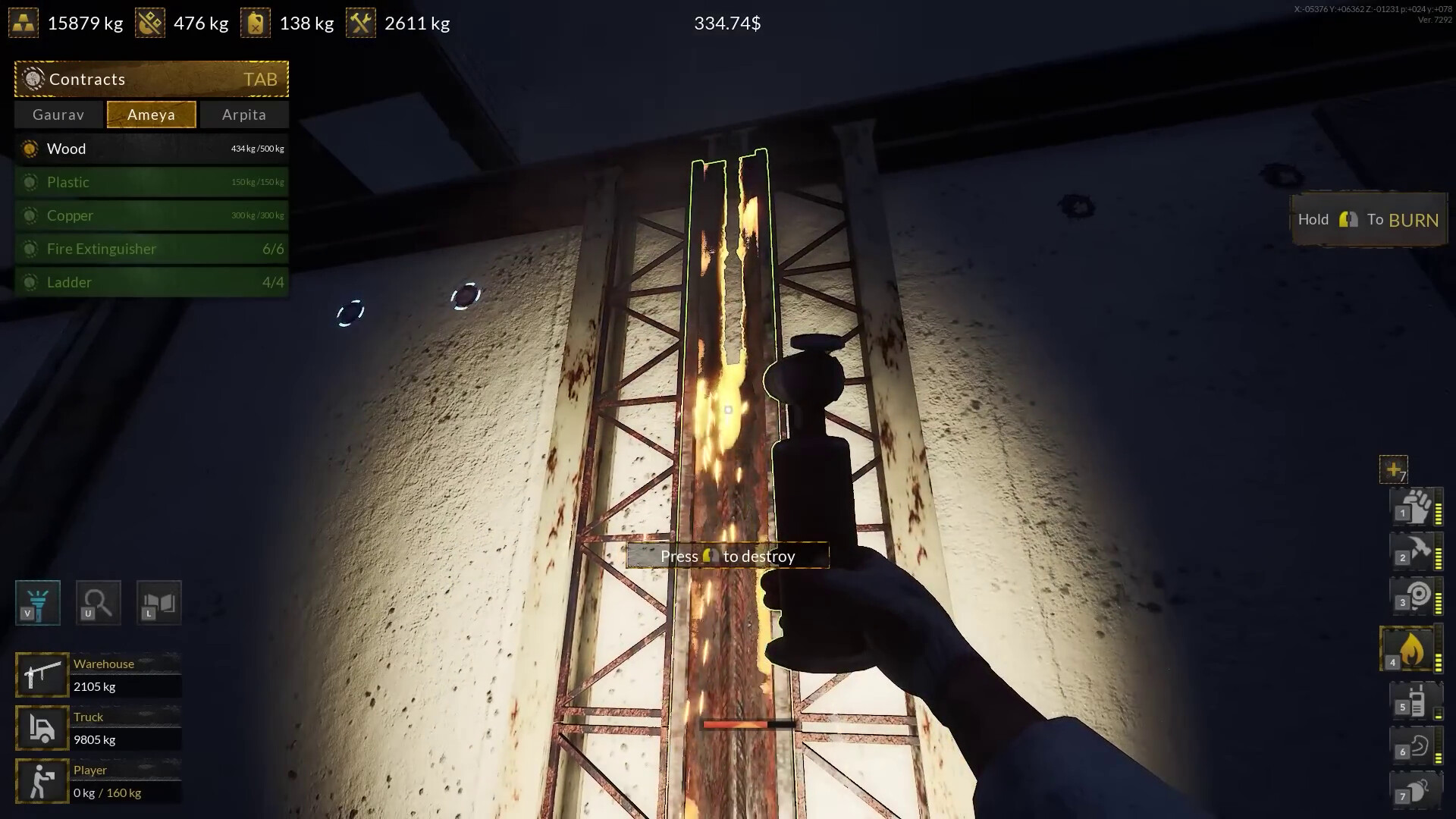
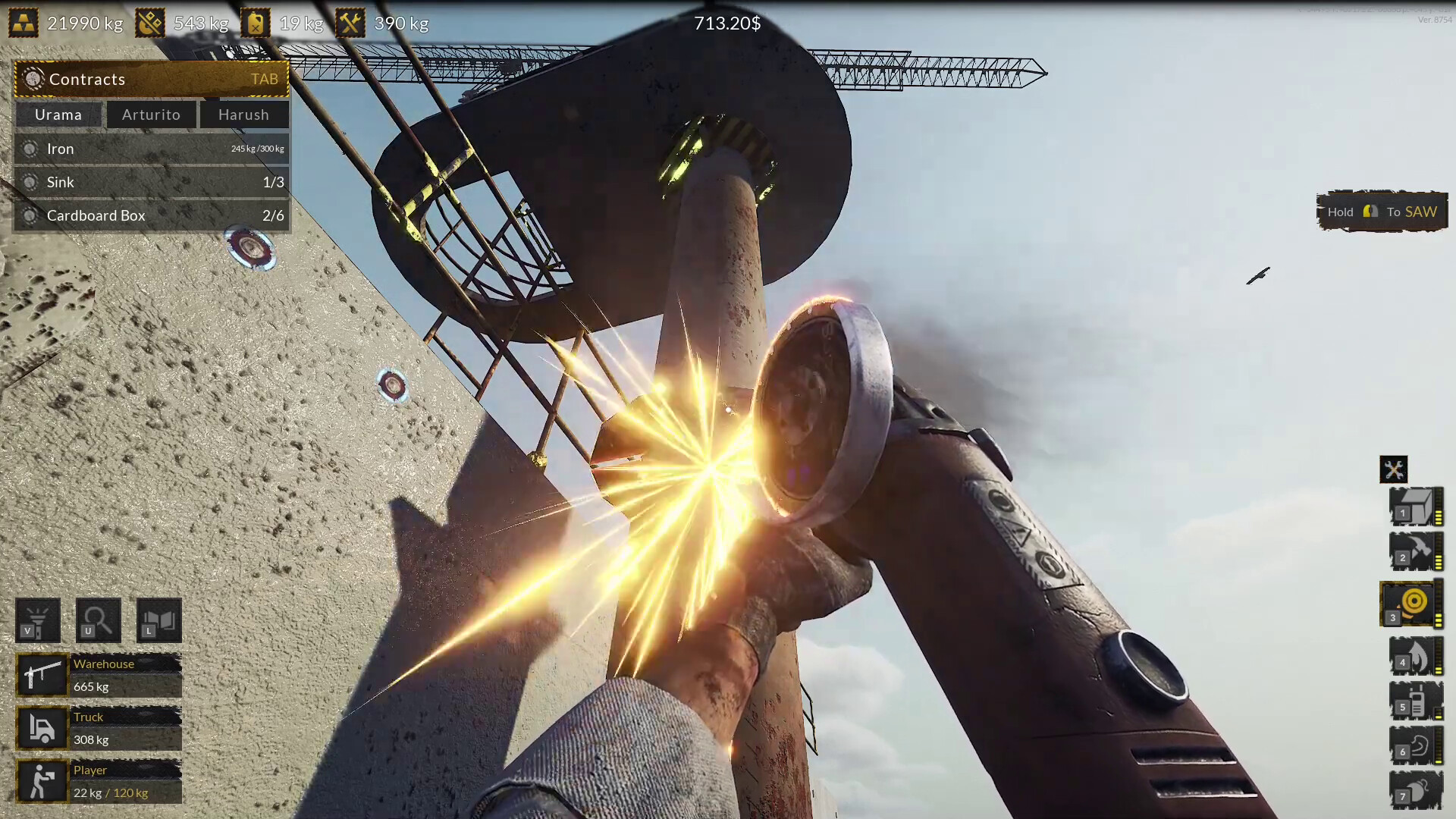
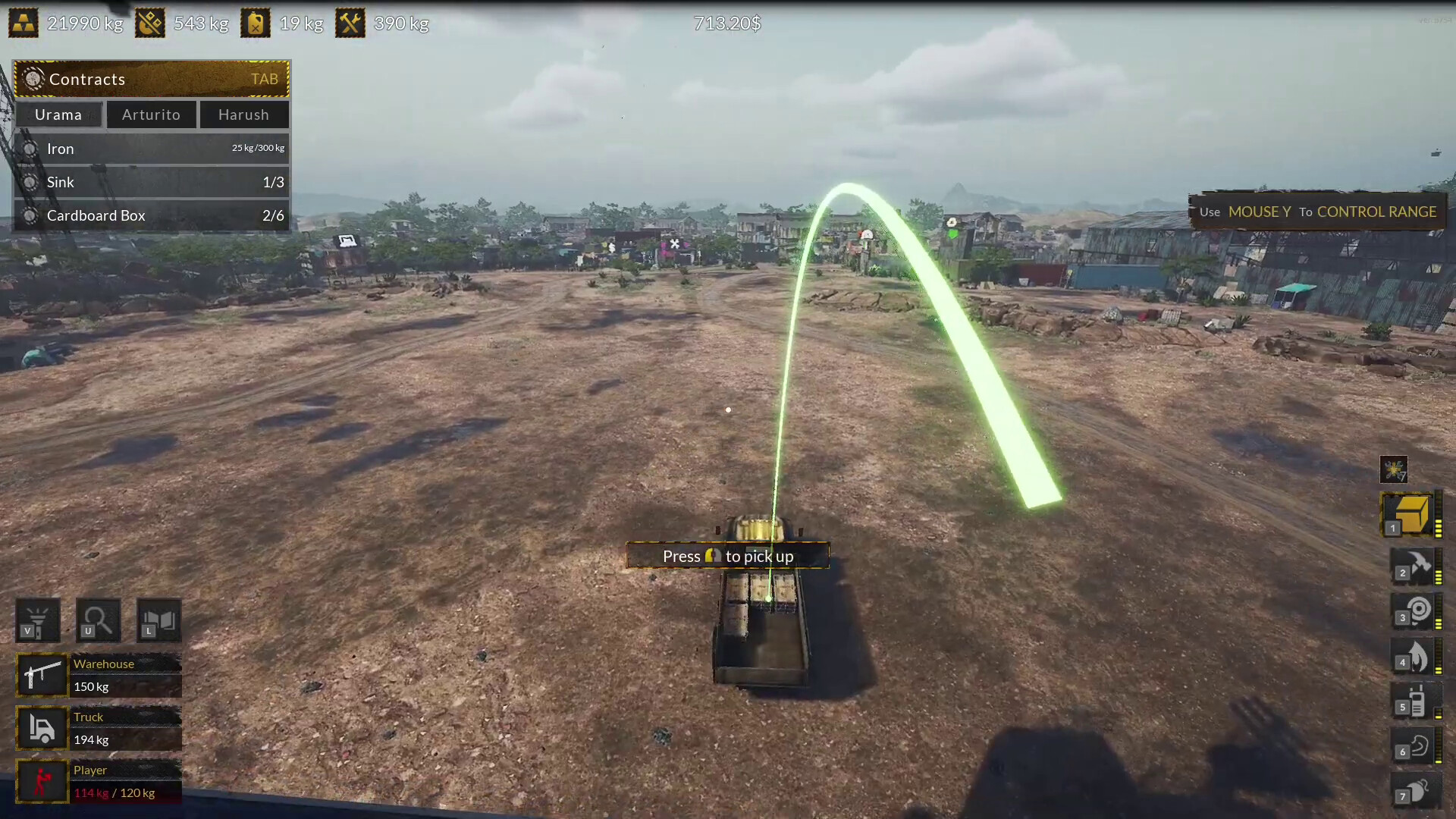
Dust off your torch and hammer - it's time to get back to work, you have a new job to do. Visit the new beach coast with the largest, biggest ship graveyard in the world, dismantle huge ship parts and collect tons of precious steel. Roll up your sleeves, it's time to get back to the business.
Screenshots

System requirements
Minimum
• OS: Windows 10 64 Bit • Processor: Intel Core i3 3.0 GHz • Memory: 12 GB RAM • Graphics: Intel Arc 380, Nvidia GeForce GTX 960 • DirectX: Version 11 • Storage: 8 GB available space • Additional Notes: Recommend installation on an SSD drive
Recommended
• OS: Windows 10 64 Bit • Processor: Intel Core i5 3.4 GHz • Memory: 12 GB RAM • Graphics: Intel Arc 580, GTX 1660 Ti • DirectX: Version 11 • Storage: 12 GB available space • Additional Notes: Recommend installation on an SSD drive
Languages: English*, French, Italian, German, Spanish - Spain, Japanese, Korean, Polish, Portuguese - Brazil, Russian, Simplified Chinese, Traditional Chinese, Turkish
How to activate
Steam
- Start Steam on your computer and sign in to the account you will play on.
- In the Games menu, choose Activate a Product on Steam. You can also start from Add a Game at the bottom left.
- Go through the introductory screens, review Steam’s terms and paste the complete key without surrounding spaces.
- Finish activation, then find the game in your Library and select Install.
More from the series
 РФ ✓Ship Graveyard SimulatorSteamfrom $1.61140 ₽2 offers
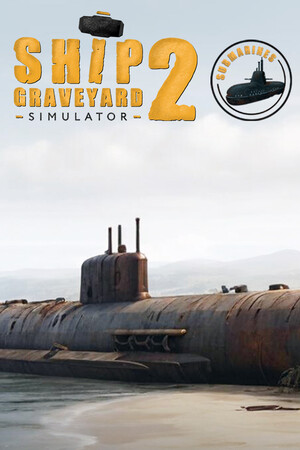 РФ ✓Ship Graveyard Simulator 2 - SubmarinesSteamfrom $4.67400 ₽3 offers
 РФ ✓Ship Graveyard Simulator 2 - Floating CitiesSteamfrom $4.31370 ₽2 offers
 РФ ✓Ship Graveyard Simulator 2: Steel GiantsSteamfrom $3.03260 ₽2 offers
 РФ ✓Ship Graveyard Simulator 2 - Fishing BoatsSteamfrom $3.60310 ₽
 РФ ✓Ship Graveyard Simulator 2 - WarshipsSteamfrom $5.60480 ₽
Game details from Steam.