

Sid Meier's Civilization® VI: Maya & Gran Colombia Pack
- Genres
- Strategy
- Release
- May 20, 2020
- Developer
- Firaxis Games, Aspyr (Mac)
Lowest price across all offers
from $5.96510 ₽
Offers
The price depends on the platform and the activation region.
- WorldwideWorks in RussiaSid Meier's Civilization VI - Maya & Gran Colombia Pack$5.96510 ₽1
- EuropeNot for RussiaSid Meier's Civilization VI - Maya & Gran Colombia Pack$8.63740 ₽1
About the game
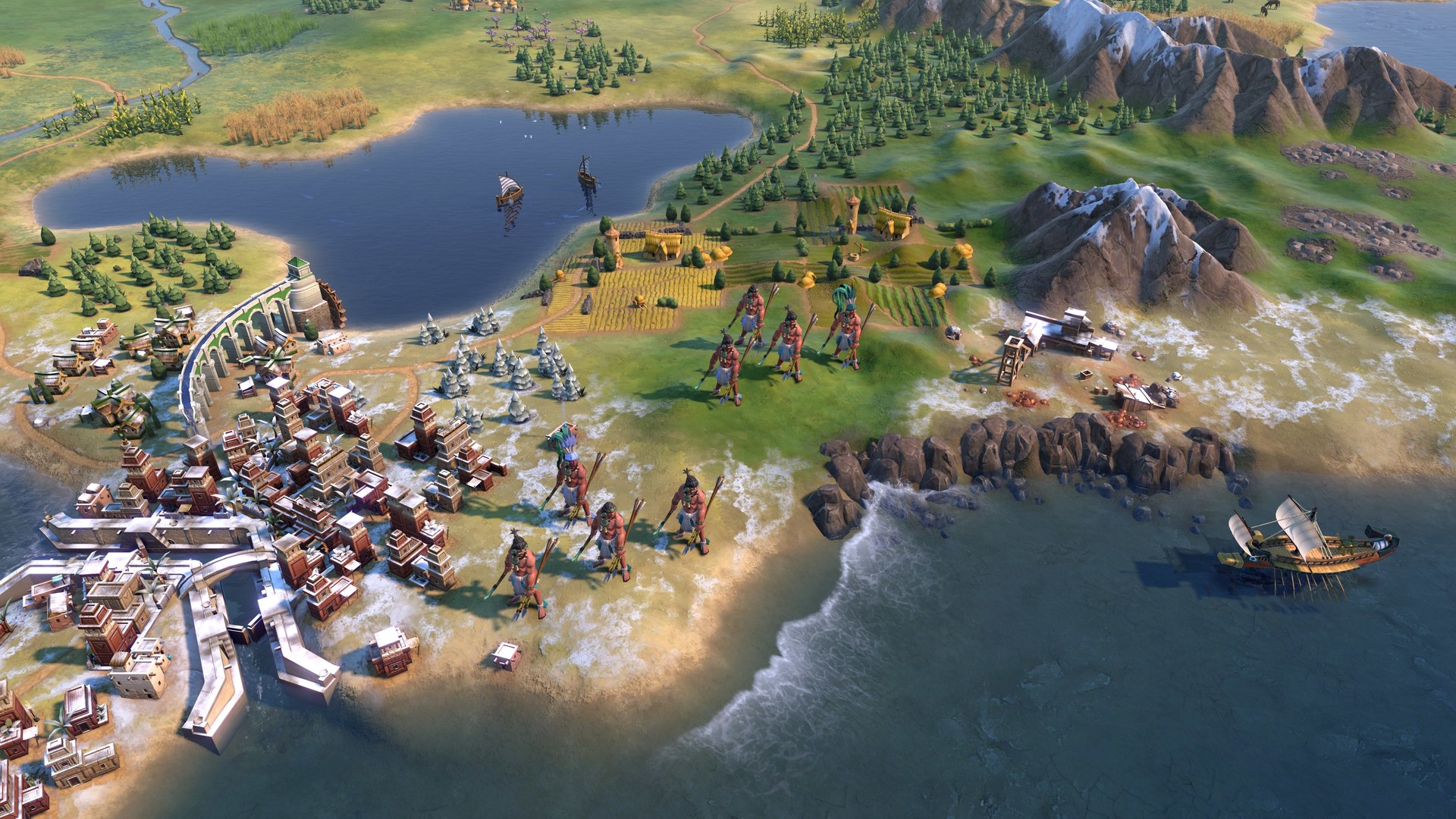
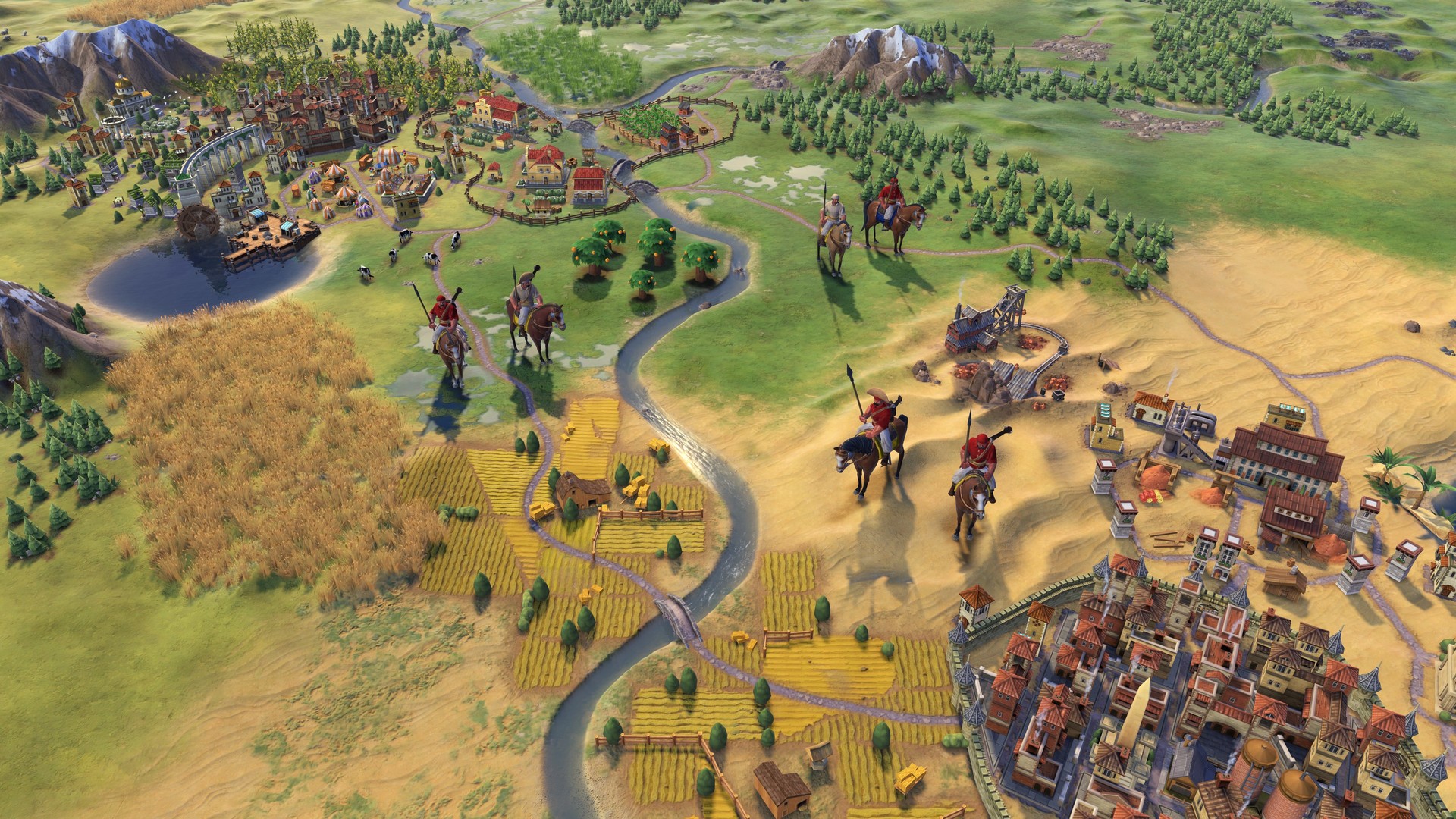
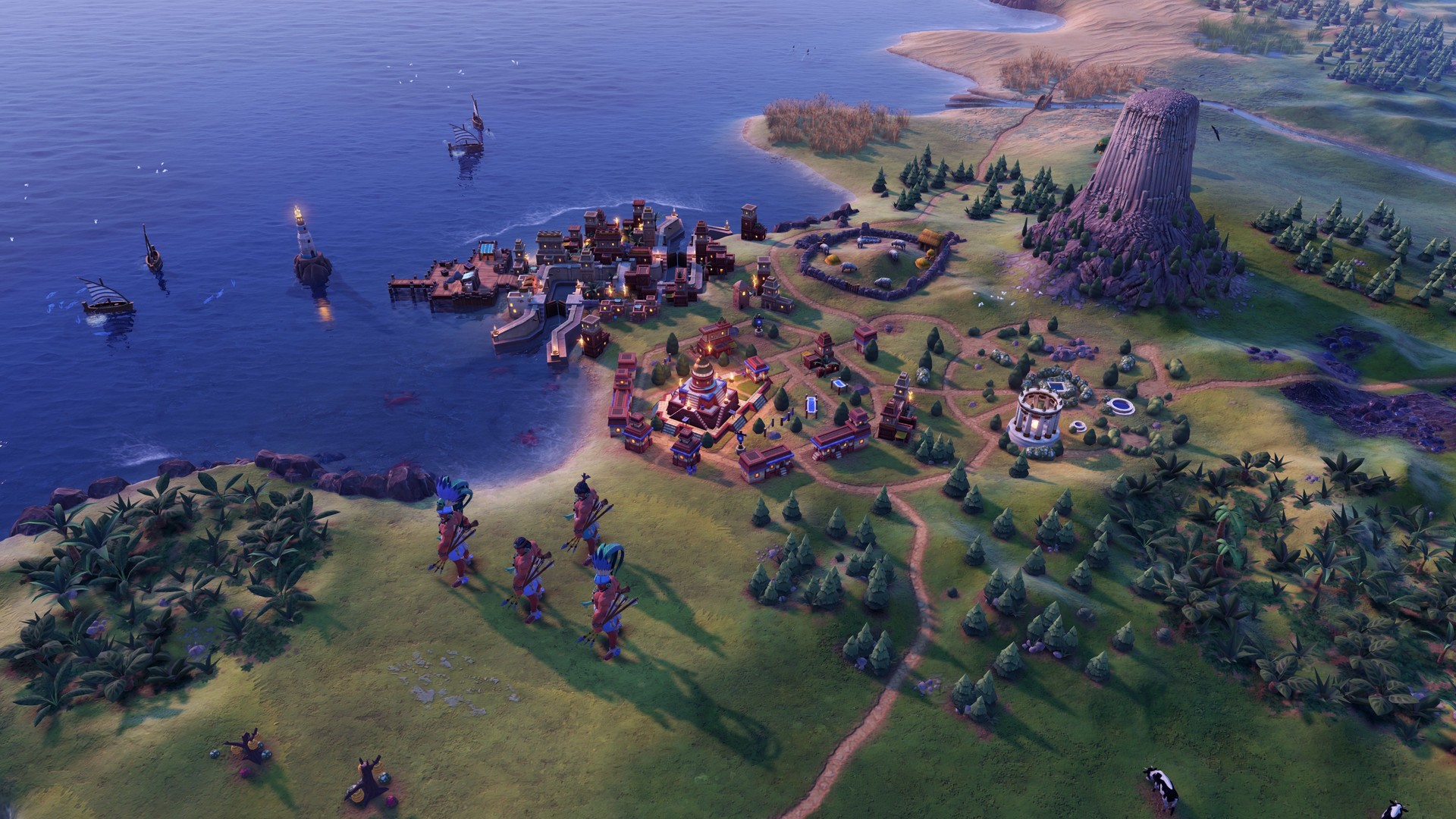
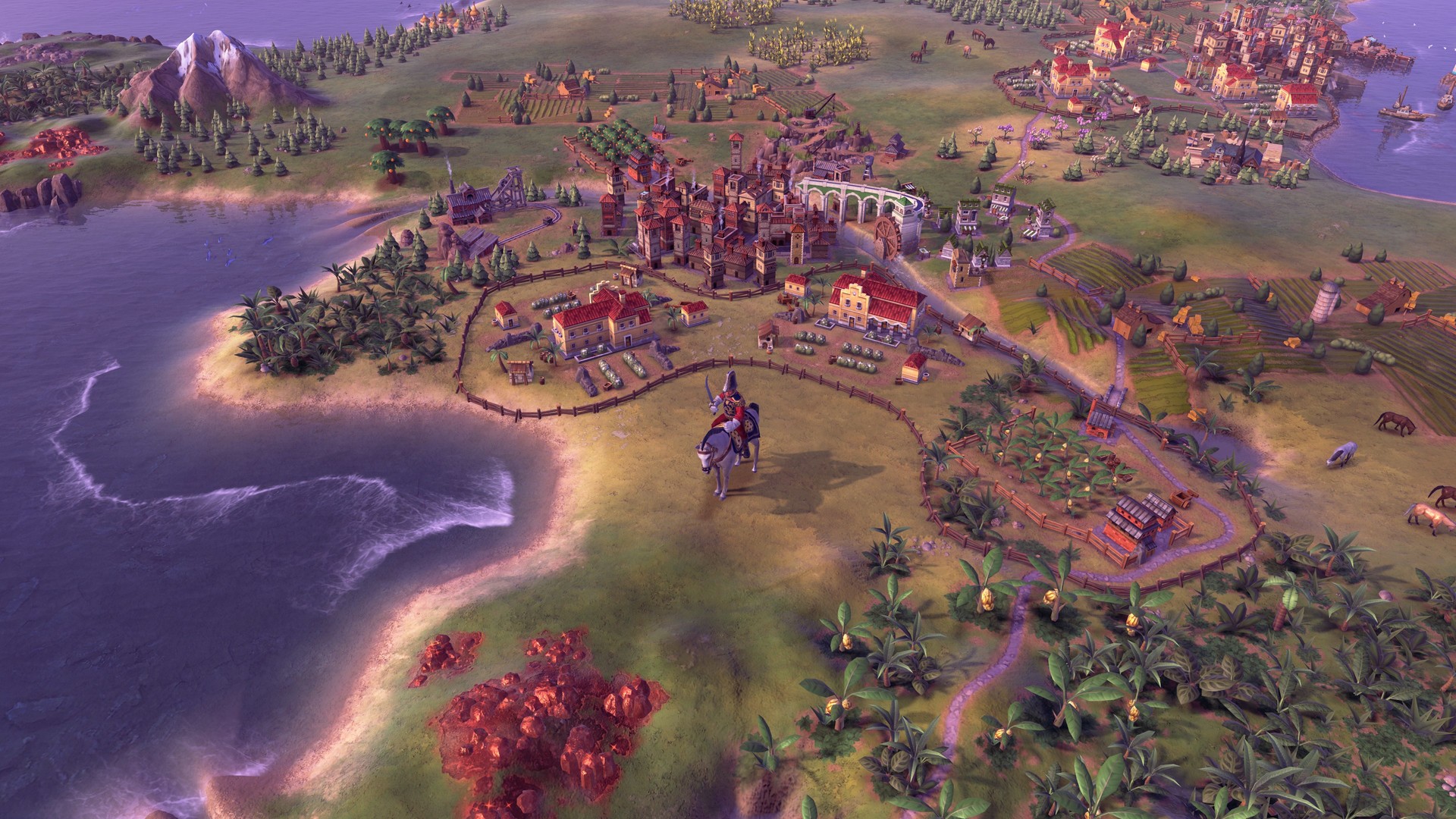
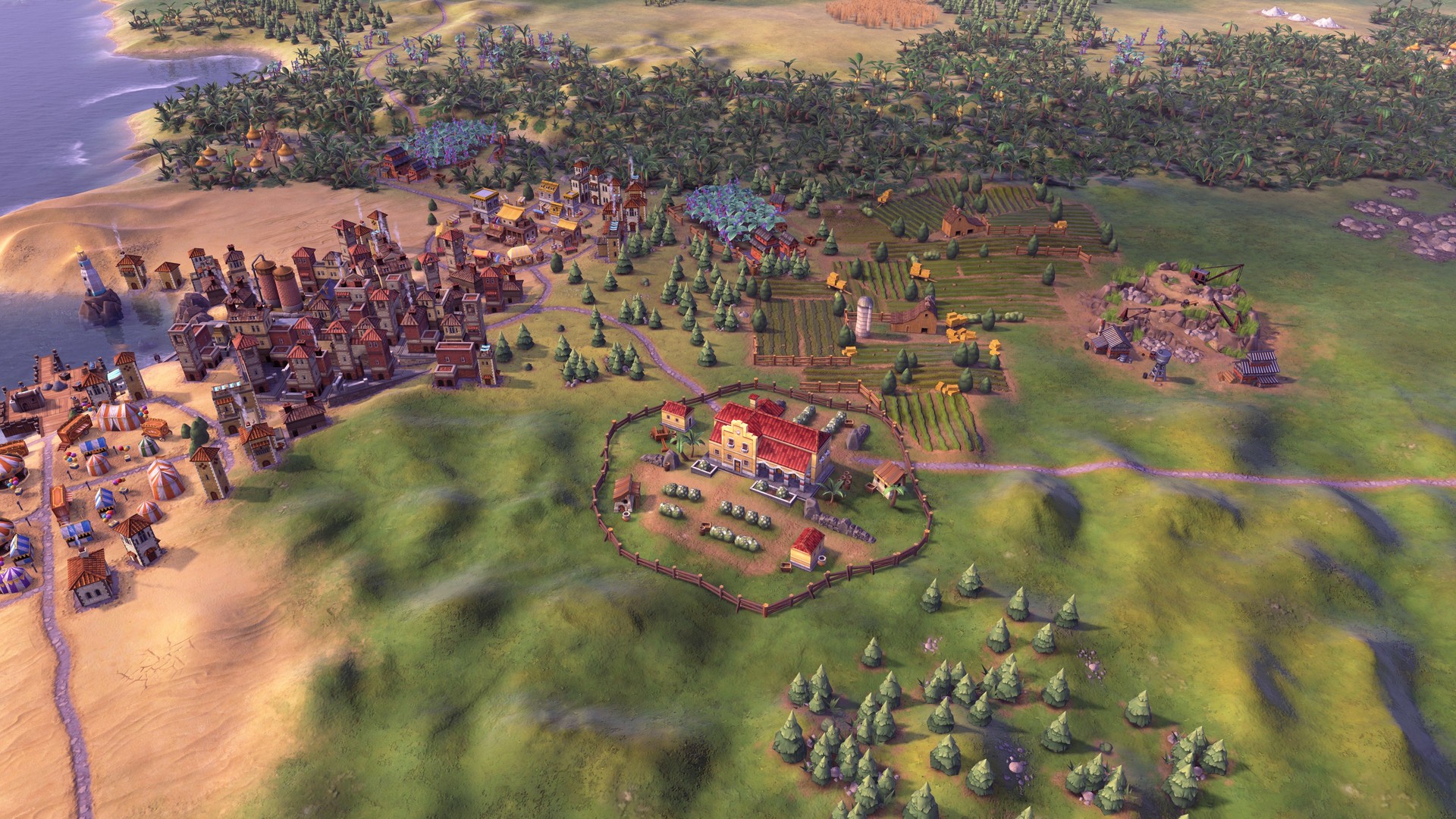
This new content pack introduces the Maya civilization, led Lady Six Sky, and the Gran Colombia civilization, led by Simón Bolívar. Also included is the new Apocalypse game mode as well as new City-States, Resources, and Natural Wonders.
Screenshots
System requirements
Minimum
• Requires a 64-bit processor and operating system • OS *: Windows 7x64 / Windows 8.1x64 / Windows 10x64 • Processor: Intel Core i3 2.5 Ghz or AMD Phenom II 2.6 Ghz or greater • Memory: 4 GB RAM • Graphics: 1 GB & AMD 5570 or nVidia 450 or Intel Integrated Graphics 530 • DirectX: Version 11 • Storage: 17 GB available space • Sound Card: DirectX Compatible Sound Device • Additional Notes: Initial installation requires one-time Internet connection for Steam authentication; software installations required (included with the game) include Steam Client, Microsoft Visual C++ 2012 and 2015 Runtime Libraries, and Microsoft DirectX. Internet connection and acceptance of Steam™ Subscriber Agreement required for activation. See for details.
Recommended
• Requires a 64-bit processor and operating system • OS *: Windows 7x64 / Windows 8.1x64 / Windows 10x64 • Processor: Fourth Generation Intel Core i5 2.5 Ghz or AMD FX8350 4.0 Ghz or greater • Memory: 8 GB RAM • Graphics: 2GB & AMD 7970 or nVidia 770 or greater • DirectX: Version 11 • Storage: 23 GB available space • Sound Card: DirectX Compatible Sound Device
Languages: English*, French*, Italian*, German*, Spanish - Spain*, Japanese*, Korean*, Polish*, Portuguese - Brazil, Russian*, Simplified Chinese*, Traditional Chinese*
How to activate
Steam
- Start Steam on your computer and sign in to the account you will play on.
- In the Games menu, choose Activate a Product on Steam. You can also start from Add a Game at the bottom left.
- Go through the introductory screens, review Steam’s terms and paste the complete key without surrounding spaces.
- Finish activation, then find the game in your Library and select Install.
More from the series
 РФ ✓Sid Meier's Civilization VIISteamXboxfrom $22.041,880 ₽7 offersРФ ✓Sid Meier's Civilization VII (Deluxe Edition)Steamfrom $31.622,700 ₽5 offers
 РФ ✓Sid Meier's Civilization V (Complete Edition)Steamfrom $11.06950 ₽3 offers
 РФ ✓Sid Meier’s Civilization® VISteamfrom $7.31630 ₽3 offersРФ ✓Sid Meier's Civilization® VSteamfrom $1.83160 ₽2 offersSid Meier's Civilization VII (Deluxe Edition) (Xbox Series X|S)Xboxfrom $69.225,900 ₽2 offers
 РФ ✓Sid Meier's Civilization® III CompleteSteamfrom $1.58140 ₽
 РФ ✓Sid Meier's Civilization IV: ColonizationSteamfrom $3.62310 ₽
Game details from Steam.