


Sid Meier's Civilization VII
- Genres
- Simulation · Strategy
- Release
- Feb 10, 2025
- Developer
- Firaxis Games
- Metacritic
Lowest price across all offers
from $28.302,420 ₽
Offers
The price depends on the platform and the activation region.
- EuropeNot for Russia$28.302,420 ₽1
- —Not for Russia$36.003,070 ₽1
- North AmericaNot for Russia$38.163,260 ₽1
- WorldwideWorks in Russia$38.283,270 ₽1
- AsiaNot for Russia$43.733,730 ₽1
- ChinaNot for Russia$43.963,750 ₽1
- Latin AmericaNot for Russia$50.284,290 ₽1
About the game
Lead empires that evolve or endure through the Ages. Build something you believe in with Sid Meier's Civilization® VII.
Screenshots
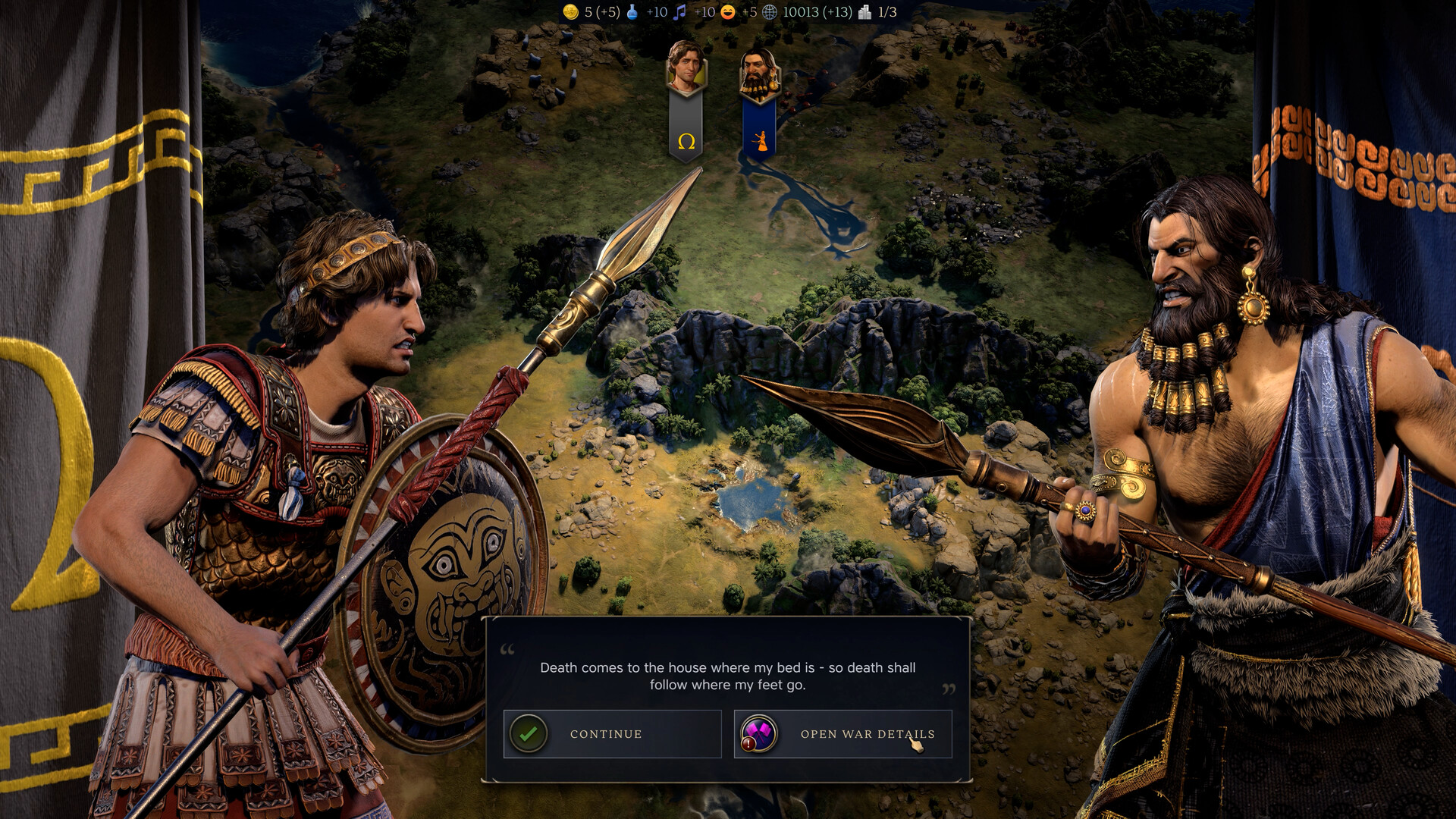
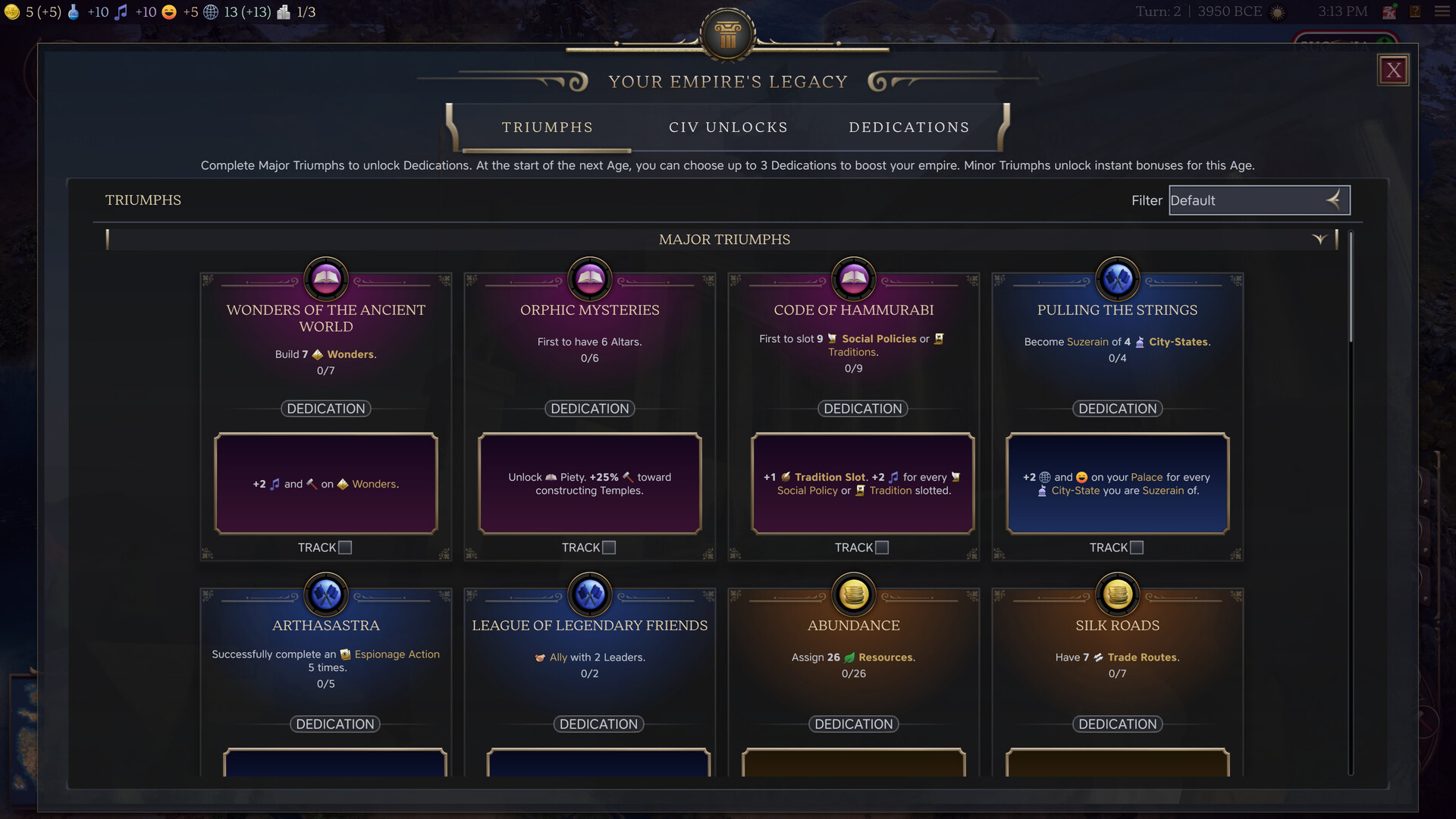
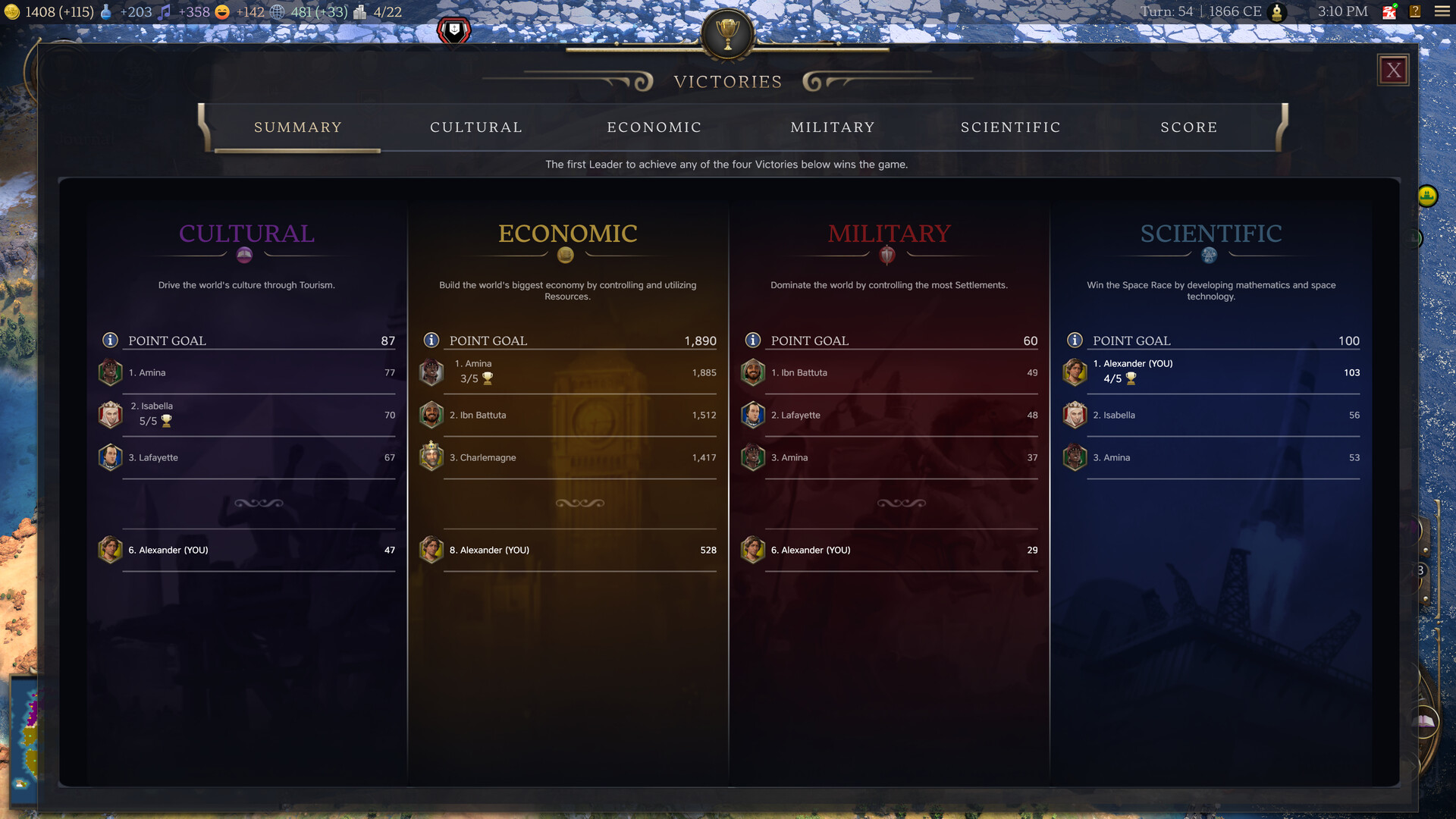
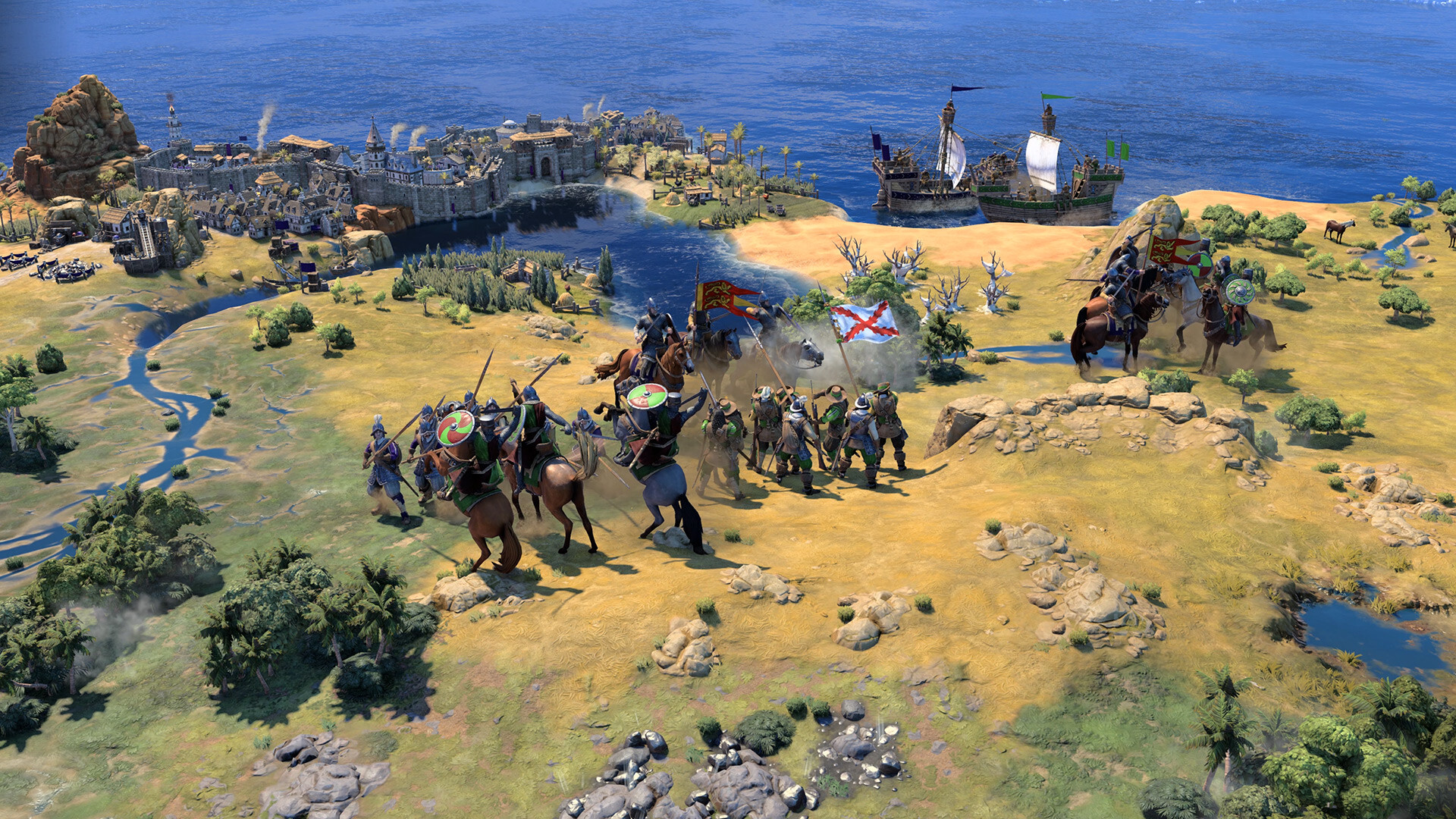
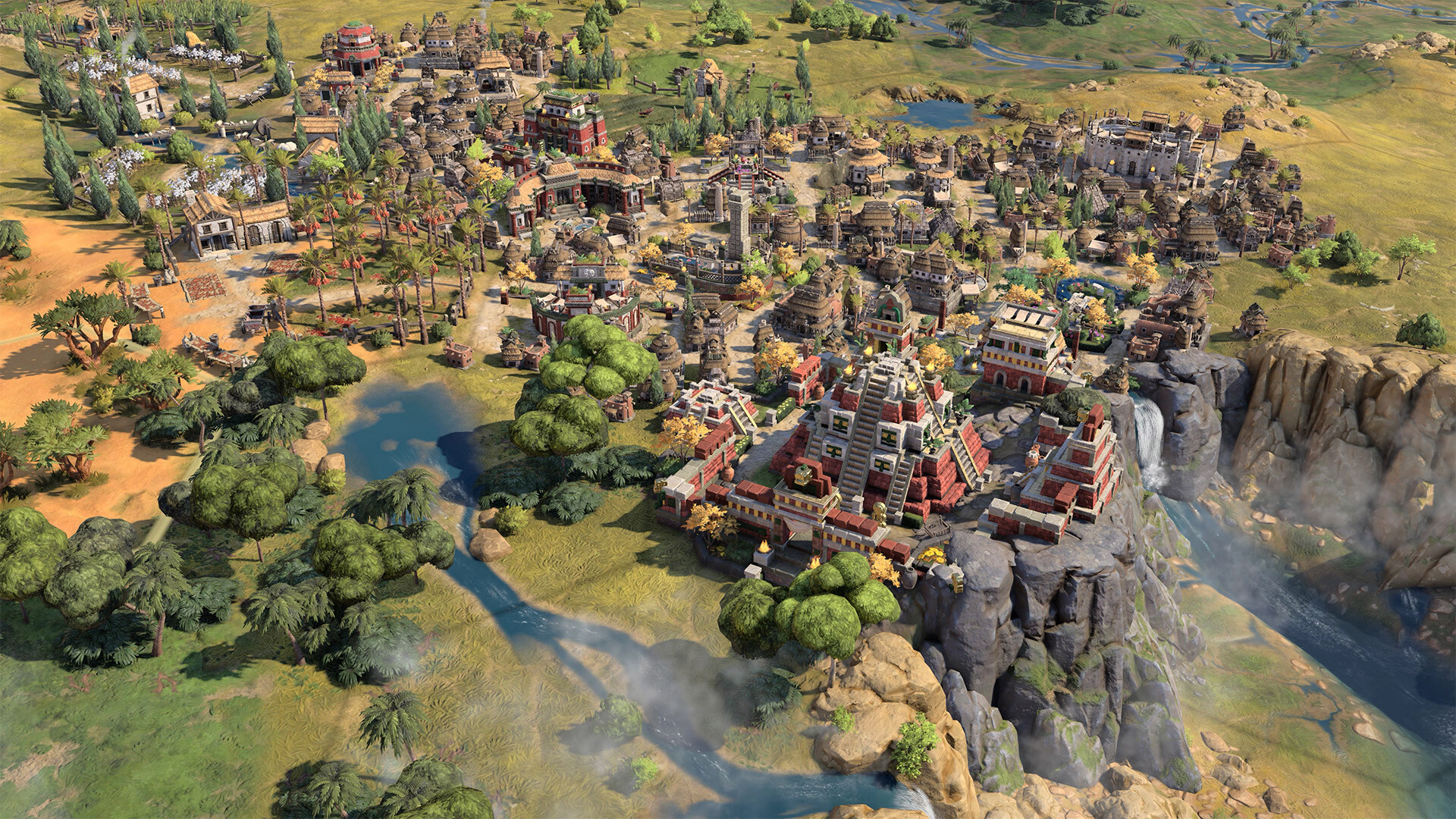
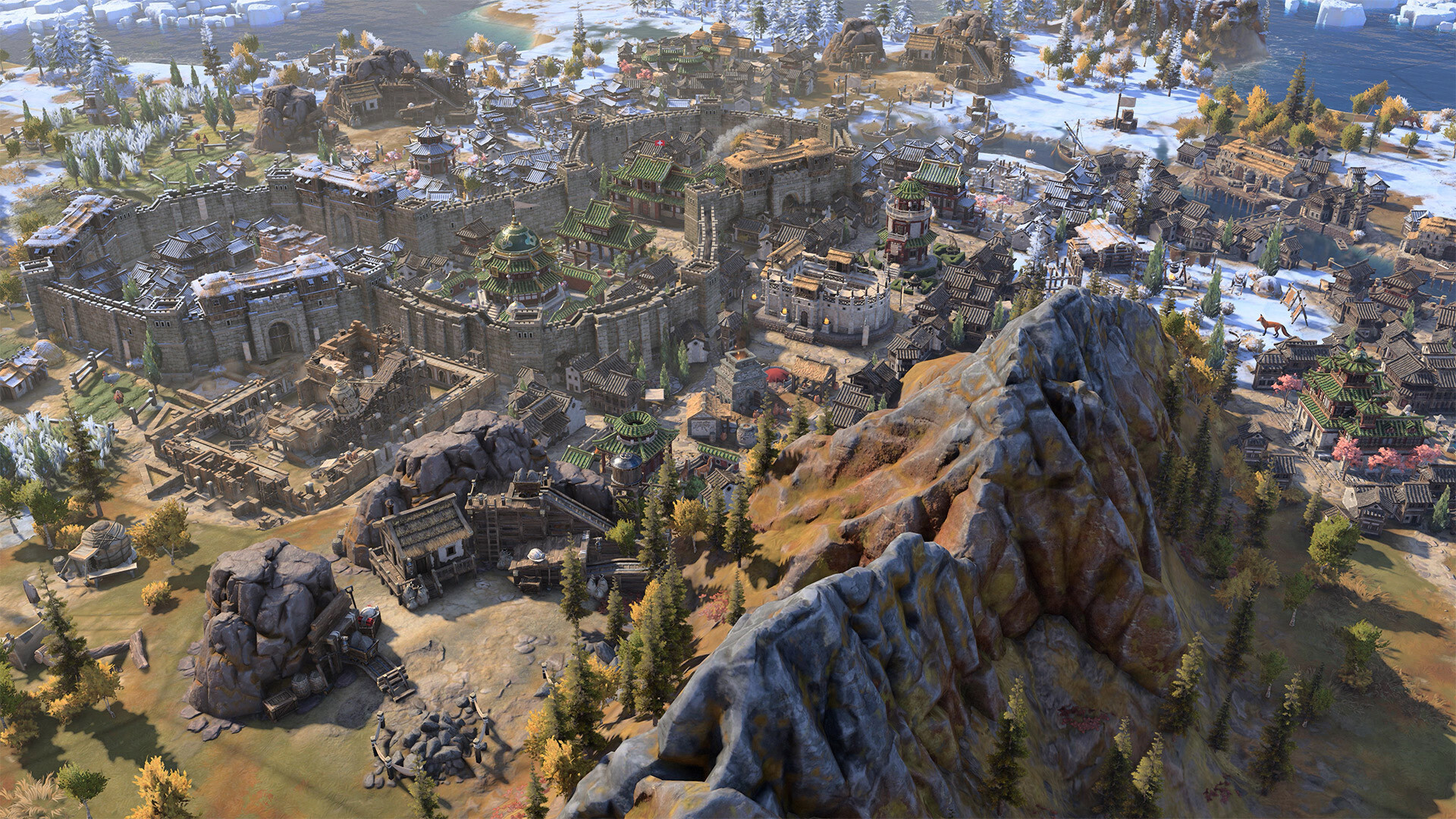
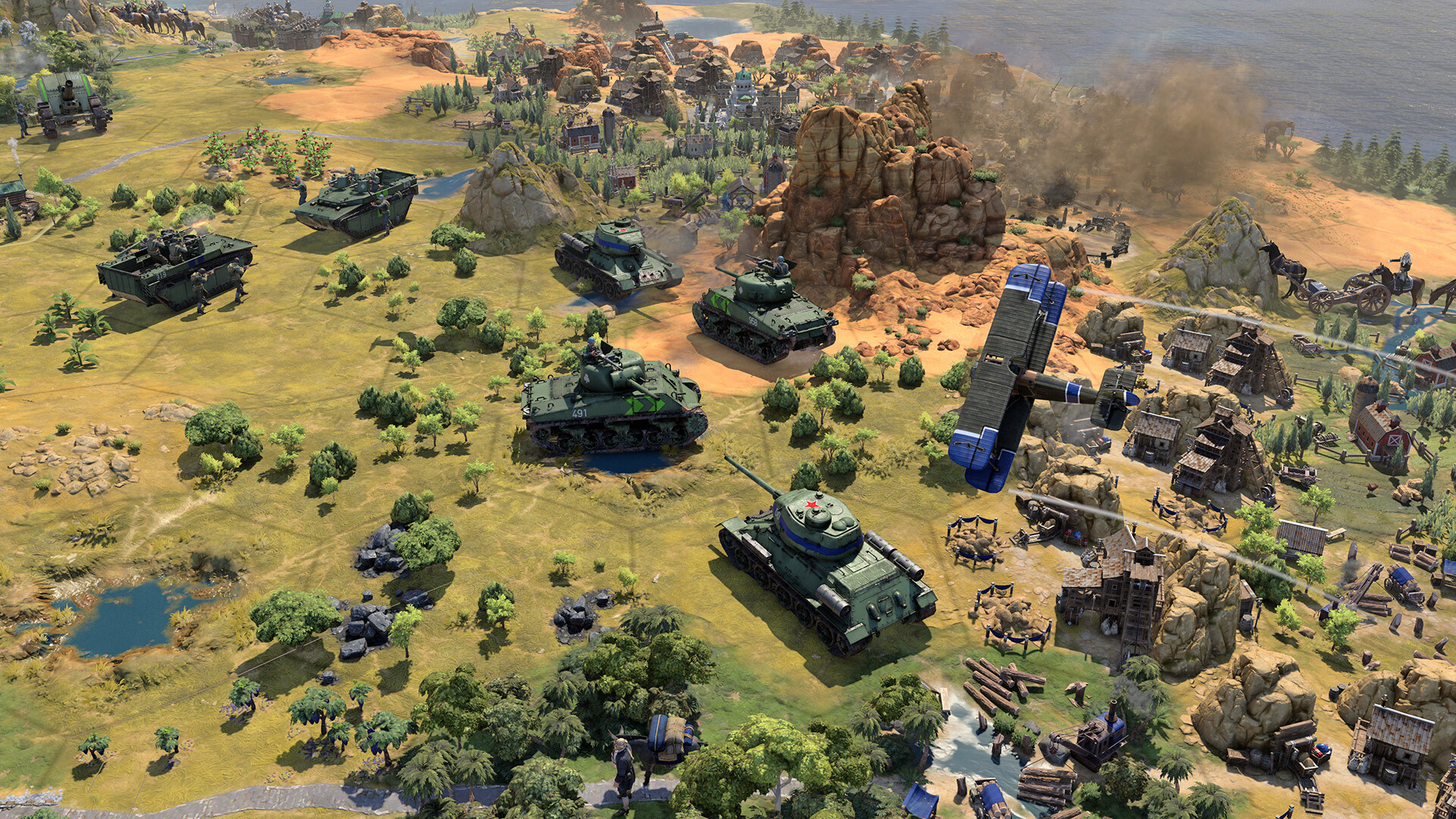
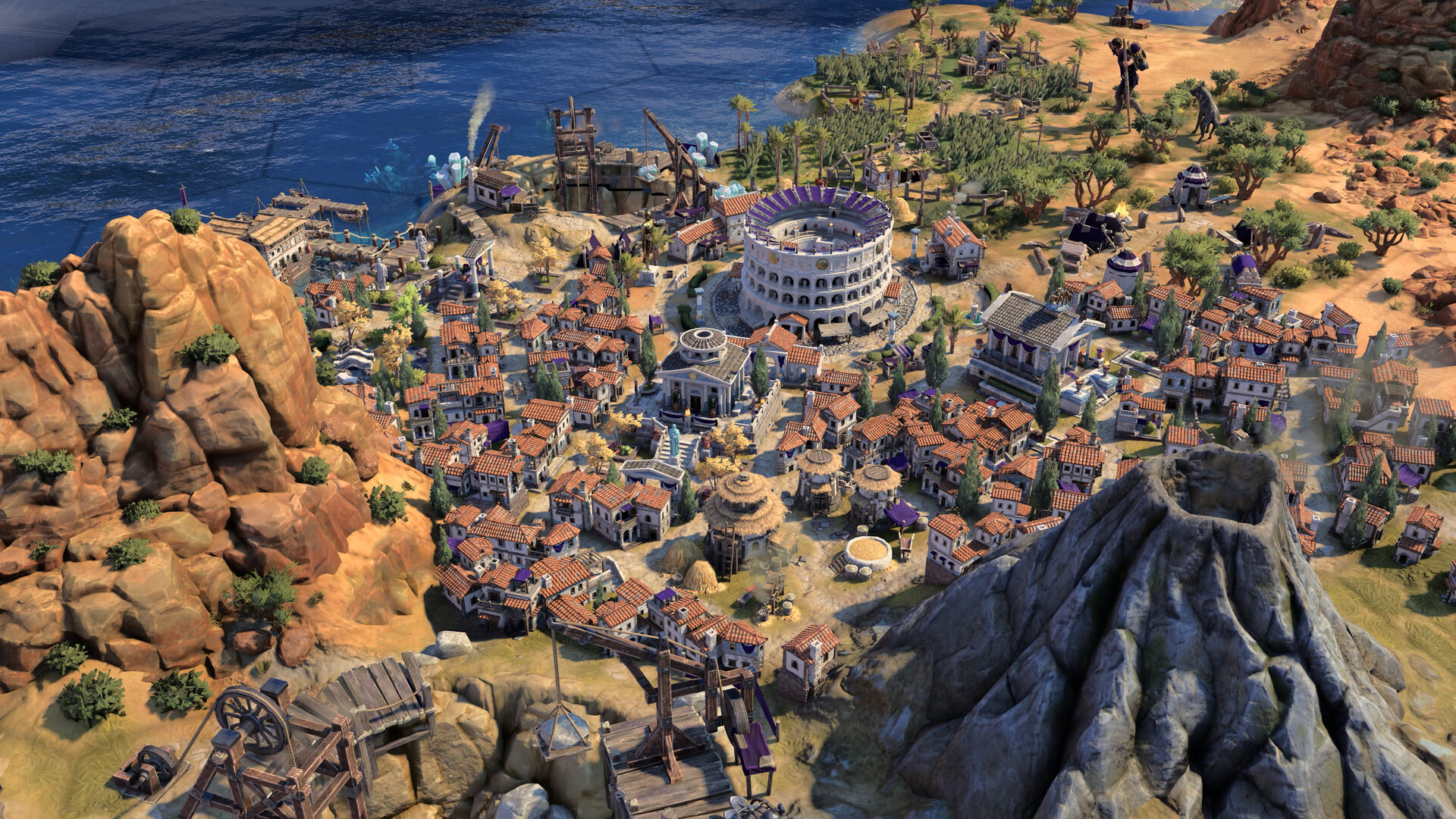
System requirements
Minimum
• Requires a 64-bit processor and operating system • OS: Win 10 64 Bit • Processor: Intel i5-4690 / Intel i3-10100 / AMD Ryzen 3 1200 • Memory: 8 GB RAM • Graphics: NVIDIA GTX 1050 / AMD RX 460 / Intel Arc A380 • DirectX: Version 12 • Storage: 20 GB available space
Recommended
• Requires a 64-bit processor and operating system • OS: Win 10 64 Bit • Processor: Intel Core i5-10400 / AMD Ryzen 5 3600X • Memory: 16 GB RAM • Graphics: NVIDIA RTX 2060 / AMD RX 6600 / Intel Arc A750 • DirectX: Version 12 • Storage: 20 GB available space
Languages: English*, French*, Italian*, German*, Spanish - Spain*, Japanese*, Korean*, Polish*, Portuguese - Brazil, Russian*, Simplified Chinese*, Traditional Chinese*
How to activate
Steam
- Start Steam on your computer and sign in to the account you will play on.
- In the Games menu, choose Activate a Product on Steam. You can also start from Add a Game at the bottom left.
- Go through the introductory screens, review Steam’s terms and paste the complete key without surrounding spaces.
- Finish activation, then find the game in your Library and select Install.
Xbox
- Open Microsoft’s redemption page using the button below.
- Sign in with the Microsoft account used on your Xbox. Check the email and profile before continuing.
- Paste the 25-character code and select Next. Check the displayed product or amount.
- Complete the confirmation prompts. Look for games in that account’s library and subscriptions under its services and subscriptions.
More from the series
 РФ ✓Sid Meier's Civilization® VSteamfrom $1.84160 ₽8 offers
 РФ ✓Sid Meier’s Civilization® VISteamfrom $6.38550 ₽5 offersРФ ✓Sid Meier's Civilization VII (Deluxe Edition)Steamfrom $63.115,380 ₽5 offersРФ ✓Sid Meier's Civilization VII (Xbox Series X|S)Xboxfrom $47.294,030 ₽5 offersРФ ✓Sid Meier's Civilization V (Complete Edition)Steamfrom $9.98860 ₽4 offersSid Meier's Civilization VII | Founders EditionSteamfrom $221.5818,880 ₽РФ ✓Sid Meier's Civilization VI (Xbox One)Xboxfrom $9.07780 ₽3 offersРФ ✓Sid Meier's Civilization VII (Deluxe Edition) (Xbox Series X|S)Xboxfrom $69.315,910 ₽3 offers
Game details from Steam.