


SILENT HILL f Digital Deluxe Edition
- Genres
- Action · Adventure
- Release
- Sep 24, 2025
- Developer
- NeoBards Entertainment Ltd.
Lowest price across all offers
from $37.053,160 ₽
Offers
The price depends on the platform and the activation region.
- Worldwide, except 3 countriesNot for RussiaSILENT HILL f Digital Deluxe Edition (WW, except BY, RU, VN)
except 3 countries
Belarus, Russia, Vietnam
$37.053,160 ₽1
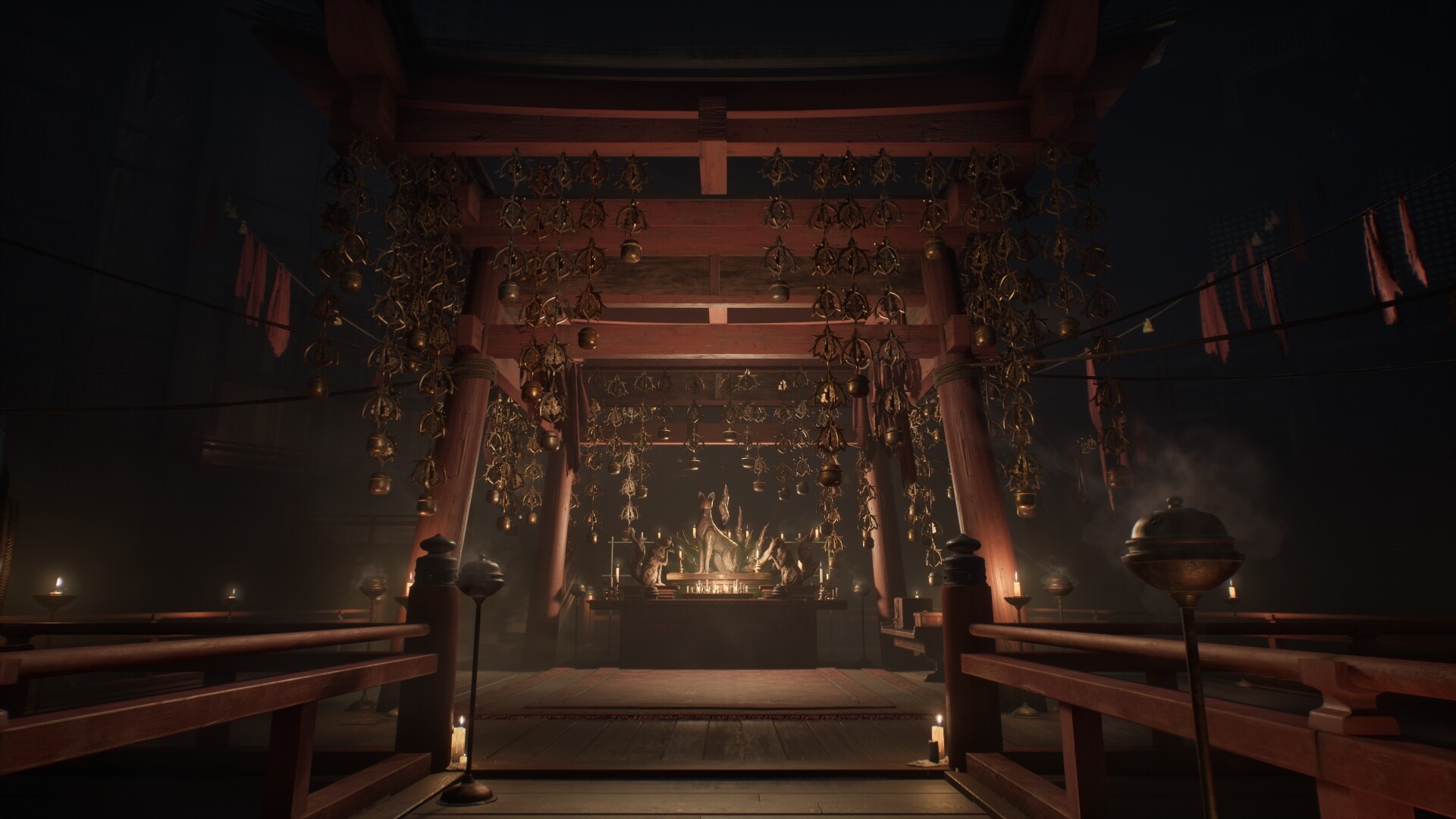
About the game
Hinako's hometown is engulfed in fog, driving her to fight grotesque monsters and solve eerie puzzles. Uncover the disturbing beauty hidden in terror.
Pictures and description are of the base game on Steam.
Screenshots





System requirements
Minimum
• Requires a 64-bit processor and operating system • OS: Windows 11 x64 • Processor: Intel Core i5-8400 / AMD Ryzen 5 2600 • Memory: 16 GB RAM • Graphics: NVIDIA® GeForce® GTX 1070 Ti or AMD Radeon™ RX 5700 • DirectX: Version 12 • Storage: 50 GB available space • Sound Card: Windows Compatible Audio Device. • Additional Notes: Playing on minimum requirements should enable to play on Performance quality settings in 30 at 720p. SSD is recommended.
Recommended
• Requires a 64-bit processor and operating system • OS: Windows 11 x64 • Processor: Intel Core i7-9700 / AMD Ryzen 5 5500 • Memory: 16 GB RAM • Graphics: NVIDIA® GeForce® RTX 2080 or AMD Radeon™ RX 6800XT • DirectX: Version 12 • Storage: 50 GB available space • Sound Card: Windows Compatible Audio Device. • Additional Notes: Playing on recommended requirements should enable to play on Performance settings in 60 FPS or Quality settings in 30 FPS at FullHD (or 4k using DLSS or similar technology). SSD required.
Languages: English*, French, Italian, German, Spanish - Spain, Spanish - Latin America, Portuguese - Brazil, Polish, Russian, Simplified Chinese, Traditional Chinese, Japanese*, Korean
How to activate
Steam
- Start Steam on your computer and sign in to the account you will play on.
- In the Games menu, choose Activate a Product on Steam. You can also start from Add a Game at the bottom left.
- Go through the introductory screens, review Steam’s terms and paste the complete key without surrounding spaces.
- Finish activation, then find the game in your Library and select Install.
More from the series
РФ ✓SILENT HILL f (Xbox Series X|S)Xboxfrom $36.213,090 ₽6 offersРФ ✓SILENT HILL fSteamfrom $28.932,470 ₽6 offers РФ ✓SILENT HILL 2Steamfrom $21.361,820 ₽4 offersРФ ✓SILENT HILL f (Deluxe Edition)SteamOtherfrom $29.872,550 ₽4 offersРФ ✓SILENT HILL 2 (Deluxe Edition)Steamfrom $24.102,060 ₽3 offers
 РФ ✓SILENT HILL: TownfallSteamfrom $43.983,750 ₽2 offersSilent Hill: Townfall Deluxe EditionSteamfrom $53.044,520 ₽2 offersSILENT HILL 2 (Xbox Series X|S)Xboxfrom $22.231,900 ₽2 offers
Game details from Steam.