


Sleeping Dogs: Definitive Edition
- Genres
- Action · Adventure · Racing
- Release
- Oct 8, 2014
- Developer
- United Front Games, Feral Interactive (Mac)
Lowest price across all offers
from $5.30460 ₽
Offers
The price depends on the platform and the activation region.
- Worldwide, except 1 countryWorks in RussiaSleeping Dogs: Definitive Edition (WW, except DE)
except 1 country
Germany
$5.30460 ₽1 - Latin AmericaNot for Russia$5.77500 ₽1
- EuropeNot for RussiaSleeping Dogs (Definitive Edition)$7.42640 ₽1
About the game
The Definitive Edition of the critically acclaimed, award winning open-world action adventure, reworked, rebuilt and re-mastered for the new generation. With all previously available DLC included and a wealth of tech and visual improvements, Hong Kong has never felt so alive.
Screenshots

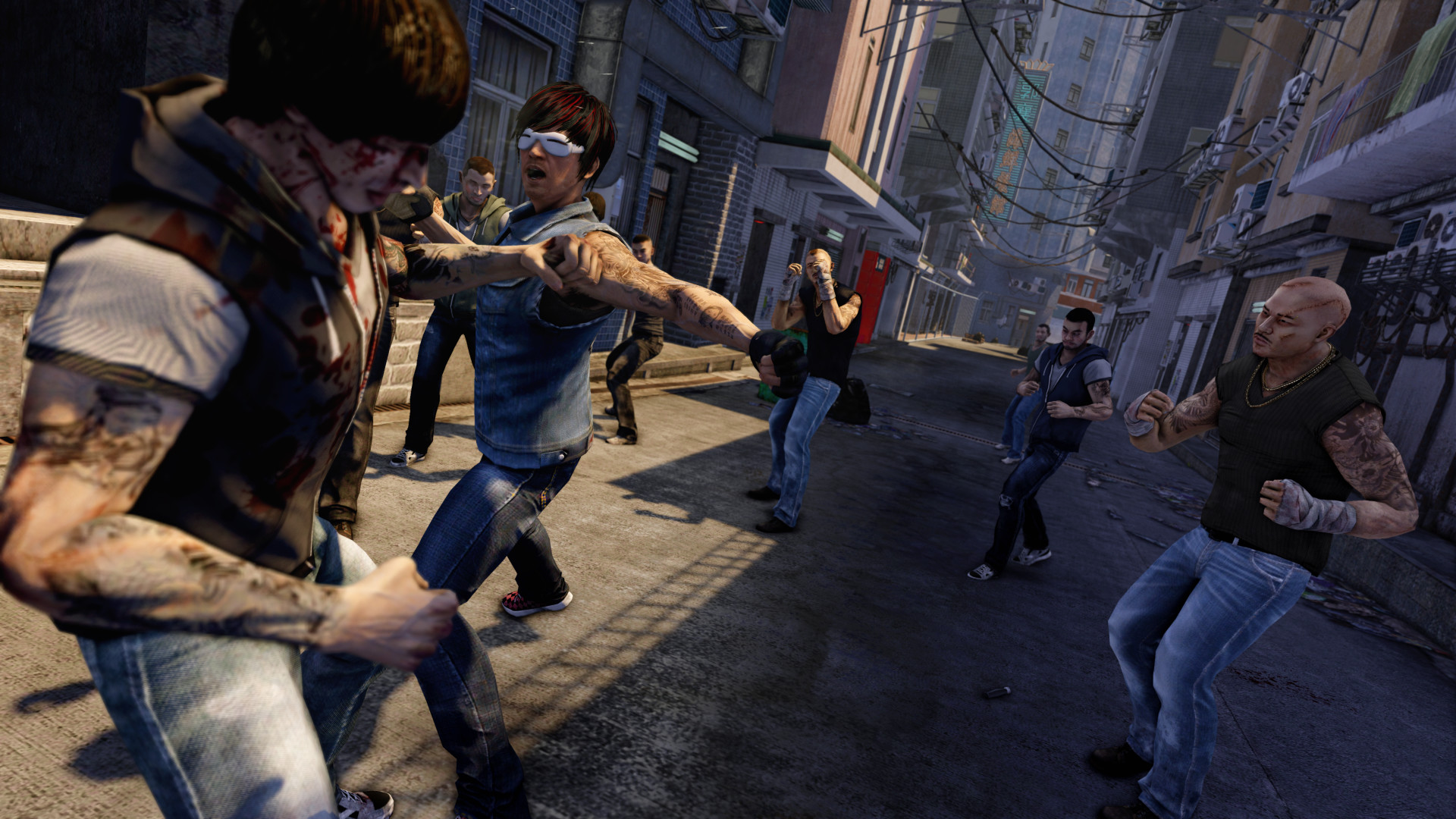

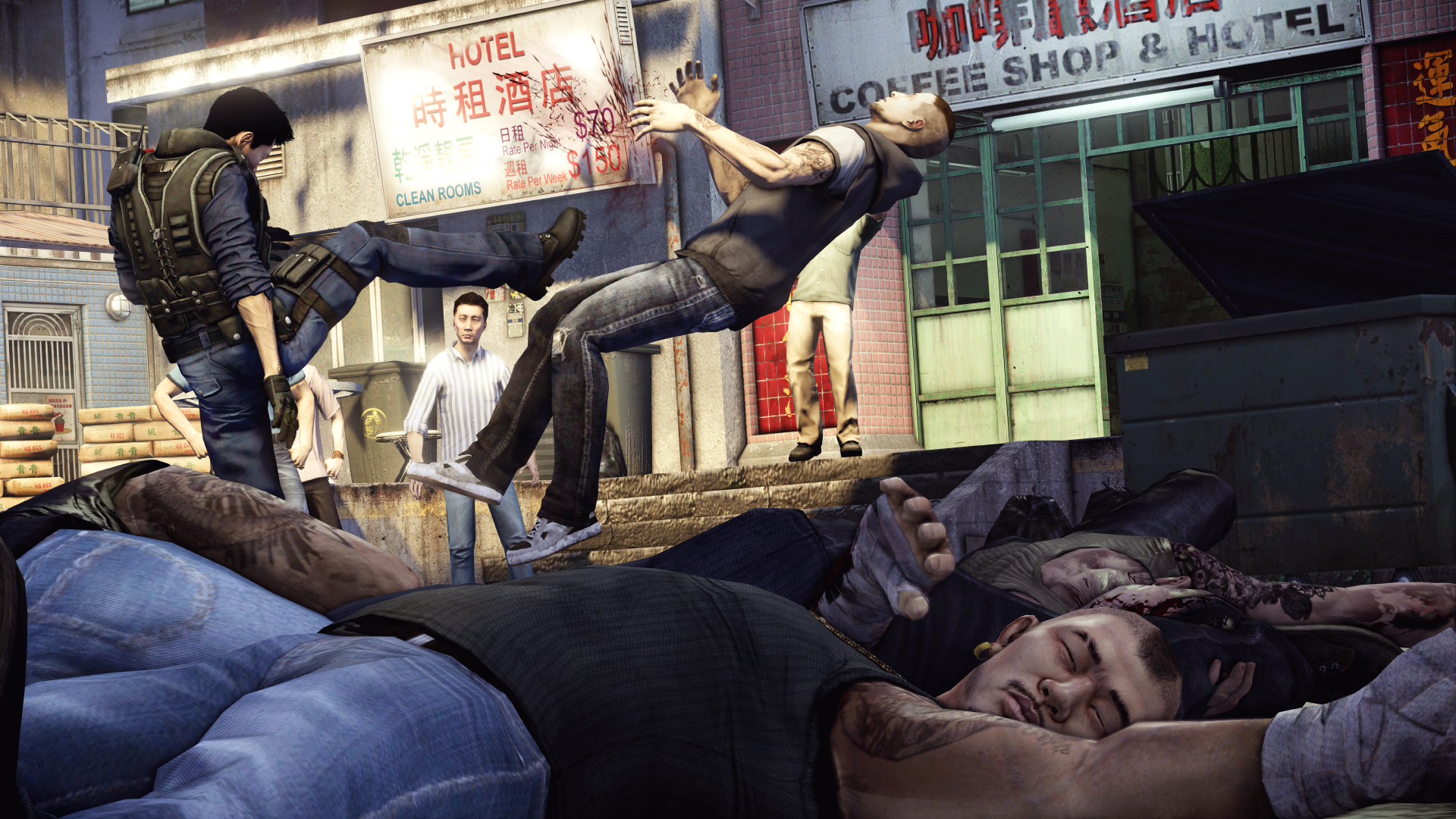
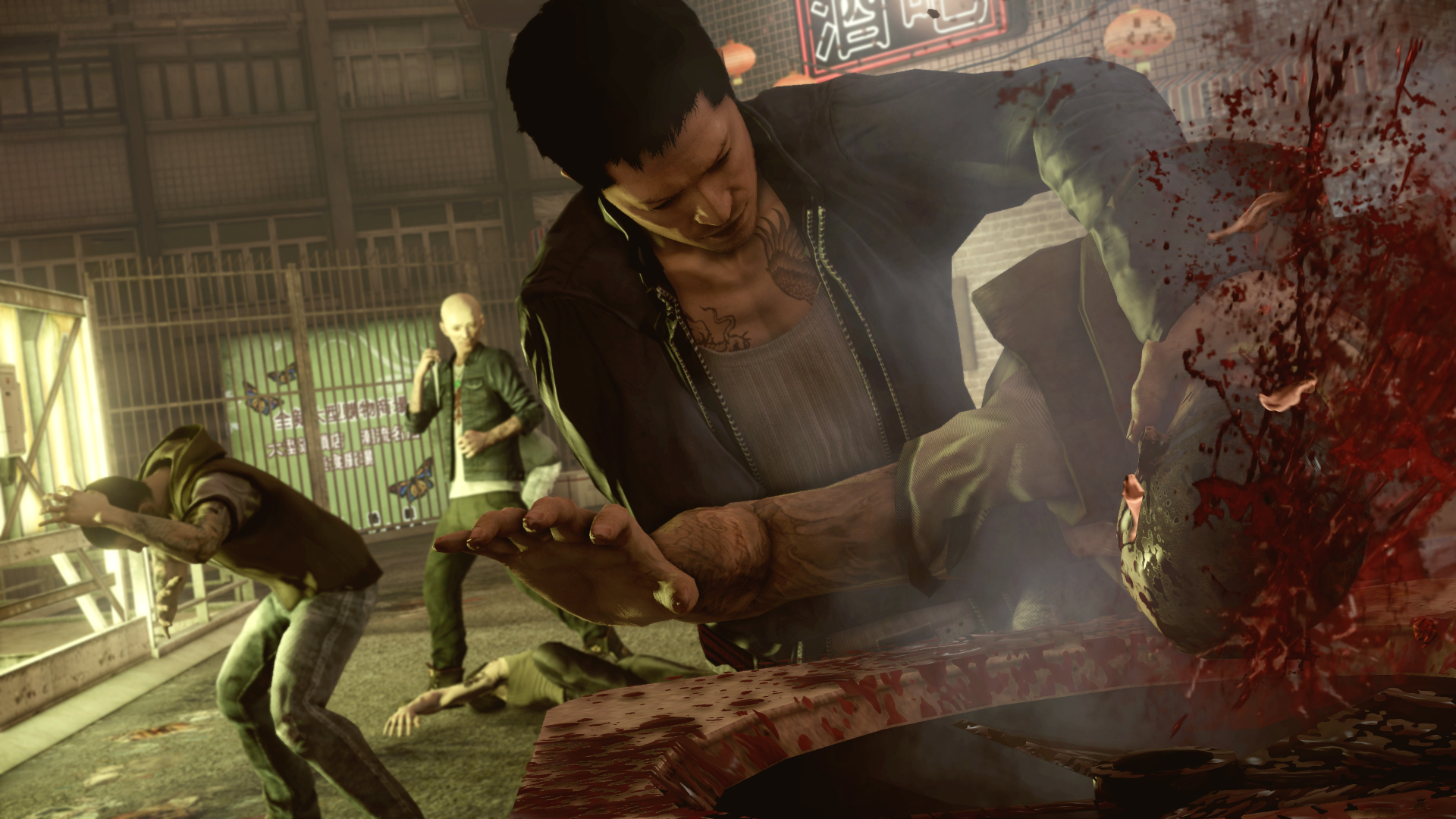
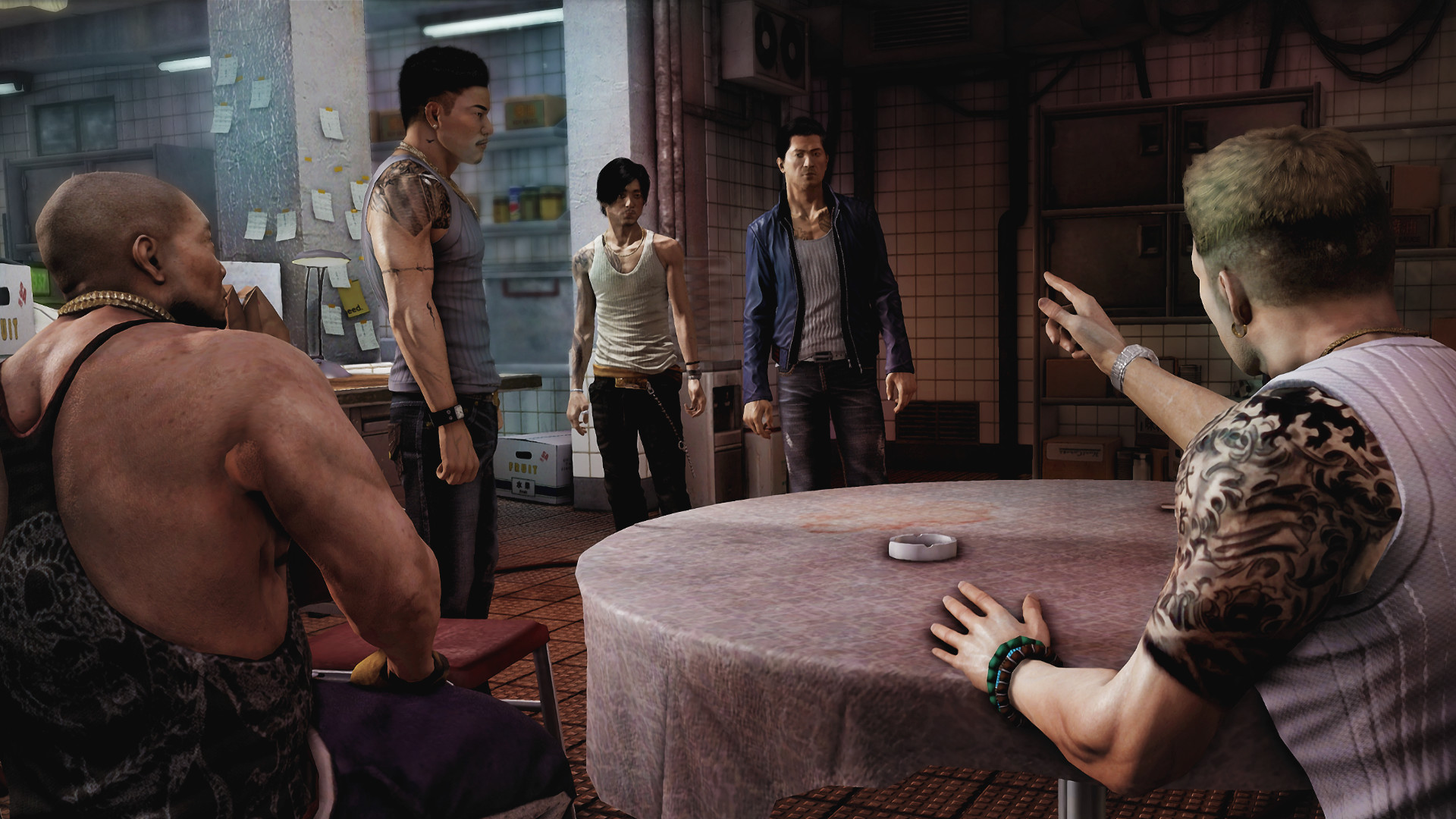


System requirements
Minimum
• OS *: Windows Vista 64bit, Window 7 64bit, Windows 8 64bit (32bit O/S not supported) • Processor: Core 2 Duo 2.4GHz or Athlon X2 2.7GHz • Memory: 4 GB RAM • Graphics: DirectX 10 or 11 compatible card, ATI Radeon 3870 or higher, NVIDIA GeForce 8800 GT or higher with 512MB graphics memory, Intel HD Graphics 2500 or higher • DirectX: Version 10 • Storage: 20 GB available space • Sound Card: DirectX compatible sound card
Recommended
• OS *: Windows Vista 64bit, Window 7 64bit, Windows 8 64bit (32bit O/S not supported) • Processor: Core i5-2300, Phenom II X4 940 or better • Memory: 8 GB RAM • Graphics: DirectX 10 or 11 compatible card, ATI Radeon 7750, NVIDIA GeForce GTX 560 or higher with 1GB graphics memory, Intel HD Graphics 4000 or higher • DirectX: Version 11 • Storage: 20 GB available space • Sound Card: DirectX compatible sound card
Languages: English*, French, Italian, German, Spanish - Spain, Polish, Russian
How to activate
Steam
- Start Steam on your computer and sign in to the account you will play on.
- In the Games menu, choose Activate a Product on Steam. You can also start from Add a Game at the bottom left.
- Go through the introductory screens, review Steam’s terms and paste the complete key without surrounding spaces.
- Finish activation, then find the game in your Library and select Install.
Xbox
- Open Microsoft’s redemption page using the button below.
- Sign in with the Microsoft account used on your Xbox. Check the email and profile before continuing.
- Paste the 25-character code and select Next. Check the displayed product or amount.
- Complete the confirmation prompts. Look for games in that account’s library and subscriptions under its services and subscriptions.
More from the series
Game details from Steam.