

Sonic Frontiers
- Genres
- Action · Adventure
- Release
- Nov 7, 2022
- Developer
- Sonic Team
Lowest price across all offers
from $7.18620 ₽
Offers
The price depends on the platform and the activation region.
- EuropeNot for Russia$18.641,590 ₽1
About the game
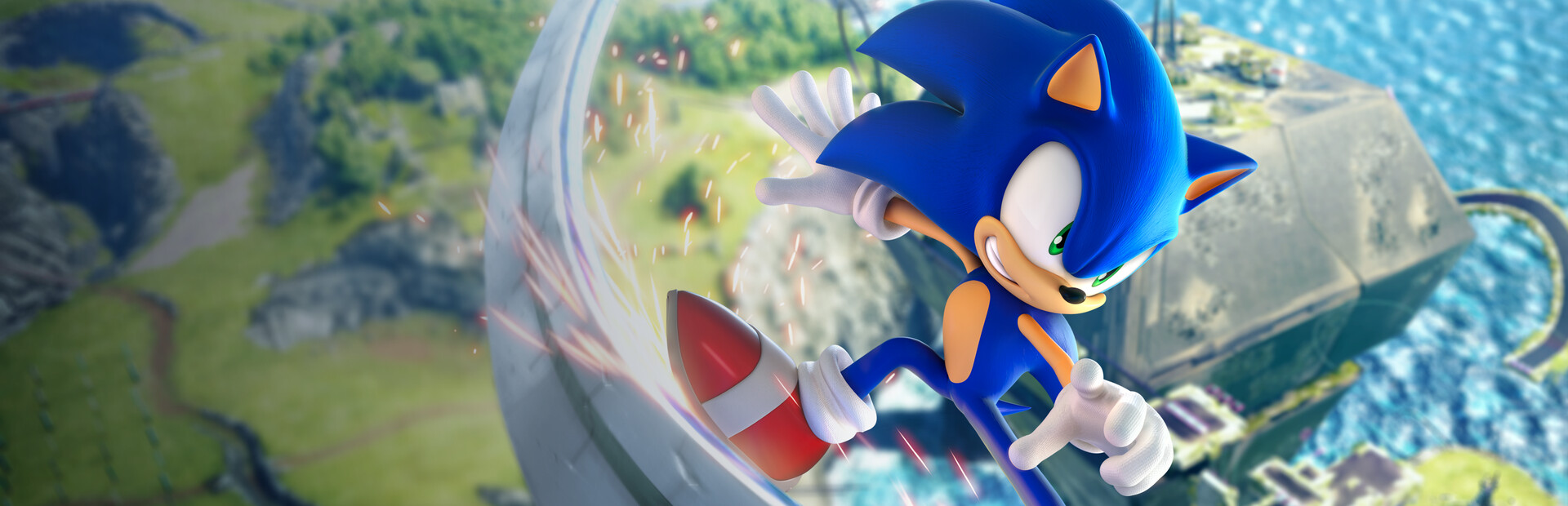
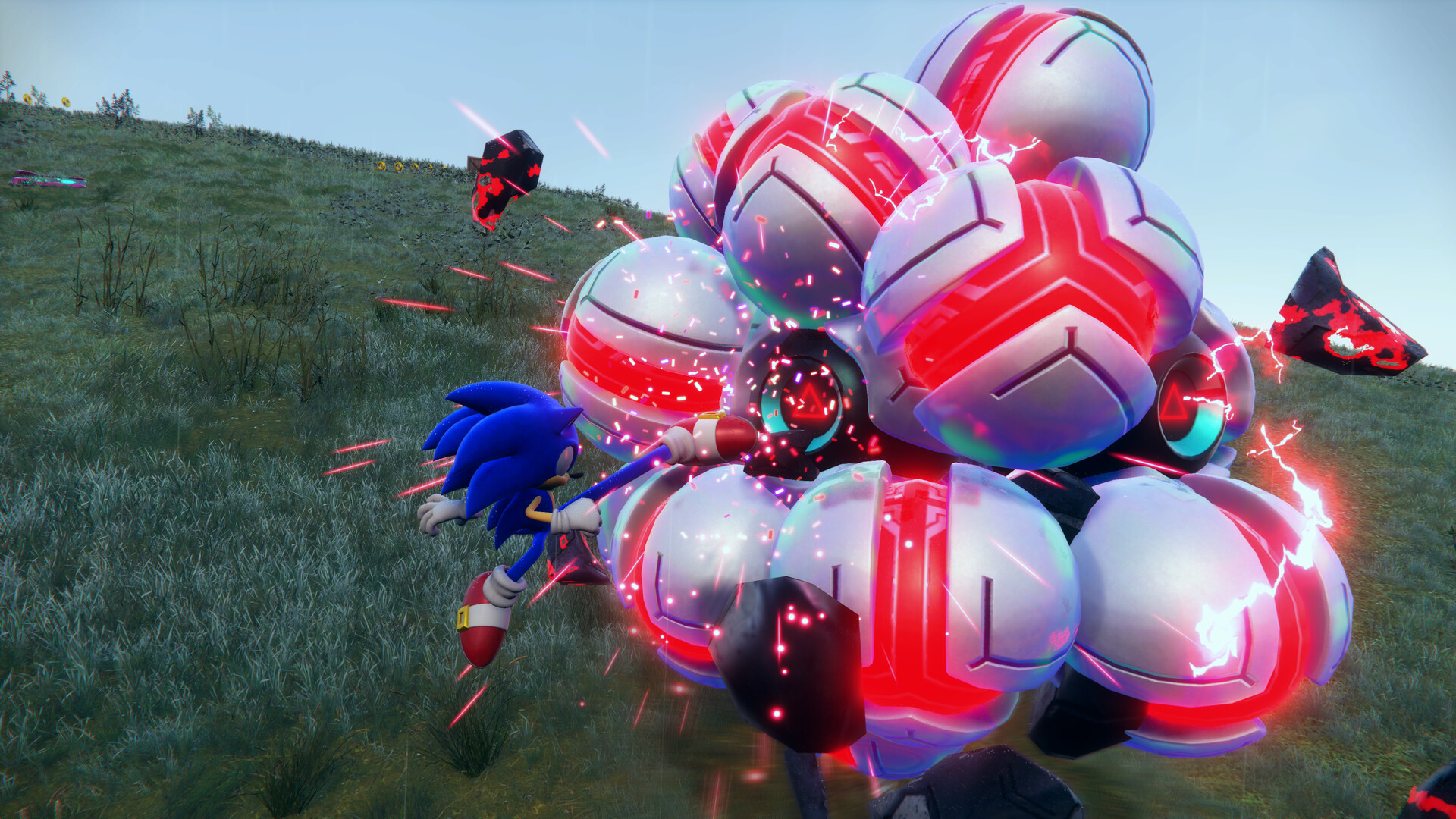
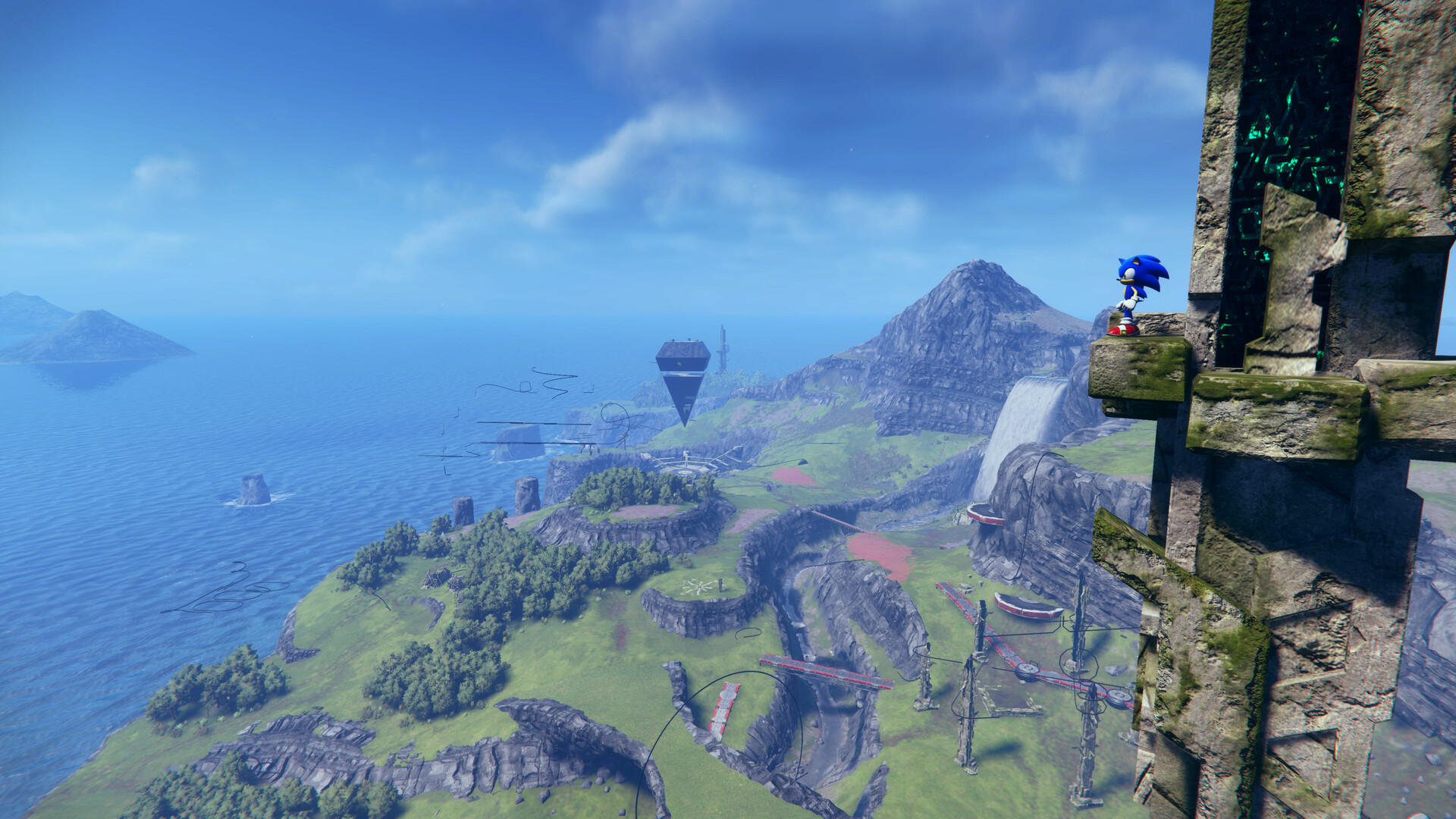
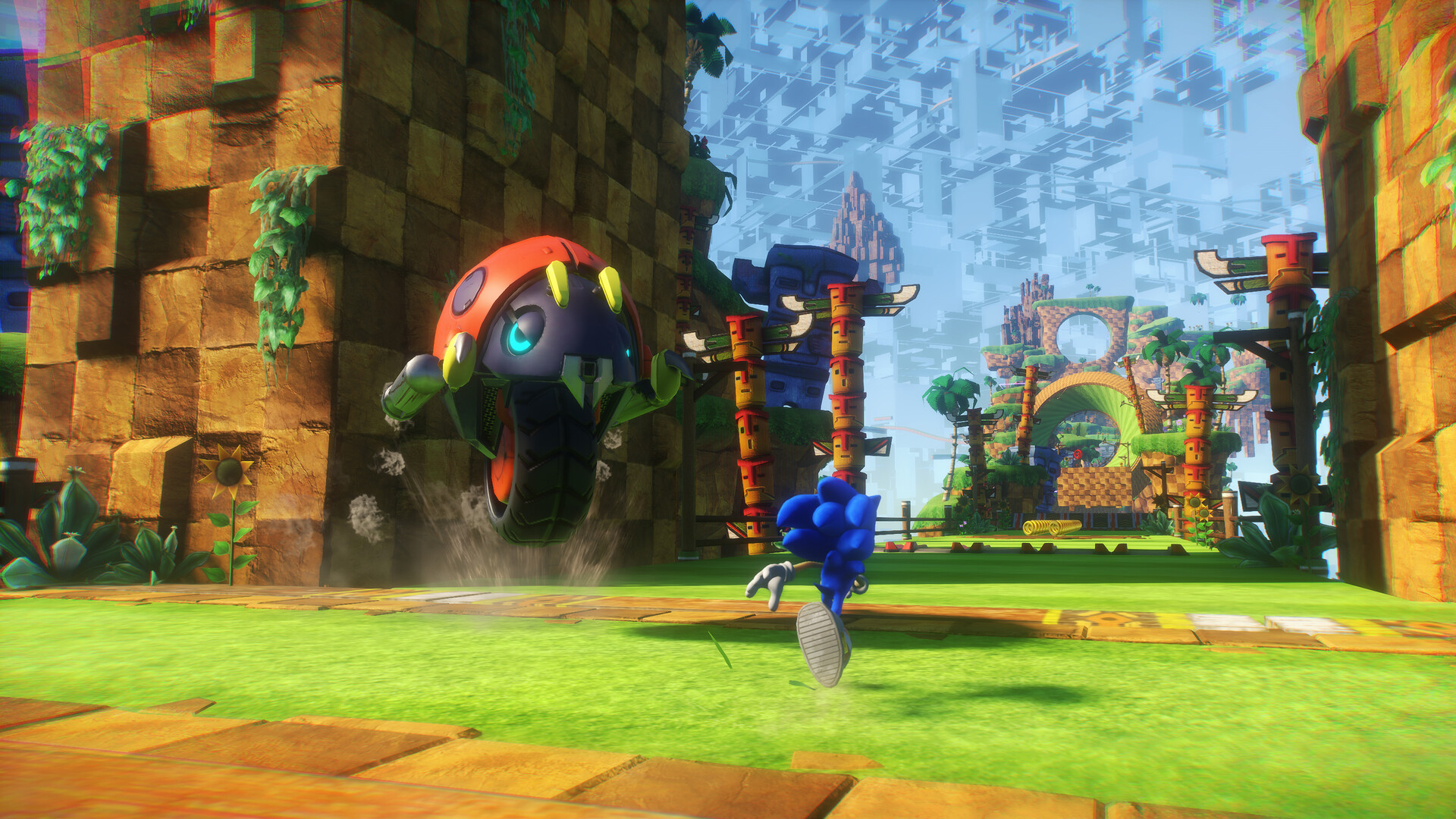
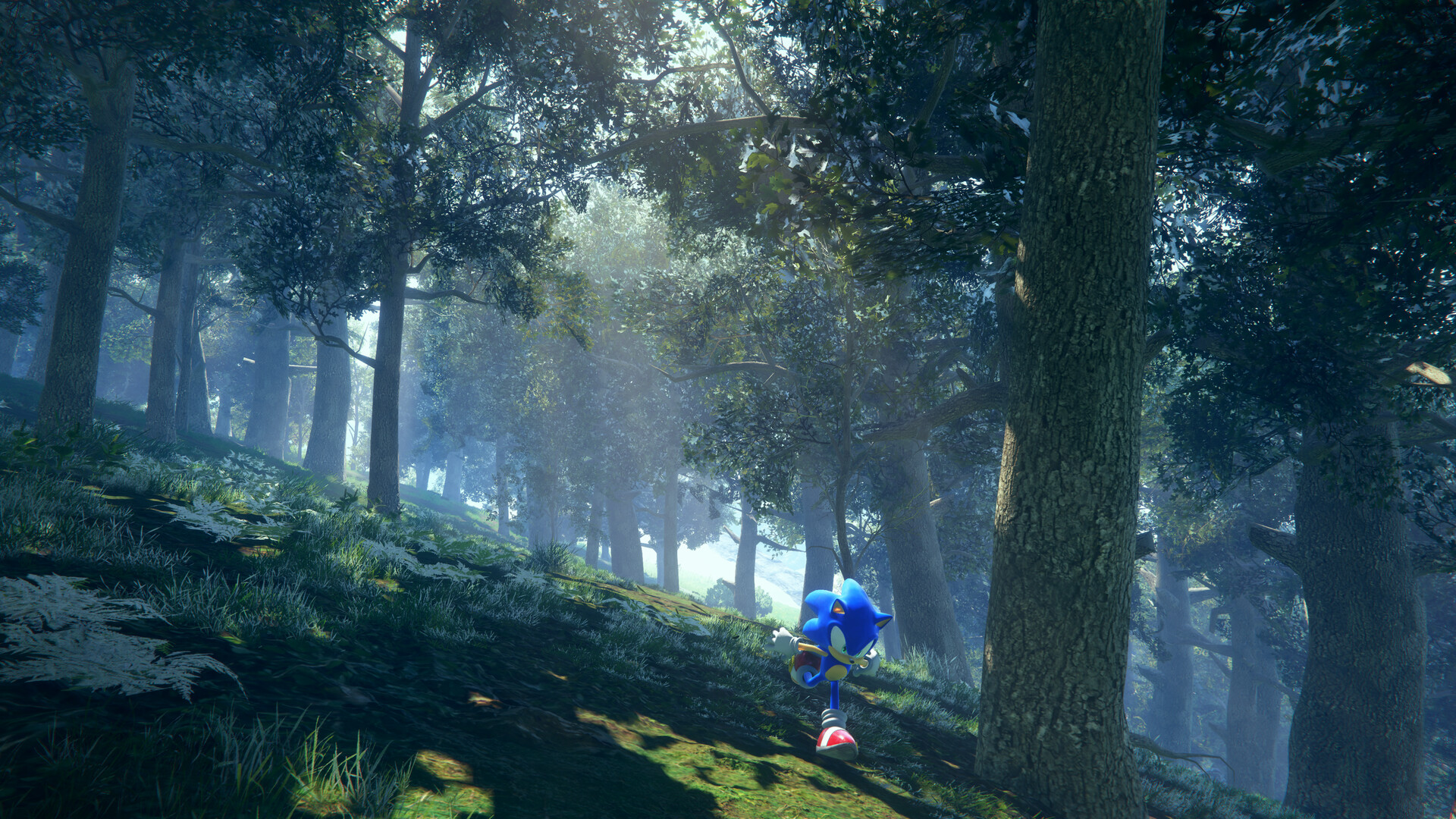
Sonic Frontiers is a groundbreaking open-zone action-adventure game set on the ancient Starfall Islands. Join Sonic as he battles hordes of powerful enemies with an all-new combat system, explores the mysteries of the islands, and saves his friends!
Screenshots
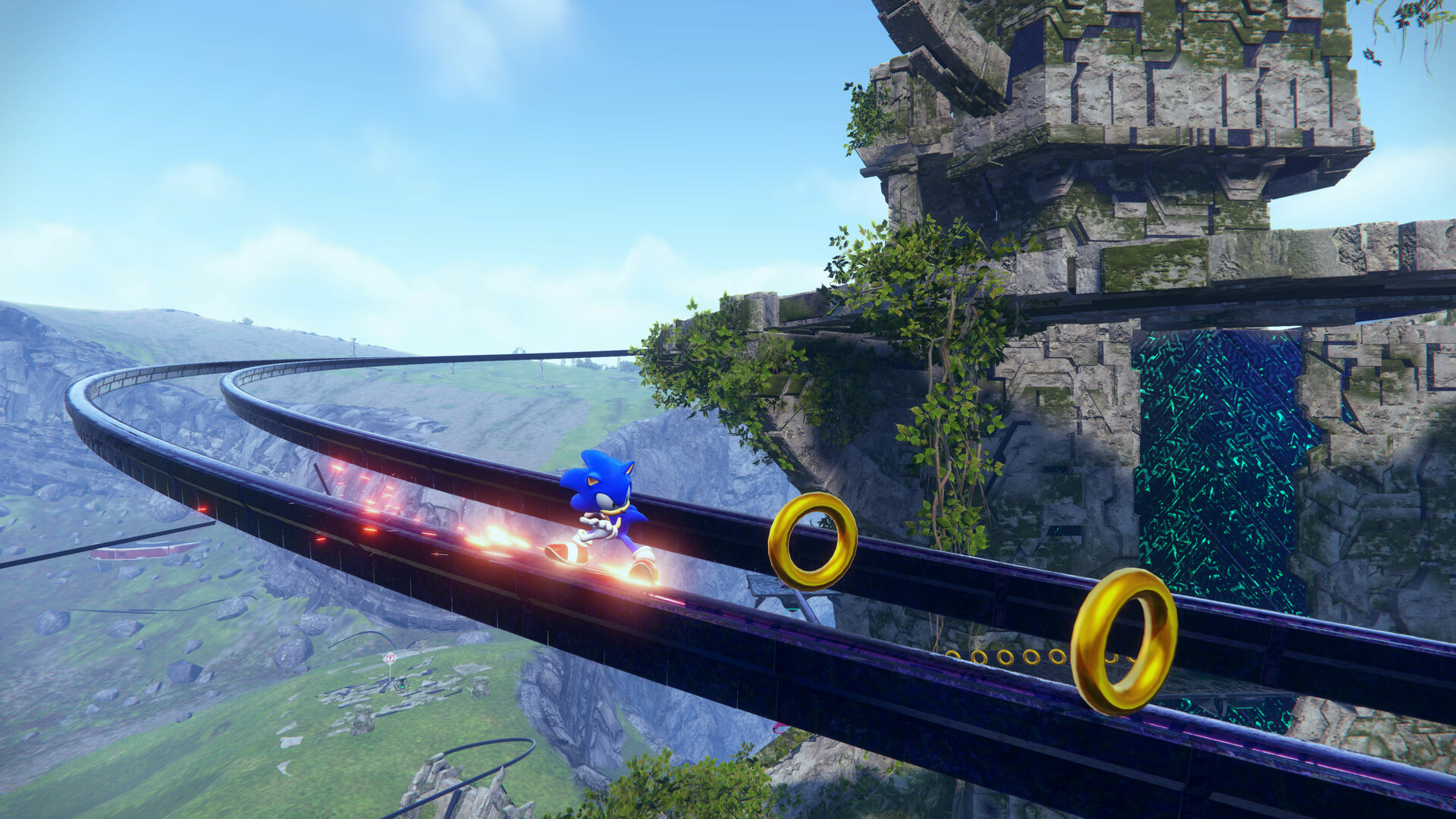
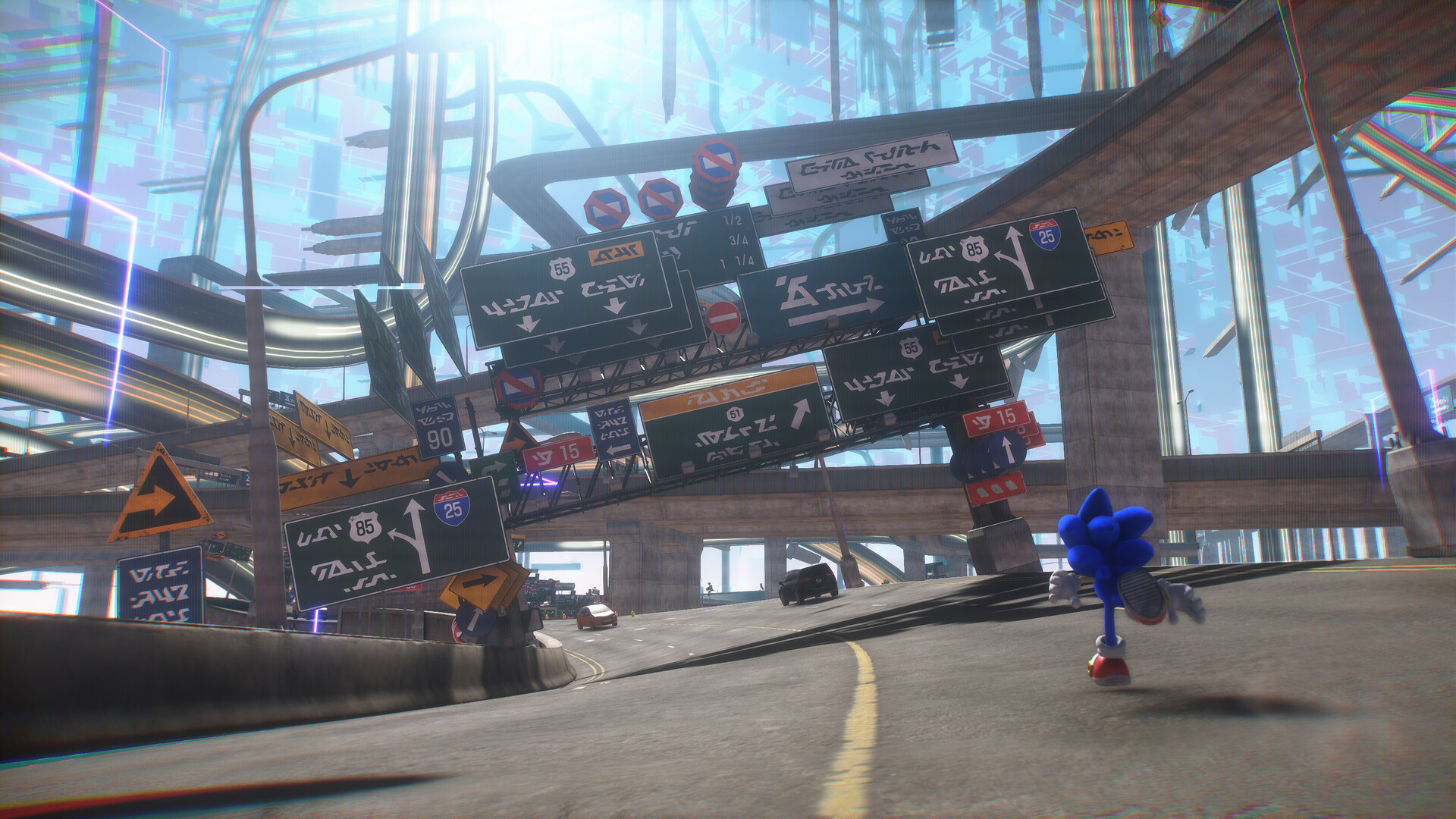
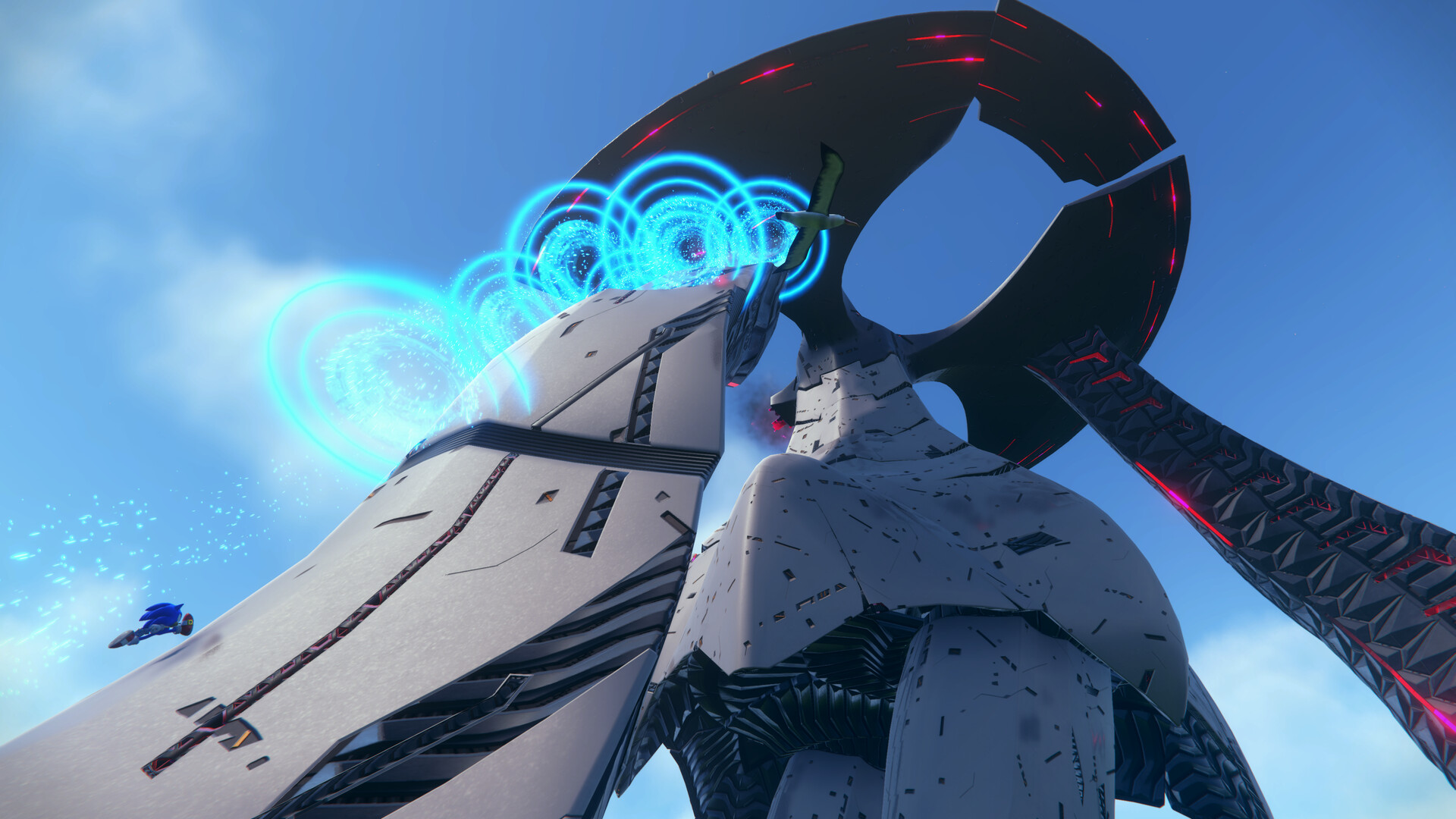
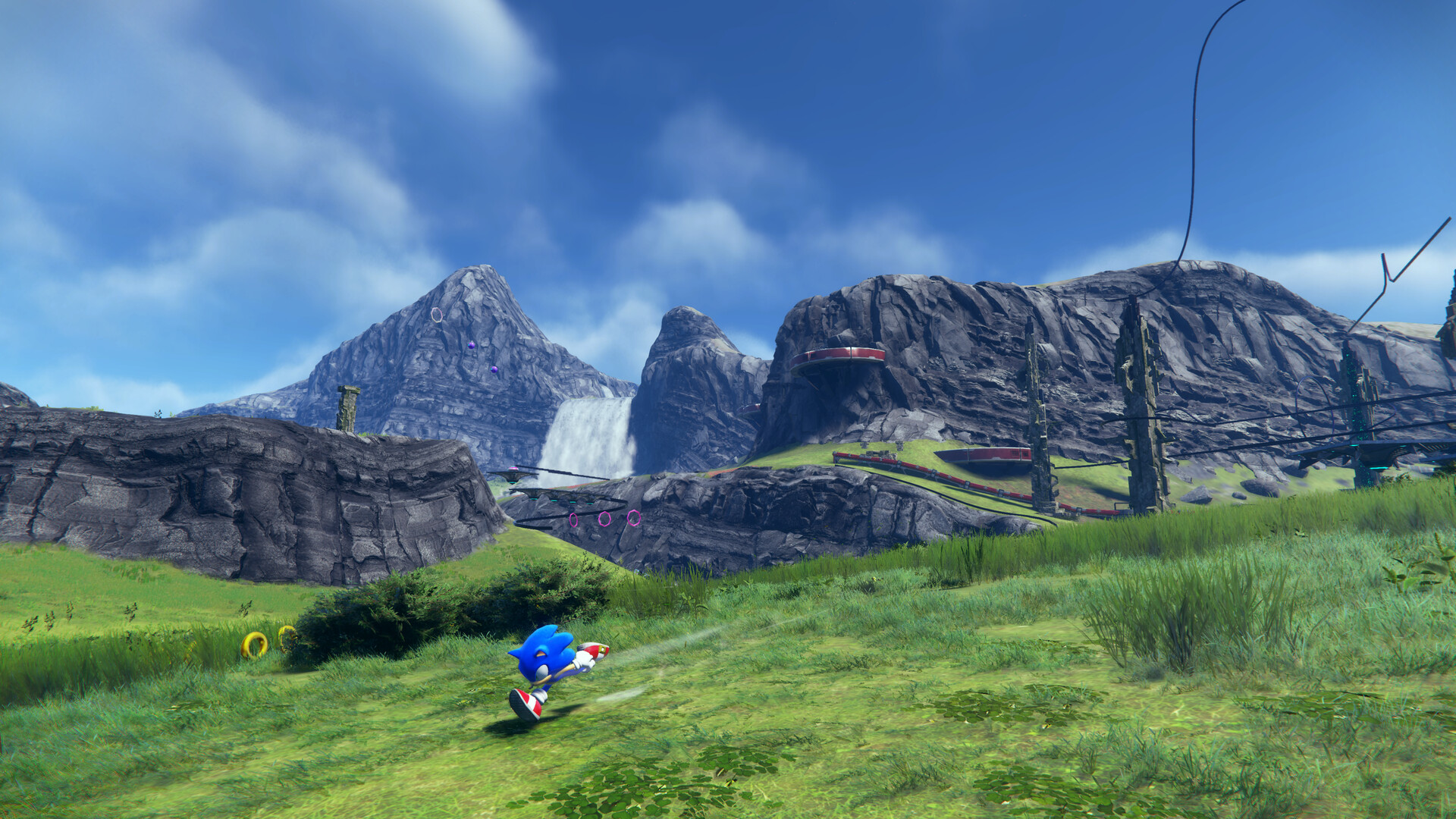
System requirements
Minimum
• Requires a 64-bit processor and operating system • OS: Windows 10 • Processor: Intel Core i5-3470 or AMD Ryzen 5 1400 • Memory: 8 GB RAM • Graphics: NVIDIA GeForce GTX 660, 2 GB or AMD Radeon HD 7870, 2 GB • DirectX: Version 11 • Storage: 30 GB available space • Additional Notes: 720p Low @ 30 FPS. Requires a CPU which supports the AVX and SSE4 instruction set. Microsoft no longer supports Windows 10 or older versions
Recommended
• Requires a 64-bit processor and operating system • OS: Windows 10 • Processor: Intel Core i5-6600 or AMD Ryzen 5 2600 • Memory: 12 GB RAM • Graphics: NVIDIA GeForce GTX 1070, 8 GB or AMD Radeon RX Vega 56, 8 GB • DirectX: Version 11 • Storage: 30 GB available space • Additional Notes: 1080p High @ 60 FPS. Requires a CPU which supports the AVX and SSE4 instruction set. Microsoft no longer supports Windows 10 or older versions
Languages: English*, French*, Italian*, German*, Spanish - Spain*, Portuguese - Brazil, Polish, Russian, Simplified Chinese, Traditional Chinese, Japanese*, Korean
How to activate
Steam
- Start Steam on your computer and sign in to the account you will play on.
- In the Games menu, choose Activate a Product on Steam. You can also start from Add a Game at the bottom left.
- Go through the introductory screens, review Steam’s terms and paste the complete key without surrounding spaces.
- Finish activation, then find the game in your Library and select Install.
Xbox
- Open Microsoft’s redemption page using the button below.
- Sign in with the Microsoft account used on your Xbox. Check the email and profile before continuing.
- Paste the 25-character code and select Next. Check the displayed product or amount.
- Complete the confirmation prompts. Look for games in that account’s library and subscriptions under its services and subscriptions.
Nintendo
- Connect your console to the internet and launch Nintendo eShop from HOME.
- Choose the user linked to the intended Nintendo Account. Check the account country and code region.
- Choose Enter Code / Redeem Code in the left menu and enter the 16-character download code.
- Confirm redemption. Games begin downloading and appear on HOME. eShop cards and Nintendo Switch Online codes use this route too.
More from the series
 РФ ✓Sonic Mania (Xbox One)Xboxfrom $2.22190 ₽5 offersРФ ✓Sonic ManiaSteamNintendofrom $7.63660 ₽5 offers
 РФ ✓Sonic ForcesSteamNintendofrom $12.051,030 ₽3 offers
 РФ ✓Sonic Lost WorldSteamfrom $10.20870 ₽3 offers
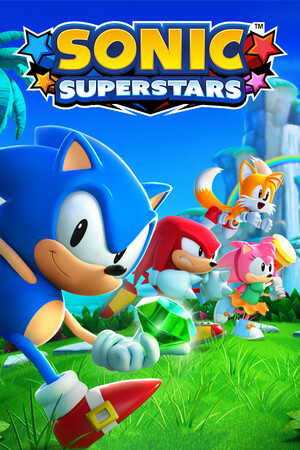 РФ ✓SONIC SUPERSTARSSteamNintendofrom $7.00600 ₽3 offersРФ ✓Sonic Superstars (Xbox Series X|S)Xboxfrom $73.186,240 ₽2 offersSonic Frontiers (Xbox Series X|S)Xboxfrom $24.892,130 ₽2 offersSonic Frontiers (Digital Deluxe Edition) (Xbox Series X|S)Xboxfrom $26.762,280 ₽2 offers
Game details from Steam.