


Sports Card Shop Simulator
- Genres
- Indie · Simulation · Sports · Early Access
- Release
- Jun 4, 2026
- Developer
- OverPowered Team
Lowest price across all offers
from $6.39550 ₽
Offers
The price depends on the platform and the activation region.
- CISCIS region$6.39550 ₽1
About the game
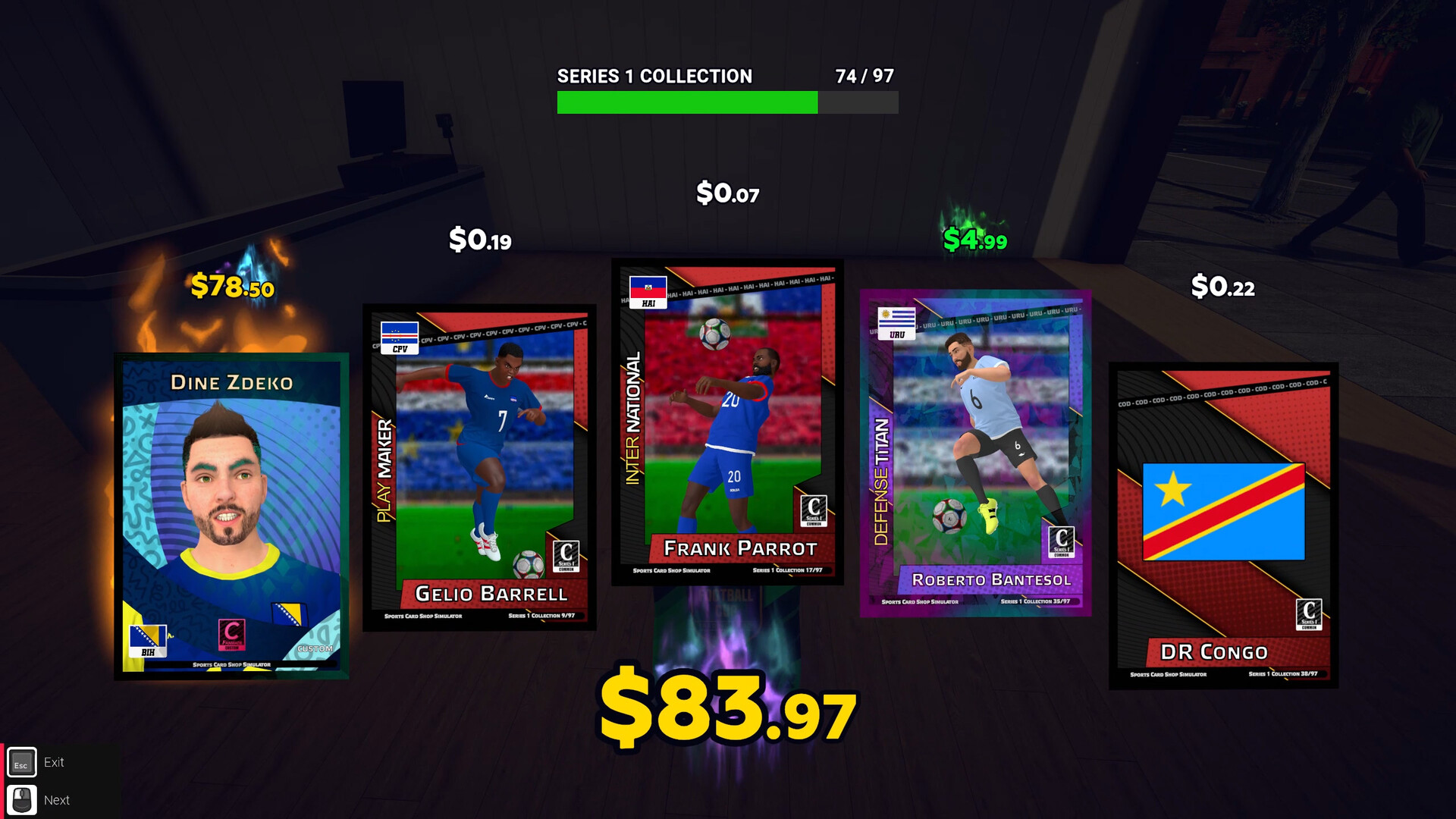
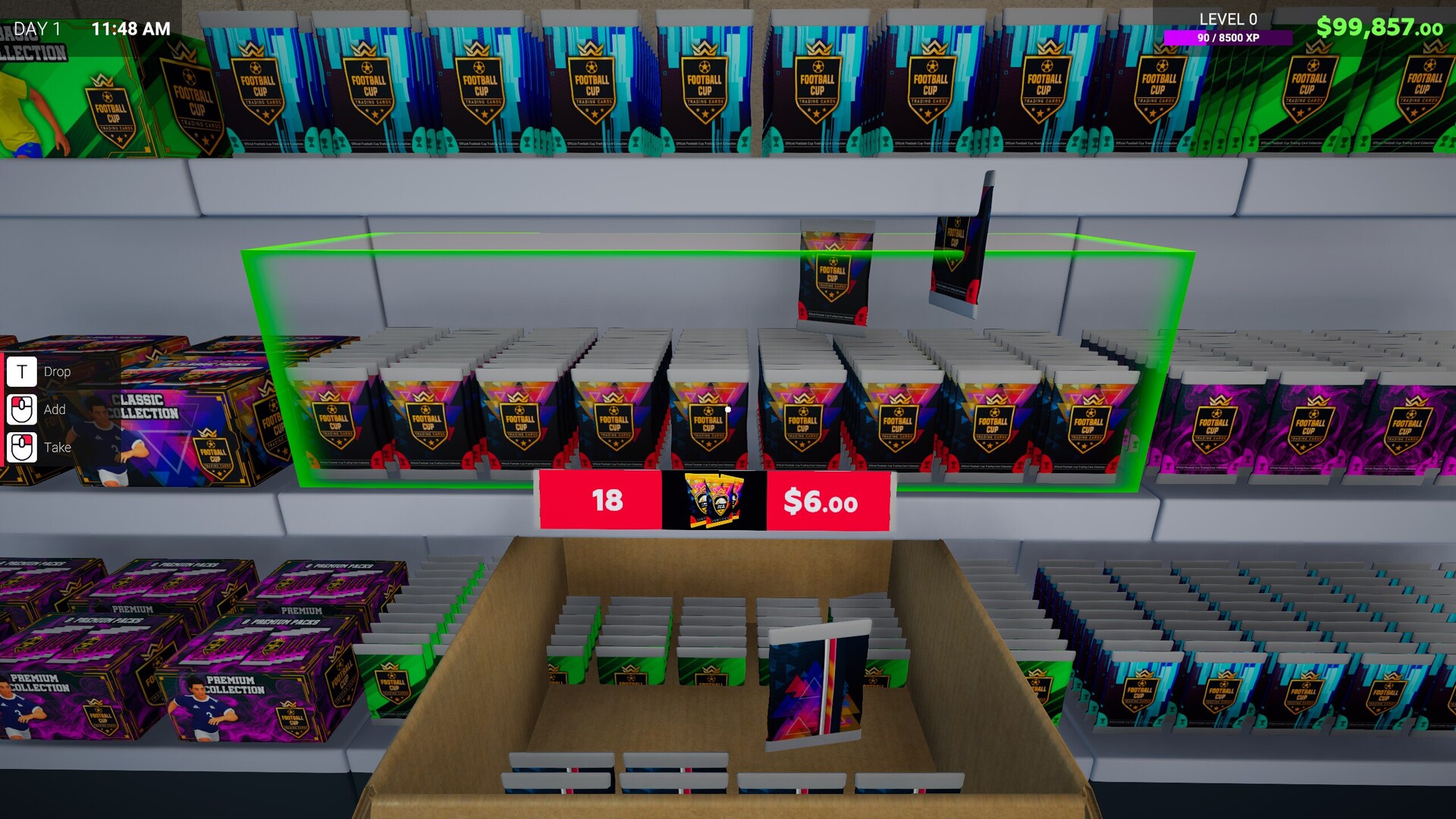
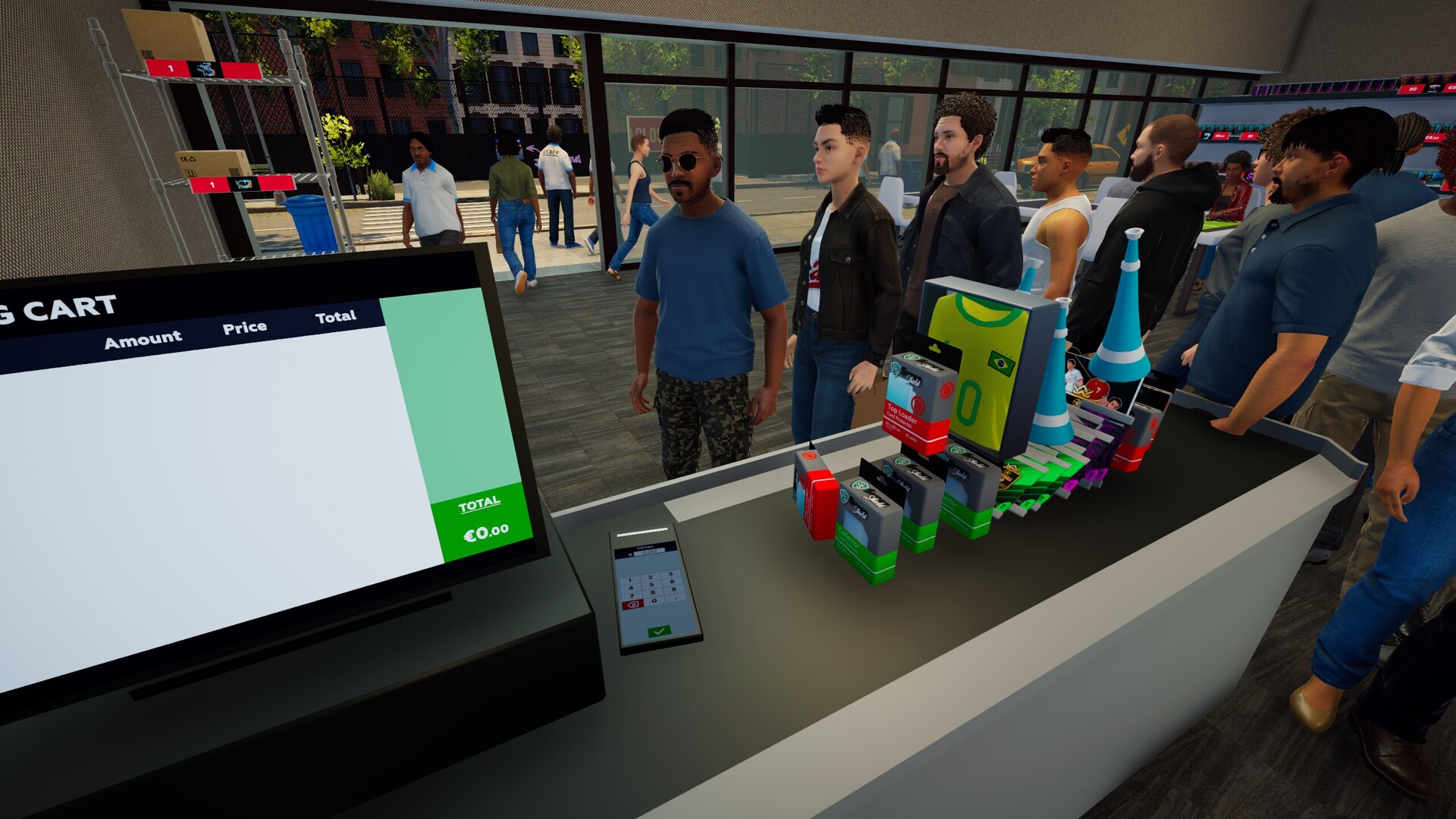
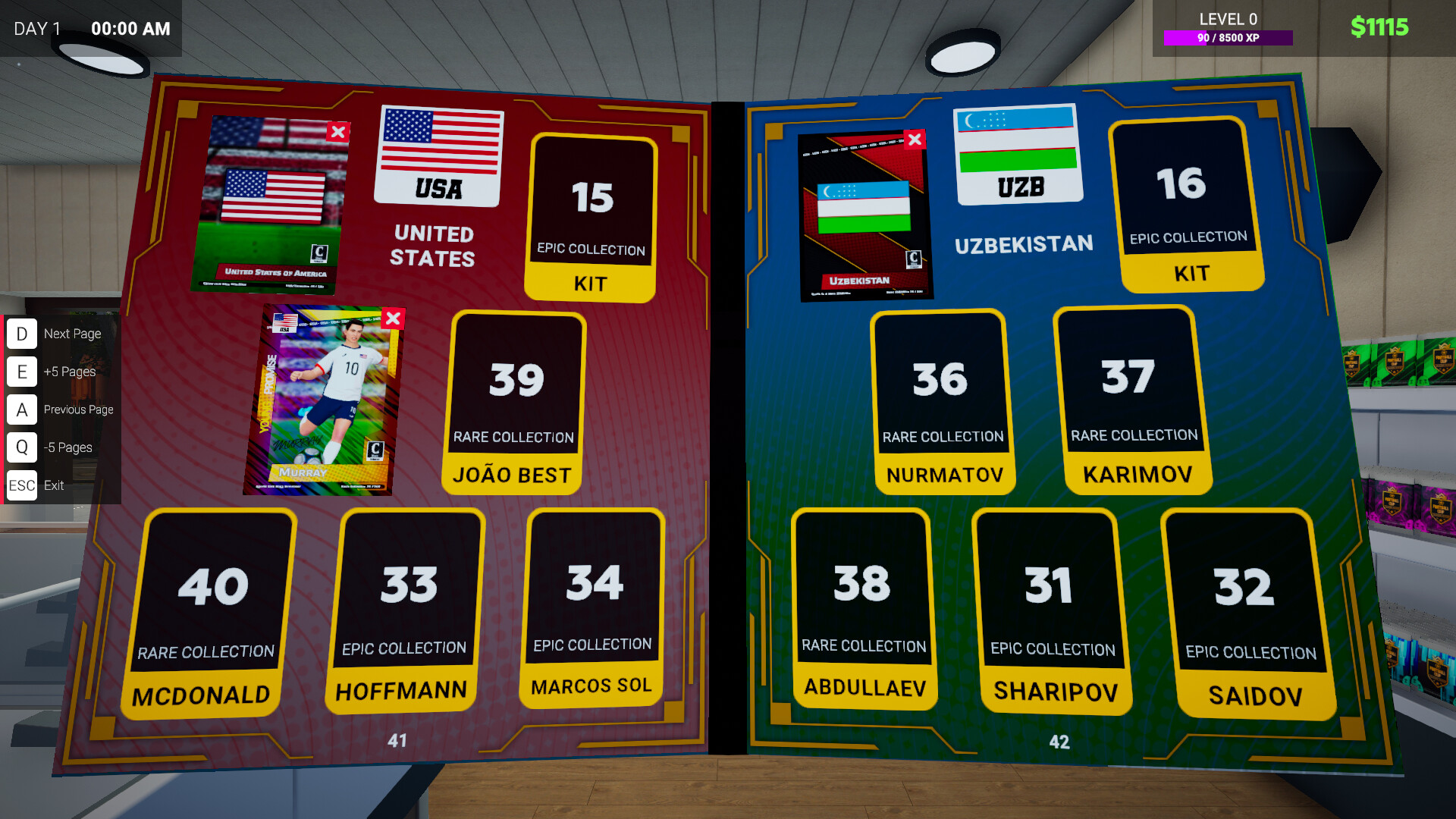
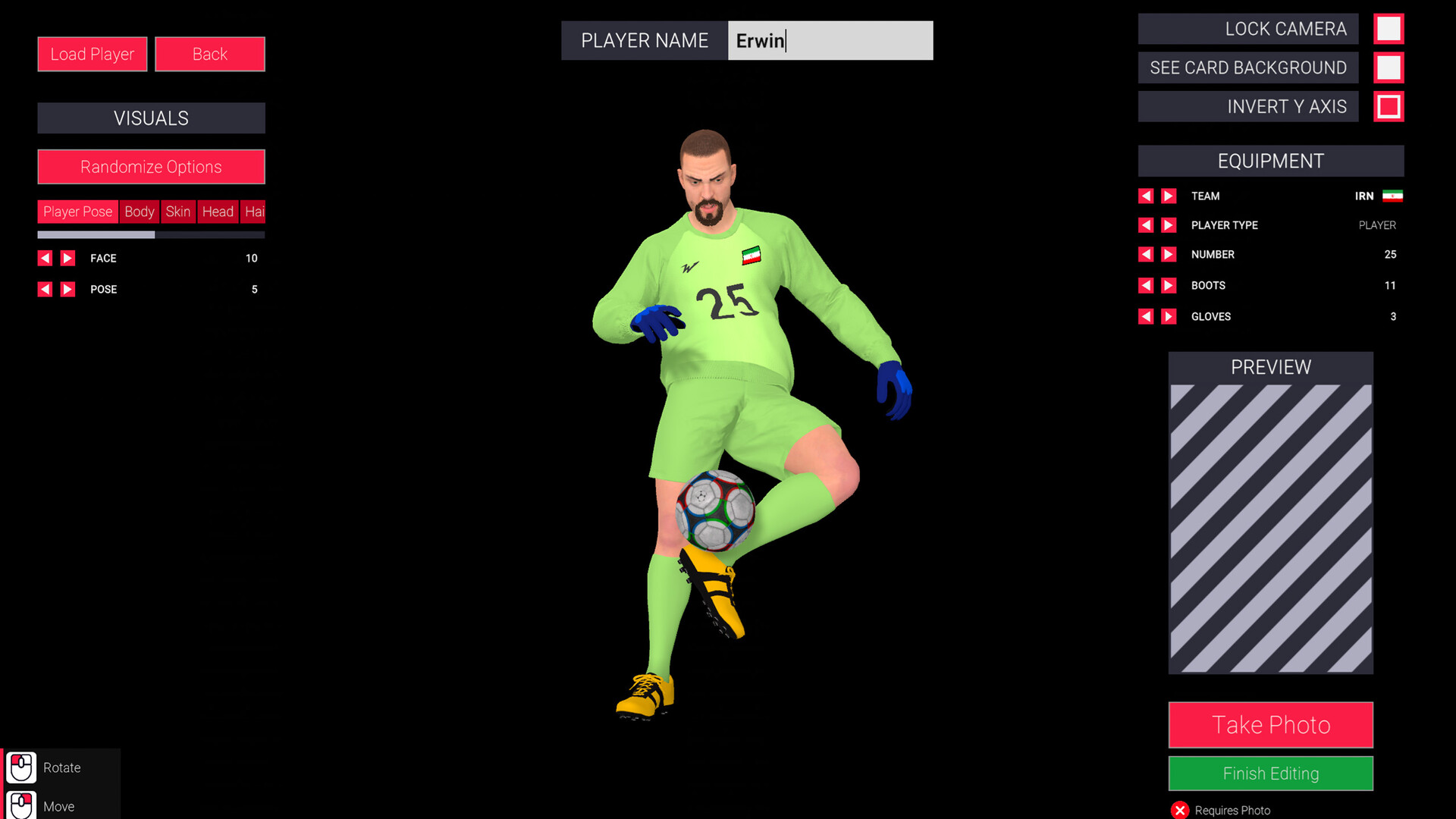
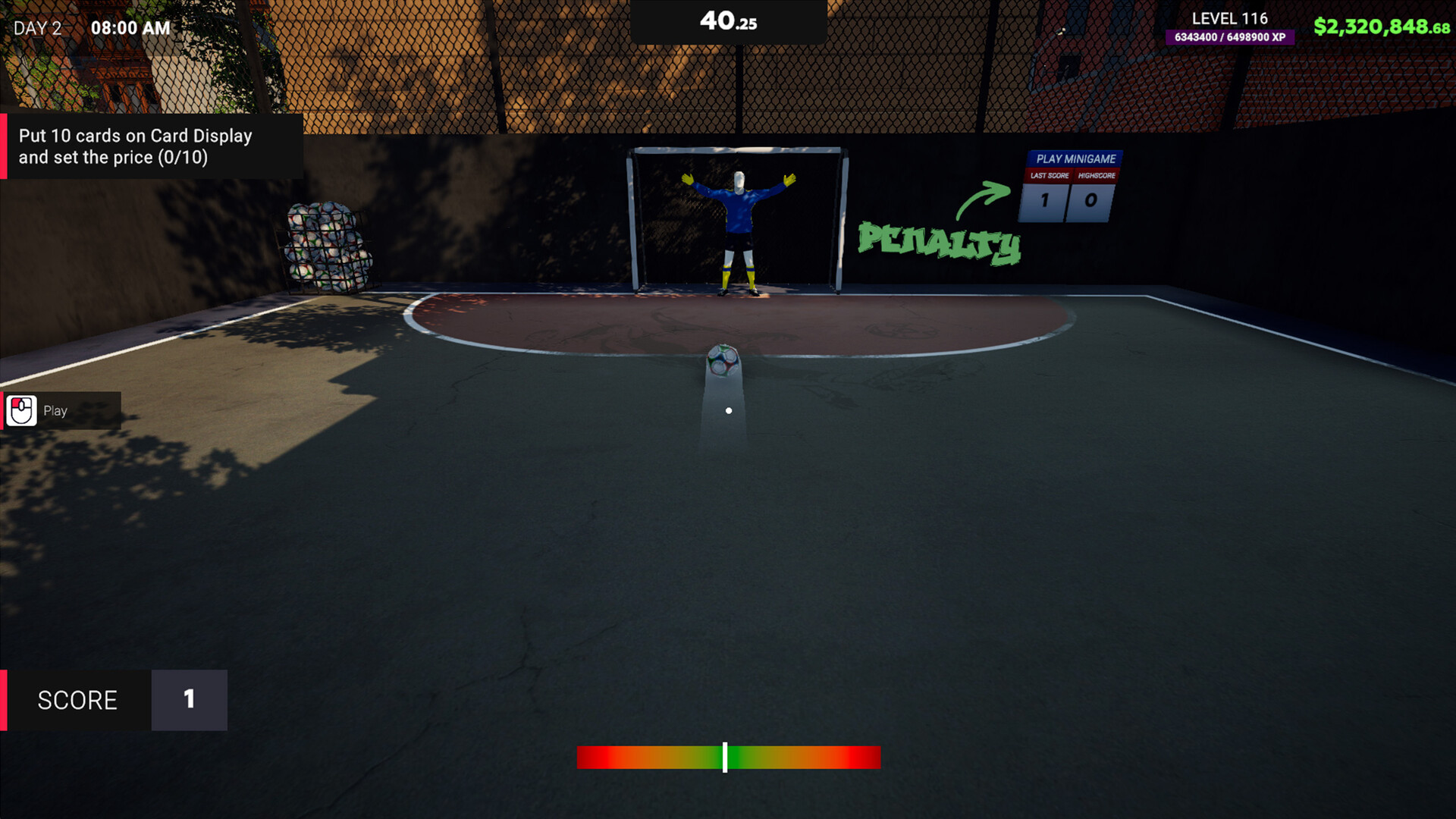
Open packs, search for rare cards, and build the best sports card shop. Hunt for holos, autos, and numbered variants to satisfy your collection obsession. Design custom cards and enjoy the thrill of pulling those creations from a fresh pack!
Screenshots


System requirements
Minimum
• Requires a 64-bit processor and operating system • OS: Windows 10 (64-bit) • Processor: Intel Core i5-7400 / AMD Ryzen 3 1200 • Memory: 8 GB RAM • Graphics: NVIDIA GeForce GTX 1660 (6 GB) / Radeon RX 5500 XT (8 GB) • DirectX: Version 11 • Storage: 10 GB available space • Sound Card: DirectX Compatible • Additional Notes: LOW Quality / 60FPS / 1920x1080.
Recommended
• Requires a 64-bit processor and operating system • OS: Windows 11 (64-bit) • Processor: Intel Core i5‑8400 / AMD Ryzen 5 2600 • Memory: 16 GB RAM • Graphics: NVIDIA GeForce RTX 2060 Super (8GB) / Radeon RX 6600 (8GB) • DirectX: Version 11 • Storage: 10 GB available space • Sound Card: DirectX Compatible • Additional Notes: High Quality / 60FPS / 1920x1080.
Languages: English*, French, Italian, German, Spanish - Spain, Japanese, Korean, Portuguese - Brazil, Simplified Chinese, Spanish - Latin America, Indonesian, Polish, Thai, Traditional Chinese, Turkish, Russian
How to activate
Steam
- Start Steam on your computer and sign in to the account you will play on.
- In the Games menu, choose Activate a Product on Steam. You can also start from Add a Game at the bottom left.
- Go through the introductory screens, review Steam’s terms and paste the complete key without surrounding spaces.
- Finish activation, then find the game in your Library and select Install.
Game details from Steam.