

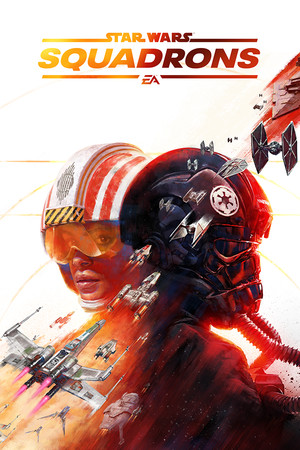
STAR WARS™: Squadrons
- Genres
- Action · Simulation
- Release
- Oct 1, 2020
- Developer
- MOTIVE
- Metacritic
Lowest price across all offers
from $12.771,090 ₽
Offers
The price depends on the platform and the activation region.
- EuropeNot for RussiaSTAR WARS: Squadrons$49.084,190 ₽1
About the game
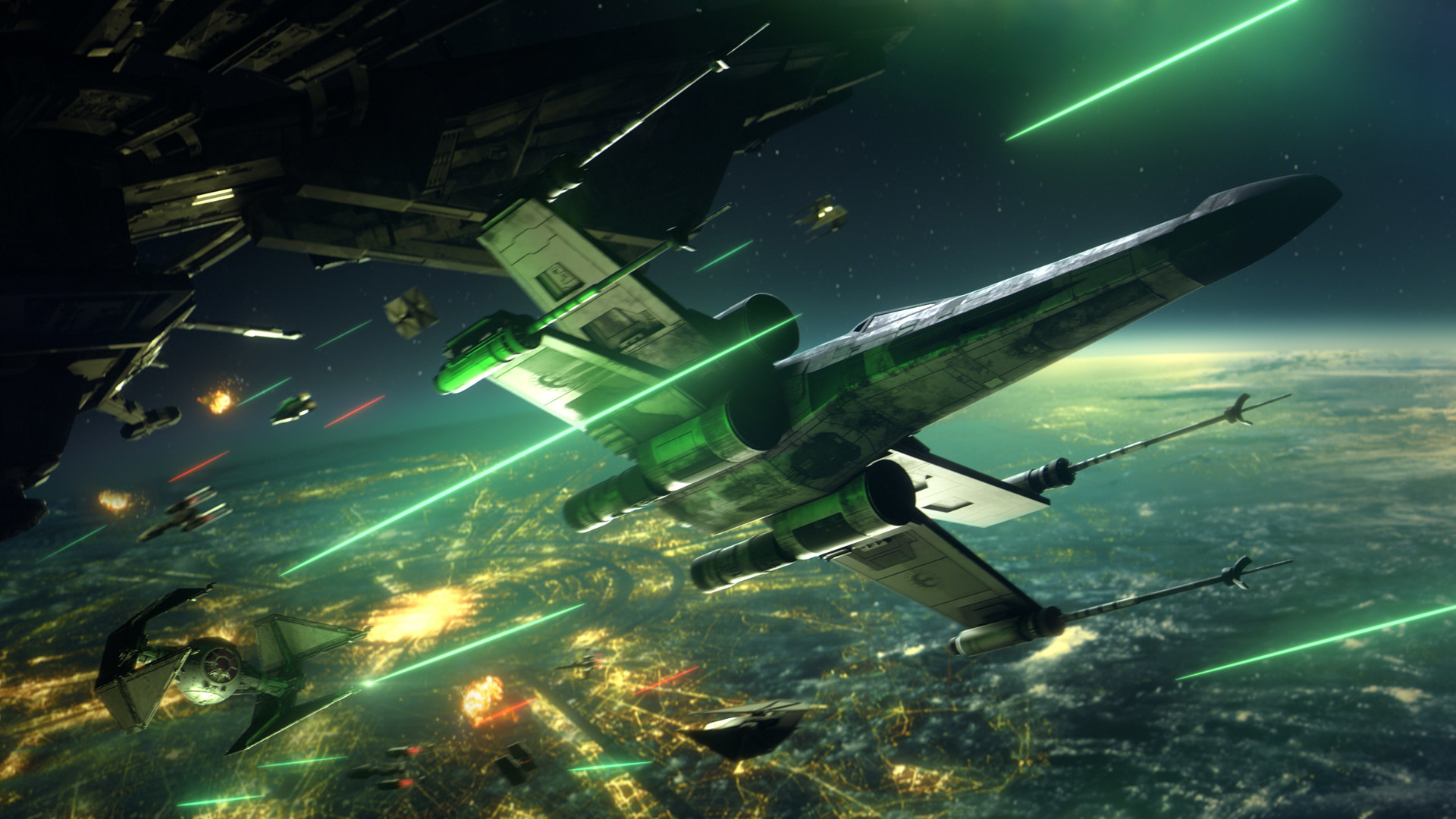
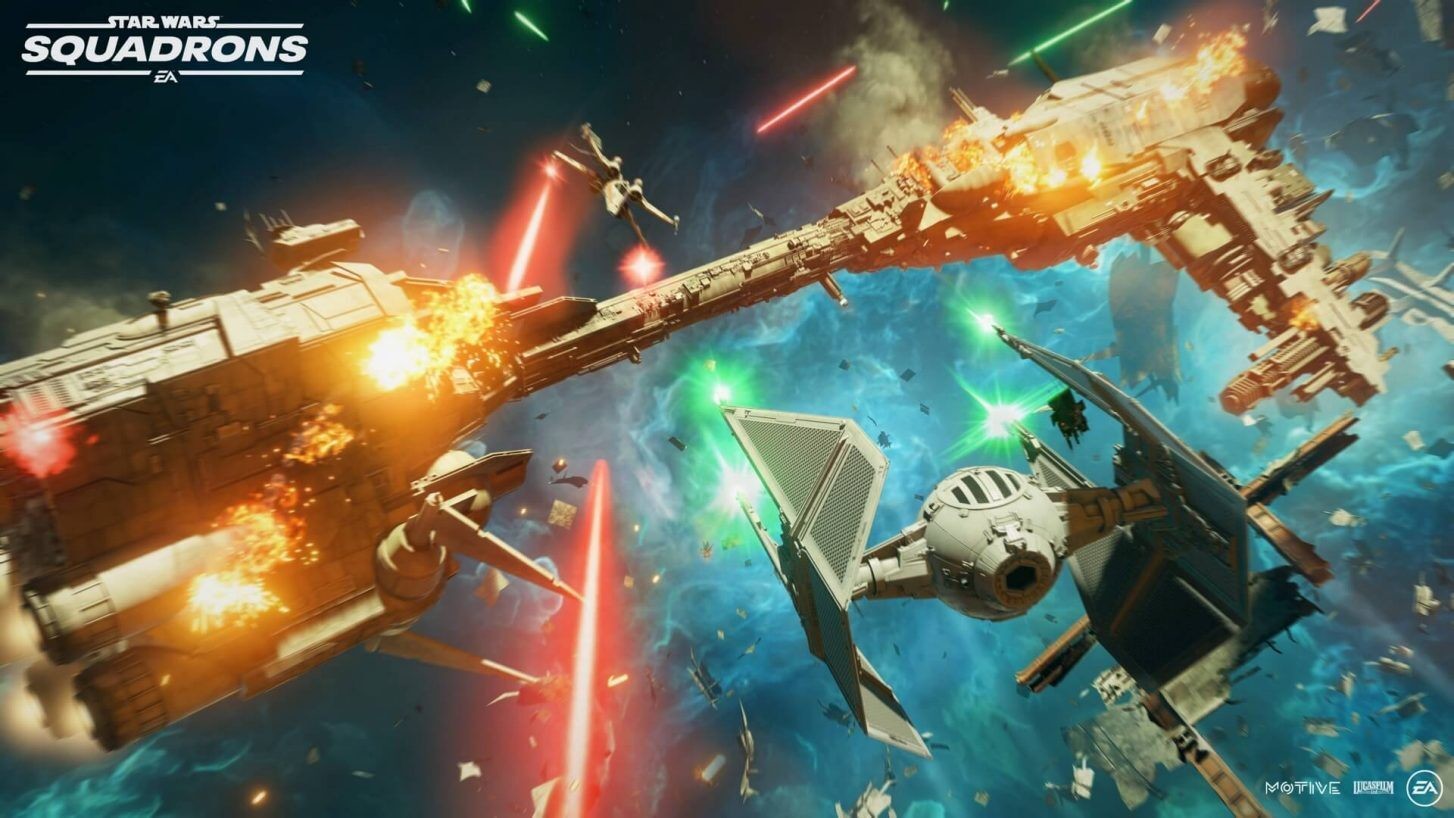
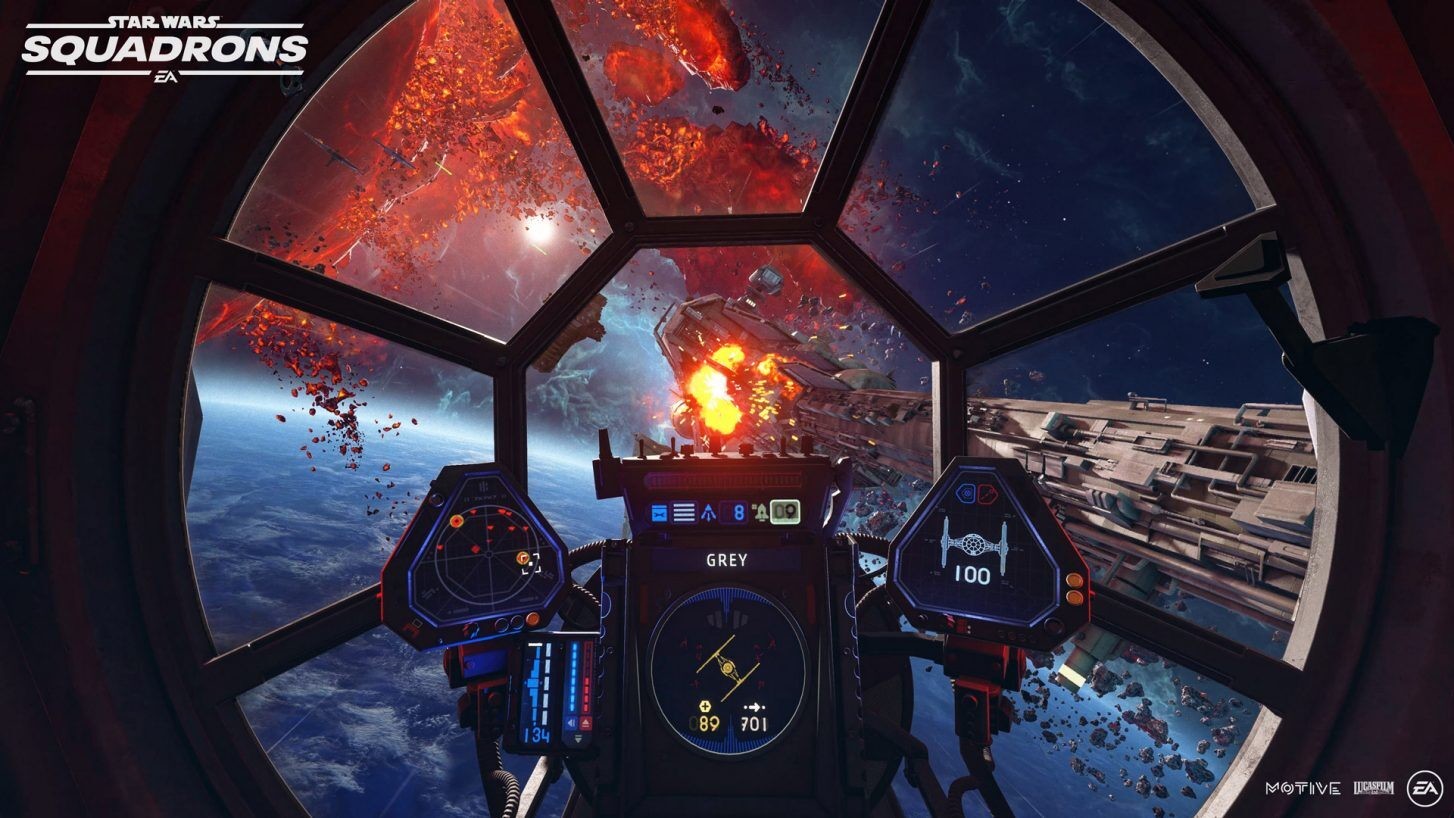
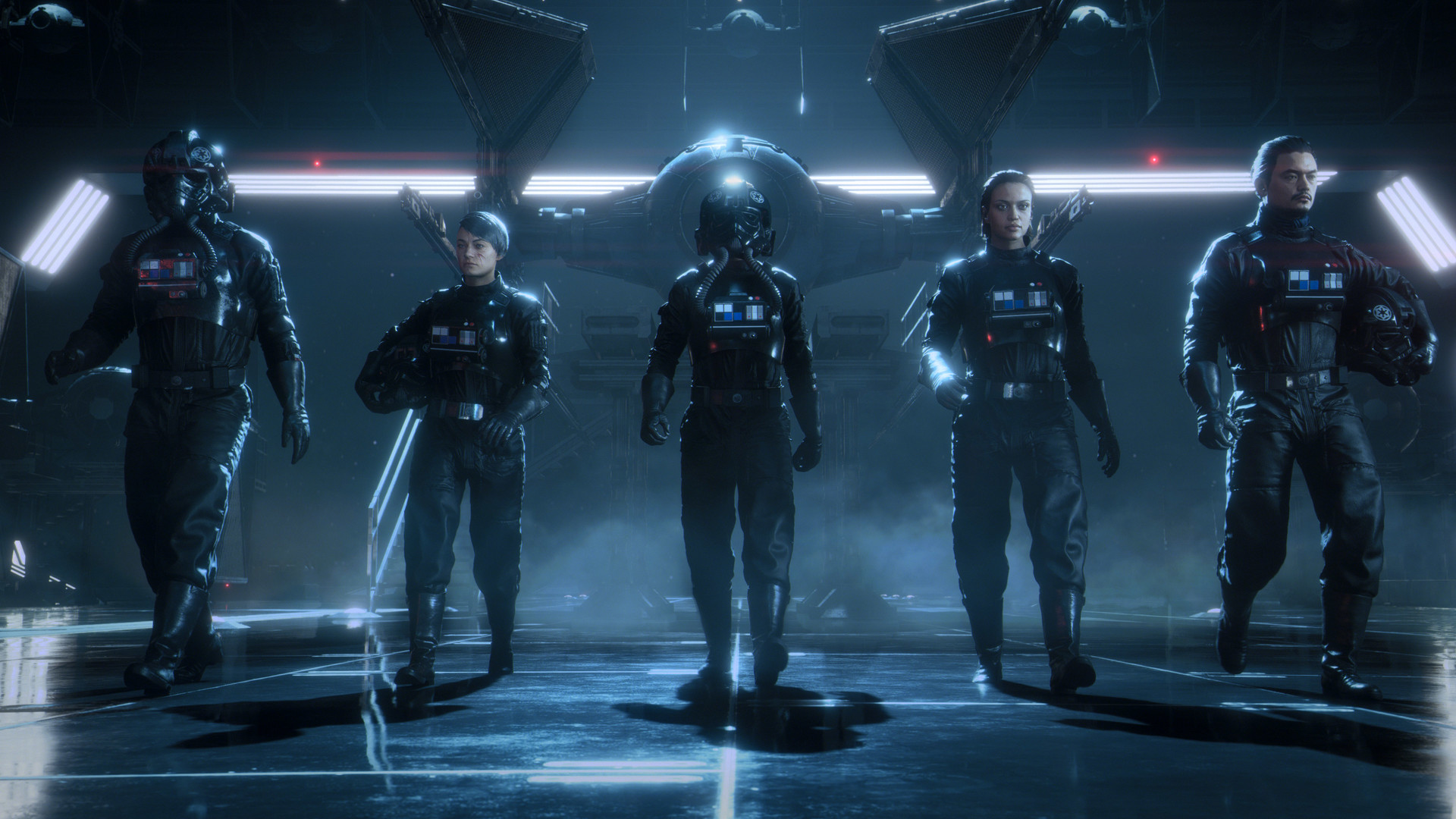
Master the art of starfighter combat in the authentic piloting experience STAR WARS™: Squadrons. Feel the adrenaline of first-person multiplayer space dogfights alongside your squadron, and buckle up in a thrilling STAR WARS™ story.
Screenshots




System requirements
Minimum
• Requires a 64-bit processor and operating system • OS: Windows 10 64-bit • Processor: Ryzen 3 1300X or better/i5 6600k or better • Memory: 8 GB RAM • Graphics: Radeon HD 7850 or better/GeForce GTX 660 or better • DirectX: Version 11 • Network: Broadband Internet connection • Storage: 40 GB available space • VR Support: SteamVR. Keyboard or gamepad required
Recommended
• Requires a 64-bit processor and operating system • OS: Windows 10 64-bit • Processor: Ryzen 7 2700X or better/ i7-7700 or better • Memory: 16 GB RAM • Graphics: Radeon RX 480 (Non-VR/Minimum VR) or Radeon RX 570 (Recommended VR)/GeForce GTX 1060(Non-VR/Minimum VR) or GeForce GTX 1070 (Recommended VR) • DirectX: Version 11 • Network: Broadband Internet connection • Storage: 40 GB available space
Languages: English*, French*, Italian, German*, Spanish - Spain*, Japanese, Korean, Polish, Portuguese - Brazil, Russian, Simplified Chinese, Spanish - Latin America, Traditional Chinese
How to activate
Steam
- Start Steam on your computer and sign in to the account you will play on.
- In the Games menu, choose Activate a Product on Steam. You can also start from Add a Game at the bottom left.
- Go through the introductory screens, review Steam’s terms and paste the complete key without surrounding spaces.
- Finish activation, then find the game in your Library and select Install.
EA App
- Open the EA app and sign in to the account that should own the game.
- Go to My Library and use Redeem Code.
- Submit your key, continue and check the identified product before confirming.
- Complete redemption and download the game from your Library. Look for add-ons under their base game.
More from the series
 РФ ✓Star Wars Zero Company (Deluxe Edition) (Xbox Series X|S)Xboxfrom $78.276,670 ₽10 offersРФ ✓Star Wars Zero Company (Xbox Series X|S)Xboxfrom $70.195,980 ₽9 offers
 РФ ✓STAR WARS Jedi: Survivor (Xbox Series X|S)Xboxfrom $11.841,010 ₽6 offers
 РФ ✓Star Wars Outlaws | Deluxe EditionUbisoft Connectfrom $18.861,610 ₽2 offersРФ ✓STAR WARS Jedi: Survivor Deluxe Edition (Xbox Series X|S)Xboxfrom $23.932,040 ₽5 offers
 РФ ✓Star Wars Jedi: Fallen Order (Xbox One)Xboxfrom $5.83500 ₽4 offersРФ ✓Star Wars Outlaws (Xbox Series X|S)Xboxfrom $25.072,140 ₽4 offersРФ ✓Star Wars Outlaws: Gold Edition (Xbox Series X|S)Xboxfrom $124.6710,630 ₽4 offers
Game details from Steam.