
Star Wars Zero Company (Deluxe Edition) (Xbox Series X|S)
- Genres
- Adventure · RPG · Simulation · Sports · Strategy
- Release
- Aug 27, 2026
- Developer
- Bit Reactor
Lowest price across all offers
from $78.276,670 ₽
Offers
The price depends on the platform and the activation region.
- WorldwideWorks in Russia$78.276,670 ₽1
- United StatesNot for Russia$84.557,210 ₽1
- CanadaNot for Russia$103.268,800 ₽1
- United KingdomNot for Russia$103.488,820 ₽1
- AustraliaNot for Russia$103.488,820 ₽1
- PolandNot for Russia$103.488,820 ₽1
- SwitzerlandNot for Russia$109.209,310 ₽1
- MexicoNot for Russia$109.209,310 ₽1
- ColombiaNot for RussiaStar Wars: Zero Company Deluxe Edition (Xbox Series X|S)$109.209,310 ₽1
About the game
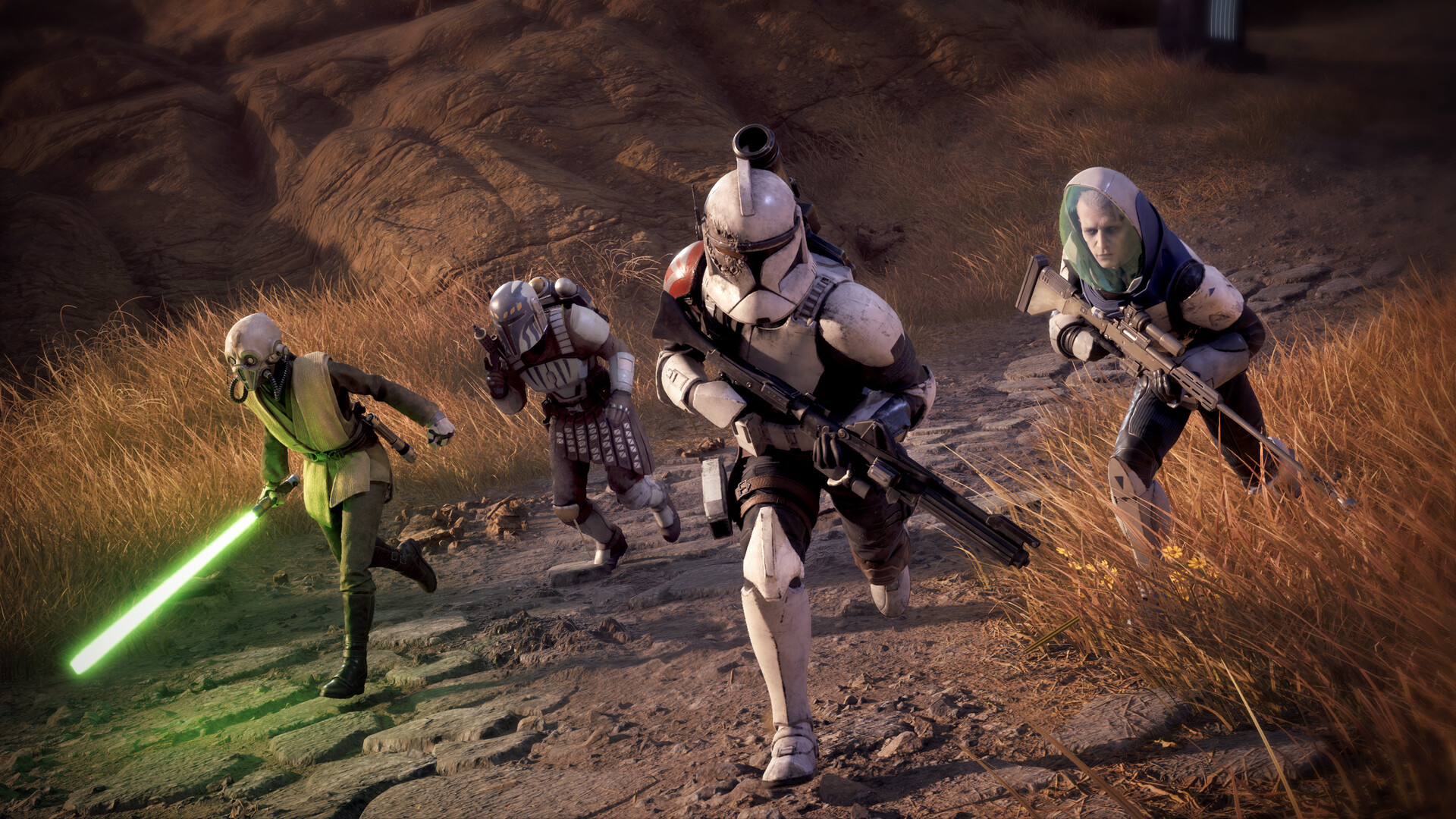
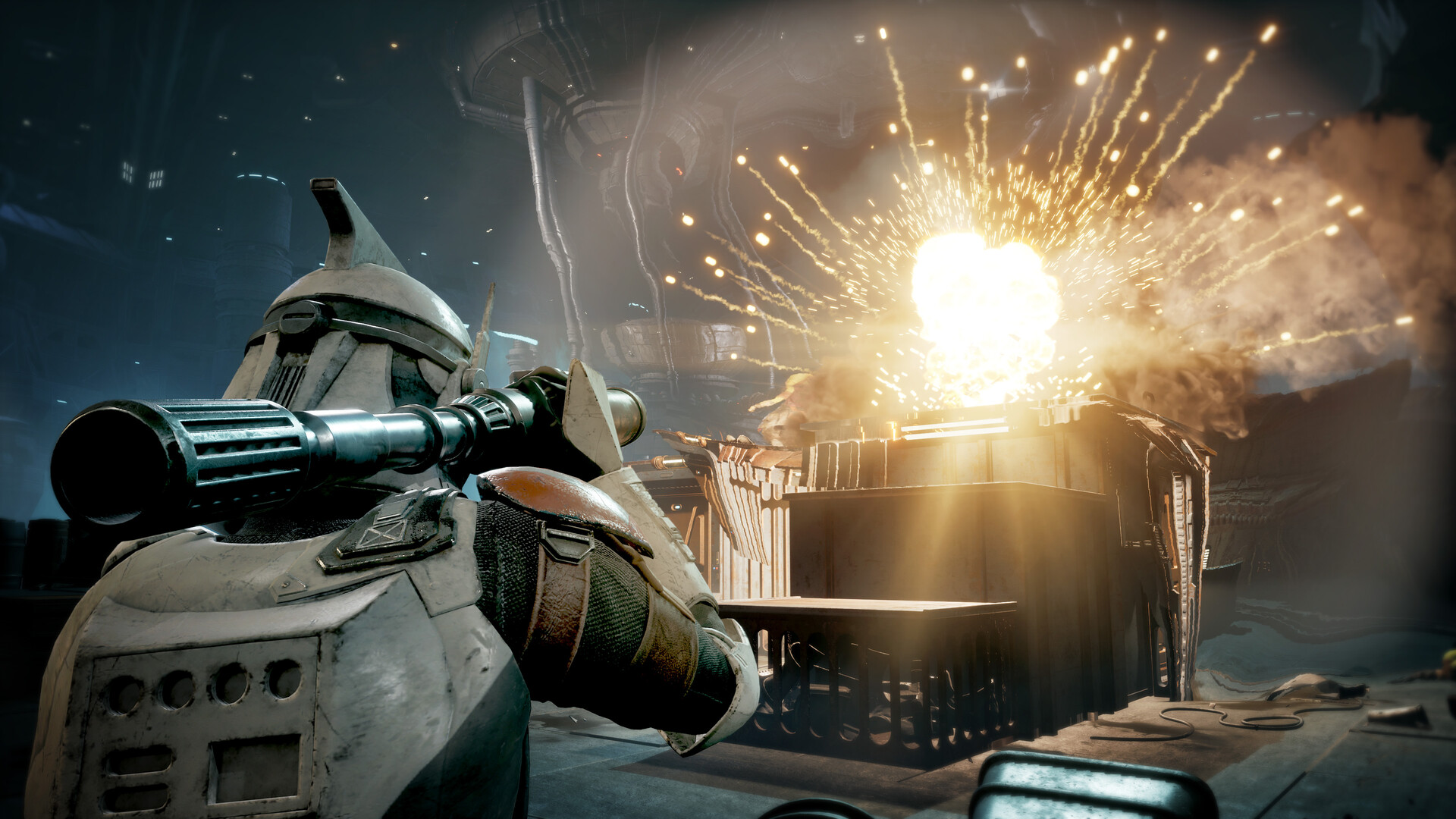
Command an elite squad through a gritty and authentic story in STAR WARS Zero Company™, a single-player turn-based tactics game set in the twilight of the Clone Wars™.
Pictures and description are of the base game on Steam.
Screenshots
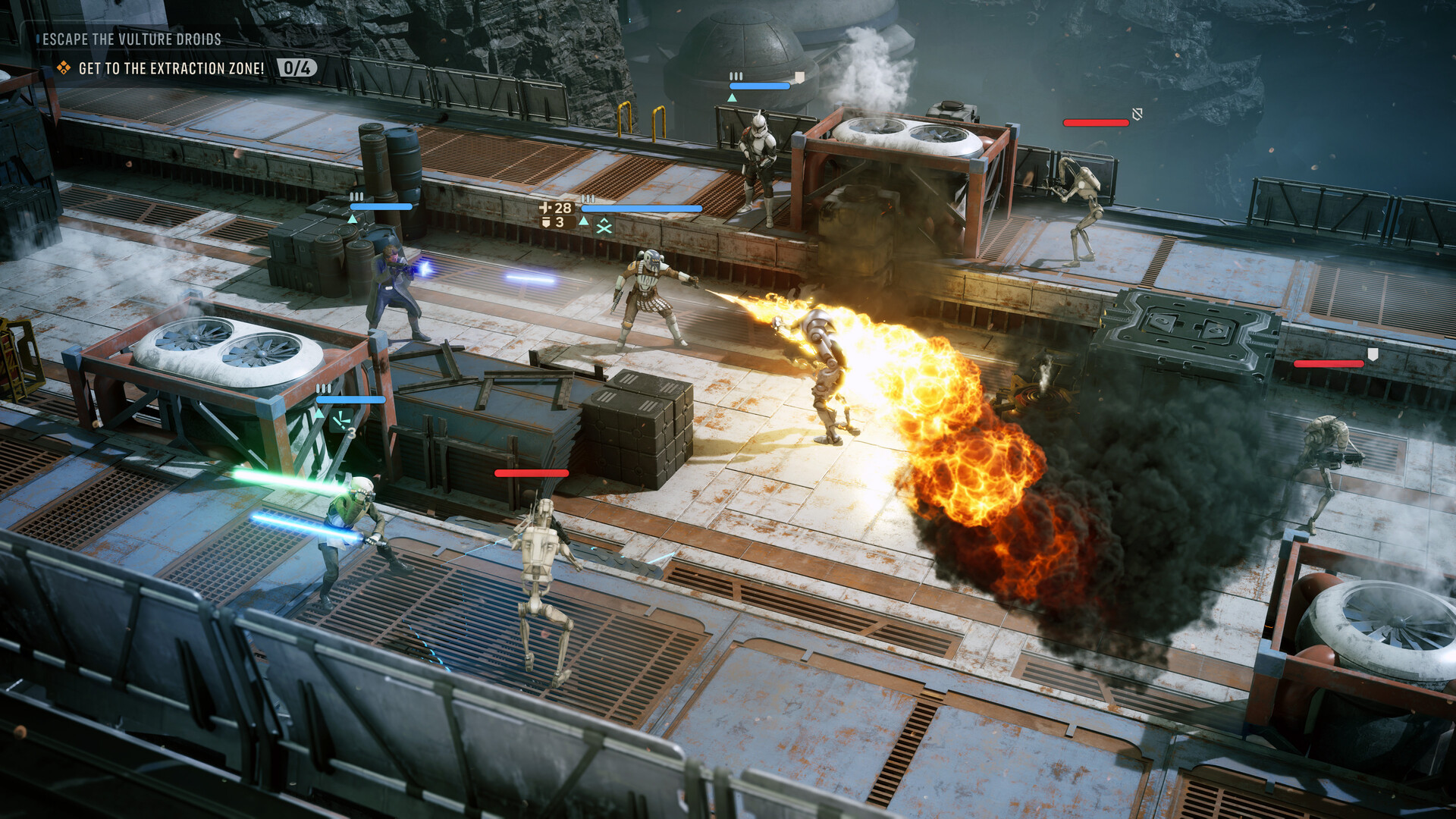
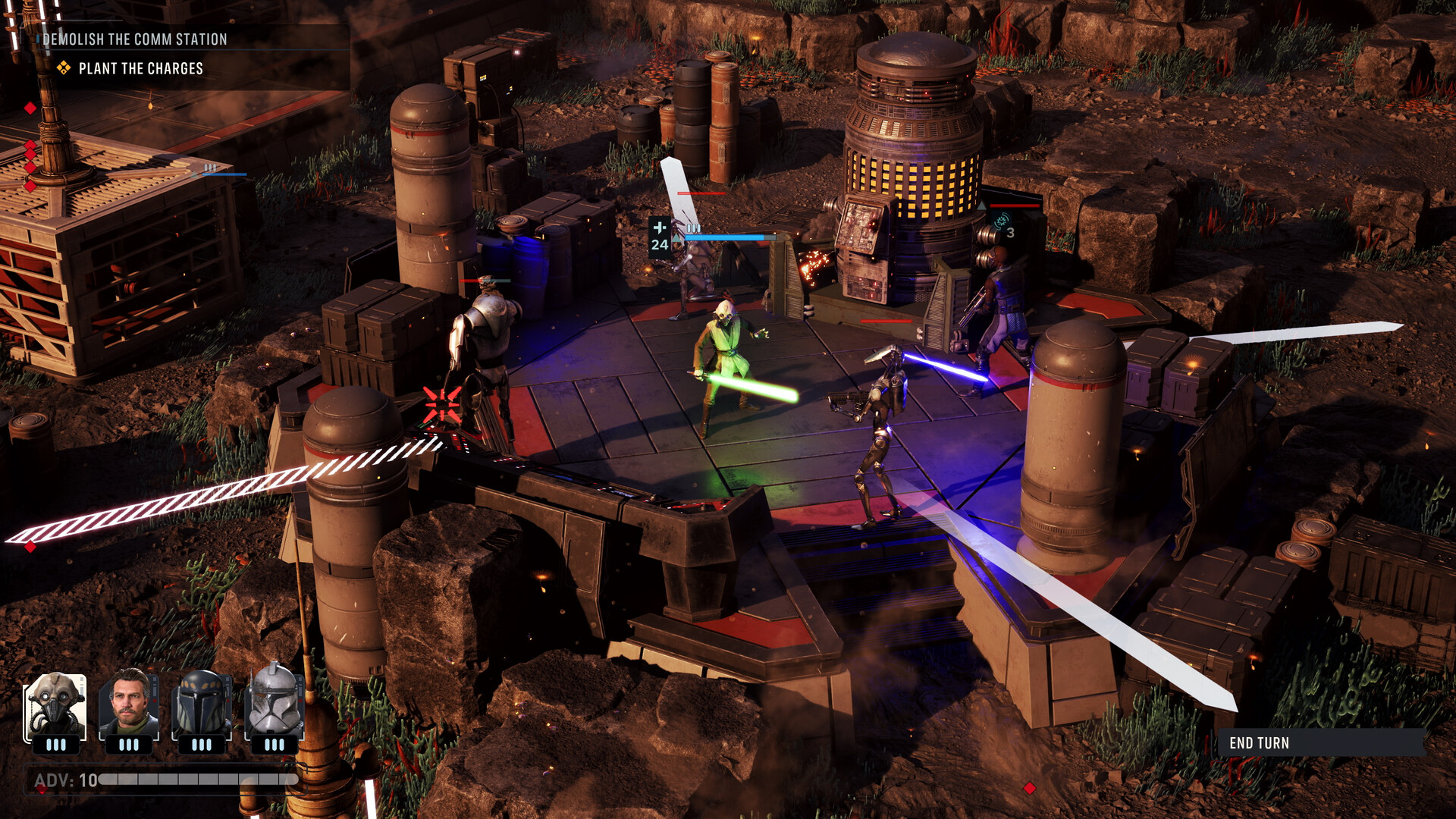
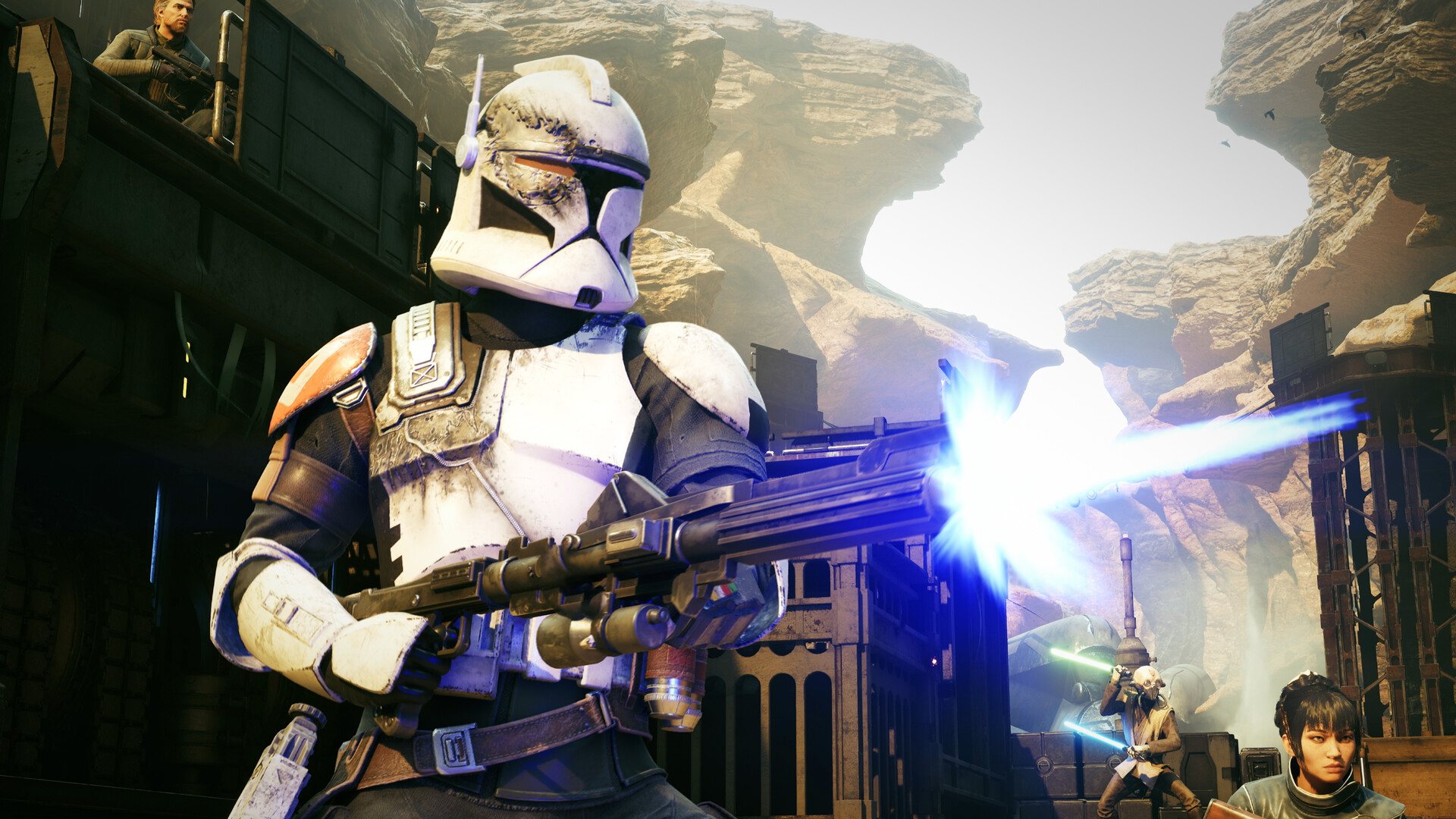

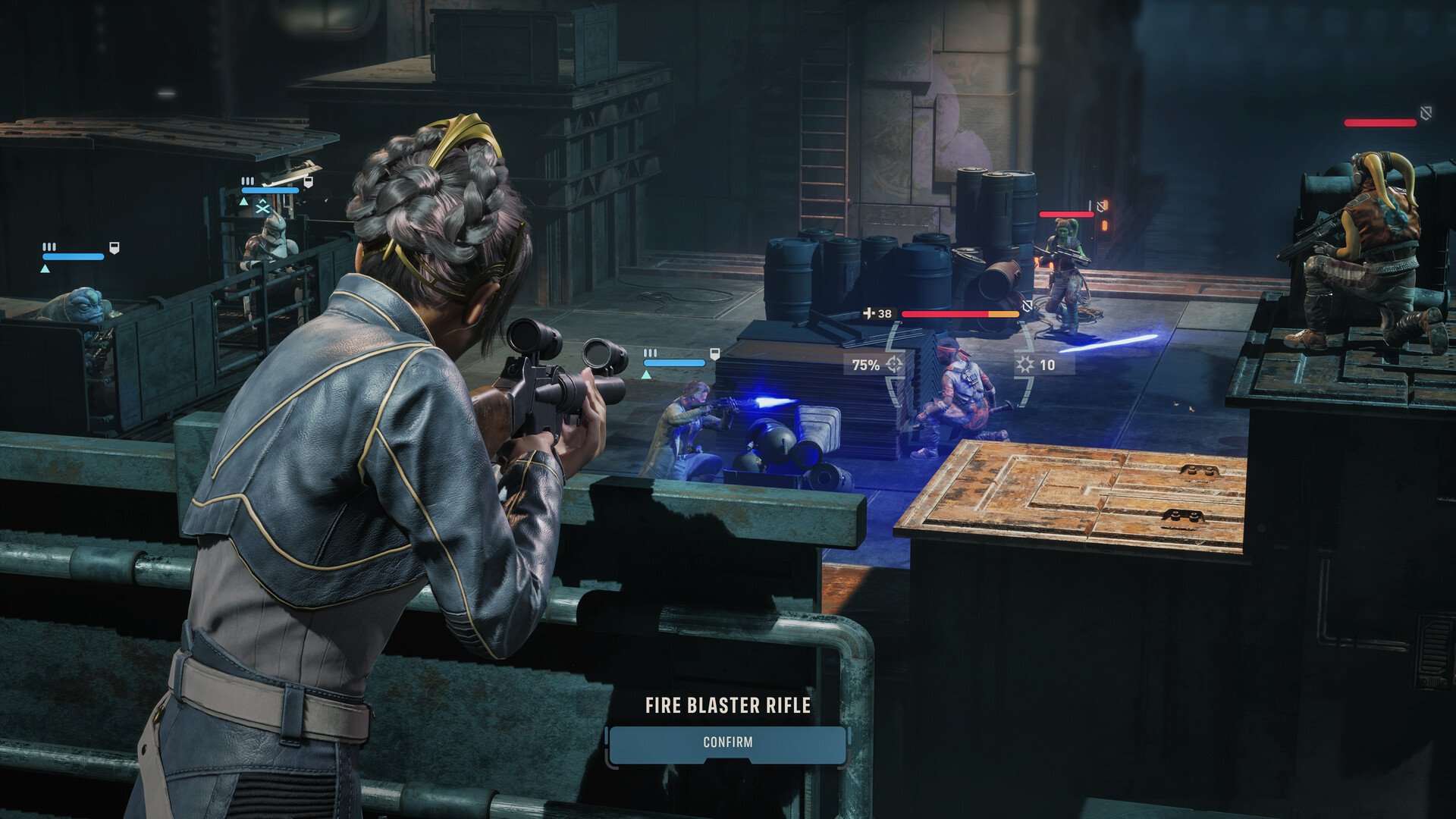

System requirements
Minimum
• Requires a 64-bit processor and operating system • OS: 64 bit Windows 10/11 (Windows 11 Recommended) • Processor: Intel Core i5-8400 or Ryzen 5 2600X • Memory: 16 GB RAM • Graphics: Nvidia GeForce GTX 1080, Radeon RX 5600 XT, or Intel ARC B580 • DirectX: Version 12 • Storage: 50 GB available space • Additional Notes: Resolution: 1920x1080 FPS: 30 Graphics Settings Preset: Low
Recommended
• Requires a 64-bit processor and operating system • OS: 64 bit Windows 10/11 (Windows 11 Recommended) • Processor: Intel Core i7-10700K or Ryzen 7 3700X • Memory: 32 GB RAM • Graphics: Nvidia Geforce RTX 3080 or Radeon RX 7800 XT • DirectX: Version 12 • Storage: 50 GB available space • Additional Notes: Resolution: 2560x1440 FPS: 60 Graphics Settings Preset: High
Languages: English*, French, Italian, German*, Spanish - Spain, Japanese, Korean, Polish, Simplified Chinese, Traditional Chinese, Portuguese - Brazil
How to activate
Xbox
- Open Microsoft’s redemption page using the button below.
- Sign in with the Microsoft account used on your Xbox. Check the email and profile before continuing.
- Paste the 25-character code and select Next. Check the displayed product or amount.
- Complete the confirmation prompts. Look for games in that account’s library and subscriptions under its services and subscriptions.
More from the series
РФ ✓Star Wars Zero Company (Xbox Series X|S)Xboxfrom $70.295,990 ₽8 offers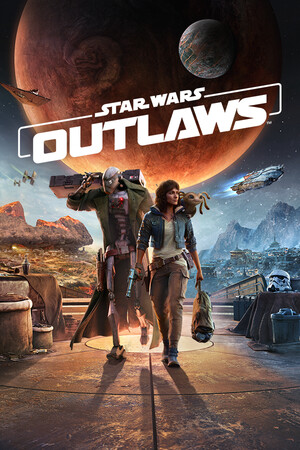 РФ ✓Star Wars Outlaws | Deluxe EditionUbisoft Connectfrom $18.861,610 ₽2 offers
 РФ ✓STAR WARS Jedi: Survivor (Xbox Series X|S)Xboxfrom $11.841,010 ₽5 offersРФ ✓Star Wars Outlaws: Gold Edition (Xbox Series X|S)Xboxfrom $124.6710,630 ₽4 offersРФ ✓STAR WARS Jedi: Survivor Deluxe Edition (Xbox Series X|S)Xboxfrom $23.932,040 ₽4 offers
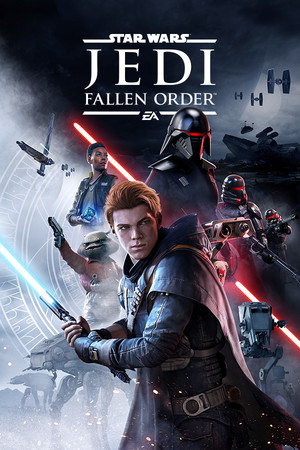 РФ ✓Star Wars Jedi: Fallen Order (Xbox One)Xboxfrom $6.11530 ₽3 offersРФ ✓Star Wars Outlaws (Xbox Series X|S)Xboxfrom $29.672,530 ₽3 offers
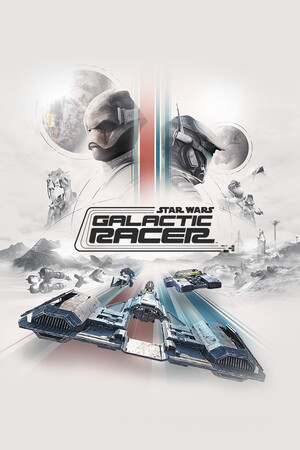 Star Wars: Galactic Racer (Deluxe Edition)Steamfrom $49.434,220 ₽2 offers
Game details from Steam.