

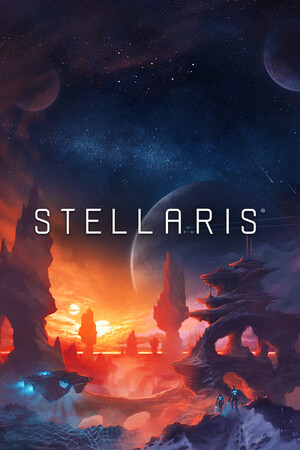
Stellaris (Console Edition) (Xbox One)
- Genres
- Simulation · Strategy
- Release
- May 9, 2016
- Developer
- Paradox Development Studio
- Metacritic
Lowest price across all offers
from $11.30970 ₽
Offers
The price depends on the platform and the activation region.
- EuropeNot for Russia$11.30970 ₽1
About the game
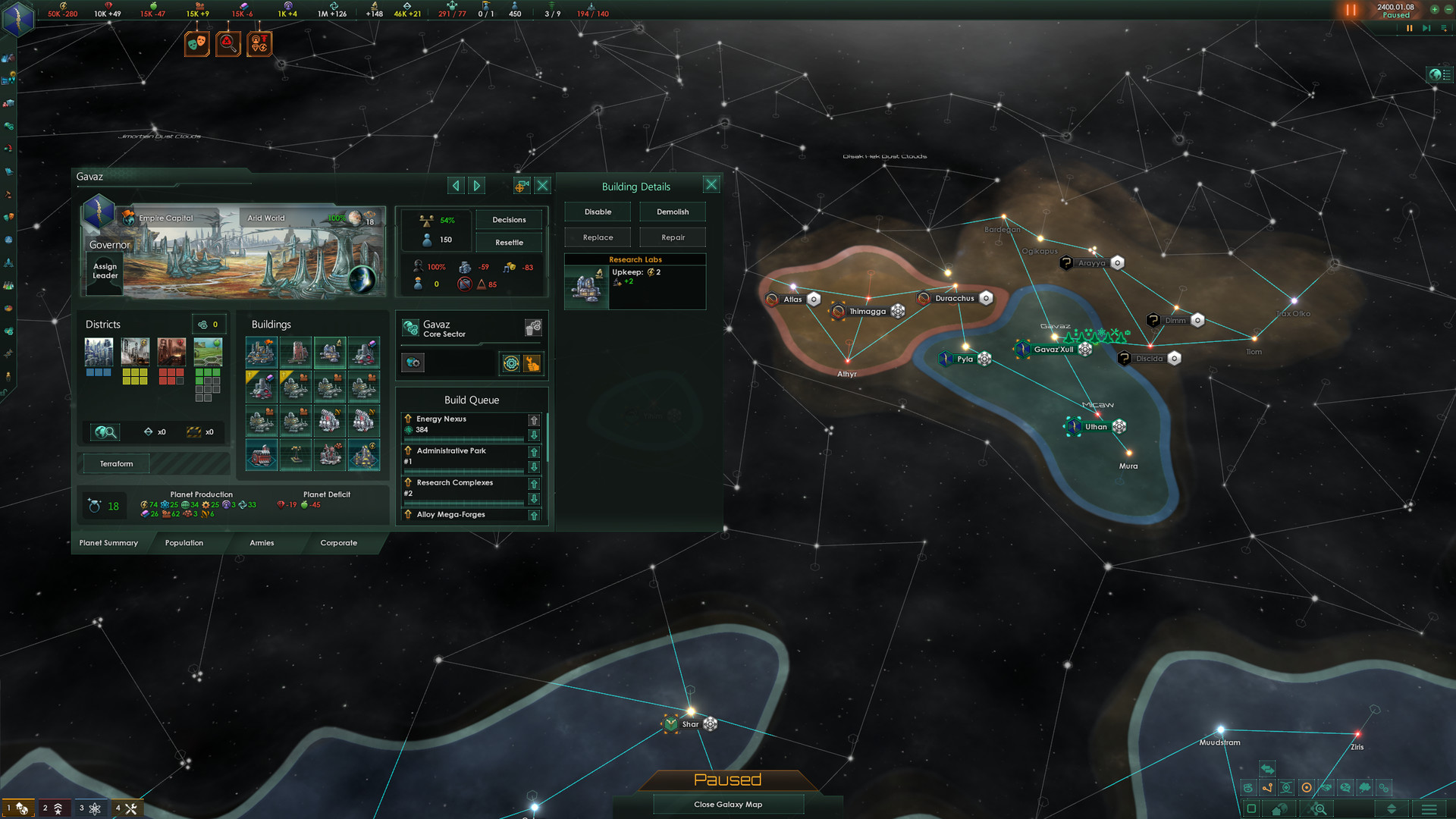
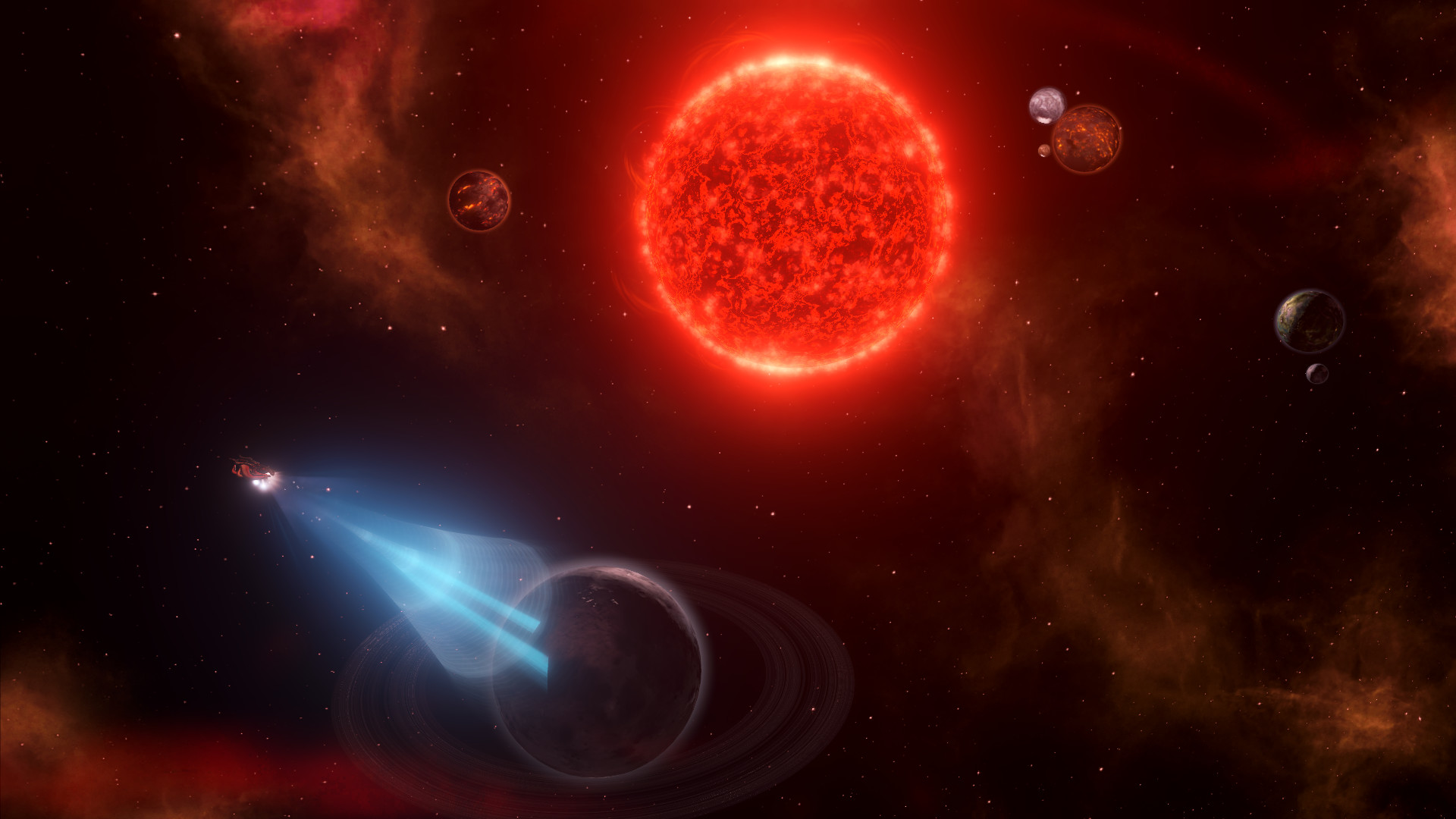
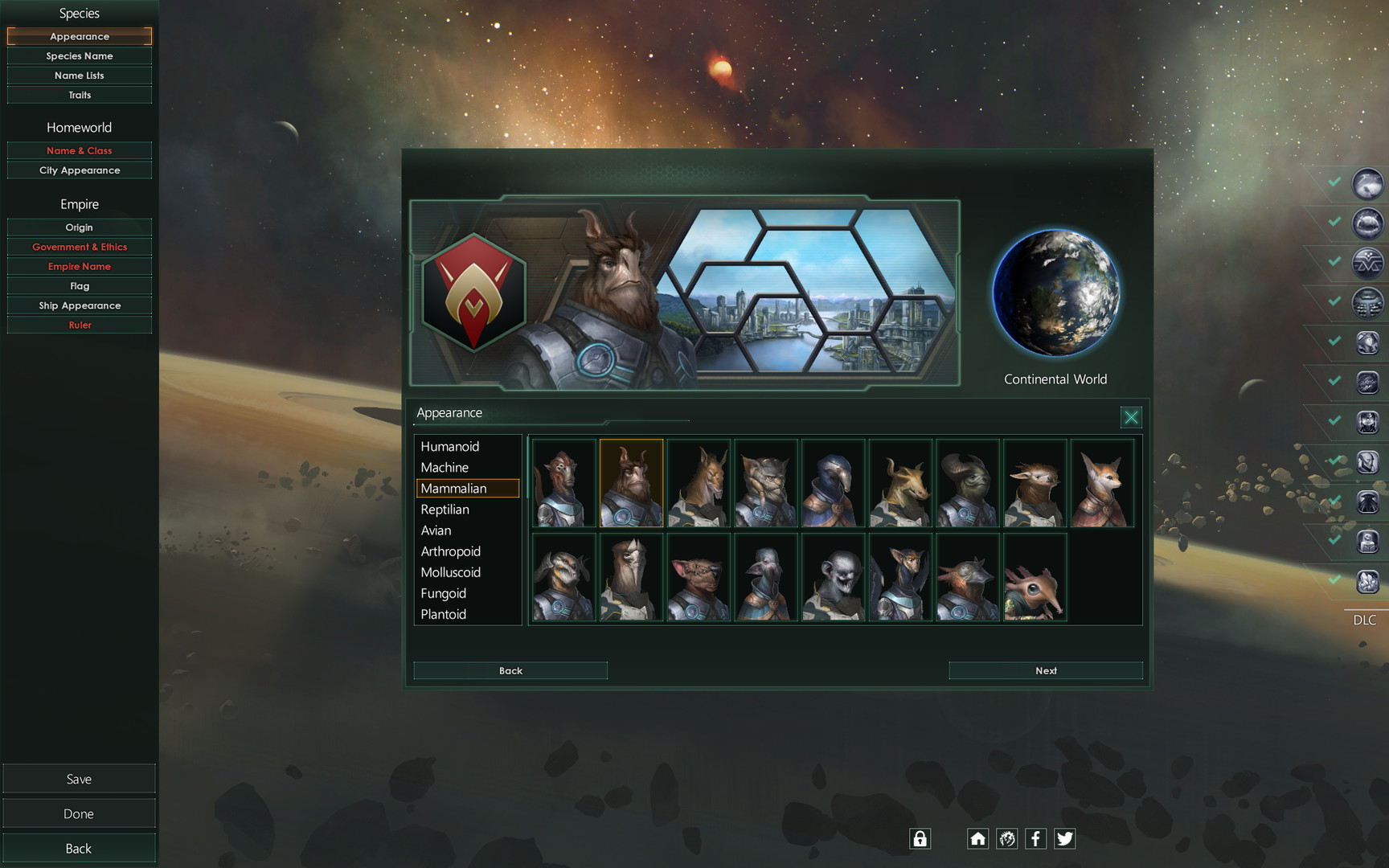
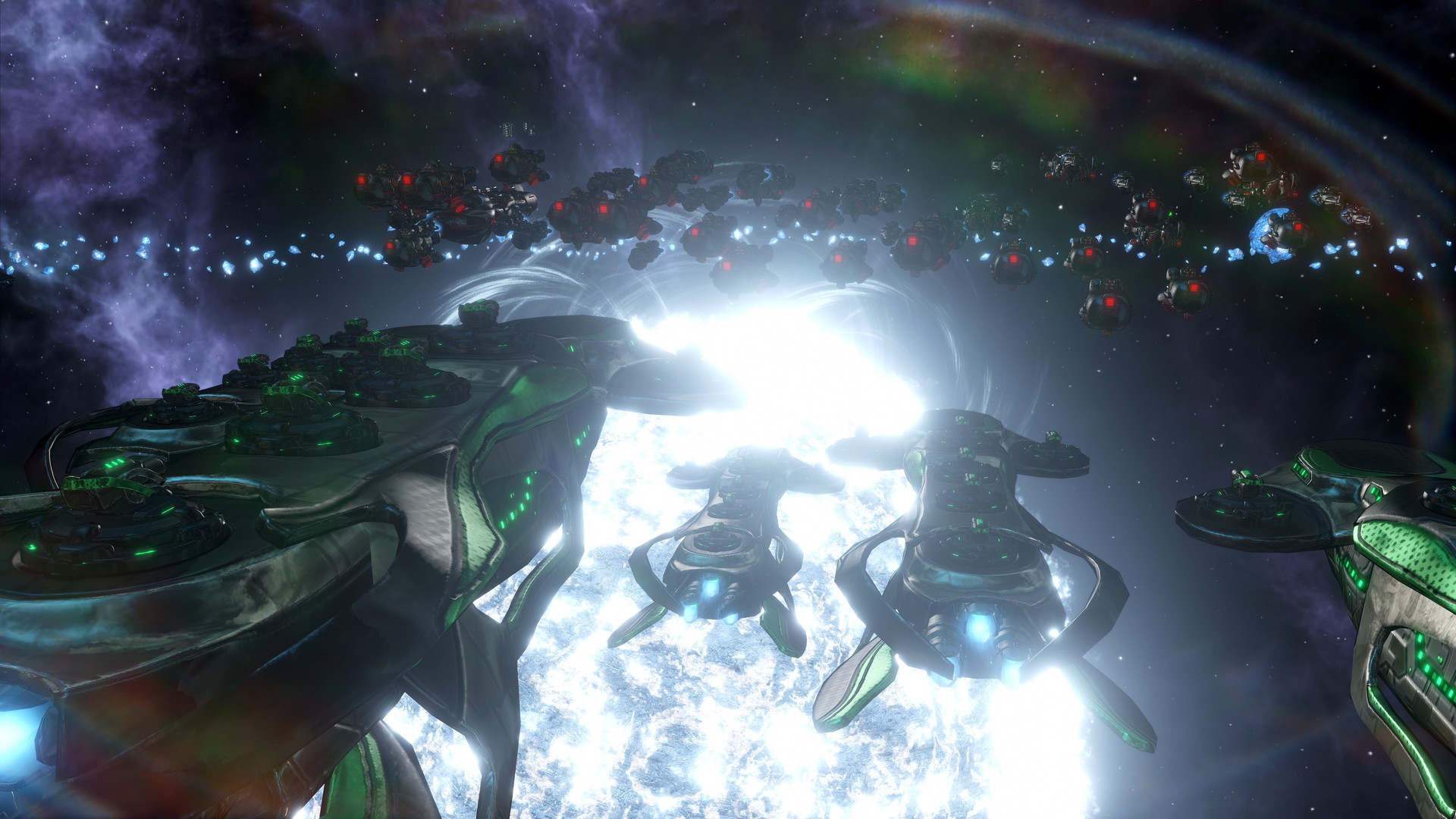
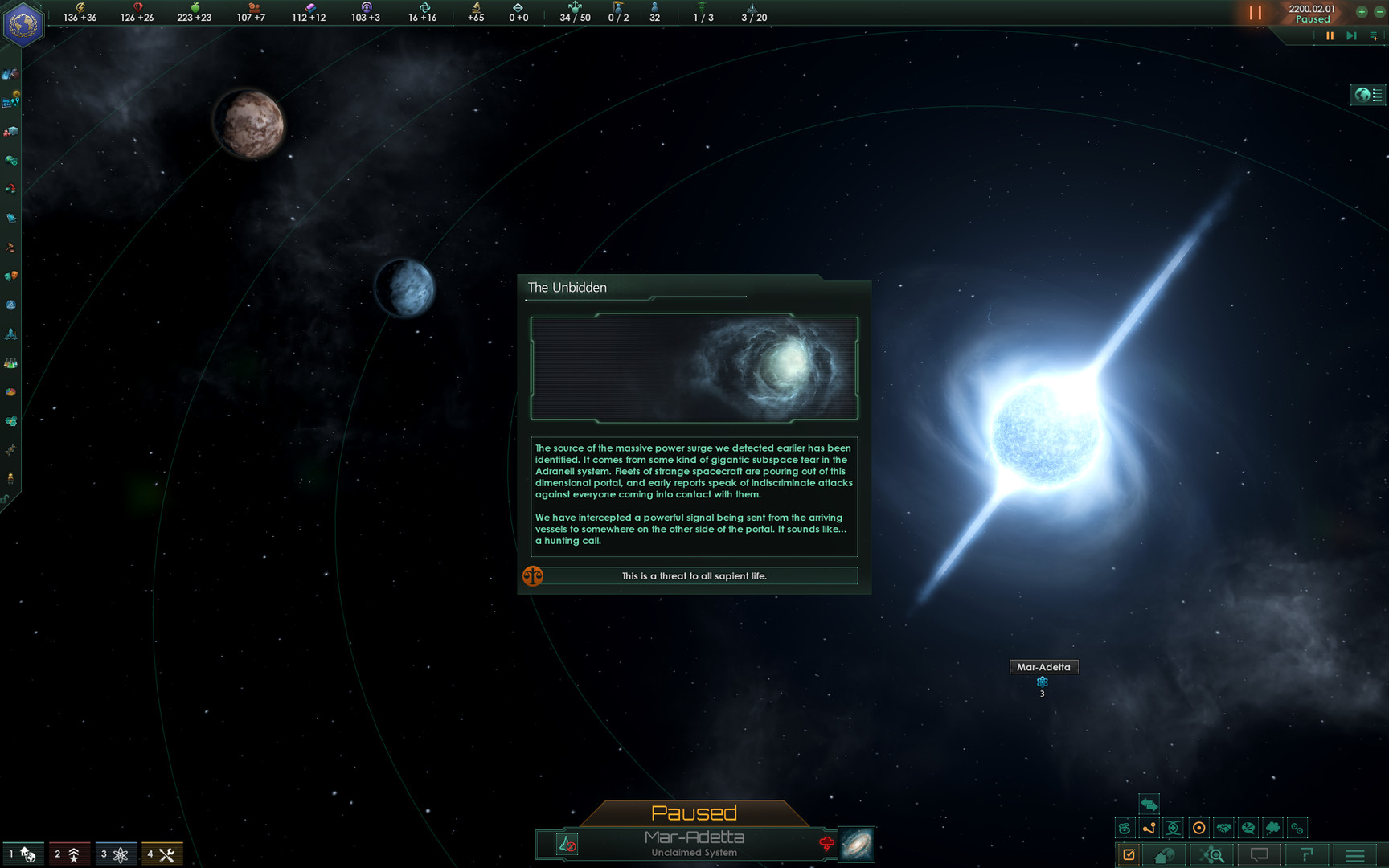
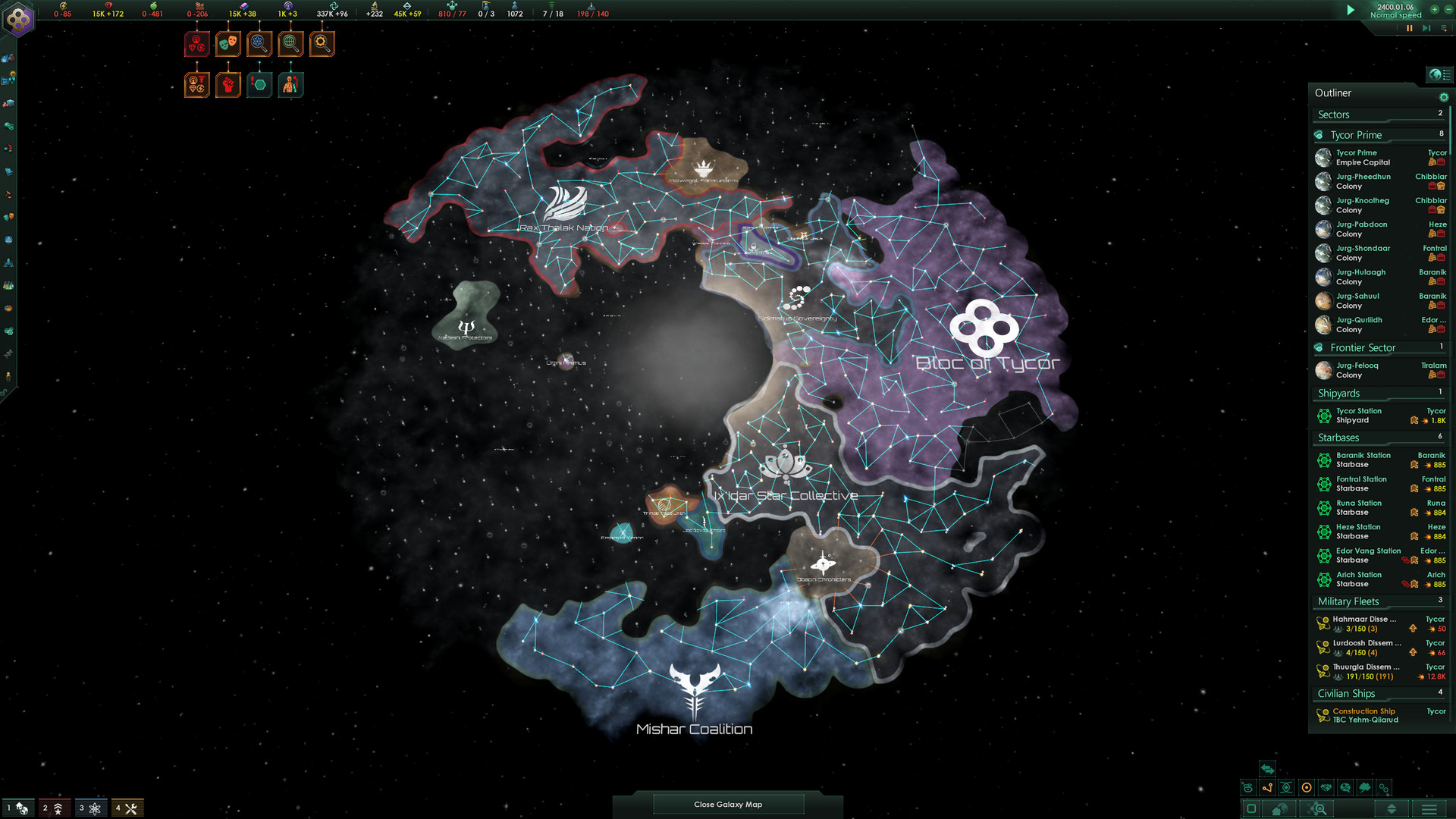
Explore a galaxy full of wonders in this sci-fi grand strategy game from Paradox Development Studios. Interact with diverse alien races, discover strange new worlds with unexpected events and expand the reach of your empire. Each new adventure holds almost limitless possibilities.
Pictures and description are of the base game on Steam.
Screenshots
System requirements
Minimum
• Requires a 64-bit processor and operating system • OS: Windows® 10 Home 64 Bit • Processor: Intel® iCore™ i3-530 or AMD® FX-6350 • Memory: 4 GB RAM • Graphics: Nvidia® GeForce™ GTX 460 or AMD® ATI Radeon™ HD 5870 (1GB VRAM), or AMD® Radeon™ RX Vega 11 or Intel® HD Graphics 4600 • DirectX: Version 9.0c • Network: Broadband Internet connection • Storage: 10 GB available space • Sound Card: Direct X 9.0c- compatible sound card • Additional Notes: Controller support: 3-button mouse, keyboard and speakers. Special multiplayer requirements: Internet Connection
Recommended
• Requires a 64-bit processor and operating system • OS: Windows® 10 Home 64 Bit • Processor: Intel® iCore™ i5-3570K or AMD® Ryzen™ 5 2400G • Memory: 4 GB RAM • Graphics: Nvidia® GeForce™ GTX 560 Ti (1GB VRAM) or AMD® Radeon™ R7 370 (2 GB VRAM) • DirectX: Version 12 • Network: Broadband Internet connection • Storage: 10 GB available space • Sound Card: DirectX 9.0c-compatible sound card • Additional Notes: Controller support: 3-button mouse, keyboard and speakers. Special multiplayer requirements: Internet Connection
Languages: English, French, German, Spanish - Spain, Polish, Portuguese - Brazil, Russian, Simplified Chinese, Japanese, Korean
How to activate
Xbox
- Open Microsoft’s redemption page using the button below.
- Sign in with the Microsoft account used on your Xbox. Check the email and profile before continuing.
- Paste the 25-character code and select Next. Check the displayed product or amount.
- Complete the confirmation prompts. Look for games in that account’s library and subscriptions under its services and subscriptions.
More from the series
РФ ✓StellarisSteamfrom $11.841,010 ₽4 offersРФ ✓Stellaris (Galaxy Edition)Steamfrom $11.911,020 ₽3 offersРФ ✓Stellaris: New Player EditionSteamfrom $34.852,970 ₽3 offersРФ ✓Stellaris - Digital Anniversary EditionSteamfrom $26.782,290 ₽РФ ✓Stellaris - Anniversary EditionSteamfrom $20.001,710 ₽2 offersРФ ✓Stellaris: Starter EditionSteamfrom $23.452,000 ₽РФ ✓Stellaris (Explorer Edition)Steamfrom $48.624,150 ₽Game details from Steam.