
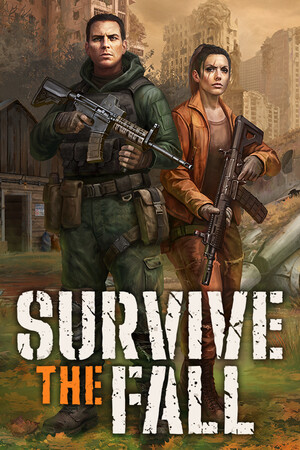
Survive the Fall
- Genres
- Action · Adventure · Indie · RPG · Strategy
- Release
- May 22, 2025
- Developer
- Angry Bulls Studio
Lowest price across all offers
from $10.40900 ₽
Offers
The price depends on the platform and the activation region.
- WorldwideWorks in Russia$10.40900 ₽1
- EuropeNot for Russia$14.751,270 ₽1
About the game
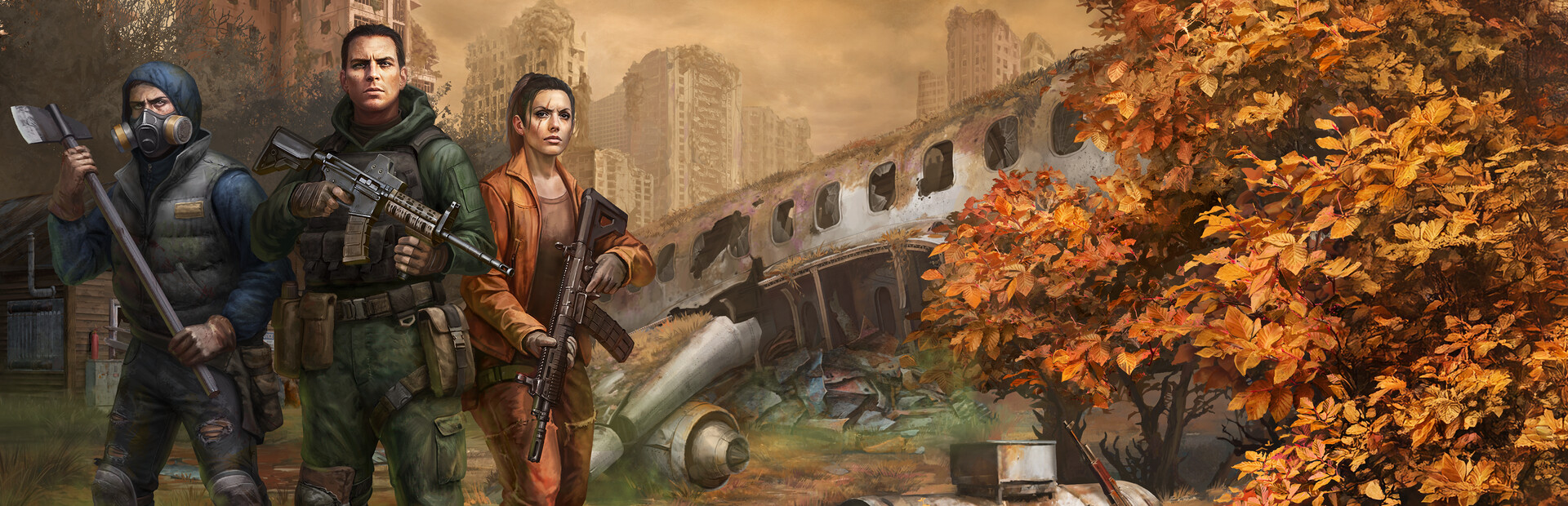
Explore, loot and fight in an open world action game set in a post-apocalyptic future after a devastating meteor strike. Assemble your team and take the fight to the enemy or choose a stealthy approach to gain the upper hand. Expand your base to research new gear and get ready to survive the fall.
Screenshots


System requirements
Minimum
• Requires a 64-bit processor and operating system • OS: Windows 10 (x64) • Processor: Intel Core i5 6600, AMD Ryzen 3 1200 • Memory: 8 GB RAM • Graphics: NVIDIA GeForce GT 1030, AMD Radeon RX 550 • DirectX: Version 11 • Storage: 50 GB available space • Additional Notes: Settings: Low, 1080p
Recommended
• Requires a 64-bit processor and operating system • OS: Windows 11 (x64) • Processor: Intel Core i3 11100B, AMD Ryzen 3 5300G • Memory: 16 GB RAM • Graphics: GeForce GTX 1660 Super, AMD Radeon RX Vega 56 • DirectX: Version 11 • Additional Notes: Settings: High, 1440p (SSD recommended)
Languages: English, French, German, Simplified Chinese, Polish, Portuguese - Brazil, Russian, Spanish - Spain, Japanese, Turkish, Korean, Ukrainian
How to activate
Steam
- Start Steam on your computer and sign in to the account you will play on.
- In the Games menu, choose Activate a Product on Steam. You can also start from Add a Game at the bottom left.
- Go through the introductory screens, review Steam’s terms and paste the complete key without surrounding spaces.
- Finish activation, then find the game in your Library and select Install.
More from the series
Game details from Steam.