

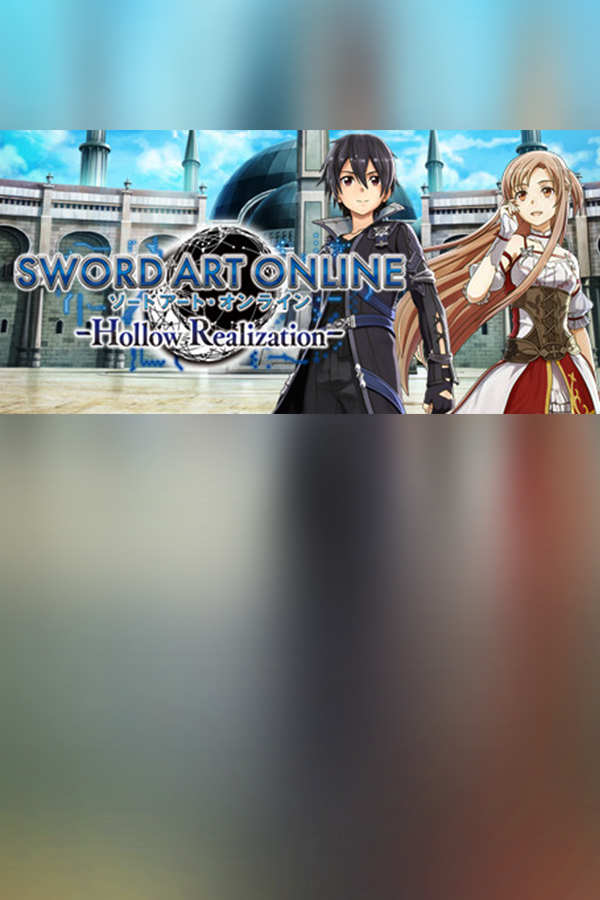
Sword Art Online: Hollow Realization Deluxe Edition
- Genres
- Action · Adventure · Casual · RPG
- Release
- Oct 27, 2017
- Developer
- AQURIA
Lowest price across all offers
from $13.221,140 ₽
Offers
The price depends on the platform and the activation region.
- CISCIS regionSword Art Online: Hollow Realization - Deluxe Edition$13.221,140 ₽1
- WorldwideWorks in RussiaSword Art Online: Hollow Realization (Deluxe Edition)$13.841,190 ₽1
- EuropeNot for Russia$16.151,390 ₽1
- —Not for RussiaSword Art Online: Hollow Realization (Deluxe Edition)$37.583,220 ₽1
- United StatesNot for RussiaSword Art Online: Hollow Realization (Deluxe Edition)$41.203,530 ₽1
About the game
2026, Sword Art: Origin, a new VRMMORPG has emerged. Kirito meets a mysterious NPC and receives a cryptic message. This game is definitively not the same as the one he escaped years ago…
Screenshots


System requirements
Minimum
• Requires a 64-bit processor and operating system • OS *: Windows 7/8/10 (64-bit OS required) • Processor: Intel Core i5-4460 (3.40 GHz) or better; Quad-core or better • Memory: 8 GB RAM • Graphics: NVIDIA GeForce GTX 650 (2GB) or better (DirectX 11 card Required) • DirectX: Version 11 • Network: Broadband Internet connection • Storage: 40 GB available space • Sound Card: DirectX 11 compatible sound card
Recommended
• Requires a 64-bit processor and operating system • OS *: Windows 7/8/10 (64-bit OS required) • Processor: Intel Core i7-4790 (3.60GHz) or better; Quad-core or better • Memory: 16 GB RAM • Graphics: NVIDIA GeForce GTX 760 (DirectX 11 graphic card required) • DirectX: Version 11 • Network: Broadband Internet connection • Storage: 40 GB available space • Sound Card: DirectX 11 compatible sound card
Languages: English, French, Italian, German, Spanish - Spain, Korean, Portuguese - Brazil, Traditional Chinese
How to activate
Steam
- Start Steam on your computer and sign in to the account you will play on.
- In the Games menu, choose Activate a Product on Steam. You can also start from Add a Game at the bottom left.
- Go through the introductory screens, review Steam’s terms and paste the complete key without surrounding spaces.
- Finish activation, then find the game in your Library and select Install.
More from the series
 РФ ✓Sword Art Online: Fatal BulletSteamXboxfrom $5.69490 ₽9 offers
 РФ ✓SWORD ART ONLINE Alicization LycorisSteamfrom $13.661,170 ₽5 offers
 РФ ✓SWORD ART ONLINE Fractured DaydreamSteamfrom $15.071,300 ₽5 offersРФ ✓SWORD ART ONLINE Fractured Daydream (Deluxe Edition)Steamfrom $33.512,870 ₽5 offersРФ ✓SWORD ART ONLINE Fractured Daydream (Premium Edition)Steamfrom $46.163,960 ₽5 offersРФ ✓Sword Art Online: Alicization Lycoris (Deluxe Edition)Steamfrom $19.511,680 ₽5 offers
 РФ ✓Sword Art Online: Lost SongSteamfrom $6.69580 ₽5 offers
 РФ ✓Sword Art Online Last Recollection (Ultimate Edition)Steamfrom $44.083,780 ₽4 offers
Game details from Steam.