


Tavern Cards
- Genres
- Action · Adventure · Simulation · Strategy
- Release
- Apr 11, 2020
- Developer
- Vadd Game
Lowest price across all offers
from $11.09960 ₽
Offers
The price depends on the platform and the activation region.
- WorldwideWorks in Russia$11.09960 ₽1
About the game
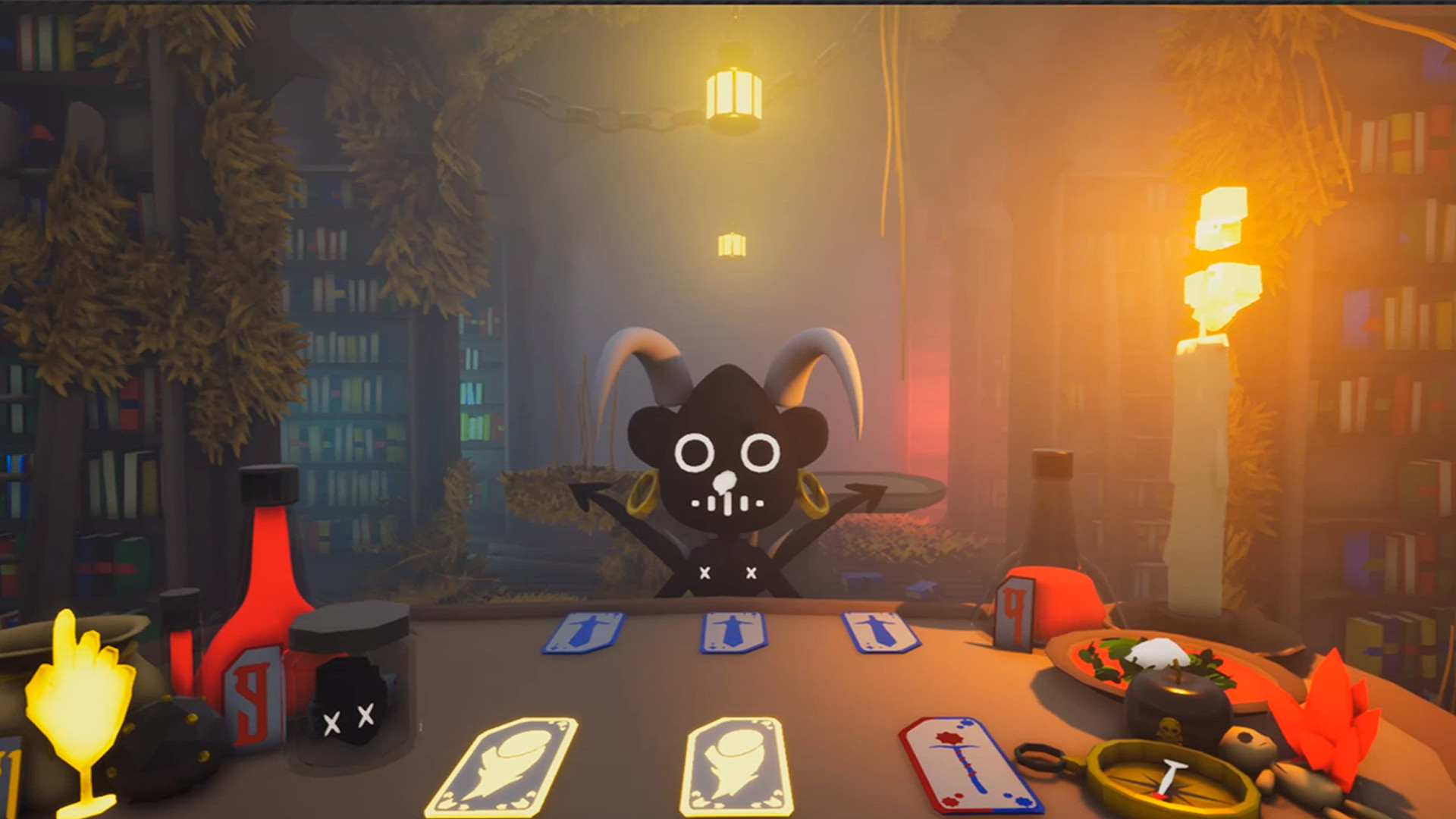
"Tavern Cards" is a strategic card-battling adventure! Liberate cities by defeating demons in their taverns. Build a powerful deck, face unique challenges, and unravel the mystery behind the invasion. Can you conquer the demons and save the cities?
Screenshots
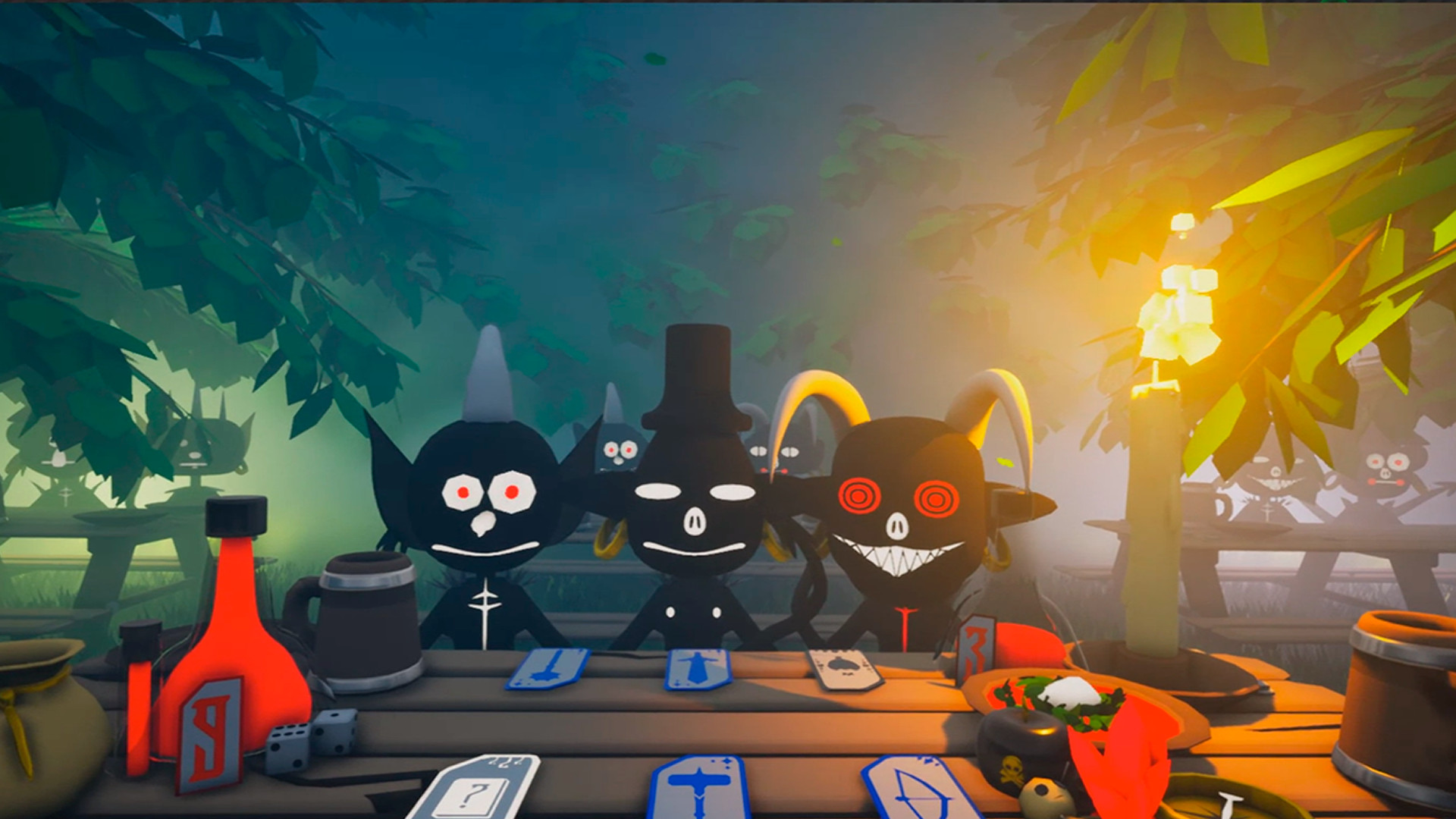
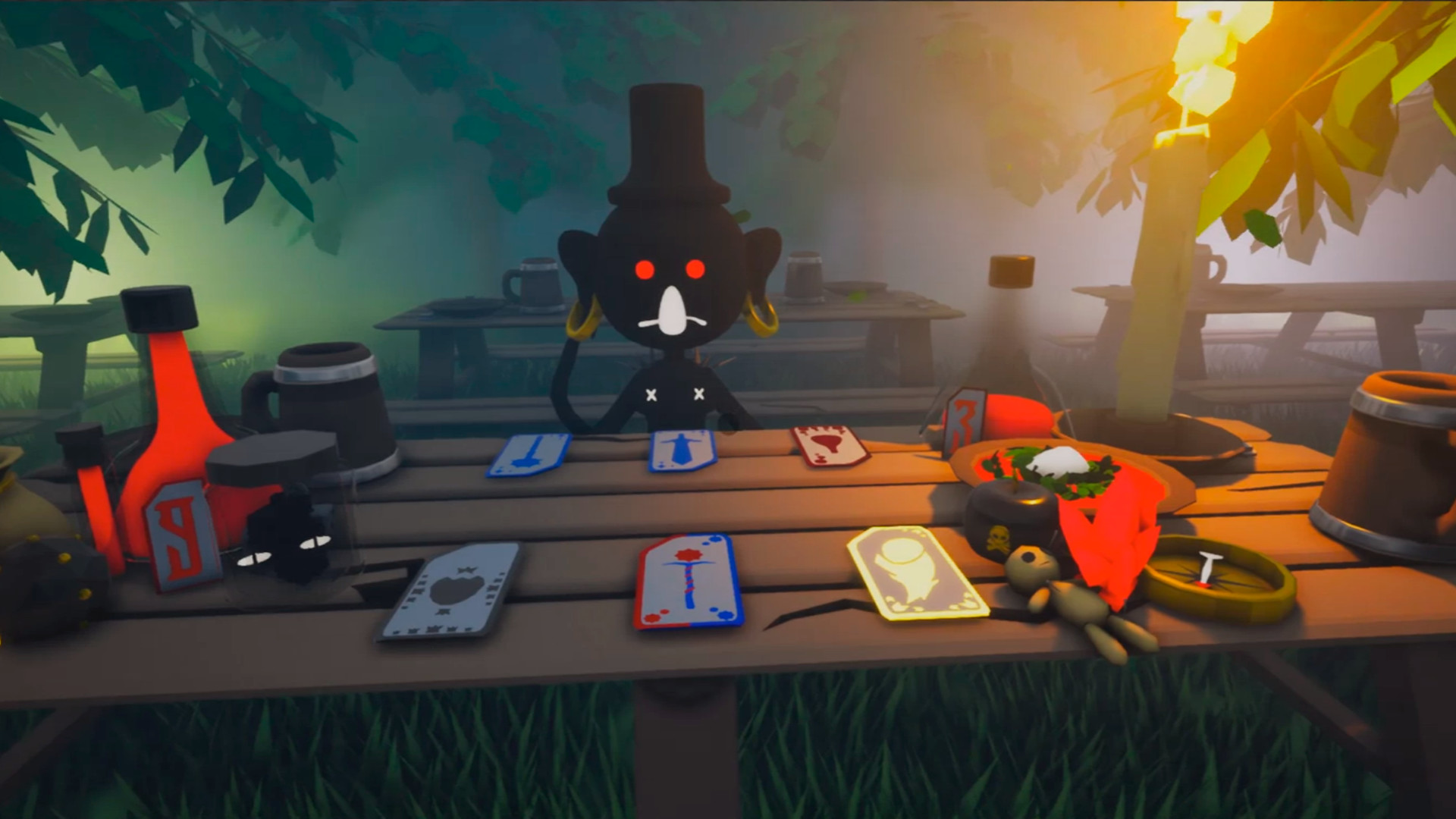
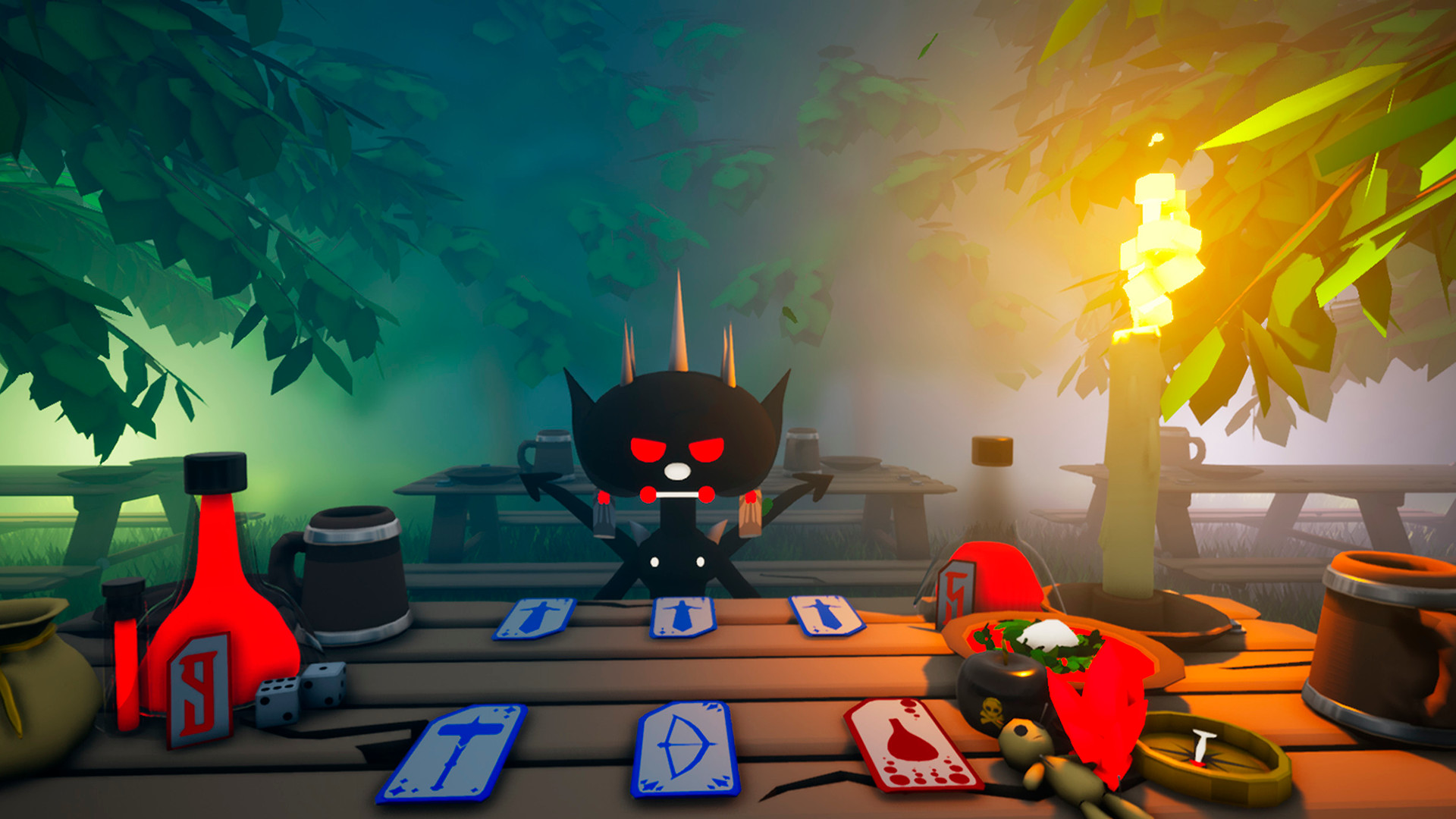
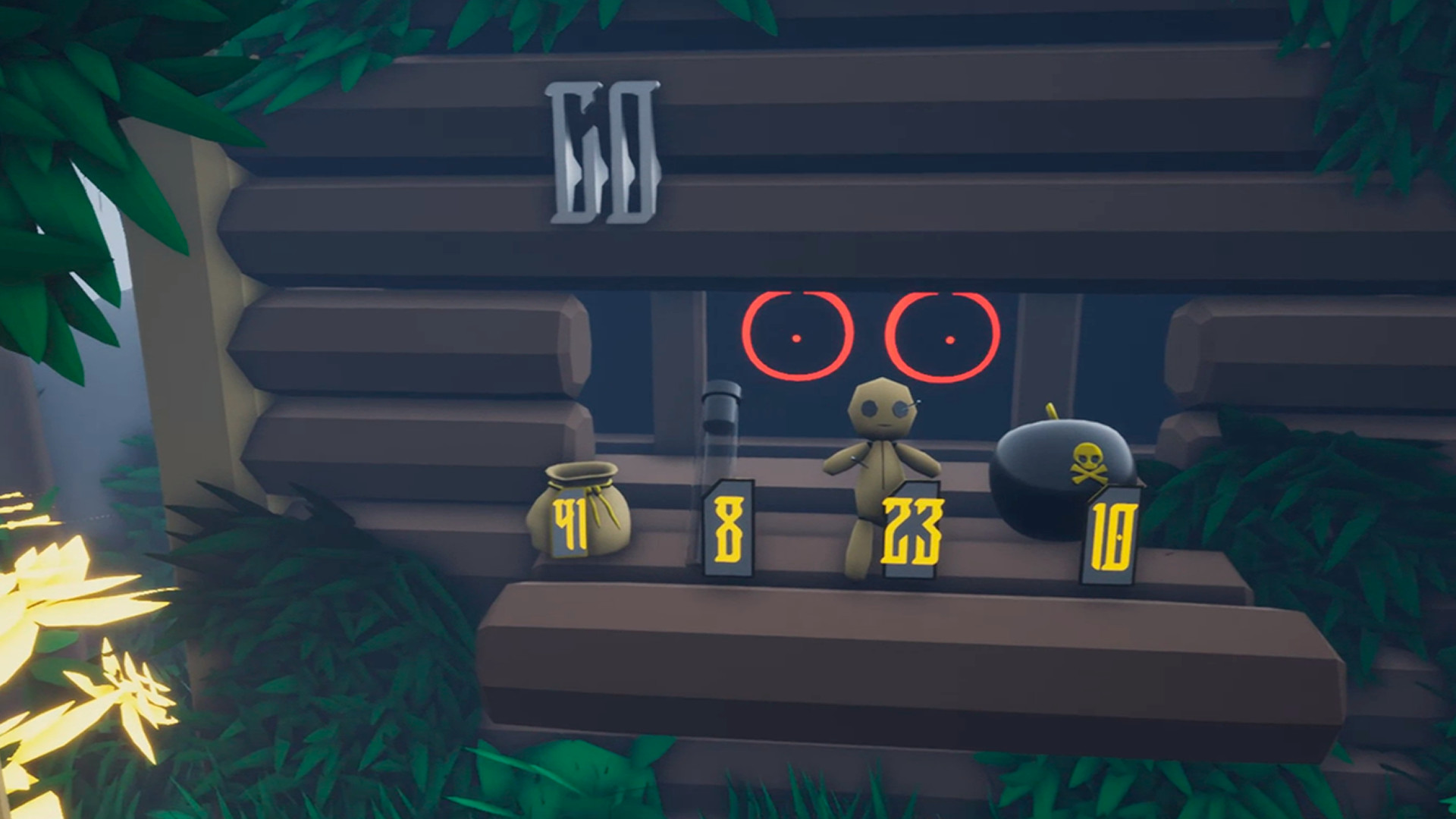



System requirements
Minimum
• OS *: Windows XP, 7, Vista, 8, 8.1, 10 • Processor: Intel quad-core 2.0 GHz or dual-core 2.6 GHz • Memory: 2 GB RAM • Graphics: NVIDIA GeForce GTX 1050 or amd Radeon 560 • Storage: 1 GB available space
Recommended
• OS: Windows 10 • Processor: Intel i5 or i7 • Memory: 4 GB RAM • Graphics: NVIDIA GeForce GTX 960 or amd Radeon HD 8000 series • Storage: 1 GB available space
Languages: English*, French, Italian, German, Spanish - Spain, Arabic, Bulgarian, Portuguese - Brazil, Hungarian, Vietnamese, Greek, Danish, Spanish - Latin America, Traditional Chinese, Simplified Chinese, Korean, Dutch, Norwegian, Polish, Portuguese - Portugal, Romanian, Russian, Thai, Turkish, Ukrainian, Finnish, Czech, Swedish, Japanese, Azerbaijani, Albanian, Amharic, Armenian, Assamese, Afrikaans, Basque, Belarusian, Bangla, Bosnian, Valencian, Welsh, Wolof, Galician, Georgian, Gujarati, Dari, Zulu, Hebrew, Igbo, Indonesian, Irish, Icelandic, Yoruba, Kazakh, Kannada, Catalan, Quechua, Kinyarwanda, K'iche', Konkani, Xhosa, Khmer, Kyrgyz, Latvian, Lithuanian, Luxembourgish, Macedonian, Malay, Malayalam, Maltese, Maori, Marathi, Mongolian, Nepali, Odia, Punjabi (Gurmukhi), Punjabi (Shahmukhi), Persian, Serbian, Sotho, Sinhala, Sindhi, Slovak, Slovenian, Sorani, Swahili, Tajik, Tamil, Tatar, Telugu, Tigrinya, Tswana, Turkmen, Uzbek, Uyghur, Urdu, Filipino, Hausa, Hindi, Croatian, Cherokee, Scots, Estonian
How to activate
Steam
- Start Steam on your computer and sign in to the account you will play on.
- In the Games menu, choose Activate a Product on Steam. You can also start from Add a Game at the bottom left.
- Go through the introductory screens, review Steam’s terms and paste the complete key without surrounding spaces.
- Finish activation, then find the game in your Library and select Install.
Game details from Steam.