


The Bard's Tale Trilogy
- Genres
- RPG
- Release
- Aug 14, 2018
- Developer
- Krome Studios, inXile Entertainment
Lowest price across all offers
from $2.71240 ₽
Offers
The price depends on the platform and the activation region.
- WorldwideWorks in Russia$2.71240 ₽1
About the game
The Bard's Tale Trilogy is a complete remaster of the iconic series that helped define the RPG genre. Featuring updated graphics and optional quality of life gameplay features, this is the ideal way to experience the dungeon crawling challenge that made the original games beloved classics.
Screenshots

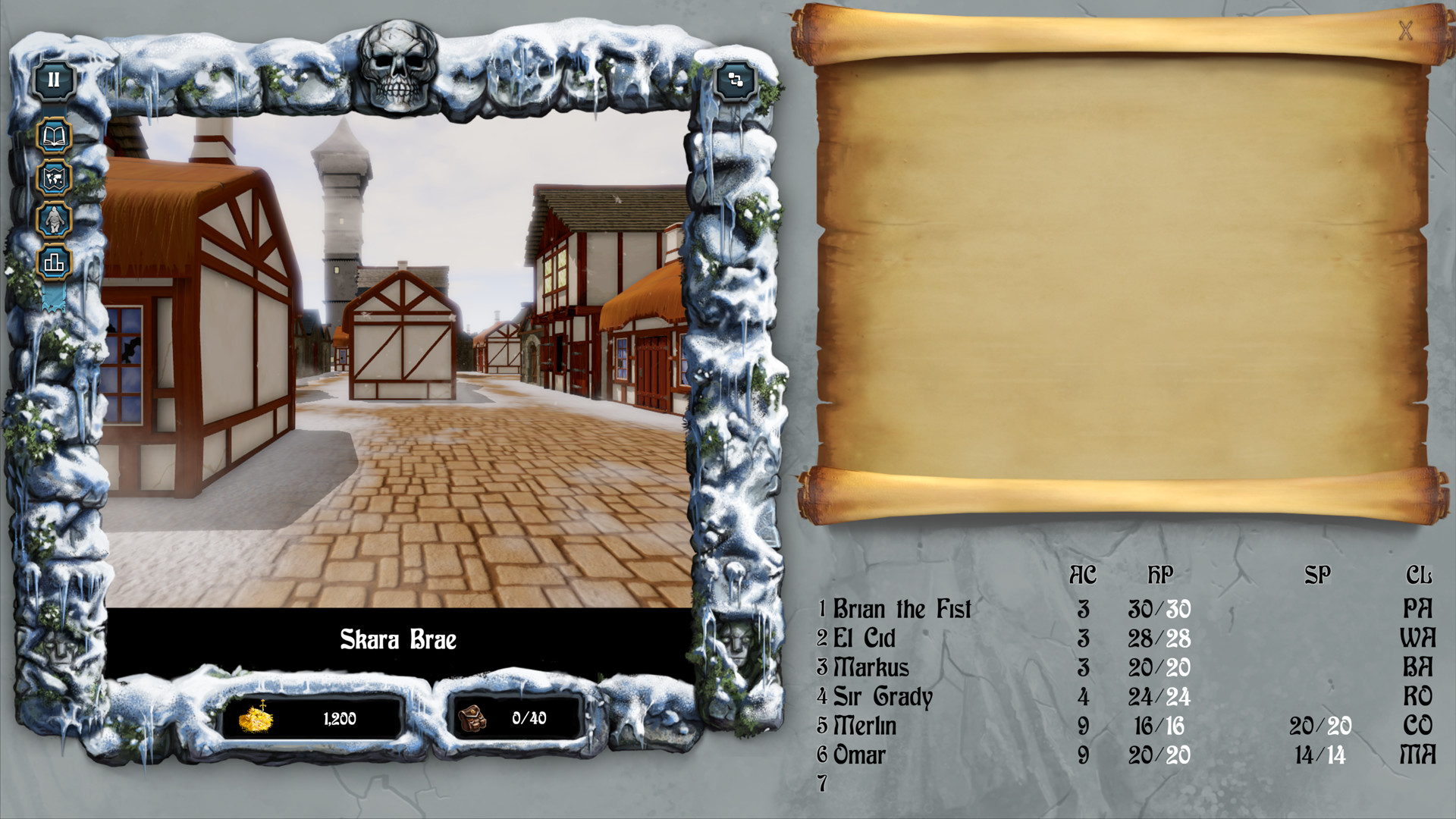
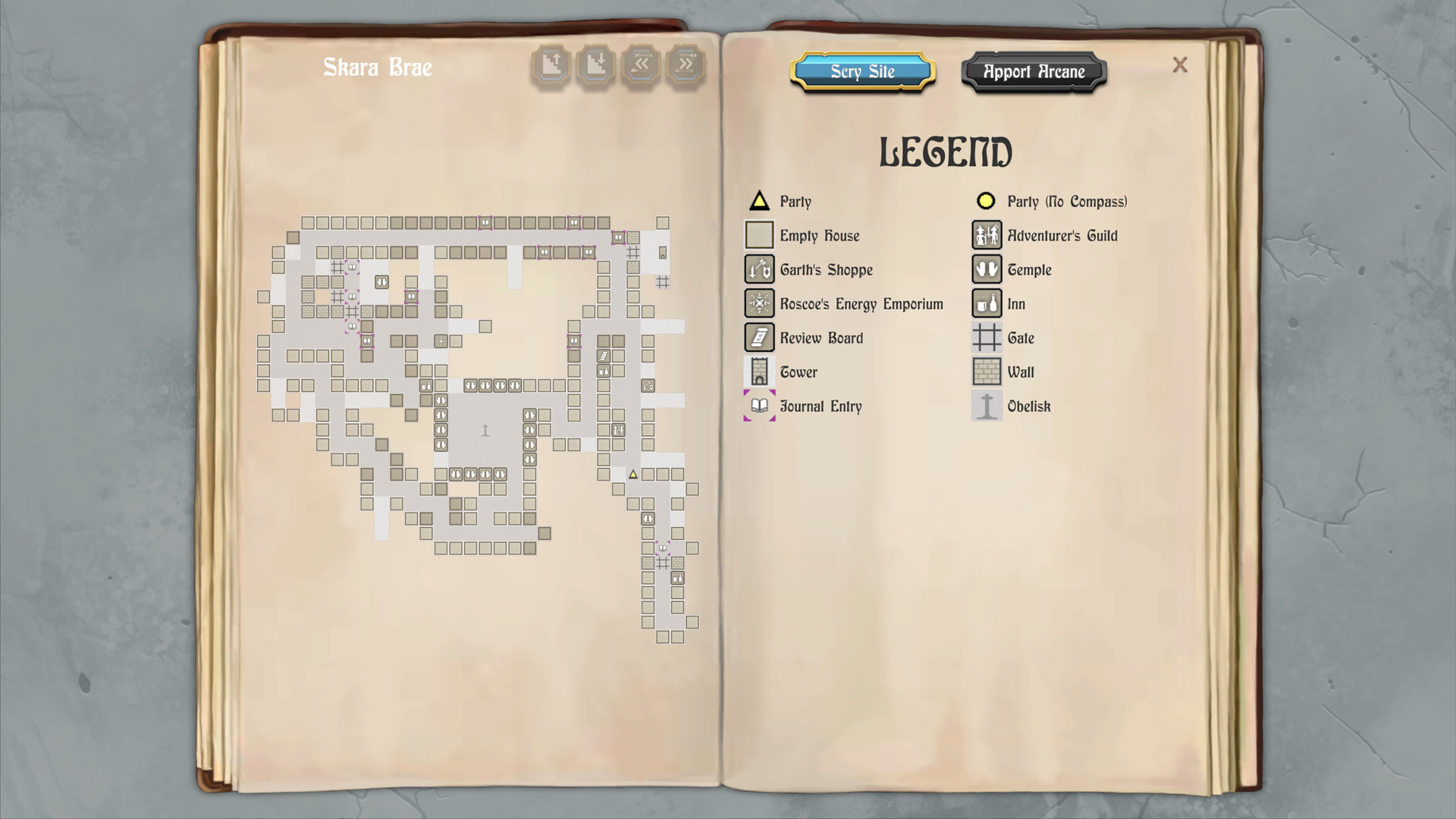
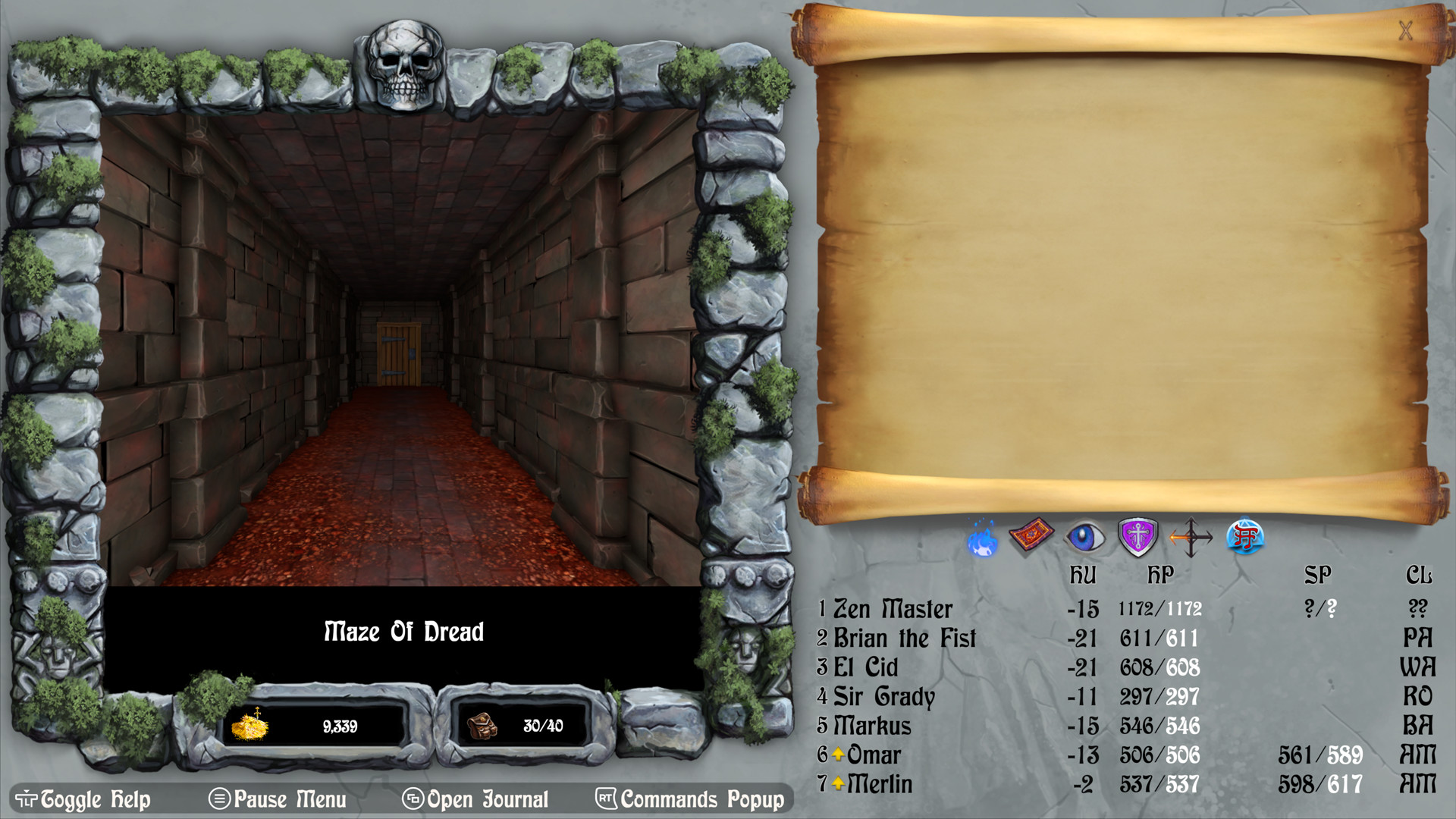
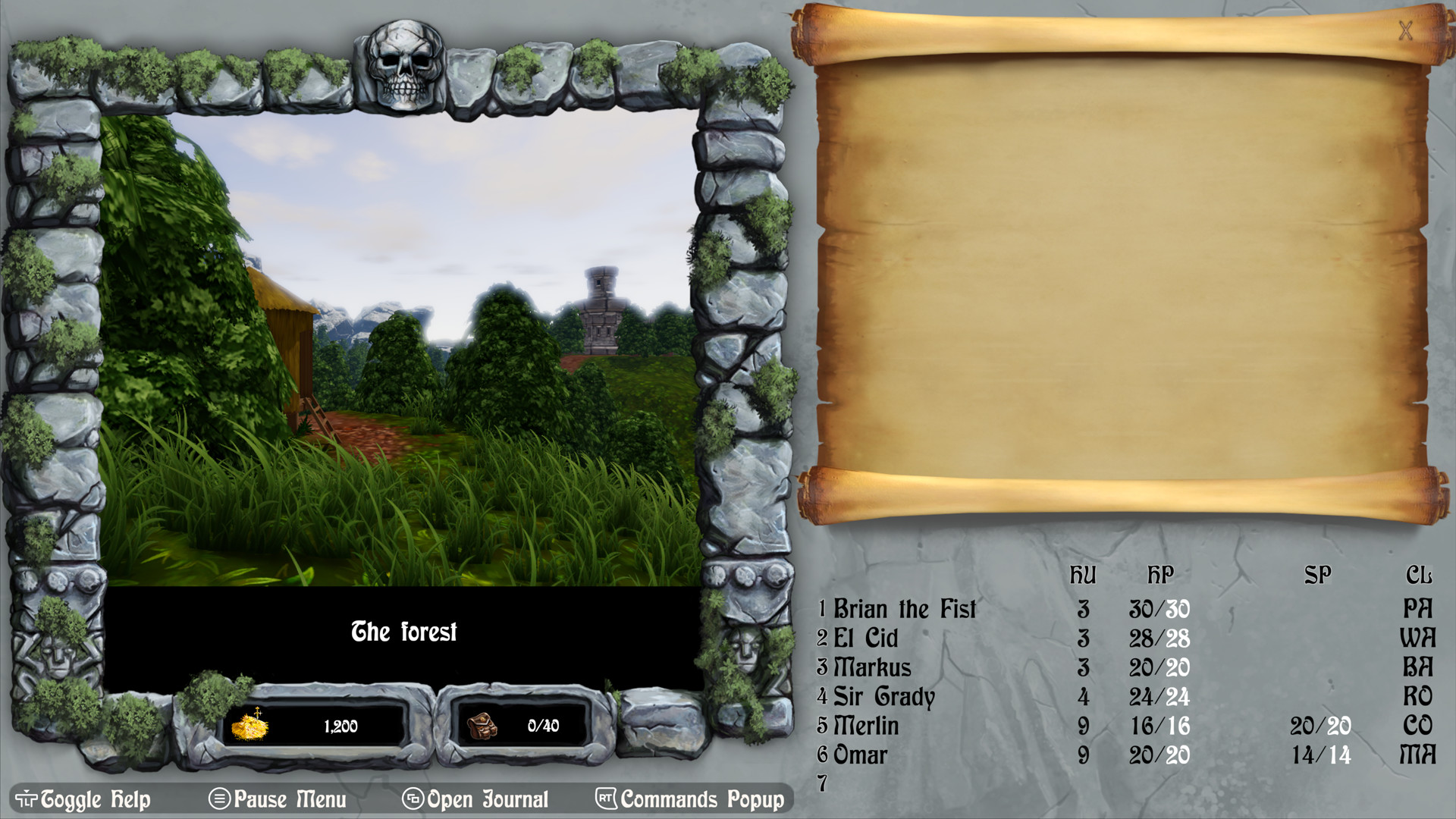


System requirements
Minimum
• Requires a 64-bit processor and operating system • OS *: 64bit OS, Windows 7 SP1, Windows 8 / 8.1, Windows 10 • Processor: Intel Core2 Quad Q9300 / AMD Athlon 64 X2 4200+ / Intel Core i5-2500K or higher if using integrated Intel GPU • Memory: 4 GB RAM • Graphics: Graphics card with DX10 (shader model 4.0) capabilities • DirectX: Version 11 • Storage: 1 GB available space • Additional Notes:
Recommended
• Requires a 64-bit processor and operating system • OS *: 64bit OS, Windows 7 SP1, Windows 8 / 8.1, Windows 10 • Processor: Intel Core i5-760 / AMD FX-6100set support • Memory: 8 GB RAM • Graphics: Nvidia 750 or AMD equivalent, or better • DirectX: Version 11 • Storage: 1 GB available space • Additional Notes:
Languages: English, French, German, Spanish - Spain, Polish, Russian
How to activate
Steam
- Start Steam on your computer and sign in to the account you will play on.
- In the Games menu, choose Activate a Product on Steam. You can also start from Add a Game at the bottom left.
- Go through the introductory screens, review Steam’s terms and paste the complete key without surrounding spaces.
- Finish activation, then find the game in your Library and select Install.
Xbox
- Open Microsoft’s redemption page using the button below.
- Sign in with the Microsoft account used on your Xbox. Check the email and profile before continuing.
- Paste the 25-character code and select Next. Check the displayed product or amount.
- Complete the confirmation prompts. Look for games in that account’s library and subscriptions under its services and subscriptions.
More from the series
Game details from Steam.