


The Disney Afternoon Collection
- Genres
- Action
- Release
- Apr 18, 2017
- Developer
- Capcom, Digital Eclipse
Lowest price across all offers
from $3.92340 ₽
Offers
The price depends on the platform and the activation region.
- EuropeNot for Russia$3.92340 ₽1
- —Not for Russia$4.91430 ₽1
- WorldwideWorks in Russia$6.12530 ₽1
About the game
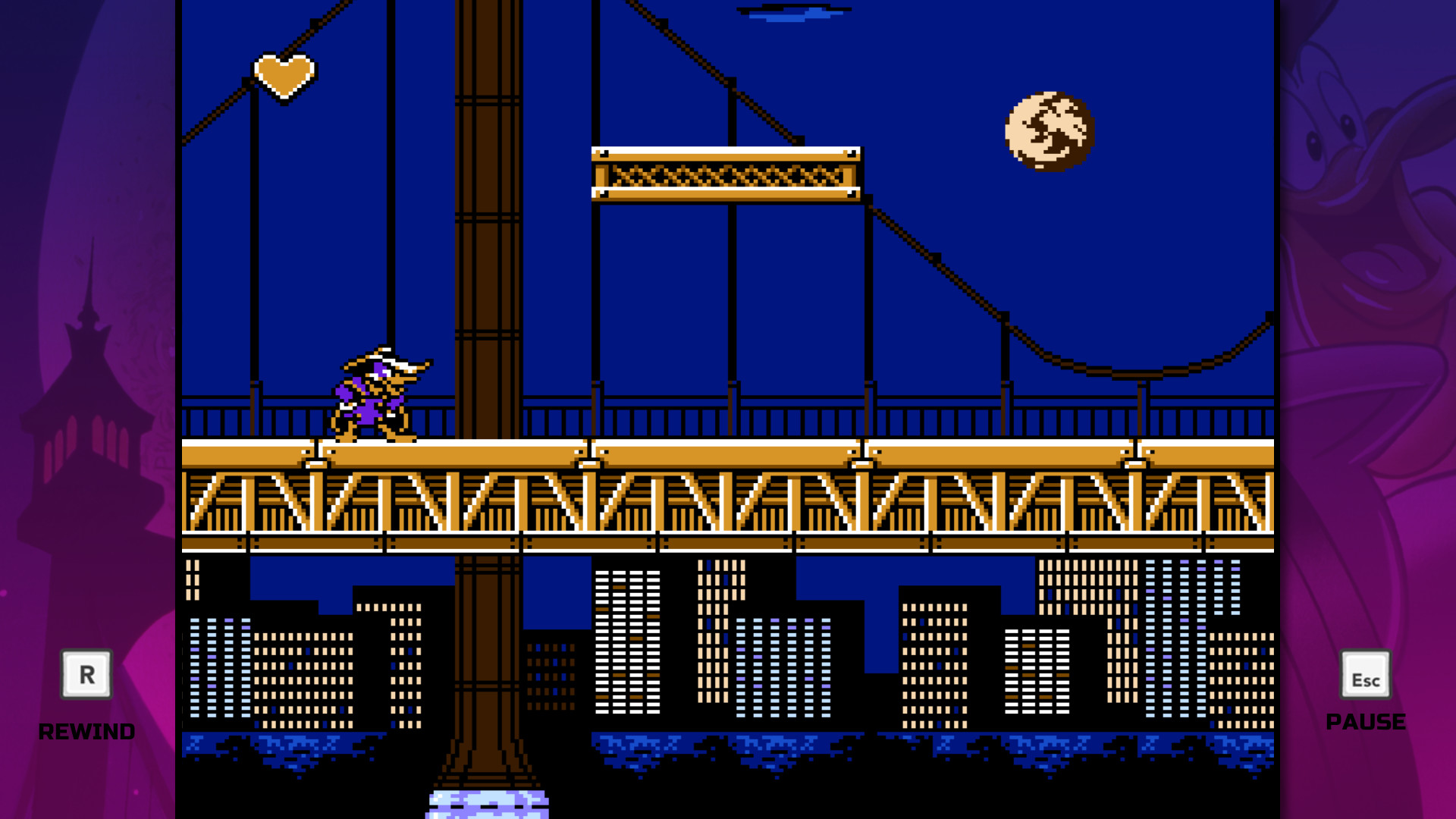
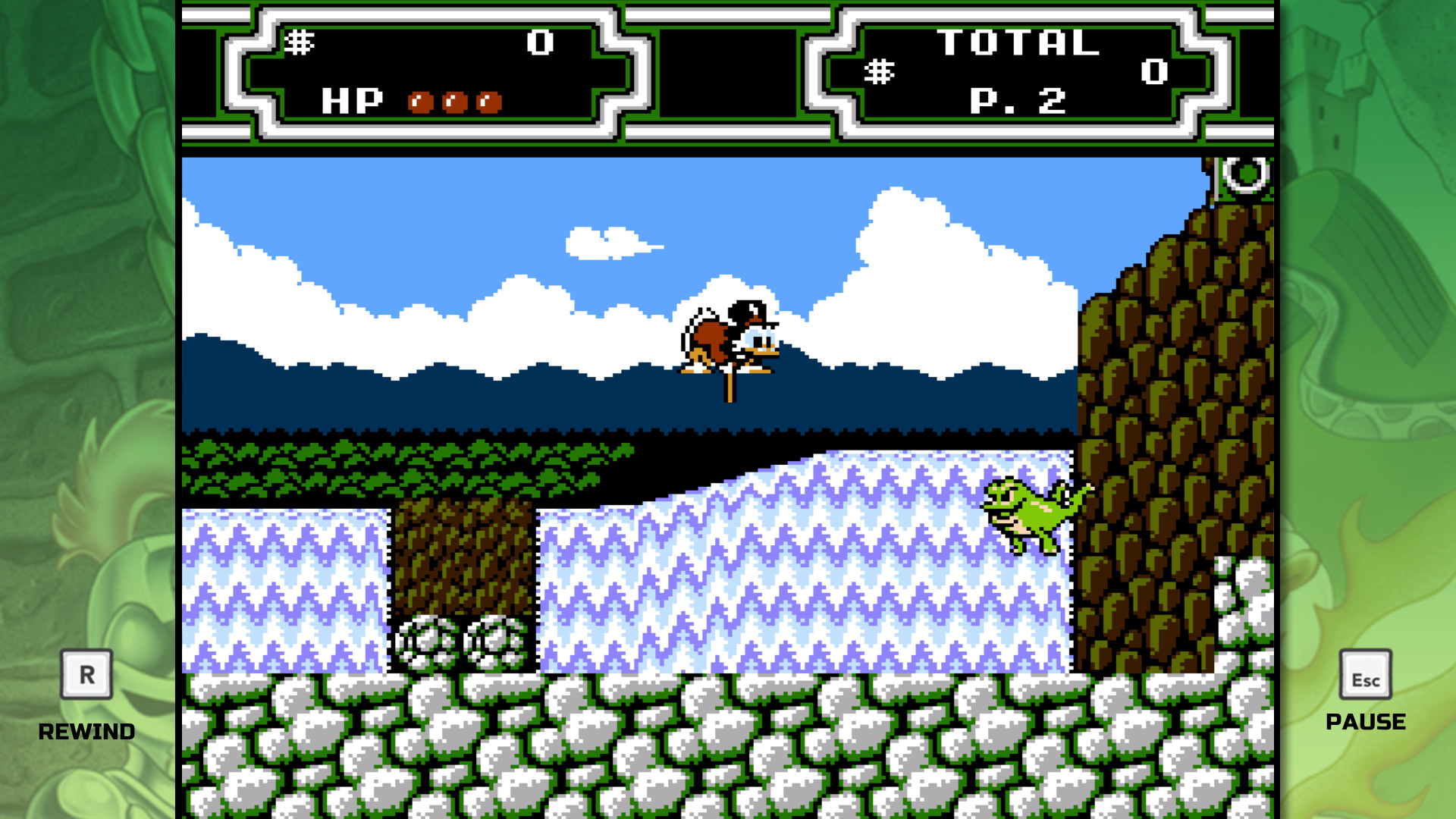
Starring a cast of beloved Disney characters, The Disney Afternoon Collection takes you back to a golden era of gaming and afternoons filled with adventure. All six classic games feature new and improved visuals and include filtering options that replicate a retro look and feel.
Screenshots



System requirements
Minimum
• OS *: Windows 7 Home 64-bit • Processor: Intel(R) Core(TM)2 CPU 6600 @ 2.40GHz (2 CPUs), ~2.4GHz • Memory: 1024 MB RAM • Graphics: ATI Radeon HD 4800 Series, Nvidia GeForce 8800GT or greater • DirectX: Version 11 • Storage: 431 MB available space • Additional Notes: ※This was confirmed setting back when it was initially released
Recommended
• OS: Windows®10 / Windows®11 • Processor: Intel(R) Core(TM) i5-4460 CPU @ 3.20GHz (4 CPUs), ~3.2GHz • Memory: 8192 MB RAM • Graphics: AMD Radeon RX 6700 Series, NVIDIA GeForce GTX 760 or greater • DirectX: Version 12 • Storage: 431 MB available space • Additional Notes: ※For Windows 11, we have confirmed the specified equipment/combinations, and these are some of the examples.
Languages: English, French, Italian, German, Spanish - Spain, Russian, Portuguese - Brazil
How to activate
Steam
- Start Steam on your computer and sign in to the account you will play on.
- In the Games menu, choose Activate a Product on Steam. You can also start from Add a Game at the bottom left.
- Go through the introductory screens, review Steam’s terms and paste the complete key without surrounding spaces.
- Finish activation, then find the game in your Library and select Install.
More from the series
Game details from Steam.