


The Great Ace Attorney Chronicles
- Genres
- Adventure
- Release
- Jul 26, 2021
- Developer
- CAPCOM Co., Ltd.
- Metacritic
Lowest price across all offers
from $10.65910 ₽
Offers
The price depends on the platform and the activation region.
- CISCIS region$10.65910 ₽1
- WorldwideWorks in Russia$11.27970 ₽1
- EuropeNot for Russia$12.051,030 ₽1
- —Not for Russia$15.631,340 ₽1
About the game
Immerse yourself in a dramatic yet charming and witty world of evidence-gathering, deduction and courtroom battles with this double-pack of the adventures of rookie lawyer Ryunosuke.
Screenshots

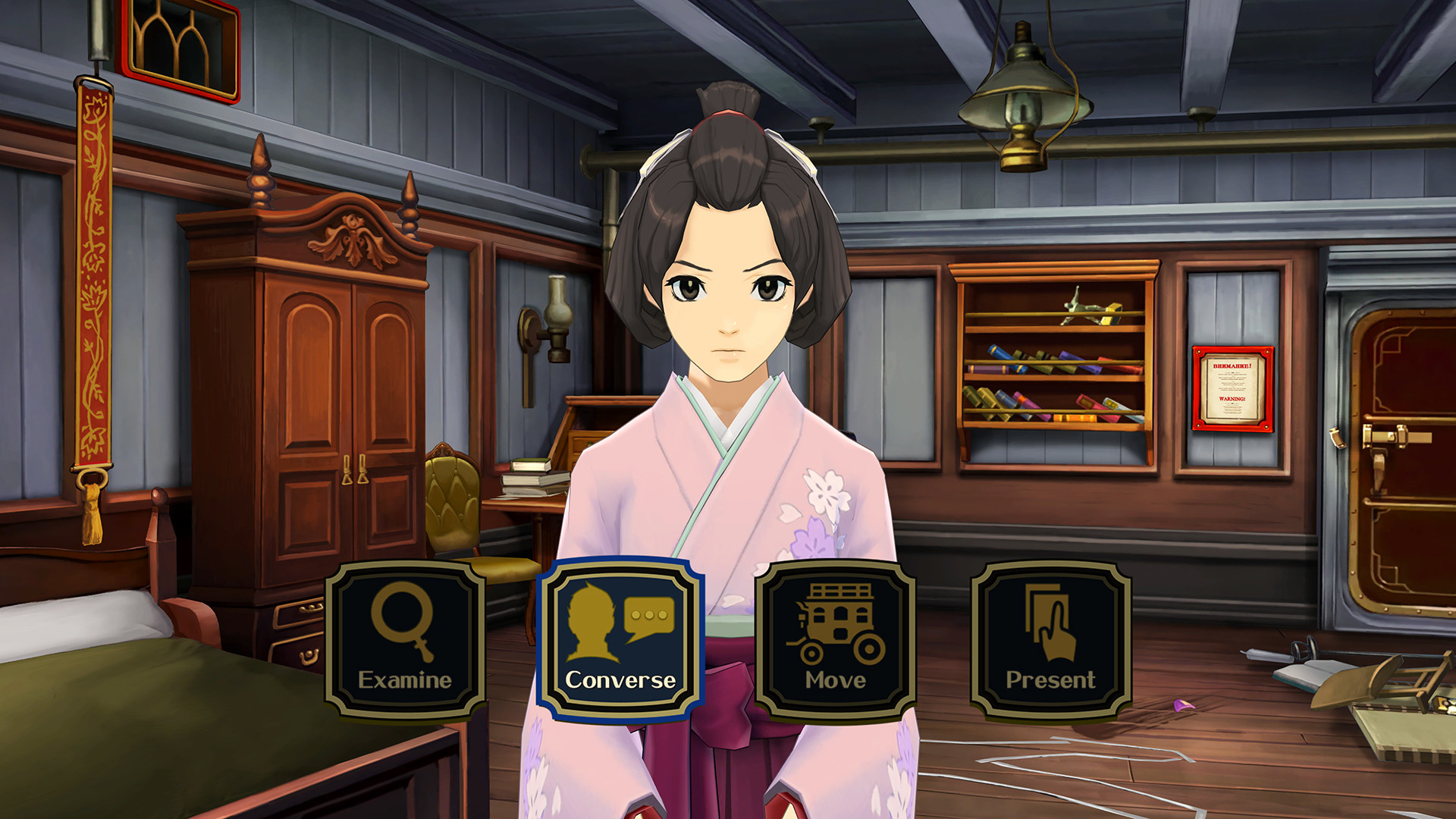

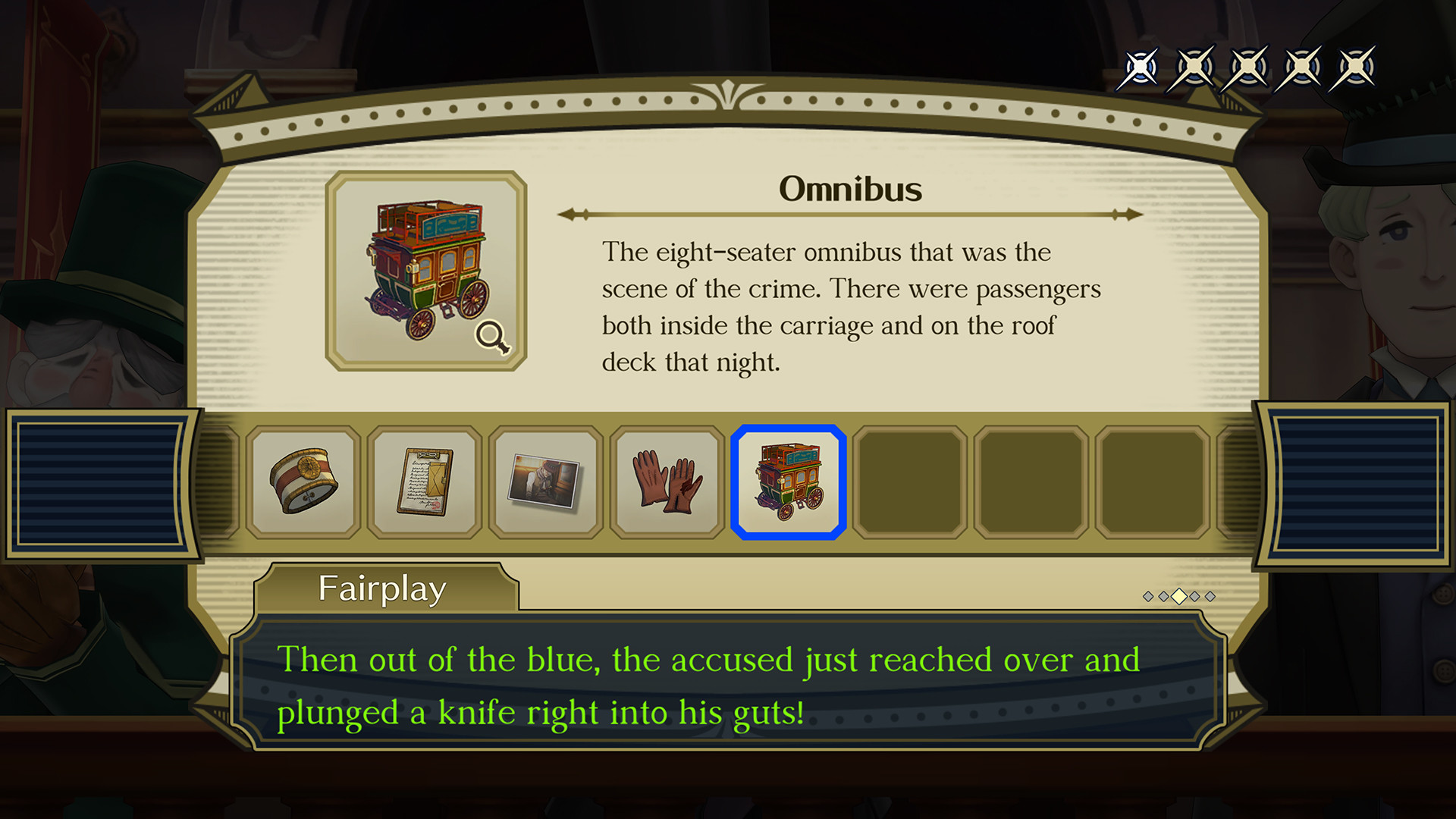
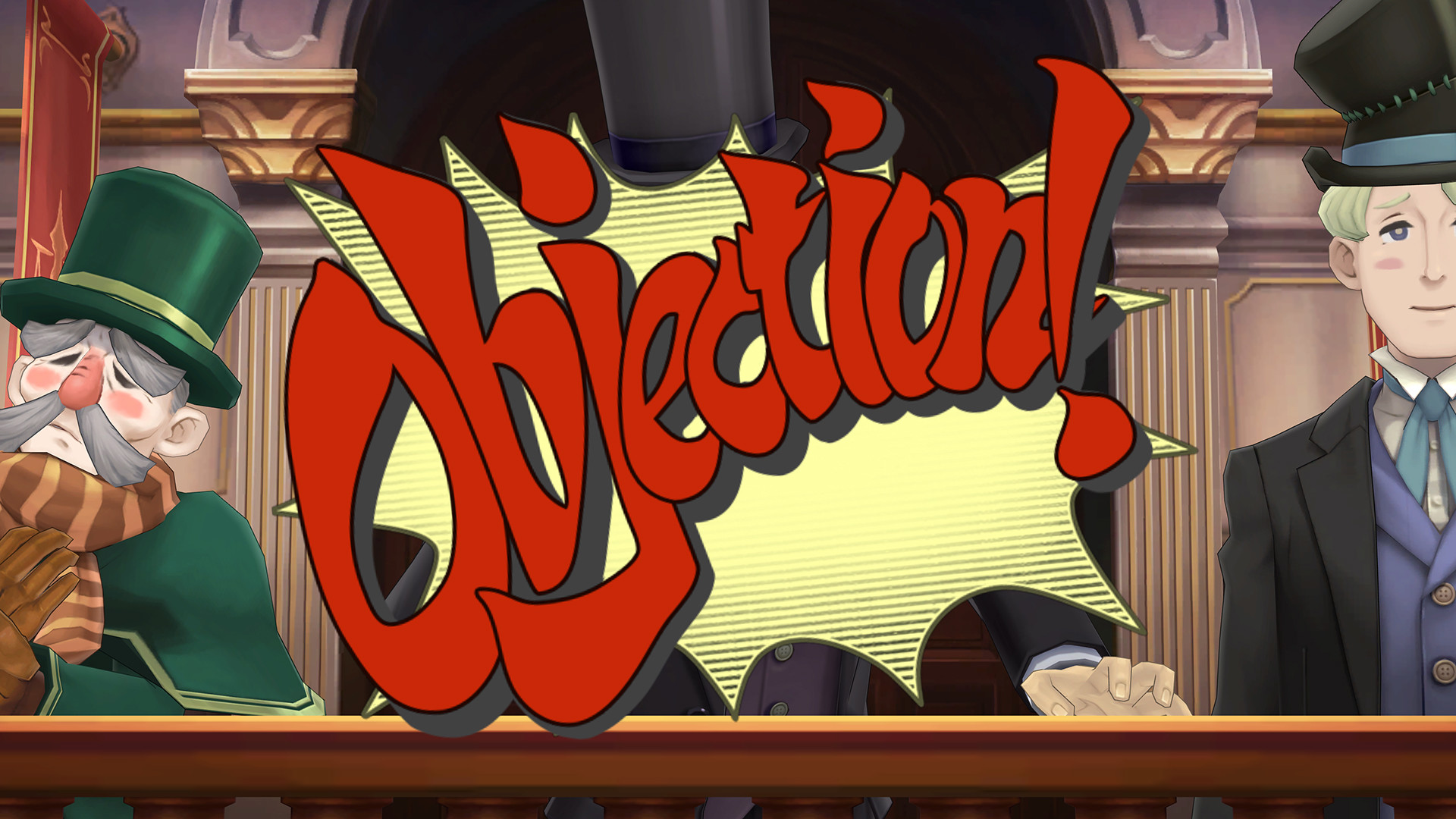

System requirements
Minimum
• Requires a 64-bit processor and operating system • OS: Windows 10 (64-bit) • Processor: Intel Core i5-6300U • Memory: 4 GB RAM • Graphics: Intel HD Graphics 520 • DirectX: Version 11 • Storage: 7 GB available space • Additional Notes: Xbox 360 (Windows 8.1) and Xbox One (Windows 10) controllers supported.
Recommended
• Requires a 64-bit processor and operating system • OS: Windows 10 (64-bit) / Windows 11 • Processor: Intel Core i5-6500 • Memory: 4 GB RAM • Graphics: NVIDIA GeForce GTX 960 • DirectX: Version 12 • Storage: 7 GB available space • Additional Notes: Xbox 360 (Windows 8.1) and Xbox One (Windows 10) controllers supported. ※ If you are using Windows 11, please ensure that your system meets the Windows 11 system requirements.
Languages: English
How to activate
Steam
- Start Steam on your computer and sign in to the account you will play on.
- In the Games menu, choose Activate a Product on Steam. You can also start from Add a Game at the bottom left.
- Go through the introductory screens, review Steam’s terms and paste the complete key without surrounding spaces.
- Finish activation, then find the game in your Library and select Install.
Nintendo
- Connect your console to the internet and launch Nintendo eShop from HOME.
- Choose the user linked to the intended Nintendo Account. Check the account country and code region.
- Choose Enter Code / Redeem Code in the left menu and enter the 16-character download code.
- Confirm redemption. Games begin downloading and appear on HOME. eShop cards and Nintendo Switch Online codes use this route too.
Game details from Steam.