


The Last of Us Part I | Digital Deluxe Edition
- Genres
- Action · Adventure
- Release
- Mar 28, 2023
- Developer
- Naughty Dog LLC, Iron Galaxy Studios
Lowest price across all offers
from $34.842,970 ₽
Offers
The price depends on the platform and the activation region.
- Worldwide, except 1 countryWorks in RussiaThe Last of Us Part I Digital Deluxe Edition (WW, except JP)
except 1 country
Japan
$34.842,970 ₽1 - TürkiyeNot for Russia$47.964,090 ₽1
About the game
Discover the award-winning game that inspired the critically acclaimed television show. Guide Joel and Ellie through a post-apocalyptic America, and encounter unforgettable allies and enemies in The Last of Us™.
Pictures and description are of the base game on Steam.
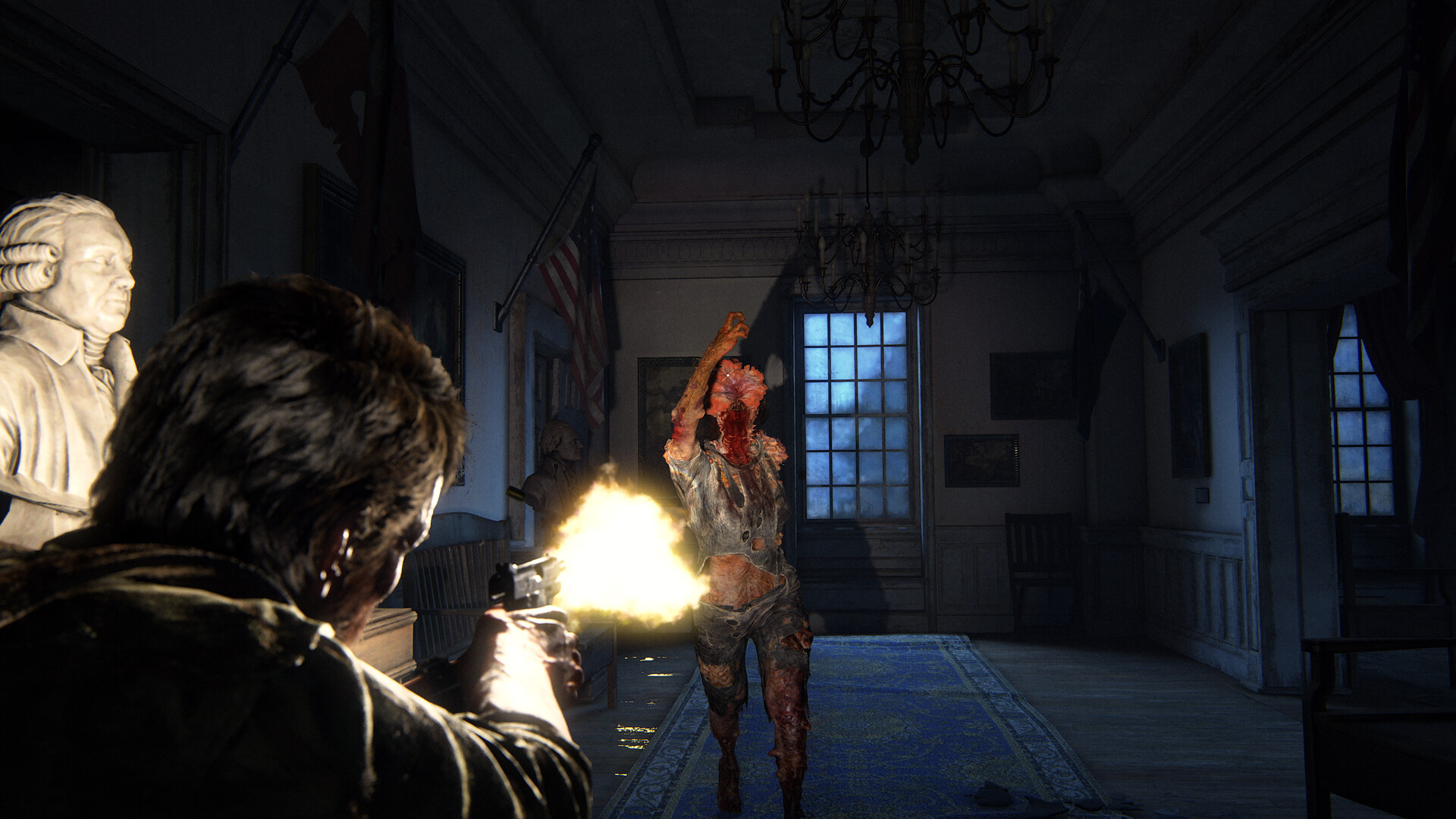
Screenshots
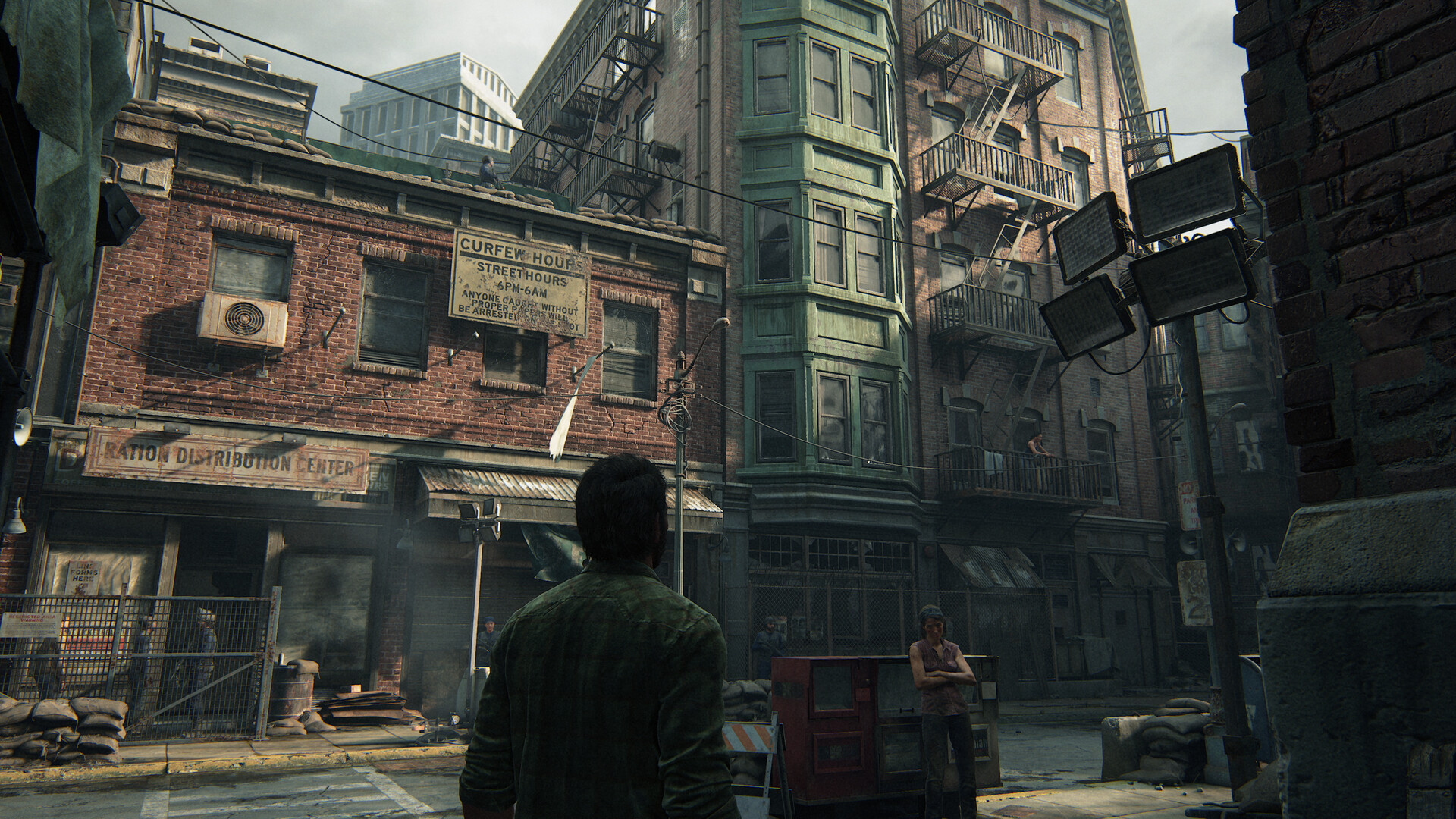
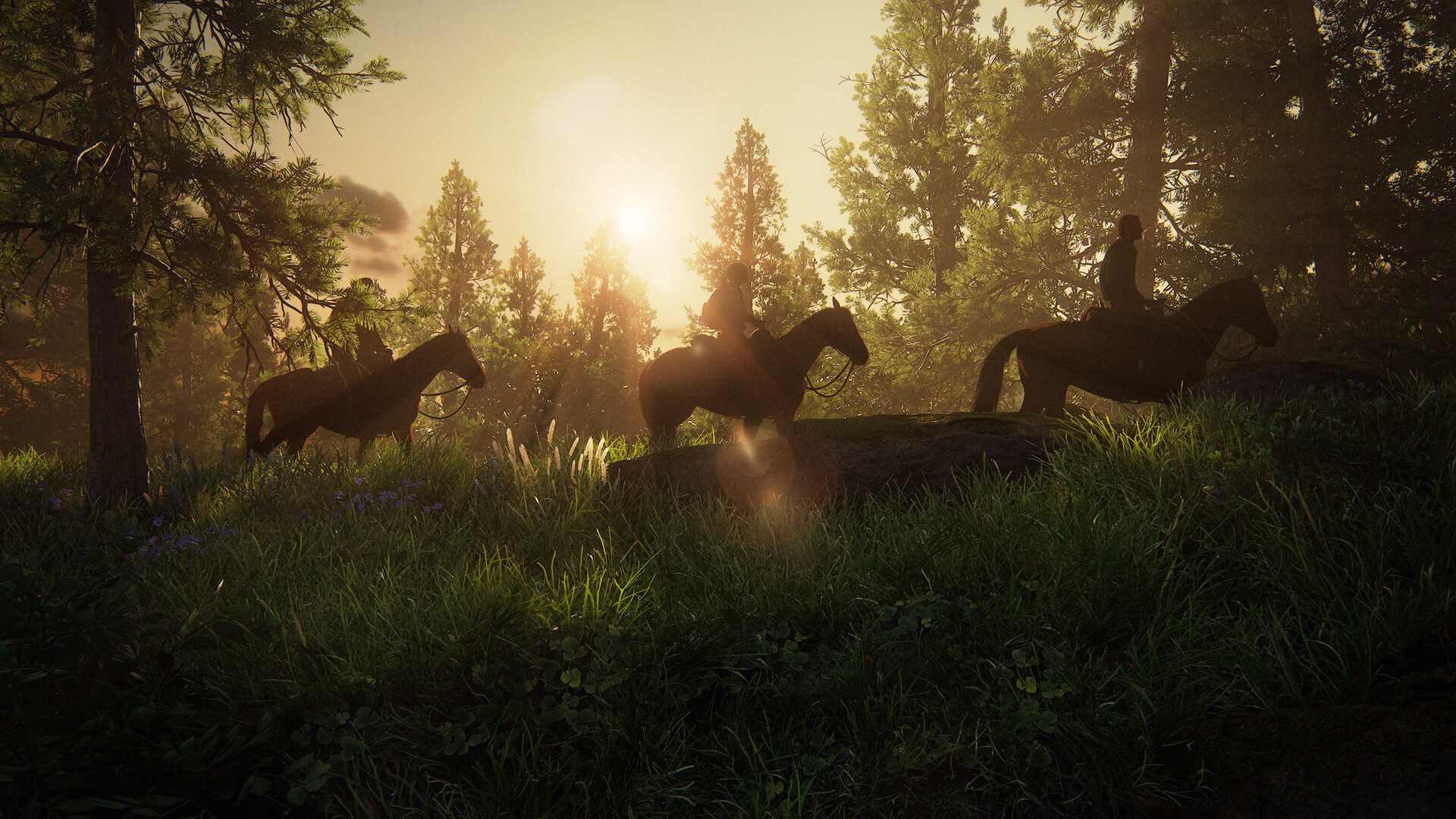
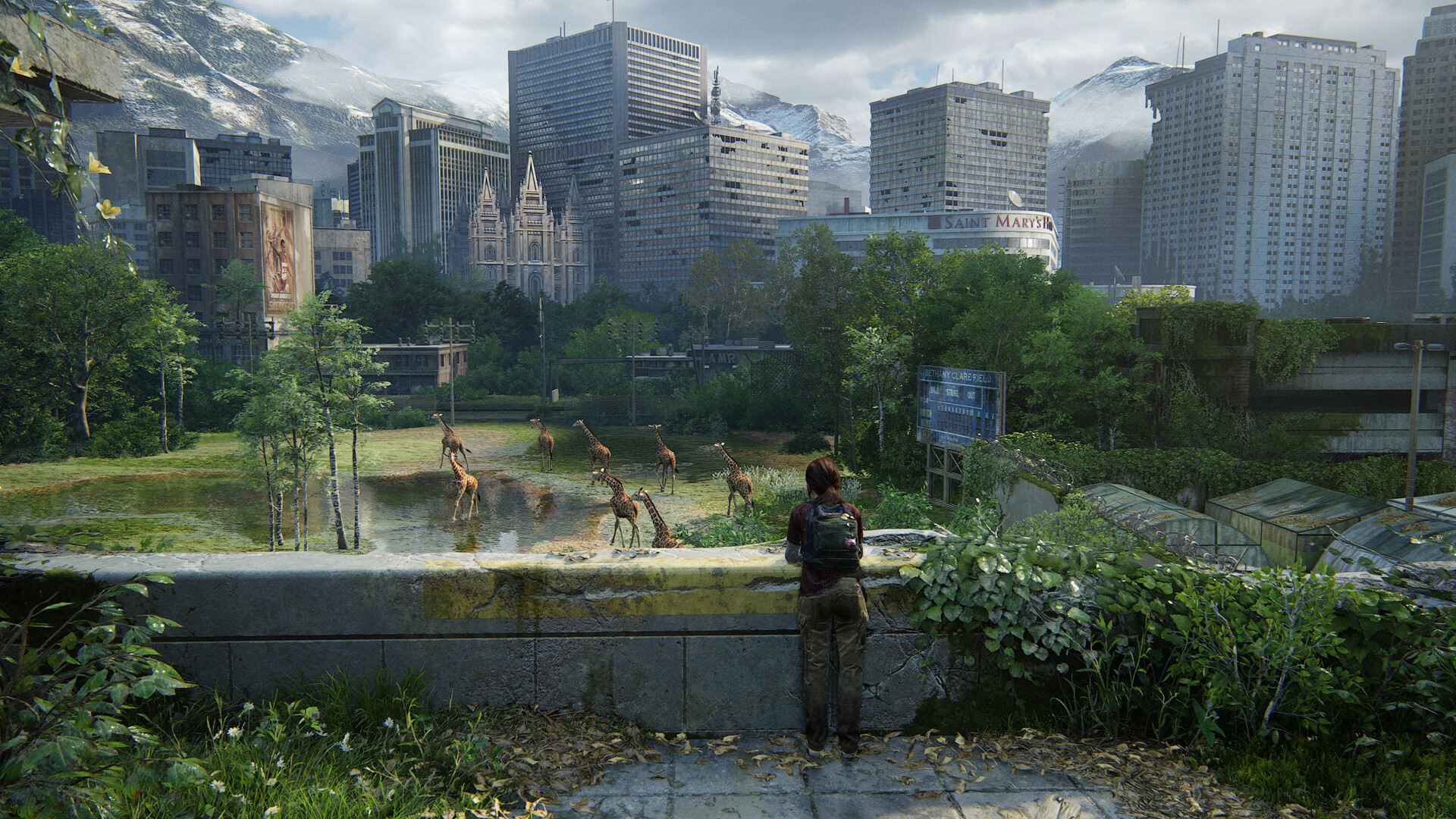
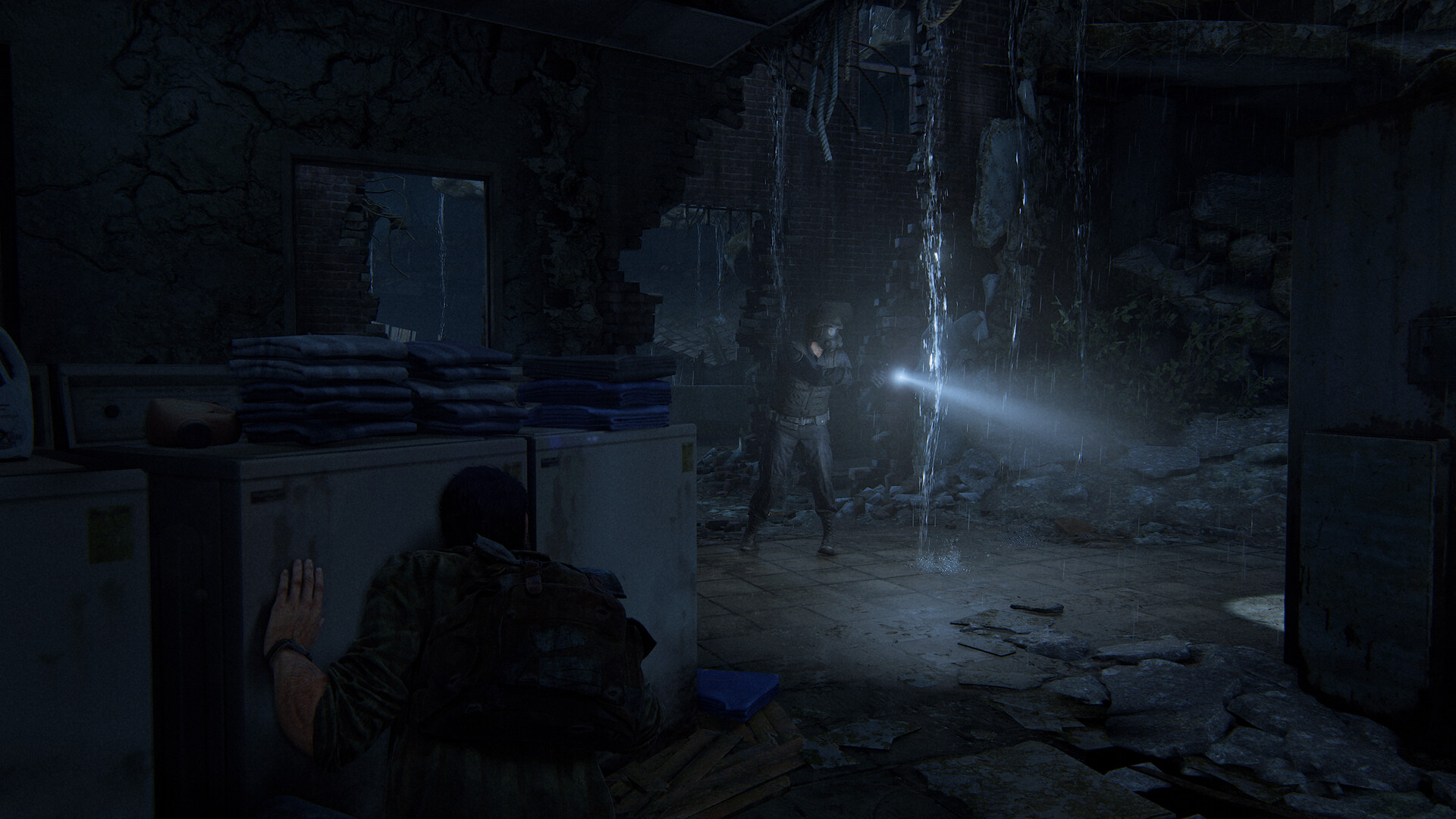


System requirements
Minimum
• Requires a 64-bit processor and operating system • OS: Windows 10 (Version 1909 or Newer) • Processor: AMD Ryzen 5 1500X, Intel Core i7-4770K • Memory: 16 GB RAM • Graphics: AMD Radeon RX 470 (4 GB), AMD Radeon RX 6500 XT (4 GB), NVIDIA GeForce GTX 970 (4 GB), NVIDIA GeForce GTX 1050 Ti (4 GB) • Storage: 100 GB available space • Additional Notes: SSD Recommended
Recommended
• Requires a 64-bit processor and operating system • OS: Windows 10 (Version 1909 or Newer) • Processor: AMD Ryzen 5 3600X, Intel Core i7-8700 • Memory: 16 GB RAM • Graphics: AMD Radeon RX 5700 XT (8 GB), AMD Radeon RX 6600 XT (8 GB), NVIDIA GeForce RTX 2070 SUPER (8 GB), NVIDIA GeForce RTX 3060 (8 GB) • Storage: 100 GB available space • Additional Notes: SSD Recommended
Languages: English*, Italian*, Spanish - Spain*, Czech, Dutch, Greek*, French*, German*, Danish, Finnish, Hungarian, Japanese*, Korean, Norwegian, Polish*, Portuguese - Brazil*, Portuguese - Portugal*, Russian*, Simplified Chinese, Spanish - Latin America*, Swedish, Thai, Traditional Chinese, Turkish*, Croatian
How to activate
Steam
- Start Steam on your computer and sign in to the account you will play on.
- In the Games menu, choose Activate a Product on Steam. You can also start from Add a Game at the bottom left.
- Go through the introductory screens, review Steam’s terms and paste the complete key without surrounding spaces.
- Finish activation, then find the game in your Library and select Install.
More from the series
РФ ✓The Last of Us™ Part ISteamfrom $28.432,430 ₽7 offers РФ ✓The Last of Us™ Part II RemasteredSteamfrom $29.672,530 ₽7 offersРФ ✓The Last of Us: Part I (Deluxe Edition)Steamfrom $34.952,980 ₽5 offersThe Last of Us™ Part II RemasteredSteamfrom $37.453,200 ₽
Game details from Steam.