

The Sims™ 3 Outdoor Living Stuff
- Genres
- Simulation
- Release
- Feb 1, 2011
- Developer
- electronic Arts
Lowest price across all offers
from $5.30460 ₽
Offers
The price depends on the platform and the activation region.
- WorldwideWorks in RussiaThe Sims 3 Outdoor Living Stuff$5.30460 ₽1
About the game
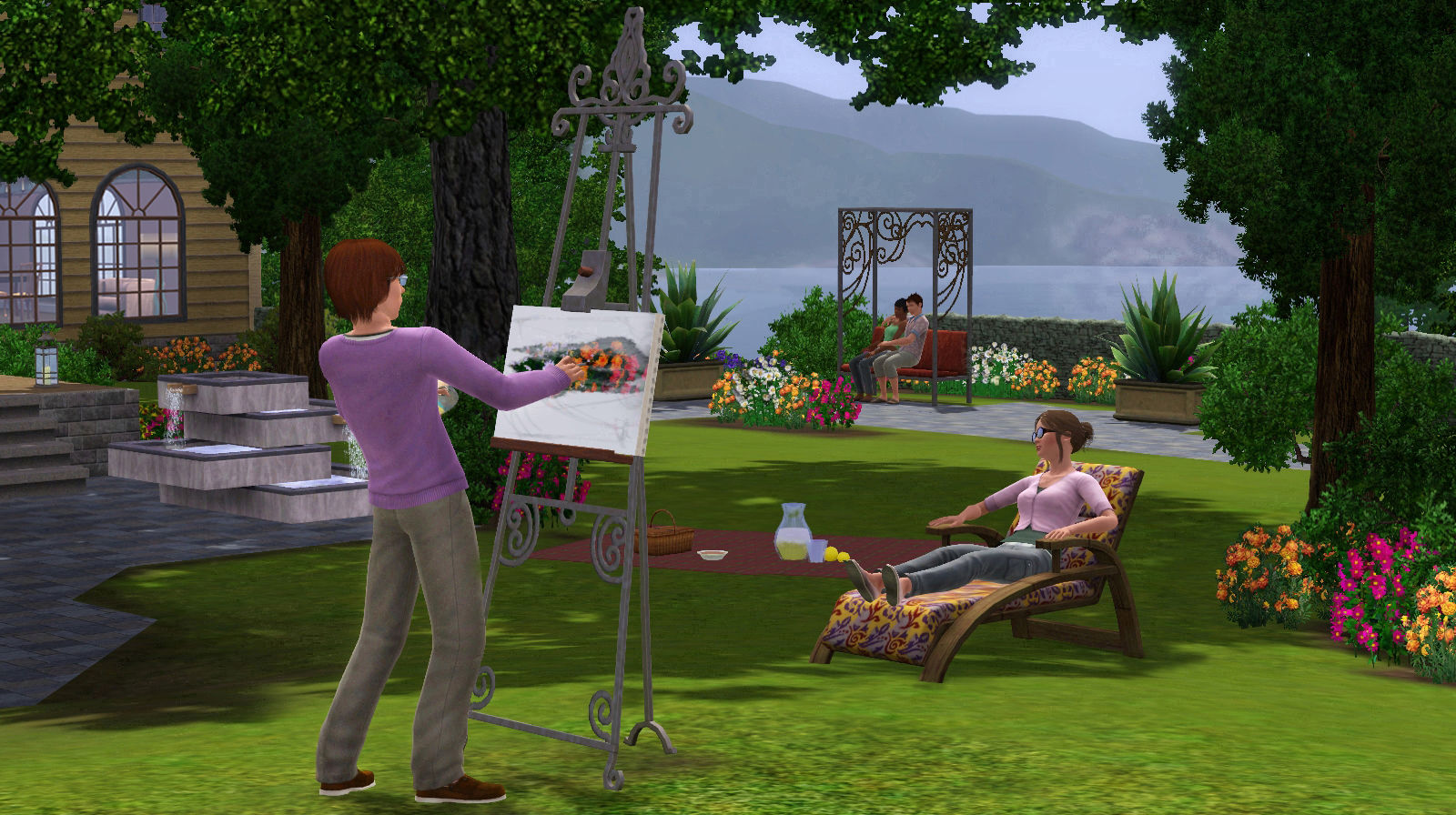
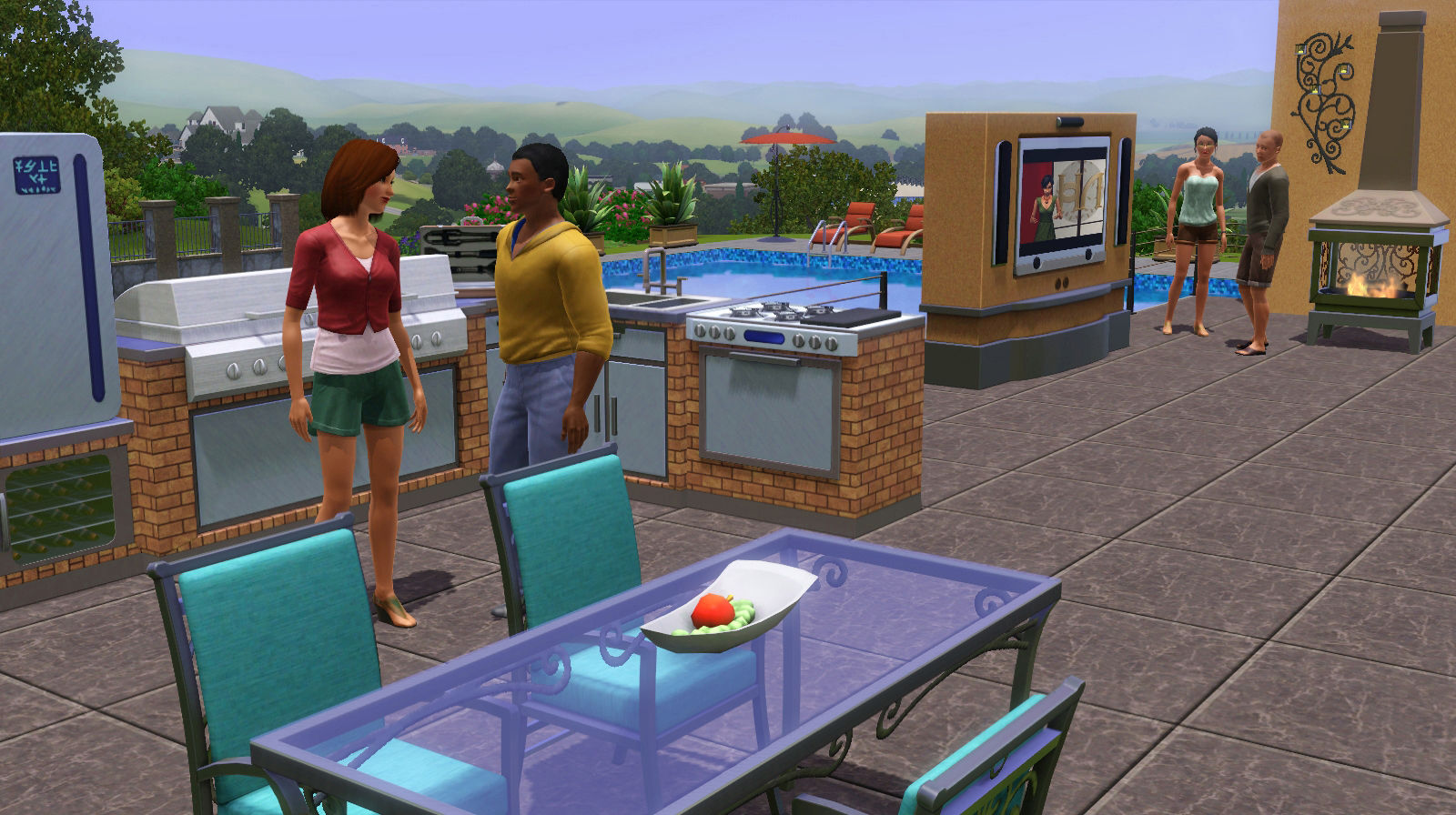
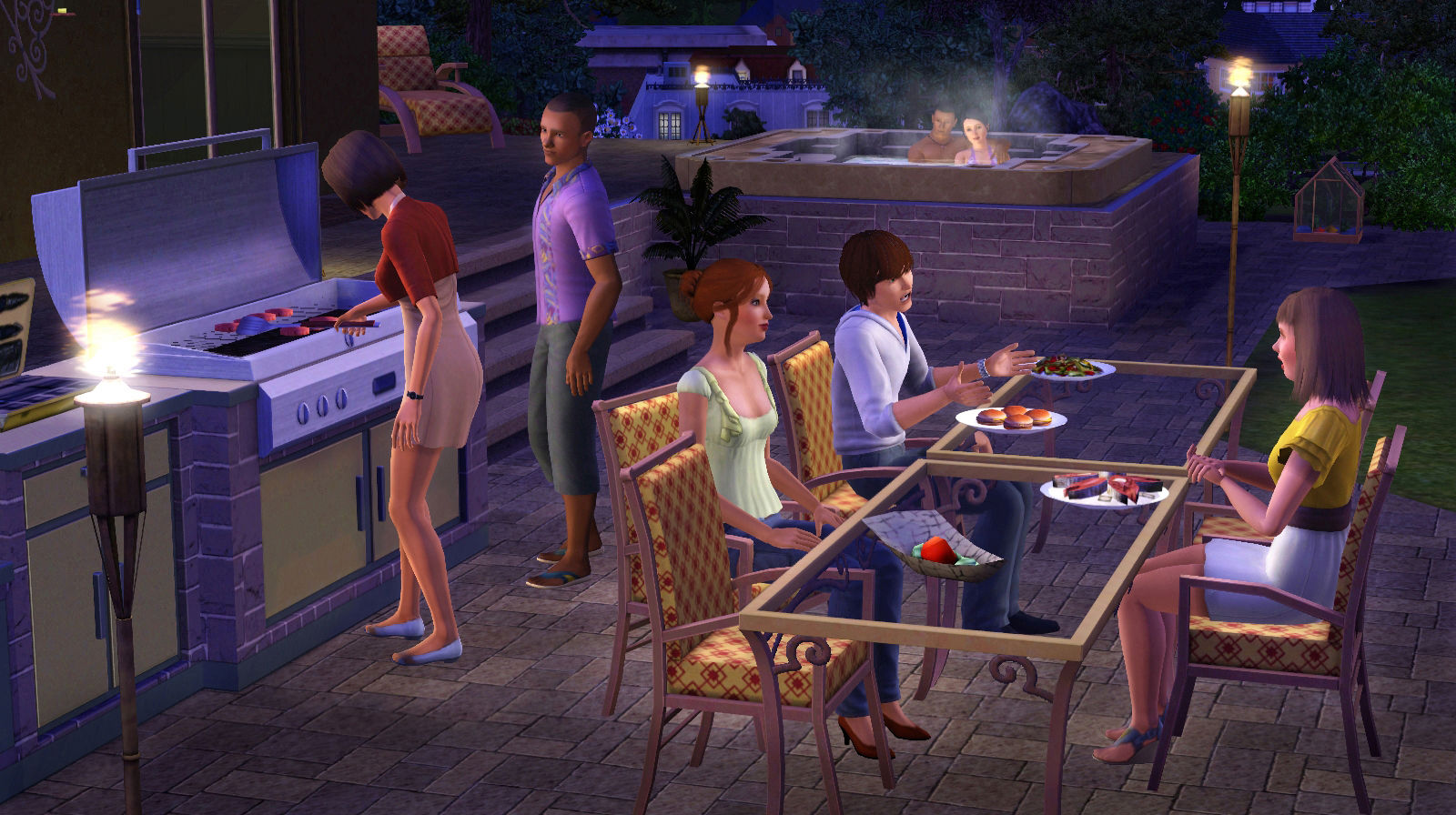
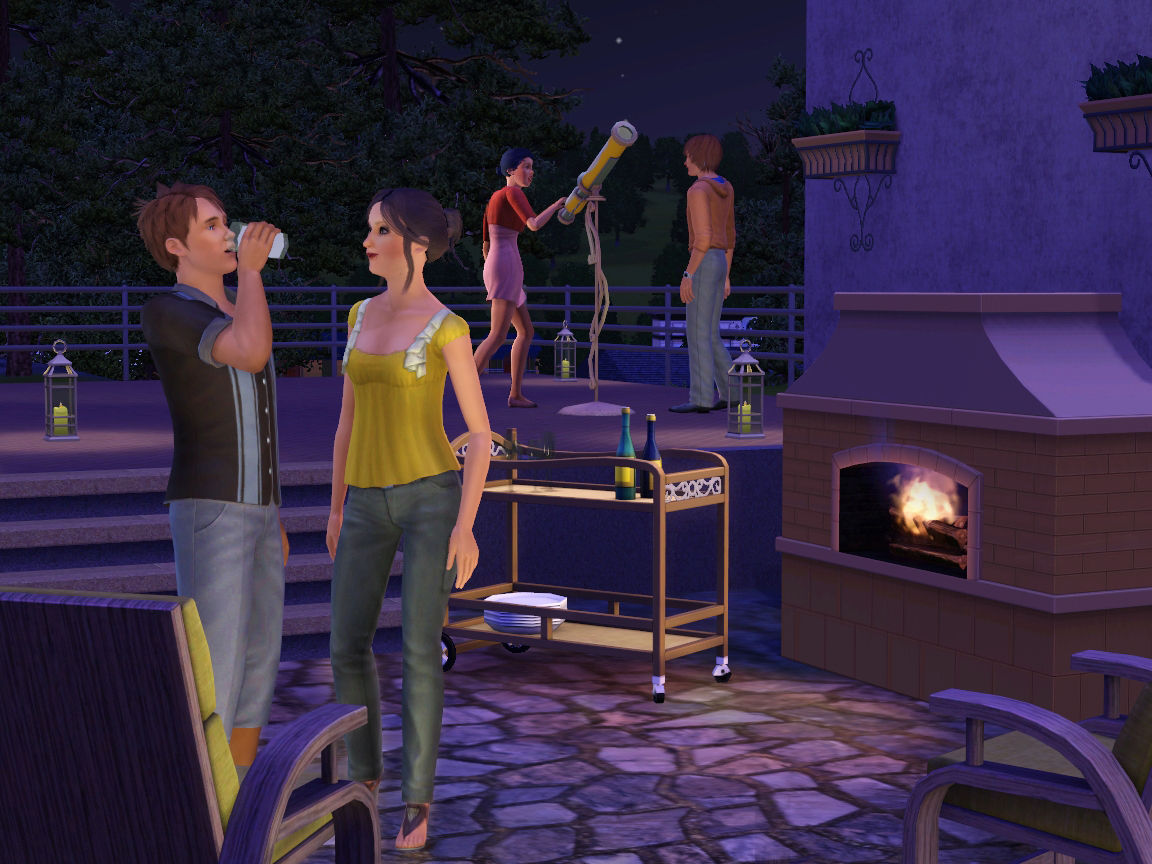
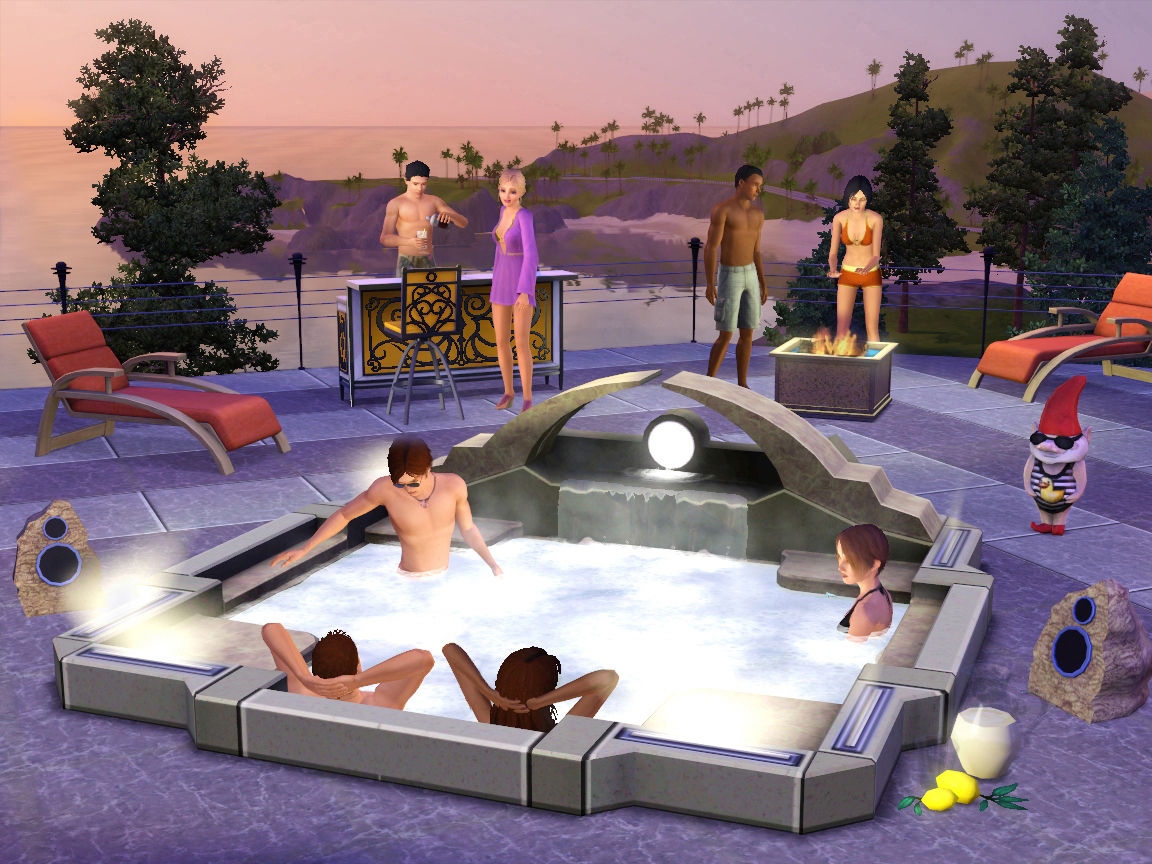
<p>For the first time ever, your Sims can get the best in outdoor luxury for their homes. Whether they’re decorating the perfect patio, setting the mood with a cool new hot tub, or firing up a state-of-the-art grill for the ultimate BBQ, your Sims’ outdoor decor is getting a boost.
Screenshots
System requirements
Minimum
• OS *: Windows XP SP2, Windows Vista SP1 or Windows 7 • Processor: (XP) 2.0 GHz P4 processor or equivalent; (Vista and Windows 7) 2.4 GHz P4 processor or equivalent • Memory: (XP) 1 GB RAM; (Vista and Windows 7) 1.5 GB RAM • Graphics: A 128 MB Video Card with support for Pixel Shader 2.0 • DirectX®: 9.0c • Hard Drive: At least 250 MB of free space (6.4 GB if installing with The Sims 3)with at least 1 GB additional space for custom content and saved games. • Sound: • Supported Video Cards: Nvidia GeForce series: FX5900 or greater, G100, GT 120, GT 130, GTS 150, GTS 250, GTX 260, GTX 275, GTX 280, GTX 285, GTX 295; ATI Radeon™ series: ATI Radeon 9500 series of greater, X300, X600, X700, X800, X850, X1300, X1600, X1800, X1900, X1950, 2400, 2600, 2900, 3450, 3650, 3850, 3870, 4850, 4870, 4890 series or greater; Intel® Graphics Media Accelerator (GMA): GMA 3-Series, GMA 4-Series Laptop versions of these chipsets may not work, but may run comparatively slower. Please note that the GMA 950 class of integrated video cards, and the GeForce 6100 and 7100 cards are not supported.(NVIDIA GeForce FX series is unsupported under Vista.) For computers using built-in graphics chipsets the game requires at least : Intel Integrates Chipset, GMA 3-Series or above, 2.6 GHz Pentium D CPU, or 1.8 GHz Duo, or equivalent and 0.5 GB additional RAM.
Languages: Czech, Danish, Dutch, English, Finnish, French, German, Hungarian, Italian, Polish, Portuguese - Portugal, Russian, Spanish - Spain, Swedish
How to activate
EA App
- Open the EA app and sign in to the account that should own the game.
- Go to My Library and use Redeem Code.
- Submit your key, continue and check the identified product before confirming.
- Complete redemption and download the game from your Library. Look for add-ons under their base game.
More from the series
 РФ ✓The Sims™ 3EA Appfrom $1.77160 ₽2 offersРФ ✓The Sims 3 | Deluxe EditionEA Appfrom $16.551,430 ₽
 РФ ✓The Sims™ 4 Lady Bridgerton’s Masquerade Ballroom KitEA Appfrom $11.851,020 ₽
 РФ ✓The Sims™ 4 Sleek Bathroom KitEA Appfrom $7.18620 ₽
 The Sims™ 4 Horse Ranch Expansion PackEA Appfrom $21.311,840 ₽3 offers
 РФ ✓The Sims™ 4 High School Years Expansion PackEA Appfrom $20.451,760 ₽2 offers
Game details from Steam.