

The Sims™ 3 Showtime
- Genres
- Simulation
- Release
- Mar 6, 2012
- Developer
- The Sims Studio
Lowest price across all offers
from $6.70580 ₽
Offers
The price depends on the platform and the activation region.
- WorldwideWorks in RussiaThe Sims 3: Showtime$6.70580 ₽1
- EuropeNot for RussiaThe Sims 3: Showtime$10.41890 ₽1
About the game
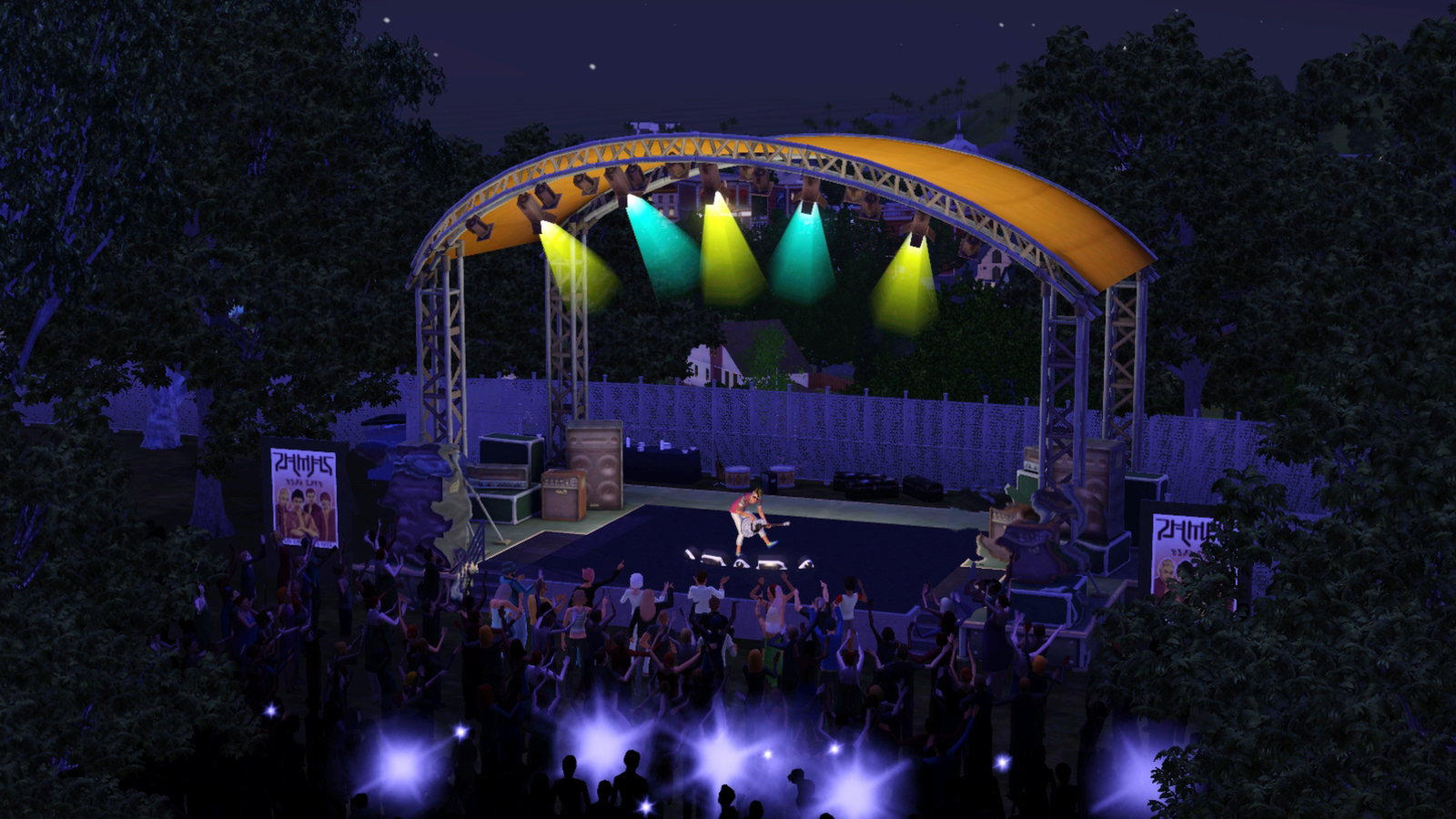
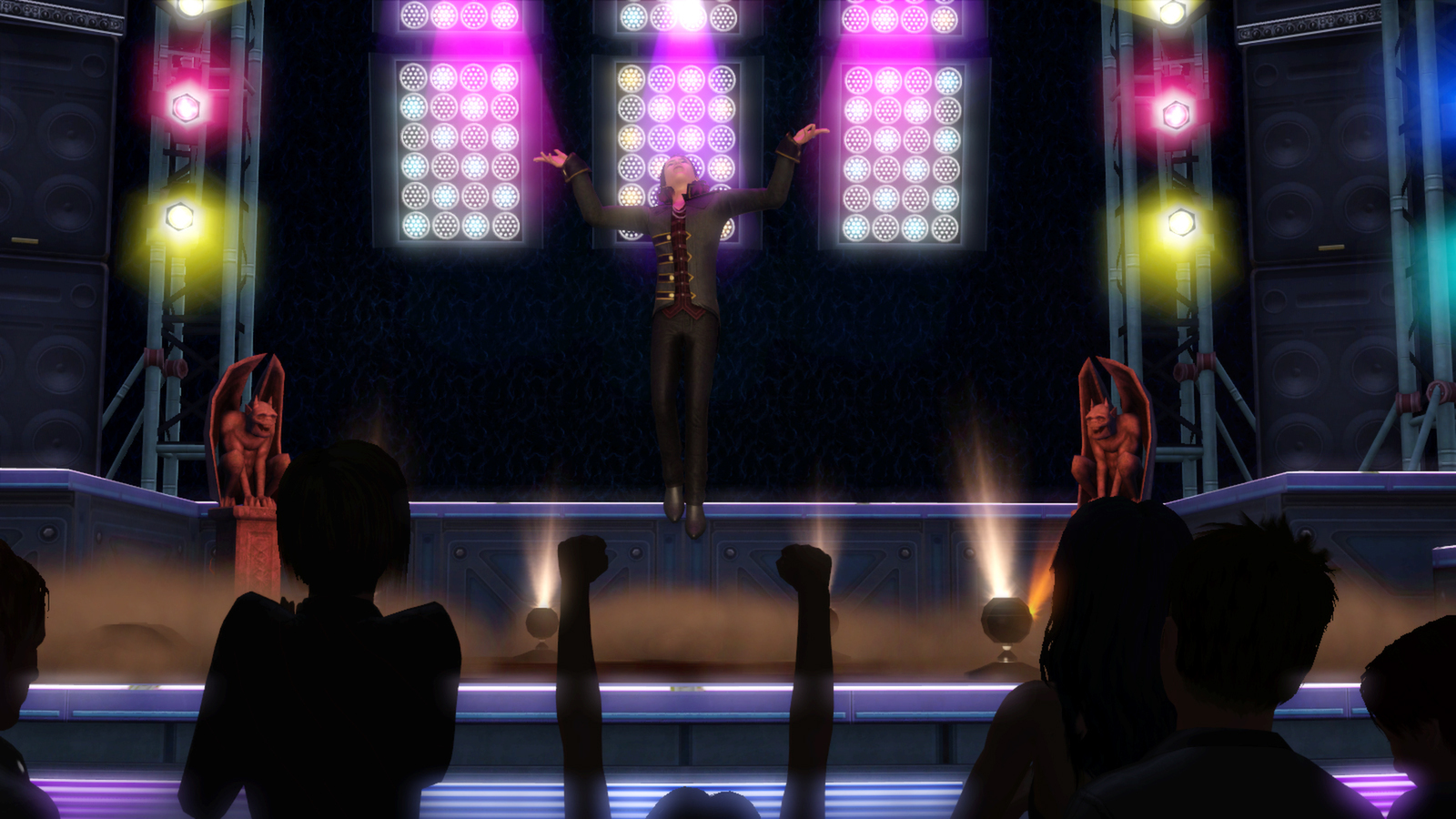
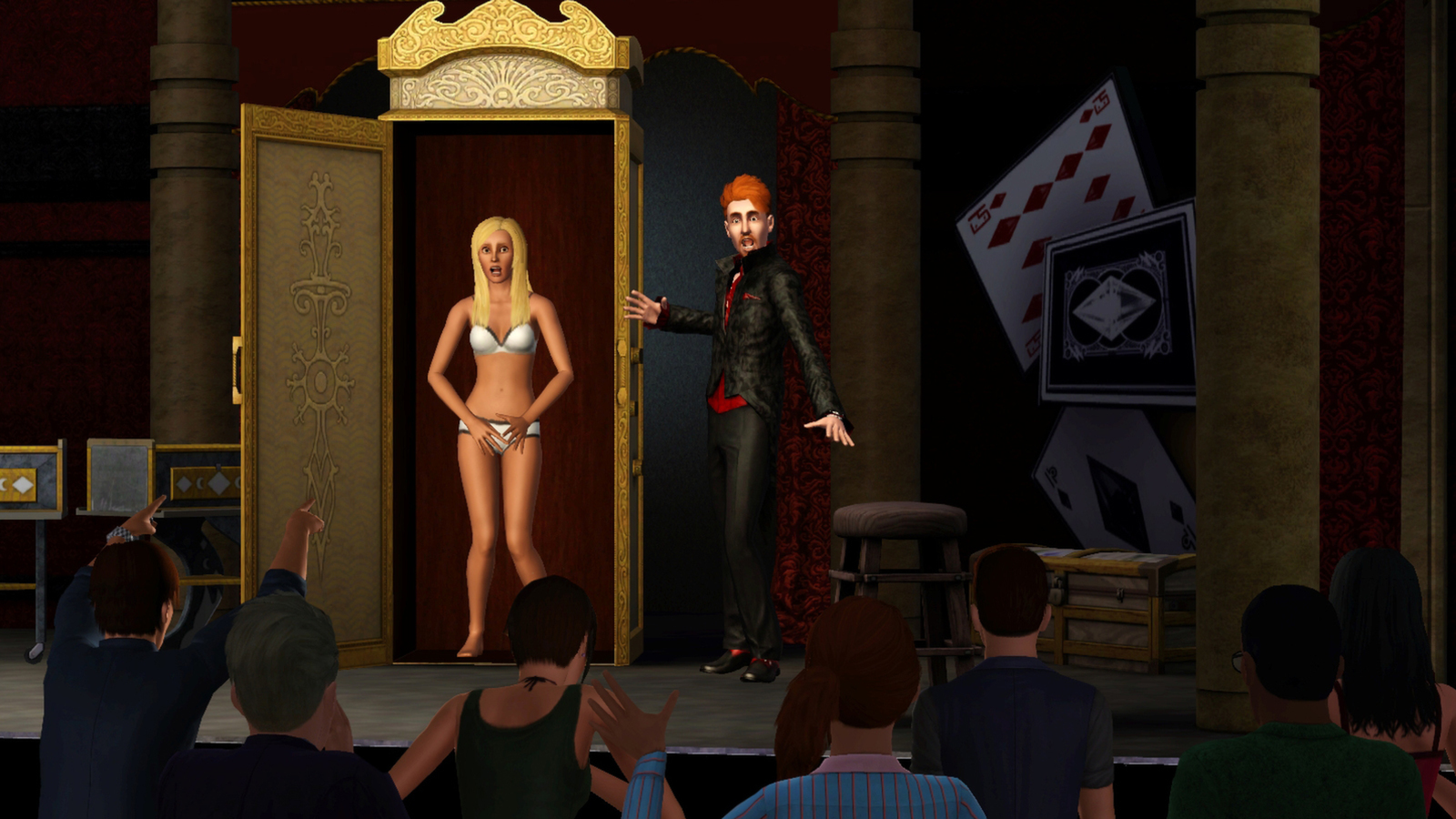
Venture into the new world of Starlight Shores and play out a rags-to-riches story with your Sims as they become superstar singers, acrobats, and magicians, or even moonlight as a DJ. Watch your Sims rise to fame—or go down in flames as they perform on stage in front of cheering crowds in all new venues.
Screenshots





System requirements
Minimum
• OS *: Windows XP (SP2), Windows Vista (SP1), or Windows 7 • Processor: 2.0 GHz P4 processor or equivalent for XP/2.4 GHz P4 processor or equivalent for Vista and Windows 7 • Memory: At least 1 GB for XP / 1.5 GB for Vista and Windows 7 / at least 2 GB For NVIDIA ION™ computers • Hard Disk Space: At least 1.5 GB of free space (7 GB if installing with The Sims 3) with at least 1 GB additional space for custom content and saved games • Video Card: DirectX 9.0c compatible video card with 128 MB of Video RAM and support for Pixel Shader 2.0. Supported video Cards: Nvidia GeForce series: FX5900 or better, and all NVidia G, GT, GTS, and GTX video cards. ATI Radeon™ series card 9500 series or better, and all ATI X, X1, and HD video cards; Intel® Graphics Media Accelerator (GMA): GMA 3-Series, GMA 4-Series. Please note that the GeForce 6100 and 7100 cards are not supported. The NVIDIA GeForce FX series is unsupported under Vista • Direct X®: The latest version of DirectX 9.0c
Languages: Czech, Danish, Dutch, English, Finnish, French, German, Hungarian, Italian, Japanese, Korean, Norwegian, Polish, Portuguese - Portugal, Portuguese - Brazil, Russian, Spanish - Spain, Swedish
How to activate
EA App
- Open the EA app and sign in to the account that should own the game.
- Go to My Library and use Redeem Code.
- Submit your key, continue and check the identified product before confirming.
- Complete redemption and download the game from your Library. Look for add-ons under their base game.
More from the series
 РФ ✓The Sims™ 3EA Appfrom $1.76150 ₽2 offersРФ ✓The Sims 3 | Deluxe EditionEA Appfrom $15.761,350 ₽РФ ✓The Sims 3 (Starter Pack)EA Appfrom $16.061,370 ₽
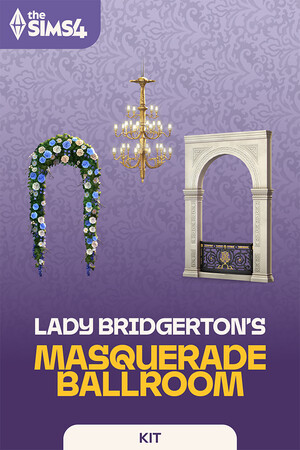 РФ ✓The Sims™ 4 Lady Bridgerton’s Masquerade Ballroom KitEA Appfrom $11.871,020 ₽
 РФ ✓The Sims™ 4 Casanova Cave KitEA Appfrom $11.911,020 ₽
 РФ ✓The Sims™ 4 Pastel Pop KitEA Appfrom $9.16790 ₽
Game details from Steam.