

The Sims™ 4 Get Famous
- Genres
- Simulation
- Release
- Jun 18, 2020
- Developer
- Maxis
Lowest price across all offers
from $19.861,700 ₽
Offers
The price depends on the platform and the activation region.
- WorldwideWorks in RussiaThe Sims 4: Get Famous$19.861,700 ₽1
- EuropeNot for RussiaThe Sims 4: Get Famous$20.861,780 ₽1
About the game
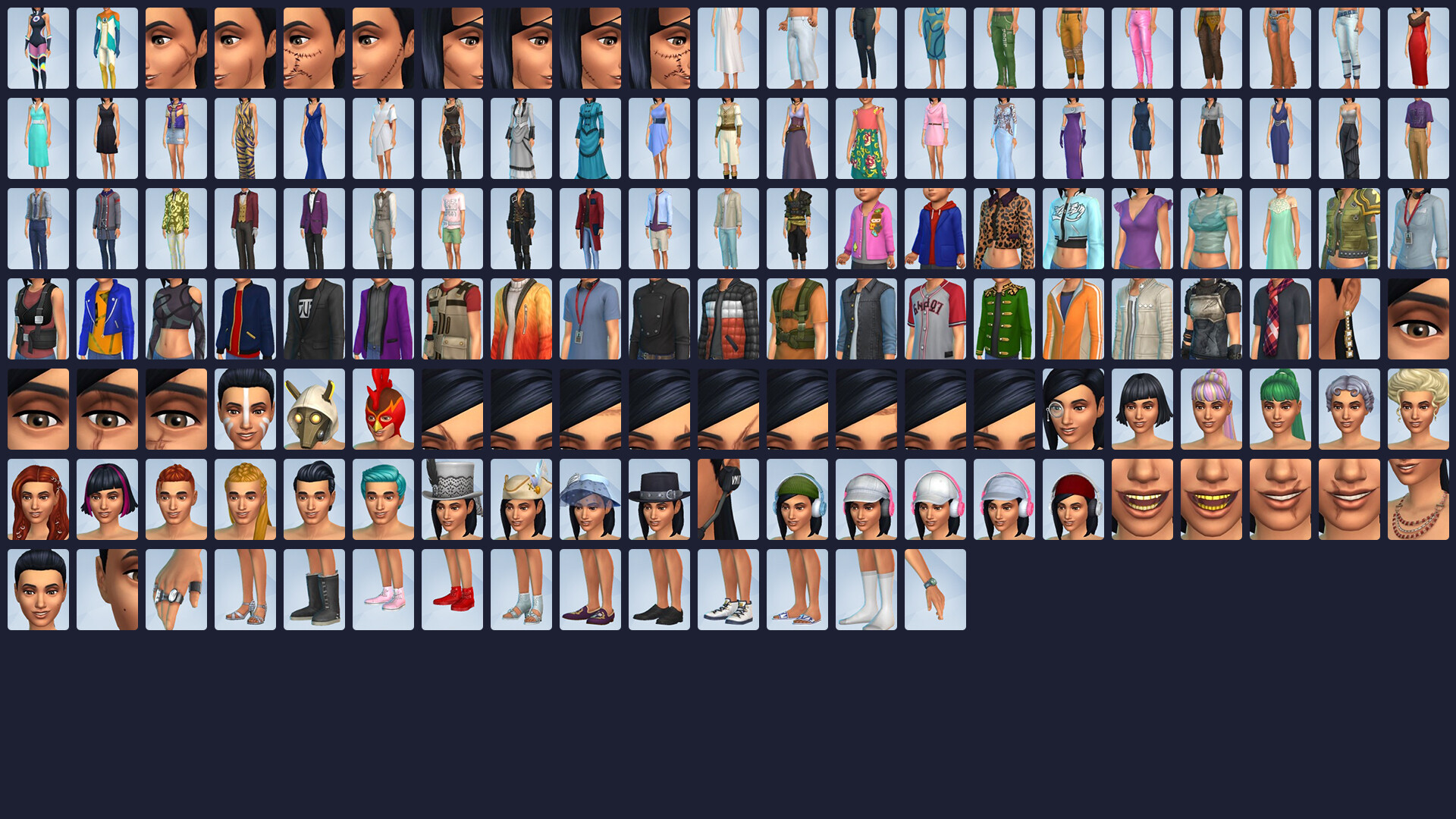
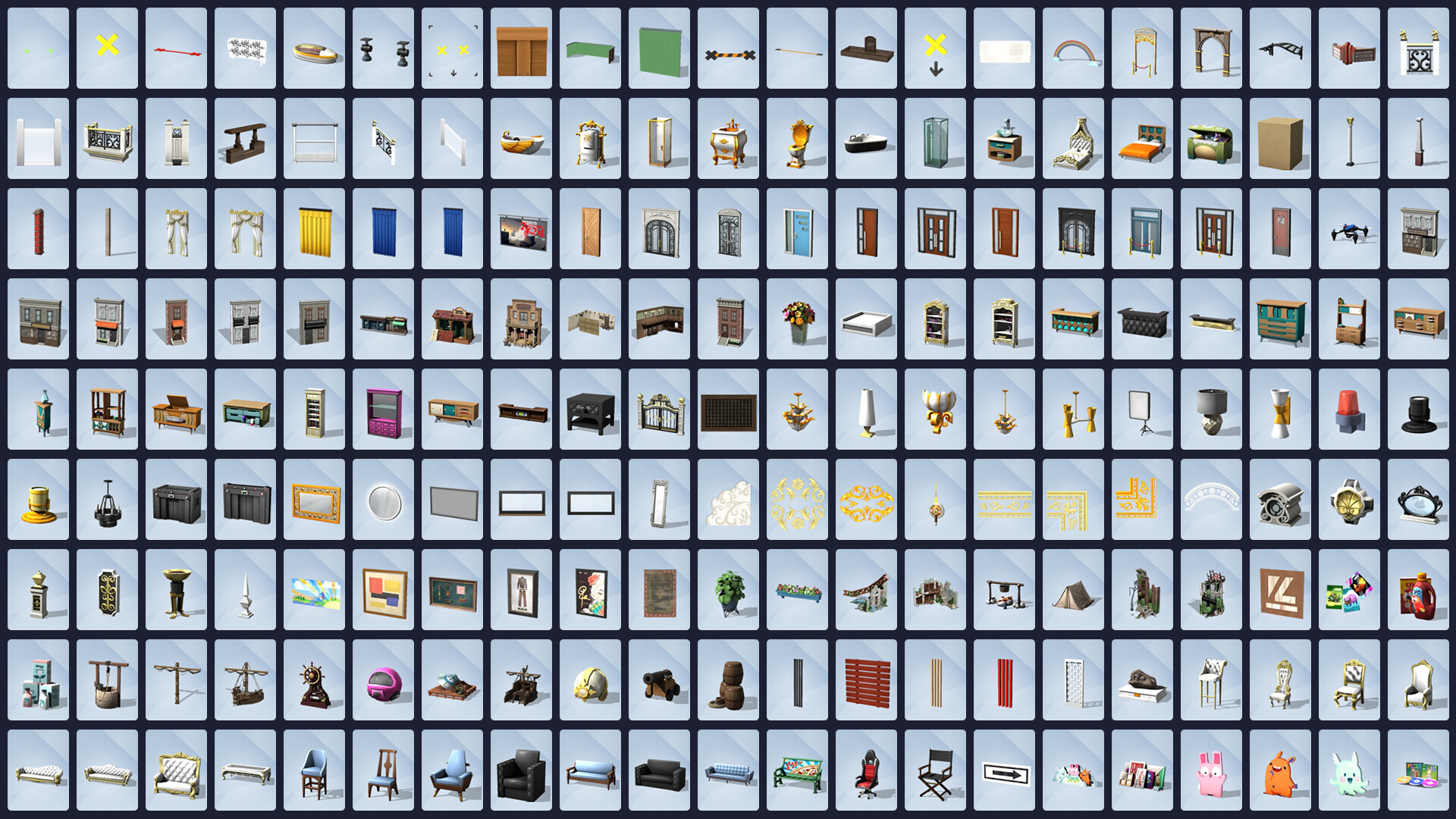
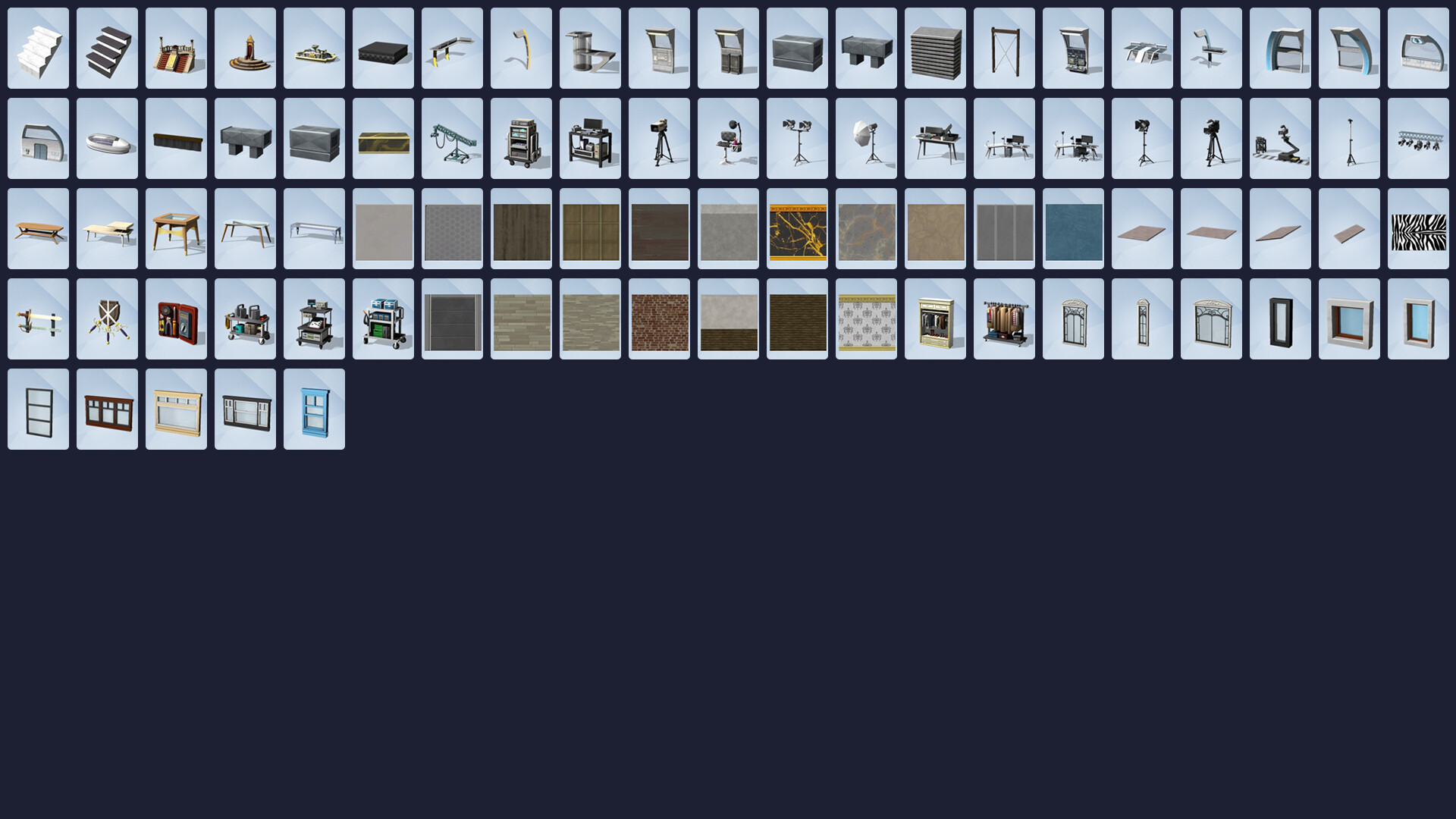
Reach for the stars and rise to celebrity status with The Sims™ 4 Get Famous. Build your stardom as you pursue an acting career, become an A-lister, and guide your Sims down the unpredictable path to fame.
Screenshots





System requirements
Minimum
• Requires a 64-bit processor and operating system • OS *: 64 Bit Required. Windows 7 (SP1), Windows 8, Windows 8.1, or Windows 10 • Processor: 1.8 GHz Intel Core 2 Duo, AMD Athlon 64 Dual-Core 4000+ or equivalent (For computers using built-in graphics chipsets, the game requires 2.0 GHz Intel Core 2 Duo, 2.0 GHz AMD Turion 64 X2 TL-62 or equivalent) • Memory: 4 GB RAM • Graphics: 128 MB of Video RAM and support for Pixel Shader 3.0. Supported Video Cards: NVIDIA GeForce 6600 or better, ATI Radeon X1300 or better, Intel GMA X4500 or better. • DirectX: Version 9.0c • Network: Broadband Internet connection • Storage: 3 GB available space • Additional Notes: At least 3 GB of free space (15 GB if installing with The Sims™ 4) with at least 1 GB additional space for custom content and saved games
Recommended
• Requires a 64-bit processor and operating system • OS *: 64 Bit Windows 7, 8, 8.1, or 10 • Processor: Intel core i5 or faster, AMD Athlon X4 • Memory: 4 GB RAM • Graphics: NVIDIA GTX 650 or better • DirectX: Version 11 • Network: Broadband Internet connection • Storage: 18 GB available space
Languages: English, French, Italian, German, Spanish - Spain, Czech, Danish, Dutch, Finnish, Norwegian, Polish, Portuguese - Brazil, Russian, Swedish, Traditional Chinese, Japanese, Korean, Simplified Chinese
How to activate
EA App
- Open the EA app and sign in to the account that should own the game.
- Go to My Library and use Redeem Code.
- Submit your key, continue and check the identified product before confirming.
- Complete redemption and download the game from your Library. Look for add-ons under their base game.
More from the series
 РФ ✓The Sims™ 3EA Appfrom $1.79160 ₽2 offersРФ ✓The Sims 3 | Deluxe EditionEA Appfrom $16.551,410 ₽
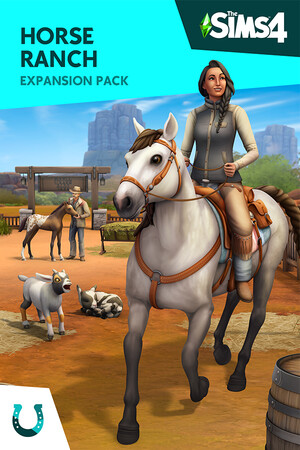 The Sims™ 4 Horse Ranch Expansion PackEA Appfrom $21.311,820 ₽2 offers
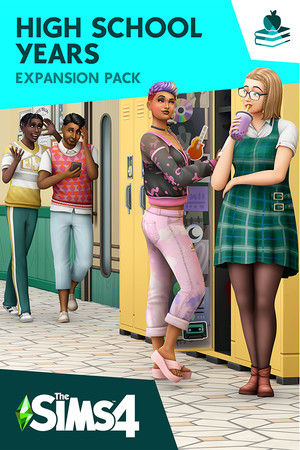 РФ ✓The Sims™ 4 High School Years Expansion PackEA Appfrom $20.451,750 ₽2 offers
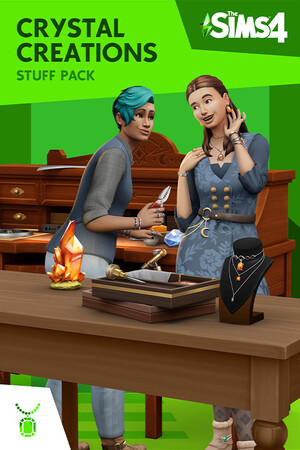 РФ ✓The Sims™ 4 Crystal Creations Stuff PackEA Appfrom $15.341,310 ₽2 offers
Game details from Steam.