

The Sims 4: Outdoor Retreat (Xbox One)
- Genres
- Casual · Simulation
- Release
- Jun 18, 2020
- Developer
- Maxis
Lowest price across all offers
from $16.531,410 ₽
Offers
The price depends on the platform and the activation region.
- WorldwideWorks in Russia$16.531,410 ₽1
- EuropeNot for Russia$19.491,670 ₽1
About the game
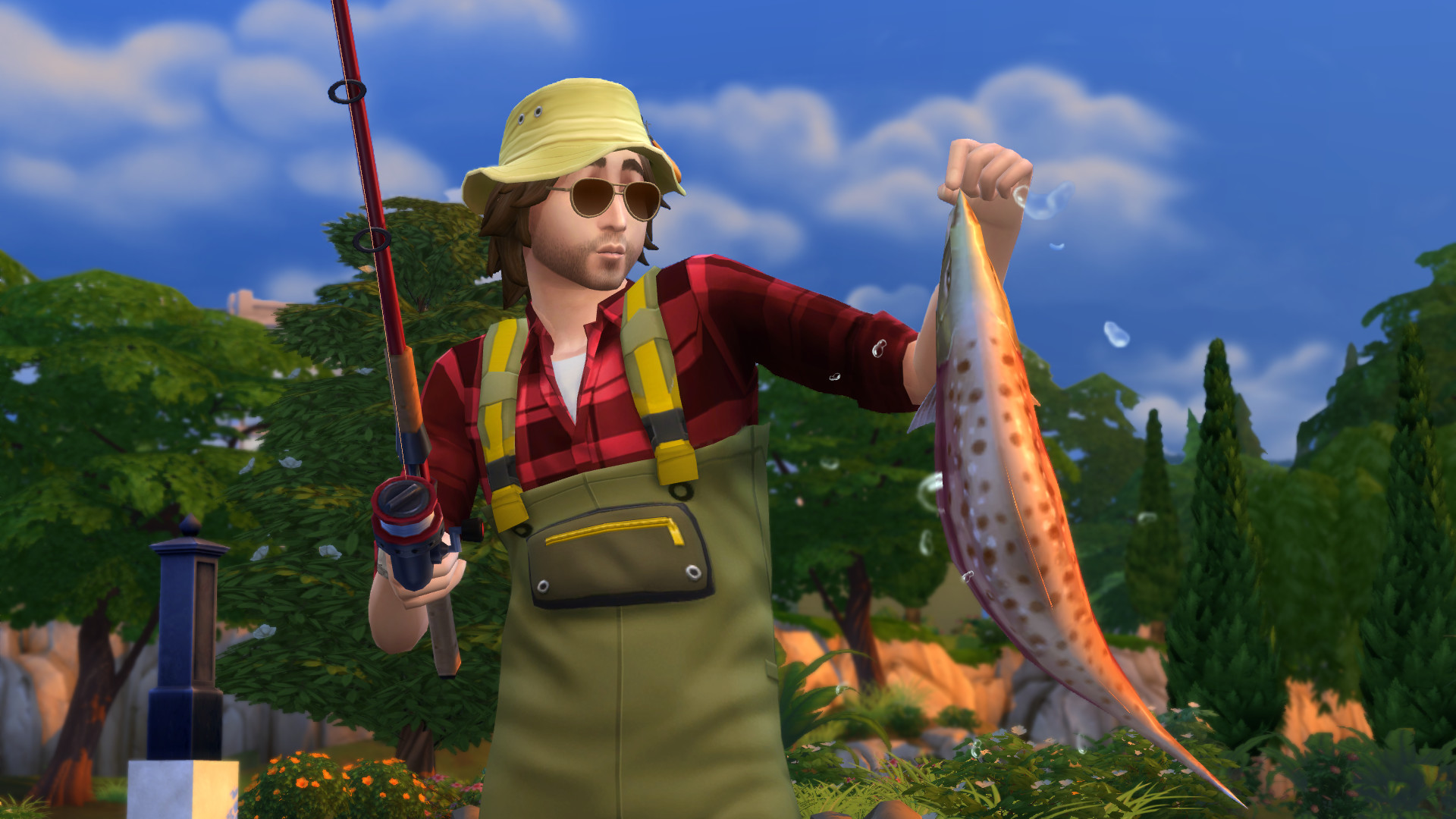
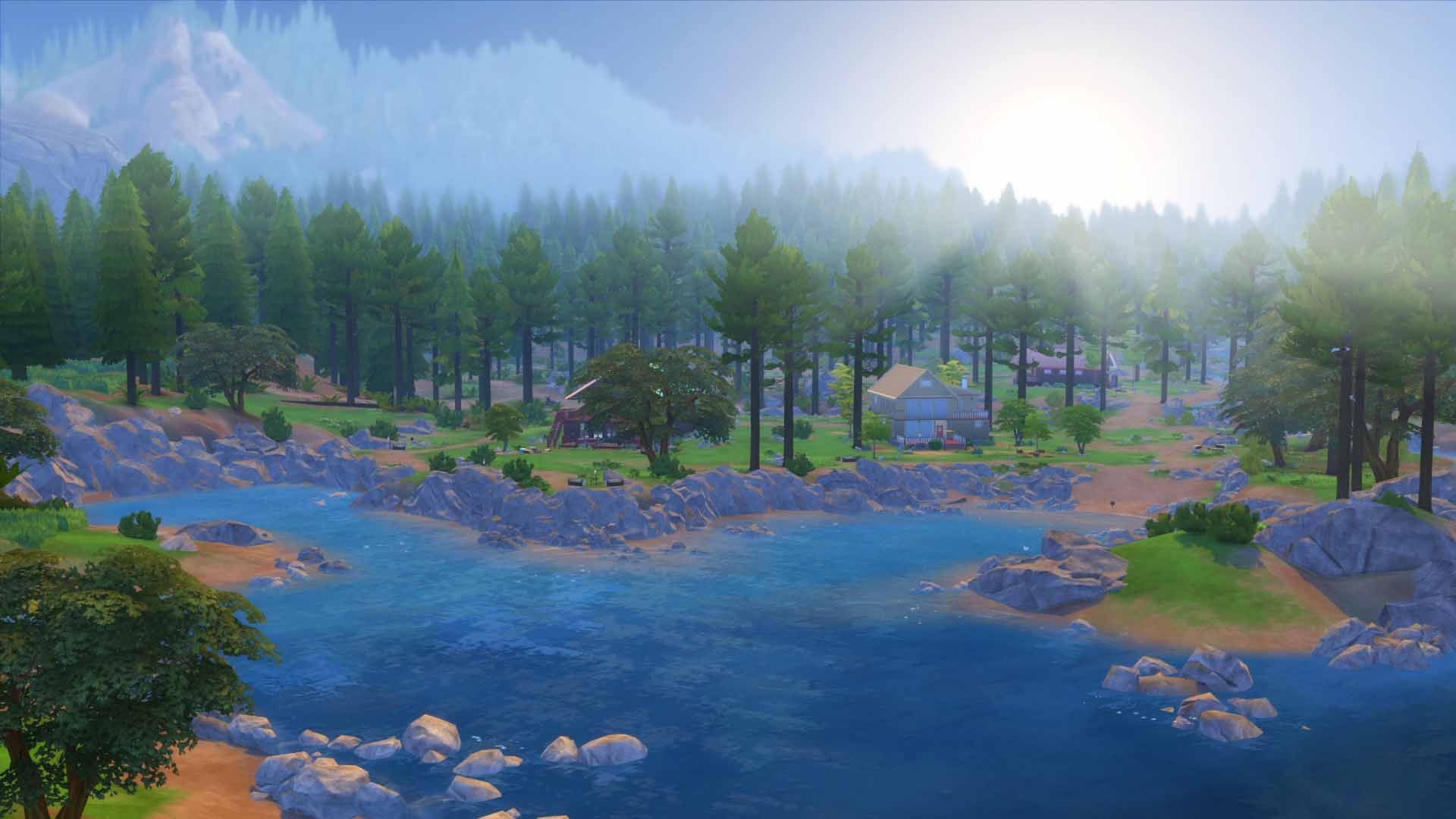
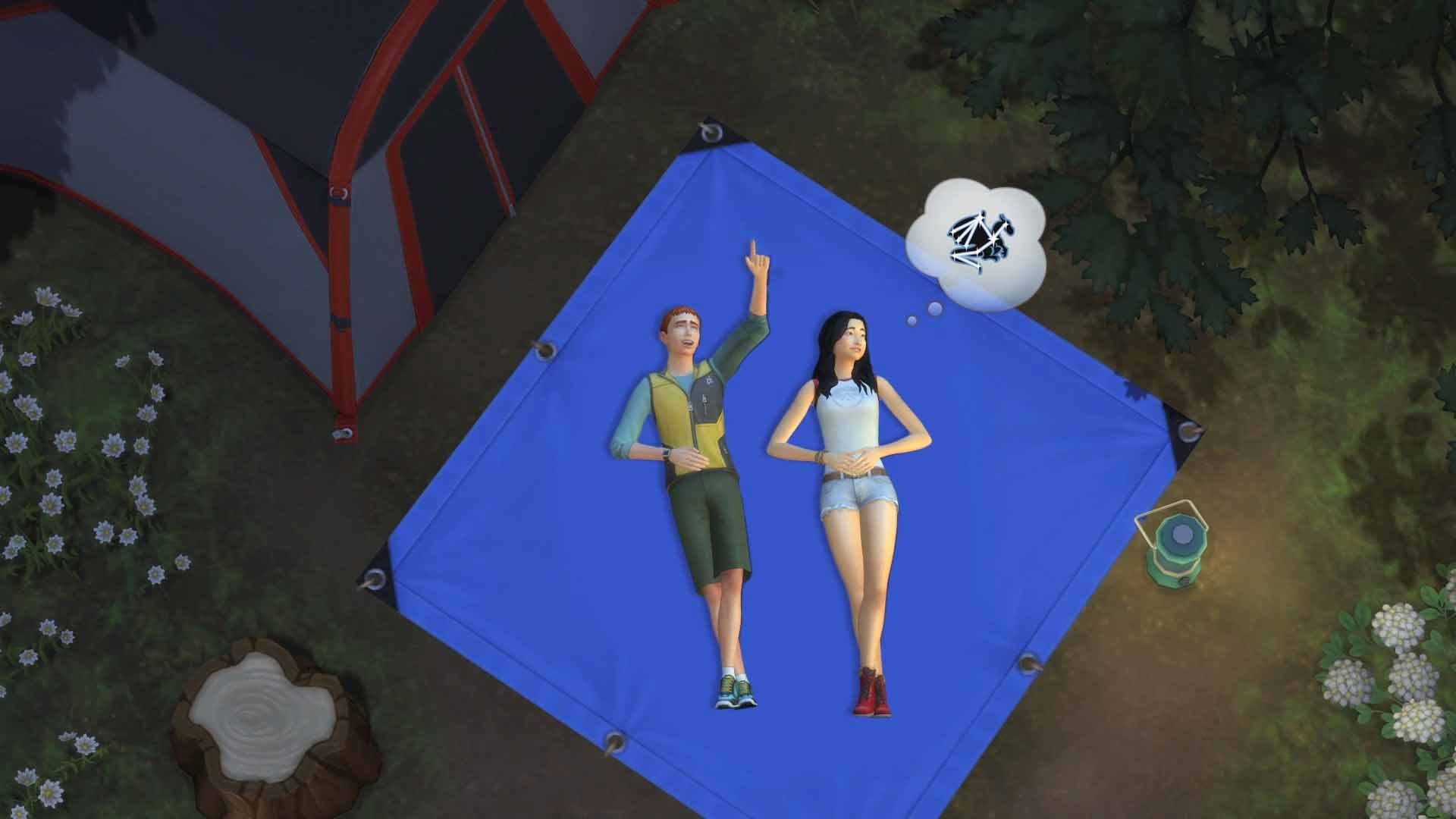
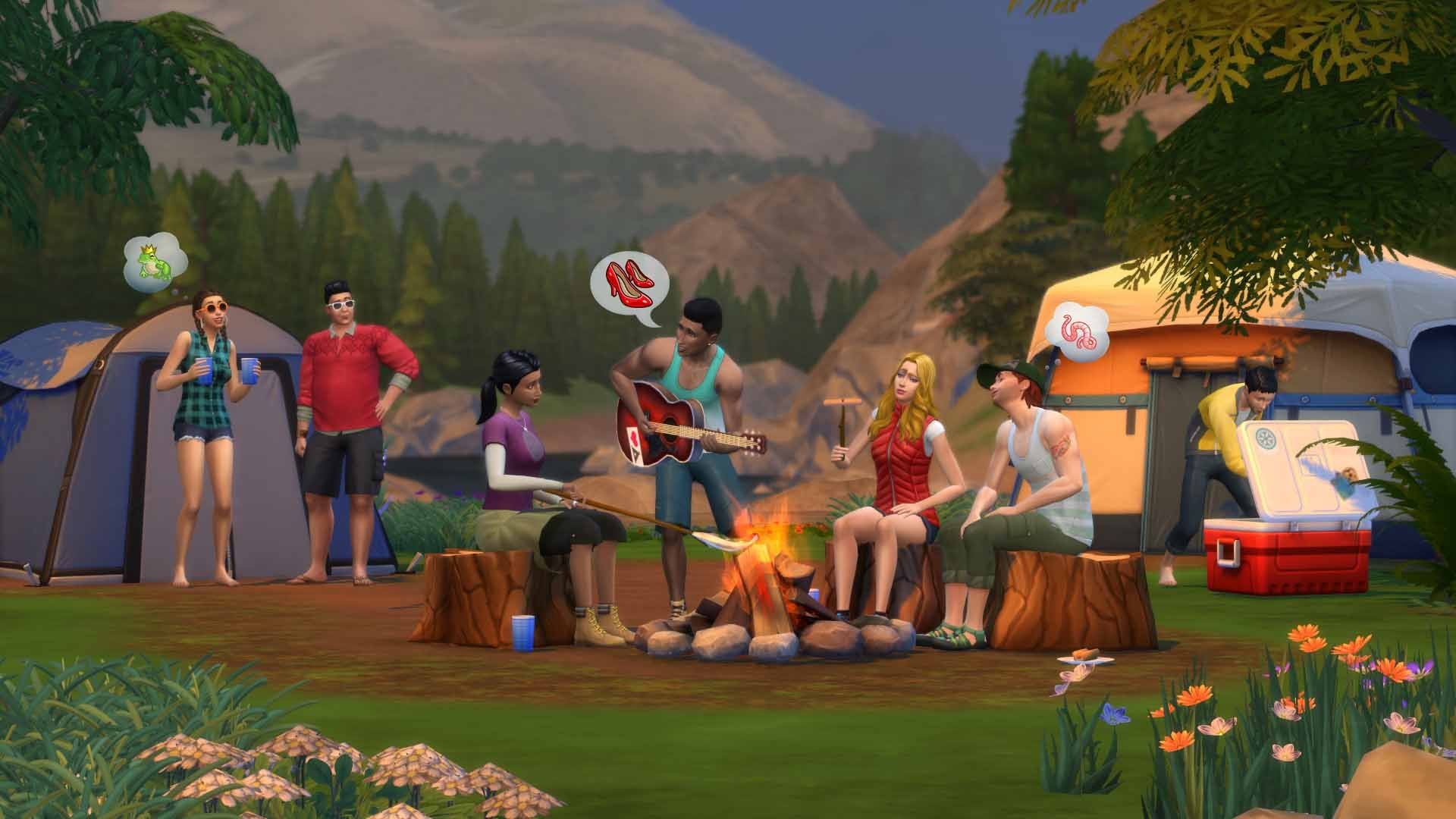
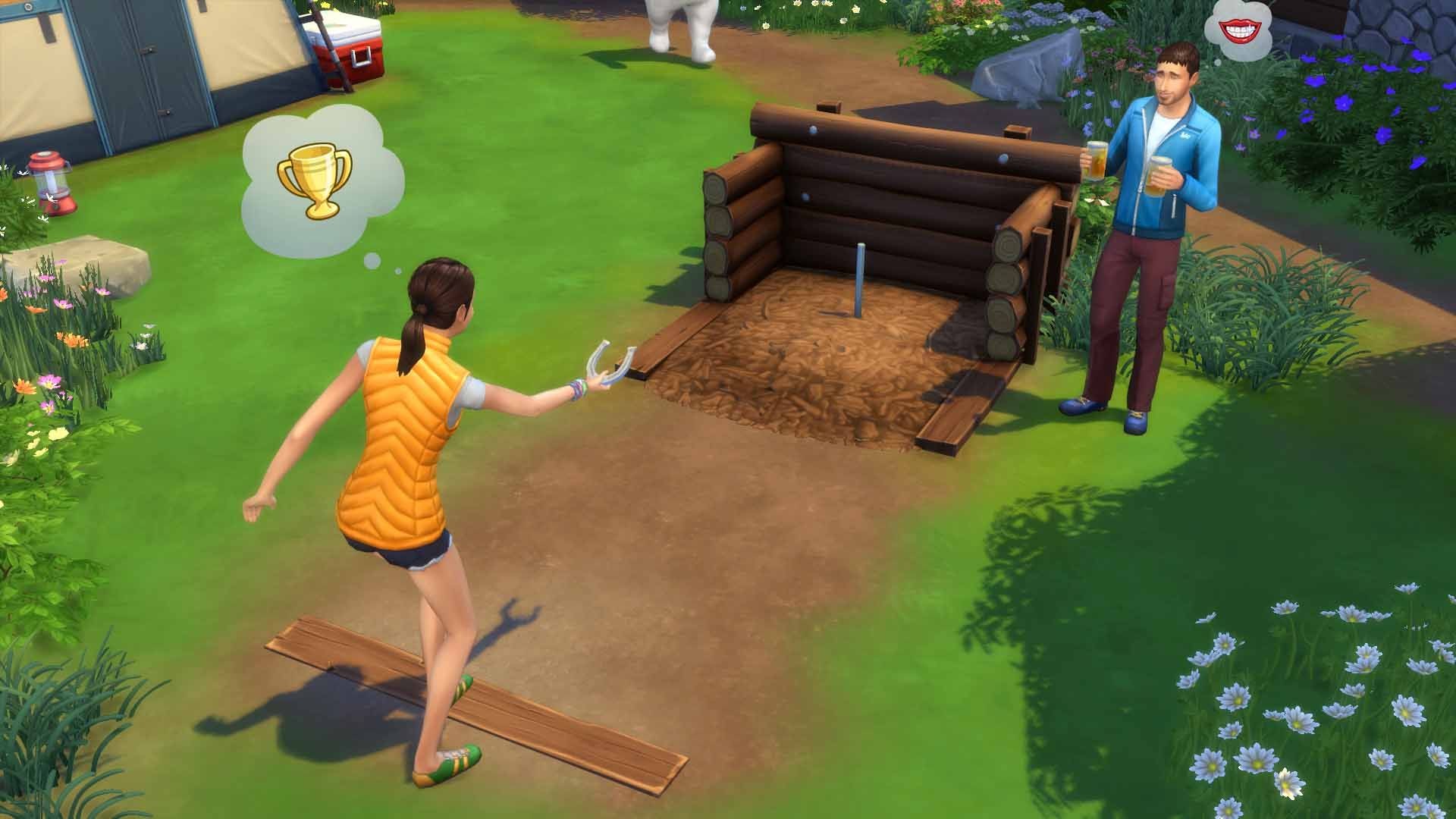
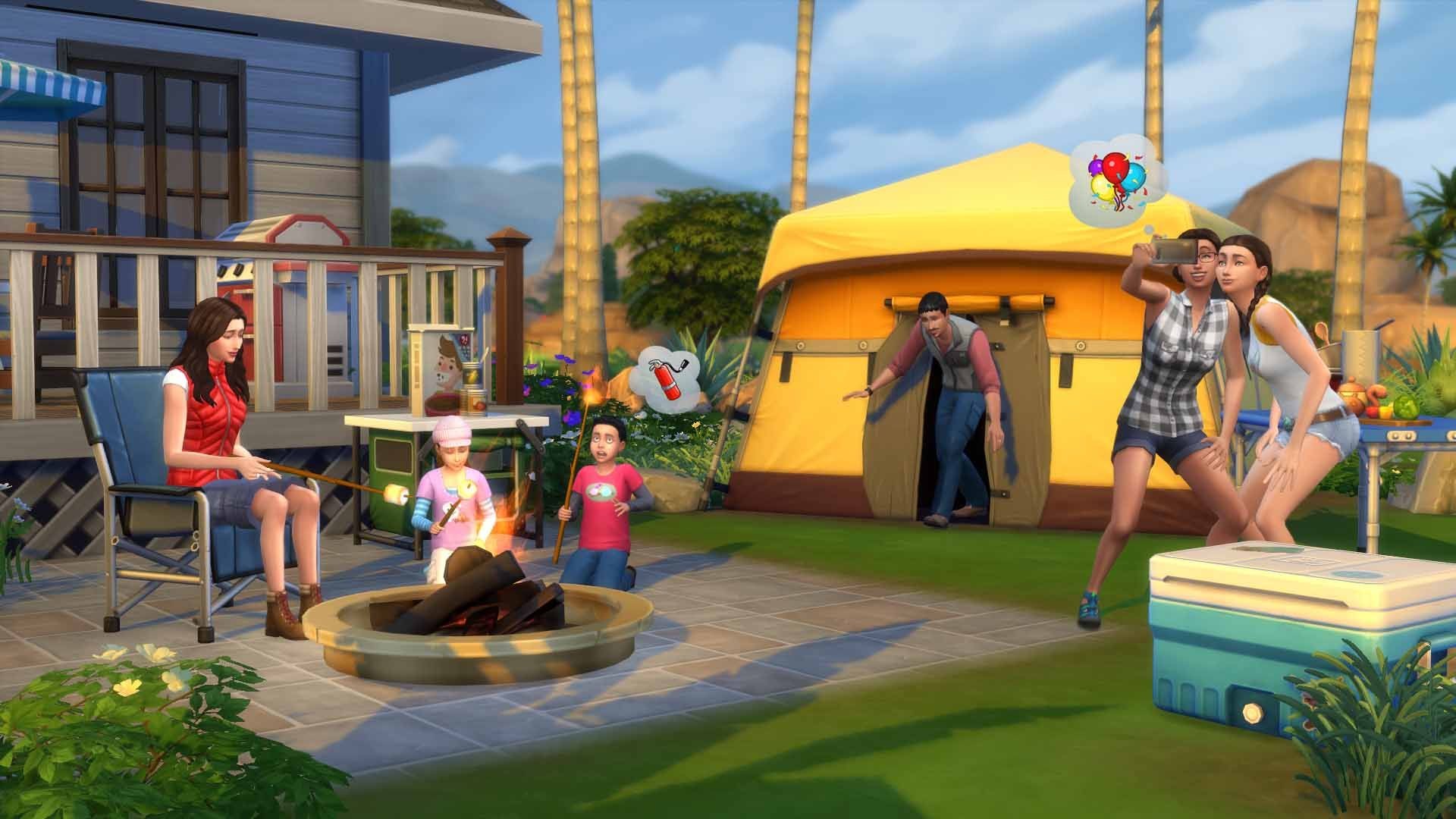
Take your Sims camping and explore the all-new destination of Granite Falls in The Sims 4 Outdoor Retreat! Venture into the deep woods to discover new surprises, including dangerous and wondrous herbs, new species of fish, creepy insects and…bears?
Screenshots
System requirements
Minimum
• Requires a 64-bit processor and operating system • OS *: Windows XP (SP3), Windows Vista (SP2), Windows 7 (SP1), Windows 8 or Windows 8.1 • Processor: 1.8 GHz Intel Core 2 Duo, AMD Athlon 64 Dual-Core 4000+ or equivalent (For computers using built-in graphics chipsets, the game requires 2.0 GHz Intel Core 2 Duo, 2.0 GHz AMD Turion 64 X2 TL-62 or equivalent) RAM: At least 2 GB RAM • Graphics: 128 MB of Video RAM and support for Pixel Shader 3.0. Supported Video Cards: NVIDIA GeForce 6600 or better, ATI Radeon X1300 or better, Intel GMA X4500 or better • DirectX: Version 9.0 • Network: Broadband Internet connection • Storage: 10 GB available space
Recommended
• Requires a 64-bit processor and operating system • OS *: 64 Bit Windows 7, 8, 8.1, or 10 • Processor: Intel core i5 or faster, AMD Athlon X4 • Memory: 4 GB RAM • Graphics: NVIDIA GTX 650 or better • Network: Broadband Internet connection • Storage: 18 GB available space
Languages: English, French, Italian, German, Spanish - Spain, Czech, Danish, Dutch, Finnish, Japanese, Korean, Norwegian, Polish, Portuguese - Brazil, Russian, Swedish, Traditional Chinese, Simplified Chinese
How to activate
Xbox
- Open Microsoft’s redemption page using the button below.
- Sign in with the Microsoft account used on your Xbox. Check the email and profile before continuing.
- Paste the 25-character code and select Next. Check the displayed product or amount.
- Complete the confirmation prompts. Look for games in that account’s library and subscriptions under its services and subscriptions.
More from the series
 The Sims 4 (Xbox One)Xboxfrom $5.31460 ₽
 РФ ✓The Sims™ 3EA Appfrom $1.78160 ₽2 offersРФ ✓The Sims 3 | Deluxe EditionEA Appfrom $16.471,410 ₽РФ ✓The Sims 3 (Starter Pack)EA Appfrom $17.331,480 ₽
 РФ ✓The Sims™ 4 Lady Bridgerton’s Masquerade Ballroom KitEA Appfrom $11.831,010 ₽
 РФ ✓The Sims 4 Adventure Awaits Expansion Pack (Xbox One)Xboxfrom $52.324,460 ₽3 offers
Game details from Steam.