


TopSpin 2K25 (Grand Slam Edition)
- Genres
- Sports
- Release
- Apr 25, 2024
- Developer
- Hangar 13
Lowest price across all offers
from $11.961,020 ₽
Offers
The price depends on the platform and the activation region.
- WorldwideWorks in RussiaTopSpin 2K25 | Grand Slam Edition$11.961,020 ₽1
- EuropeNot for RussiaTopSpin 2K25 - Grand Slam® Edition$13.991,200 ₽1
- North AmericaNot for RussiaTopSpin 2K25 | Grand Slam Edition$17.001,450 ₽1
- ChinaNot for RussiaTopSpin 2K25 - Grand Slam® Edition$29.502,520 ₽1
- CISCIS regionTopSpin 2K25 - Grand Slam® Edition$38.583,290 ₽1
- —Not for RussiaTopSpin 2K25 - Grand Slam Edition$43.393,700 ₽1
About the game
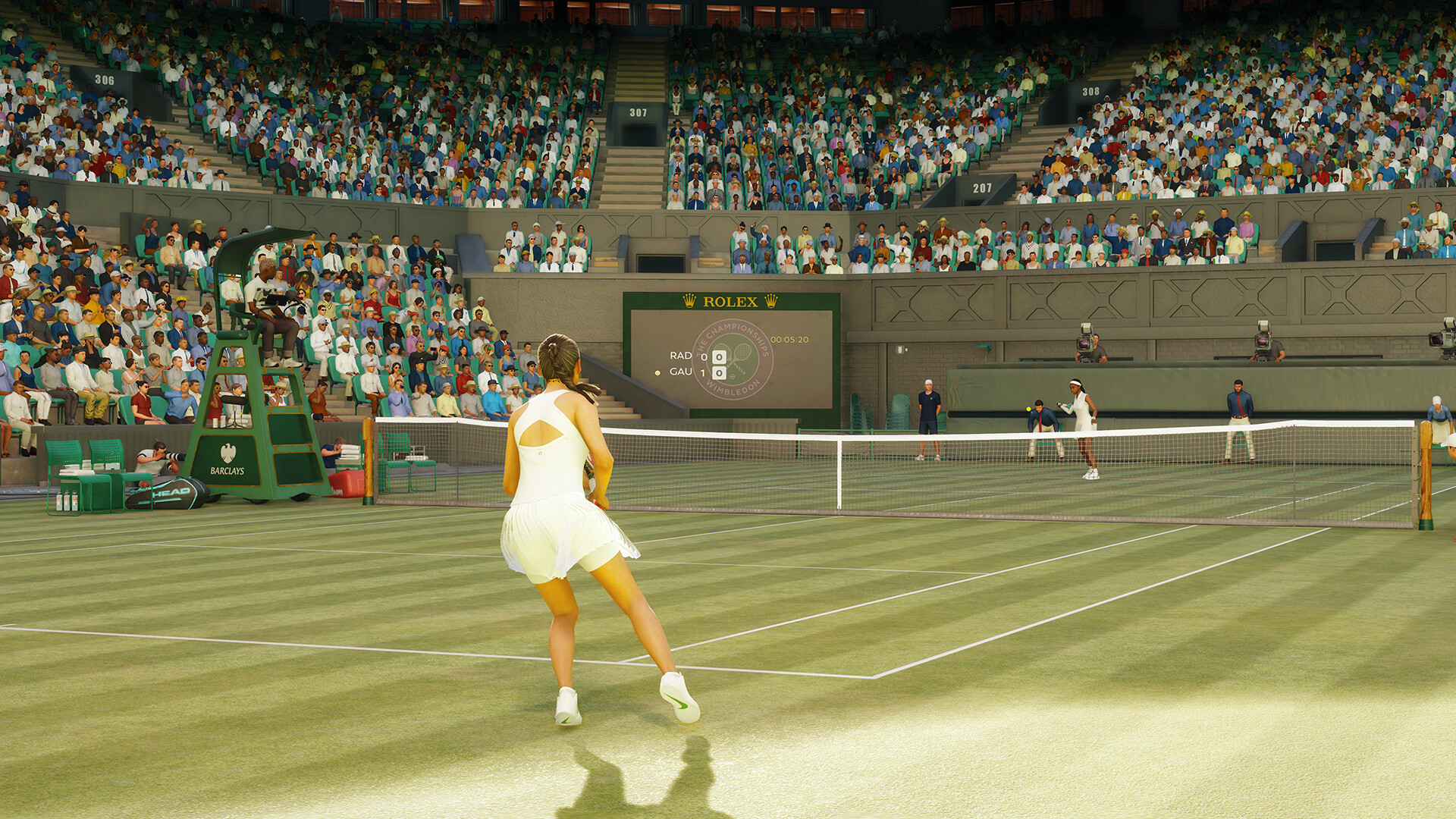
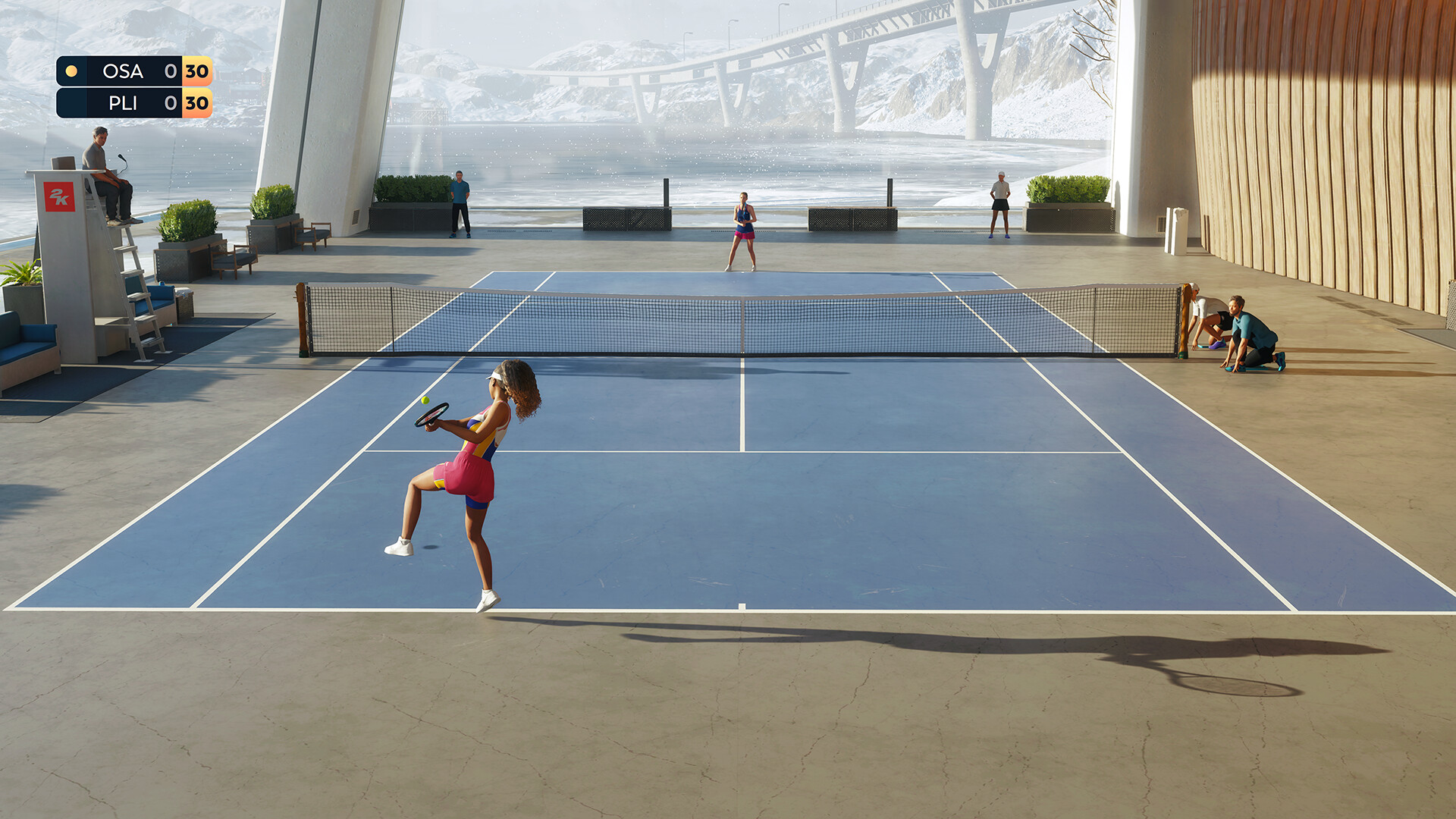
TopSpin 2K25 returns as a next-level tennis sim, bringing realistic court physics and challenging skill-based gameplay. Play single or multiplayer locally or online. Build your MyPLAYER or play as icons like Roger Federer and Serena Williams with custom animations mirroring their real-life styles.
Pictures and description are of the base game on Steam.
Screenshots






System requirements
Minimum
• Requires a 64-bit processor and operating system • OS: Windows 10 64-bit, Windows 11 64-bit • Processor: Intel®️ Core™️ i5-2550K @ 3.4 GHz / AMD FX 8370E @ 3.4 GHz • Memory: 8 GB RAM • Graphics: NVIDIA®️ GTX 1060 6 GB / AMD RX 5700 • DirectX: Version 11 • Storage: 30 GB available space • Sound Card: DirectX 9.0x compatible • Additional Notes: Dual-analog gamepad recommended
Recommended
• Requires a 64-bit processor and operating system • OS: Windows 10 64-bit, Windows 11 64-bit • Processor: Intel®️ Core™️ i5-4430 @ 3.0 GHz / AMD FX-8370 @ 4.0 GHz • Memory: 8 GB RAM • Graphics: NVIDIA®️ RTX 2060 or equivalent / AMD RX 6600 • DirectX: Version 11 • Storage: 30 GB available space • Sound Card: DirectX 9.0x compatible • Additional Notes: Dual-analog gamepad recommended
Languages: English*, French*, Italian*, German*, Spanish - Spain*, Czech, Japanese, Korean, Simplified Chinese, Spanish - Latin America, Traditional Chinese
How to activate
Steam
- Start Steam on your computer and sign in to the account you will play on.
- In the Games menu, choose Activate a Product on Steam. You can also start from Add a Game at the bottom left.
- Go through the introductory screens, review Steam’s terms and paste the complete key without surrounding spaces.
- Finish activation, then find the game in your Library and select Install.
More from the series
Game details from Steam.