
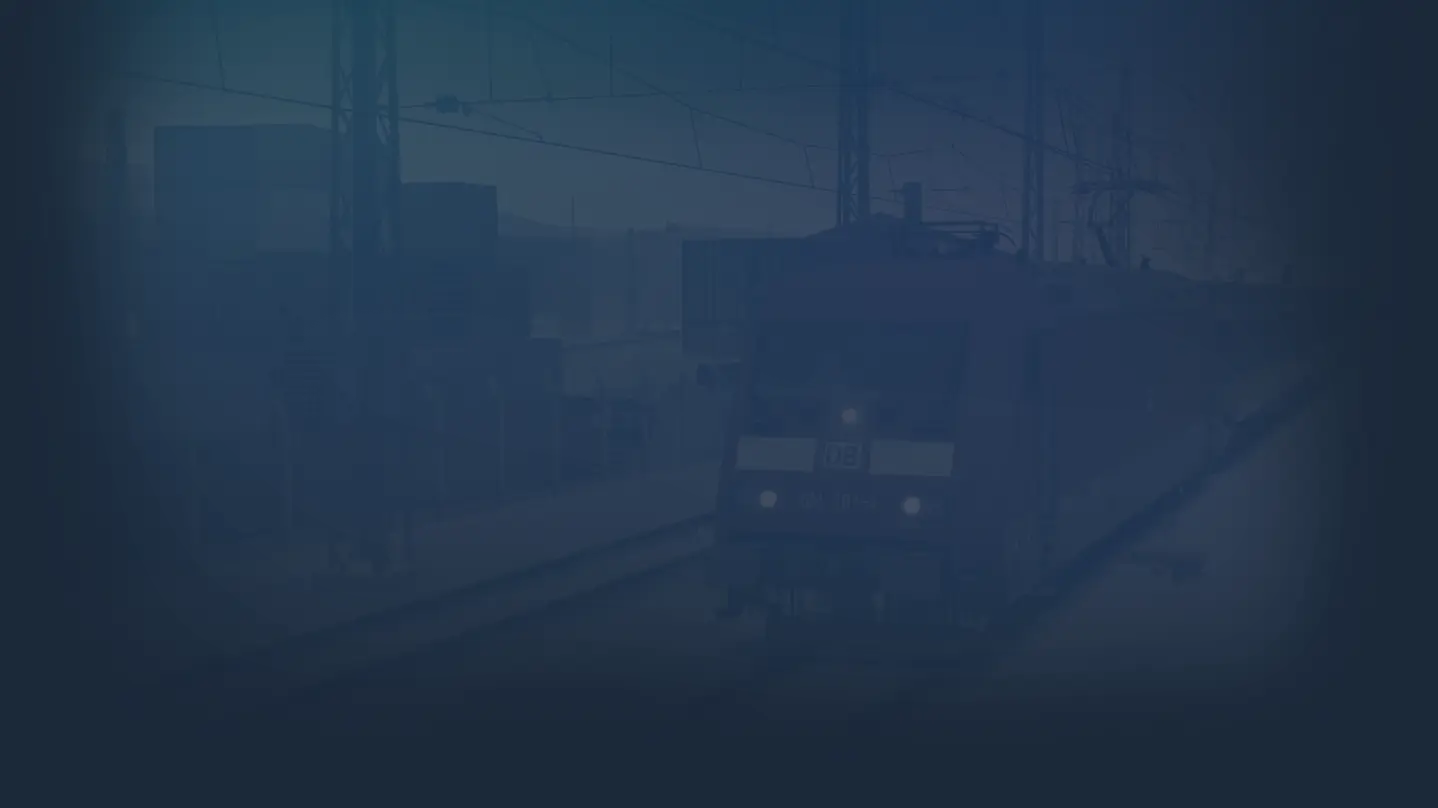
Train Simulator: West Rhine: Köln - Koblenz Route Add-On
- Genres
- Simulation
- Release
- Dec 5, 2014
- Developer
- Dovetail Games
Lowest price across all offers
from $4.36380 ₽
Offers
The price depends on the platform and the activation region.
- CISCIS region$4.36380 ₽1
About the game
The beautiful landscape of the Rhineland-Palatinate comes to life in a stunning new route for Train Simulator. The 96 kilometre (60 mile) route between Germany’s fourth largest city, Cologne, and one of the country’s oldest cities, Koblenz, runs parallel to the west bank of the Rhine for much of the journey, giving passengers spectacular...
Screenshots


System requirements
Minimum
• OS *:Windows® Vista / 7 / 8 • Processor:Processor: 2.8 GHz Core 2 Duo (3.2 GHz Core 2 Duo recommended), AMD Athlon MP (multiprocessor variant or comparable processors) • Memory:2 GB RAM • Graphics:512 MB with Pixel Shader 3.0 (AGP PCIe only) • DirectX®:9.0c • Hard Drive:6 GB HD space • Sound:Direct X 9.0c compatible • Other Requirements:Broadband Internet connection • Additional:Quicktime Player is required for playing the videos
Recommended
• Graphics:Laptop versions of these chipsets may work but are not supported. Updates to your video and sound card drivers may be required • Additional:Quicktime Player is required for playing the videos
Languages: English, French, German, Spanish - Spain, Polish, Russian
How to activate
Steam
- Start Steam on your computer and sign in to the account you will play on.
- In the Games menu, choose Activate a Product on Steam. You can also start from Add a Game at the bottom left.
- Go through the introductory screens, review Steam’s terms and paste the complete key without surrounding spaces.
- Finish activation, then find the game in your Library and select Install.
More from the series
 РФ ✓Train Simulator ClassicSteamfrom $4.16360 ₽2 offers
Game details from Steam.