


United Penguin Kingdom
- Genres
- Indie · Simulation · Strategy
- Release
- Mar 9, 2024
- Developer
- Turquoise Revival Games
Lowest price across all offers
from $4.40380 ₽
Offers
The price depends on the platform and the activation region.
- WorldwideWorks in Russia$4.40380 ₽1
About the game
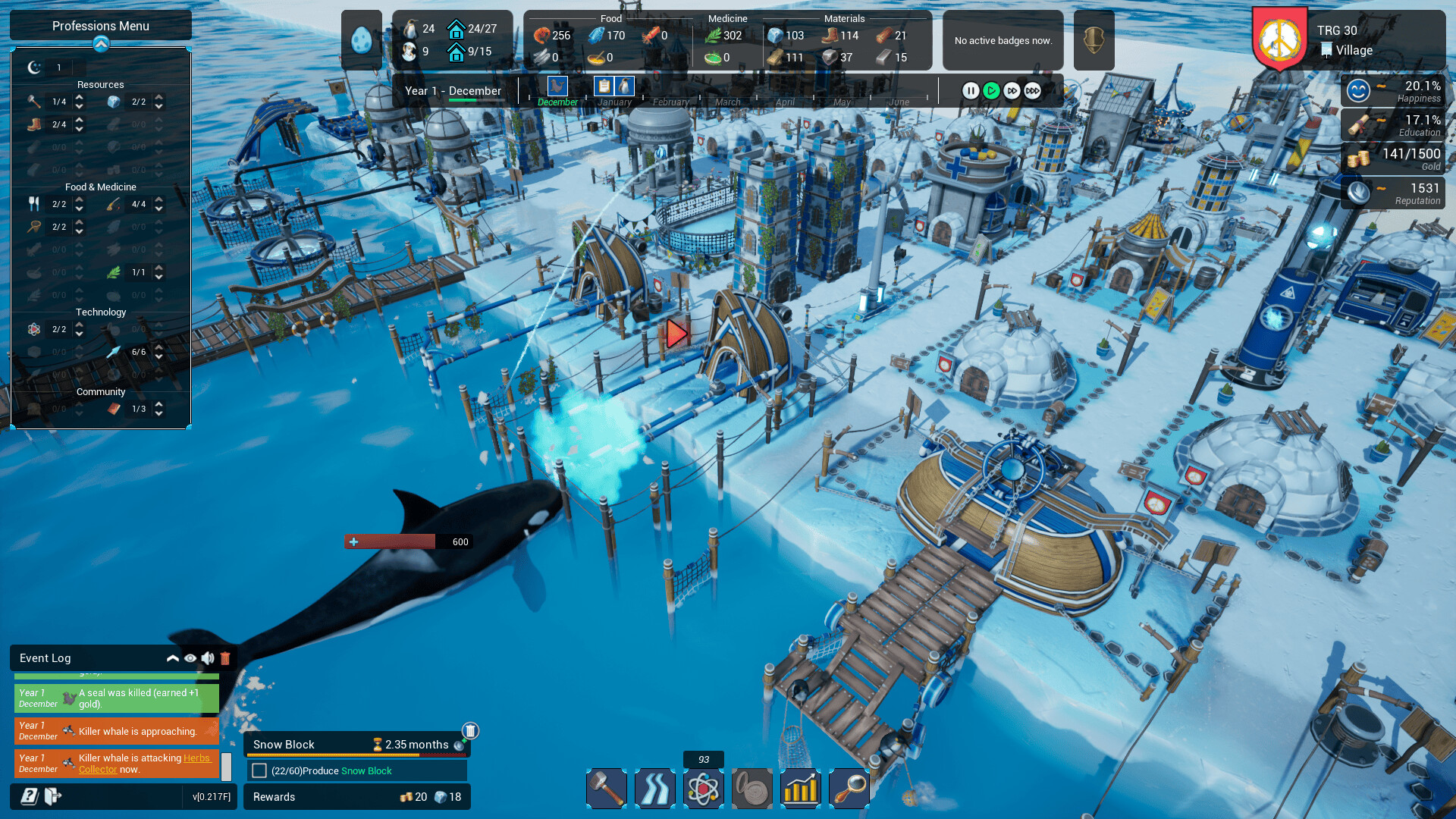
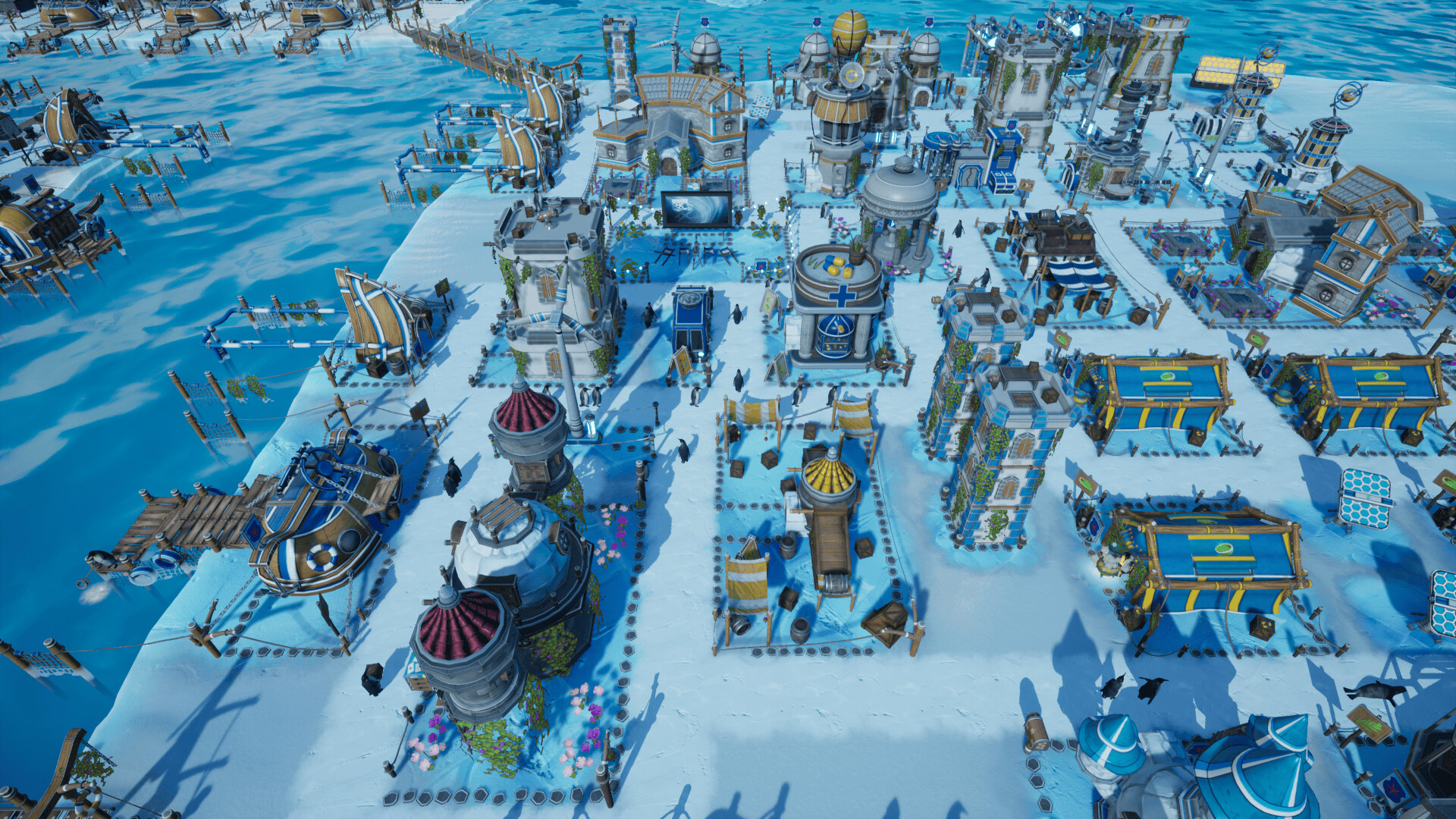
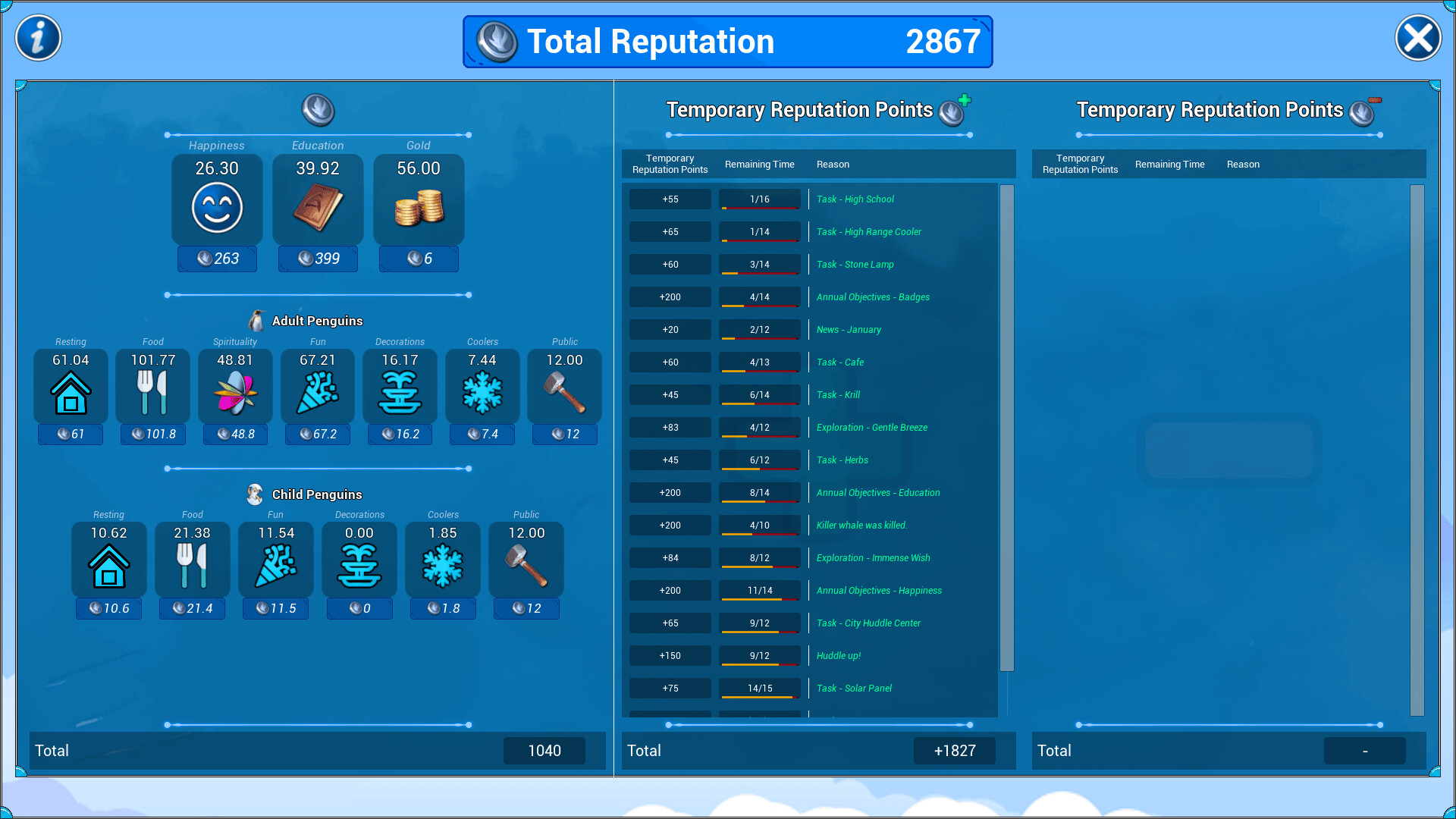
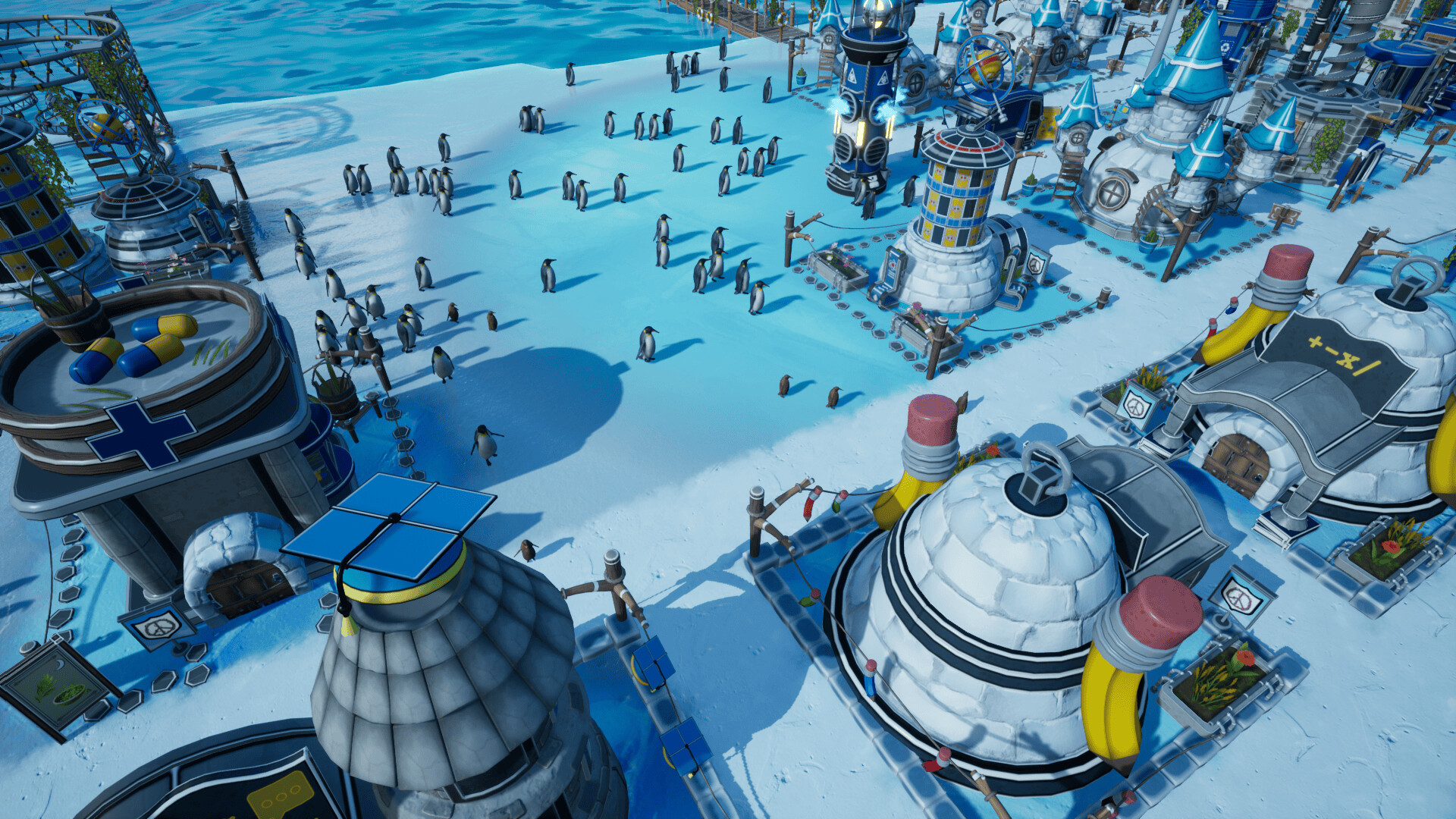
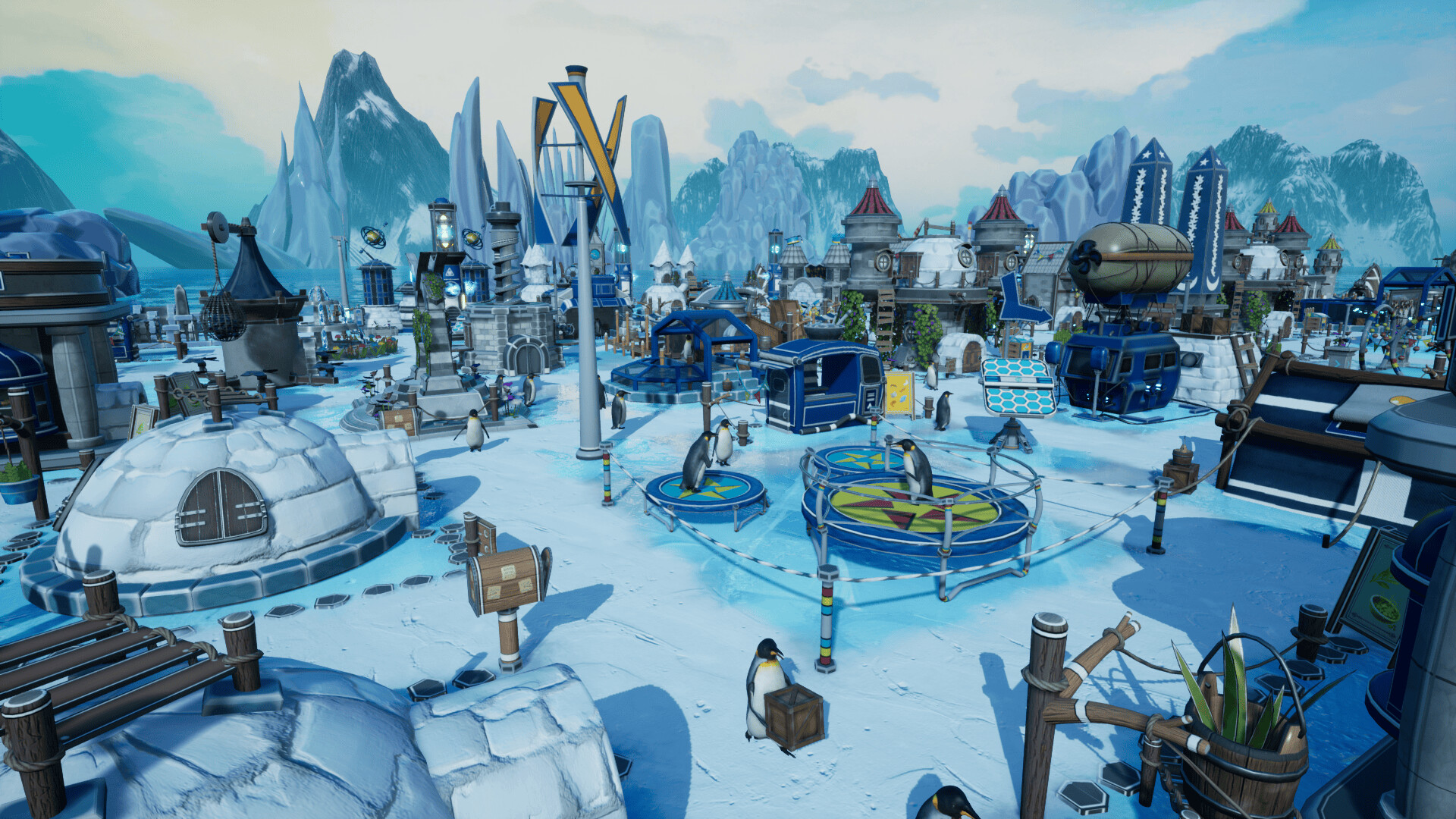
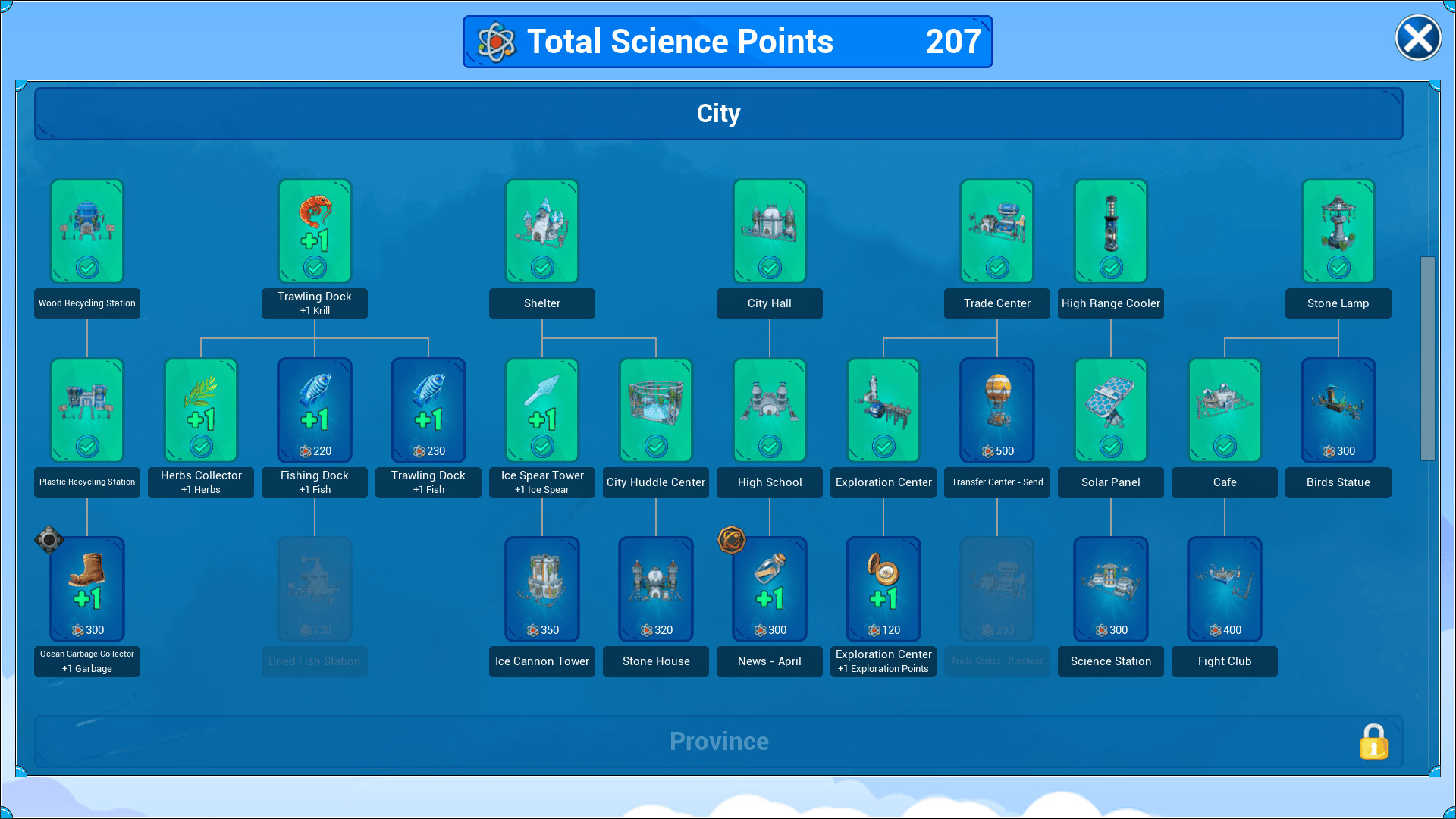
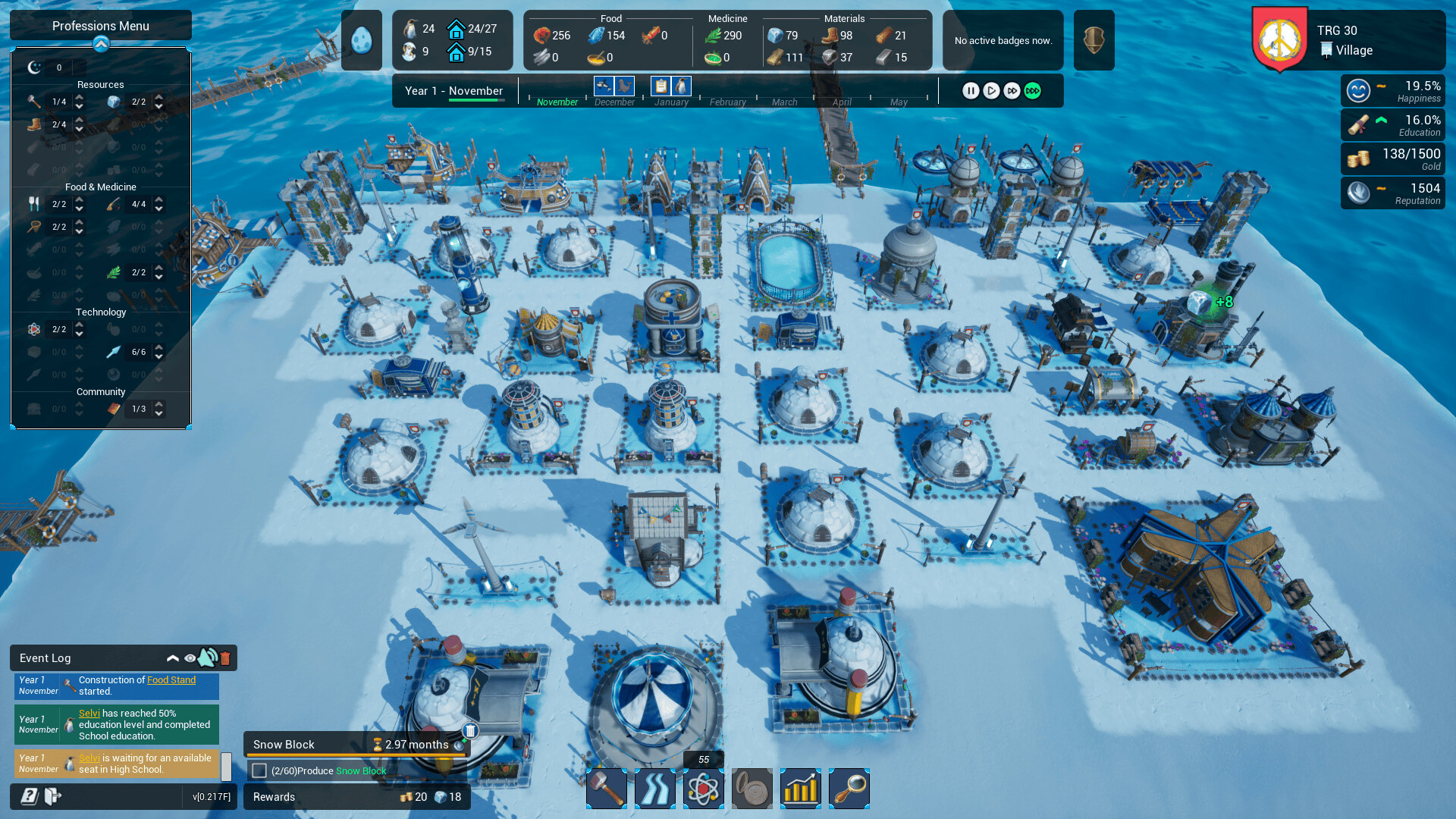
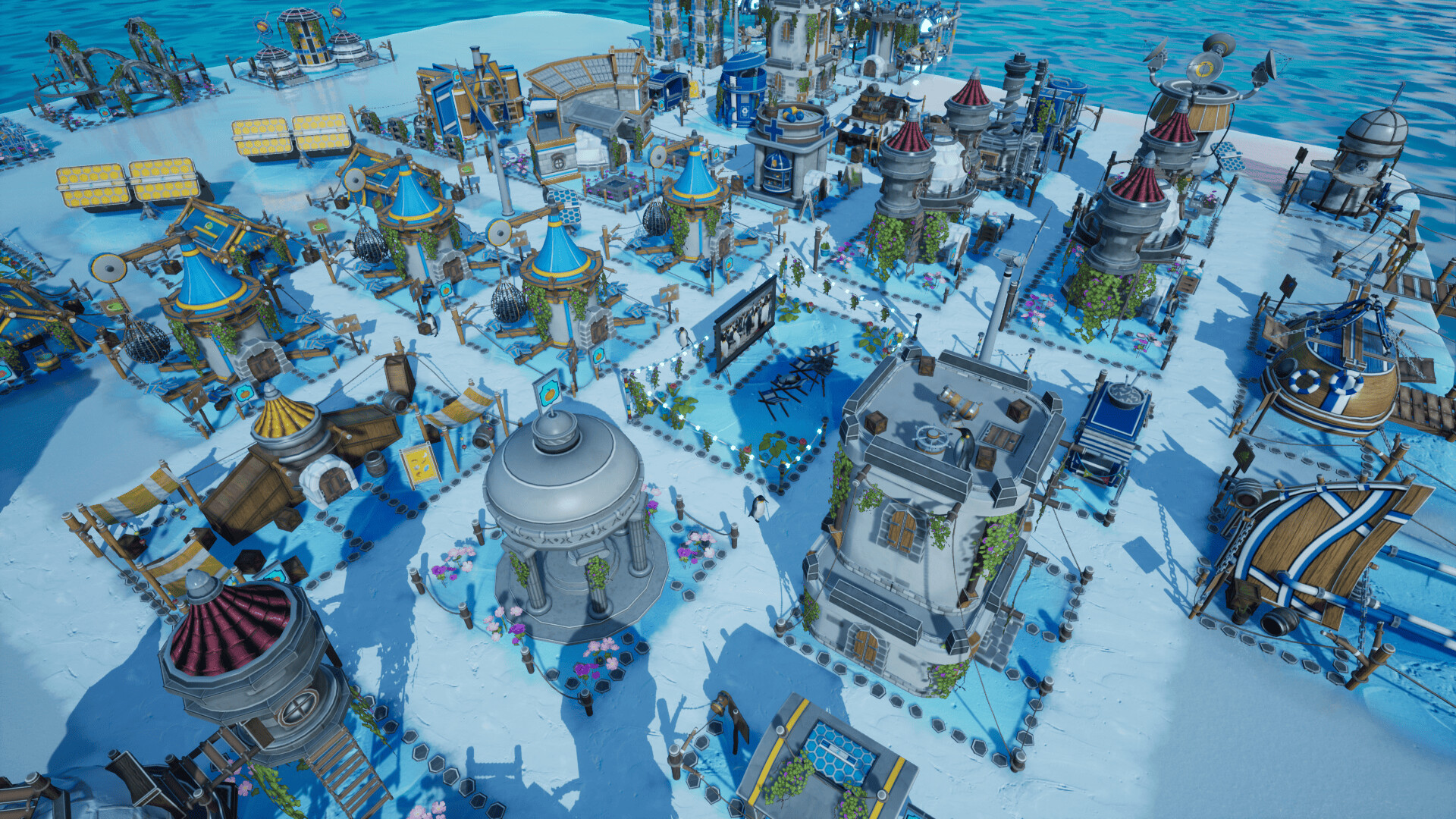
A city-building game where you build a penguin settlement and satisfy the various needs of your penguins while dealing with seals and killer whales. Enjoy the growth of your settlement, become the king, and lead the United Penguin Kingdom.
Screenshots
System requirements
Minimum
• Requires a 64-bit processor and operating system • OS *: Windows 7 64-bit | Windows 8 64-bit | Windows 10 64-bit • Processor: Intel Core i3-6100T | AMD FX-6100 • Memory: 4 GB RAM • Graphics: NVIDIA GeForce GTX 650 | AMD Radeon R7-250X • Storage: 850 MB available space
Recommended
• Requires a 64-bit processor and operating system • OS *: Windows 7 64-bit | Windows 8 64-bit | Windows 10 64-bit • Processor: Intel Core i5-4460 | AMD FX-6350 • Memory: 8 GB RAM • Graphics: NVIDIA GeForce GTX 750 | AMD Radeon R7-265X • Storage: 850 MB available space
Languages: English, French, Italian, German, Spanish - Spain, Czech, Japanese, Korean, Polish, Portuguese - Brazil, Portuguese - Portugal, Russian, Simplified Chinese, Spanish - Latin America, Thai, Turkish, Ukrainian, Vietnamese
How to activate
Steam
- Start Steam on your computer and sign in to the account you will play on.
- In the Games menu, choose Activate a Product on Steam. You can also start from Add a Game at the bottom left.
- Go through the introductory screens, review Steam’s terms and paste the complete key without surrounding spaces.
- Finish activation, then find the game in your Library and select Install.
Game details from Steam.