

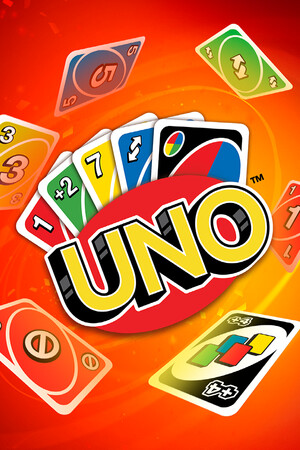
UNO (Legacy Edition)
- Genres
- Casual
- Release
- Jan 3, 2017
- Developer
- Ubisoft Entertainment
Lowest price across all offers
from $12.181,040 ₽
Offers
The price depends on the platform and the activation region.
- EuropeNot for Russia$12.181,040 ₽1
About the game
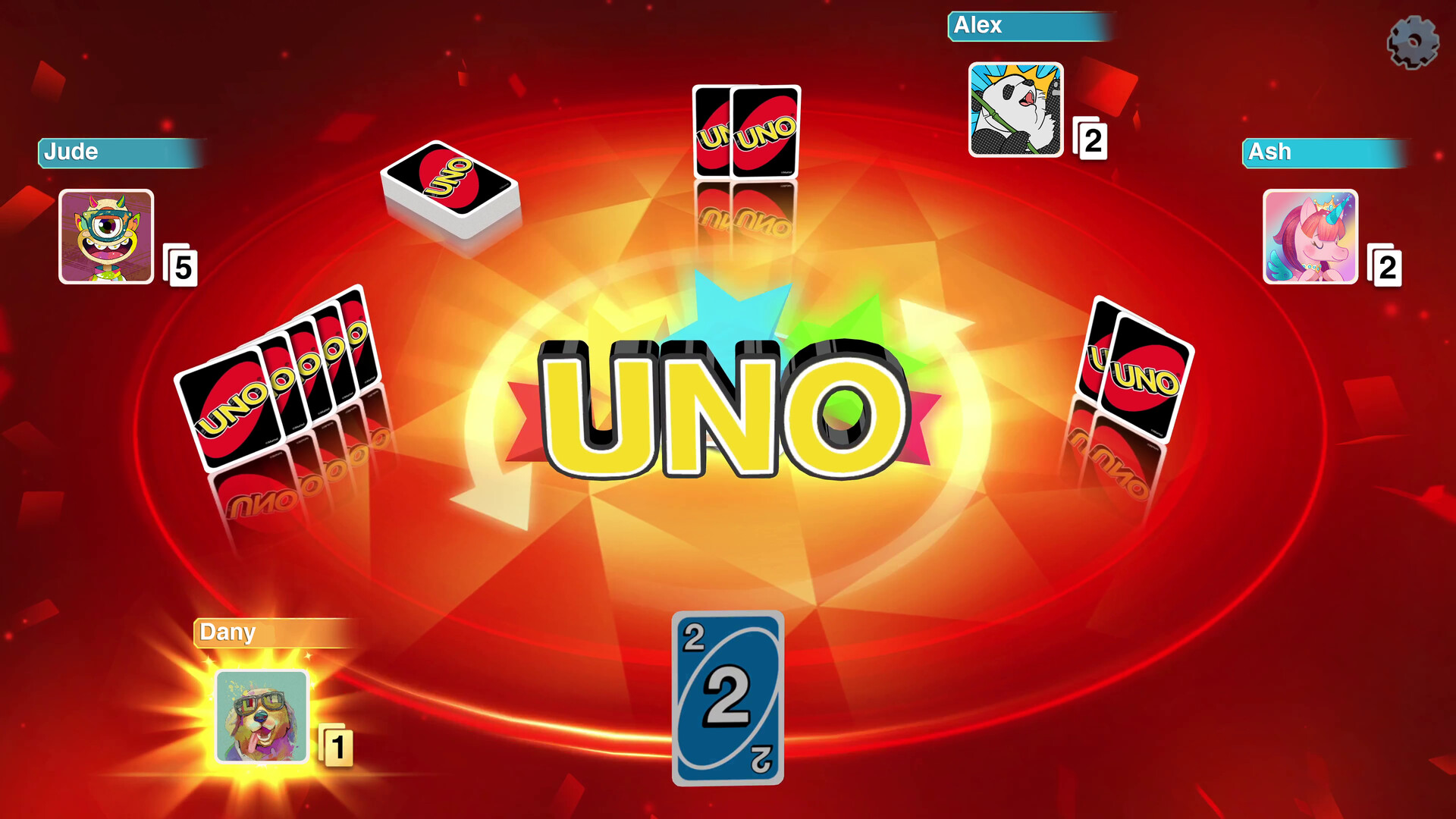
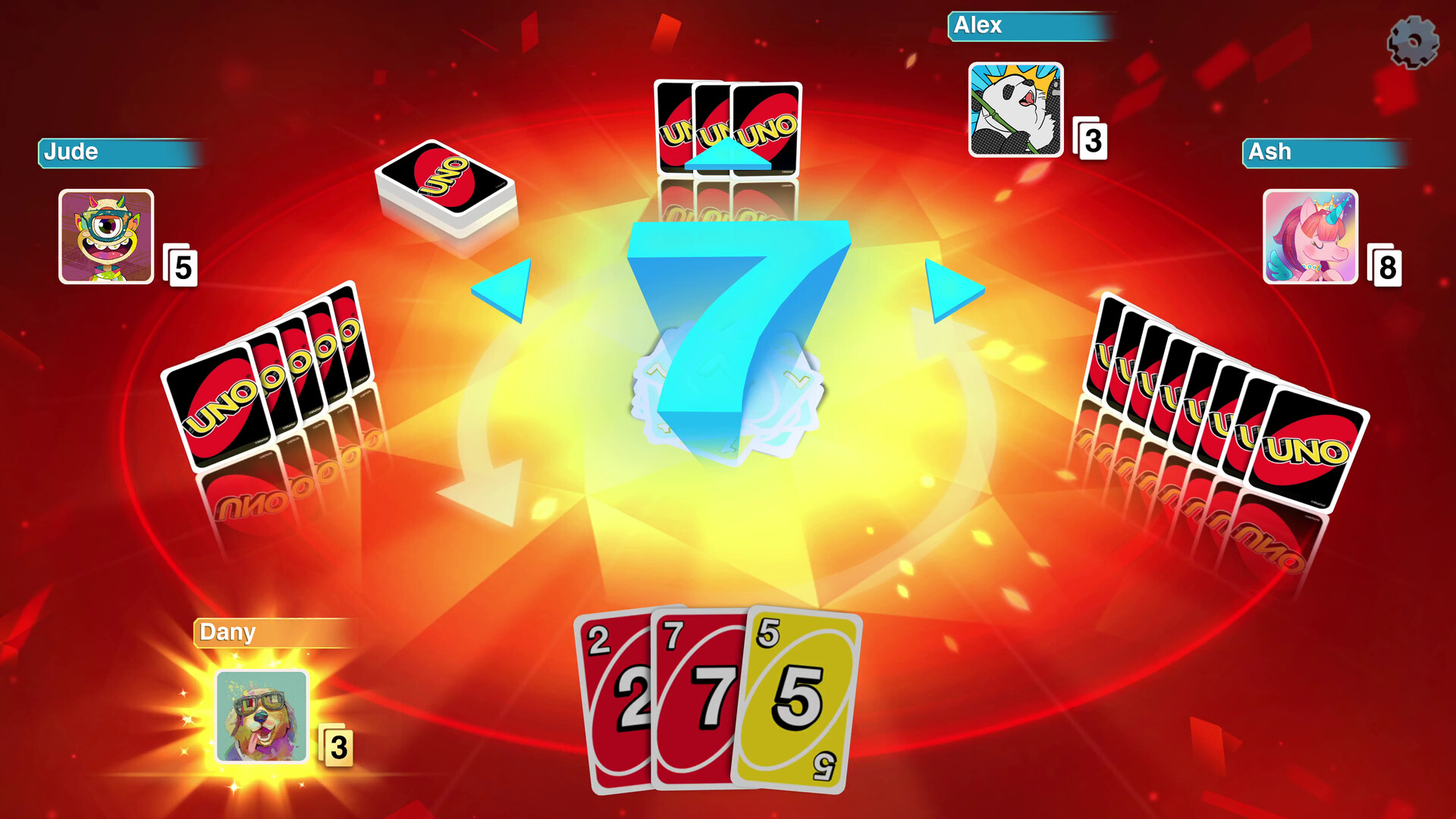
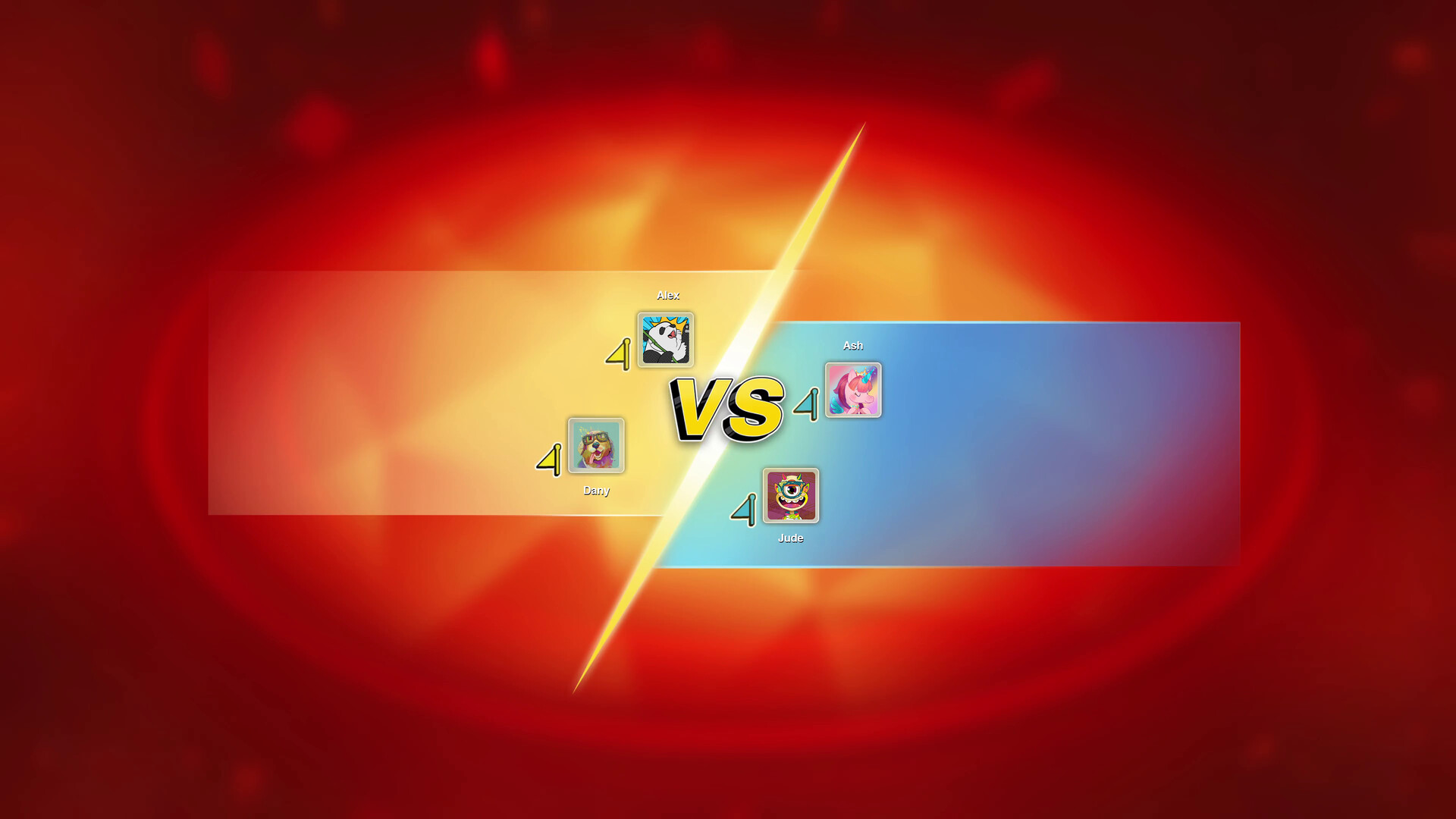
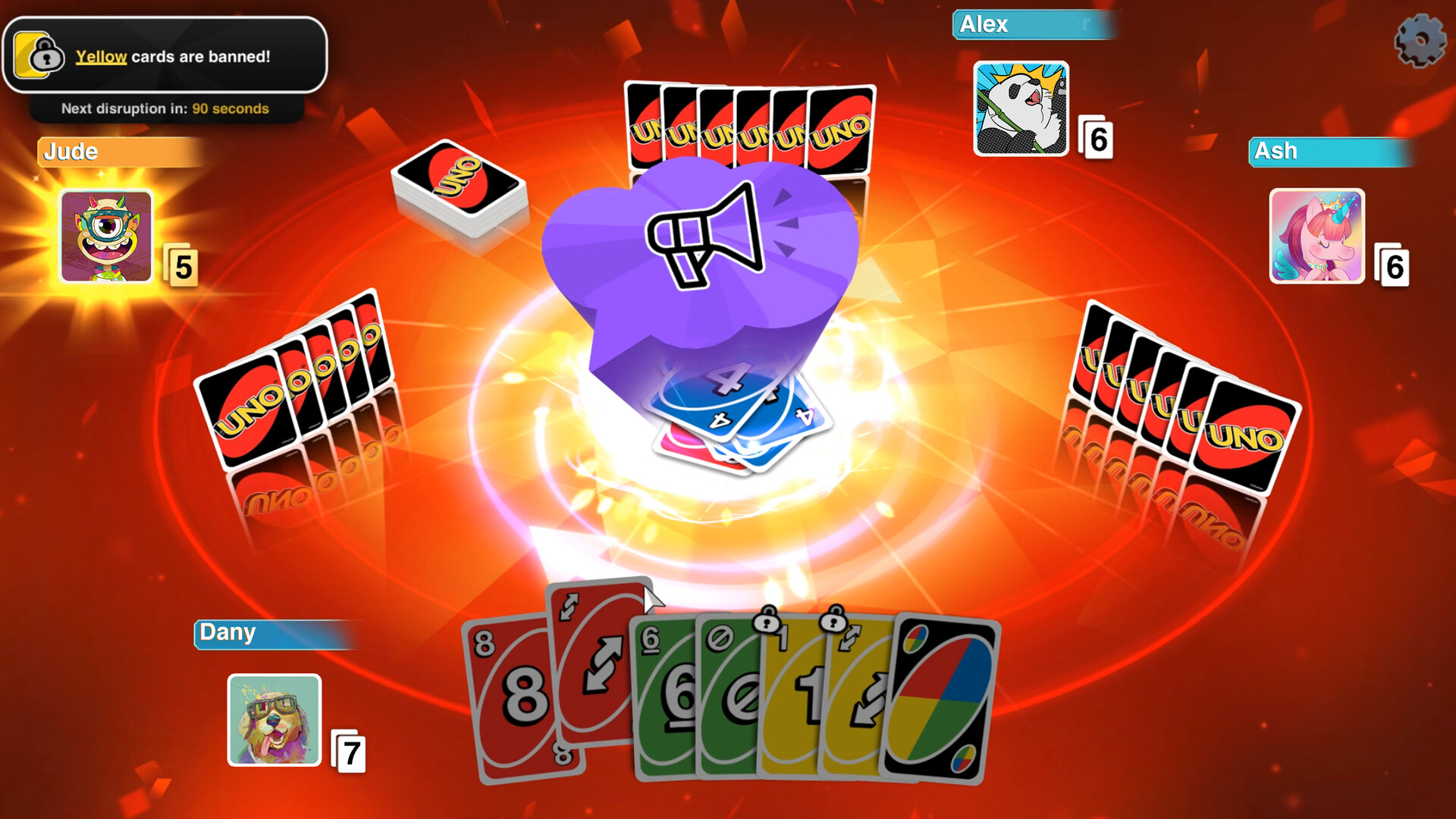
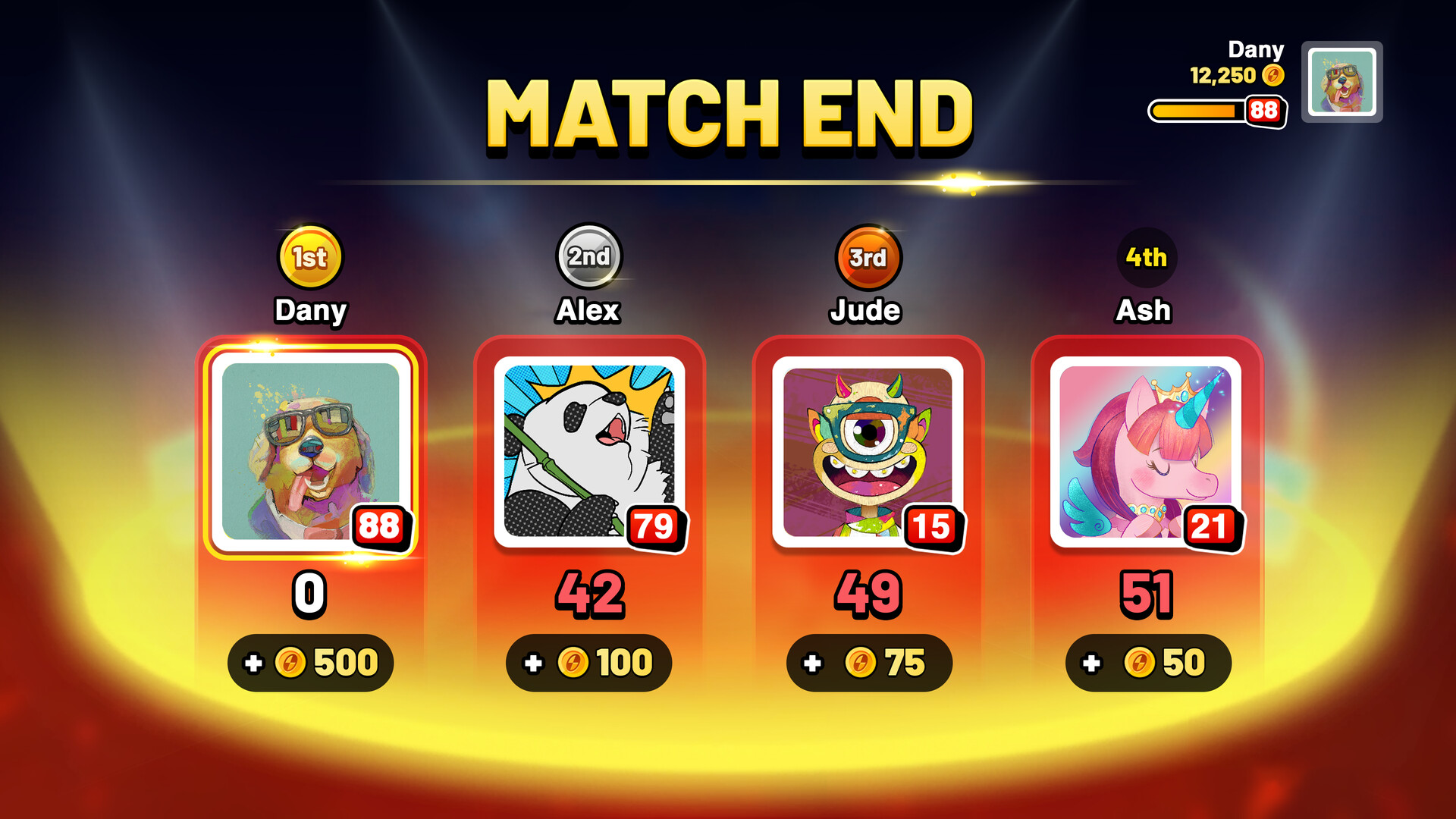
UNO™ is the iconic card game reimagined with a large variety of gameplay and customization options. Play solo or with friends, personalize your experience from rules to cosmetics, and try the Happy Hour!
Pictures and description are of the base game on Steam.
Screenshots

System requirements
Minimum
• Requires a 64-bit processor and operating system • OS *: Originally released for Windows 7, the game can be played on Windows 10 and Windows 11 OS • Processor: Intel Core 2 Quad Q9550 | AMD Phenom II X4 945 or equivalent • Memory: 4 GB RAM • Graphics: NVIDIA GeForce GTS 450 | AMD Radeon HD 5670 or equivalent • DirectX: Version 9.0 • Network: Broadband Internet connection • Storage: 3 GB available space • Sound Card: On Board
Recommended
• Requires a 64-bit processor and operating system • OS *: Originally released for Windows 7, the game can be played on Windows 10 and Windows 11 OS • Processor: Intel Core i3 530 • Memory: 4 GB RAM • Graphics: NVIDIA GTX 560TI or AMD 5870 • DirectX: Version 9.0 • Storage: 3 GB available space • Sound Card: On Board
Languages: English*, French, Italian, German, Spanish - Spain, Russian, Japanese, Simplified Chinese, Traditional Chinese, Dutch, Portuguese - Brazil, Polish
How to activate
Nintendo
- Connect your console to the internet and launch Nintendo eShop from HOME.
- Choose the user linked to the intended Nintendo Account. Check the account country and code region.
- Choose Enter Code / Redeem Code in the left menu and enter the 16-character download code.
- Confirm redemption. Games begin downloading and appear on HOME. eShop cards and Nintendo Switch Online codes use this route too.
Ubisoft Connect
- Launch Ubisoft Connect PC and sign in to your intended Ubisoft account.
- Open the profile in the top-left corner and choose Key/Code Activation.
- Paste the key into Activate Product and select Activate. If asked to choose a product or platform, match it to your order.
- Install the game from your library. Redeemed extra content becomes available within its game.
More from the series
Game details from Steam.