


VIDEOBALL
- Genres
- Action · Indie · Sports
- Release
- Jul 12, 2016
- Developer
- Action Button Entertainment, LLC
- Metacritic
Lowest price across all offers
from $4.50390 ₽
Offers
The price depends on the platform and the activation region.
- WorldwideWorks in Russia$4.50390 ₽1
About the game
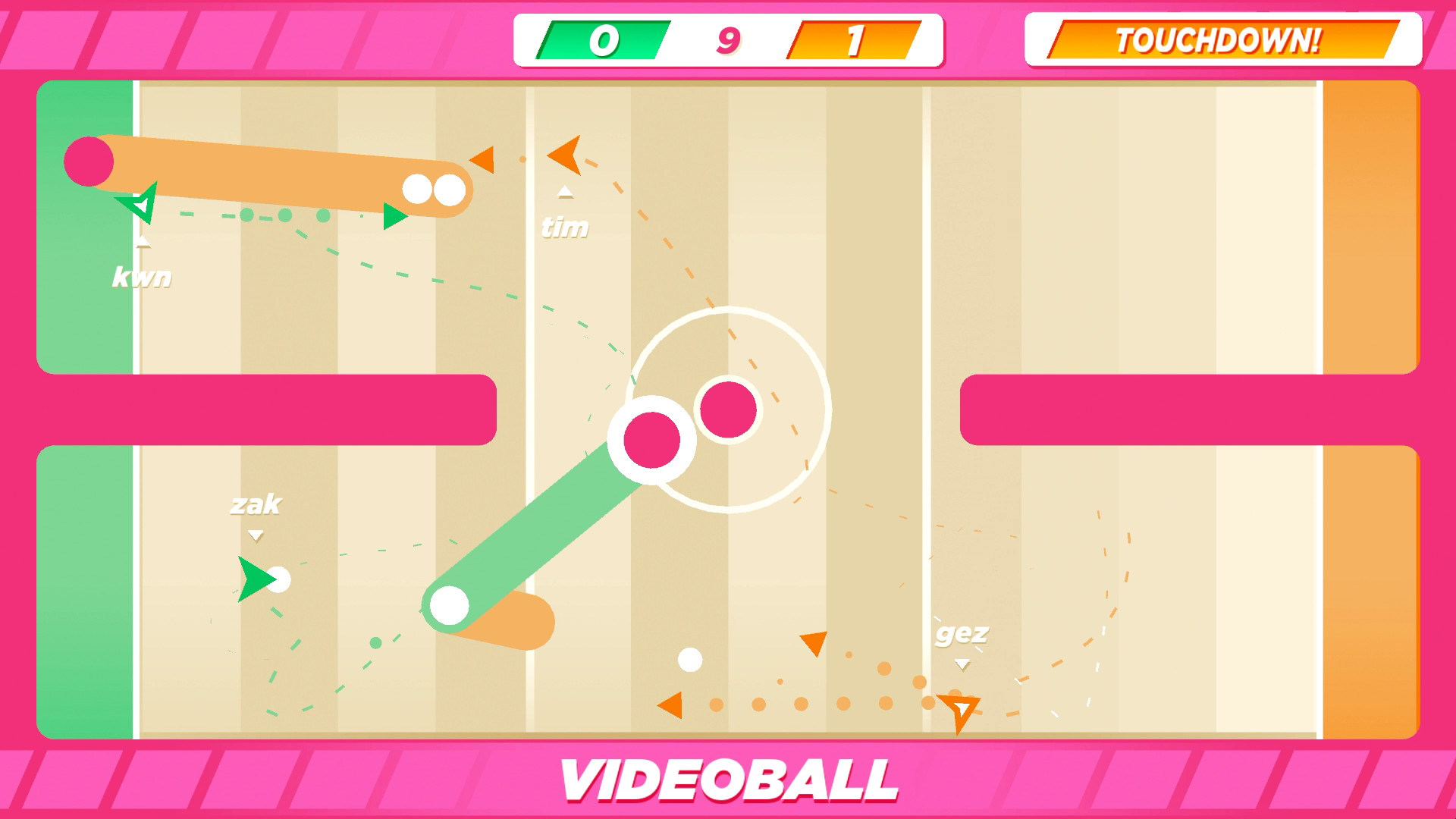
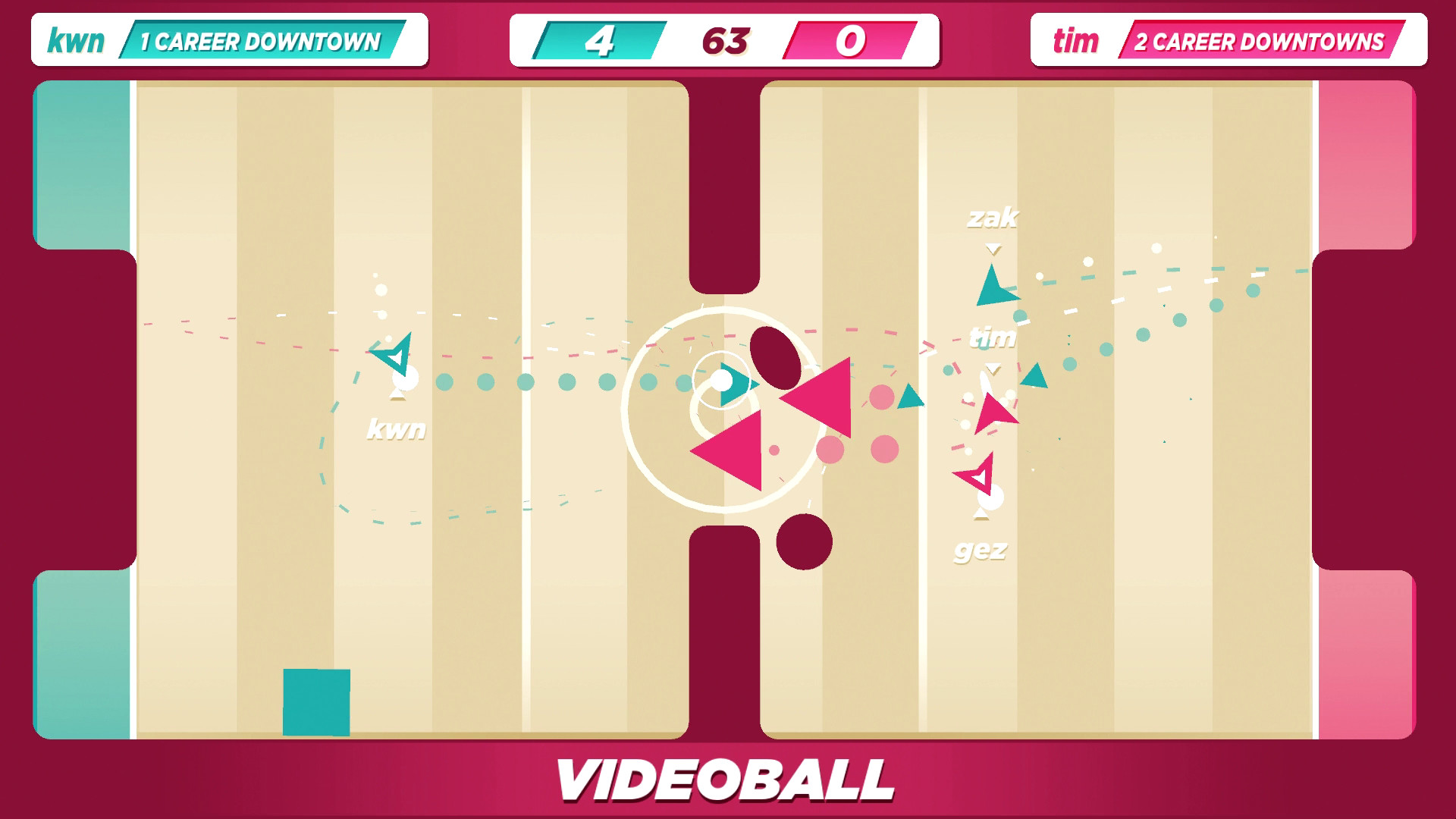
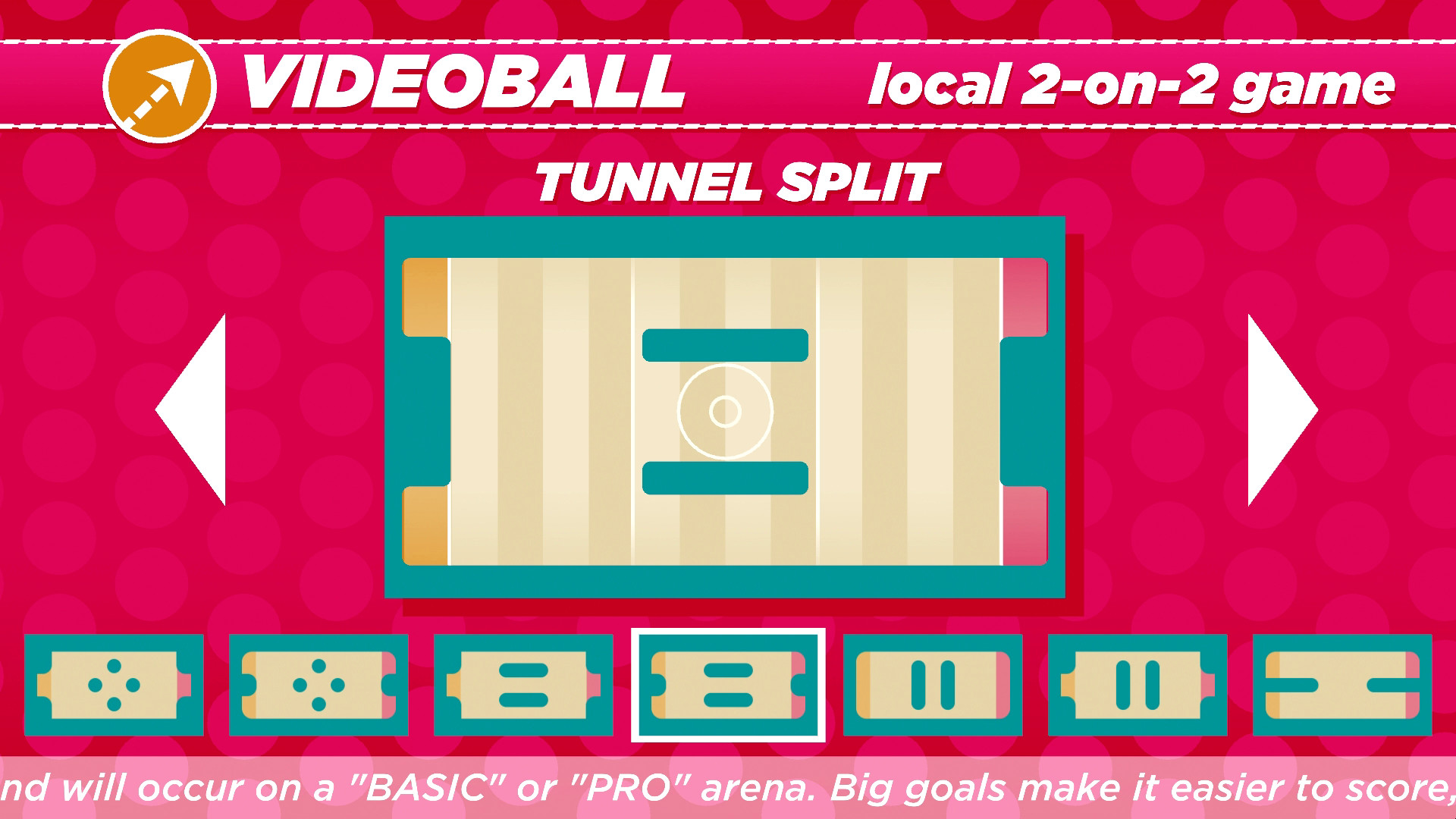
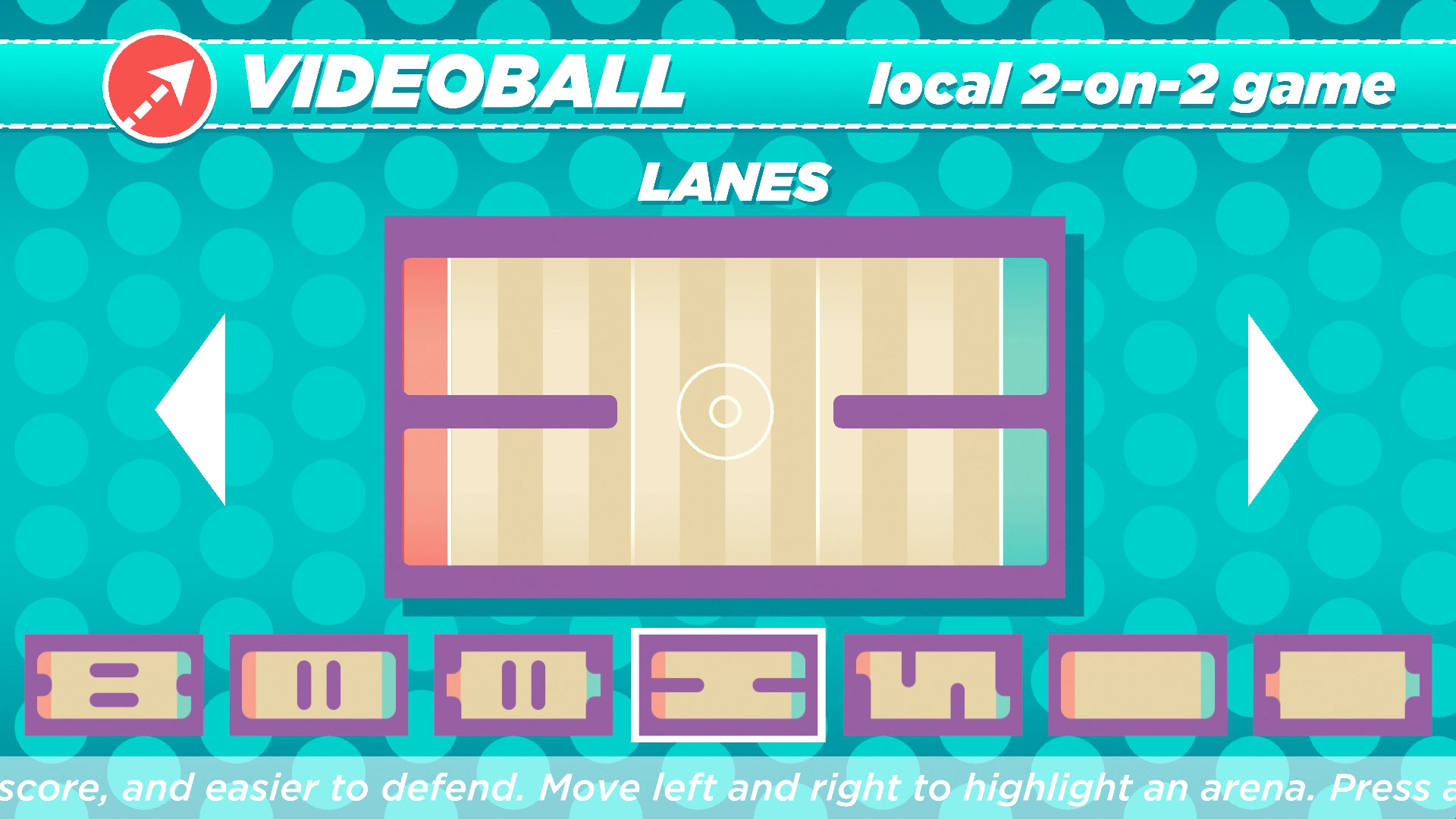
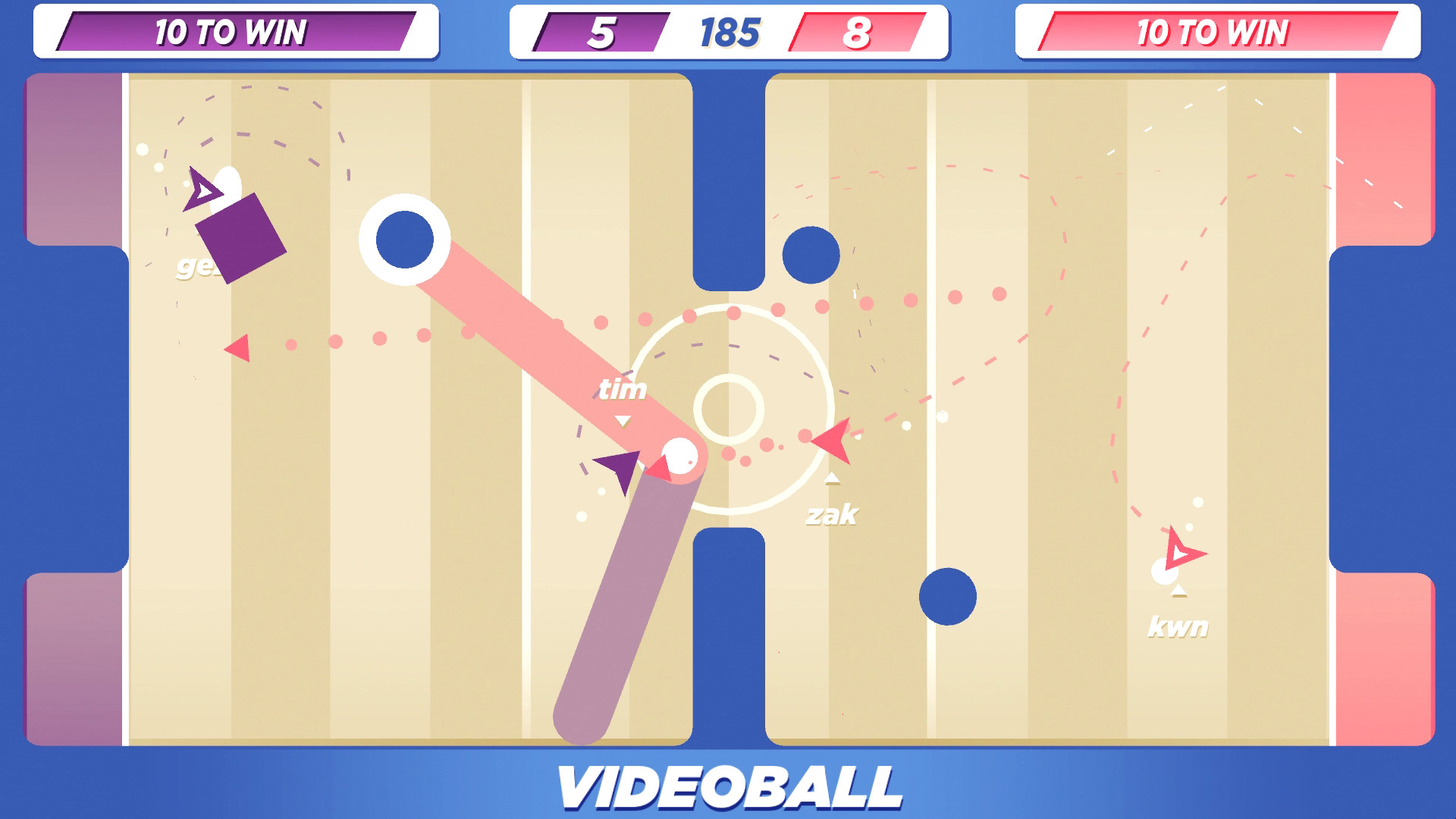
VIDEOBALL is a sport everyone can play.We researched basketball, football, soccer, first-person shooters, and real-time strategy games. VIDEOBALL is a compact expression of all sports' mechanics.
Screenshots


System requirements
Minimum
• OS *: Windows XP • Processor: Core 2 Duo • Memory: 2 GB RAM • Graphics: Intel HD 4000 • DirectX: Version 9.0c • Network: Broadband Internet connection • Storage: 200 MB available space • Additional Notes: Two-, four-, or six-player local multiplayer requires at least one, three, or five controller(s) (respectively) with at least one directional input implement (digital or analog) and two buttons each (one button is action; the other button will pause the game).
Recommended
• OS *: Windows 7 • Processor: Core i5 • Memory: 4 GB RAM • Graphics: NVIDIA GeForce GTX 460 or AMD Radeon HD6850 • DirectX: Version 9.0c • Network: Broadband Internet connection • Storage: 200 MB available space • Additional Notes: We strongly recommend not playing with a keyboard. We strongly recommend playing with controllers with analog sticks, a directional pad, at least one face button, a start button, shoulders, and triggers. (All directional implements will perform player movement; the start button will pause the game; all buttons will perform the same game action.) For two-, four-, and six-player local multiplayer, we recommend two, four, or six controllers (respectively), each of which have analog sticks, a directional pad, at least one face button, a start button, shoulder buttons, and triggers. (All directional implements will perform player movement; the start button will pause the game; all other buttons will perform the same game action.)
Languages: English*, French, Italian, German, Spanish - Spain, Swedish
How to activate
Steam
- Start Steam on your computer and sign in to the account you will play on.
- In the Games menu, choose Activate a Product on Steam. You can also start from Add a Game at the bottom left.
- Go through the introductory screens, review Steam’s terms and paste the complete key without surrounding spaces.
- Finish activation, then find the game in your Library and select Install.
Game details from Steam.