

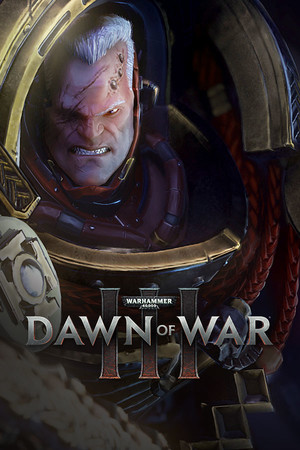
Warhammer 40,000: Dawn of War III (Limited Edition)
- Genres
- Action · Simulation · Strategy
- Release
- Apr 27, 2017
- Developer
- Relic Entertainment, Feral Interactive (Mac)
- Metacritic
Lowest price across all offers
from $14.431,230 ₽
Offers
The price depends on the platform and the activation region.
- WorldwideWorks in Russia$14.431,230 ₽1
- EuropeNot for RussiaWarhammer 40,000: Dawn of War III Limited Edition$15.121,290 ₽1
About the game
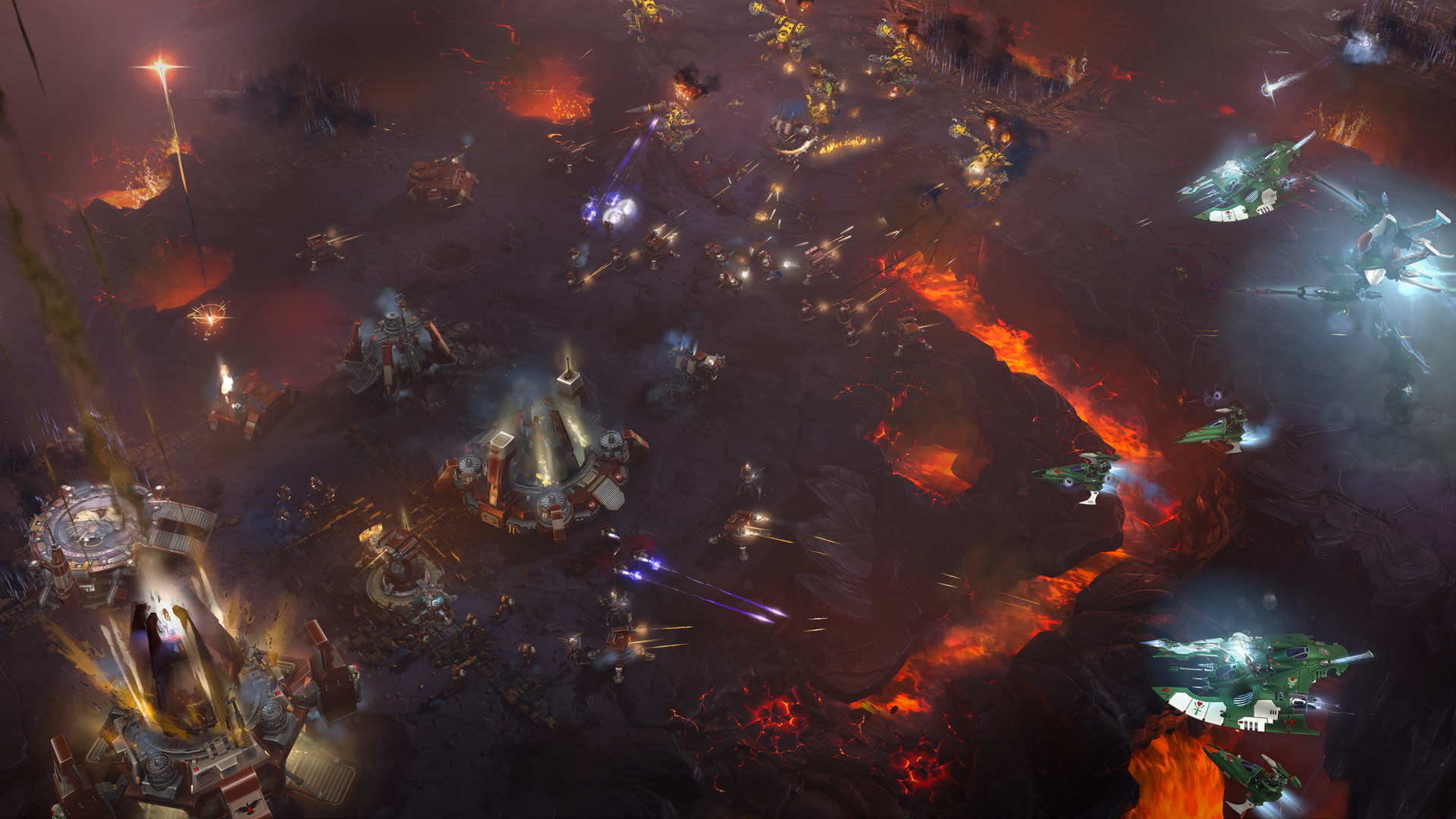
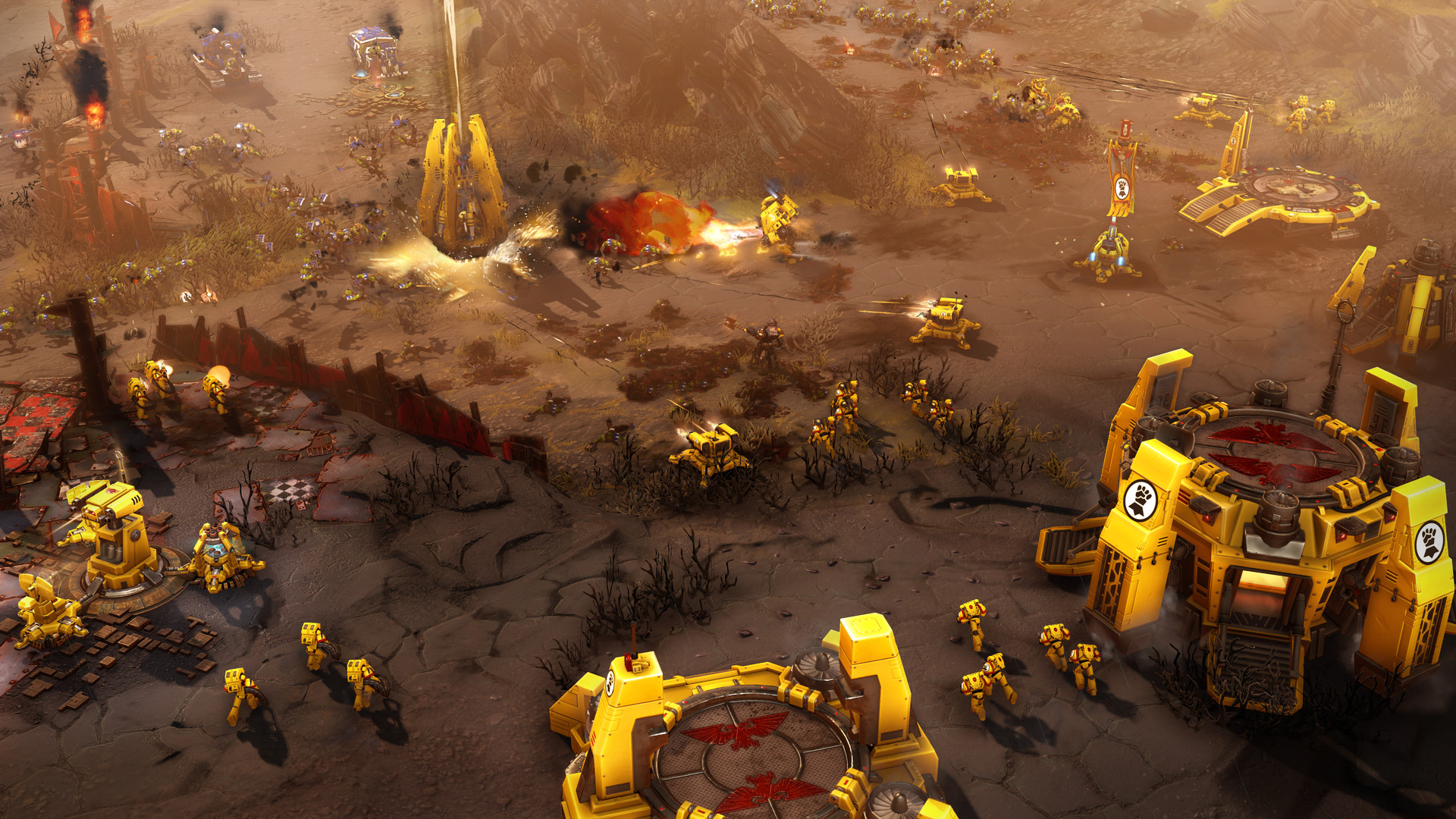
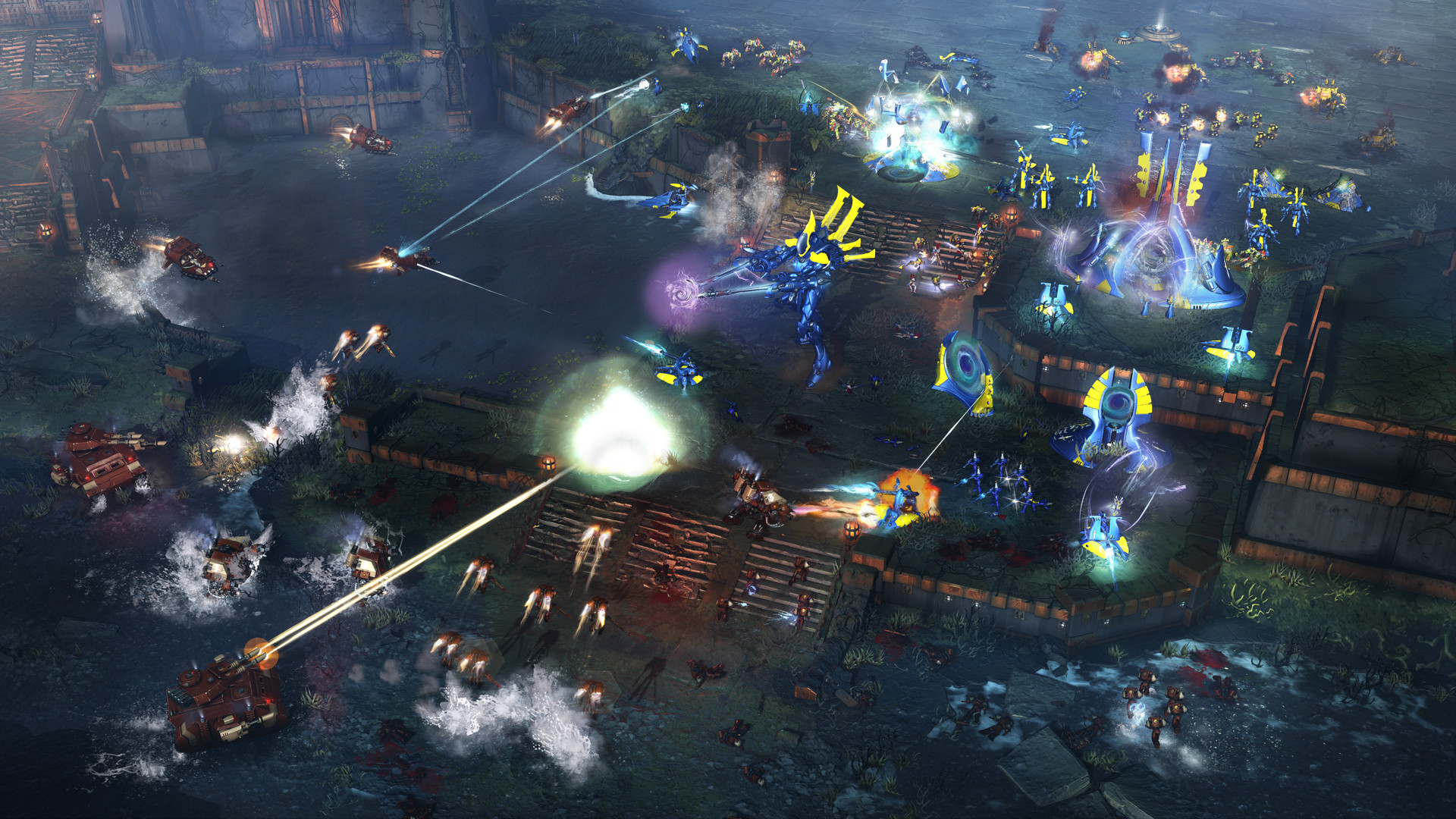
Step into a brutal battle between three warring factions In Dawn of War III you will have no choice but to face your foes when a catastrophic weapon is found on the mysterious world of Acheron.
Pictures and description are of the base game on Steam.
Screenshots
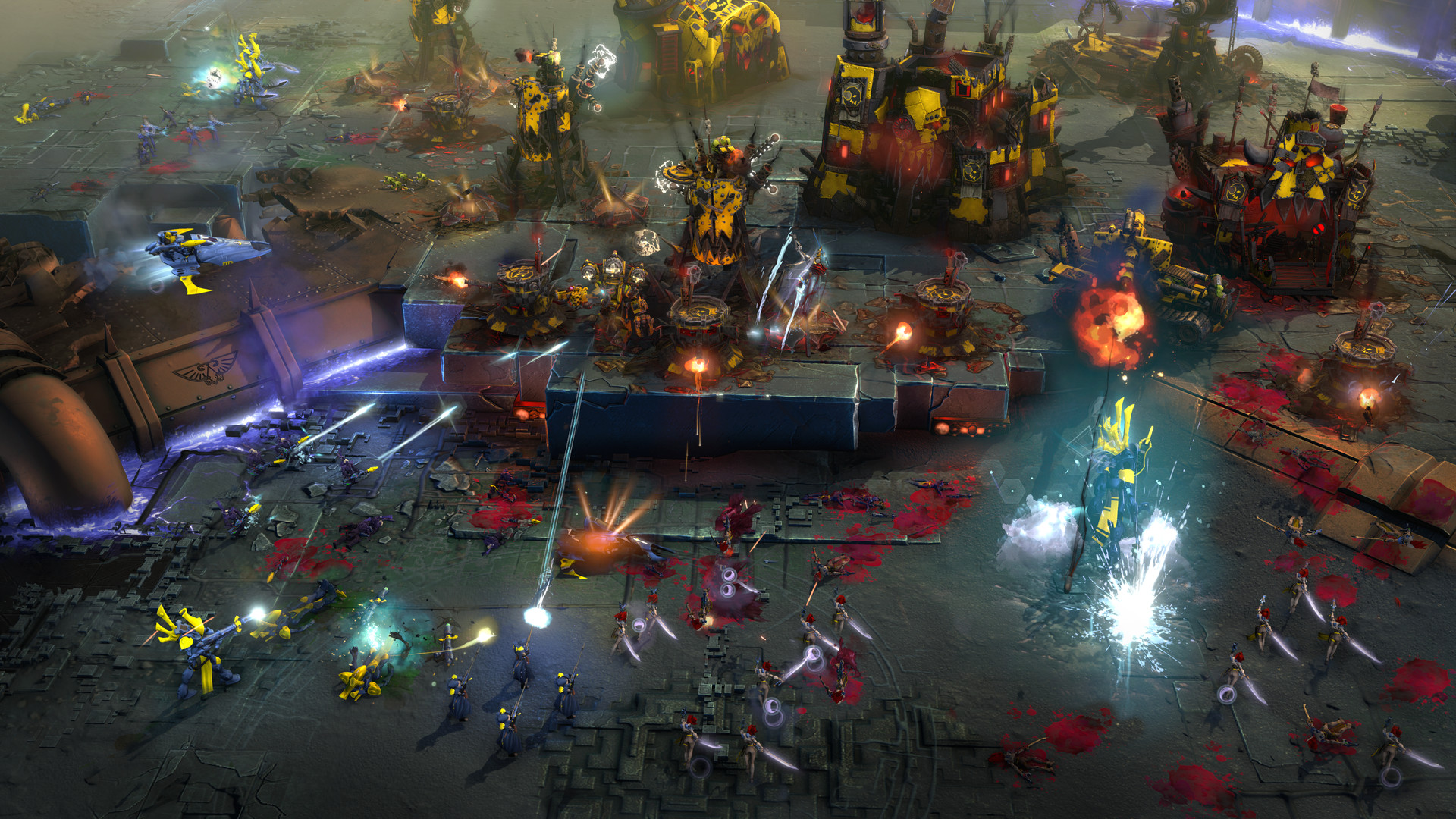
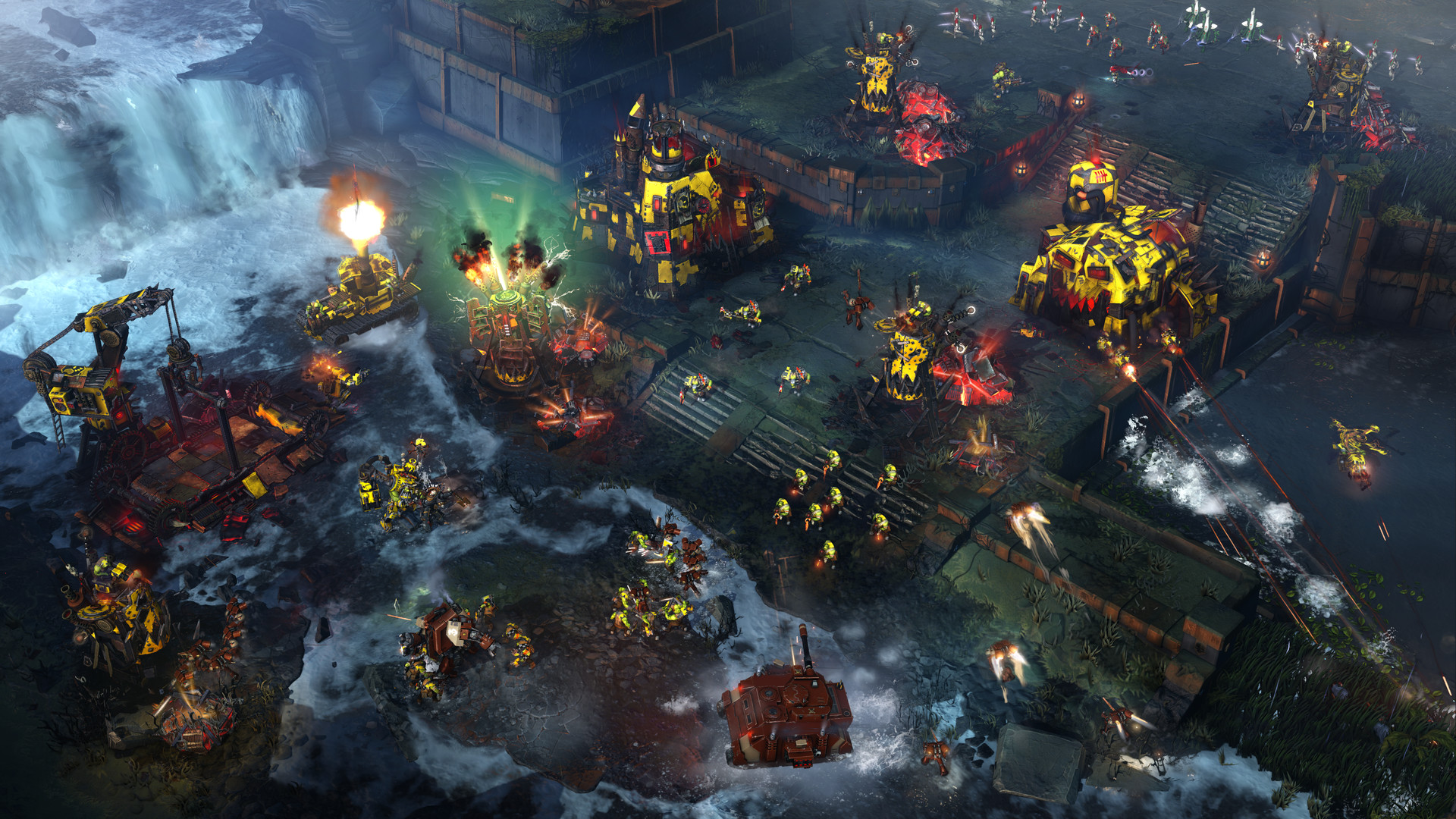
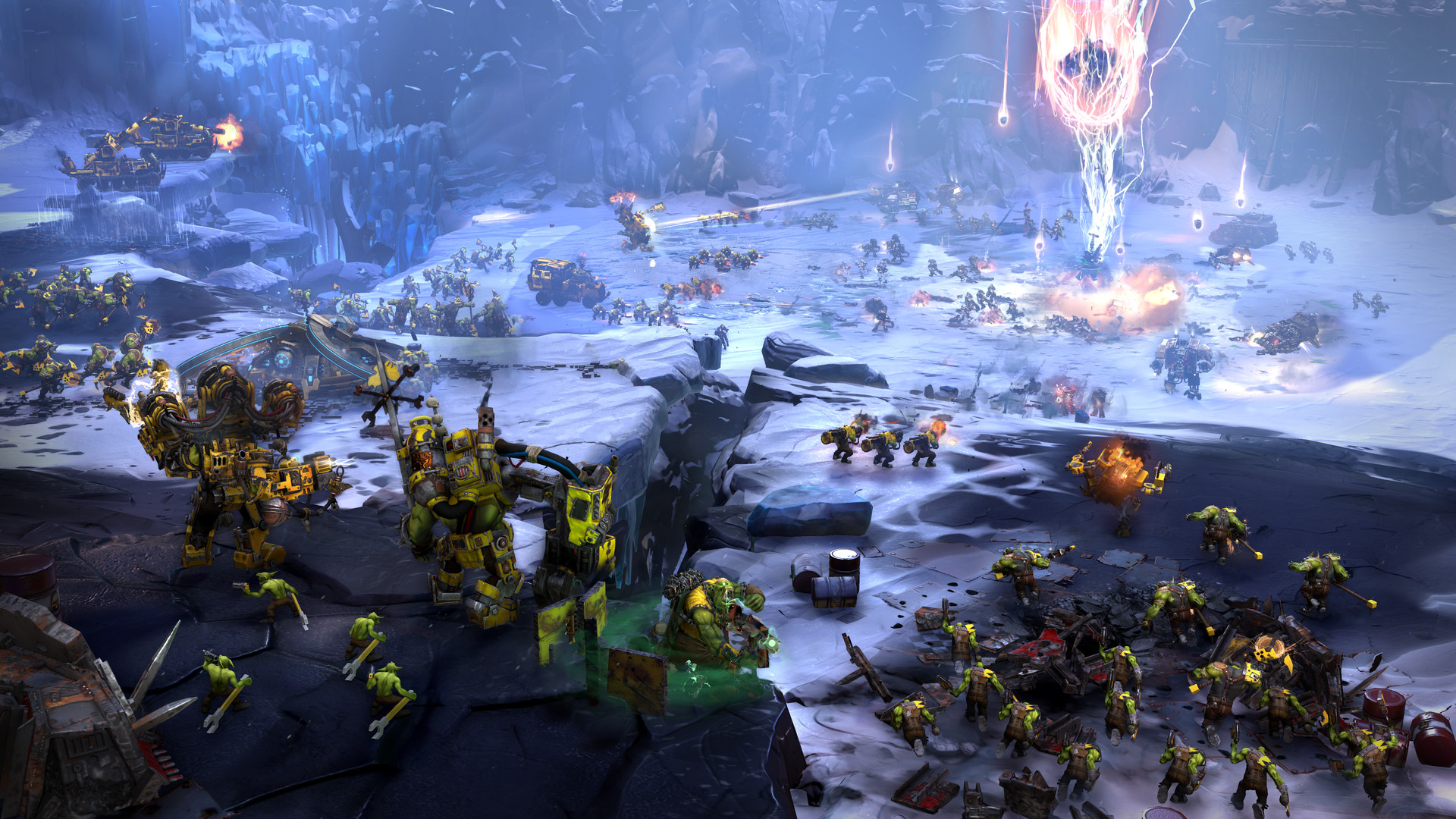


System requirements
Minimum
• Requires a 64-bit processor and operating system • OS *: 64-bit Windows 7 with latest updates • Processor: 3GHz i3 quad logical core or equivalent • Memory: 4 GB of RAM, 1 GB of VRAM MB RAM • Graphics: NVIDIA GeForce 460 or AMD Radeon 6950 or equivalent DirectX 11-card • DirectX: Version 11 • Network: Broadband Internet connection • Storage: 50 GB available space • Additional Notes: Quad physical core i5 or equivalent recommended for 3vs3 multiplayer. Game requires Internet connection for play and progression.
Recommended
• Requires a 64-bit processor and operating system • OS: 64-bit Windows 10 with latest updates • Processor: 3GHz i5 quad core or equivalent • Memory: 8 GB of RAM, 2 GB of VRAM MB RAM • Graphics: NVIDIA GeForce 770 or AMD Radeon 7970 or equivalent DirectX 11 card • DirectX: Version 11 • Network: Broadband Internet connection • Storage: 50 GB available space • Additional Notes: Game requires Internet connection for play and progression.
Languages: English*, French, Italian, German, Spanish - Spain, Korean, Polish, Portuguese - Brazil, Russian, Turkish, Czech, Simplified Chinese, Traditional Chinese
How to activate
Steam
- Start Steam on your computer and sign in to the account you will play on.
- In the Games menu, choose Activate a Product on Steam. You can also start from Add a Game at the bottom left.
- Go through the introductory screens, review Steam’s terms and paste the complete key without surrounding spaces.
- Finish activation, then find the game in your Library and select Install.
More from the series
 РФ ✓Warhammer 40,000: Battlesector | Deluxe EditionSteamfrom $74.756,370 ₽
 РФ ✓Warhammer 40,000: Space Marine 2 (Xbox Series X|S)Xboxfrom $34.882,980 ₽3 offersРФ ✓Warhammer 40,000: Space Marine 2 (Ultra Edition)Steamfrom $125.2510,680 ₽2 offers
 РФ ✓Warhammer 40,000: Mechanicus (Omnissiah Edition)Steamfrom $4.11360 ₽4 offers
 РФ ✓Warhammer 40,000: Darktide (Imperial Edition)Steamfrom $13.401,150 ₽3 offers
 РФ ✓Warhammer 40,000: Boltgun: Forges of Corruption EditionSteamXboxfrom $11.36970 ₽2 offers
 РФ ✓Warhammer 40,000: Dawn of War - Definitive EditionSteamfrom $20.371,740 ₽2 offers
 РФ ✓Warhammer 40,000: Rogue Trader (Deluxe Edition)Steamfrom $12.601,080 ₽2 offers
Game details from Steam.