
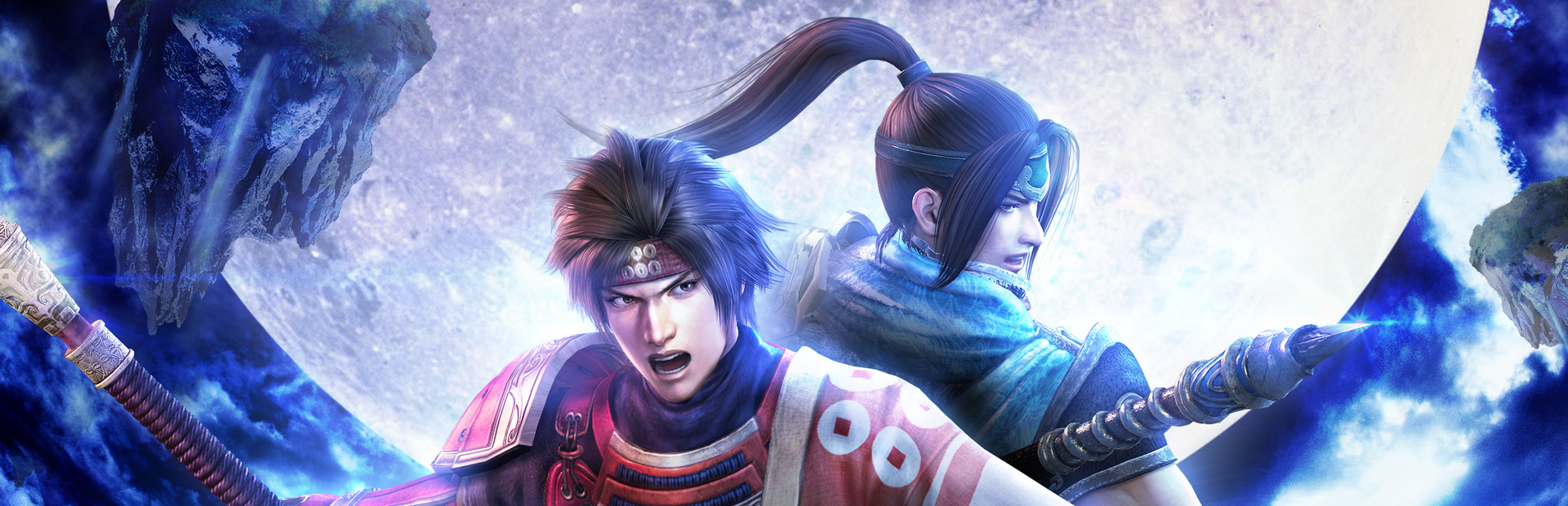
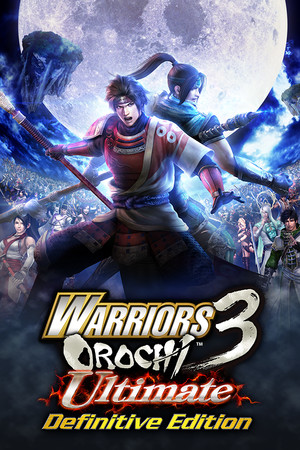
WARRIORS OROCHI 3 Ultimate Definitive Edition
- Genres
- Action · Strategy
- Release
- Jul 12, 2022
- Developer
- KOEI TECMO GAMES CO., LTD.
- Metacritic
from $24.382,172 ₽
Offers
The price depends on the platform and the activation region.
- Worldwide, except 203 countriesNot for RussiaWarriors Orochi 3 (Ultimate Definitive Edition) (WW, except 203 countries: AD, AF, AG…)
except 203 countries
Andorra, Afghanistan, Antigua & Barbuda, Anguilla, Albania, Armenia, Curaçao, Angola, Antarctica, Argentina, Asia, Aruba…
$24.382,172 ₽1
About the game
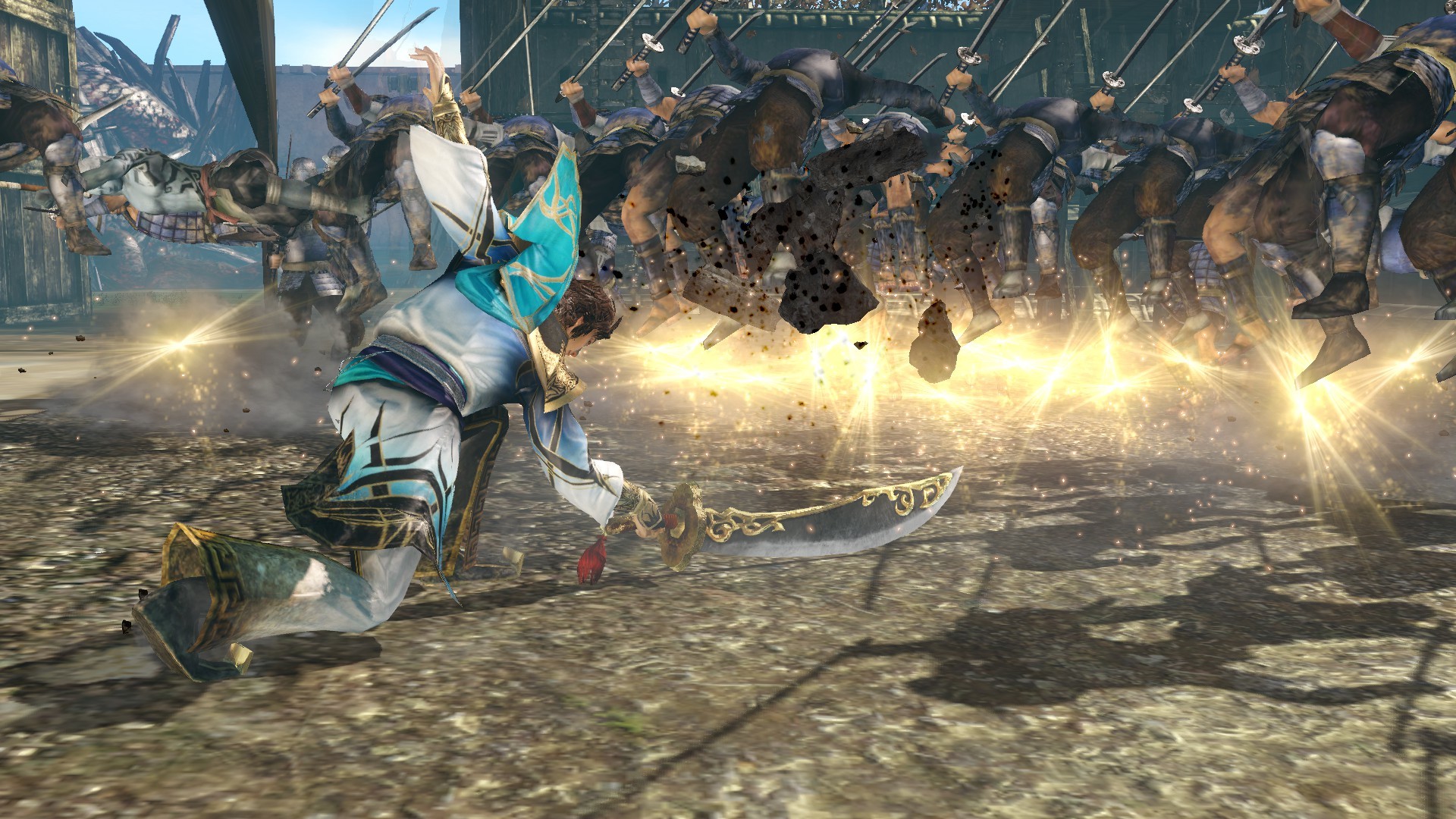
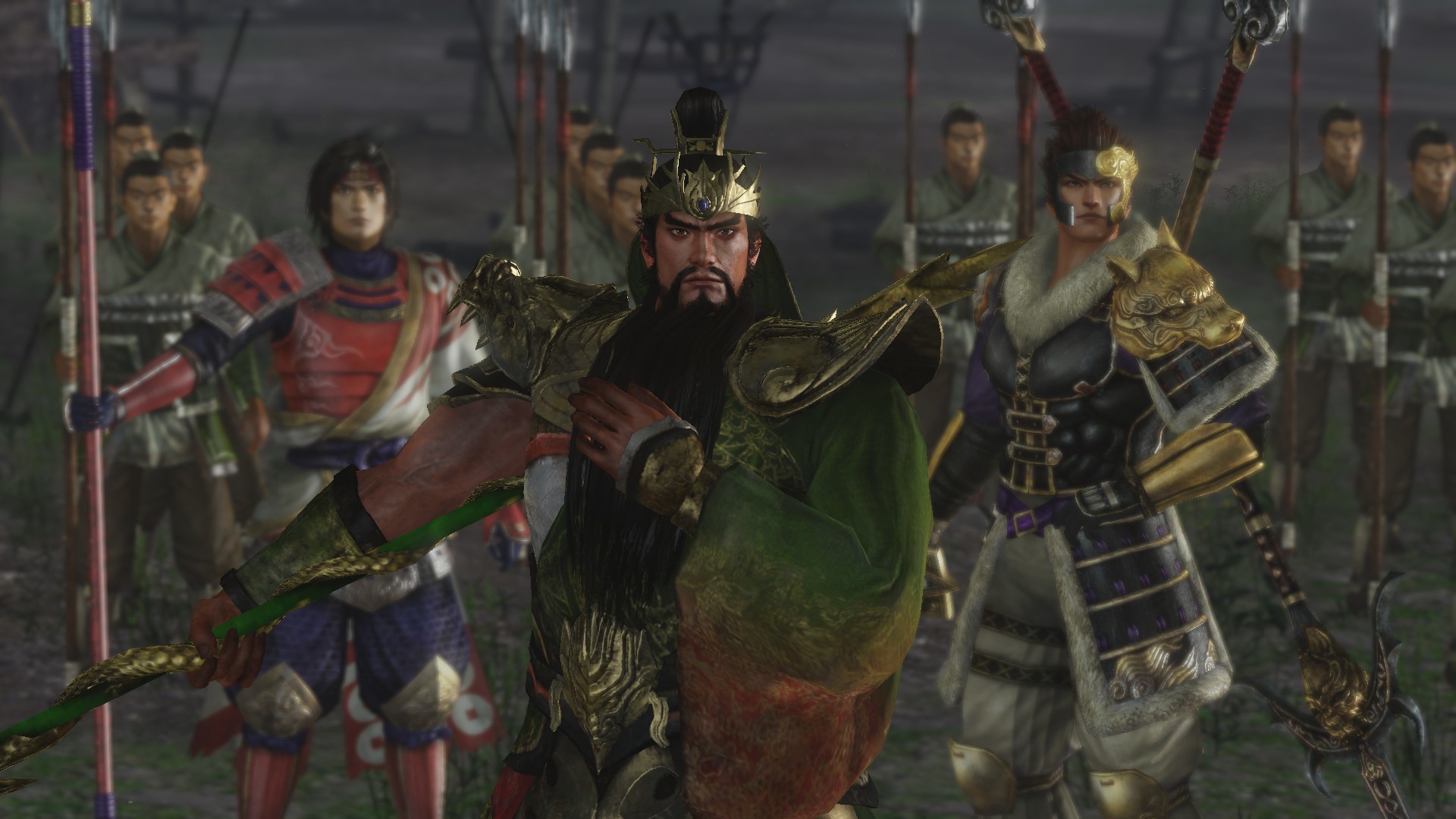
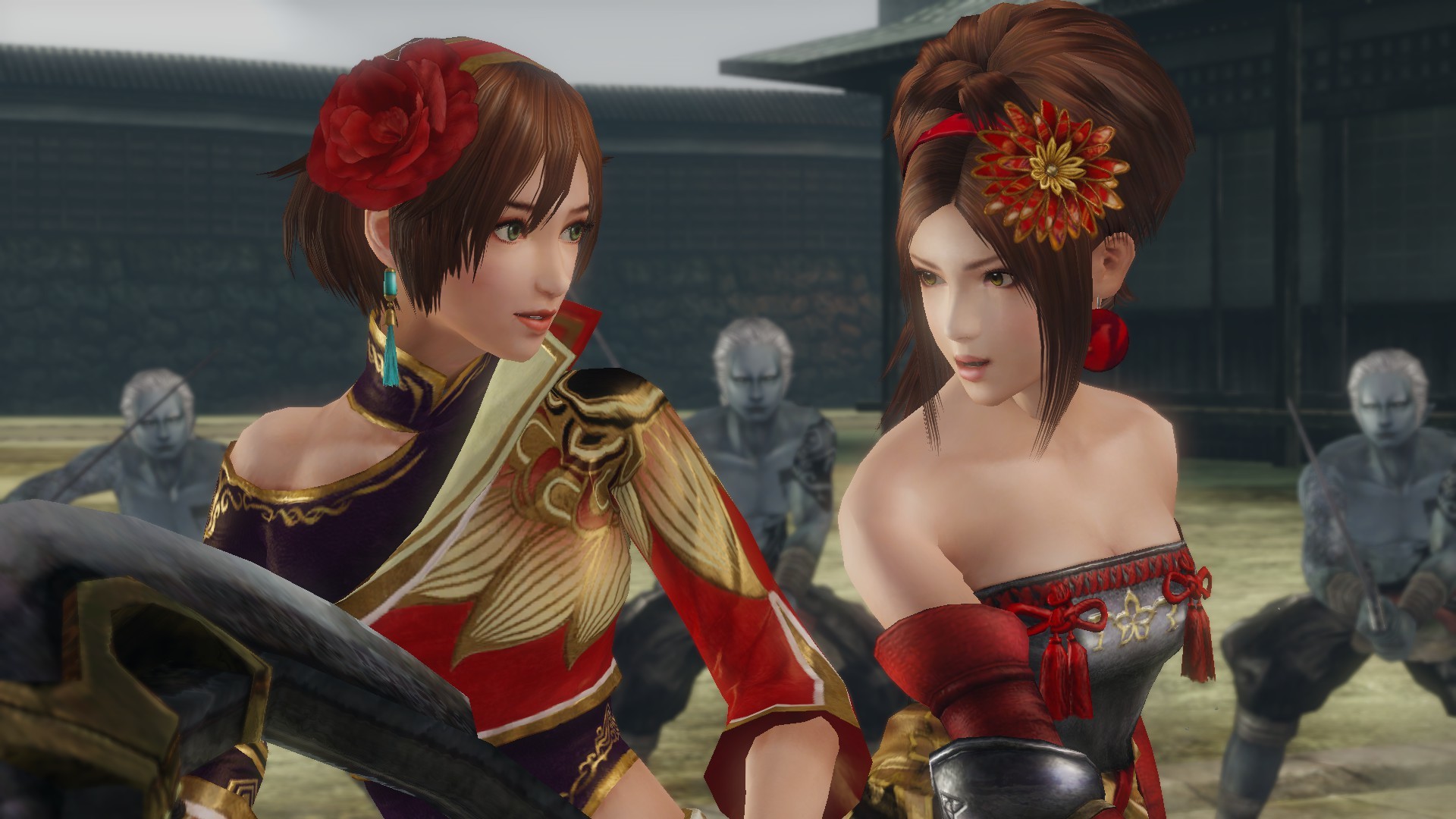
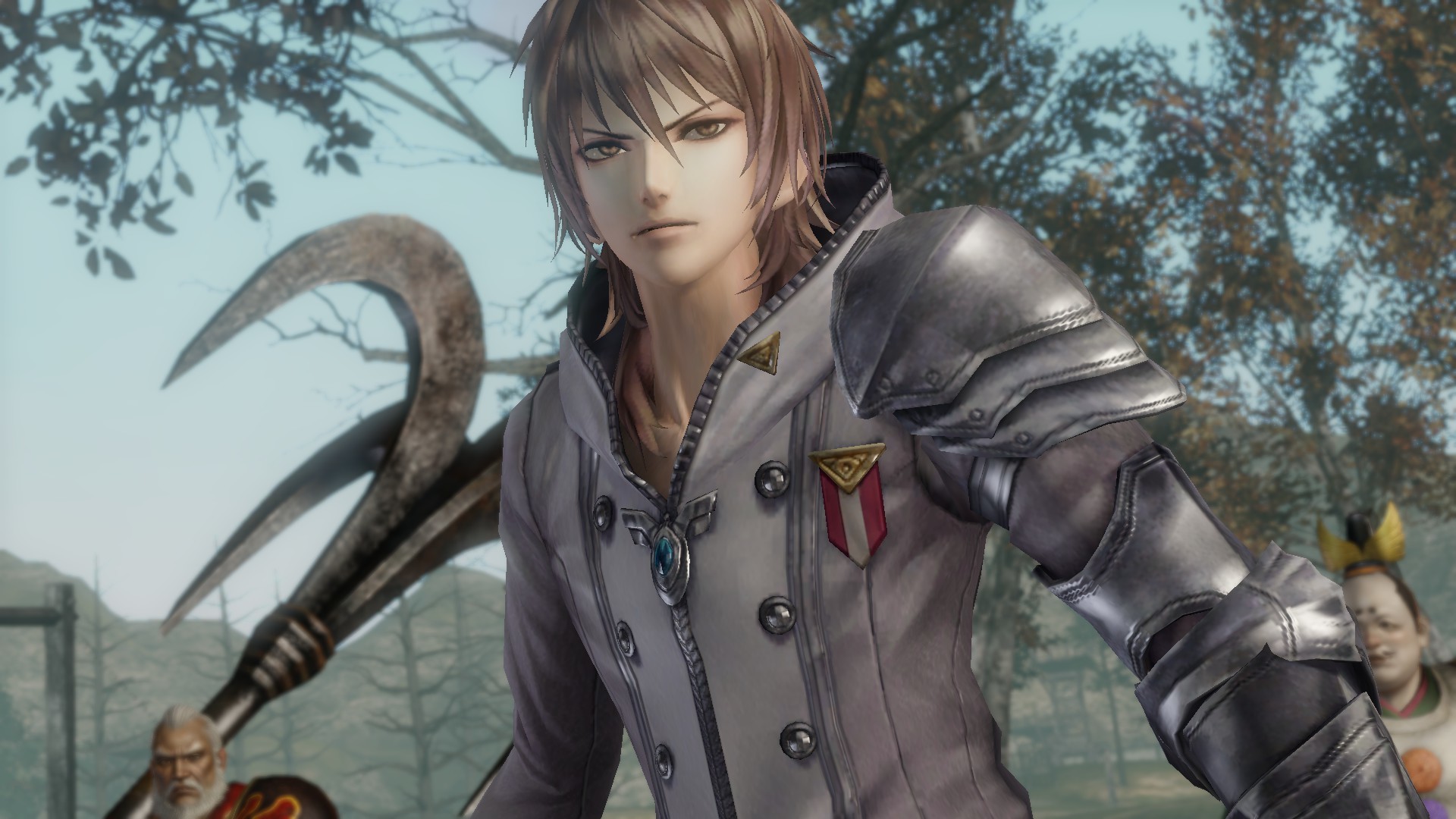
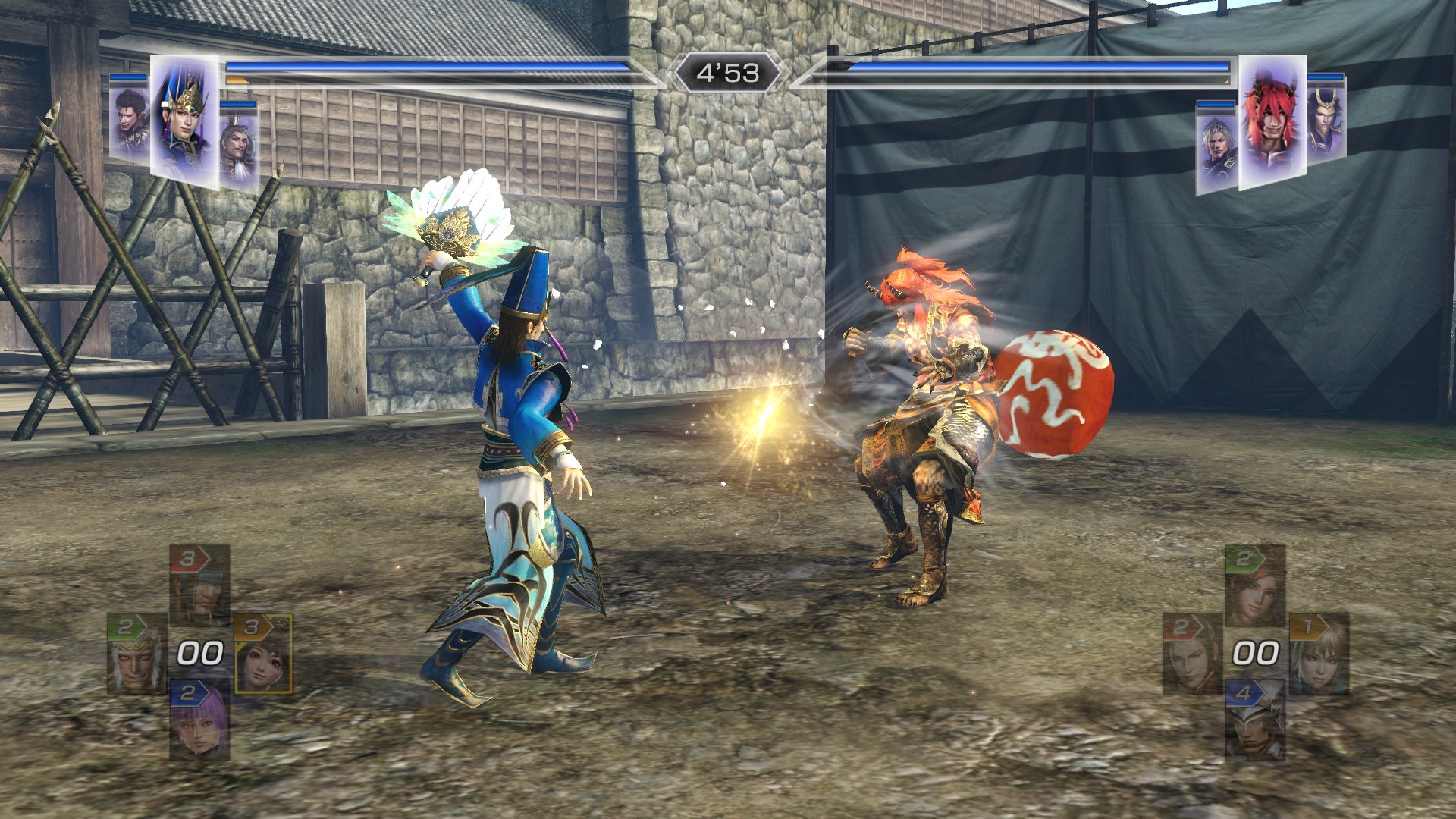
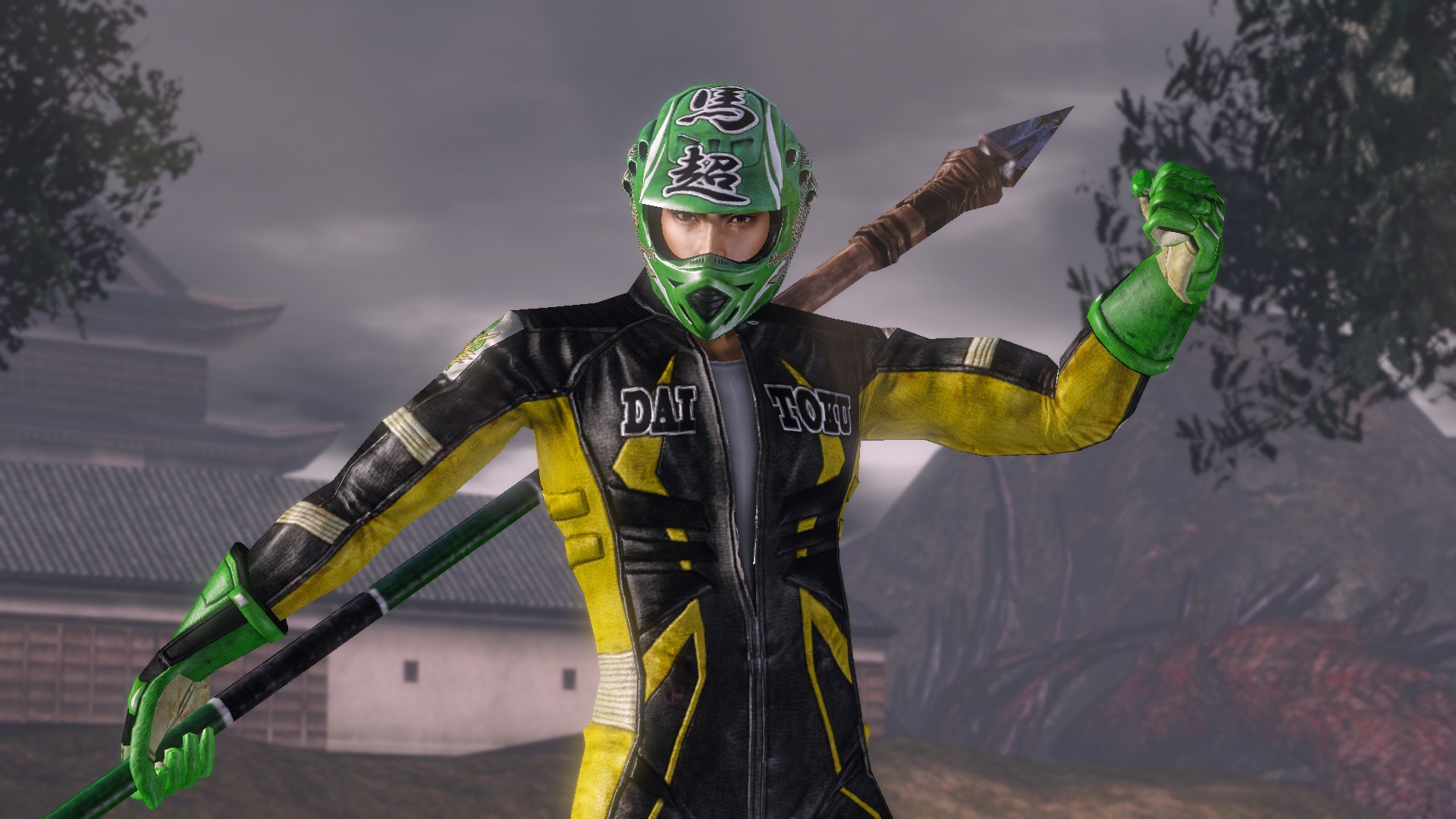
The truly ultimate "WARRIORS OROCHI 3" is now available on Steam! With all the content of "WARRIORS OROCHI 3", new characters and episodes that deepen the story, new modes, and DLC that has been released for other platforms, enjoy the world of Orochi to your heart's content!
Screenshots


System requirements
Minimum
• Requires a 64-bit processor and operating system • OS: Windows® 10, Windows® 11, 64bit • Processor: Intel Core i3-4170 or over • Memory: 4 GB RAM • Graphics: NVIDIA GeForce GTX 650 or over, Radeon HD 7750 or over • DirectX: Version 11 • Network: Broadband Internet connection • Storage: 25 GB available space • Sound Card: 16 bit stereo, 48KHz WAVE file can be played • Additional Notes: Set the graphics quality to Low from "Graphics Settings". This will automatically adjust the settings @ 1280x720. ※If you are using Windows® 11, the system requirements for Windows® 11 apply.
Recommended
• Requires a 64-bit processor and operating system • OS: Windows® 10, Windows® 11, 64bit • Processor: Intel Core i7 3770 or over, AMD Ryzen 3 1200 or over • Memory: 8 GB RAM • Graphics: NVIDIA GeForce GTX 760 or over, Radeon RX 470 or over • DirectX: Version 11 • Network: Broadband Internet connection • Storage: 25 GB available space • Sound Card: 16 bit 5.1ch surround, 48KHz WAVE file can be played • Additional Notes: Set the graphics quality to High from "Graphics Settings". This will automatically adjust the settings @ 1920x1080. ※If you are using Windows® 11, the system requirements for Windows® 11 apply.
Languages: English, Simplified Chinese, Traditional Chinese, Japanese*
How to activate
Steam
- Open Steam and sign in.
- Games → Activate a Product on Steam…
- Paste the key and confirm.
Game details from Steam.