

Winter Resort Simulator
- Genres
- Casual · Indie · Simulation
- Release
- Dec 12, 2019
- Developer
- Simuverse Interactive
Lowest price across all offers
from $13.871,190 ₽
Offers
The price depends on the platform and the activation region.
- WorldwideWorks in Russia$13.871,190 ₽1
About the game
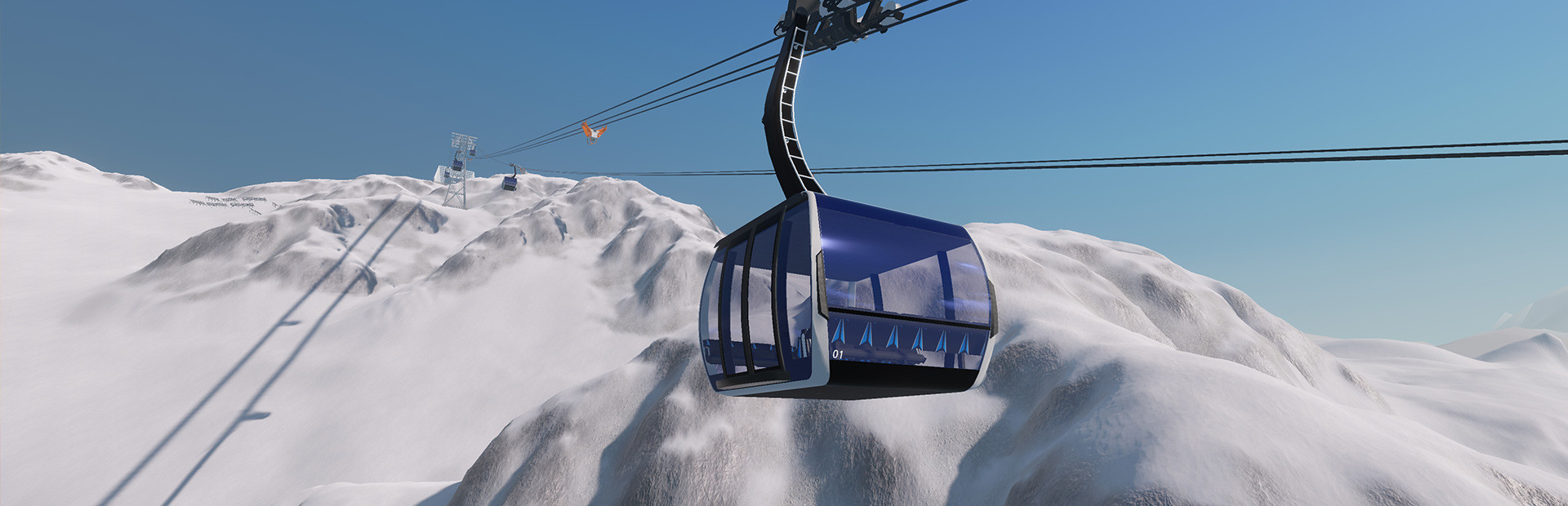
Are you ready for the winter? Winter Resort simulator lets you operate detailed Doppelmayr cable cars and snow vehicles such as Pistenbully snowcats. Set in a realistic alpine landscape, you are responsible for managing your ski resort and keeping your guests happy.
Screenshots


System requirements
Minimum
• Requires a 64-bit processor and operating system • OS *: Win 7/8.1/10 (64Bit) • Processor: AMD / Intel dual-core (with hyper-threading) CPU, running at 3 GHz (AMD FX 4100 series or Intel Core i3-2000 series or newer architectures are recommended) • Memory: 4096 MB RAM • Graphics: AMD/NVIDIA dedicated graphic card, with at least 2048MB of dedicated VRAM and Shader Model 5.1 support. AMD R7 265 and NVIDIA GeForce GTX 750 Ti or newer architectures are recommended. • Storage: 4 GB available space • Sound Card: Integrated or dedicated DirectX 9 compatible soundcard • Additional Notes: Keyboard, mouse and internet connection for Steam
Recommended
• Requires a 64-bit processor and operating system • OS: Win 10 (64Bit) • Processor: AMD / Intel quad-core processor running at 3.5 GHz (AMD Athlon X4 950 series or Intel Core i5 3000 series or newer architectures are recommended) • Memory: 8192 MB RAM • Graphics: AMD/NVIDIA dedicated graphic card, with at least 2048 / 4096MB of dedicated VRAM (or more) and Shader Model 5.1 support. ATI/AMD Radeon HD 7870 and NVIDIA GeForce GTX 1050 Ti or newer architectures are recommended. • DirectX: Version 11 • Storage: 4 GB available space • Sound Card: Integrated or dedicated DirectX 9 compatible soundcard • Additional Notes: Keyboard, mouse and internet connection for Steam.
Languages: English, German, French, Spanish - Spain, Italian
How to activate
Steam
- Start Steam on your computer and sign in to the account you will play on.
- In the Games menu, choose Activate a Product on Steam. You can also start from Add a Game at the bottom left.
- Go through the introductory screens, review Steam’s terms and paste the complete key without surrounding spaces.
- Finish activation, then find the game in your Library and select Install.
More from the series
Game details from Steam.