

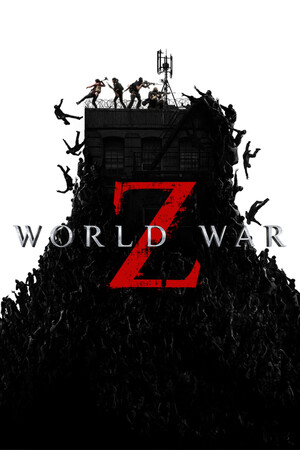
World War Z
- Genres
- Action
- Release
- Sep 21, 2021
- Developer
- Saber Interactive Inc
Lowest price across all offers
from $8.05690 ₽
Offers
The price depends on the platform and the activation region.
- EuropeNot for Russia$8.05690 ₽1
- WorldwideWorks in Russia$12.311,050 ₽1
- CIS, except 2 countriesNot for RussiaWorld War Z (CIS, except BY, RU)
except 2 countries
Belarus, Russia
$14.851,270 ₽1
About the game
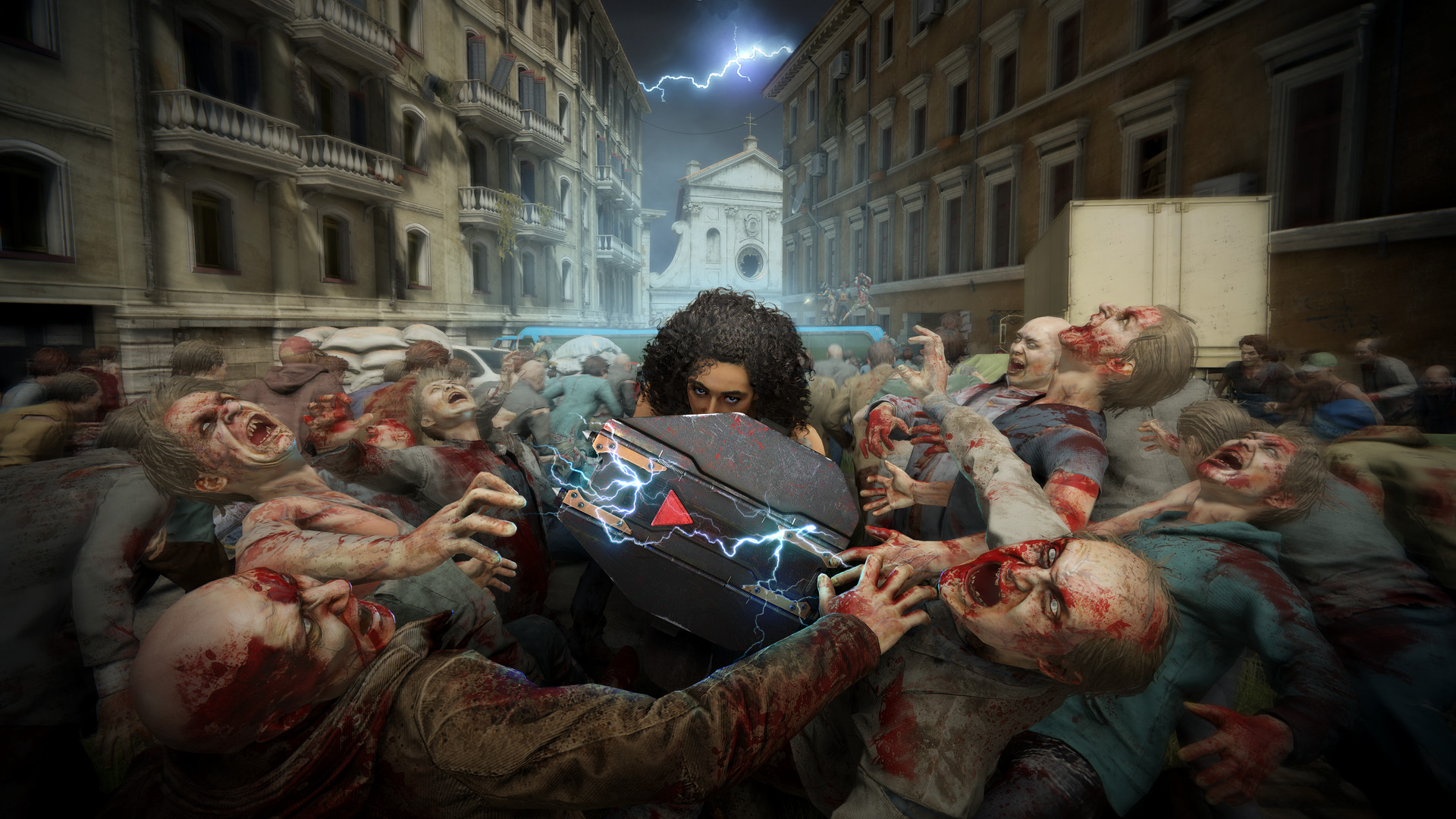
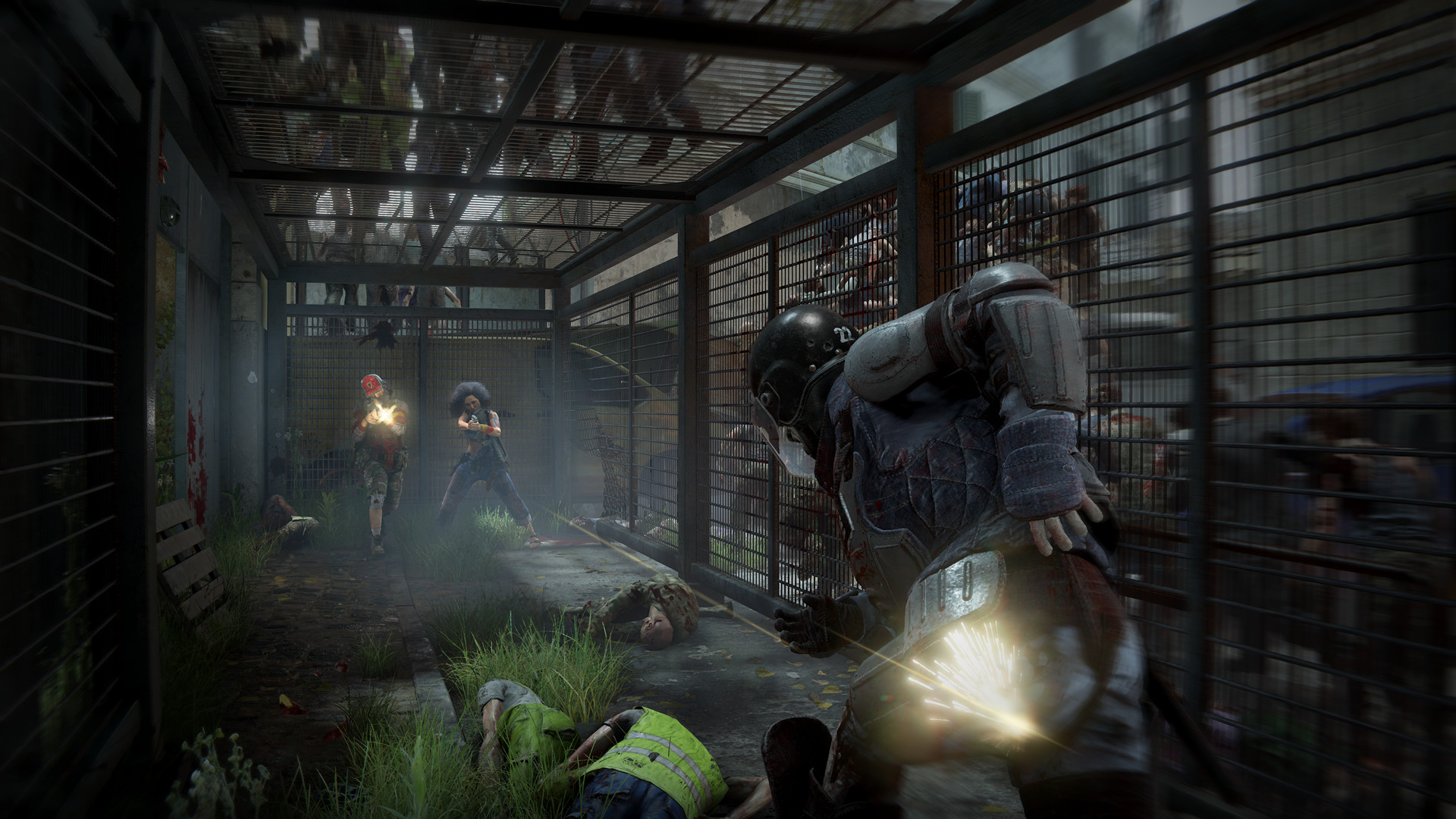
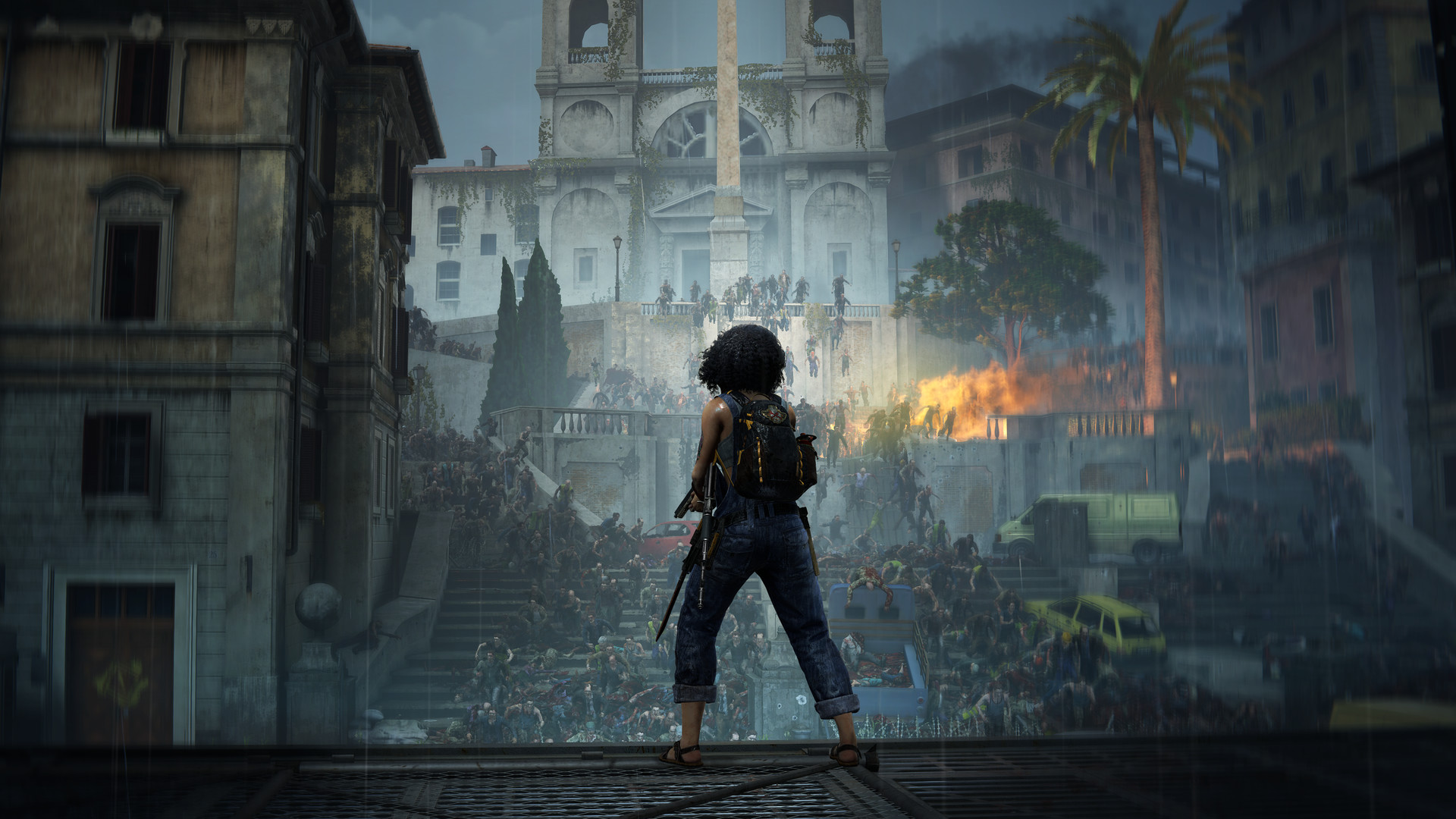
World War Z is a heart-pounding coop third-person shooter for up to 4 players featuring massive swarms of hundreds of zombies, focused on fast-paced, gruesomely spectacular action.
Screenshots
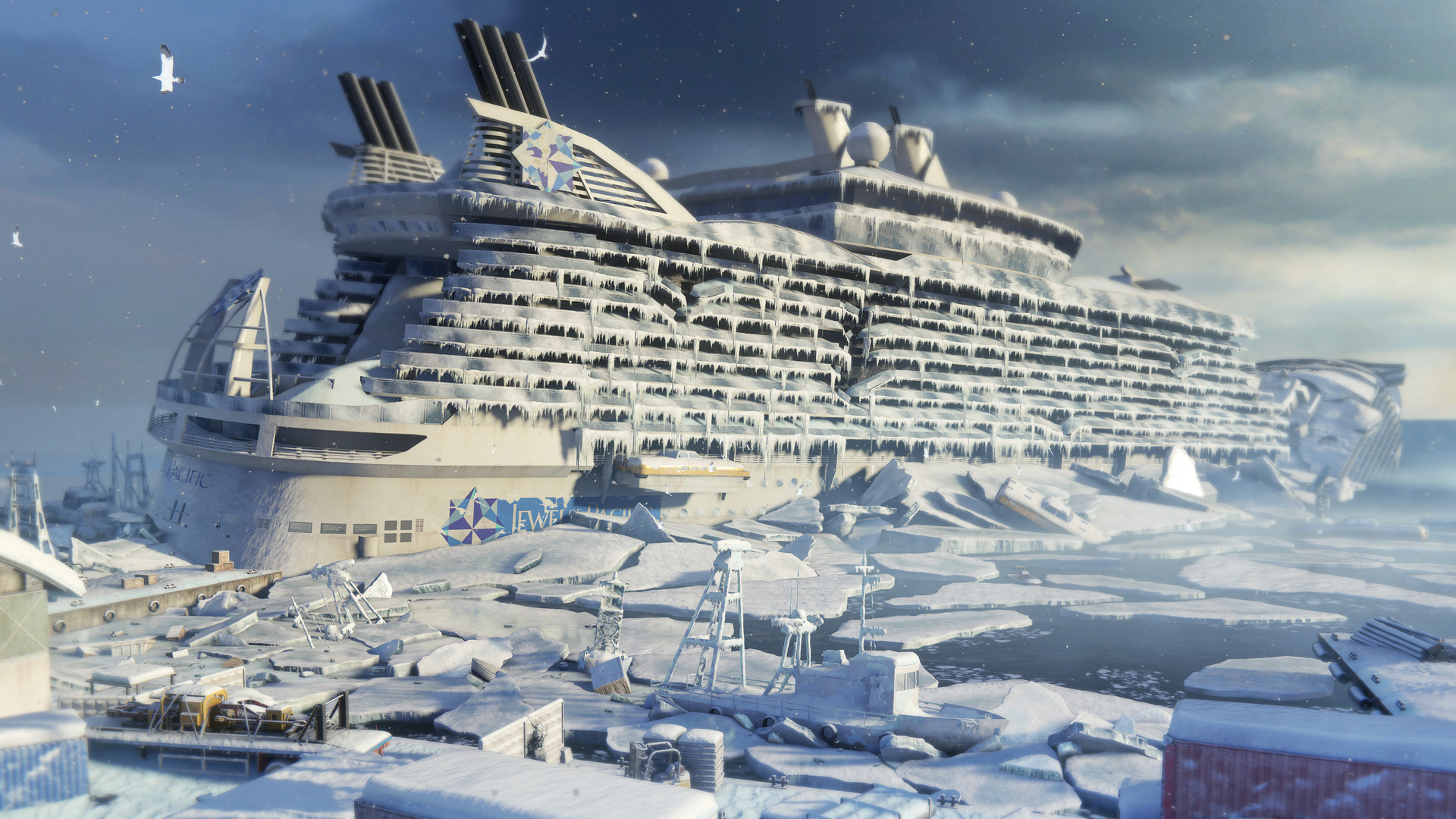
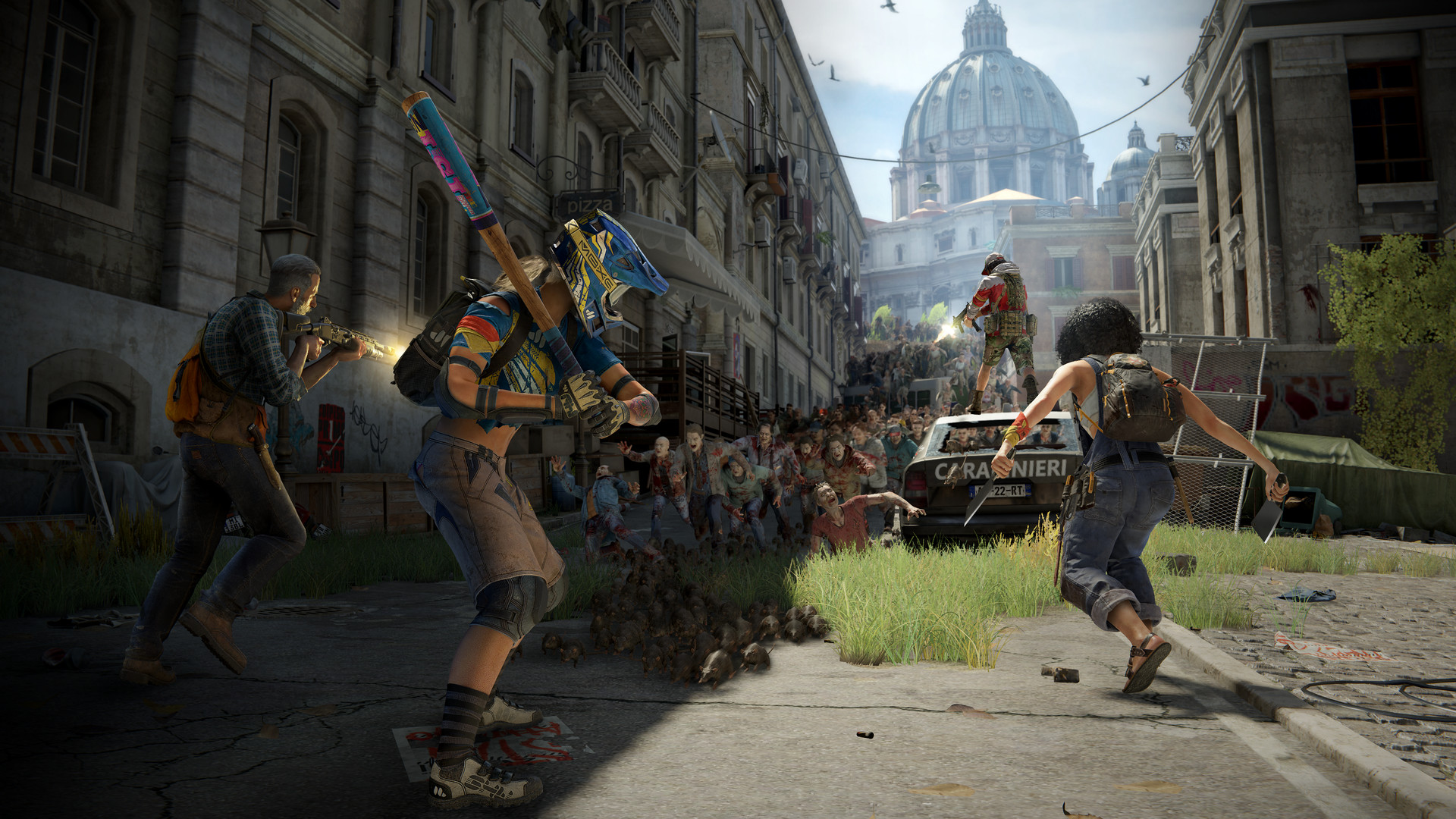
System requirements
Minimum
• Requires a 64-bit processor and operating system • OS *: Windows 7 • Processor: AMD A10-5700 / Intel Core i3-3220 • Memory: 8 GB RAM • Graphics: AMD R7-240 / GForce 650Ti / Intel 630 • DirectX: Version 11 • Network: Broadband Internet connection • Storage: 50 GB available space • Sound Card: Yes
Recommended
• Requires a 64-bit processor and operating system • OS: Windows 10 • Processor: AMD Ryzen 5 2400G / Intel core i7-3970 • Memory: 16 GB RAM • Graphics: AMD Radeon R9 280 / Nvidia GeForce GTX 960 • DirectX: Version 11 • Network: Broadband Internet connection • Storage: 50 GB available space • Sound Card: Yes
Languages: Russian, English*, Spanish - Spain, Traditional Chinese, French, Italian, German, Korean, Polish, Portuguese - Brazil, Simplified Chinese, Japanese
How to activate
Steam
- Start Steam on your computer and sign in to the account you will play on.
- In the Games menu, choose Activate a Product on Steam. You can also start from Add a Game at the bottom left.
- Go through the introductory screens, review Steam’s terms and paste the complete key without surrounding spaces.
- Finish activation, then find the game in your Library and select Install.
Nintendo
- Connect your console to the internet and launch Nintendo eShop from HOME.
- Choose the user linked to the intended Nintendo Account. Check the account country and code region.
- Choose Enter Code / Redeem Code in the left menu and enter the 16-character download code.
- Confirm redemption. Games begin downloading and appear on HOME. eShop cards and Nintendo Switch Online codes use this route too.
More from the series
World War Z (Xbox One)Xboxfrom $12.691,090 ₽РФ ✓World War Z: AftermathSteamfrom $15.091,290 ₽5 offersРФ ✓World War Z: Aftermath (Deluxe Edition)Steamfrom $22.521,920 ₽3 offersGame details from Steam.