

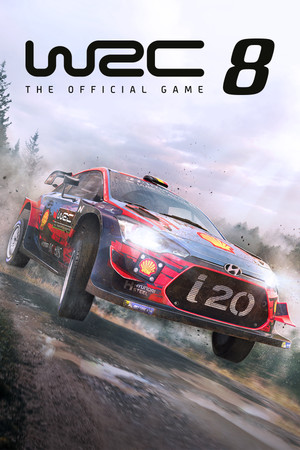
WRC 8 FIA World Rally Championship
- Genres
- Racing · Simulation · Sports
- Release
- Sep 8, 2020
- Developer
- KT Racing
- Metacritic
Lowest price across all offers
from $2.05180 ₽
Offers
The price depends on the platform and the activation region.
- EuropeNot for Russia$2.14190 ₽1
About the game
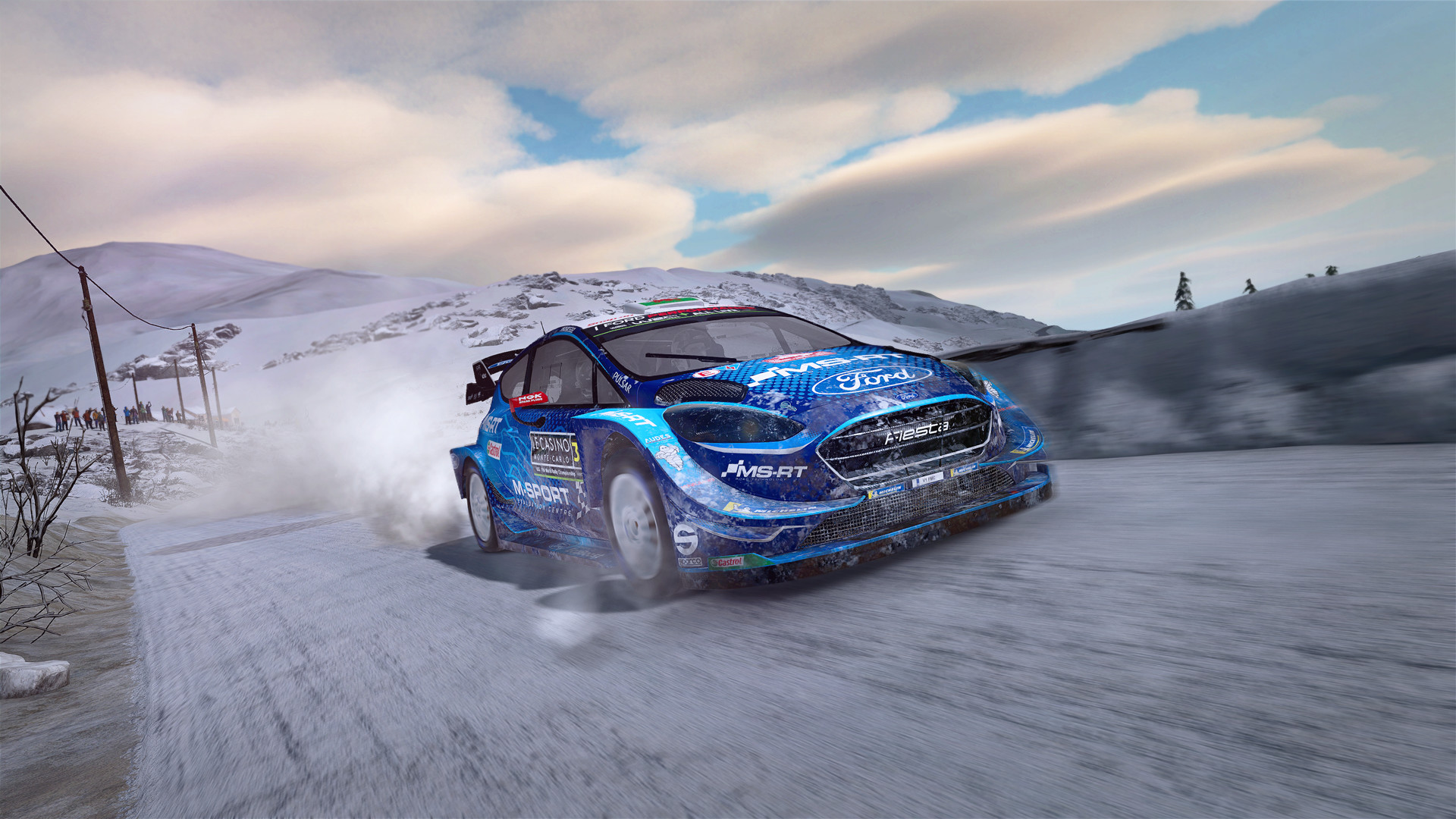
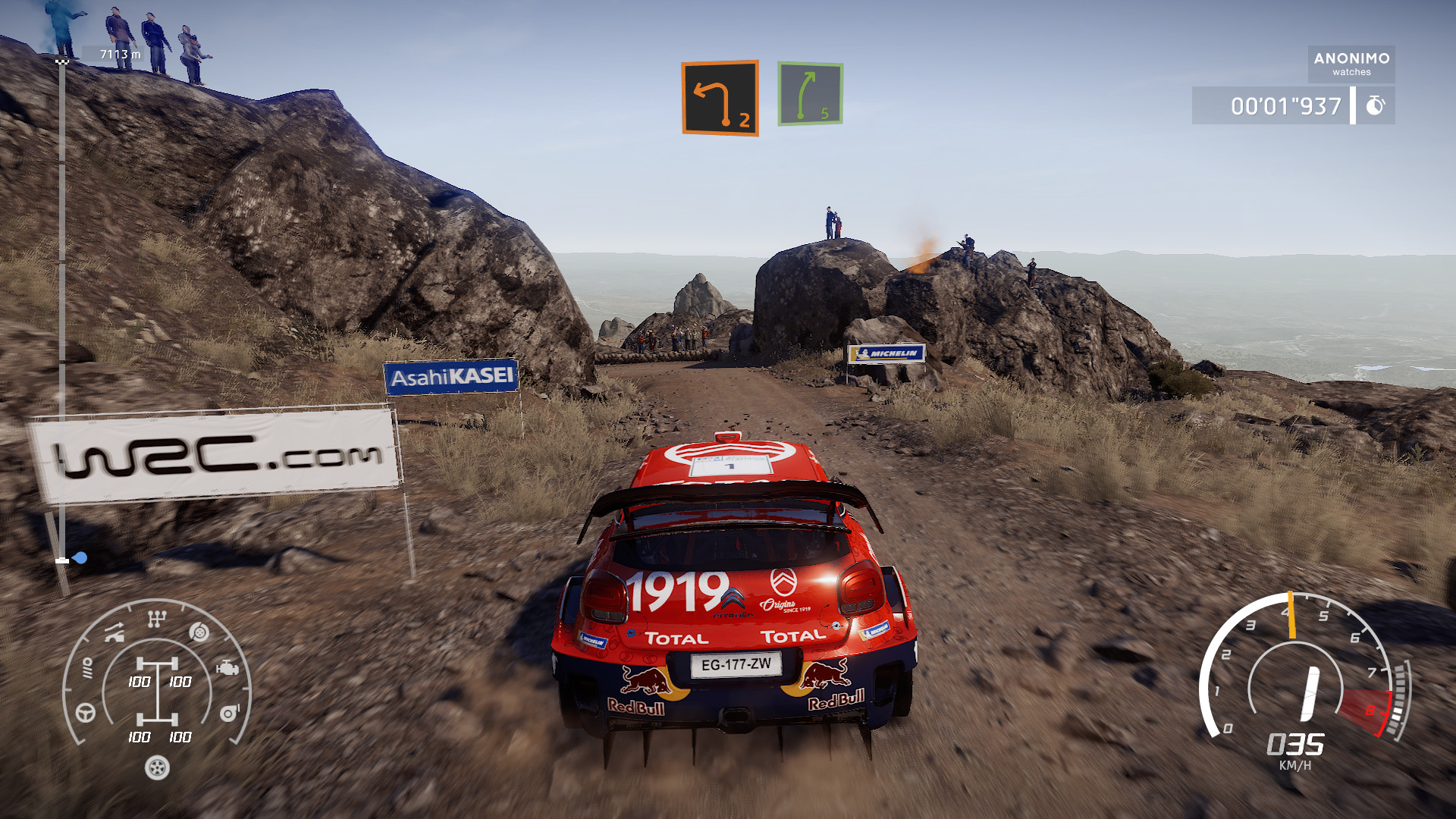
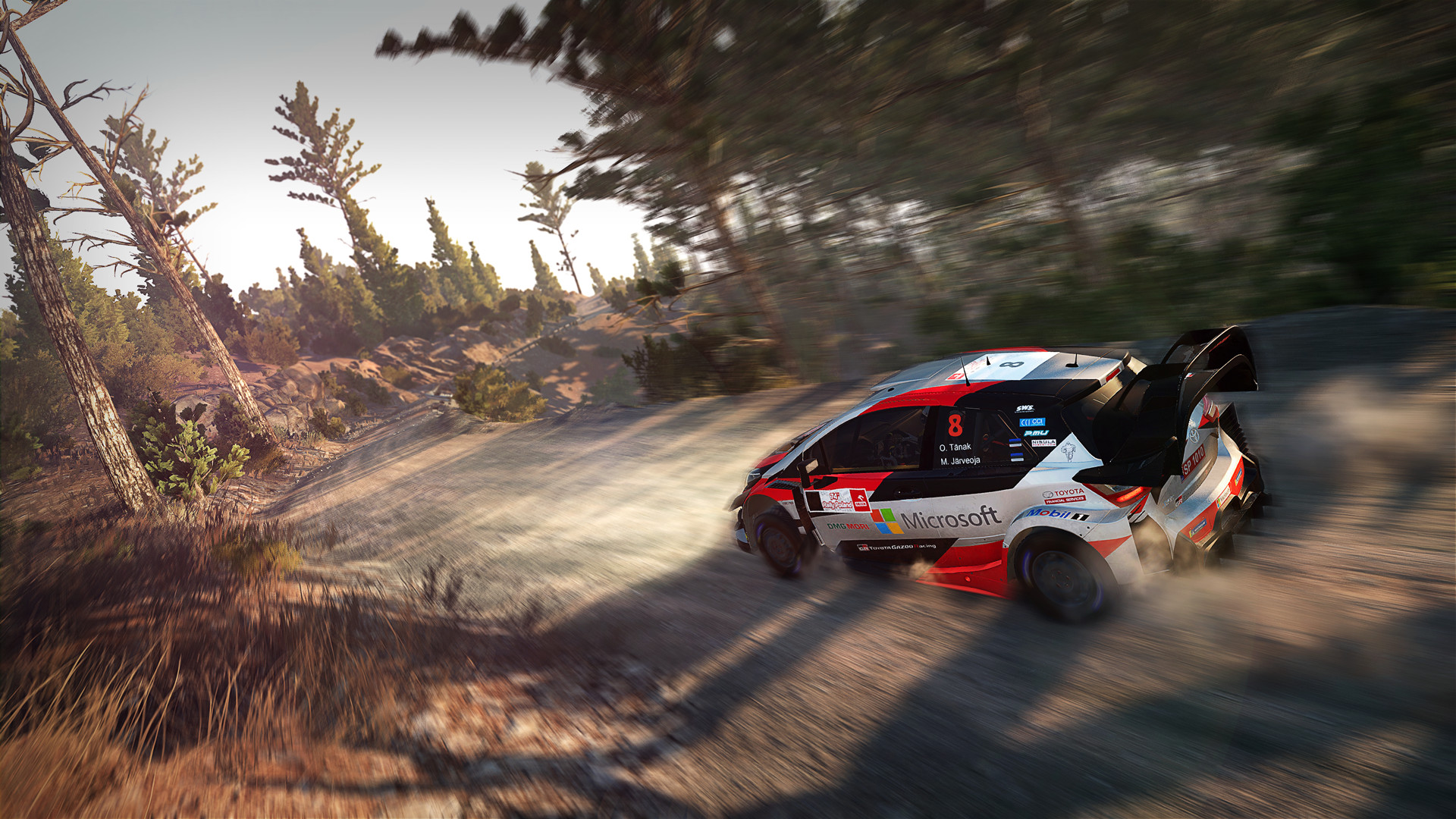
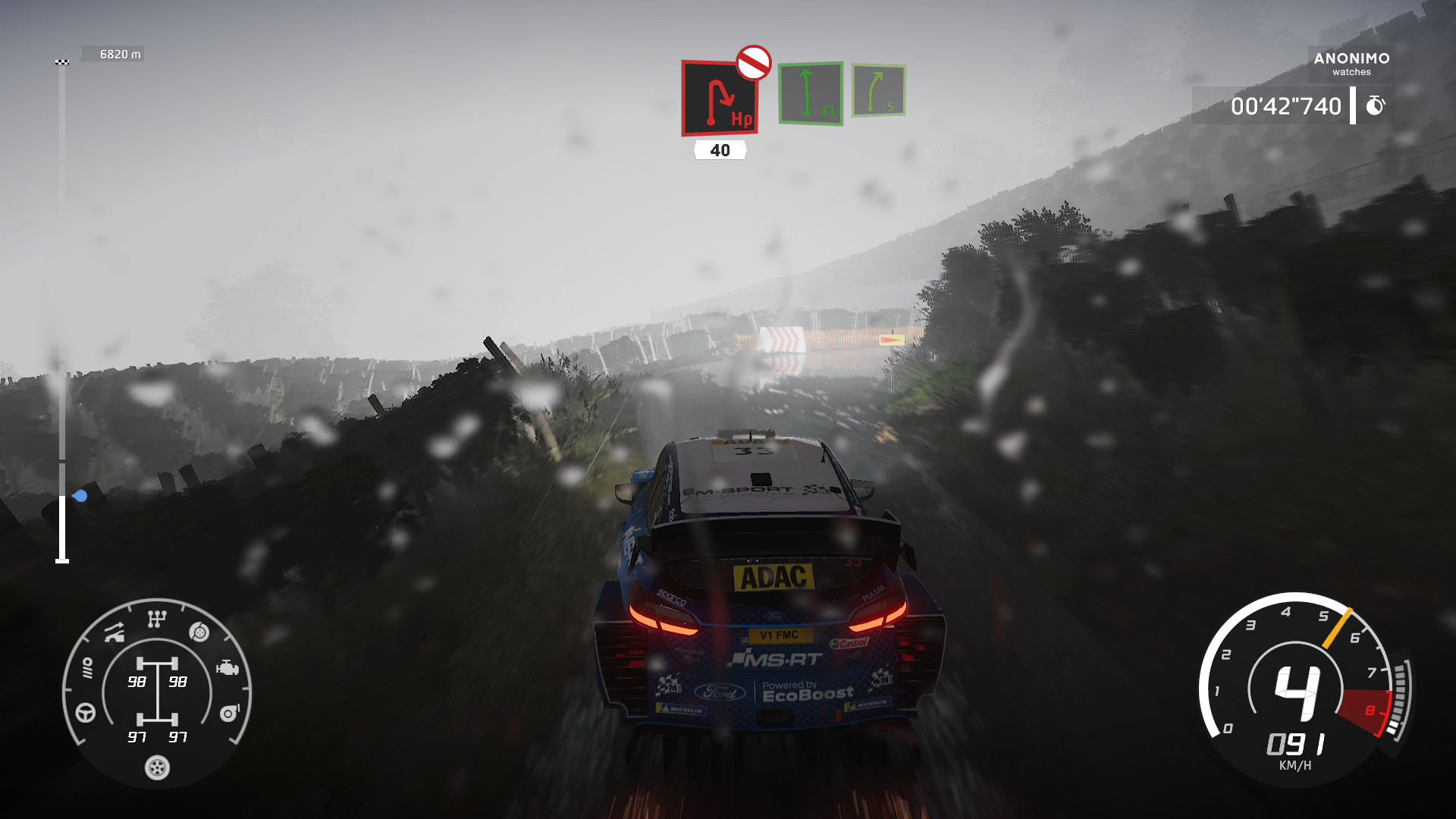
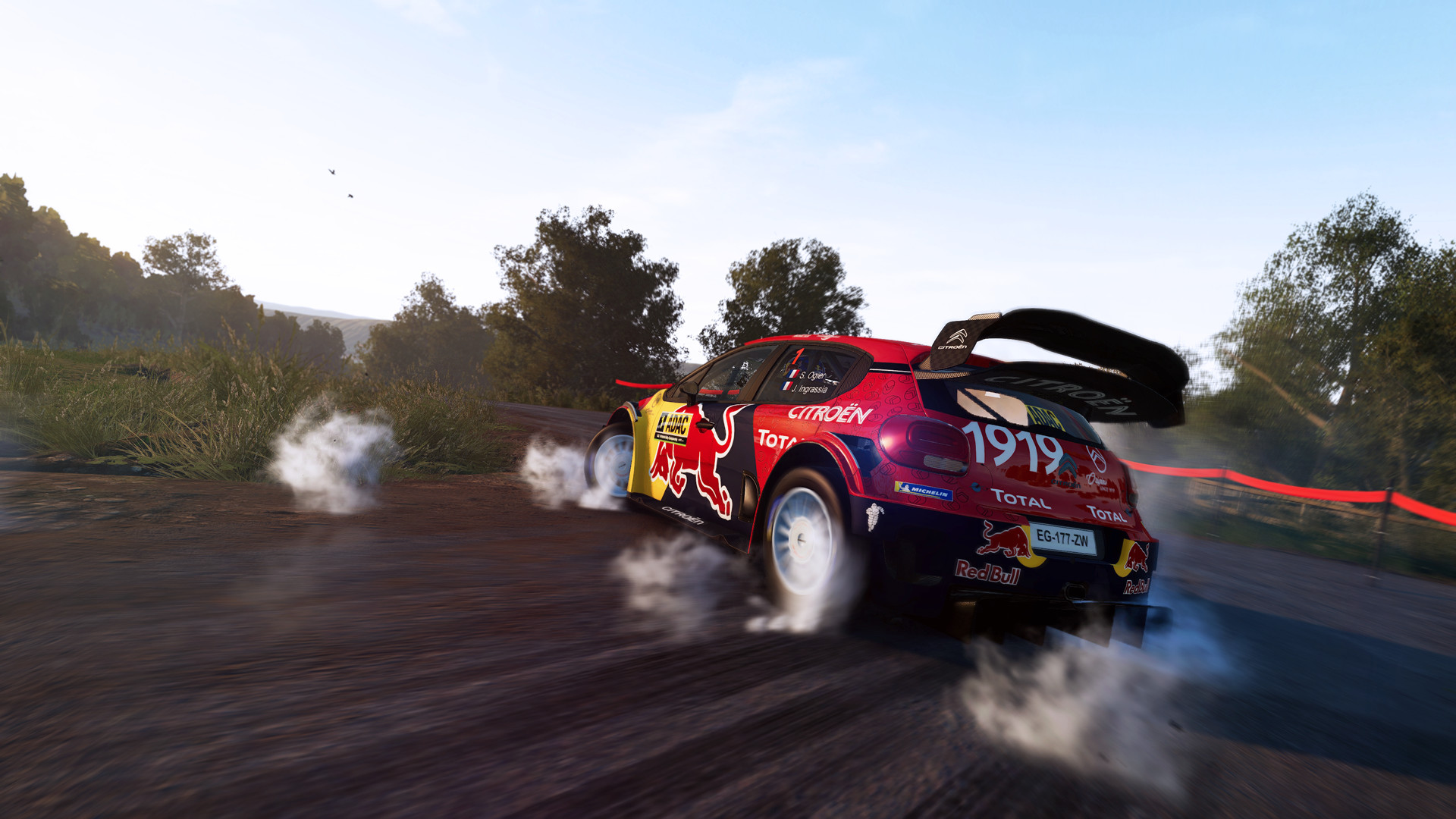
The most complete and authentic official WRC simulation yet. New physics for all surfaces, a completely redesigned career mode, dynamic weather conditions, 50 teams, 14 countries, 100 tracks, weekly challenges and an eSports mode…
Screenshots


System requirements
Minimum
• Requires a 64-bit processor and operating system • OS *: Windows® 7 64bits • Processor: Intel Core i3-2100 or AMD FX-4350 • Memory: 6 GB RAM • Graphics: Nvidia GeForce GTX 650 2GB or ATI Radeon HD 5870 2GB • DirectX: Version 11 • Storage: 19 GB available space • Sound Card: DirectX Compatible Soundcard • Additional Notes: 64bit Only
Recommended
• Requires a 64-bit processor and operating system • OS: Windows 10 64-bit • Processor: Intel Core i5-6600 or AMD Ryzen 5 1600 • Memory: 8 GB RAM • Graphics: Nvidia GeForce GTX 1060 3GB or Radeon RX 580 4GB • DirectX: Version 11 • Storage: 19 GB available space • Sound Card: DirectX Compatible Soundcard • Additional Notes: 64bit Only
Languages: English*, French*, Italian*, German*, Spanish - Spain*, Japanese, Korean, Polish, Russian, Simplified Chinese, Traditional Chinese, Portuguese - Brazil
How to activate
Steam
- Start Steam on your computer and sign in to the account you will play on.
- In the Games menu, choose Activate a Product on Steam. You can also start from Add a Game at the bottom left.
- Go through the introductory screens, review Steam’s terms and paste the complete key without surrounding spaces.
- Finish activation, then find the game in your Library and select Install.
Epic Games
- Open the Epic Games redemption page below.
- Sign in and verify that you are using your gaming account.
- Submit the complete code with Redeem and wait for the success message.
- Use that same account in Epic Games Launcher and install the game from your Library.
More from the series
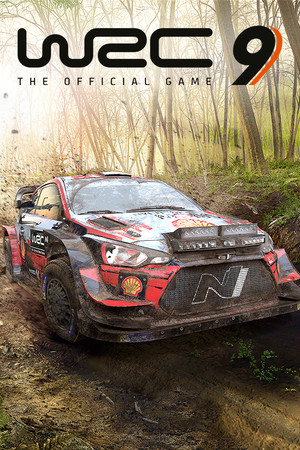 РФ ✓WRC 9 FIA World Rally ChampionshipSteamEpic Gamesfrom $4.36380 ₽2 offers
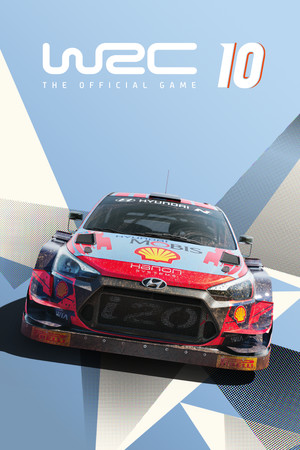 РФ ✓WRC 10 FIA World Rally ChampionshipSteamNintendofrom $4.84420 ₽2 offersРФ ✓WRC 10 FIA World Rally Championship (Deluxe Edition)Steamfrom $6.03520 ₽
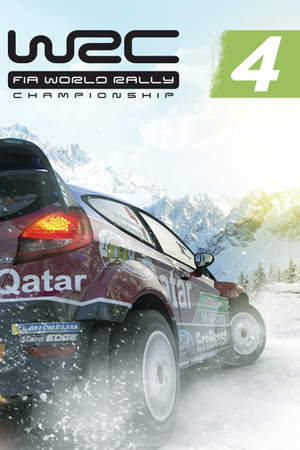 РФ ✓WRC 4 FIA World Rally ChampionshipSteamfrom $1.14100 ₽
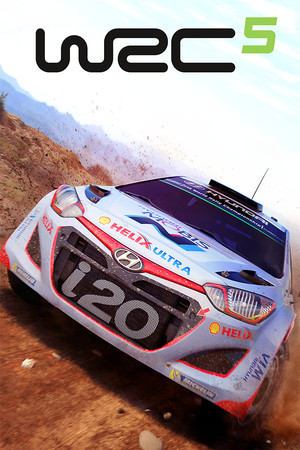 РФ ✓WRC 5 FIA World Rally ChampionshipSteamfrom $1.76150 ₽
 РФ ✓WRC 6 FIA World Rally ChampionshipSteamfrom $1.98170 ₽РФ ✓WRC 8 FIA World Rally Championship Deluxe EditionSteamfrom $4.95430 ₽
 РФ ✓WRC Generations – The FIA WRC Official GameSteamfrom $2.89250 ₽
Game details from Steam.