


Wreckfest
- Genres
- Action · Indie · Racing · Simulation · Sports
- Release
- Jun 14, 2018
- Developer
- Bugbear
- Metacritic
Lowest price across all offers
from $5.10440 ₽
Offers
The price depends on the platform and the activation region.
- WorldwideWorks in Russia$5.10440 ₽1
- EuropeNot for Russia$5.70490 ₽1
- CISCIS region$7.81680 ₽1
About the game
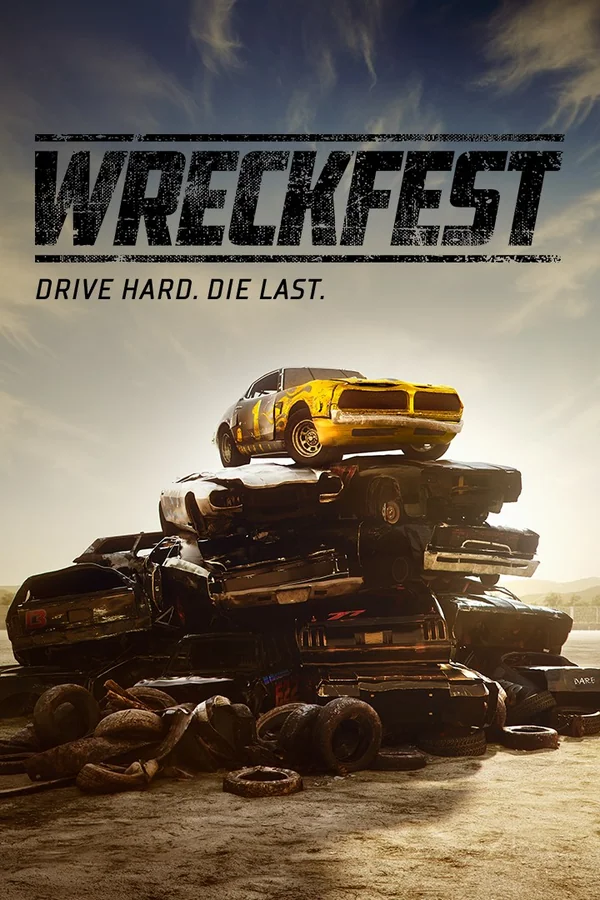
Wreckfest is a demolition derby themed racing game with soft-body damage modeling, sophisticated driving dynamics and in-depth vehicle upgrading, featuring both demolition derbies and more traditional track races. It’s all about fun, breakneck racing and over-the-top crashes.
Screenshots


System requirements
Minimum
• OS: Windows 10 • Processor: Intel® Core™ i3 with 2.8 GHz or AMD equivalent • Memory: 8 GB RAM • Graphics: NVIDIA Geforce® GTX™ 560 or AMD Radeon™ HD 7770 • DirectX: Version 11 • Storage: 32 GB available space • Sound Card: DirectX®-compatible • Additional Notes: This config will run the game with approx 30 FPS on 1080p
Recommended
• OS: Windows 10 • Processor: Intel® Core™ i5 with 3.0 GHz or AMD equivalent • Memory: 8 GB RAM • Graphics: NVIDIA GeForce® GTX™ 970 or AMD Radeon™ R9 380X • DirectX: Version 11 • Storage: 32 GB available space • Sound Card: DirectX®-compatible • Additional Notes: This config will run the game with approx 60 FPS on 1080p
Languages: English, French, Italian, German, Spanish - Spain, Portuguese - Brazil, Simplified Chinese, Finnish, Japanese, Korean, Polish, Russian, Hungarian
How to activate
Steam
- Start Steam on your computer and sign in to the account you will play on.
- In the Games menu, choose Activate a Product on Steam. You can also start from Add a Game at the bottom left.
- Go through the introductory screens, review Steam’s terms and paste the complete key without surrounding spaces.
- Finish activation, then find the game in your Library and select Install.
Nintendo
- Connect your console to the internet and launch Nintendo eShop from HOME.
- Choose the user linked to the intended Nintendo Account. Check the account country and code region.
- Choose Enter Code / Redeem Code in the left menu and enter the 16-character download code.
- Confirm redemption. Games begin downloading and appear on HOME. eShop cards and Nintendo Switch Online codes use this route too.
More from the series
Game details from Steam.