


XCOM® 2
- Genres
- Strategy
- Release
- Feb 4, 2016
- Developer
- Firaxis Games, Feral Interactive (Mac)
- Metacritic
Lowest price across all offers
from $3.21280 ₽
Offers
The price depends on the platform and the activation region.
- WorldwideWorks in RussiaXCOM 2$8.48730 ₽1
About the game
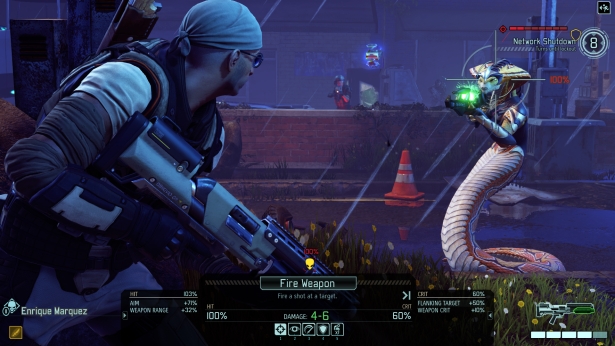
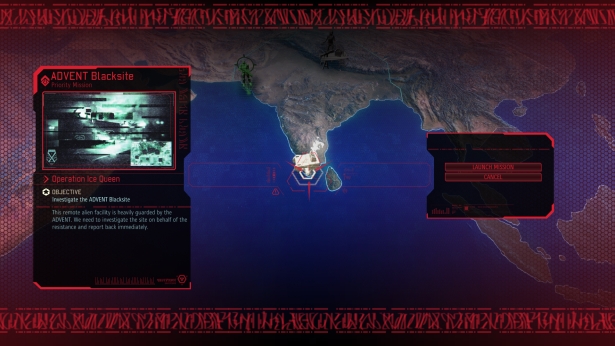
XCOM 2 is the sequel to XCOM: Enemy Unknown, the 2012 award-winning strategy game of the year. Earth has changed and is now under alien rule. Facing impossible odds you must rebuild XCOM, and ignite a global resistance to reclaim our world and save humanity.
Screenshots
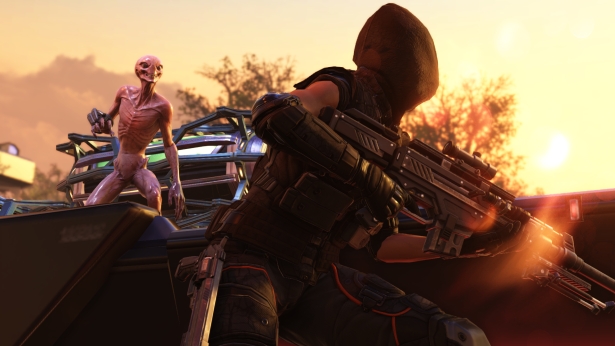
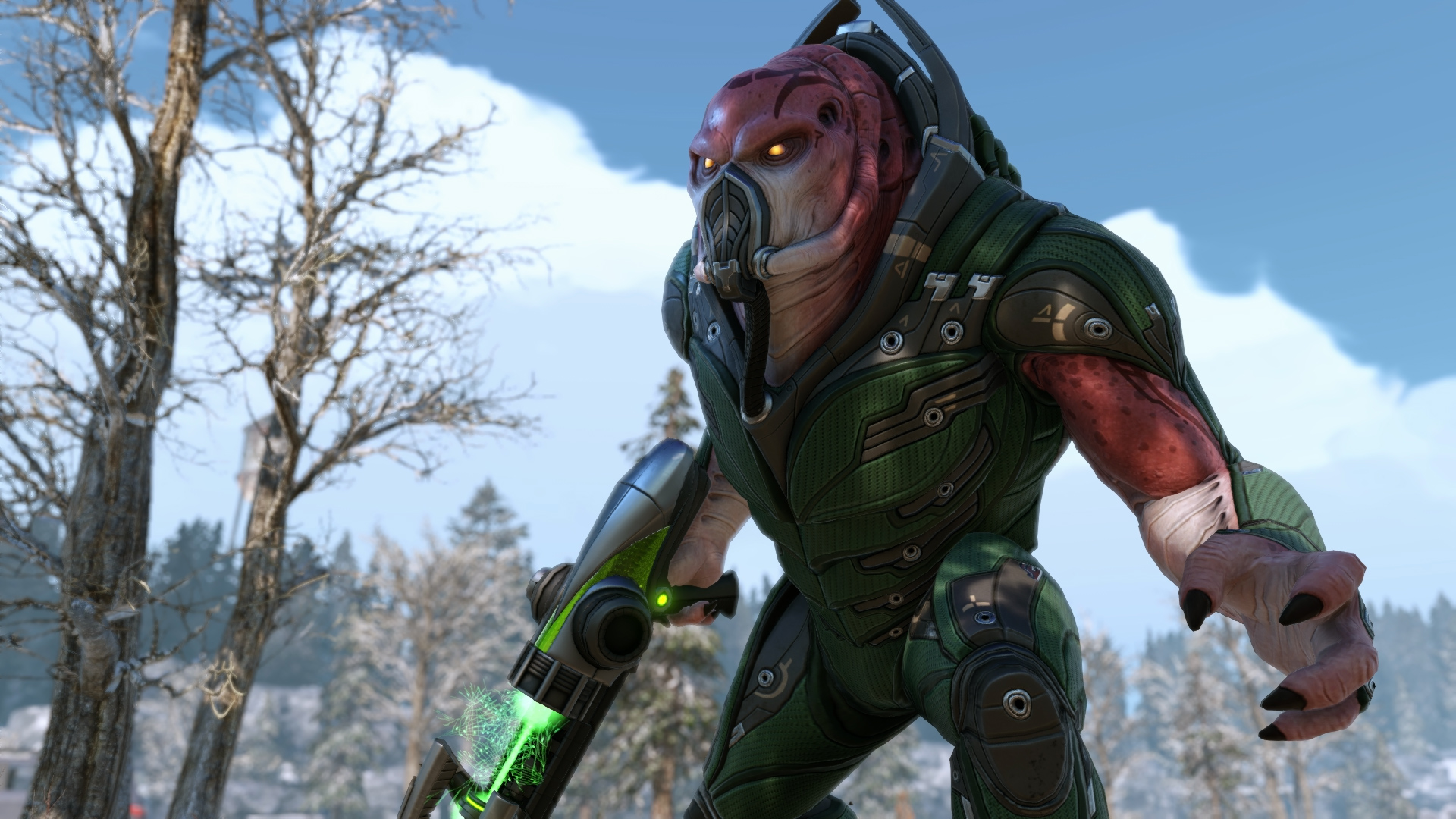
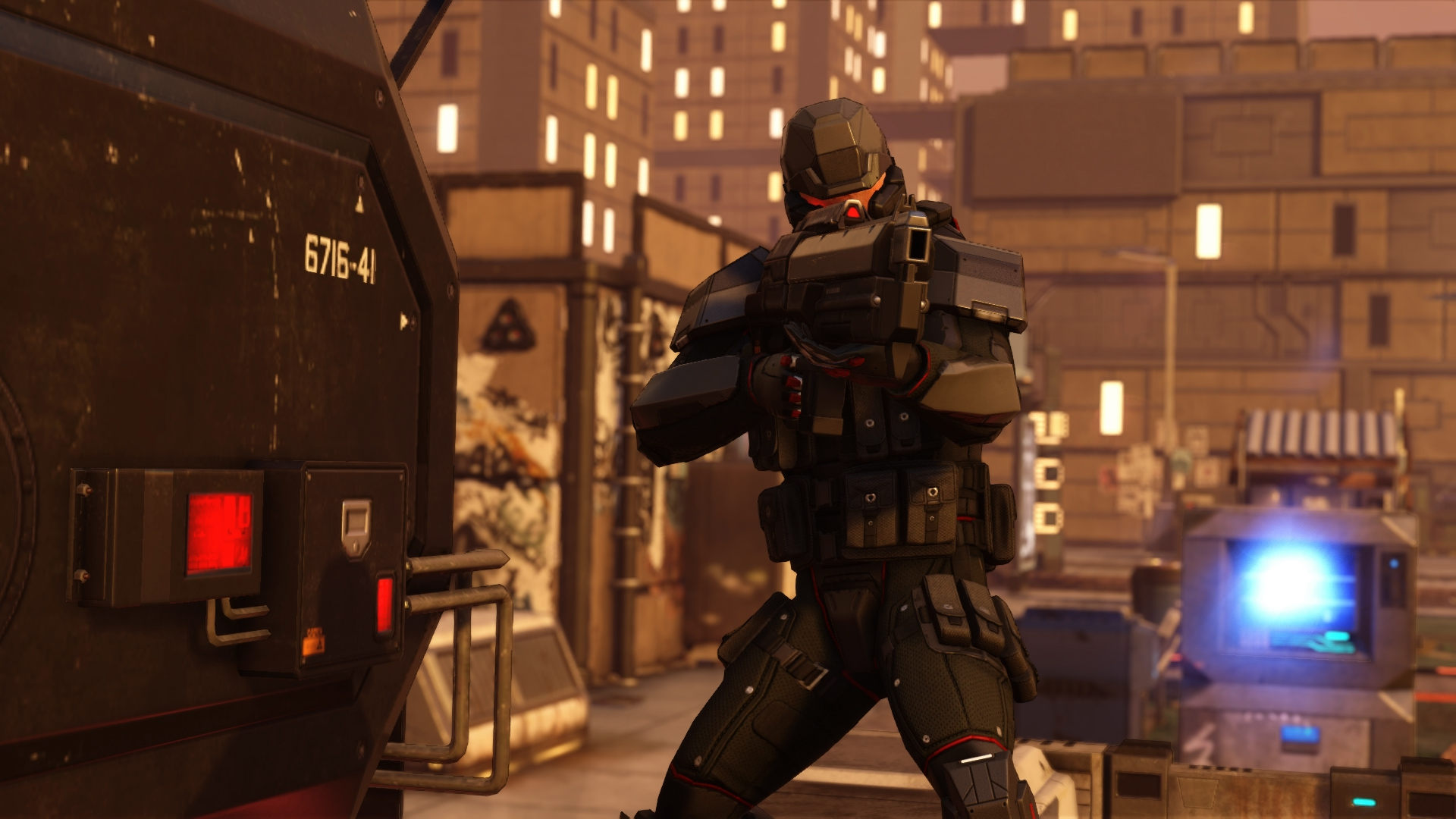
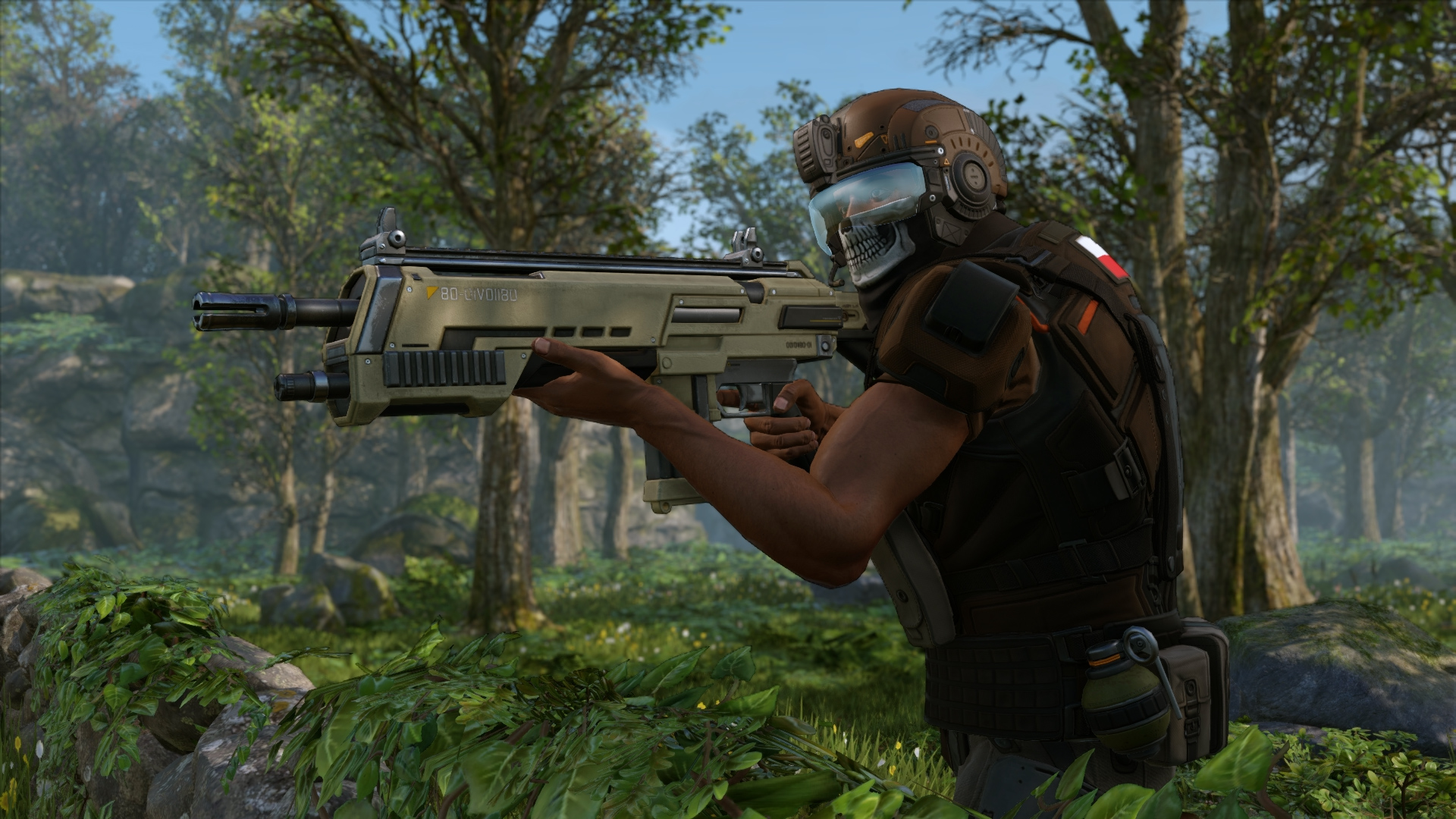


System requirements
Minimum
• OS *: Windows® 7, 64-bit • Processor: Intel Core 2 Duo E4700 2.6 GHz or AMD Phenom 9950 Quad Core 2.6 GHz • Memory: 4 GB RAM • Graphics: 1GB ATI Radeon HD 5770, 1GB NVIDIA GeForce GTX 460 or better • DirectX: Version 11 • Storage: 45 GB available space • Sound Card: DirectX compatible sound card • Additional Notes: Initial installation requires one-time Internet connection for Steam authentication; software installations required (included with the game) include Steam Client, Microsoft Visual C++2012 and 2013 Runtime Libraries and Microsoft DirectX.
Recommended
• OS *: Windows® 7, 64-bit • Processor: 3GHz Quad Core • Memory: 8 GB RAM • Graphics: 2GB ATI Radeon HD 7970, 2GB NVIDIA GeForce GTX 770 or better • Storage: 45 GB available space • Sound Card: DirectX compatible sound card
Languages: English*, French*, Italian*, German*, Spanish - Spain*, Japanese, Korean, Polish, Russian, Simplified Chinese, Traditional Chinese
How to activate
Steam
- Start Steam on your computer and sign in to the account you will play on.
- In the Games menu, choose Activate a Product on Steam. You can also start from Add a Game at the bottom left.
- Go through the introductory screens, review Steam’s terms and paste the complete key without surrounding spaces.
- Finish activation, then find the game in your Library and select Install.
Xbox
- Open Microsoft’s redemption page using the button below.
- Sign in with the Microsoft account used on your Xbox. Check the email and profile before continuing.
- Paste the 25-character code and select Next. Check the displayed product or amount.
- Complete the confirmation prompts. Look for games in that account’s library and subscriptions under its services and subscriptions.
GOG
- Follow the GOG Redeem link below and sign in.
- Copy the key from your order into the redemption field, without extra spaces.
- Continue, check the displayed game and confirm adding it to your account.
- Download it from your GOG library or GOG GALAXY using the same account.
More from the series
XCOM 2 (Xbox One)Xboxfrom $3.74320 ₽3 offersXCOM 2 Digital Deluxe Edition (Xbox One)Xboxfrom $7.93680 ₽3 offers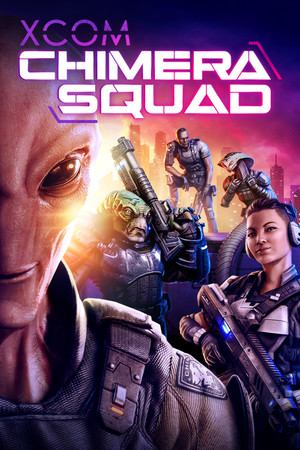 РФ ✓XCOM®: Chimera SquadSteamfrom $2.50220 ₽2 offers
 РФ ✓XCOM: Enemy UnknownSteamfrom $0.7170 ₽2 offers
 РФ ✓X-COM: ApocalypseSteamfrom $1.71150 ₽
 РФ ✓X-COM: EnforcerSteamfrom $1.22110 ₽
 РФ ✓X-COM: InterceptorSteamfrom $1.0290 ₽
 РФ ✓X-COM: UFO DefenseSteamfrom $0.4140 ₽
Game details from Steam.