

Age of Wonders III - Golden Realms Expansion
- Genres
- RPG · Strategy
- Release
- Sep 18, 2014
- Developer
- Triumph Studios
- Metacritic
Lowest price across all offers
from $5.72500 ₽
Offers
The price depends on the platform and the activation region.
- EuropeNot for Russia$5.72500 ₽1
- WorldwideWorks in Russia$5.72500 ₽1
About the game
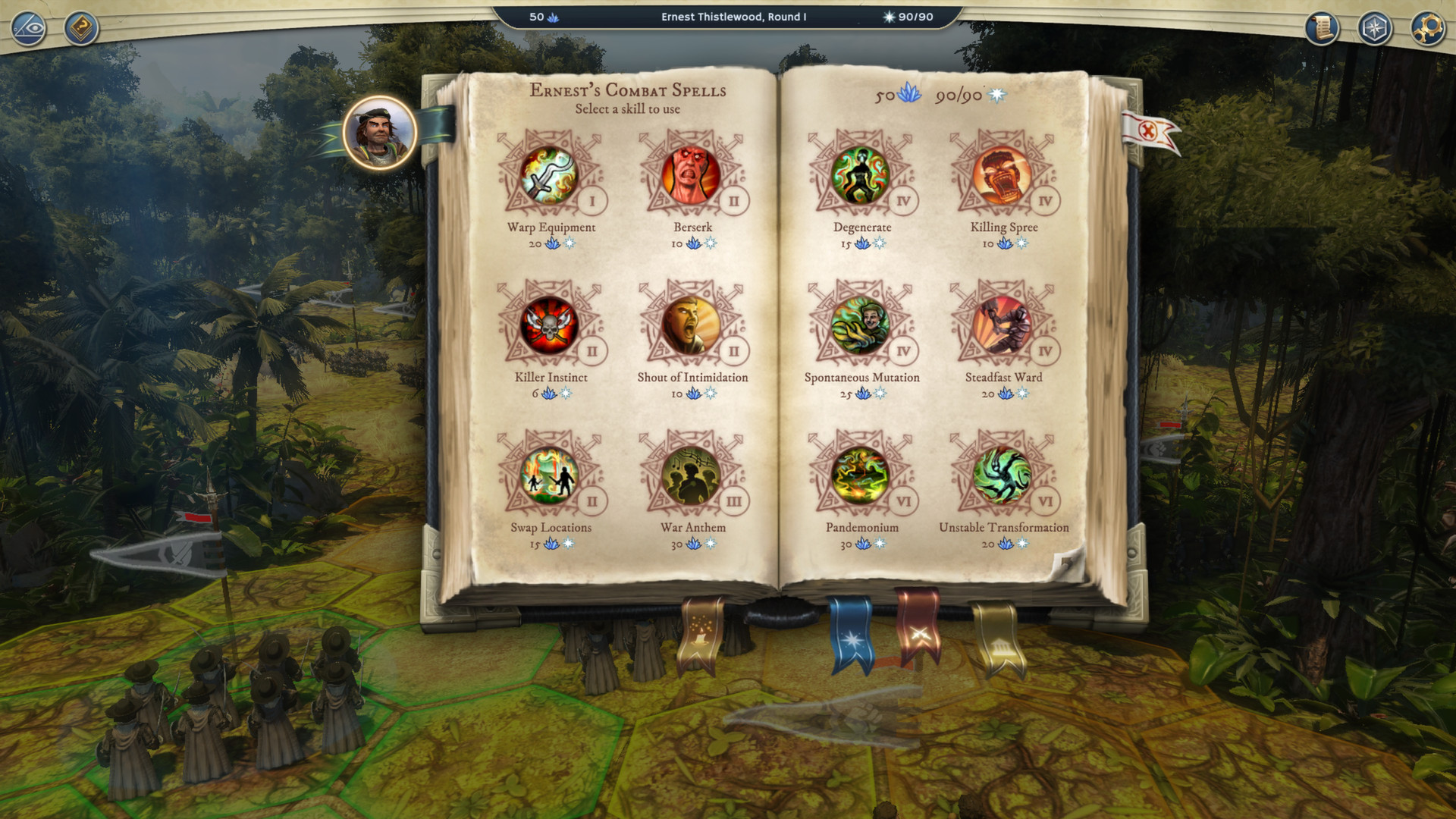
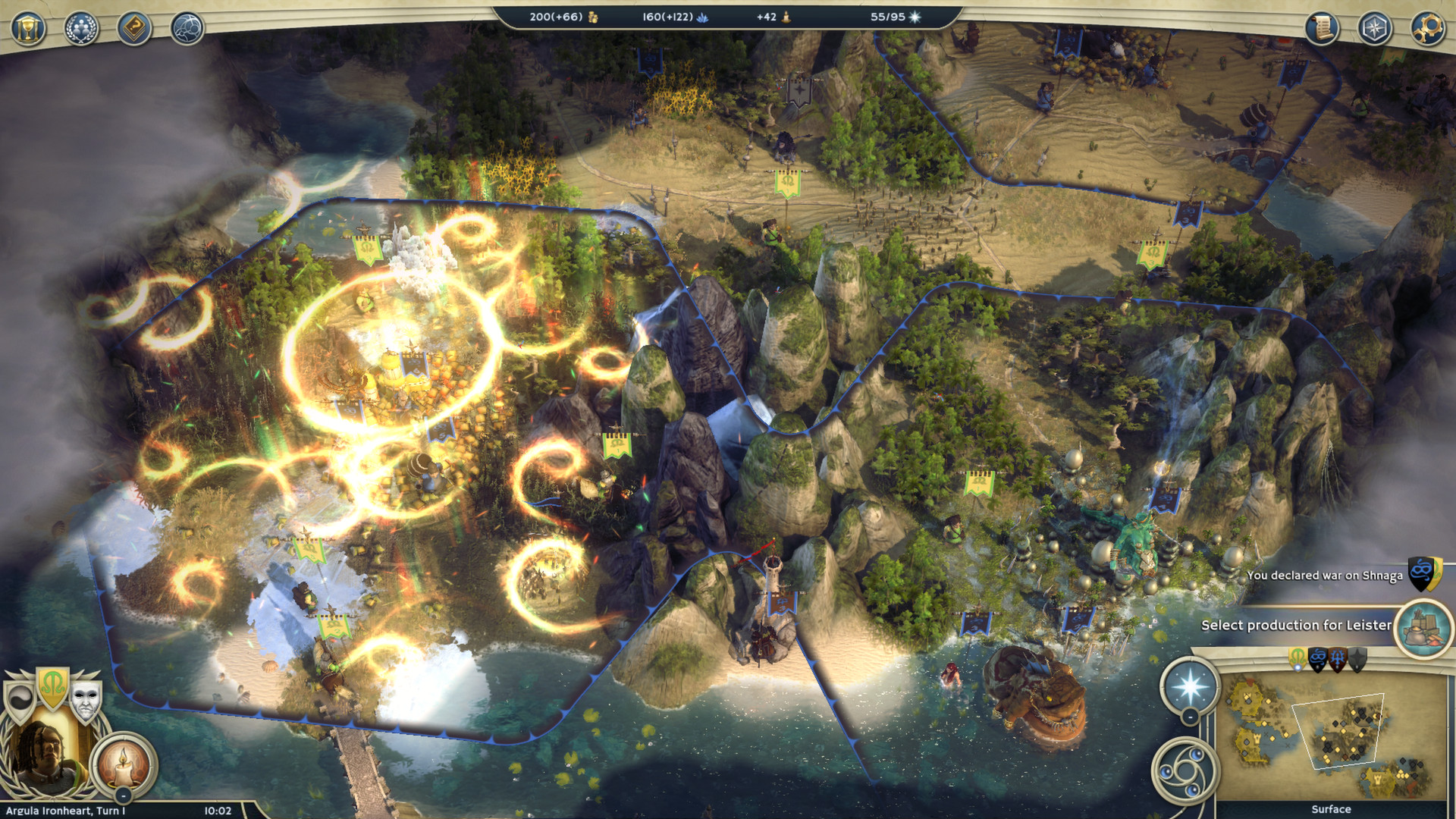
Set sail for a new world, where exotic monstrosities, lost treasures and new empire building opportunities await!This expansion contains bucket loads of new content such as the Halflings – our new playable race - and the campaign telling the story of their struggle for survival.
Screenshots
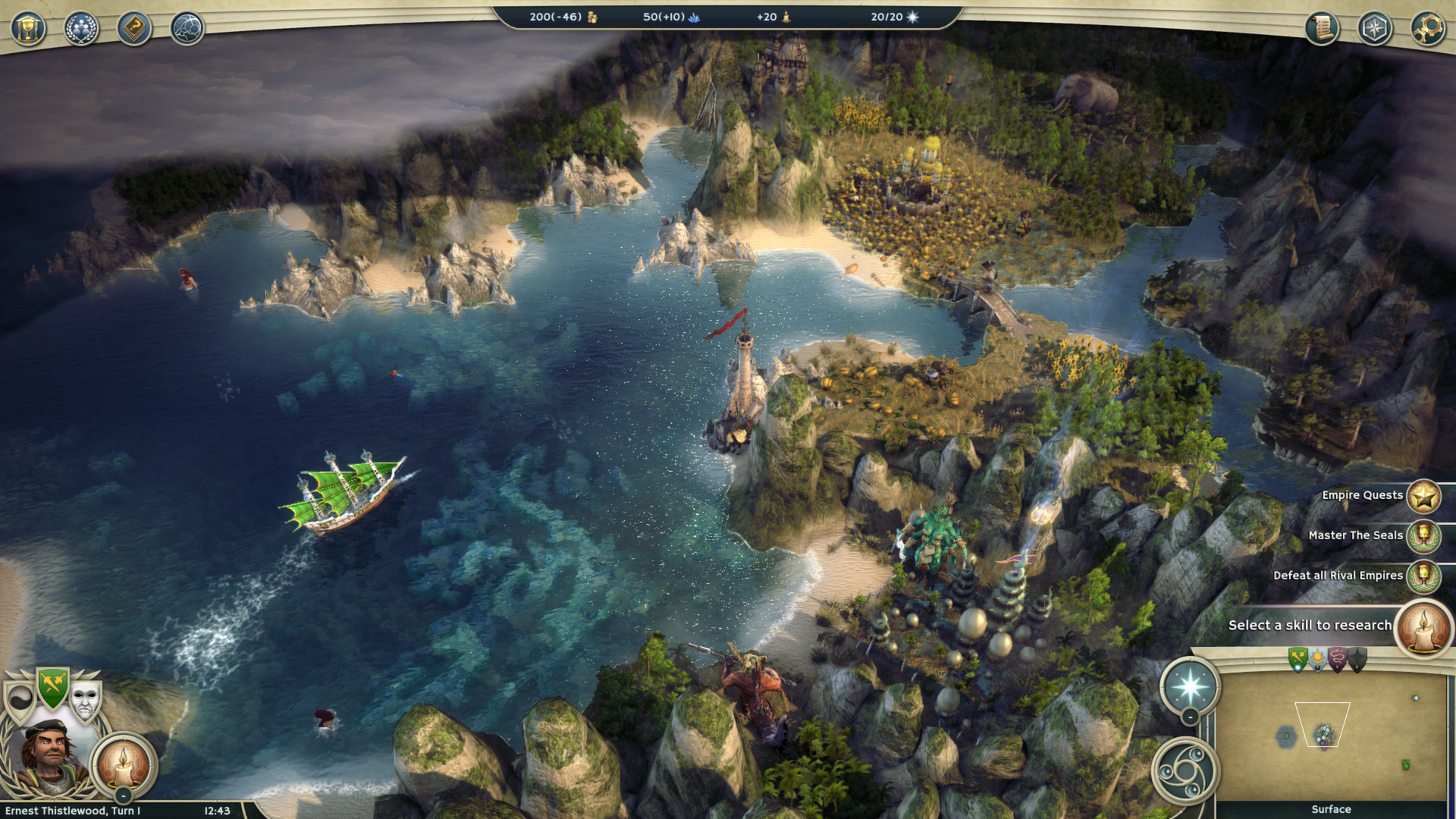
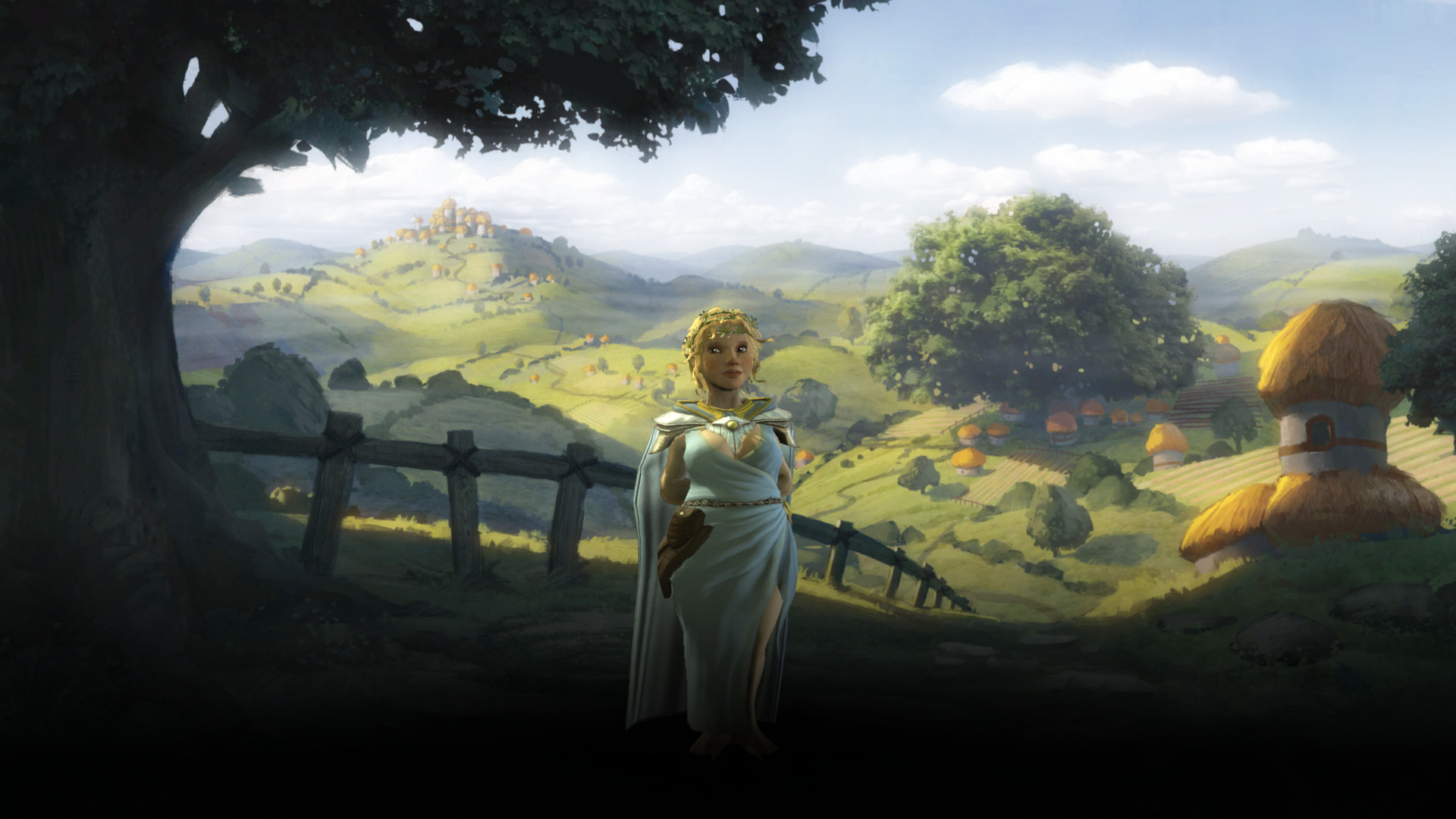
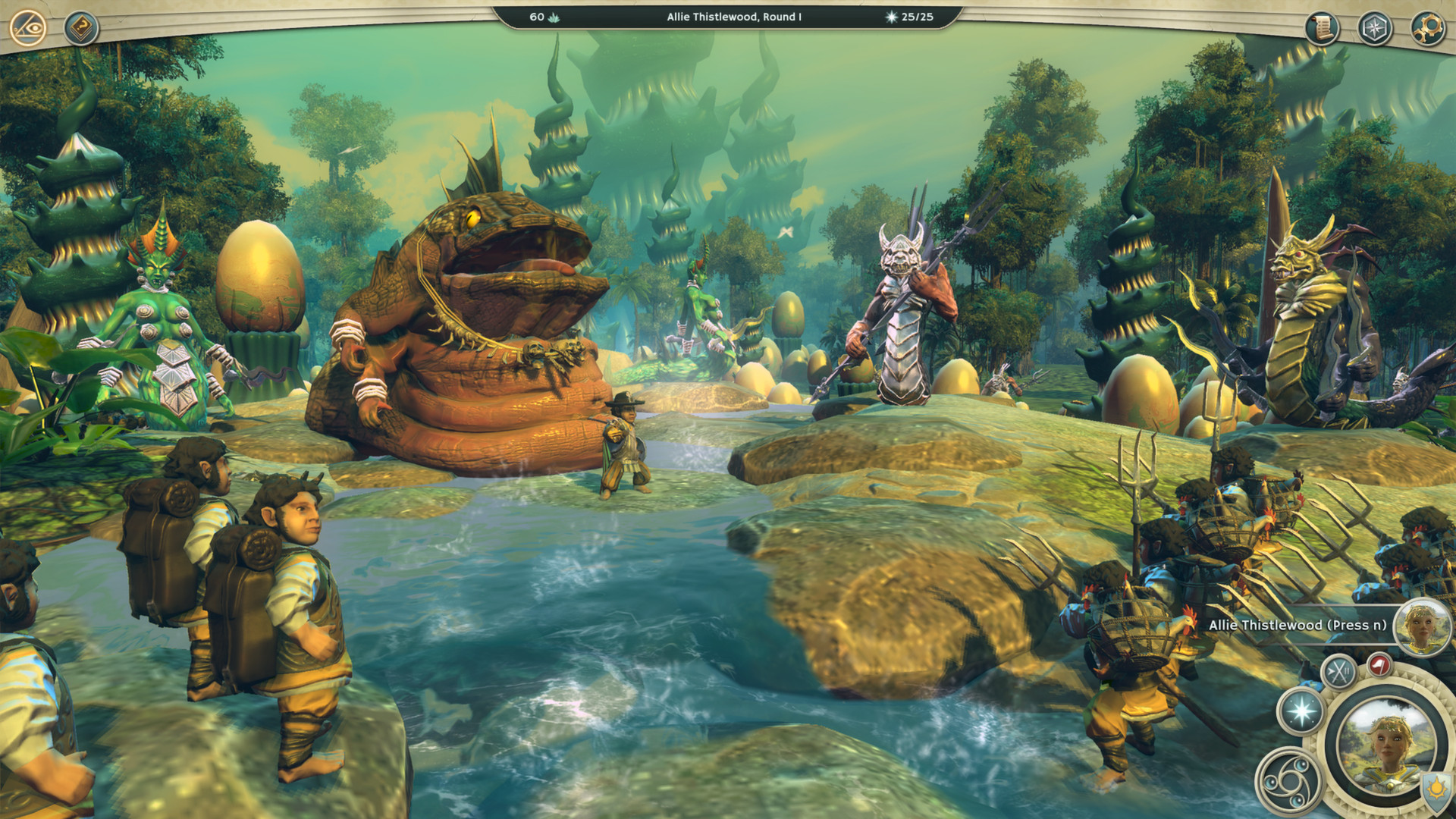
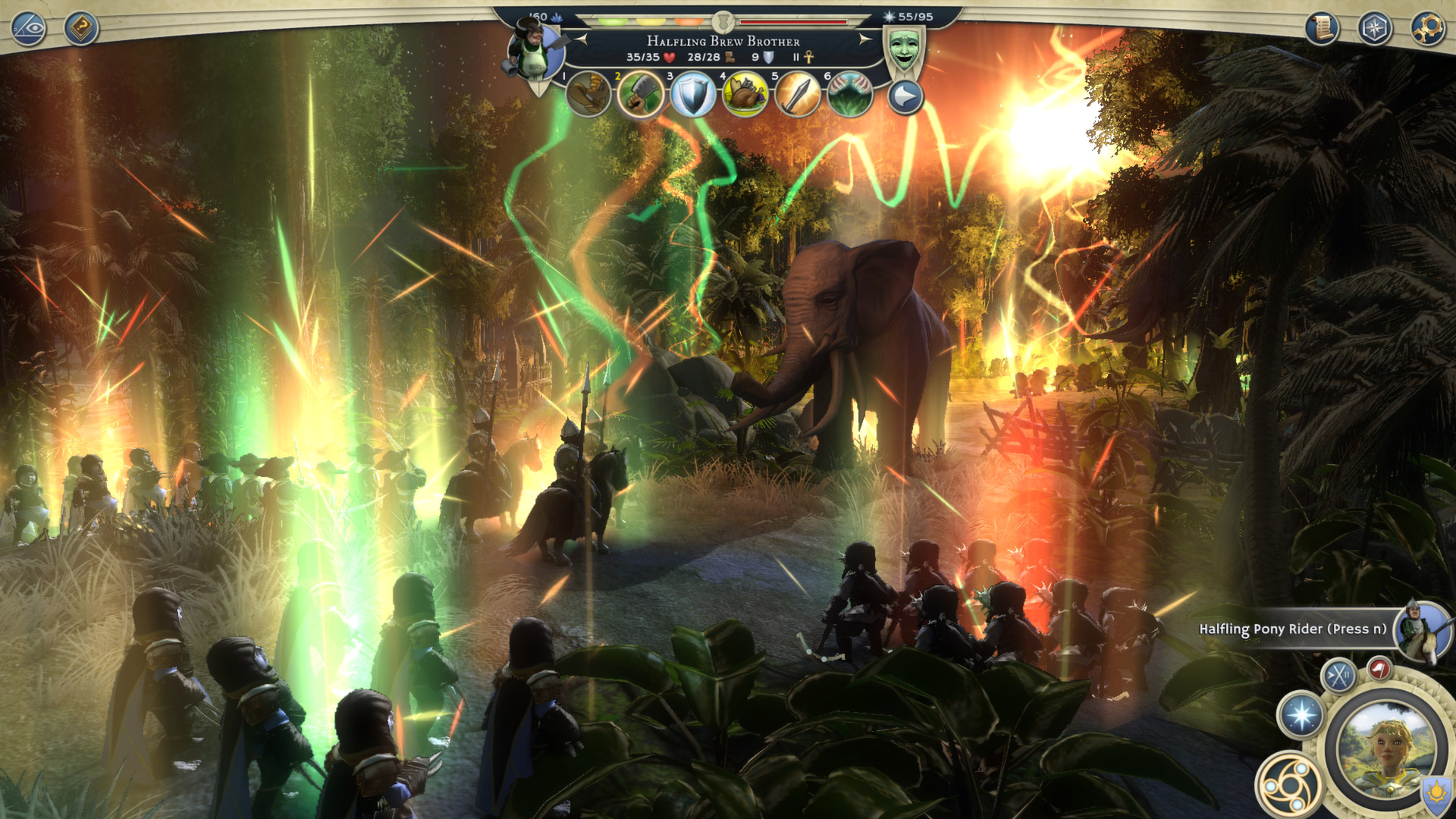


System requirements
Minimum
• OS *: Windows XP, Windows Vista, Windows 7, Windows 8, Windows 8.1 • Processor: Intel Core 2 Duo E6600 @ 2.4 Ghz or AMD Athlon 64 X2 5000+ @2.6 Ghz • Memory: 2 GB RAM • Graphics: nVidia 8800 / ATi Radeon HD 3870 with 512MB or Laptop integrated Intel HD 3000 with 3GB system ram • DirectX: Version 9.0c • Network: Broadband Internet connection • Storage: 10 GB available space • Sound Card: DirectX 9 Compatible • Additional Notes: • Requires a 1024x768 screen resolution. • Requires an open IPv4 connection for online multiplayer. • A Triumph Account is required to use the game's online services. The game's single player and Hot Seat modes are fully playable using the guest account. • Please note that the Editor is Windows only.
Recommended
• OS *: Windows Vista, Windows 7, Windows 8, Windows 8.1 • Processor: Intel Core 2 Quad Q6600 @ 2.4 Ghz or AMD Phenom X4 9900 @ 2.6 Ghz • Memory: 4 GB RAM • Graphics: nVidia Geforce 460 1GB or AMD Radeon HD 6850 1GB • DirectX: Version 9.0c • Network: Broadband Internet connection • Storage: 10 GB available space • Sound Card: DirectX 9 Compatible • Additional Notes: A 1920x1080 screen resolution.
Languages: English*, German, French, Polish, Russian
How to activate
Steam
- Start Steam on your computer and sign in to the account you will play on.
- In the Games menu, choose Activate a Product on Steam. You can also start from Add a Game at the bottom left.
- Go through the introductory screens, review Steam’s terms and paste the complete key without surrounding spaces.
- Finish activation, then find the game in your Library and select Install.
More from the series
 РФ ✓Age of Wonders 4Steamfrom $17.191,480 ₽7 offers
 РФ ✓Age of Wonders IIISteamfrom $2.12190 ₽5 offersРФ ✓Age of Wonders 4 (Premium Edition)Steamfrom $47.554,090 ₽3 offersРФ ✓Age of Wonders III - Deluxe EditionSteamfrom $6.54570 ₽3 offersРФ ✓Age of Wonders 4 - Starter EditionSteamfrom $24.102,080 ₽2 offers
 РФ ✓Age of Wonders: Planetfall (Premium Edition)Steamfrom $35.103,020 ₽2 offersРФ ✓Age of Wonders: PlanetfallSteamfrom $5.76500 ₽2 offers
 РФ ✓Age of WondersSteamfrom $3.22280 ₽
Game details from Steam.