
DYNASTY WARRIORS: ORIGINS
- Genres
- Action · RPG · Strategy
- Release
- Jan 16, 2025
- Developer
- KOEI TECMO GAMES CO., LTD.
- Metacritic
Lowest price across all offers
from $51.874,420 ₽
Offers
The price depends on the platform and the activation region.
- EuropeNot for Russia$51.874,420 ₽1
- —Not for Russia$51.874,420 ₽1
- North AmericaNot for Russia$61.825,270 ₽1
- WorldwideWorks in Russia$70.396,000 ₽1
About the game
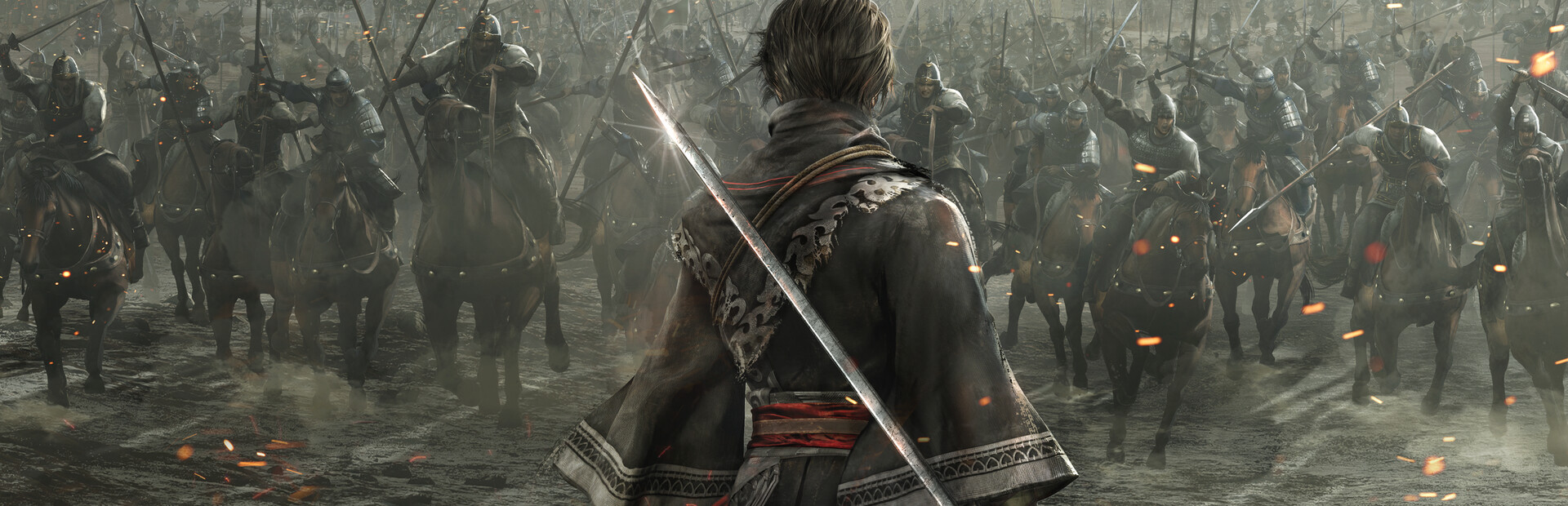
Become immersed in exhilarating battles as a nameless hero in the Three Kingdoms
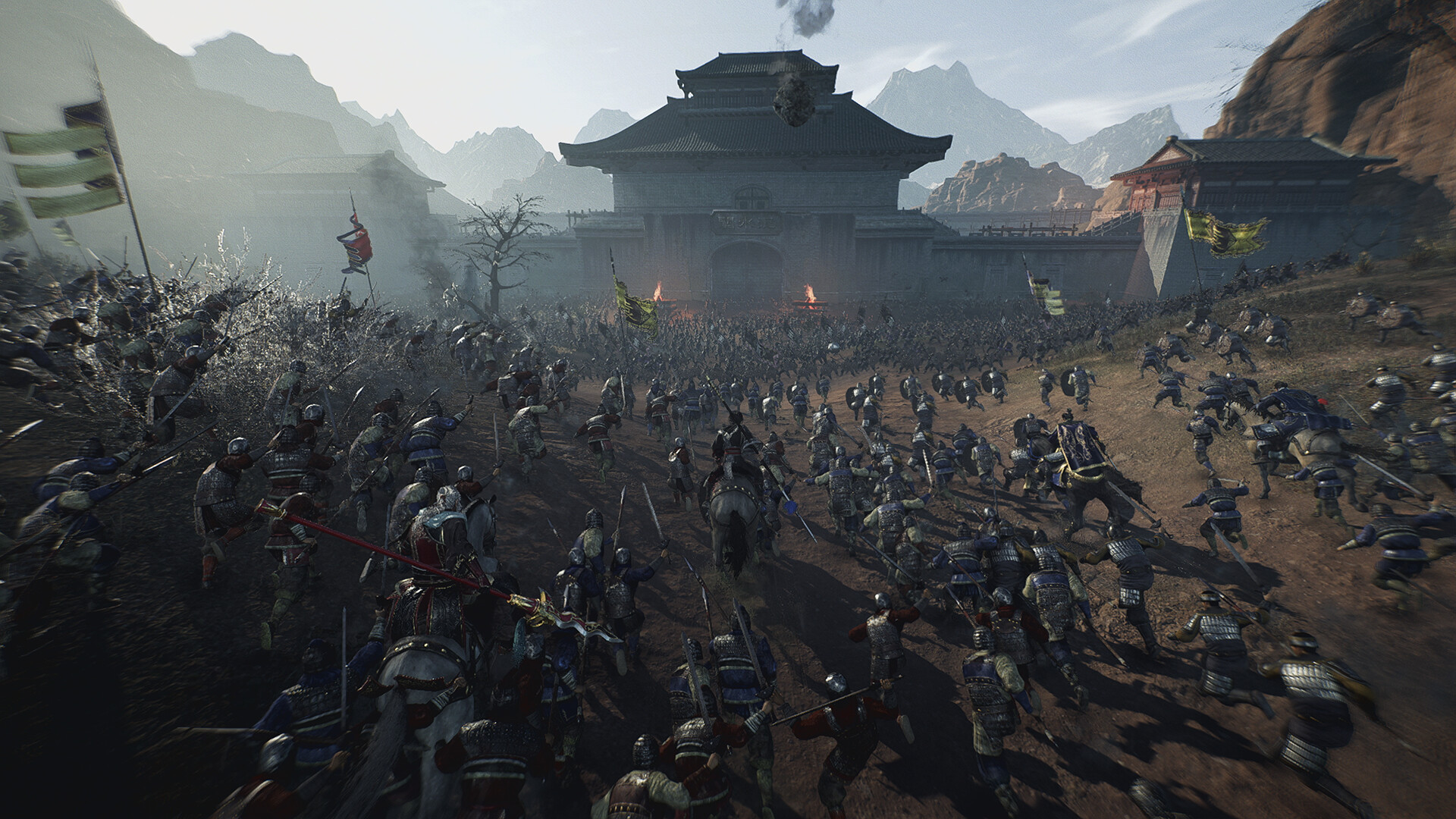
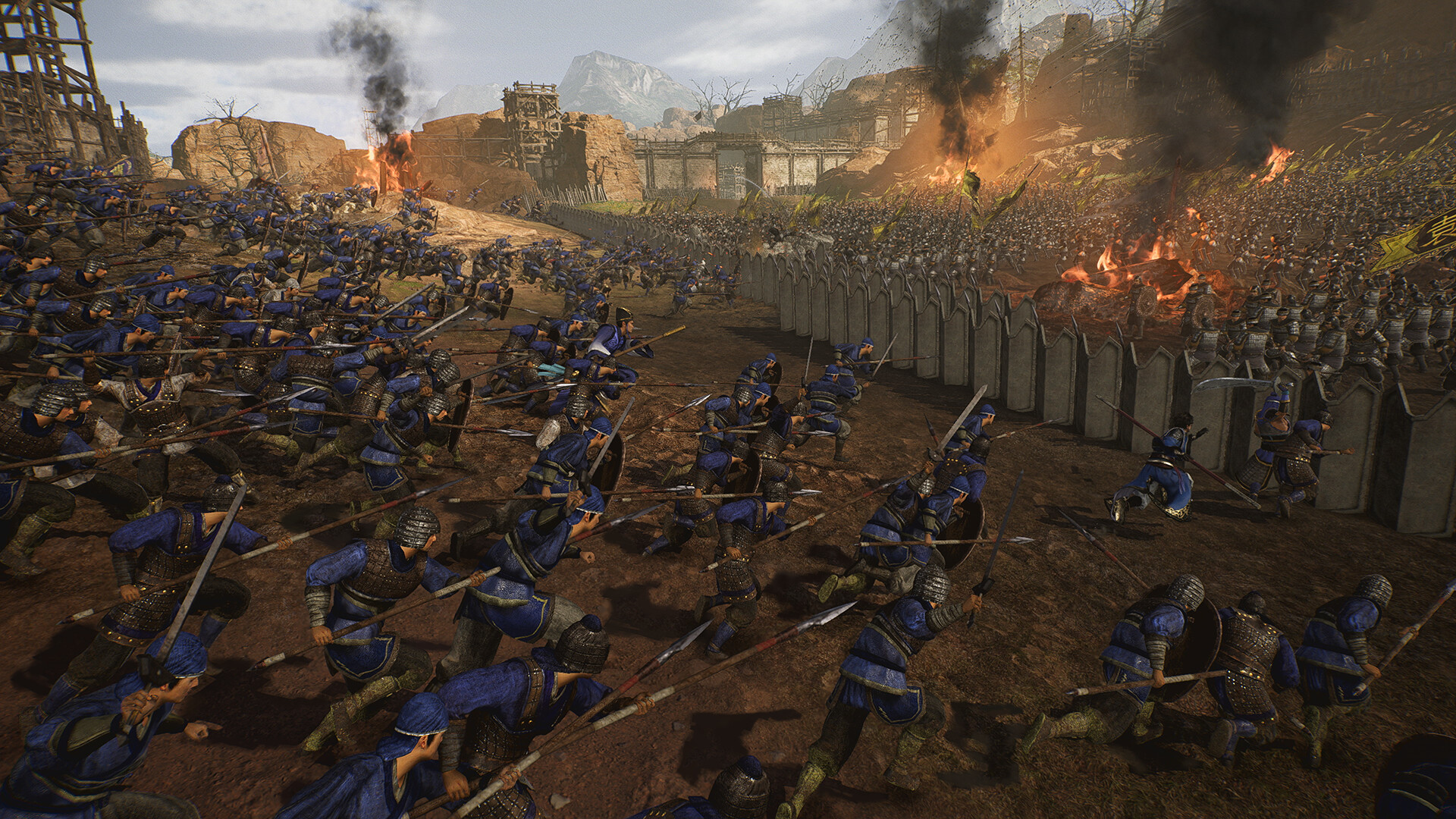
Screenshots
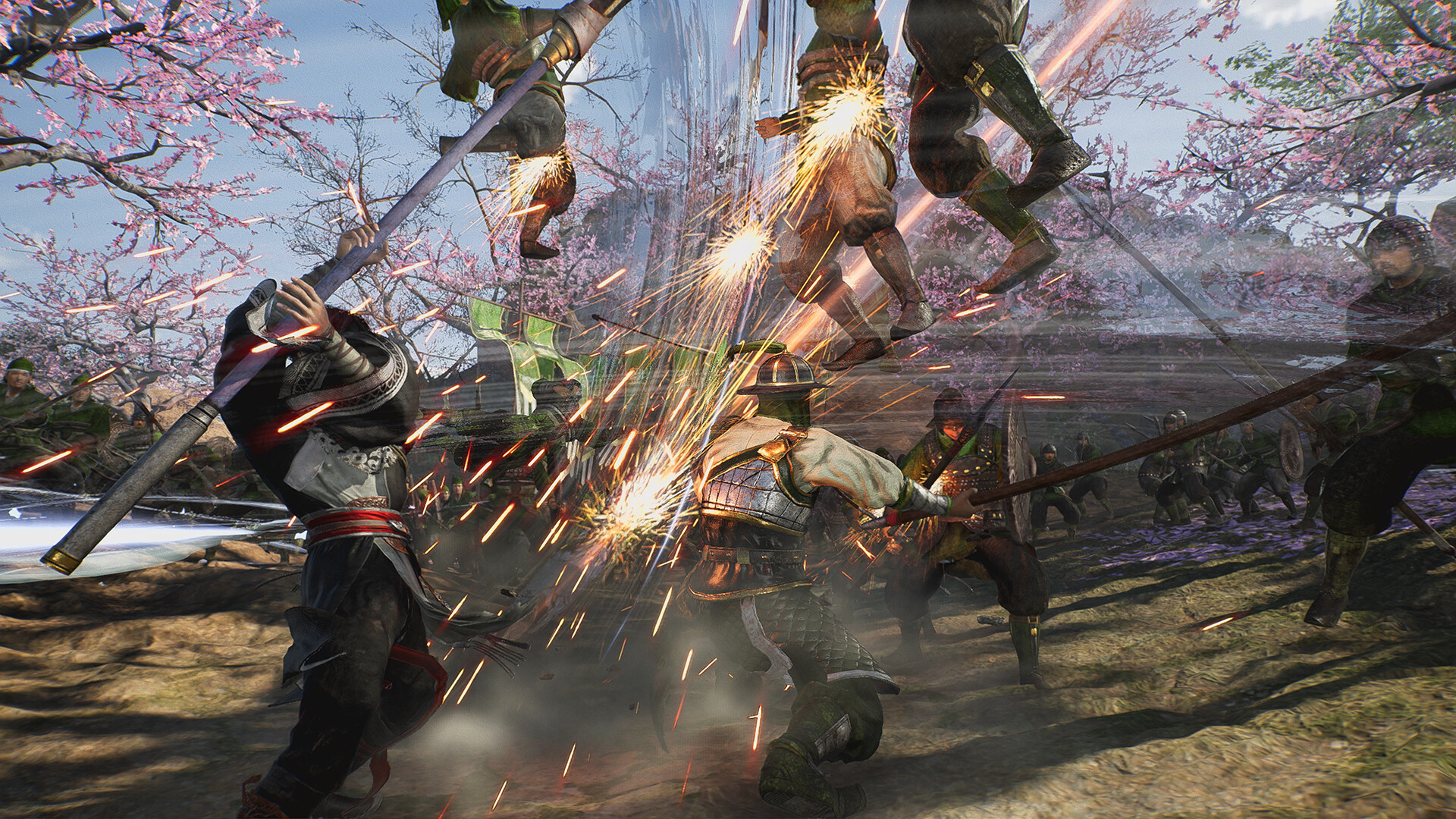
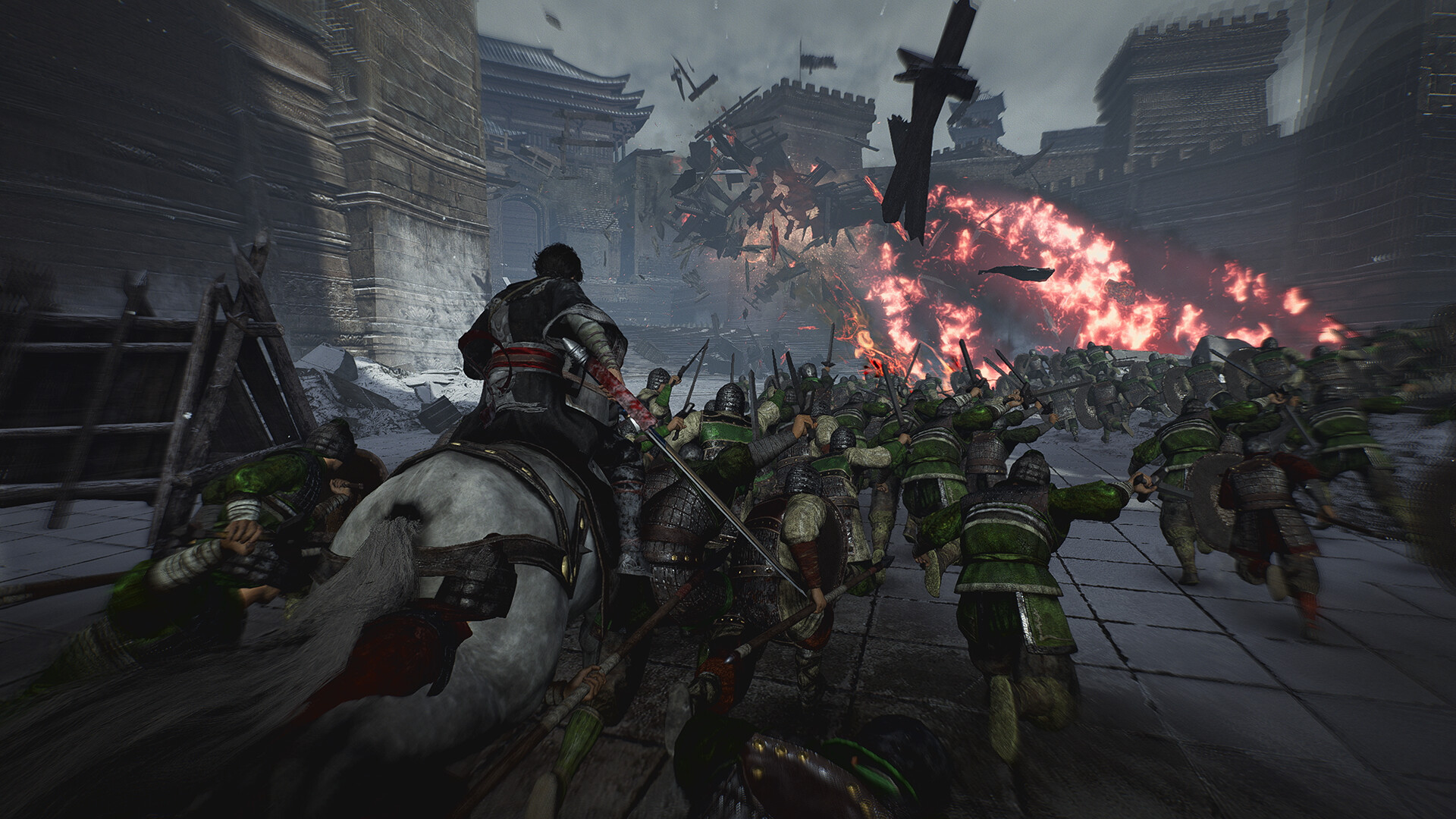
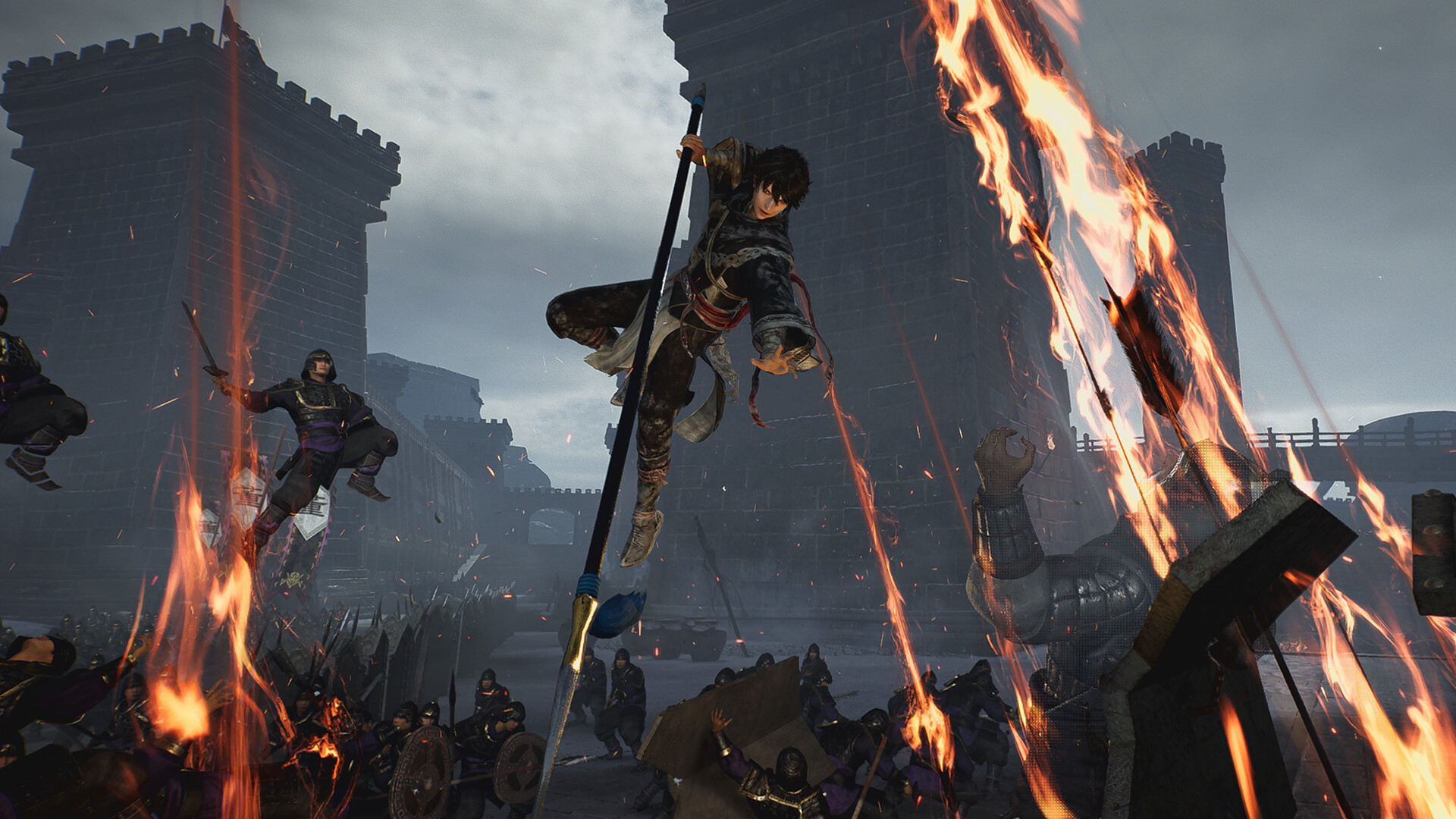
System requirements
Minimum
• Requires a 64-bit processor and operating system • OS: Windows® 10/11 64-bit • Processor: Intel Core i5-8400 or higher, AMD Ryzen 5 2600 or higher • Memory: 12 GB RAM • Graphics: NVIDIA GeForce GTX 1060 (VRAM 6GB) or better, AMD Radeon RX 590 (VRAM 8GB) or better • DirectX: Version 12 • Network: Broadband Internet connection • Storage: 50 GB available space • Sound Card: 16-bit stereo with 48KHz playback • Additional Notes: Based on a display resolution of 1920x1080 and a frame rate of 30FPS, with the Graphics Quality set to "Low" and the Texture Quality set to "Low." Note: Windows® 11 system requirements apply when using that OS.
Recommended
• Requires a 64-bit processor and operating system • OS: Windows® 10/11 64-bit • Processor: Intel Core i7-7700K or higher, AMD Ryzen 7 5700X or higher • Memory: 16 GB RAM • Graphics: NVIDIA GeForce RTX 2070 (VRAM 8GB) or better, AMD Radeon RX 5700 XT (VRAM 8GB) or better • DirectX: Version 12 • Network: Broadband Internet connection • Storage: 50 GB available space • Sound Card: 16-bit stereo with 48KHz playback • Additional Notes: Based on a display resolution of 1920x1080 and a frame rate of 60FPS, with the Graphics Quality set to "High" and the Texture Quality set to "High." Note: - If you are using a widescreen monitor or a monitor with a resolution higher than Full HD, additional VRAM capacity may be required depending on your settings. - Windows® 11 system requirements apply when using that OS.
Languages: English*, French, Italian, German, Spanish - Spain, Simplified Chinese*, Traditional Chinese, Japanese*, Korean, Arabic
How to activate
Steam
- Start Steam on your computer and sign in to the account you will play on.
- In the Games menu, choose Activate a Product on Steam. You can also start from Add a Game at the bottom left.
- Go through the introductory screens, review Steam’s terms and paste the complete key without surrounding spaces.
- Finish activation, then find the game in your Library and select Install.
More from the series
РФ ✓Dynasty Warriors: Origins (Digital Deluxe Edition)Steamfrom $62.755,350 ₽4 offers РФ ✓Dynasty Warriors 9: Empires (Deluxe Edition)Steamfrom $50.754,330 ₽2 offers
 РФ ✓DYNASTY WARRIORS 8 EmpiresSteamfrom $31.772,710 ₽2 offersРФ ✓Dynasty Warriors: Origins (Xbox Series X|S)Xboxfrom $75.916,470 ₽2 offers
 РФ ✓DYNASTY WARRIORS 7: Xtreme Legends Definitive EditionSteamfrom $24.172,060 ₽
 РФ ✓DYNASTY WARRIORS 8: Xtreme Legends Complete EditionSteamfrom $42.303,610 ₽
Game details from Steam.