


Dynasty Warriors: Origins (Xbox Series X|S)
- Genres
- Action · RPG · Strategy
- Release
- Jan 16, 2025
- Developer
- KOEI TECMO GAMES CO., LTD.
- Metacritic
Lowest price across all offers
from $59.975,110 ₽
Offers
The price depends on the platform and the activation region.
- —Not for Russia$59.975,110 ₽1
- United StatesNot for Russia$74.726,370 ₽1
- WorldwideWorks in Russia$75.726,460 ₽1
- EuropeNot for Russia$84.127,170 ₽1
About the game
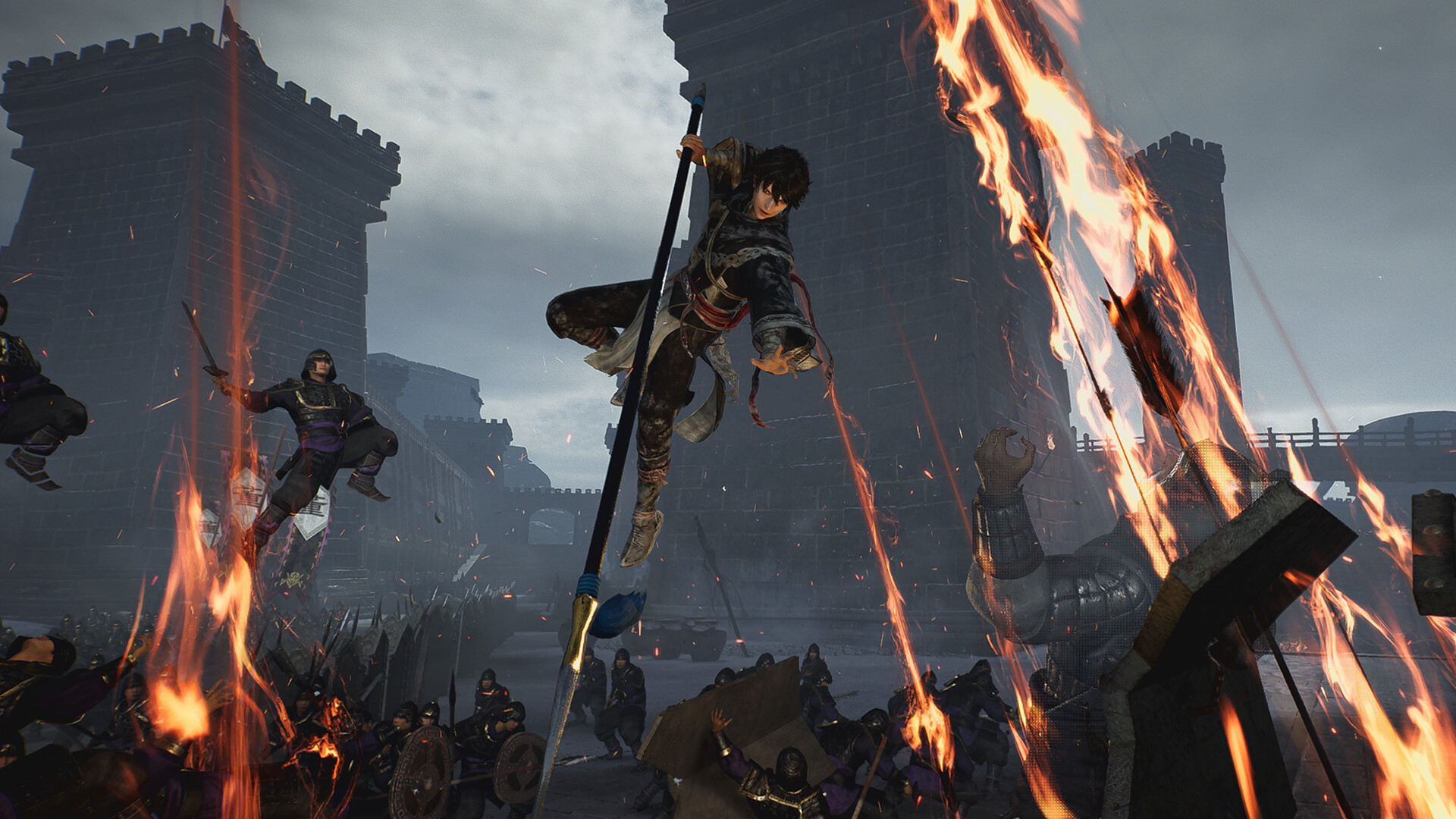
Become immersed in exhilarating battles as a nameless hero in the Three Kingdoms
Screenshots
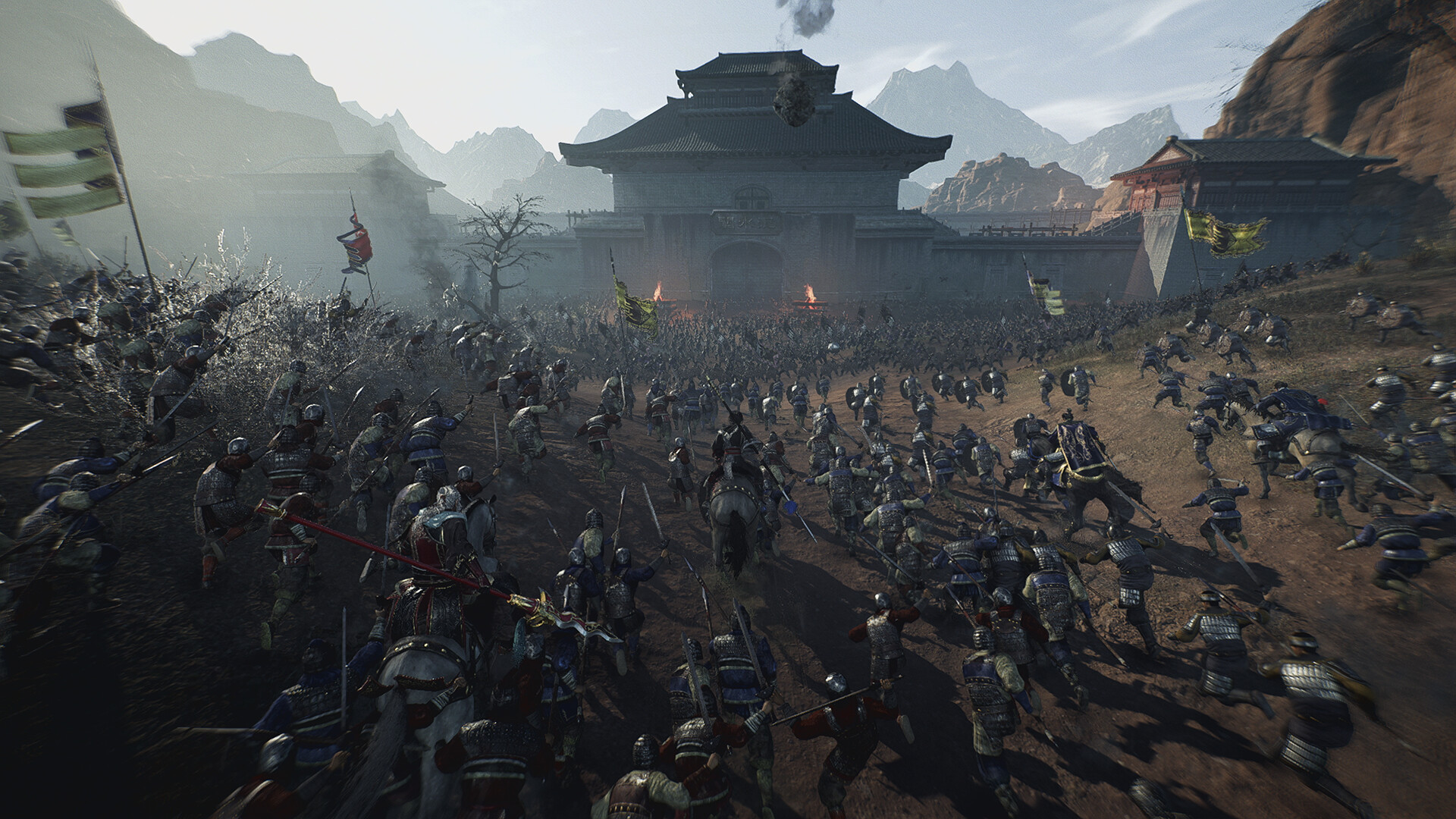
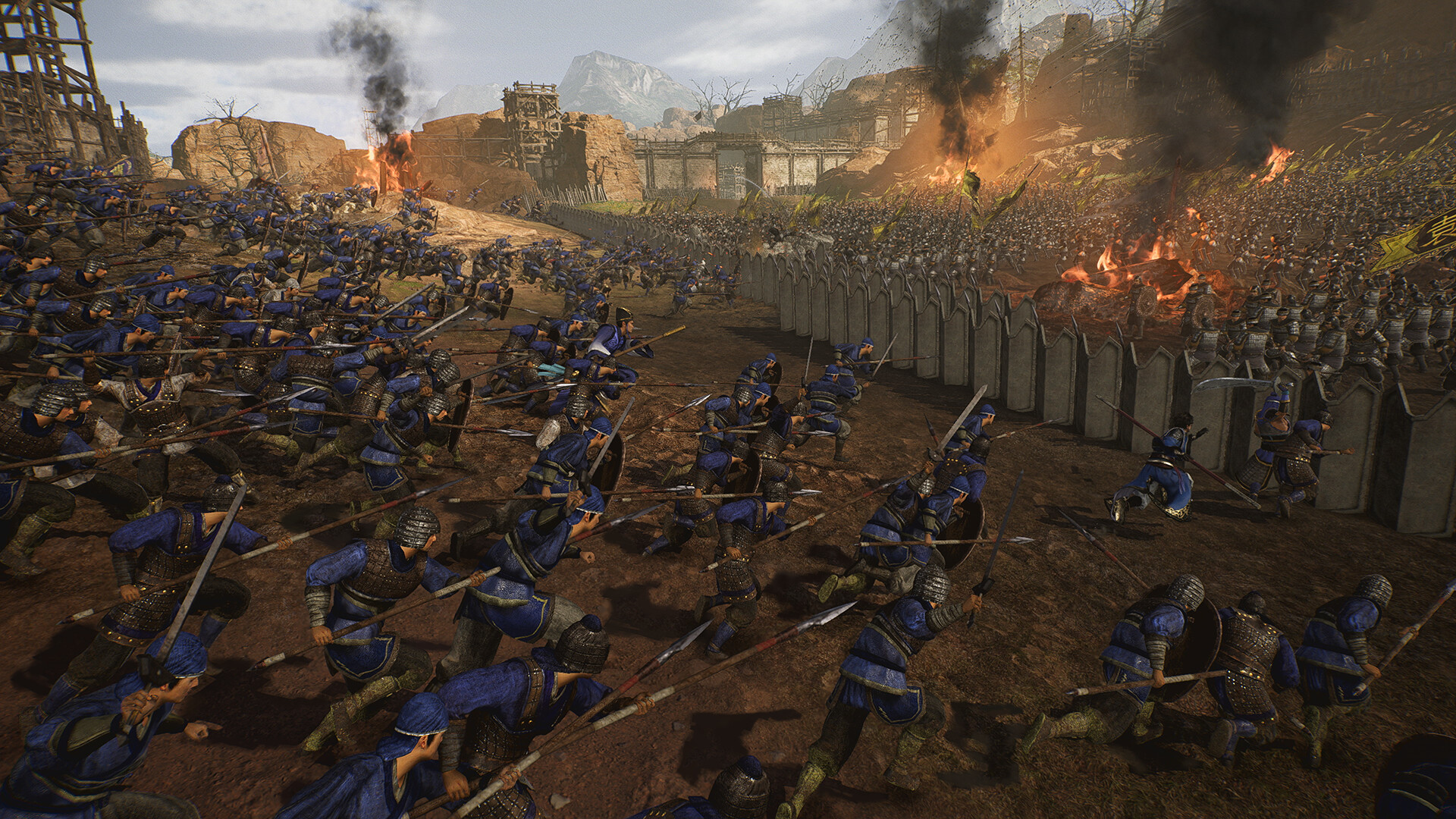
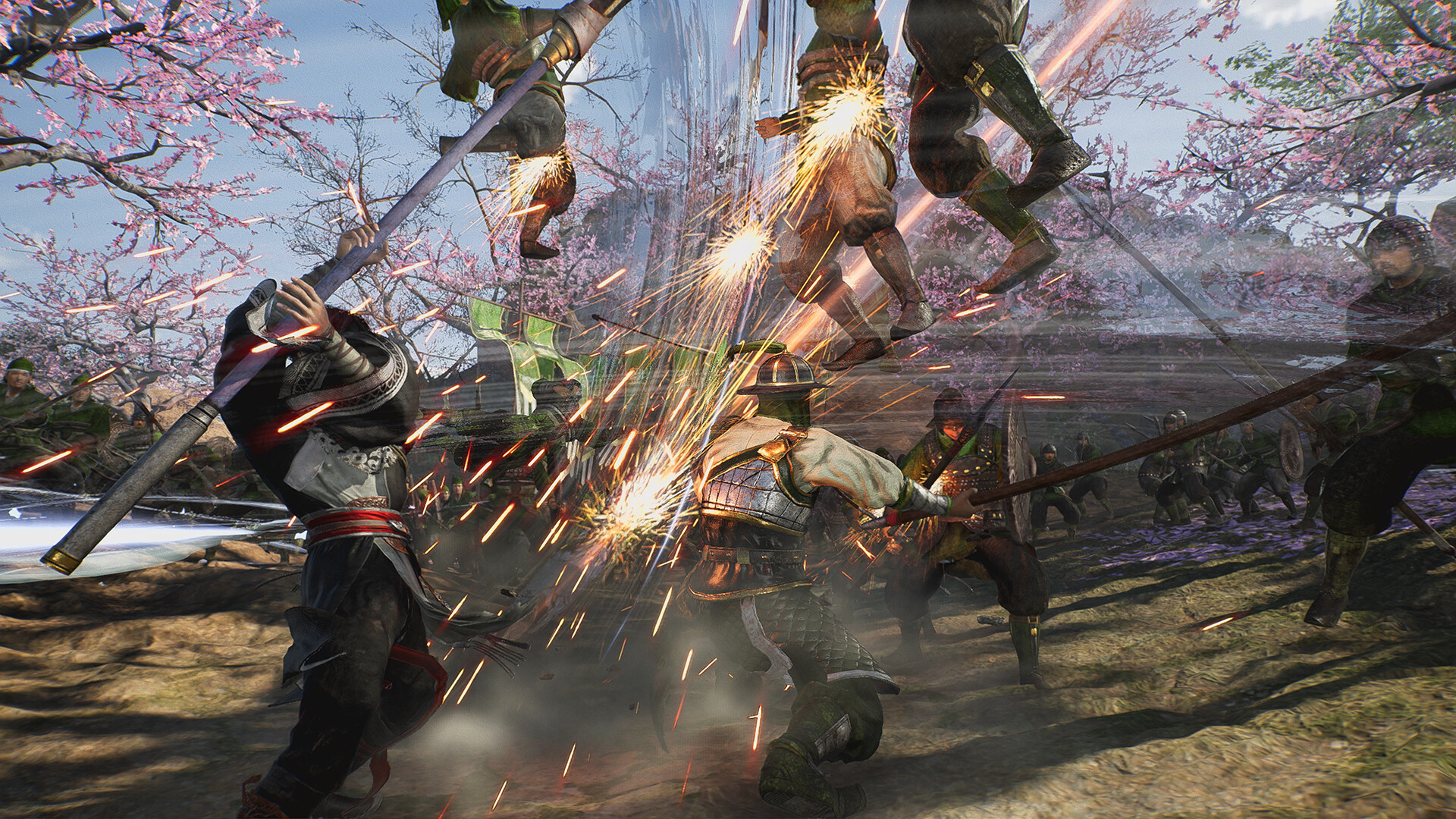
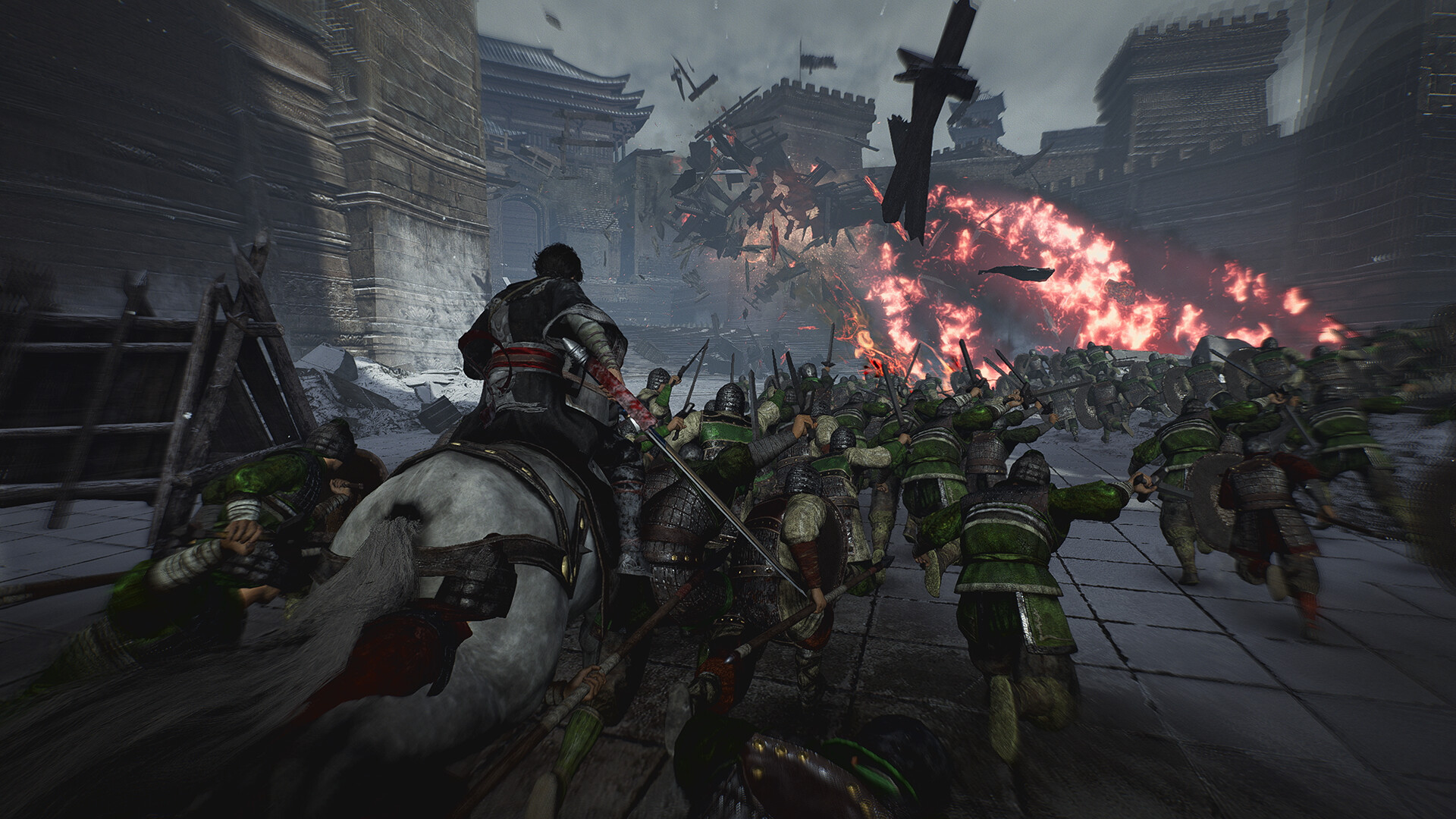
System requirements
Minimum
• Requires a 64-bit processor and operating system • OS: Windows® 10/11 64-bit • Processor: Intel Core i5-8400 or higher, AMD Ryzen 5 2600 or higher • Memory: 12 GB RAM • Graphics: NVIDIA GeForce GTX 1060 (VRAM 6GB) or better, AMD Radeon RX 590 (VRAM 8GB) or better • DirectX: Version 12 • Network: Broadband Internet connection • Storage: 50 GB available space • Sound Card: 16-bit stereo with 48KHz playback • Additional Notes: Based on a display resolution of 1920x1080 and a frame rate of 30FPS, with the Graphics Quality set to "Low" and the Texture Quality set to "Low." Note: Windows® 11 system requirements apply when using that OS.
Recommended
• Requires a 64-bit processor and operating system • OS: Windows® 10/11 64-bit • Processor: Intel Core i7-7700K or higher, AMD Ryzen 7 5700X or higher • Memory: 16 GB RAM • Graphics: NVIDIA GeForce RTX 2070 (VRAM 8GB) or better, AMD Radeon RX 5700 XT (VRAM 8GB) or better • DirectX: Version 12 • Network: Broadband Internet connection • Storage: 50 GB available space • Sound Card: 16-bit stereo with 48KHz playback • Additional Notes: Based on a display resolution of 1920x1080 and a frame rate of 60FPS, with the Graphics Quality set to "High" and the Texture Quality set to "High." Note: - If you are using a widescreen monitor or a monitor with a resolution higher than Full HD, additional VRAM capacity may be required depending on your settings. - Windows® 11 system requirements apply when using that OS.
Languages: English*, French, Italian, German, Spanish - Spain, Simplified Chinese*, Traditional Chinese, Japanese*, Korean, Arabic
How to activate
Xbox
- Open Microsoft’s redemption page using the button below.
- Sign in with the Microsoft account used on your Xbox. Check the email and profile before continuing.
- Paste the 25-character code and select Next. Check the displayed product or amount.
- Complete the confirmation prompts. Look for games in that account’s library and subscriptions under its services and subscriptions.
More from the series
Dynasty Warriors: Origins (Digital Deluxe Edition)Steamfrom $62.615,340 ₽3 offersDYNASTY WARRIORS: ORIGINSSteamfrom $51.754,410 ₽3 offers Dynasty Warriors 9: Empires (Deluxe Edition)Steamfrom $72.506,180 ₽
 DYNASTY WARRIORS 8 EmpiresSteamfrom $39.283,350 ₽
Game details from Steam.