

Far Cry 6: Lost Between Worlds (Xbox One)
- Genres
- Action · Adventure
- Release
- May 11, 2023
- Developer
- Ubisoft Toronto, Ubisoft Montreal
Lowest price across all offers
from $15.261,310 ₽
Offers
The price depends on the platform and the activation region.
- WorldwideWorks in Russia$15.261,310 ₽1
About the game
Conquer 15 unique life-or-death trials in this thrilling new chapter of Dani Rojas’ story.
Screenshots


System requirements
Minimum
• Requires a 64-bit processor and operating system • OS: Windows 10 (20H1 version or newer, 64-bit versions) • Processor: CPU: AMD Ryzen 3 1200 3.1 GHz / Intel Core i5-4460 3.2 GHz • Memory: 8 GB RAM • Graphics: AMD RX 460 (4 GB) or NVIDIA GeForce GTX 960 (4 GB) • DirectX: Version 12 • Storage: 170 GB available space • Additional Notes: Please note that the minimum requirement for running the HD Texture Pack for Far Cry 6 is 12GB of VRAM. For 4K configurations, you will need 16GB of VRAM. If you download and run the HD Texture Pack with lower VRAM capabilities, you will encounter performance issues while playing.
Recommended
• Requires a 64-bit processor and operating system • OS: Windows 10 (20H1 version or newer, 64-bit versions) • Processor: AMD Ryzen 5 3600X @ 3.8 GHz or Intel Core i7-7700 @ 3.6 GHz (AVX, AVX2 and SSE 4.2 support required) • Memory: 16 GB RAM • Graphics: AMD RX Vega 64 (8 GB) or NVIDIA GeForce GTX 1080 (8 GB) • DirectX: Version 12 • Storage: 170 GB available space • Additional Notes: Please note that the minimum requirement for running the HD Texture Pack for Far Cry 6 is 12GB of VRAM. For 4K configurations, you will need 16GB of VRAM. If you download and run the HD Texture Pack with lower VRAM capabilities, you will encounter performance issues while playing.
Languages: English*, French*, Italian, German*, Spanish - Spain, Arabic, Japanese*, Korean, Polish, Portuguese - Brazil*, Russian*, Spanish - Latin America*, Thai, Traditional Chinese
How to activate
Xbox
- Open Microsoft’s redemption page using the button below.
- Sign in with the Microsoft account used on your Xbox. Check the email and profile before continuing.
- Paste the 25-character code and select Next. Check the displayed product or amount.
- Complete the confirmation prompts. Look for games in that account’s library and subscriptions under its services and subscriptions.
More from the series
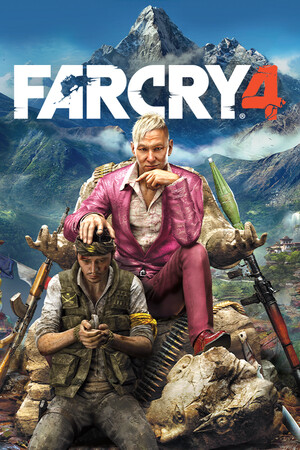 РФ ✓Far Cry 4 (Gold Edition)Ubisoft Connectfrom $9.56820 ₽7 offers
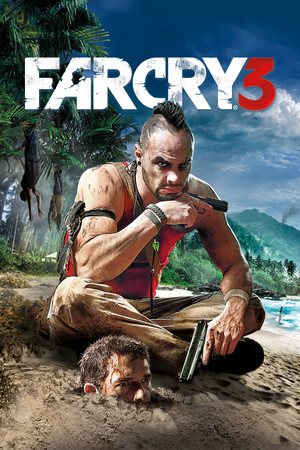 РФ ✓Far Cry 3Ubisoft Connectfrom $4.36380 ₽6 offersРФ ✓Far Cry® 4Ubisoft Connectfrom $5.40470 ₽6 offers
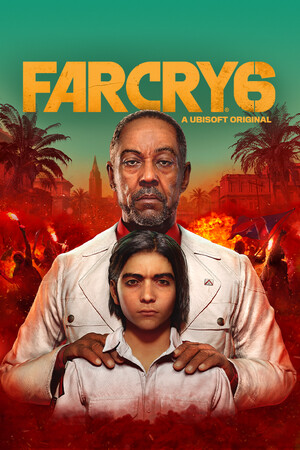 РФ ✓Far Cry® 6XboxUbisoft Connectfrom $10.45900 ₽6 offers
 РФ ✓Far Cry® PrimalXboxUbisoft Connectfrom $5.74490 ₽6 offers
 РФ ✓Far Cry: New Dawn (Xbox One)Xboxfrom $4.50390 ₽4 offers
 РФ ✓Far Cry 5 (Xbox One)Xboxfrom $11.771,010 ₽3 offers
 Far Cry 6 (Gold Edition) (Xbox Series X|S)Xboxfrom $24.152,060 ₽3 offers
Game details from Steam.